How to Switch to a New Tab With browser.pages() in Puppeteer
Find an existing Puppeteer tab by URL or another property, bring it to the front, and handle popups, contexts, errors, and production edge cases.
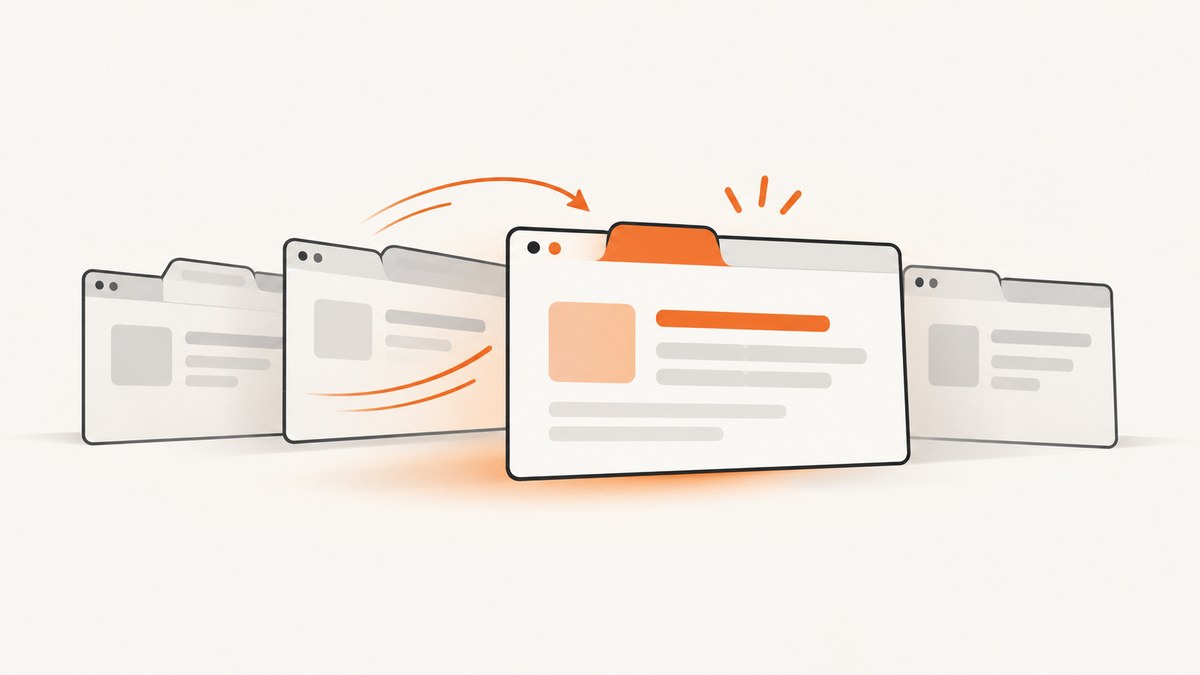
To switch to an already-open tab in Puppeteer, call await browser.pages(), find the Page whose URL or other property identifies your target, then call await page.bringToFront(). The array is asynchronous and browser-wide, so do not assume that index 1 is always the tab you want.
const pages = await browser.pages();
const targetPage = pages.find(page => page.url() === targetUrl);

if (!targetPage) {
  throw new Error(`No open page found for ${targetUrl}`);
}

await targetPage.bringToFront();
browser.pages() returns a Promise<Page[]>. Each returned object is a handle to a browser tab (or another listed page). bringToFront() activates the selected page. The list includes pages from all browser contexts, while non-visible pages such as background pages are omitted from the normal result. See the official Browser.pages() documentation and Page.bringToFront() documentation.
Complete example: select a tab by URL
This runnable Node.js example launches Chromium, opens two tabs, locates one by URL, brings it forward, and reads its title. In an existing browser session, omit the setup section and use the same lookup logic with your connected browser.
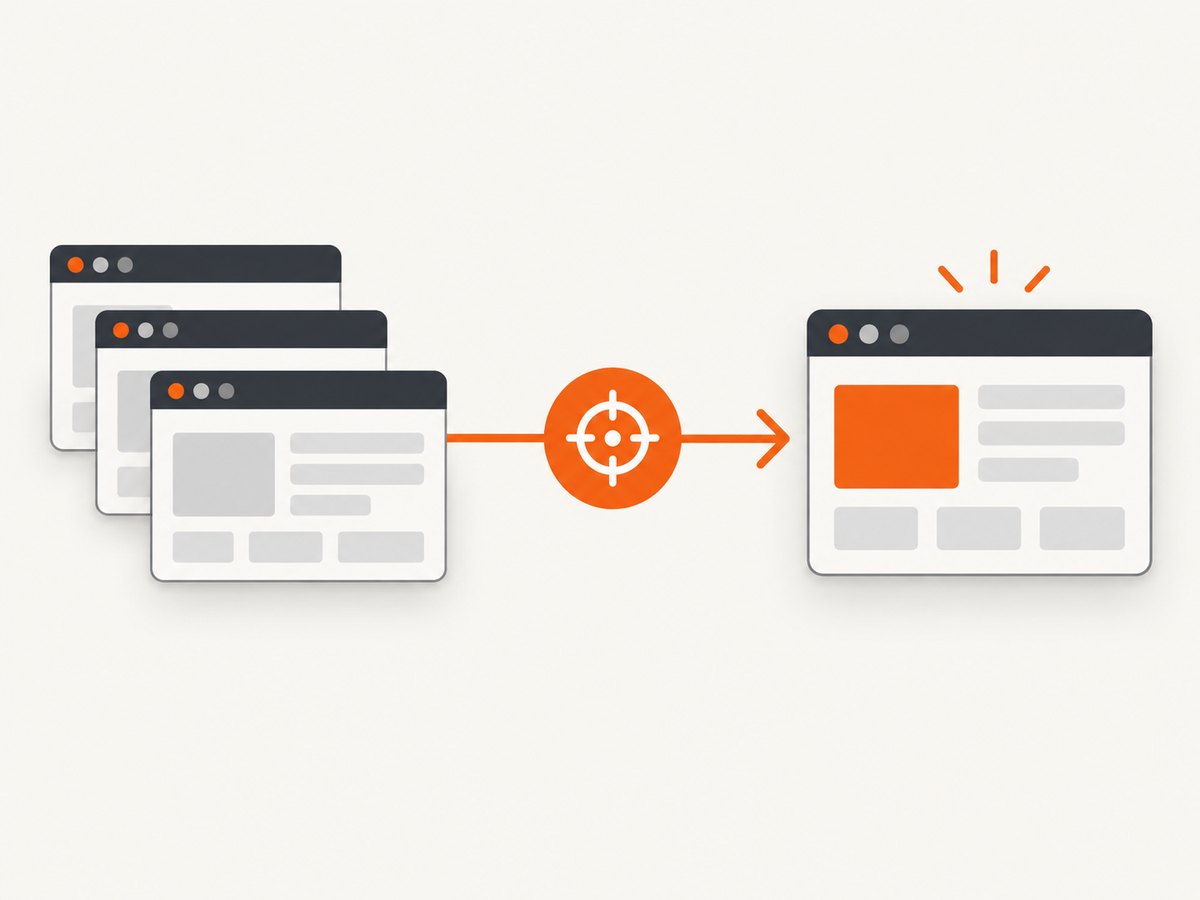
import puppeteer from 'puppeteer';

const browser = await puppeteer.launch({ headless: false });
try {
  const first = await browser.newPage();
  await first.goto('https://example.com', { waitUntil: 'domcontentloaded' });

  const second = await browser.newPage();
  await second.goto('https://developer.mozilla.org/', {
    waitUntil: 'domcontentloaded'
  });

  const targetUrl = 'https://developer.mozilla.org/';
  const pages = await browser.pages();
  const targetPage = pages.find(page => page.url() === targetUrl);

  if (!targetPage) {
    throw new Error(`No open page found for ${targetUrl}`);
  }

  await targetPage.bringToFront();
  console.log('Active URL:', targetPage.url());
  console.log('Title:', await targetPage.title());
} finally {
  await browser.close();
}
In real applications, URLs often contain query strings, redirects, hashes, or trailing slashes. A predicate that normalizes the URL is safer than exact string equality:
function sameOriginPath(page, expectedOrigin, expectedPath) {
  try {
    const url = new URL(page.url());
    return url.origin === expectedOrigin && url.pathname === expectedPath;
  } catch {
    return false;
  }
}

const pages = await browser.pages();
const targetPage = pages.find(page =>
  sameOriginPath(page, 'https://app.example.com', '/reports')
);

if (!targetPage) throw new Error('Reports tab is not open');
await targetPage.bringToFront();
How the tab lookup works
- Await the browser list.
browser.pages()is asynchronous and returns page handles only after Puppeteer asks the browser for its current pages. - Choose a distinguishing property. Use a normalized URL, title, a known DOM marker, or a page reference you saved when creating the tab.
- Check for absence. A tab may have closed, failed to open, or still be on an intermediate URL. Handle
undefinedexplicitly. - Bring it forward. Call
await targetPage.bringToFront()when the visible active tab matters. - Operate on the returned object. The selected
Pageis the object you use for clicks, evaluation, screenshots, waits, and navigation.
The order of the returned array is not a stable application-level identifier. It can change as tabs open and close, and it does not express which tab your user considers “the second tab.” Store a page reference when possible, and use a predicate when you must rediscover a page.
Get a particular tab without relying on array position
Match the URL
const pages = await browser.pages();
const checkout = pages.find(page => {
  const url = new URL(page.url());
  return url.hostname === 'shop.example' &&
         url.pathname.startsWith('/checkout');
});

if (!checkout) throw new Error('Checkout tab not found');
await checkout.bringToFront();
Match a title or DOM marker
URL matching can be ambiguous when several tabs show the same route. You can inspect titles or a page-specific element. Avoid querying a page that has already closed.
const pages = await browser.pages();
let targetPage;

for (const page of pages) {
  if (page.isClosed()) continue;
  if ((await page.title()).includes('Billing')) {
    targetPage = page;
    break;
  }
}

if (!targetPage) throw new Error('Billing tab not found');
await targetPage.bringToFront();
Keep a reference when you create the tab
If your code opens the tab, retaining the returned object is the most reliable approach. browser.newPage() creates a page in the default browser context and returns it directly.
const reportPage = await browser.newPage();
await reportPage.goto('https://example.com/report');

// Later, no lookup or array index is needed.
await reportPage.bringToFront();
await reportPage.screenshot({ path: 'report.png' });
Browser-wide pages versus browser-context pages
browser.pages() searches across all browser contexts. Contexts isolate cookies, local storage, permissions, and other session state. If your application uses separate accounts or tenants, a browser-wide URL search can select the wrong page when both contexts contain the same route.
Keep the lookup inside the intended context instead:
const context = await browser.createBrowserContext();
const page = await context.newPage();
await page.goto('https://app.example.com');

const contextPages = context.pages();
const selected = contextPages.find(p => p.url().includes('/dashboard'));

if (!selected) throw new Error('Dashboard is not open in this context');
await selected.bringToFront();
BrowserContext.newPage() creates a page in a chosen context. Use this pattern whenever identity or storage isolation matters. Do not use a global browser.pages() search as an account selector.
Tabs opened by a click: use the popup event
When one page opens a new tab, listen for that page’s popup event and capture the resulting Page directly. This avoids racing a global pages list and identifies the tab caused by a specific action. The Puppeteer Page documentation recommends the popup event; Page.target() is obsolete for this purpose.
const [popup] = await Promise.all([
  new Promise(resolve => sourcePage.once('popup', resolve)),
  sourcePage.click('a[target="_blank"]')
]);

await popup.waitForNavigation({ waitUntil: 'domcontentloaded' }).catch(() => {});
await popup.bringToFront();
console.log('Popup URL:', popup.url());
If the site opens a tab without navigation, the popup may already have a URL or may initially report about:blank. Wait for a selector, URL change, or a bounded delay appropriate to the application.
Background pages and pages that are not visible
The normal browser.pages() result excludes non-visible pages such as extension background pages. If the object you need is not a user-facing tab, use Puppeteer’s target-oriented APIs to inspect the relevant target rather than expecting it in the ordinary page list. A background page also cannot be made visible with the same semantics as a normal tab.
Common errors and fixes
| Error or symptom | Cause | Fix |
|---|---|---|
targetPage is undefined |
The URL differs because of a redirect, query string, hash, slash, or encoding. | Log every page.url(), normalize with new URL(), and match origin plus pathname or another stable marker. |
| The wrong tab is selected | Several contexts or tabs have the same URL. | Search context.pages(), match a title or DOM marker, or retain the page reference when creating it. |
| The list appears to miss a page | The page is still opening, is non-visible, or belongs to a different browser connection. | Wait for the popup event or a known selector; inspect targets for background pages; confirm you are using the correct browser instance. |
TargetCloseError during lookup or action |
The user or site closed the tab between listing and using it. | Check page.isClosed(), catch the operation, and repeat the lookup if the workflow is safe to retry. |
bringToFront() succeeds but no window appears |
Headless mode has no visible desktop tab, or the process is running in a virtual display. | Use headful mode with a display when visual activation matters; in headless automation, operate on the Page object without relying on human-visible focus. |
| Click opens no popup | Popup blocking, a modified click handler, or the event listener was attached too late. | Install the popup listener before the click and use Promise.all; verify the site actually creates a new tab. |
| Navigation wait times out | The popup opened but did not navigate, or the site keeps long-lived network requests. | Use domcontentloaded, wait for a specific selector, or handle a no-navigation popup explicitly. |
Race conditions and reliable selection
A common race is listing pages while a tab is still being created. Prefer event-driven code for known popups. For pages that may already exist, poll with a deadline rather than sleeping forever:
async function waitForPage(browser, predicate, timeoutMs = 10000) {
  const deadline = Date.now() + timeoutMs;
  while (Date.now() < deadline) {
    const pages = await browser.pages();
    const page = pages.find(p => !p.isClosed() && predicate(p));
    if (page) return page;
    await new Promise(resolve => setTimeout(resolve, 100));
  }
  throw new Error('Timed out waiting for matching page');
}

const page = await waitForPage(
  browser,
  p => p.url().startsWith('https://example.com/report')
);
await page.bringToFront();
Keep predicates cheap. Reading a URL is inexpensive; repeatedly evaluating complex DOM conditions across dozens of tabs can slow startup. Close pages your workflow no longer needs to reduce ambiguity and resource use.
Performance, reliability, and cost notes
- Performance: Calling
browser.pages()is normally much cheaper than opening a new browser or navigating a new page, but repeatedly scanning many pages still adds protocol traffic. Cache a known page reference and scan only when recovery is needed. - Reliability: URLs can change during redirects. Select after the expected navigation, or match a stable origin and path. Always handle a missing or closed page.
- Isolation: Browser contexts prevent cookies and local storage from leaking between sessions. Use context-scoped pages when the same URL can appear under multiple identities.
- Headless operation:
bringToFront()changes the active page target, but there may be no physical window. Screenshot and DOM operations still work against the selected page. - Cost: Self-hosted Puppeteer costs come from your browser runtime, compute, memory, proxy, and maintenance choices. Opening a new page solely to find an existing tab can add navigation time and network work.

Or skip the browser setup
If your goal is to obtain an image or PDF of a URL rather than interact with an existing browser session, ScreenshotNeo provides a single GET request. It removes cookie and consent banners, newsletter popups, and chat widgets before capture. Bot checks, blank pages, timeouts, failed loads, and cache hits are not billed, and response headers identify the page verdict and billing status.
See the ScreenshotNeo API documentation for the complete option list, including full-page and element capture, device presets, dark mode, custom CSS and JavaScript, waits, request blocking, headers, cookies, geolocation, PDF output, caching, signed links, async jobs, bulk capture, and usage reporting.
cURL
curl -G "https://api.screenshotneo.com/v1/shot" \
  -d access_key=YOUR_API_KEY \
  --data-urlencode url=https://stripe.com \
  -o shot.webp
Python
import requests

r = requests.get(
    "https://api.screenshotneo.com/v1/shot",
    params={"access_key": "YOUR_API_KEY", "url": "https://stripe.com"},
    timeout=90,
)
r.raise_for_status()
open("shot.webp", "wb").write(r.content)
Node.js
const q = new URLSearchParams({
  access_key: 'YOUR_API_KEY',
  url: 'https://stripe.com'
});
const res = await fetch(`https://api.screenshotneo.com/v1/shot?${q}`);
if (!res.ok) throw new Error(`Screenshot failed: ${res.status}`);
const image = Buffer.from(await res.arrayBuffer());
await import('node:fs/promises').then(fs => fs.writeFile('shot.webp', image));
ScreenshotNeo includes an MCP server with take_screenshot, get_page_info, and capture_pdf tools for Claude, Cursor, and other MCP clients. There are 1,000 screenshots each month on the free plan with no card; paid plans start at $5 for 3,000 shots. Create a free ScreenshotNeo account.
Short FAQ
Does browser.pages() return only tabs in the default context?
No. It returns pages across browser contexts. Use context.pages() when the lookup must stay within one isolated context.
Can I switch tabs by using pages[1]?
You can access an array item, but its position is not a reliable identity. Find the page by URL, title, DOM marker, or a saved reference.
Is browser.newPage() required before calling browser.pages()?
No. browser.pages() lists pages that already exist. browser.newPage() is for creating a new page.
What is the preferred way to capture a tab opened by a click?
Listen for the source page’s popup event before clicking, then use the returned Page object.
Why does a background page not appear?
Non-visible background pages are excluded from the normal pages list. Use target-oriented APIs when that is the page type your extension workflow requires.


