How to Save a Table Screenshot as an HTML Background
Place a table screenshot behind real HTML data with CSS, control sizing and layers, and avoid accessibility and contrast problems.
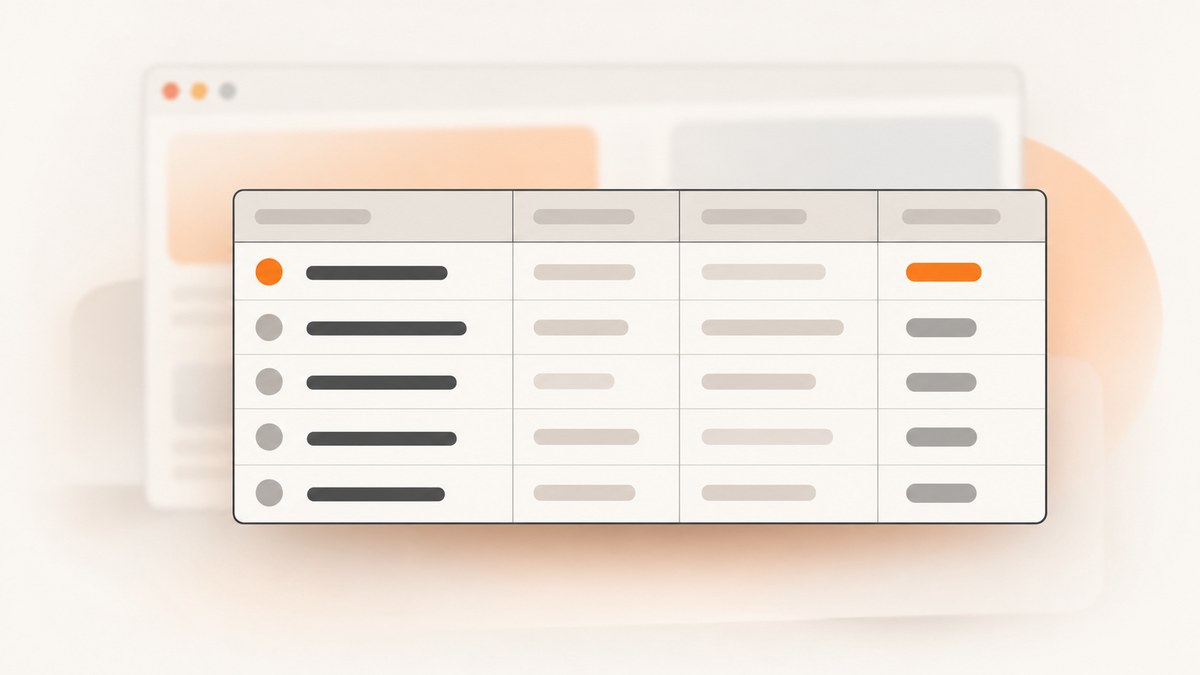
To save a table screenshot as an HTML background, keep the screenshot as an image file and reference it with CSS background-image on the table or on a wrapper around it. A wrapper is usually easier to size and debug:
<div class="table-frame">
  <table>
    <caption>Quarterly results</caption>
    <thead>
      <tr>
        <th scope="col">Quarter</th>
        <th scope="col">Sales</th>
      </tr>
    </thead>
    <tbody>
      <tr>
        <th scope="row">Q1</th>
        <td>$120</td>
      </tr>
    </tbody>
  </table>
</div>
.table-frame {
background-color: #fff;
background-image: url("table-screenshot.png");
background-repeat: no-repeat;
background-position: center;
background-size: cover;
padding: 1rem;
}
table, th, td {
background-color: transparent;
}Put table-screenshot.png at the relative path used by url(), or replace it with the correct absolute or root-relative URL. The screenshot remains a separate image resource; CSS only paints it behind the element. See MDN’s background-image reference for syntax and fallback behavior.
1. Choose the element that owns the background
Apply it directly to the table
table {
  background: #fff url("/images/table-screenshot.png") center / cover no-repeat;
}

thead, tbody, tr, th, td {
  background-color: transparent;
}
This works when the table itself defines the image area. HTML tables have several painting layers, however. An opaque th, td, thead, tbody, tr, or column background can cover the image below it. MDN documents these table background layers in its table reference.
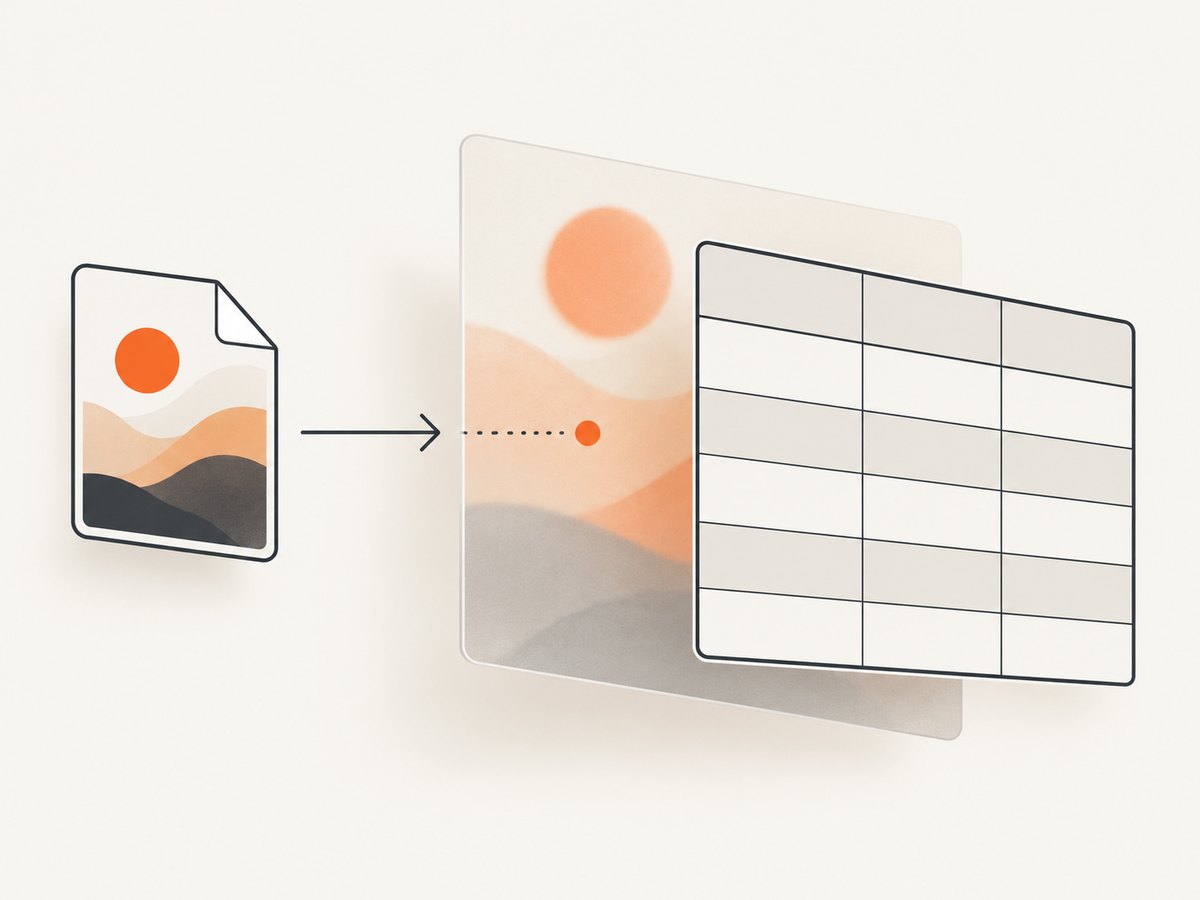
Use a wrapper for predictable sizing
.table-frame {
  width: min(100%, 60rem);
  min-height: 20rem;
  background: #fff url("/images/table-screenshot.png") center / cover no-repeat;
  padding: 1rem;
}

.table-frame table {
  width: 100%;
  background: transparent;
}

.table-frame th,
.table-frame td {
  background: transparent;
}
A wrapper is useful when the screenshot should fill a fixed panel, when the table height changes, or when you want to add padding and an overlay without altering table layout.
2. Control repetition, position, and scaling
| Property | Use it for | Typical value |
|---|---|---|
background-repeat |
Prevent the screenshot from tiling | no-repeat |
background-position |
Align the visible part | center, top center, or 20% 0 |
background-size: cover |
Fill the entire box; cropping is possible | cover |
background-size: contain |
Show the full image; empty space is possible | contain |
| Explicit dimensions | Keep a known composition | 100% auto or 900px 600px |
/* Preserve the complete screenshot inside the frame */
.table-frame {
  background: #fff url("table-screenshot.png") center / contain no-repeat;
}

/* Keep the image at its natural width and align it to the top */
.table-frame {
  background: #fff url("table-screenshot.png") top center / 100% auto no-repeat;
}
cover scales until the box is filled, so one or more edges may be cropped. contain preserves all edges but can leave bands of fallback color. Test at the real table dimensions, including narrow mobile widths, because the box aspect ratio determines the crop.
3. Keep the table readable and accessible
A CSS background is decorative. Screen readers do not announce it as an image, and it cannot replace the table’s data. Keep the values, headers, and relationships in semantic HTML. Add a concise caption to describe the table’s purpose; it helps people navigating with assistive technology.
<table>
  <caption>Quarterly sales by region</caption>
  ...
</table>
If the screenshot contains information that is not present in the HTML, provide that information as text or use a meaningful image with an appropriate alternative. MDN explains the distinction between decorative CSS backgrounds and meaningful images in its HTML images guide.
Use a fallback color and check contrast wherever text sits over the image:
.table-frame {
  background-color: #fff;
  background-image: linear-gradient(rgb(255 255 255 / 0.82), rgb(255 255 255 / 0.82)),
                    url("table-screenshot.png");
  background-position: center;
  background-size: cover;
  background-repeat: no-repeat;
}
WCAG guidance commonly used by MDN calls for a contrast ratio of at least 4.5:1 for normal body text and 3:1 for large text. If the image makes text difficult to read, increase the overlay opacity, darken or lighten the image, or move essential text onto a solid surface. See MDN’s background documentation.
4. Complete responsive example
<style>
  .table-frame {
    width: min(100%, 56rem);
    overflow-x: auto;
    padding: 1rem;
    background-color: #fff;
    background-image:
      linear-gradient(rgb(255 255 255 / 0.86), rgb(255 255 255 / 0.86)),
      url("/images/table-screenshot.webp");
    background-repeat: no-repeat;
    background-position: center;
    background-size: cover;
    border: 1px solid #d7dce2;
    border-radius: .5rem;
  }

  table {
    width: 100%;
    min-width: 34rem;
    border-collapse: collapse;
    background: transparent;
  }

  caption {
    margin-bottom: .75rem;
    text-align: left;
    font-weight: 700;
  }

  th, td {
    padding: .65rem .8rem;
    border-bottom: 1px solid rgb(0 0 0 / .15);
    background: transparent;
    color: #17202a;
    text-align: left;
  }
</style>

<div class="table-frame">
  <table>
    <caption>Quarterly sales by region</caption>
    <thead>
      <tr><th scope="col">Region</th><th scope="col">Q1</th><th scope="col">Q2</th></tr>
    </thead>
    <tbody>
      <tr><th scope="row">North</th><td>$120k</td><td>$135k</td></tr>
      <tr><th scope="row">South</th><td>$98k</td><td>$110k</td></tr>
    </tbody>
  </table>
</div>
The wrapper scrolls wide tables horizontally while keeping the background attached to the visible frame. If the image should scroll with the table instead, put the background on the table and remove the wrapper’s image.
5. Generate the screenshot with ScreenshotNeo
If you need a fresh screenshot file, ScreenshotNeo can capture a page as PNG, JPEG, WebP, or PDF. It supports full-page captures, element selection by CSS selector, custom CSS and JavaScript, device presets, retina scale, waits, hidden selectors, headers and cookies, caching, and more. Its consent handling accepts cookie banners and removes more than 60 known consent platforms, newsletter popups, and chat widgets before capture.

cURL
curl -G "https://api.screenshotneo.com/v1/shot" -d access_key=YOUR_API_KEY --data-urlencode url=https://example.com -o shot.webpPython
import requests

r = requests.get(
    "https://api.screenshotneo.com/v1/shot",
    params={"access_key": "YOUR_API_KEY", "url": "https://example.com"},
    timeout=90,
)
r.raise_for_status()
open("shot.webp", "wb").write(r.content)
Node.js
const q = new URLSearchParams({ access_key: 'YOUR_API_KEY', url: 'https://example.com' });
const res = await fetch(`https://api.screenshotneo.com/v1/shot?${q}`);
if (!res.ok) throw new Error(`Screenshot failed: ${res.status}`);
const fs = await import('node:fs/promises');
await fs.writeFile('shot.webp', Buffer.from(await res.arrayBuffer()));
See the ScreenshotNeo API documentation for all options and response headers. For a table background, save the returned file under your site’s image directory and reference that path in CSS.
6. Or skip the browser setup
Use one API call when you do not want to maintain a browser runner:
curl -G "https://api.screenshotneo.com/v1/shot" -d access_key=YOUR_API_KEY --data-urlencode url=https://example.com -o shot.webpCookie banners, newsletter popups, and chat widgets are removed before the shot. Bot checks, blank pages, timeouts, failed loads, and cache hits are never billed; response headers report the page verdict and whether it was billed. An MCP server provides take_screenshot, get_page_info, and capture_pdf tools for Claude, Cursor, and other MCP clients. The Free plan includes 1,000 screenshots per month with no card; paid plans start at $5 for 3,000 shots. Create a free ScreenshotNeo account.
7. Troubleshooting checklist
| Symptom | Cause | Fix |
|---|---|---|
| No image appears | Wrong relative URL, 404 response, or blocked asset | Open the image URL directly in the browser, check the page’s CSS location, and inspect the Network panel. |
| Image appears only in gaps | An opaque table layer covers the table background | Set background-color: transparent on table, sections, rows, headers, and cells as needed. |
| Screenshot is cropped | background-size: cover fills the box by cropping edges |
Try contain, an explicit size, or adjust background-position. |
| Large empty bands appear | contain preserves the image’s aspect ratio |
Use a matching frame aspect ratio, cover, or a deliberate fallback color. |
| Background repeats | Default repetition is active | Set background-repeat: no-repeat. |
| Text is hard to read | Image detail reduces contrast | Add a translucent overlay, change the image, or put text on an opaque layer; verify 4.5:1 or 3:1 contrast targets. |
| Mobile layout breaks | Table is wider than its viewport | Put the table in an overflow-x: auto wrapper and test the background at narrow widths. |
| Screenshot contains a cookie banner | The source capture included consent UI | Dismiss it before capture, hide the selector, or use ScreenshotNeo’s consent cleanup. |
8. Performance, reliability, and cost notes
- Prefer WebP or a suitably compressed PNG when the background is photographic or contains gradients. Keep the intrinsic dimensions close to the largest display size to avoid unnecessary downloads.
- Use a fallback color so the table remains usable while the image loads or if it fails.
- Background images are not content. Keep data in HTML so search engines, screen readers, copy and paste, and responsive layouts still work.
- For repeated captures, caching with a chosen TTL can reduce work. ScreenshotNeo bills only clean shots; failed loads, blank pages, bot checks, timeouts, and cache hits cost nothing.
- When automating captures, use a realistic timeout, wait for a selector or network idle when content is asynchronous, and select an element if a full-page image is unnecessary.
9. FAQ
Can I use a screenshot as the actual table?
You can display one as a background, but keep a real HTML table for data, accessibility, responsive behavior, and selectable text.
Should the background go on table or a wrapper?
Use the table when the image should follow the table’s exact box. Use a wrapper when you need predictable padding, overlays, scrolling, or independent sizing.
Can I use a base64 data URL?
Yes, but large data URLs increase CSS size and can hurt caching. A normal image URL is usually easier to cache and maintain.
Why does background-size: cover hide part of my screenshot?
It preserves the box fill rather than every image edge. Switch to contain or set an explicit size and position when the complete screenshot matters.


