How to Take a Screenshot of a URL with Splash
Use Splash’s render.png endpoint for a URL screenshot, then add Lua for waits, full-page captures, regions, or element screenshots.
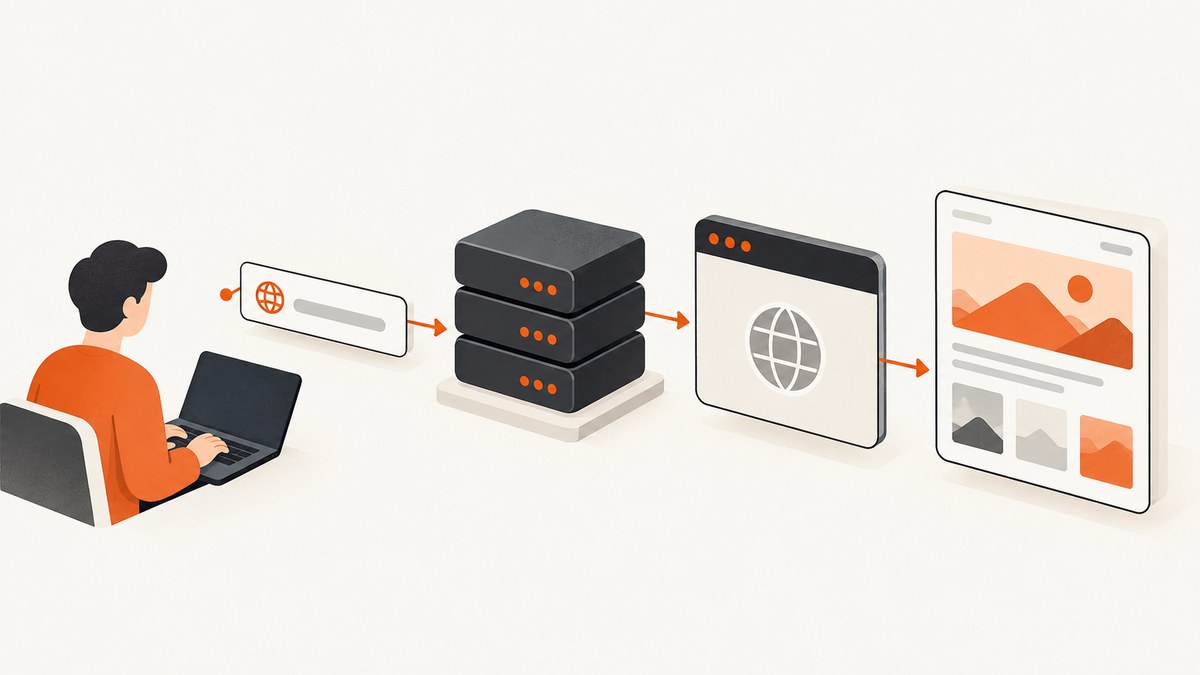
Direct answer: send the page URL to Splash’s render.png endpoint. Splash renders the page and returns PNG bytes as the HTTP response.
curl -G "http://localhost:8050/render.png" \
  --data-urlencode "url=https://example.com" \
  -o screenshot.png
Splash is a JavaScript-rendering service controlled through an HTTP API. The documented API accepts arguments as URL query parameters on a GET request or as JSON in a POST request. The url argument is required. See the Splash HTTP API documentation.
1. Start Splash
The examples below assume Splash is reachable at http://localhost:8050, the port used in the project’s Docker examples. A remote deployment may use a different host, port, authentication method, timeout, or network policy.
docker run --rm -p 8050:8050 scrapinghub/splashThen verify that your client can reach the service before debugging the target website. If Splash runs on another machine, replace localhost:8050 with that deployment’s address.
2. Capture the current viewport with render.png
The simplest request captures the current viewport. URL-encode the target URL so query strings, fragments, and special characters are passed as one argument.
curl -G "http://localhost:8050/render.png" \
  --data-urlencode "url=https://example.com/products?id=42" \
  -o product.png
Use -i or -D headers.txt when diagnosing HTTP status codes and response headers:
curl -i -G "http://localhost:8050/render.png" \
  --data-urlencode "url=https://example.com" \
  -o screenshot.png
POST JSON instead of query parameters
The API also accepts JSON-encoded POST data. This is useful when your option set is easier to construct as an object.
curl "http://localhost:8050/render.png" \
  -H "Content-Type: application/json" \
  --data '{"url":"https://example.com"}' \
  -o screenshot.png
Python
import requests

endpoint = "http://localhost:8050/render.png"
response = requests.get(
    endpoint,
    params={"url": "https://example.com"},
    timeout=90,
)
response.raise_for_status()

with open("screenshot.png", "wb") as output:
    output.write(response.content)
Node.js
import { writeFile } from "node:fs/promises";

const query = new URLSearchParams({
  url: "https://example.com",
});

const response = await fetch(
  `http://localhost:8050/render.png?${query}`,
);

if (!response.ok) {
  throw new Error(`Splash returned ${response.status}`);
}

const image = Buffer.from(await response.arrayBuffer());
await writeFile("screenshot.png", image);
3. Choose viewport dimensions
A default request represents the current viewport. Set width and height when the screenshot must match a known browser frame. Splash’s API parameters are passed alongside url; confirm the exact parameter names and defaults for the Splash version you deploy in the API reference.
curl -G "http://localhost:8050/render.png" \
  --data-urlencode "url=https://example.com" \
  --data "width=1440" \
  --data "height=900" \
  -o desktop.png
Viewport size changes responsive breakpoints. A page may render a mobile navigation, different font sizes, or different lazy-loading behavior at a smaller width, so keep the dimensions fixed for repeatable output.
4. Capture a full page
A viewport screenshot stops at the visible frame. For a whole-page image, use Splash’s full-page option. The scripting reference describes render_all=true as expanding the viewport for rendering and restoring the previous viewport afterward. The Lua API also provides splash:set_viewport_full(). See the Splash scripts reference.
curl -G "http://localhost:8050/render.png" \
  --data-urlencode "url=https://example.com" \
  --data "render_all=true" \
  -o full-page.png
Full-page rendering can be substantially taller than a viewport image. Check the output dimensions and memory use when processing long documents or many URLs.
5. Use Lua when the direct endpoint is not enough
Use Splash’s execute or run endpoints when you need navigation steps, waits, scrolling, element selection, custom headers, or a custom result. The minimal Lua pattern is:
function main(splash, args)
  assert(splash:go(args.url))
  return splash:png{width=args.width, height=args.height}
end
Submit a script to execute with JSON arguments:
curl "http://localhost:8050/execute" \
  -H "Content-Type: application/json" \
  --data @script-request.json
{
"lua_source": "function main(splash, args)\n assert(splash:go(args.url))\n return splash:png{width=args.width, height=args.height}\nend",
"url": "https://example.com",
"width": 1440,
"height": 900
}The run endpoint wraps submitted code in the expected main(splash, args) function. Use whichever endpoint matches your deployment and the request format documented for it.
Wait for asynchronous content
Some pages fill their content after the initial navigation. Add a deliberate wait or wait for a page condition before capturing. The documentation shows splash:wait(0.5) in an element-capture example; that delay is an example, not a guarantee that every site has finished loading.
function main(splash, args)
  assert(splash:go(args.url))
  splash:wait(1.0)
  return assert(splash:png())
end
Prefer a condition tied to the page’s actual state when possible. A fixed delay that works for one response time can be too short on a busy run and unnecessarily slow on a fast run.
Full-page Lua capture
function main(splash, args)
  assert(splash:go(args.url))
  splash:wait(0.5)
  splash:set_viewport_full()
  return assert(splash:png())
end
6. Capture a region or one DOM element
Region crop
A region is a rectangle with left, top, right, and bottom coordinates. Splash documents region coordinates as relative to the current scroll position. Content outside the viewport cannot currently be captured until you expand the viewport first.
function main(splash, args)
  assert(splash:go(args.url))
  splash:wait(0.5)
  return assert(splash:png{
    region={args.left, args.top, args.right, args.bottom}
  })
end
Element screenshot
For a DOM element, select it and call element:png. The selector must match an element that exists after navigation and any required wait.
function main(splash, args)
  assert(splash:go(args.url))
  splash:wait(0.5)
  local element = splash:select(args.selector)
  assert(element, "element not found")
  return assert(element:png())
end
Pass a selector such as #invoice or .hero in the request arguments. If the element is below the visible viewport, expand the viewport or scroll before taking the image.
7. Return PNG bytes, JSON, or JPEG
render.png is intended to return PNG image output directly. A Lua script can return the PNG binary object directly as well. If a script returns a table containing the PNG, Splash base64-encodes the image so it can travel inside JSON.
function main(splash, args)
  assert(splash:go(args.url))
  local png = assert(splash:png())
  return {image = png}
end
Decode the image field from base64 before writing it to disk. If no image is produced, splash:png() may return nil; use assert when an empty result should fail the request.
The scripting API also supports JPEG output with a quality value from 0 to 100. The reference states that JPEG is often 1.5–2 times faster than PNG; treat that as the documentation’s technical guidance rather than a benchmark for your deployment.
8. Scrapy integration
If Splash is part of a Scrapy crawler, the scrapy-splash project documentation shows patterns for requesting HTML and a PNG through render.json, decoding a base64 PNG field, and using execute for CSS element capture. This integration is optional; direct HTTP requests to Splash do not require Scrapy.
9. Common errors and fixes
| Symptom | Likely cause | Fix |
|---|---|---|
| Connection refused | Splash is stopped, the port is wrong, or the container is not published. | Check the process and use the host and port where Splash is listening. For the Docker example, publish port 8050. |
| HTTP 400 or missing URL | The required url argument was omitted or malformed. |
Include url and URL-encode it with --data-urlencode or URLSearchParams. |
| Blank or incomplete image | The page renders content asynchronously or requires interaction. | Use Lua with splash:wait, a page condition, scrolling, or element selection. |
| Only the visible portion appears | The request captured the default viewport. | Use render_all=true or call splash:set_viewport_full(). |
| Region is clipped | The rectangle extends beyond the current viewport. | Expand the viewport or scroll before capturing; regions are relative to the current scroll position. |
| Element is not found | The selector is wrong or the element has not been inserted yet. | Verify the selector and wait for the page state that creates the element. |
| Request times out | Navigation, scripts, or resources exceed the render timeout. | Reduce page work, use a targeted capture, or adjust deployment timeout settings within the configured maximum. |
| Chromium behaves differently | Splash 3.5 documentation describes Chromium support as pre-alpha, with known bugs and crash risk. | Review the engine setting and test the exact pages you need. The documented default engine is WebKit. |
| JSON contains unreadable image data | The PNG was returned inside a result table and base64-encoded. | Base64-decode the field before writing the bytes to a file. |
10. Timeouts, reliability, and performance
The HTTP API documentation lists a default render timeout of 30 seconds and a default maximum allowed timeout of 90 seconds. A deployment can adjust the maximum at startup with --max-timeout; hosted services may impose different limits.
- Keep viewport dimensions and rendering options fixed when you need comparable images.
- Use a selector or region when a full-page image is unnecessary.
- Wait for a meaningful page condition instead of adding a large unconditional delay.
- Choose JPEG when its quality and smaller response are acceptable; choose PNG for lossless output and transparency.
- Queue or rate-limit concurrent jobs so the Splash host has enough CPU and memory for each browser render.
- Record the target URL, options, HTTP status, and elapsed time so failed captures can be retried safely.
Splash’s overview lists version 3.5 with a release date of 2020-06-16. That date is a version-history fact, not evidence that every current website, browser feature, or JavaScript framework is supported. Validate pages important to your workflow and pin the deployment you operate.
11. Cost and hosting considerations
The project overview describes Splash as free and open source. You still need to account for the machine, storage, bandwidth, browser memory, monitoring, upgrades, and operational work required to run it. The documentation reviewed here does not establish a hosted Splash price or a current commercial-support offer.
Or skip the browser setup
ScreenshotNeo provides a hosted screenshot API and MCP server. One GET request returns a PNG, JPEG, WebP, or PDF, so you do not need to deploy Splash or manage a browser process.
Read the ScreenshotNeo API documentation for all options. This example captures the same kind of URL directly:
cURL
curl -G "https://api.screenshotneo.com/v1/shot" \
  -d access_key=YOUR_API_KEY \
  --data-urlencode url=https://example.com \
  -o shot.webp
Python
import requests

r = requests.get(
    "https://api.screenshotneo.com/v1/shot",
    params={"access_key": "YOUR_API_KEY", "url": "https://example.com"},
    timeout=90,
)
r.raise_for_status()
open("shot.webp", "wb").write(r.content)
Node.js
const q = new URLSearchParams({
  access_key: 'YOUR_API_KEY',
  url: 'https://example.com'
});
const res = await fetch(`https://api.screenshotneo.com/v1/shot?${q}`);
if (!res.ok) throw new Error(`ScreenshotNeo returned ${res.status}`);
ScreenshotNeo removes cookie and consent banners, newsletter popups, and chat widgets before capture. Bot checks, blank pages, failed loads, timeouts, and cache hits are not billed, and the response identifies the page verdict and billing result with X-Page-Verdict and X-Billed headers. Its MCP server includes take_screenshot, get_page_info, and capture_pdf tools for Claude, Cursor, and other MCP clients. The Free plan includes 1,000 screenshots per month with no card; paid plans start at $5 for 3,000 screenshots.
Create a free ScreenshotNeo account and start with 1,000 screenshots a month without a card.
FAQ
Does Splash return a screenshot or JSON?
render.png returns image bytes directly. A custom script can return bytes directly or place them in a table, where Splash base64-encodes them for JSON transport.
Can I capture an element instead of the whole page?
Yes. Use Lua to select the element and call element:png(). A region rectangle is another option when coordinates are more convenient.
What should I use for a page that keeps loading?
Use a Lua script and wait for a page-specific condition or a carefully chosen delay before calling splash:png(). Also check the documented timeout limits.
Is Splash guaranteed to render modern sites?
No guarantee is established by the cited documentation. Splash 3.5 is the latest release listed in the overview, and its Chromium support is described there as pre-alpha. Test the pages and browser features your application depends on.
When is ScreenshotNeo a better fit?
Use ScreenshotNeo when you want a hosted endpoint, automatic removal of common consent and overlay elements, billing only for clean captures, or MCP tools for AI agents without operating Splash yourself.


