How to Take Screenshots With JOGL
Capture JOGL renderings with the archived Screenshot helper or glReadPixels, convert framebuffer pixels to BufferedImage, fix orientation, and save PNG files.
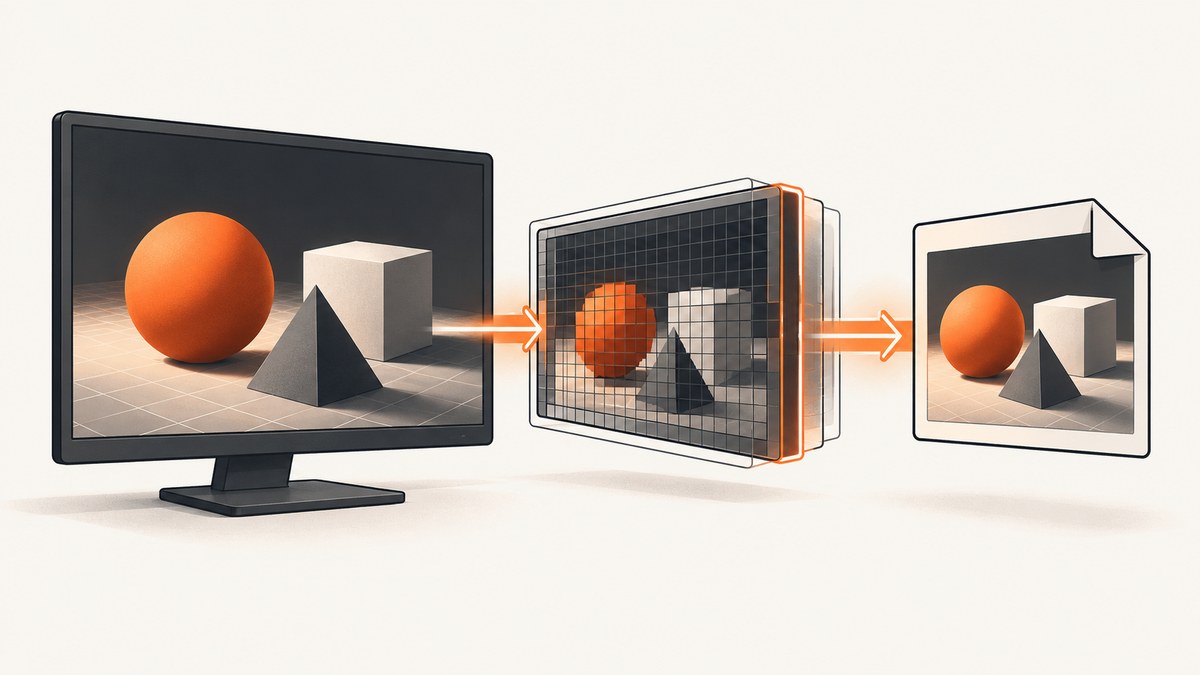
Short answer: capture the pixels while the intended JOGL OpenGL context is current. If your JOGL version includes the archived Screenshot utility, call its readToBufferedImage or file-writing method. For a specific framebuffer object (FBO), use glReadPixels, convert the returned bottom-up rows into a BufferedImage, then write it with ImageIO.
The helper API documented for JSR-231 beta3 is archived, so verify the class name and method signatures against the JOGL version in your project. The archived documentation states that the current OpenGL context is required and that the BufferedImage path flips scanlines vertically. See the archived JOGL Screenshot API.
1. Choose the capture method
| Method | Use it when | Trade-off |
|---|---|---|
JOGL Screenshot helper |
You need the current drawable as a BufferedImage or file. |
Convenient, but the cited API is archived and must be checked against your JOGL release. |
Manual glReadPixels |
You need a particular FBO, color attachment, rectangle, pixel format, or custom conversion. | More control; you must select the read framebuffer, handle row orientation, and write the image. |
OpenGL reads from the read framebuffer, beginning at the lower-left coordinate. Khronos documents these semantics in its glReadPixels reference and explains the separate draw and read framebuffer targets in the framebuffer reference.
2. Capture the current drawable with JOGL’s Screenshot helper
Use this route when your dependency exposes com.sun.opengl.util.Screenshot. The call must run inside code where the drawable’s context is current, such as a GLEventListener callback or code bracketed by GLAutoDrawable.invoke.
Save directly to a file
import com.sun.opengl.util.Screenshot;

// Run while the target drawable's OpenGL context is current.
int width = drawable.getSurfaceWidth();
int height = drawable.getSurfaceHeight();

// The archived helper infers the image format from the filename suffix.
Screenshot.writeScreenshotFile("frame-001.png", width, height);
Read into a BufferedImage
import java.awt.image.BufferedImage;
import javax.imageio.ImageIO;
import java.io.File;
import com.sun.opengl.util.Screenshot;

// Run while the target drawable's OpenGL context is current.
int width = drawable.getSurfaceWidth();
int height = drawable.getSurfaceHeight();

BufferedImage image = Screenshot.readToBufferedImage(width, height);
ImageIO.write(image, "png", new File("frame-001.png"));
The archived API also documents an alpha overload. It notes that the alpha variant requires GL_EXT_abgr; confirm that extension and behavior in your target context before relying on it. JPEG cannot preserve an alpha channel.
3. Read a framebuffer manually with glReadPixels
Manual readback is the reliable pattern when rendering to an FBO or when the helper is unavailable. The example below uses JOGL 2-style package names and a GL2 context. Adapt the GL interface and constants to the profile used by your application.
Complete PNG example
import com.jogamp.opengl.GL2;
import com.jogamp.opengl.GLAutoDrawable;
import java.awt.image.BufferedImage;
import java.io.File;
import java.io.IOException;
import java.nio.ByteBuffer;
import javax.imageio.ImageIO;

public final class JoglCapture {
    private JoglCapture() {}

    public static void saveCurrentFramebuffer(
            GLAutoDrawable drawable,
            int width,
            int height,
            File output) throws IOException {
        if (width <= 0 || height <= 0) {
            throw new IllegalArgumentException("width and height must be positive");
        }

        GL2 gl = drawable.getGL().getGL2();
        ByteBuffer pixels = ByteBuffer.allocateDirect(width * height * 4);

        // Select the framebuffer that should be read. For the default drawable,
        // GL_READ_FRAMEBUFFER is normally 0. For an FBO, bind its name here.
        gl.glBindFramebuffer(GL2.GL_READ_FRAMEBUFFER, 0);
        gl.glReadBuffer(GL2.GL_BACK);
        gl.glPixelStorei(GL2.GL_PACK_ALIGNMENT, 1);

        gl.glReadPixels(
                0, 0, width, height,
                GL2.GL_RGBA,
                GL2.GL_UNSIGNED_BYTE,
                pixels);

        BufferedImage image = new BufferedImage(
                width, height, BufferedImage.TYPE_INT_ARGB);

        // OpenGL's first row is the bottom row. Write it to height - 1.
        for (int y = 0; y < height; y++) {
            int destinationY = height - 1 - y;
            for (int x = 0; x < width; x++) {
                int offset = (y * width + x) * 4;
                int r = pixels.get(offset) & 0xff;
                int g = pixels.get(offset + 1) & 0xff;
                int b = pixels.get(offset + 2) & 0xff;
                int a = pixels.get(offset + 3) & 0xff;
                int argb = (a << 24) | (r << 16) | (g << 8) | b;
                image.setRGB(x, destinationY, argb);
            }
        }

        if (!ImageIO.write(image, "png", output)) {
            throw new IOException("No PNG ImageIO writer is available");
        }
    }
}
Call it after the scene has rendered and before the next operation changes the target:
public void display(GLAutoDrawable drawable) {
    GL2 gl = drawable.getGL().getGL2();
    renderScene(gl);

    try {
        JoglCapture.saveCurrentFramebuffer(
                drawable,
                drawable.getSurfaceWidth(),
                drawable.getSurfaceHeight(),
                new java.io.File("capture.png"));
    } catch (java.io.IOException e) {
        throw new RuntimeException("Screenshot failed", e);
    }
}
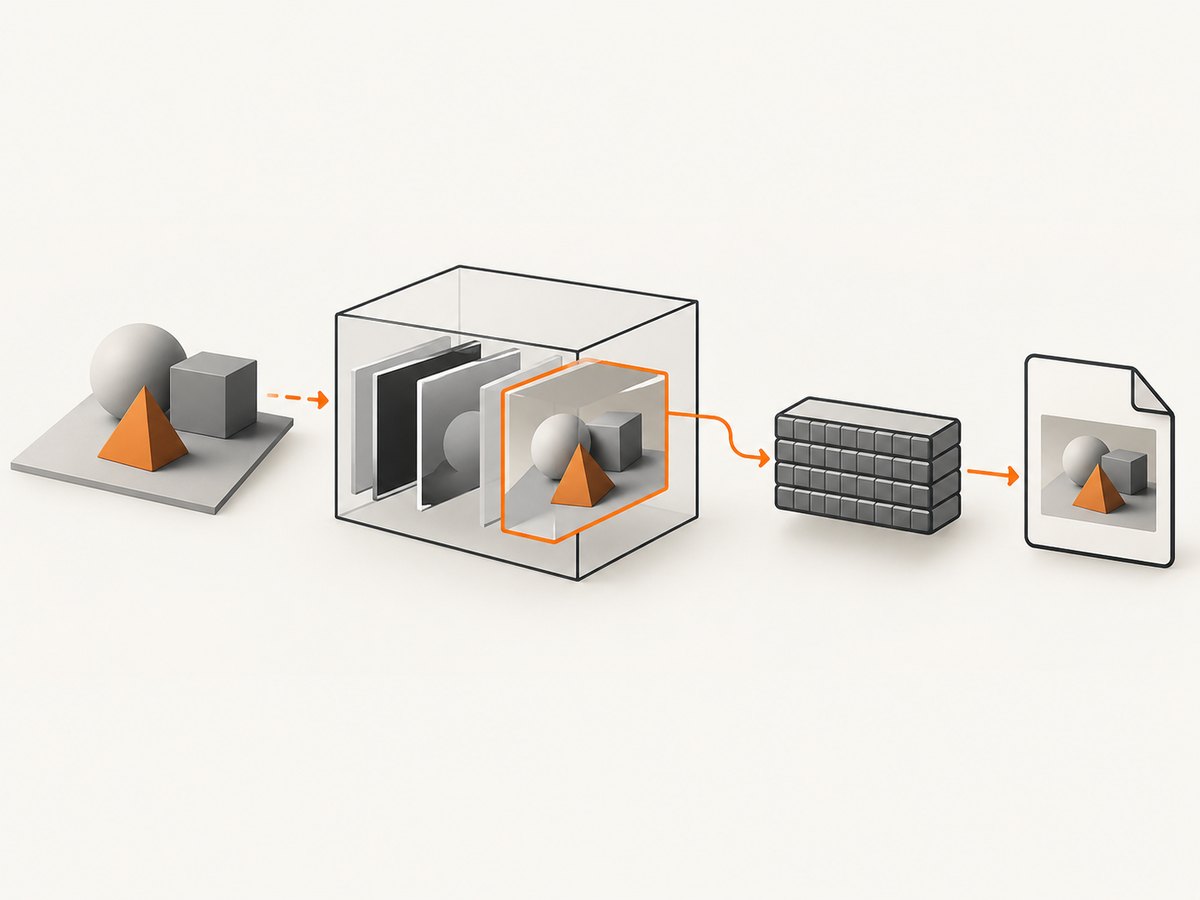
For an FBO, bind that FBO to GL_READ_FRAMEBUFFER and select the attached color buffer with glReadBuffer. The framebuffer must be complete, and the read dimensions must match the render target you intend to capture.
4. Capture a specific FBO or rectangle
Replace the default-framebuffer setup with the FBO and attachment you want:
gl.glBindFramebuffer(GL2.GL_READ_FRAMEBUFFER, framebufferId);
gl.glReadBuffer(GL2.GL_COLOR_ATTACHMENT0);
gl.glPixelStorei(GL2.GL_PACK_ALIGNMENT, 1);
gl.glReadPixels(x, y, captureWidth, captureHeight,
               GL2.GL_RGBA, GL2.GL_UNSIGNED_BYTE, pixels);
- FBO: verify the intended color attachment is populated and that the framebuffer is complete.
- Rectangle:
xandyare OpenGL coordinates with the origin at the lower left. - Multiple attachments: choose the attachment with
glReadBuffer; reading the wrong one can produce a blank or unexpected image. - Multisampling: resolve the multisample framebuffer into a single-sample color target before calling
glReadPixels. - High-DPI windows: use the drawable or framebuffer pixel dimensions, not logical UI dimensions.
5. Pixel formats, alpha, and orientation
| Concern | Practical choice |
|---|---|
| Format | GL_RGBA plus GL_UNSIGNED_BYTE is straightforward for an 8-bit RGBA BufferedImage. |
| Row alignment | Set GL_PACK_ALIGNMENT to 1 for tightly packed rows, especially when reading odd widths. |
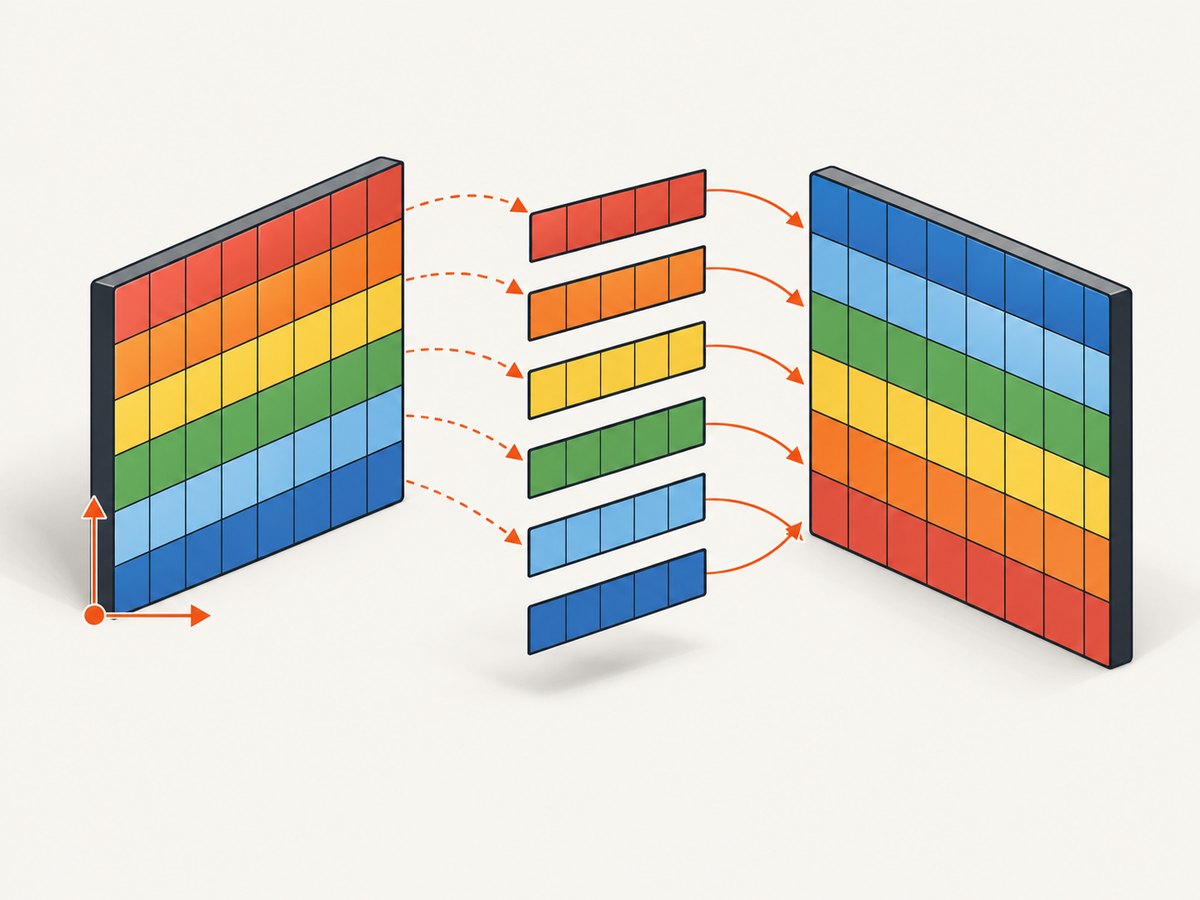
| Orientation | Flip rows when copying into Java’s top-left image coordinate system. |
| Alpha | Read an alpha-capable attachment and write PNG. Do not expect JPEG to preserve transparency. |
| Color conversion | Choose a read format compatible with the attachment to avoid unnecessary conversion; confirm the profile’s supported combinations. |
The archived helper explicitly performs a vertical flip for its BufferedImage result. With manual readback, you own that conversion.
6. Threading and context rules
- Run the capture on the thread that owns the current JOGL context, or use JOGL’s context-safe invocation mechanism.
- Capture after rendering commands that produce the frame have completed from the application’s point of view.
- Do not call a drawable helper from a worker thread that has no current context.
- If the window is resized, obtain fresh surface or FBO dimensions before allocating the pixel buffer.
7. Performance and reliability
glReadPixels transfers data from the GPU to CPU memory and can stall rendering. Capture only when needed, reduce the rectangle, and reuse a direct ByteBuffer instead of allocating one every frame. For frequent captures, a pixel pack buffer and an asynchronous readback pipeline can reduce stalls, but that requires additional synchronization and is outside the simple one-shot pattern.
PNG encoding is CPU work. If latency matters, separate readback from encoding, queue frames, and bound the queue so memory cannot grow without limit. Keep the OpenGL context and framebuffer alive until the read completes. Always verify the selected read framebuffer, attachment, viewport, and dimensions together; mismatches commonly look like rendering bugs.
8. Troubleshooting
| Symptom | Likely cause | Fix |
|---|---|---|
| Blank or old pixels | The wrong framebuffer or color attachment is selected. | Bind the intended read framebuffer and call glReadBuffer for its populated attachment. |
| Image is upside down | OpenGL rows start at the lower-left. | Write row y to Java row height - 1 - y, or use a helper that performs the flip. |
| Capture throws an OpenGL error | No current context, incomplete FBO, invalid dimensions, or unsupported format/type. | Capture inside the current-context callback, check framebuffer completeness, validate dimensions, and use a supported format pair. |
| FBO differs from the screen | The FBO size, viewport, attachment, or read target does not match the rendered target. | Inspect all four values and capture the FBO before it is unbound or overwritten. |
| Colors are swapped | The requested channel order does not match the Java conversion. | Confirm whether the returned bytes are RGBA, BGRA, or another supported order, then map channels explicitly. |
| Transparent pixels are opaque | The attachment has no alpha, or the alpha path is unsupported. | Use an RGBA attachment and PNG; verify extension requirements for archived helper alpha overloads. |
| Screenshot API class is missing | The archived utility is not included in the current JOGL distribution. | Use manual glReadPixels or a current-version JOGL readback utility after checking its documentation. |
| Capture slows the frame rate | GPU-to-CPU synchronization and image encoding stall the render loop. | Capture less often, reduce the region, reuse buffers, and move encoding off the render thread. |
9. Or skip the browser setup
If what you actually need is a screenshot of a web page rather than pixels rendered by your JOGL context, ScreenshotNeo provides a GET endpoint that returns PNG, JPEG, WebP, or PDF. The request accepts a URL and handles the browser environment for you.
See the ScreenshotNeo API documentation for the complete option list. A minimal call is:
curl -G "https://api.screenshotneo.com/v1/shot" -d access_key=YOUR_API_KEY --data-urlencode url=https://stripe.com -o shot.webpimport requests
r = requests.get(
"https://api.screenshotneo.com/v1/shot",
params={"access_key": "YOUR_API_KEY", "url": "https://stripe.com"},
timeout=90,
)
r.raise_for_status()
open("shot.webp", "wb").write(r.content)
const q = new URLSearchParams({ access_key: 'YOUR_API_KEY', url: 'https://stripe.com' });
const res = await fetch(`https://api.screenshotneo.com/v1/shot?${q}`);
if (!res.ok) throw new Error(`Screenshot failed: ${res.status}`);
const bytes = new Uint8Array(await res.arrayBuffer());
require('fs').writeFileSync('shot.webp', bytes);
Cookie banners, newsletter popups and chat widgets are removed before the shot. Bot checks, blank pages and failed loads are never billed, and response headers identify the page verdict and billing result. ScreenshotNeo also provides an MCP server with take_screenshot, get_page_info and capture_pdf tools for AI agents. The free plan includes 1,000 screenshots a month with no card; paid plans start at $5 for 3,000. Create a free ScreenshotNeo account.
10. FAQ
Can I capture only one object from a JOGL scene?
Render that object into its own FBO or rectangle, then read that target with glReadPixels. OpenGL readback captures pixels, not scene-graph objects.
Why does the archived helper mention Targa?
The archived documentation says its vertically flipped BufferedImage path takes time and is slower than its Targa screenshot function. Treat that as a qualitative note from the old API, not as a current benchmark.
Should I save PNG or JPEG?
Use PNG for lossless output and alpha. Use JPEG only when you accept lossy compression and do not need transparency.
Does glReadPixels capture the window decorations?
No. It reads the OpenGL framebuffer. Window borders, menus, and other desktop content are outside the drawable.
What should I verify after upgrading JOGL?
Check the GL interface returned by your drawable, the framebuffer binding and read-buffer behavior, supported format/type pairs, and whether the archived Screenshot class is still present.


