Template Editor SDKs: Features, Integration, and Use Cases
Learn how to embed a template editor, extend Canva, or generate designs through an API. Compare integration models, data ownership, rendering, and implementation tradeoffs.

A template editor SDK gives your team reusable pieces for building or embedding a visual design editor. Choose a host-embedded SDK when customers should edit designs inside your product and you need to control their workflow, templates, assets, and account context. Choose an app inside Canva when the integration should serve Canva users in Canva’s editor. Choose a template-to-output API when users need generated designs but do not need an editing interface.
Those options put the customer, design data, and rendering workflow in different places. Decide those boundaries before choosing a vendor: an SDK does not automatically provide tenant isolation, secure asset storage, or a rendering system that fits your application.
1. What a template editor SDK provides
A visual editor has many parts: a canvas, controls for text and images, asset browsing, templates, zoom, page navigation, and output generation. A template editor SDK provides reusable building blocks for some of that work. For example, Polotno describes itself as a JavaScript library and set of React components for canvas editors. Its quick start composes editor pieces such as a side panel, workspace, toolbar, zoom controls, and page timeline. These are vendor-described capabilities, not an independent comparison or performance result. Polotno SDK overview
“Template editor” can mean different things in a product plan. It might mean a complete editor customers interact with, a constrained interface that exposes only a few editable fields, or a service that fills a saved template and returns an image. Confirm which of those jobs a product actually supports.
2. Choose the integration model
Embed an editor in your application
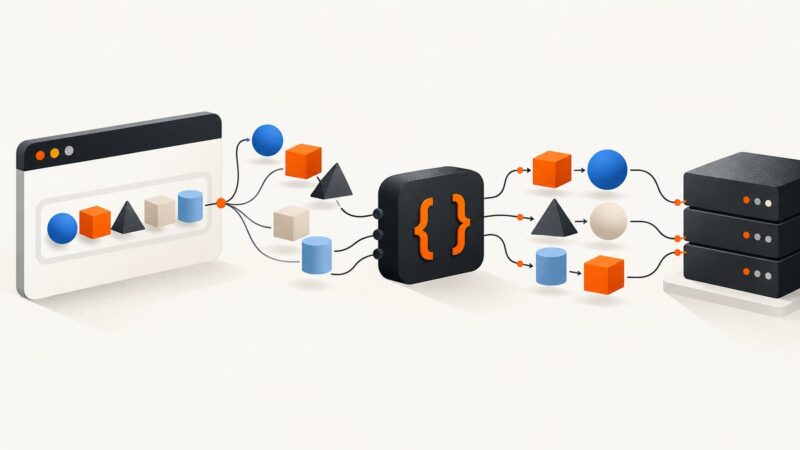
In this model, the editor is part of your SaaS workflow. Your product owns the surrounding experience: sign-in, navigation, customer account context, and the rules for which templates and assets a person can use. Polotno describes this host-controlled approach for SaaS products, including using the host product’s navigation, accounts, fonts, templates, and asset library. Polotno’s SaaS product use case

This can fit a product where users personalize a flyer, social graphic, report cover, or other design without leaving the workflow they already use. You can start from a controlled template and choose which content customers may change. For example, expose headline, image, and color choices while preserving a logo placement or layout. Treat those restrictions as product and authorization rules to implement and verify, not as an automatic consequence of embedding an SDK.
Build an app inside Canva
Canva’s apps run in an iframe inside Canva and interact with the editor through its Developers SDK. Canva documents app types such as Content Publisher, Data Connector, Design Editor, and URL Expander; apps can be distributed publicly through the Apps Marketplace or shared privately with a team. This extends Canva for Canva users. It is a different model from embedding a white-label Canva editor in your SaaS. Canva apps inside Canva
Canva also documents integrations that run on a developer’s own platform and call Canva REST APIs, as well as AI assistant integrations. Select the integration surface that matches where users should work before designing the flow. Canva Developers SDK
Generate from templates through an API
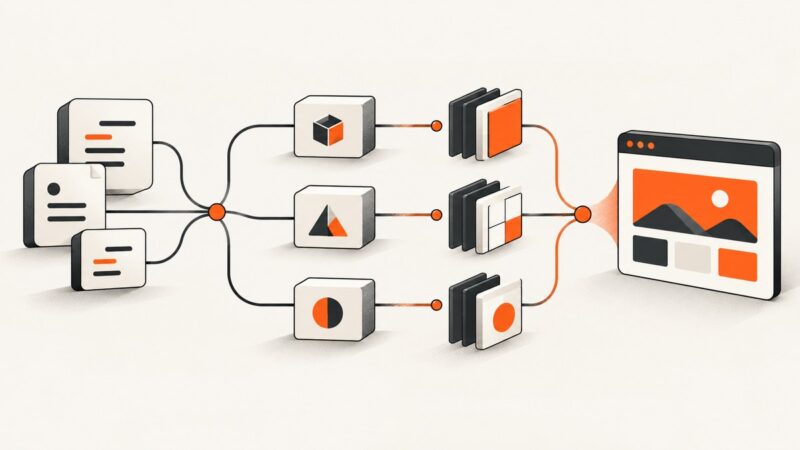
If a person does not need to edit the result interactively, an editor UI may be unnecessary. A template plus a generation API can fill text or image fields and return output for a data-driven workflow. Bannerbear describes a template editor and REST API, synchronous or asynchronous generation, and webhooks for events such as image creation or template editing. Its product page also describes version history, typography controls, text resizing, multilingual support, and optional face detection. Verify current plan and API details before depending on any of those capabilities. Bannerbear template editor
3. Compare the models by product boundaries
| Question | Embedded SDK | Canva app | Template generation API |
|---|---|---|---|
| Where does the customer work? | Inside your application | Within Canva | Usually in your product’s workflow; generation itself need not show an editor |
| Who shapes the experience? | Your product controls the surrounding workflow and may compose editor components | Canva provides the host editor and app surface | Your product controls the workflow around API requests and results |
| Where do designs and assets live? | Set a storage and access model; the host may save design JSON and manage tenant assets | Follow the Canva app and API model for the selected integration | Check what the service stores, how templates are managed, and how results are delivered |
| What does the API expose? | Check that required elements and editing operations are available | Work within documented app intents and supported APIs | Check template fields, generation operations, events, and output handling |
| How is output rendered? | Evaluate browser, server-side, or cloud rendering options | Confirm the output workflow for the chosen Canva surface | Check synchronous or asynchronous generation and delivery behavior |
These are architectural distinctions, not a measured ranking. The reviewed documentation does not establish a fair independent cost or performance comparison between these products.
4. Plan the host-embedded integration
For an editor embedded in your product, treat the SDK as one component in a host-owned workflow. Polotno’s documented architecture puts authentication, tenant identification, choosing tenant templates, fonts and media, and saving updated design JSON in the host application’s responsibility. Rendering may happen in the browser, on a server, or in the cloud. Polotno’s SaaS architecture
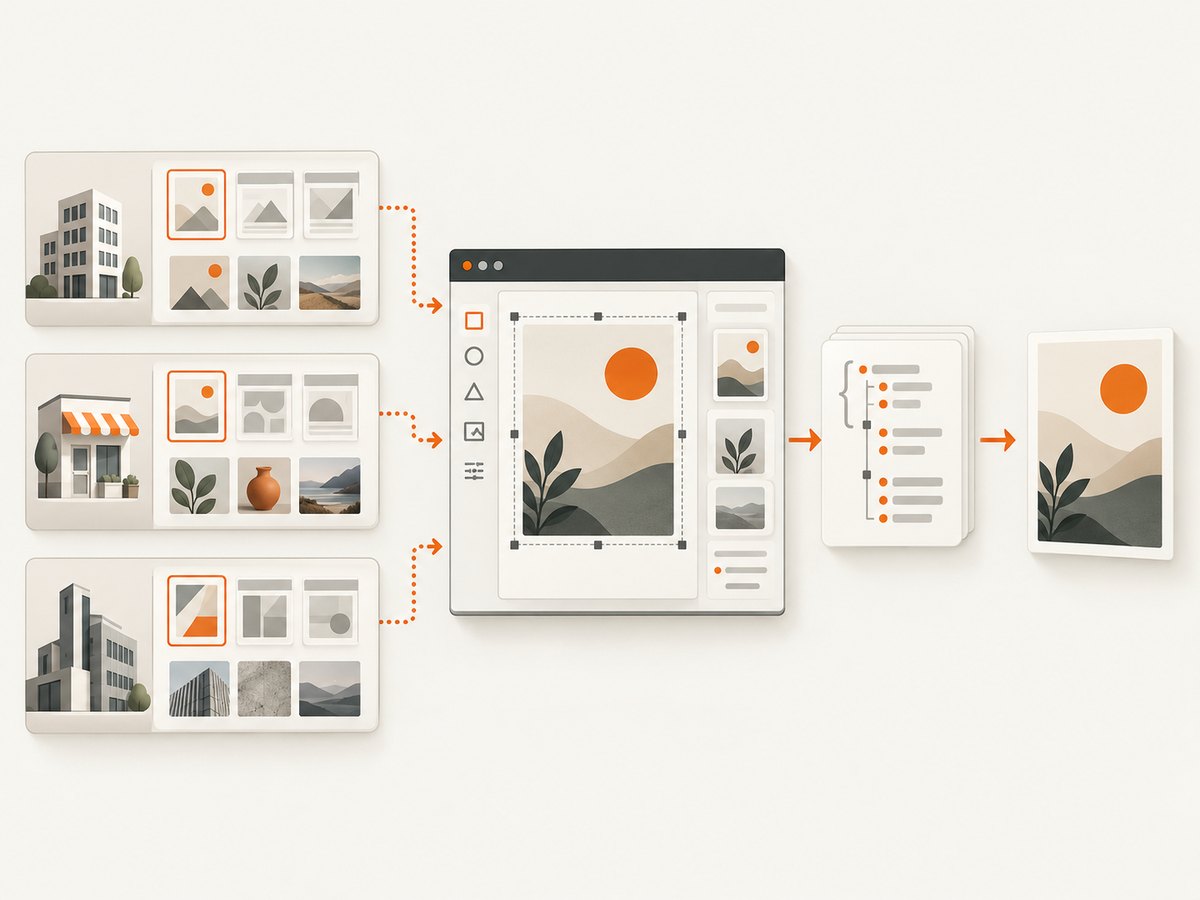
- Define the editing job. Decide whether customers need a full editor, a small set of template fields, or automated generation. List what they may change and what must remain controlled.
- Map users to tenants. Authenticate through your product, identify the customer account, and load only that tenant’s templates, fonts, media, and permissions.
- Decide what is persisted. Define where design JSON and uploaded assets are stored, how they are versioned, and how a saved design can be reopened. Specify deletion and retention behavior for customer data.
- Choose the rendering path. Determine whether rendering belongs in a browser, on your server, or in a cloud service. Check required formats and output constraints in current product documentation.
- Test the restricted experience. Verify that a user cannot load another tenant’s assets or make changes the product intends to lock. Test expired sessions, missing media, old template versions, and interrupted saves.
These steps are architectural checks, not SDK-specific code. The research sources establish a component-based editor approach but do not provide enough API signatures to give a verified, copy-paste integration snippet for a particular editor SDK. Use the vendor’s current quick start for exact package names and component props, and keep your own authentication and persistence code explicit.
5. Check API boundaries before committing
For Canva, apps are iframe-based and interact with the editor through injected APIs. Canva says apps have freedom within their iframes but do not have unrestricted access to the underlying document model. Its Design Editing API documents a supported subset including embeds, groups, rectangles, shapes, and text; tables are not currently supported. Image and video material is represented in a way distinct from dedicated image or video element types. Compare that documented subset with the exact editing operations your product needs, and recheck the current reference because capabilities can change. Canva integration model · Canva Design Editing API
For an embedded editor, inspect the SDK’s design representation and available operations. Check whether it can express your template constraints, assets, and required output workflow. For a generation API, check whether it can update every field your automation depends on and how it reports completion and failure.
Bannerbear’s help article about embedding a template editor documents a secure, expiring session URL, but it explicitly describes an older V3 version and points to V5 documentation. Do not assume that exact flow applies to V5; check the current guide before designing an iframe integration. Bannerbear’s versioned embed help article
6. A small host-side integration shape
The following React example shows the responsibilities a host application needs to connect: authenticate, establish tenant context, load that tenant’s permitted templates, and persist a design. The functions are deliberate application adapters, not SDK methods; wire them to your authentication, storage, and the selected SDK’s documented components.
import { useEffect, useState } from 'react';

export function TenantDesignEditor({ tenantId, user }) {
  const [templates, setTemplates] = useState([]);
  const [design, setDesign] = useState(null);
  const [error, setError] = useState('');

  useEffect(() => {
    let active = true;
    async function load() {
      try {
        // Host adapters must enforce user and tenant authorization.
        const allowed = await loadAllowedTemplates({
          tenantId,
          userId: user.id
        });
        if (active) setTemplates(allowed);
      } catch (e) {
        if (active) setError('Could not load this account’s templates.');
      }
    }
    load();
    return () => { active = false; };
  }, [tenantId, user.id]);

  async function save() {
    if (!design) return;
    await saveDesignForTenant({
      tenantId,
      userId: user.id,
      designJson: design
    });
  }

  if (error) return <p role="alert">{error}</p>;
  return (
    <section>
      <TemplatePicker templates={templates} onChoose={setDesign} />
      <EditorAdapter design={design} onChange={setDesign} />
      <button onClick={save} disabled={!design}>Save design</button>
    </section>
  );
}loadAllowedTemplates, saveDesignForTenant, TemplatePicker, and EditorAdapter are placeholders for your application and chosen SDK. The server must authorize the user against the tenant on every read and write; hiding another tenant’s template in the browser is not access control. Follow the SDK’s current quick start for actual component imports and props.
7. Handle asynchronous generation and operational failures
When a generation service supports both synchronous and asynchronous work, match the mode to expected task duration and user experience. A synchronous request can be convenient when the product can wait for a result. An asynchronous job with a webhook can fit longer or batch workflows, provided the application can correlate events with the right job and handle retries or delayed delivery. Bannerbear describes both request modes and webhooks; verify exact behavior and API version in its current documentation.
- Give each generation request an application-level record so users can find the design and result later.
- Record template version and input data with the job if reproducibility matters.
- Make webhook handling safe to repeat; a repeated completion event should not create duplicate customer-visible work.
- Show a clear pending, completed, or failed state, with a retry path that does not discard the original inputs.
- Set limits for uploaded assets and validate user-provided content before submitting it to a renderer.
For editor saves, make failures visible and preserve unsaved work where possible. Test a lost network connection during save, a session that expires mid-edit, a deleted asset, and an updated template. Establish whether recovery means retrying the same save, reopening a prior design version, or asking the user to resolve a conflict.
8. Troubleshooting checklist
| Symptom | Likely cause | What to check |
|---|---|---|
| A customer sees the wrong templates or media | Tenant context or authorization is missing, stale, or applied only in the client | Authorize on the server for every load and save; scope asset queries to the authenticated tenant. |
| A design cannot be reopened as expected | The saved design representation, assets, or template version is unavailable | Persist the design data and required asset references; define template version behavior and test reopening older designs. |
| An operation works in the host app but not in Canva | The requested document operation is outside the supported API surface | Check the current Design Editing API reference and model the workflow using supported elements. |
| An iframe embed fails or its session expires | Integration surface, session, or version-specific instructions do not match the current product | Use current documentation for the selected version; do not carry the Bannerbear V3 session flow forward without V5 confirmation. |
| A generated result never appears | The job is asynchronous, event delivery is delayed, or the application does not correlate its callback | Track job state, verify webhook configuration and event handling, and provide a status or recovery path. |
| Text or imagery differs in rendered output | Fonts, media, or rendering environment differ from the editor assumptions | Test representative templates with the chosen rendering path and verify required assets are available there. |
9. Performance, reliability, and cost decisions
Measure the workflow that matters to your users: editor startup, asset loading, save completion, generation completion, and time until the output is usable. The cited vendor pages describe capabilities, not independent benchmarks, so do not infer speed or throughput from feature descriptions. Test representative templates and asset sizes in your own integration.
Reliability depends on the full path: your login and tenant checks, the editor or API, asset storage, persistence, rendering, and delivery. Decide which component owns retries, what happens when a webhook is delayed, and how a user recovers from a failed save or render. Keep enough job and version information to diagnose issues without exposing one tenant’s designs to another.
Compare costs using your expected number of active editors, generated outputs, storage needs, and any required support or plan limits. The reviewed documentation does not establish a neutral price comparison. Confirm current vendor pricing, usage limits, API access, and whether the integration features you need are available on the plan you would actually use.
10. Capture screenshots of the editor or generated output
During development, screenshots can help document a template workflow, inspect a rendered output, or capture a page state for a report. If you capture pages with your own browser automation, account for consent banners, popups, chat widgets, lazy-loaded assets, and bot checks; each can change what the screenshot contains. Another option is ScreenshotNeo, a website screenshot API and MCP server. It is useful for screenshot capture around the design workflow, but it is not a template editor SDK.
Or skip the browser setup
Make one request with a URL. See the ScreenshotNeo API documentation for request options.
curl -G "https://api.screenshotneo.com/v1/shot" -d access_key=YOUR_API_KEY --data-urlencode url=https://stripe.com -o shot.webpimport requests
r = requests.get(
"https://api.screenshotneo.com/v1/shot",
params={"access_key": "YOUR_API_KEY", "url": "https://stripe.com"},
timeout=90,
)
open("shot.webp", "wb").write(r.content)const q = new URLSearchParams({ access_key: 'YOUR_API_KEY', url: 'https://stripe.com' });
const res = await fetch(`https://api.screenshotneo.com/v1/shot?${q}`);
if (!res.ok) throw new Error(`Screenshot request failed: ${res.status}`);
await Bun.write('shot.webp', res);- Cookie banners are accepted and removed before capture, along with known consent platforms, newsletter popups, and chat widgets; each step can be turned off.
- Bot checks, blank pages, timeouts, failed loads, and cache hits cost nothing. Responses include
X-Page-VerdictandX-Billedheaders. - An MCP server gives AI agents tools including
take_screenshot,get_page_info, andcapture_pdf. - The free plan includes 1,000 screenshots a month with no card; paid plans start at $5 for 3,000. Every feature is on every plan.
Sign up for ScreenshotNeo’s free plan and capture up to 1,000 screenshots a month with no card.
11. FAQ
Can I embed Canva’s editor in my SaaS as a white-label editor?
The cited Canva documentation describes apps running inside Canva and separate platform integrations using Canva APIs. It does not establish that the Canva app model is a white-label editor embedded in another SaaS. Match the integration to the documented surface.
Does an SDK automatically make template editing safe for multiple customers?
No. Tenant isolation, authorization, storage, asset permissions, and template versioning remain system design responsibilities for the host application unless the product documentation explicitly establishes otherwise.
When is an editor unnecessary?
When users only need a generated result from known inputs and do not need to interactively revise the design. Evaluate a template-to-output API and its field, job, and delivery behavior.
Should I save a rendered image or the editable design?
That depends on whether users need to reopen or revise work. If editability matters, define persistence for design data, asset references, and template versions in addition to delivering a rendered output.