How to Test Amazon Cognito Authentication with Cypress
Test Cognito login in Cypress with browser-driven cy.origin(), programmatic sessions, token checks, MFA handling, and reliable troubleshooting.
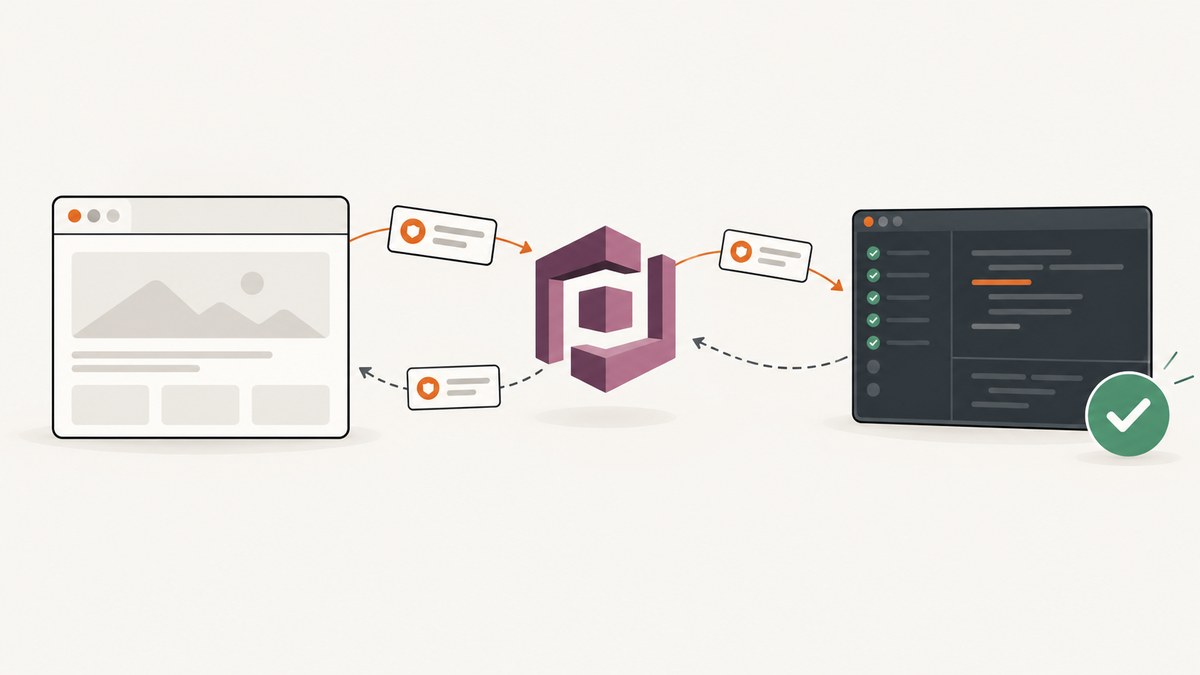
Use one of two Cypress strategies for Amazon Cognito authentication:
- Browser-driven login with
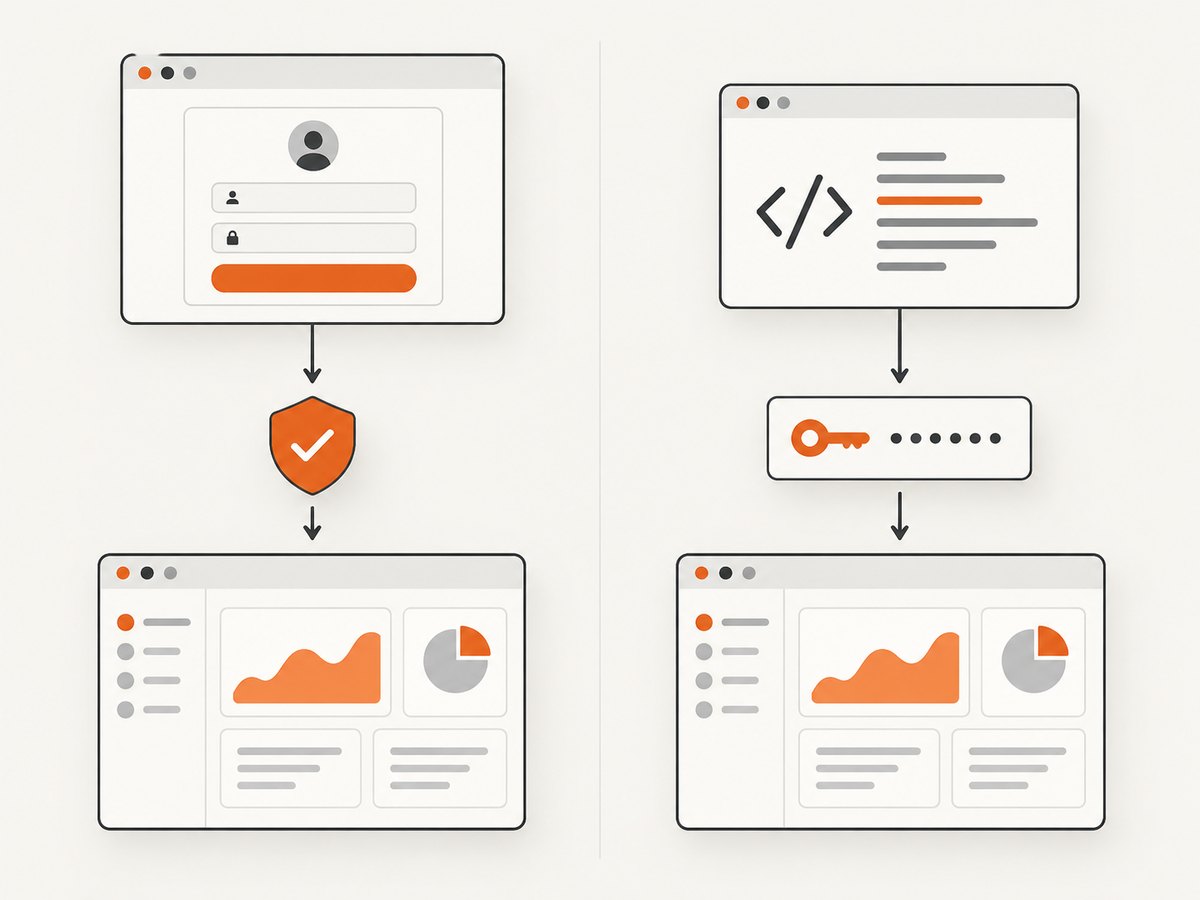
cy.origin()when the redirect, hosted sign-in page, MFA interaction, or user-facing authentication flow is part of the behavior under test. - Programmatic authentication through the same auth library your application uses when the test focuses on already-authenticated application behavior.
Keep at least one browser-driven test when the login experience matters. Programmatic setup is faster, but it does not test the hosted UI, redirect, authorization-code exchange, or PKCE path.
Cypress documents both approaches, including cy.session() for reusing login state. See the Cypress documentation and Amazon Cognito developer documentation for the current configuration details.
1. Decide what the test must cover
| Test goal | Recommended setup | What it proves |
|---|---|---|
| Login page, redirect, or hosted UI | cy.origin() |
The browser can complete the configured Cognito flow and return to the application. |
| Authenticated dashboard behavior | Programmatic sign-in | The application behaves correctly after valid auth state is established. |
| Protected API authorization | Programmatic sign-in plus an API assertion | The token and backend authorization rules produce the expected result. |
| OAuth authorization-code flow | Browser-driven test | Redirect, code exchange, and PKCE behavior work together. |
Cognito app-client settings determine which flows are available. A password fixture cannot cover a client configured to require an email code, SMS code, passkey, MFA, or an external identity provider.
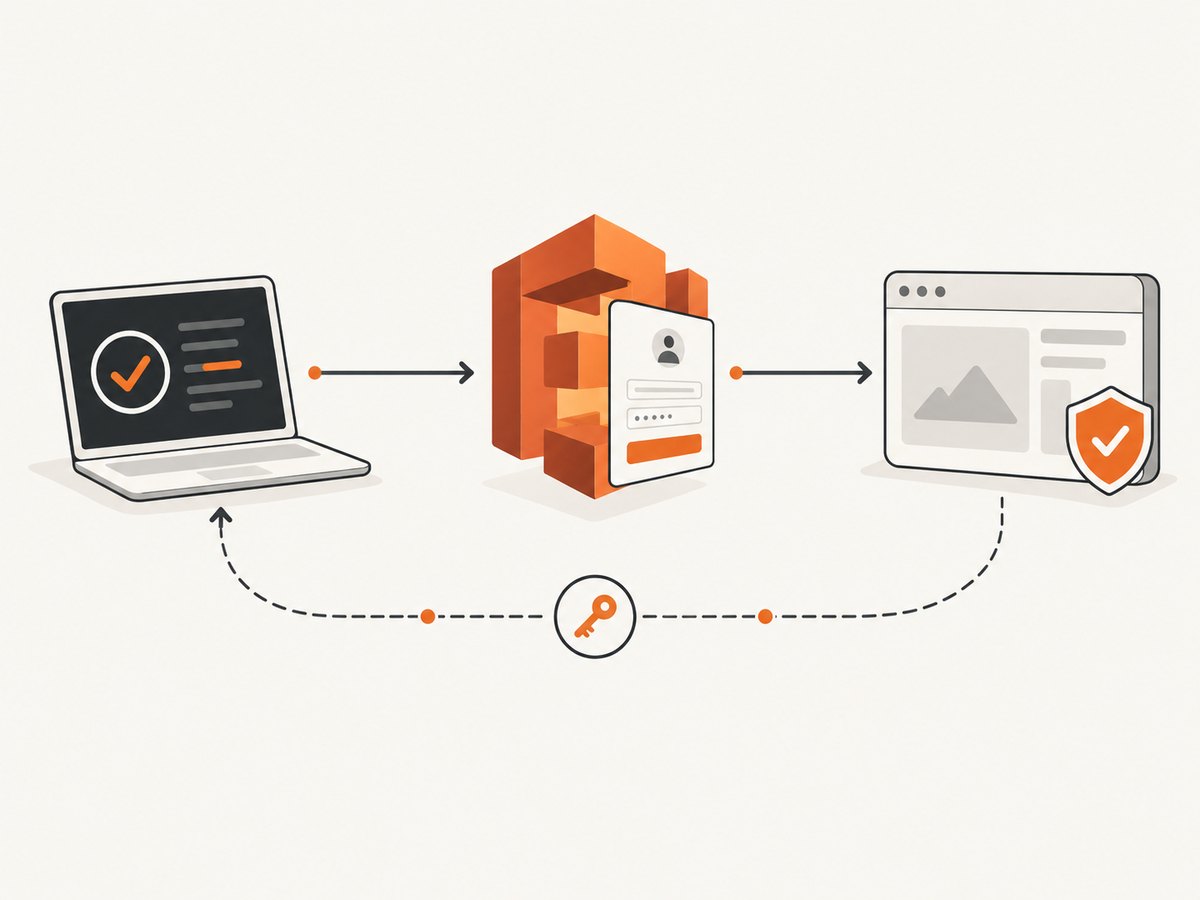
2. Prepare an isolated Cognito test environment
- Create a test user pool and app client, or use an isolated environment supplied by your project.
- Configure the app client with the authentication flows your application actually uses.
- Set the Cognito domain, redirect URI, logout URI, client ID, and region in Cypress environment configuration.
- Create dedicated test users and deterministic application data.
- Keep passwords, client secrets, and tokens out of source control and CI logs.
The Cypress Cognito example uses project-specific Amplify configuration and environment variables. Treat its provisioning commands and storage keys as examples; use your own deployment method and your application’s real auth configuration.
3. Browser-driven login with cy.origin()
This pattern visits the Cognito hosted or managed login origin, enters credentials, submits the form, and returns to the application. Cross-origin commands must be inside cy.origin().
const cognito = {
  domain: Cypress.env('cognitoDomain'),
  clientId: Cypress.env('cognitoClientId'),
  redirectUri: Cypress.env('appUrl') + '/auth/callback'
};

describe('Cognito login', () => {
  it('signs in and reaches the protected dashboard', () => {
    cy.visit('/login');
    cy.contains('Sign in').click();

    cy.origin(cognito.domain, {
      args: {
        username: Cypress.env('testUsername'),
        password: Cypress.env('testPassword')
      }
    }, ({ username, password }) => {
      cy.get('input[name="username"], input[type="email"]').first()
        .should('be.visible')
        .type(username);
      cy.get('input[name="password"], input[type="password"]').first()
        .type(password, { log: false });
      cy.get('button[type="submit"]').click();
    });

    cy.url().should('include', '/dashboard');
    cy.contains('Your dashboard').should('be.visible');
  });
});
Selectors vary with the configured Cognito managed-login page. Prefer stable attributes from your deployed page and avoid assertions tied to incidental markup.
Cache the interactive login with cy.session()
Cypress.Commands.add('loginWithCognito', () => {
  cy.session('cognito-test-user', () => {
    cy.visit('/login');
    cy.contains('Sign in').click();

    cy.origin(Cypress.env('cognitoDomain'), {
      args: {
        username: Cypress.env('testUsername'),
        password: Cypress.env('testPassword')
      }
    }, ({ username, password }) => {
      cy.get('input[name="username"], input[type="email"]').first().type(username);
      cy.get('input[name="password"], input[type="password"]').first()
        .type(password, { log: false });
      cy.get('button[type="submit"]').click();
    });

    cy.url().should('include', '/dashboard');
  }, {
    validate() {
      cy.request('/api/me').its('status').should('eq', 200);
    }
  });
});

describe('authenticated behavior', () => {
  beforeEach(() => {
    cy.loginWithCognito();
    cy.visit('/dashboard');
  });

  it('loads account data', () => {
    cy.contains('Your dashboard').should('be.visible');
  });
});
Use a validation request that reflects your application’s real session. A URL check alone can pass after a redirect even when tokens were not stored correctly.
4. Programmatic authentication
Programmatic login calls the authentication library used by the application, then initializes the app’s expected authenticated state. The Cypress example uses Amplify and writes auth data to the sample application’s localStorage. Your storage keys and token format may be different.
// cypress/support/commands.js
import { signIn, fetchAuthSession } from 'aws-amplify/auth';

Cypress.Commands.add('programmaticLogin', () => {
  cy.then(async () => {
    await signIn({
      username: Cypress.env('testUsername'),
      password: Cypress.env('testPassword')
    });

    const session = await fetchAuthSession();
    const accessToken = session.tokens?.accessToken?.toString();
    const idToken = session.tokens?.idToken?.toString();

    if (!accessToken || !idToken) {
      throw new Error('Cognito did not return the expected tokens');
    }

    // Replace these keys with the keys your application reads.
    window.localStorage.setItem('accessToken', accessToken);
    window.localStorage.setItem('idToken', idToken);
  });
});
If the auth library requires browser APIs that are unavailable in the Cypress support context, expose a test-only application endpoint or use a task/server-side helper that returns short-lived test state. Do not assume Amplify’s storage implementation matches another framework.
describe('dashboard with programmatic auth', () => {
  beforeEach(() => {
    cy.visit('/');
    cy.programmaticLogin();
    cy.reload();
  });

  it('shows protected content', () => {
    cy.visit('/dashboard');
    cy.contains('Your dashboard').should('be.visible');
  });
});
5. Test protected APIs and authorization
A visible logged-in page is only part of authentication. Cognito returns user-pool JWTs. Your application or resource server must validate the issuer, signature, expiration and, where configured, scopes before allowing access.
it('allows an authorized API request', () => {
  cy.request('/api/me').then((response) => {
    expect(response.status).to.eq(200);
    expect(response.body).to.have.property('username');
  });
});

it('rejects an unauthenticated request', () => {
  cy.request({
    url: '/api/private-report',
    failOnStatusCode: false
  }).its('status').should('be.oneOf', [401, 403]);
});
For scope-based authorization, create test users and app-client scopes that represent the roles you need to verify. Assert the business outcome, such as a forbidden response for a missing scope, rather than merely checking that a token exists.
6. MFA, one-time codes, passkeys, and external providers
Inventory the configured sign-in paths before writing fixtures:
- Email or SMS OTP: obtain the code through a controlled test mailbox, SMS test service, or test-only verification mechanism. Never print the code in Cypress command logs.
- MFA: model the challenge and confirmation step explicitly. A password-only helper will stop before the application is authenticated.
- Passkeys: test with the browser and platform authenticator support required by your CI environment; keep a separate non-passkey setup for tests that only need an authenticated user.
- External identity providers: managed login and redirect processing may be required. Keep the provider flow in a focused browser test and use programmatic setup for unrelated application tests.
- Custom auth flows: verify that the chosen Cognito SDK flow is supported by the application and app client. Do not infer that every SDK flow is available through managed login.
Use separate tests for challenge behavior and post-login behavior. This keeps a failure in an OTP provider from masking an unrelated dashboard regression.
7. OAuth and PKCE coverage
In an authorization-code flow with PKCE, the client sends a code challenge in the authorization request and later sends the original verifier when exchanging the code for tokens. A programmatic signIn helper does not exercise this redirect and exchange.
- Start the application’s real sign-in action.
- Assert that the browser reaches the expected Cognito domain.
- Complete the configured user interaction.
- Assert the redirect URI and callback handling.
- Verify that the application can call a protected endpoint after the code exchange.
Keep callback assertions focused on observable behavior. Avoid putting access or ID tokens into screenshots, command output, or failure messages.
8. Reliable test data and session boundaries
- Seed or reset backend data before authentication when the test depends on known records.
- Use one named test user per parallel worker when account state can change.
- Clear or isolate application data between tests that mutate profile, consent, or MFA state.
- Give
cy.session()a stable identifier that includes the user and relevant tenant or role. - Validate the cached session with a protected request.
- Keep one uncached login test so changes to redirects and login pages remain visible.
9. Troubleshooting
| Symptom | Likely cause | Fix |
|---|---|---|
cy.origin() error |
Commands for the Cognito origin run outside the origin callback. | Move every command that touches the Cognito page inside cy.origin() and pass values through args. |
| Redirect URI mismatch | The URI in the app client does not exactly match the running app. | Compare scheme, host, port, path, and trailing slash with the configured callback URI. |
| Login stops at an MFA or code page | The user pool requires a challenge your fixture does not handle. | Use a controlled challenge path or create a test client/user configuration appropriate to the test. |
| Dashboard appears, API returns 401 | Tokens were not stored where the application expects, or the backend rejects them. | Inspect the application’s auth initialization and validate the token issuer, signature, expiry, and scopes on the backend. |
| Programmatic login works once, then fails | Cached or expired state is being reused. | Use cy.session() validation, isolate users, and avoid persisting expired tokens between runs. |
| Hosted page selectors fail | Managed-login markup or enabled flow differs from the fixture. | Inspect the deployed page, use stable selectors, and keep selectors specific to the configured flow. |
| External provider never returns | Redirect or provider callback configuration is incomplete. | Test the full browser redirect with the provider’s test account and verify every allowed callback URI. |
| CI cannot complete passkey login | The runner lacks the required authenticator support. | Run passkey coverage in a supported browser environment and use programmatic setup for tests unrelated to passkeys. |
| Tests pass with a cached session after logout | The cache validation does not prove the session is still valid. | Validate a protected endpoint and add a focused logout test that verifies subsequent access is rejected. |
10. Performance, reliability, and cost
Performance
- Use programmatic setup for large suites that test application behavior after login.
- Use
cy.session()to avoid repeating hosted login for every test. - Keep browser-driven tests focused on redirects, login UI, MFA, and callback behavior.
- Seed data through APIs or controlled fixtures instead of repeating UI setup.
Reliability
- Use isolated Cognito users and deterministic backend data.
- Do not assert arbitrary waits; wait for a URL, selector, or protected response that represents readiness.
- Keep credentials and tokens masked in logs and screenshots.
- Separate authentication-provider failures from product assertions with focused specs.
Cost
Run browser-driven coverage at the level needed to verify the authentication interaction, then reuse sessions and programmatic setup for the rest of the suite. Cognito usage, test email or SMS delivery, CI browser minutes, and any external identity provider charges depend on your configuration and account.
Or skip the browser setup
If your goal is to capture the authenticated application or document a post-login state, ScreenshotNeo can return a screenshot or PDF from one request. Its API can use custom headers, cookies, user agents, Authorization, waits, JavaScript, custom CSS, viewport and device settings, and other capture controls. See the ScreenshotNeo API documentation.
curl -G "https://api.screenshotneo.com/v1/shot" -d access_key=YOUR_API_KEY --data-urlencode url=https://stripe.com -o shot.webpimport requests
r = requests.get("https://api.screenshotneo.com/v1/shot", params={"access_key": "YOUR_API_KEY", "url": "https://stripe.com"}, timeout=90)
open("shot.webp", "wb").write(r.content)const q = new URLSearchParams({ access_key: 'YOUR_API_KEY', url: 'https://stripe.com' });
const res = await fetch(`https://api.screenshotneo.com/v1/shot?${q}`);Cookie banners, newsletter popups, and chat widgets are removed before the shot. Bot checks, blank pages, failed loads, timeouts, and cache hits are never billed, and response headers identify the page verdict and billing status. ScreenshotNeo also provides an MCP server so Claude, Cursor, and other MCP clients can take screenshots, inspect pages, and capture PDFs. The Free plan includes 1,000 screenshots a month with no card; paid plans start at $5 for 3,000 shots. Create a free ScreenshotNeo account.
FAQ
Should every Cypress test log in through Cognito?
No. Keep focused browser coverage for the login interaction and use programmatic authentication or a validated session for tests of already-authenticated behavior.
Does programmatic sign-in test PKCE?
No. PKCE requires the authorization redirect and code exchange, so cover it with a browser-driven test.
Can I copy Amplify’s localStorage keys?
Only if your application uses the same auth library and storage configuration. Otherwise initialize the exact state your application reads.
How do I test a Cognito-protected API?
Authenticate, call the endpoint, and assert the authorization result. The backend must validate the JWT and any required scopes.
Why does a cached Cypress session hide login bugs?
A cached session skips the interactive flow. Retain a distinct uncached test for redirects, hosted UI behavior, challenges, and callback handling.


