How to Test Angular Mat-Select Dropdowns in Cypress
Learn how to open, select, and verify Angular Material mat-select controls in Cypress with reliable selectors, keyboard coverage, and troubleshooting.

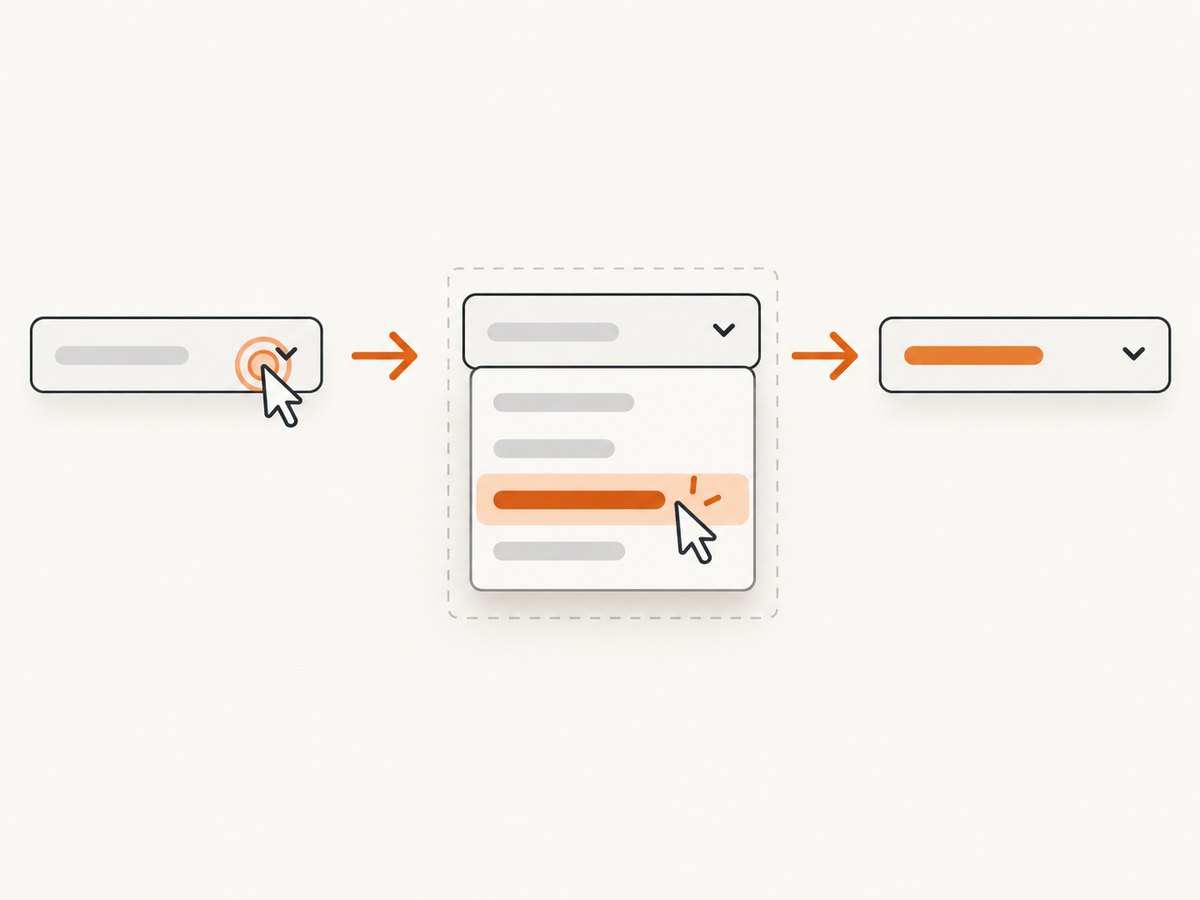
mat-select is a custom combobox, not a native HTML <select>. In Cypress, click the trigger, query the document-level overlay for the visible role='listbox', click a role='option', and assert the selected label plus the application behavior that depends on it. Cypress .select() is for native selects and should not be used with Angular Material.
The most maintainable test uses an accessible label or an application-owned data-cy hook. It does not depend on Angular-generated IDs or Material’s internal CSS classes.
1. A complete Cypress test
Assume the page has a country control and a shipping summary:
<mat-form-field>
  <mat-label>Country</mat-label>
  <mat-select data-cy='country-select' formControlName='country'>
    <mat-option value='us'>United States</mat-option>
    <mat-option value='ca'>Canada</mat-option>
  </mat-select>
</mat-form-field>

<div data-cy='shipping-summary'>Select a country</div>
The end-to-end test is:
describe('country selection', () => {
  beforeEach(() => {
    cy.visit('/checkout');
  });

  it('opens the listbox, selects Canada, and updates the page', () => {
    cy.get('[data-cy=country-select]').click();

    cy.get('[role=listbox]')
      .should('be.visible')
      .contains('[role=option]', 'Canada')
      .click();

    cy.get('[data-cy=country-select]')
      .should('contain.text', 'Canada');

    cy.get('[data-cy=shipping-summary]')
      .should('contain.text', 'Canada');
  });
});
After opening the control, the options are normally rendered in an overlay attached near the document root. A query scoped under [data-cy=country-select] can therefore find the trigger but miss the popup. Query the visible listbox at document scope.
If your project uses Testing Library helpers, prefer an accessible-name query:
cy.findByRole('combobox', { name: 'Country' }).click();
cy.findByRole('option', { name: 'Canada' }).click();
cy.findByRole('combobox', { name: 'Country' })
  .should('contain.text', 'Canada');
Use data-cy when role queries are unavailable or when you need a stable application-owned hook. Angular-generated IDs, mat-* implementation classes, and long selector chains are more likely to change during a framework upgrade.
2. Why mat-select needs different Cypress commands
A native select owns native <option> elements and is handled by Cypress’s .select() command. Angular Material renders a combobox trigger and a popup listbox. The popup can be positioned outside the trigger’s DOM subtree, so the test must interact with the rendered roles rather than native options.
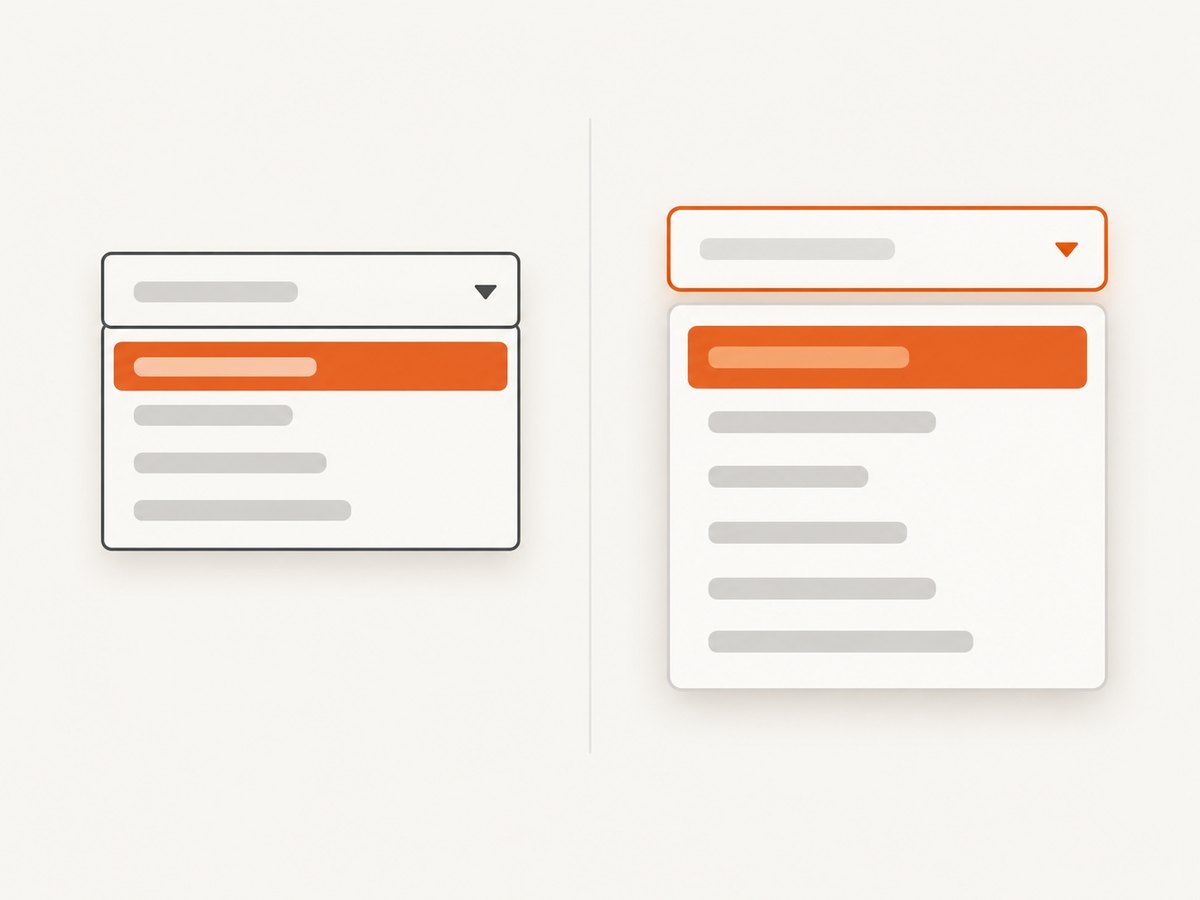
Angular Material’s guide documents the combobox/listbox semantics, keyboard behavior, multiple selection, and accessible labeling. It also recommends a native select when the product does not require the custom Material behavior because native selects provide broad platform accessibility and simpler interaction. If mat-select is already the product UI, test the behavior users depend on and avoid asserting Material’s private DOM structure.
3. Choosing selectors that survive refactors
Accessible labels
Give every control an accessible name with <mat-label>, aria-label, or aria-labelledby. Then query the combobox by its name. This verifies that the control is usable by assistive technology as well as by the test.
cy.findByRole('combobox', { name: 'Country' }).should('be.enabled');Application-owned hooks
For a stable contract between the application and Cypress, add a concise hook:
cy.get('[data-cy=country-select]').click();
cy.get('[role=listbox]:visible')
  .find('[role=option]')
  .contains('Canada')
  .click();
The :visible filter helps when another overlay remains in the DOM. If several listboxes can legitimately be open, add an application-provided panel class or identify the active control before querying its options. Avoid generated panel IDs unless there is no stable alternative.
4. Assertions that prove useful behavior
Check outcomes, not animation timing. A useful single-select test proves four things:
- The trigger can be opened.
- The expected option is visible and enabled.
- The trigger displays the selected label after the click.
- A dependent field, summary, request, or submitted value changes as required.
cy.get('[data-cy=country-select]').click();
cy.get('[role=listbox]:visible')
  .find('[role=option]')
  .contains('Canada')
  .should('not.have.attr', 'aria-disabled', 'true')
  .click();

cy.get('[data-cy=country-select]')
  .should('have.attr', 'aria-expanded', 'false')
  .and('contain.text', 'Canada');
cy.get('[data-cy=postal-code]').should('be.visible');
Do not make an assertion depend on a particular animation duration. Cypress automatically retries commands and assertions while the UI settles; assert the final state instead.
5. Single, multiple, disabled, and required controls
Disabled controls and options
cy.get('[data-cy=country-select]')
  .should('be.disabled');

cy.get('[data-cy=country-select]').click();
cy.get('[role=listbox]:visible')
  .find('[role=option]')
  .contains('Unavailable')
  .should('have.attr', 'aria-disabled', 'true');
A disabled control should not open. A disabled option should not become selected. Test both when the application conditionally disables either state.
Required and invalid states
cy.get('[data-cy=country-select]').click();
cy.get('[role=listbox]:visible').press('Escape');
cy.get('[data-cy=country-field]')
  .should('have.attr', 'aria-invalid', 'true');
cy.get('[data-cy=country-error]')
  .should('contain.text', 'Country is required');
Use the validation trigger your application actually exposes, such as blur, submit, or an explicit “continue” click. Assert the user-facing error and the invalid state rather than Angular form-control internals.
Multiple selection
With multiple, Angular Material represents the value as a sorted list of selected values. Assert the selected set according to your application contract, rather than expecting one scalar value.
cy.get('[data-cy=interests-select]').click();
cy.get('[role=listbox]:visible').within(() => {
  cy.contains('[role=option]', 'Angular').click();
  cy.contains('[role=option]', 'Cypress').click();
});
cy.get('[data-cy=interests-select]')
  .should('contain.text', 'Angular')
  .and('contain.text', 'Cypress');
Some applications display a custom summary such as “2 selected.” Assert that summary and, if practical, verify the submitted payload at the application boundary.
6. Keyboard interaction
Angular Material documents Down Arrow and Up Arrow navigation, Enter to open a closed select or choose the active option, Escape to close, Alt+Up to close, and Alt+Down to open when matching options exist. Cover keyboard paths when keyboard use is part of your product requirement.
cy.get('[data-cy=country-select]').focus();
cy.focused().type('{downarrow}');
cy.focused().type('{enter}');
cy.get('[data-cy=country-select]').should('contain.text', 'Canada');

cy.get('[data-cy=country-select]').focus().type('{alt}{downarrow}');
cy.get('[role=listbox]:visible').should('exist');
cy.focused().type('{esc}');
cy.get('[role=listbox]:visible').should('not.exist');
Keep keyboard tests focused on supported interactions. Do not duplicate every mouse assertion unless the keyboard path has different application behavior.
7. Cypress component testing
Component testing is useful when you want to isolate the select with controlled imports, providers, inputs, and outputs. End-to-end testing is better when the behavior depends on routing, real page state, authentication, or a downstream screen.
Cypress’s Angular component API mounts a component or template and accepts configuration such as providers, declarations, imports, and component properties. A representative test looks like this:
import { mount } from 'cypress/angular';
import { MatFormFieldModule } from '@angular/material/form-field';
import { MatSelectModule } from '@angular/material/select';
import { CheckoutComponent } from './checkout.component';

describe('CheckoutComponent', () => {
  it('selects a country', () => {
    mount(CheckoutComponent, {
      imports: [MatFormFieldModule, MatSelectModule]
    });

    cy.get('[data-cy=country-select]').click();
    cy.get('[role=listbox]:visible')
      .contains('[role=option]', 'Canada')
      .click();
    cy.get('[data-cy=country-select]')
      .should('contain.text', 'Canada');
  });
});
Check the installed versions before setup. The current Cypress Angular component-testing guide lists support for Angular ^21.0.0 and ^22.0.0, requires @angular-devkit/build-angular (including projects built with @angular/build), and supports zoneless component testing from Cypress 16.0.0 without extra configuration. Your project’s versions may require different setup.
8. MatSelectHarness as an alternative
Angular Material exports MatSelectHarness from @angular/material/select/testing. Its API includes open(), isOpen(), clickOptions(), and close(), plus checks for disabled, required, valid, empty, and multiple states. Harness methods are asynchronous and generally run change detection automatically.
const select = await loader.getHarness(
  MatSelectHarness.with({ selector: '[data-cy=country-select]' })
);
await select.open();
await select.clickOptions({ text: 'Canada' });
expect(await select.getValueText()).toContain('Canada');
The harness locates the popup from the document root and derives its panel selector from the select host, which explains why a trigger-scoped DOM query can fail. Cypress does not provide Angular’s standard TestBed harness loader as a built-in Cypress query API. Use the harness when your test setup explicitly integrates Angular harnesses; use Cypress browser commands for ordinary Cypress component and end-to-end tests.
9. Troubleshooting common failures
| Symptom | Cause | Fix |
|---|---|---|
.select() errors or does nothing |
mat-select is not a native select. |
Click the combobox and choose a document-level role=option. |
| Option cannot be found under the trigger | The panel is rendered in the overlay container outside the trigger subtree. | Query [role=listbox]:visible after opening. |
| Several options match | Duplicate labels or hidden overlays exist. | Filter to the visible listbox and use a stable panel hook or a more specific option label. |
| Click is intercepted | The control is covered, disabled, or still transitioning. | Assert visibility and enabled state, wait for the listbox to be visible, and remove blocking overlays in the test fixture. |
| Selection closes too early | Single-select mode closes after a valid option click. | Assert the trigger after the click; do not query the listbox again unless reopening it. |
| Required error never appears | The test did not trigger validation. | Blur, submit, or invoke the same user action that marks the field touched in production. |
| Keyboard test is flaky | Focus is on the wrong element or the panel has not opened. | Focus the combobox, assert aria-expanded or the visible listbox, then send keys. |
| Component test cannot compile | Missing Material imports, Angular build dependency, or version mismatch. | Check the Cypress Angular setup guide and import the form-field, select, and option dependencies required by the component. |
10. Performance, reliability, and maintenance
- Prefer one focused test per important behavior. Repeatedly opening large option lists increases runtime and creates more overlay state to clean up.
- Use deterministic fixture data for component tests. Stub network calls that do not belong to the select behavior, and reserve end-to-end coverage for the real integration.
- Keep selectors short and owned by the application. A small set of
data-cyhooks is easier to maintain than selectors tied to generated IDs. - Assert semantic state such as selected text,
aria-expanded,aria-disabled, and downstream output. Avoid screenshot comparisons and internal class names for routine control tests. - For long option lists, verify the options your product supports and one representative keyboard path instead of asserting every Material implementation detail.
- Clean up overlays between tests with a fresh page or component mount. A stale overlay can make a later test select the wrong option.
11. Or skip the browser setup
If your goal is to capture a rendered Angular page for a visual check, documentation image, or regression artifact, ScreenshotNeo provides a single HTTP request instead of maintaining browser setup. It accepts a URL and returns PNG, JPEG, WebP, or PDF. See the ScreenshotNeo API documentation for the complete parameter list.
curl -G 'https://api.screenshotneo.com/v1/shot' \
  -d access_key=YOUR_API_KEY \
  --data-urlencode url=https://stripe.com \
  -o shot.webp
import requests
r = requests.get(
'https://api.screenshotneo.com/v1/shot',
params={'access_key': 'YOUR_API_KEY', 'url': 'https://stripe.com'},
timeout=90,
)
open('shot.webp', 'wb').write(r.content)const q = new URLSearchParams({
access_key: 'YOUR_API_KEY',
url: 'https://stripe.com'
});
const res = await fetch(`https://api.screenshotneo.com/v1/shot?${q}`);Cookie and consent banners are accepted before capture, and more than 60 known consent platforms, newsletter popups, and chat widgets can be removed. Bot checks, blank pages, timeouts, failed loads, and cache hits are not billed; response headers identify the page verdict and whether the request was billed. The MCP server includes take_screenshot, get_page_info, and capture_pdf tools for Claude, Cursor, and other MCP clients. You can use a free plan for 1,000 screenshots per month with no card; paid plans start at $5 for 3,000 shots. Create a free ScreenshotNeo account.
12. FAQ
Can I test a mat-select with cy.contains('Canada') alone?
Only if the option is already rendered and the text is unique. Open the control first and scope the query to the visible listbox so hidden or unrelated text cannot match.
Should every test use MatSelectHarness?
No. Harnesses are useful in Angular harness environments, while Cypress commands are direct for Cypress component and end-to-end tests. Choose the API that matches the test runner and setup.
How do I verify the form value rather than the displayed label?
Assert the application boundary that consumes the value, such as a submitted request, a summary component, or a serialized form payload. The visible label alone may not prove the underlying value.
When should the application use a native select instead?
Use a native select when custom Material behavior and styling are not required. Angular Material notes its accessibility, performance, and usability advantages; use mat-select when its documented custom behavior is needed and tested.
Why does my screenshot show the dropdown but my Cypress query cannot find it?
Visual position does not imply DOM nesting. The Material overlay can be attached at document level, so query the visible listbox after opening rather than searching inside the trigger.


