How to Test Bootstrap Modals with Codeception and PhantomJS
Test Bootstrap modal behavior with Codeception WebDriver, reliable transition waits, Bootstrap 3 and 5 APIs, and PhantomJS compatibility guidance.

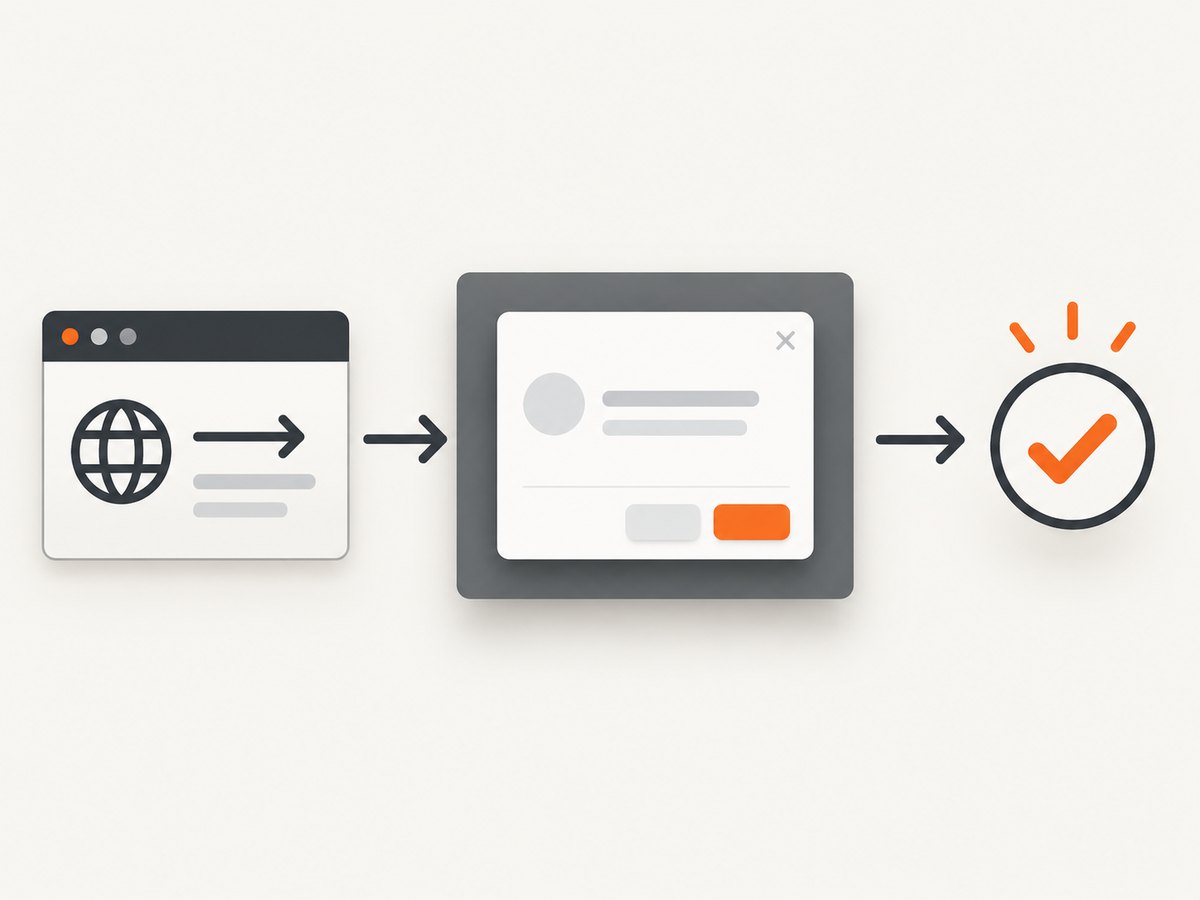
Use Codeception WebDriver for this test. PhpBrowser does not execute JavaScript, while a Bootstrap modal depends on JavaScript and CSS transitions. Open the page, click the modal trigger, wait for the dialog to become visible, assert its content, activate the configured dismissal path, and wait until it is hidden. Treat PhantomJS as a legacy browser: verify that your locked Codeception, driver, and project dependencies still support it before relying on this setup.
Codeception documents that WebDriver checks visible browser state, whereas PhpBrowser checks returned HTML. Bootstrap modal methods also return before their transitions finish, so an immediate assertion can race the animation. Use a condition-driven wait around the visible and hidden states. Codeception acceptance-test documentation, Bootstrap 3.4 modal documentation, and Bootstrap 5 modal documentation describe these behaviors.
1. Choose the browser-backed Codeception module
| Module | Runs JavaScript | What assertions mean | Trade-off |
|---|---|---|---|
| PhpBrowser | No | HTML or response content | Fast and simple, but cannot verify a JavaScript-opened modal |
| WebDriver | Yes | What the browser displays, including visibility | Needs a browser session and driver; normally slower |
For a user-visible modal flow, configure the acceptance suite with WebDriver. The exact keys vary by your installed Codeception version, so use the version-matched WebDriver module documentation and keep the browser driver aligned with the browser binary.
2. Configure Codeception WebDriver
Generate an acceptance suite if you do not already have one:
vendor/bin/codecept generate:suite acceptanceA Selenium-style configuration commonly looks like this. Replace the URL, browser, and driver details with the values supported by your installed Codeception release.
# tests/acceptance.suite.yml
actor: AcceptanceTester
modules:
    enabled:
        - WebDriver:
            url: http://localhost:8000
            browser: phantomjs
            host: 127.0.0.1
            port: 4444
            window_size: 1280x900
            wait: 2
Current Codeception examples focus on Chrome and Firefox. PhantomJS is described by its official project site as a scriptable headless browser, but that page does not establish current maintenance or compatibility with your Codeception version. If the PhantomJS session cannot be created, move the same test to a supported Chrome or Firefox WebDriver session after confirming your project’s dependency constraints.
3. Give the modal stable locators
Use an ID or another semantic, unique selector for the trigger and dialog. Avoid selectors based on generated classes or visual position.
<button id="open-help" type="button" data-toggle="modal" data-target="#help-modal">
  Help
</button>

<div id="help-modal" class="modal fade" tabindex="-1" role="dialog" aria-labelledby="help-title" aria-hidden="true">
  <div class="modal-dialog" role="document">
    <div class="modal-content">
      <div class="modal-header">
        <h2 id="help-title" class="modal-title">Help</h2>
        <button class="close" type="button" data-dismiss="modal" aria-label="Close">×</button>
      </div>
      <div class="modal-body">Choose a topic to continue.</div>
    </div>
  </div>
</div>
When controls share labels with the page behind the dialog, scope them to #help-modal. This prevents a click on a background element that happens to have the same text.
4. Write the acceptance test in PHP
The following Cest exercises the user flow. It waits for a visible dialog after opening and for the dialog to become hidden after closing. The waiter method names can differ between Codeception versions; use the equivalent documented WebDriver waiter for your release.
<?php

class BootstrapModalCest
{
    public function _before(AcceptanceTester $I): void
    {
        $I->amOnPage('/modal-demo');
    }

    public function userCanOpenReadAndCloseTheModal(AcceptanceTester $I): void
    {
        $I->seeElement('#open-help');
        $I->click('#open-help');

        // Wait for the completed open state, not just markup in the DOM.
        $I->waitForElementVisible('#help-modal', 5);
        $I->see('Help', '#help-modal .modal-title');
        $I->see('Choose a topic to continue.', '#help-modal .modal-body');

        $I->click('#help-modal button.close');
        $I->waitForElementNotVisible('#help-modal', 5);
    }
}
If your module exposes only a generic callback waiter, express the same condition with a browser-side visibility check. The important boundary is the observable state: the modal is displayed after opening and no longer displayed after closing.
5. Handle Bootstrap version differences
Bootstrap 3.4
Bootstrap 3 uses the jQuery plugin and attributes such as data-toggle="modal". Programmatic calls look like this:
$('#help-modal').modal('show');
$('#help-modal').modal('hide');
Its lifecycle events are show.bs.modal, shown.bs.modal, hide.bs.modal, hidden.bs.modal, and loaded.bs.modal for remotely loaded content. The documented show method returns before shown.bs.modal, so do not assert synchronously after the call.
Bootstrap 5.0
Bootstrap 5 removes the jQuery requirement and uses the bootstrap.Modal API:
const element = document.querySelector('#help-modal');
const modal = bootstrap.Modal.getOrCreateInstance(element);
modal.show();
modal.hide();
Bootstrap 5 lifecycle events include show.bs.modal, shown.bs.modal, hide.bs.modal, hidden.bs.modal, and hidePrevented.bs.modal. All API methods are asynchronous and start a transition. If a static backdrop or disabled keyboard dismissal blocks a close attempt, test the prevented-dismissal behavior explicitly.
6. Test each dismissal path your product supports
- Close control: click the dialog’s close button and wait for hidden state.
- Backdrop: test it only when the application allows backdrop dismissal. A static backdrop should leave the modal visible.
- Escape: send Escape only when keyboard dismissal is enabled, then wait for the hidden state.
- Form interaction: fill and submit controls inside the modal, and assert the user-visible result. Scope every locator to the modal.
- Focus: if focus placement matters, assert the active element or the resulting keyboard behavior through the browser module available in your Codeception version.
Keep each scenario focused on an outcome. Calling modal.show() from test JavaScript alone does not prove that the trigger, event wiring, backdrop, focus management, and dismissal work together.
7. Wait for conditions instead of sleeping
Bootstrap transitions make fixed delays fragile. A one-second sleep may be too short on a busy runner and unnecessarily slow on a fast one. Prefer a waiter for visible or hidden state, or a lifecycle outcome that your browser driver can observe. Use a fixed pause only while diagnosing a timing issue, then replace it with a condition.
For asynchronous modal content, wait for a unique child element or text that appears after loading. For a close operation, wait for the dialog to be hidden rather than only checking that a CSS class changed. The visible state is what a user experiences and what WebDriver is designed to verify.
8. Troubleshooting
| Symptom | Likely cause | Fix |
|---|---|---|
| Modal text is found but the dialog is not actually open | PhpBrowser or a source-only assertion was used | Run the scenario with WebDriver and use a visibility assertion |
| Assertion fails immediately after clicking | Open transition is still running | Wait for visible state or the shown.bs.modal outcome |
| Close assertion races intermittently | Hide transition or backdrop cleanup is incomplete | Wait for hidden state or hidden.bs.modal |
| Click cannot find the trigger | Wrong page, selector, iframe, or delayed rendering | Verify the URL, wait for the trigger, switch to the correct frame, and use a stable ID |
| Click is intercepted by an overlay | A previous modal, cookie banner, or loading layer remains | Dismiss the overlay, wait for it to disappear, then click the intended control |
| Bootstrap API is undefined | Wrong version-specific snippet or scripts loaded in the wrong order | Check whether the app uses Bootstrap 3 jQuery APIs or Bootstrap 5’s JavaScript API |
| Escape or backdrop does not close the modal | Application configured static backdrop or disabled keyboard behavior | Assert the configured behavior; for Bootstrap 5, handle hidePrevented.bs.modal |
| PhantomJS session will not start | Legacy or incompatible browser/driver combination | Check locked dependencies and driver requirements, or use the Chrome/Firefox WebDriver path documented by Codeception |
| Remote modal content never appears | Network request failed or content is loaded after the initial transition | Wait for a unique content element, inspect browser and server logs, and test the endpoint separately |
9. Reliability, speed, and cost considerations
- Reliability: pin compatible browser, driver, Codeception, and Bootstrap versions. Use deterministic fixtures and stable selectors. Avoid depending on animation duration.
- Speed: keep the acceptance suite for a small set of end-to-end modal paths. Put markup-only checks in faster tests, but do not use them as a replacement for the browser flow.
- Parallel runs: give each worker an isolated browser session and test data. Ensure the application server can handle the number of concurrent sessions.
- Headless execution: PhantomJS may reduce display requirements, but its legacy status can create compatibility work. A supported Chrome or Firefox driver may be the more maintainable choice for new suites.
- Cost: local WebDriver uses your own compute. Remote browser providers can add per-session or usage charges; Codeception’s WebDriver documentation includes a BrowserStack configuration example.

Or skip the browser setup
If your goal is to capture the rendered modal page for a visual record, documentation, or regression artifact, ScreenshotNeo provides a single screenshot request. It accepts consent banners before capture and removes more than 60 known consent platforms, newsletter popups, and chat widgets; each step can be disabled. Bot checks, blank pages, timeouts, failed loads, and cache hits are not billed, and the response identifies the result with X-Page-Verdict and X-Billed headers. It also provides an MCP server for AI agents through take_screenshot, get_page_info, and capture_pdf.
See the ScreenshotNeo API documentation for all options, including waits, custom JavaScript and CSS, element capture, device presets, blocking, authentication, caching, PDFs, bulk capture, and signed links.
curl -G "https://api.screenshotneo.com/v1/shot" -d access_key=YOUR_API_KEY --data-urlencode url=https://example.com/modal-demo -o shot.webpimport requests
r = requests.get("https://api.screenshotneo.com/v1/shot", params={"access_key": "YOUR_API_KEY", "url": "https://example.com/modal-demo"}, timeout=90)
open("shot.webp", "wb").write(r.content)const q = new URLSearchParams({ access_key: 'YOUR_API_KEY', url: 'https://example.com/modal-demo' });
const res = await fetch(`https://api.screenshotneo.com/v1/shot?${q}`);Free usage includes 1,000 screenshots each month with no card, and paid plans start at $5 for 3,000 screenshots. Create a free ScreenshotNeo account.
FAQ
Can PhpBrowser test a Bootstrap modal?
It can inspect returned HTML, but it does not execute the JavaScript that opens and closes the modal. Use WebDriver for the user-visible behavior.
Should I assert Bootstrap’s CSS classes?
Prefer visibility and user-observable content. Classes can support a diagnostic assertion, but a visible or hidden dialog is the stronger acceptance boundary.
Is PhantomJS required because it is in the title?
No. Treat it as a legacy context and verify your project’s exact compatibility. Codeception’s current acceptance examples describe Chrome and Firefox WebDriver sessions.
How long should the wait be?
Choose a timeout that covers the slowest supported test environment, then wait on a condition. Do not encode Bootstrap’s nominal animation duration as the test’s only synchronization.
Can I test a modal opened by a link instead of a button?
Yes. Keep the same flow: activate the real trigger, wait for visible state, assert scoped content, exercise the configured dismissal, and wait for hidden state.


