How to Test Hover Color Changes in Cypress
Test CSS hover colors in Cypress with native browser hover state, computed-style assertions, JavaScript event alternatives, and reliable troubleshooting.

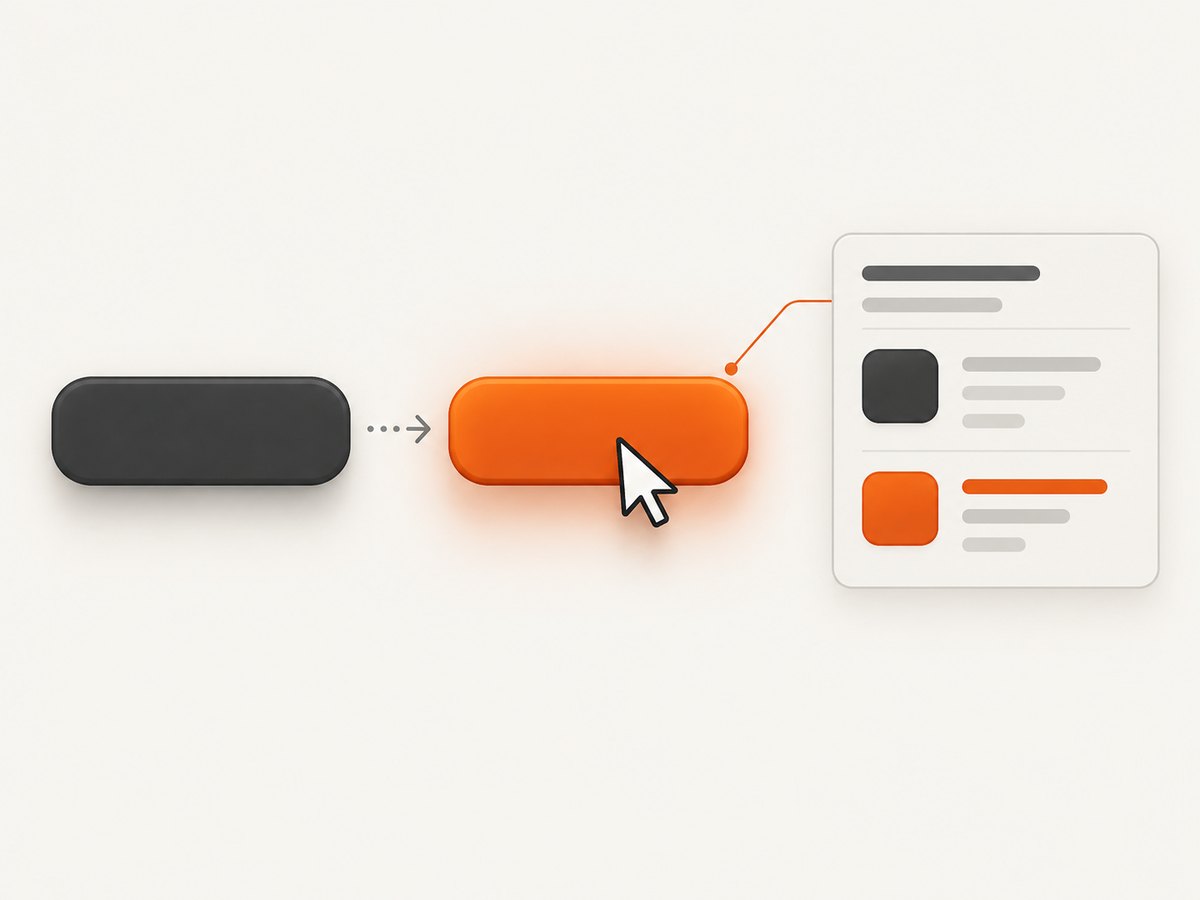
Direct answer: Cypress has no built-in cy.hover() command. For a stylesheet :hover rule, activate the browser’s real hover state, then assert the rendered computed style. A synthetic .trigger('mouseover') only exercises JavaScript event handlers; Cypress documents that it does not activate CSS effects.
This guide shows the complete setup for testing a hover color change, explains when to use native hover versus a JavaScript event, and covers component styles, transitions, debugging, reliability, and common failures.
1. Decide what behavior you are testing
| Behavior | Activation | Assertion |
|---|---|---|
CSS :hover color |
Native/browser hover or a browser-debugger pseudo-class technique | Computed color or background-color |
JavaScript mouseover handler |
.trigger('mouseover') or a real pointer event |
DOM state, class, or event-driven style |
| Content revealed by hover | Application show logic or native hover | Visibility and content, while preserving interaction fidelity |
Cypress’s hover workarounds documentation explicitly warns: “Using .trigger() will only affect events in JavaScript and will not trigger any effects in CSS.”
2. Build a stable example
Give the element a stable selector and keep the design rule in your application stylesheet:
<button data-cy="action" class="action">Save changes</button>

.action {
  color: rgb(32, 41, 56);
  background-color: rgb(255, 255, 255);
  transition: color 120ms ease, background-color 120ms ease;
}

.action:hover {
  color: rgb(255, 0, 0);
  background-color: rgb(245, 248, 255);
}
Use the same global styles and CSS dependencies that the application loads. Cypress component tests render in a browser, but the expected colors cannot appear when the component test setup omits the relevant styles. See Cypress’s component styling guidance.
3. Install and configure native hover events
The commonly used cypress-real-events plugin provides native hover events in Chromium. Install it in the project, then import its commands from your Cypress support file:
npm install --save-dev cypress-real-events// cypress/support/e2e.js (or component.js)
import 'cypress-real-events/support';Confirm that the plugin’s supported browser and your Cypress version match the project’s setup. Native hover is the right choice when the requirement is the browser’s CSS pseudo-class rather than a JavaScript callback.
4. Test a CSS hover color change
describe('hover color', () => {
  it('changes the button color while hovered', () => {
    cy.visit('/settings');

    cy.get('[data-cy="action"]')
      .should('be.visible')
      .realHover();

    cy.get('[data-cy="action"]').should(($el) => {
      const color = getComputedStyle($el[0]).color;
      expect(color).to.equal('rgb(255, 0, 0)');
    });
  });
});
The browser may serialize a color as rgb(...) even when the stylesheet uses a hex value. Compare the computed CSSOM value, or normalize both values before asserting. Replace the example color with the value required by your design.
5. Assert the property that actually changes
Hover designs often change the foreground color, background color, border, outline, or several properties. Assert the property that represents the acceptance criterion:
cy.get('[data-cy="action"]').should(($el) => {
  const styles = getComputedStyle($el[0]);
  expect(styles.color).to.equal('rgb(255, 0, 0)');
  expect(styles.backgroundColor).to.equal('rgb(245, 248, 255)');
  expect(styles.borderColor).to.equal('rgb(0, 90, 200)');
});
Do not assert that realHover() merely completed. The useful assertion is the rendered property after the browser enters the hover state.
6. Test a JavaScript mouseover separately
If your application changes a class or state from a JavaScript listener, .trigger('mouseover') is appropriate:
it('runs the mouseover handler', () => {
  cy.get('[data-cy="action"]')
    .trigger('mouseover', { eventConstructor: 'MouseEvent' })
    .should('have.class', 'is-active');
});
This test does not prove that a CSS :hover selector works. Keep the CSS test and the event-handler test separate so a passing synthetic event cannot hide a broken stylesheet rule.
7. Component-test setup
Mount the component with its production-relevant CSS, reset styles, fonts, and theme providers. A minimal example is:
import Button from './Button.vue';
import '../../../src/styles/global.css';

describe('<Button />', () => {
  it('renders the hover color', () => {
    cy.mount(Button, { props: { label: 'Save' } });
    cy.get('[data-cy="action"]').realHover();
    cy.get('[data-cy="action"]').should(($el) => {
      expect(getComputedStyle($el[0]).color)
        .to.equal('rgb(255, 0, 0)');
    });
  });
});
Adapt the mount call to your framework. The important part is that the browser receives the same style rules and global setup used by the component in the application.
8. Transitions and timing
A CSS transition can make an immediate assertion observe an intermediate color. Prefer a short transition in production and wait for the final computed value with Cypress’s retrying assertion:
cy.get('[data-cy="action"]')
  .realHover()
  .should(($el) => {
    expect(getComputedStyle($el[0]).color)
      .to.equal('rgb(255, 0, 0)');
  });
If the test remains flaky, disable transitions in the test stylesheet or add a test-only class that sets transition: none. Do not use an arbitrary sleep as the primary synchronization mechanism.
9. Browser-debugger pseudo-class technique
Cypress’s recipes also describe using a Chrome Remote Interface connection to set a CSS pseudo-class directly. This is useful when native pointer events are unavailable in your browser setup. Follow the current Cypress recipe for the version-specific connection code, then keep the same computed-style assertion shown above. The technique must set the element’s :hover pseudo-class; dispatching a DOM event alone is not equivalent.
10. Troubleshooting checklist
| Symptom | Cause | Fix |
|---|---|---|
Color never changes after .trigger('mouseover') |
Synthetic events do not activate CSS :hover. |
Use realHover() or the browser-debugger pseudo-class method. |
realHover is not a function |
The plugin is not installed or its support import is missing. | Install cypress-real-events and import cypress-real-events/support in the support file loaded by the test. |
| Expected color is wrong format | CSSOM canonicalizes colors. | Assert the computed rgb(...) value or normalize the expected color. |
| Component test stays at the base color | Global CSS, theme styles, or a CSS module is not loaded. | Load the application’s relevant styles in component support and verify the selector is not scoped differently. |
| Element cannot be hovered | It is covered, detached, outside the viewport, disabled, or not visible. | Make the element visible and interactable, remove overlays in test data, and inspect Cypress’s interactability error. See interacting with elements. |
| Assertion catches an intermediate value | A transition is still running. | Let the retrying assertion wait for the final value or disable transitions in test CSS. |
| Hidden menu assertion passes without a real hover | Forced visibility or direct invocation bypassed interaction. | Use native hover when interaction itself is under test; reserve visibility workarounds for tests of the resulting content. |
11. Reliability and maintenance
- Use
data-cyor another stable test contract instead of classes that exist only for styling. - Assert one user-visible requirement per test: foreground color, background color, or another specified property.
- Keep expected colors centralized when a design token changes across many components.
- Run the test in the browser family that supports the hover technique you selected, and document that choice in the Cypress setup.
- Test keyboard focus separately. Keyboard users do not create a mouse hover state, and accessible controls should expose an equivalent focus style.
12. Or skip the browser setup
If you need screenshots of the hover state for documentation, visual review, or an automated workflow, ScreenshotNeo provides a website screenshot API and MCP server. A request returns PNG, JPEG, WebP, or PDF, and its browser options include custom JavaScript, CSS, selectors, waits, device presets, and full-page capture.

curl -G "https://api.screenshotneo.com/v1/shot" -d access_key=YOUR_API_KEY --data-urlencode url=https://stripe.com -o shot.webpimport requests
r = requests.get("https://api.screenshotneo.com/v1/shot", params={"access_key": "YOUR_API_KEY", "url": "https://stripe.com"}, timeout=90)
open("shot.webp", "wb").write(r.content)const q = new URLSearchParams({ access_key: 'YOUR_API_KEY', url: 'https://stripe.com' });
const res = await fetch(`https://api.screenshotneo.com/v1/shot?${q}`);See the ScreenshotNeo documentation for parameters and response headers. Cookie banners, newsletter popups, and chat widgets are removed before the shot; bot checks, blank pages, timeouts, failed loads, and cache hits are not billed, and each response reports its verdict and billing status. An MCP server lets AI agents take screenshots. The free plan includes 1,000 screenshots a month with no card, and paid plans start at $5 for 3,000 shots.
Create a free ScreenshotNeo account to start with 1,000 screenshots per month and no card.
13. FAQ
Does Cypress have a built-in hover command?
No. Cypress documents workarounds based on native events or browser debugging.
Should I assert color or background-color?
Assert whichever property your design requirement changes. They are independent computed-style properties.
Can I use .invoke('show') for a hover menu?
It can reveal hidden content for a visibility test, but it does not prove that the CSS hover interaction works. Use a real hover when interaction fidelity matters.
Why does the expected hex value fail?
The browser commonly serializes computed colors as rgb(...). Match the computed representation or normalize values before comparison.
Do component tests need application CSS?
Yes. Include global styles and dependencies required for the browser to render the component’s real hover rule.
14. Key takeaways
- Use native/browser hover state for CSS
:hover. - Use
.trigger('mouseover')only for JavaScript event behavior. - Assert the computed property after activation.
- Load representative styles in component tests.
- Account for transitions, interactability, browser support, and serialized color values.


