How to Test Temporary Error Message Bubbles in Cypress
Test Cypress error toasts reliably with retryable assertions, controlled clocks, disappearance checks, troubleshooting, and reusable patterns.
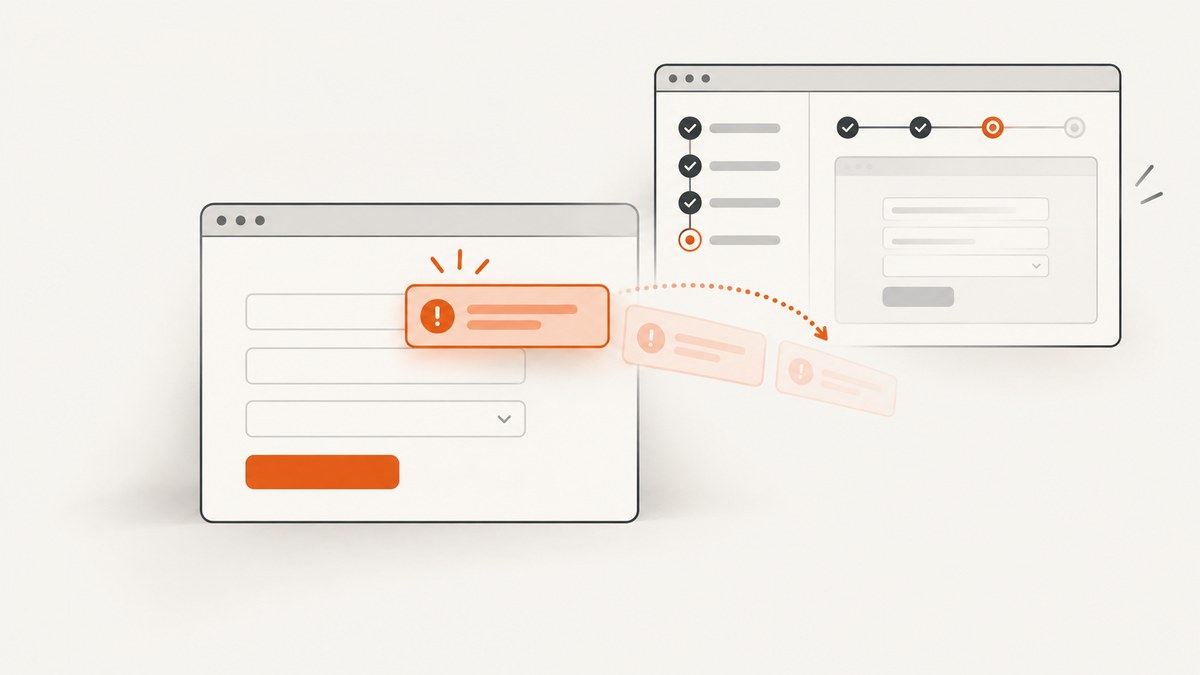
A reliable Cypress test for a temporary error bubble does four things: triggers the failing action, finds the bubble with a stable selector, asserts its visible message, and verifies the dismissal state. Use Cypress’s retryable queries and assertions instead of a fixed sleep. If the bubble disappears because a browser timer fires, control that timer with cy.clock() and cy.tick().
The basic pattern is:
it('shows and dismisses a temporary error message', () => {
  cy.clock()
  cy.visit('/form')

  cy.get('[data-cy="submit"]').click()

  cy.get('[data-cy="error-toast"]')
    .should('be.visible')
    .and('contain', 'Please enter a valid email')

  cy.tick(3000)

  cy.get('[data-cy="error-toast"]').should('not.be.visible')
})
This is an illustrative structure. Replace the route, selectors, message, and delay with the behavior implemented by your application. If your application removes the node instead of hiding it, use not.exist for the final assertion.
1. Give the bubble a testable contract
Before writing a test, decide what “correct” means. A temporary error usually has these states:
- The user performs an action, such as submitting invalid data.
- The error bubble is added to the page or becomes visible.
- The bubble contains the expected user-facing message.
- The bubble is dismissed after a timer, a close action, a route change, or another event.
Use a dedicated attribute such as data-cy="error-toast". Classes used for styling often change during redesigns, and selecting by a long text string can make tests brittle. A unique selector also avoids ambiguity when several notifications exist.
<form data-cy="profile-form">
  <input data-cy="email" name="email" />
  <button data-cy="submit" type="submit">Save</button>
</form>

<div
  data-cy="error-toast"
  role="alert"
  aria-live="assertive"
>
  Please enter a valid email
</div>
The role and live-region attributes improve accessibility, but the test selector should still express the element your test owns. If the component can show multiple errors at once, give each message a distinct attribute or scope the query to the relevant form.
2. Assert appearance with Cypress retryability
Cypress retries linked commands and assertions until they pass or the command timeout expires. That means the test can click a button and immediately ask for a visible bubble; Cypress will wait for asynchronous rendering without a hard-coded delay. Cypress documents this retry behavior and recommends explicit assertions over arbitrary waits in its performance guidance (retry-ability documentation).
it('reports invalid email input', () => {
  cy.visit('/form')
  cy.get('[data-cy="email"]').type('not-an-email')
  cy.get('[data-cy="submit"]').click()

  cy.get('[data-cy="error-toast"]')
    .should('be.visible')
    .and('contain', 'Please enter a valid email')
})
contain checks the user-facing text while allowing surrounding markup. Use have.text when whitespace and the complete string are part of the contract. For a message assembled from multiple elements, assert the meaningful text on the smallest stable container.
Set a timeout for slow, specific behavior
Cypress’s documented default command timeout is four seconds. Keep the default when the bubble should appear quickly, and increase the timeout only for a command that legitimately waits longer:
cy.get('[data-cy="error-toast"]', { timeout: 10000 })
  .should('be.visible')
  .and('contain', 'The service is temporarily unavailable')
A larger timeout cannot fix a selector that never matches. First confirm the action reaches the expected code path and that the selector is present in the rendered DOM.
3. Verify disappearance: hidden versus removed
There are two common dismissal implementations:
| Implementation | Correct assertion | What it proves |
|---|---|---|
| CSS hides the existing node | should('not.be.visible') |
The bubble is no longer visible to the user. |
| Framework removes the node | should('not.exist') |
No matching bubble remains in the DOM. |
// CSS hiding, for example display:none, visibility:hidden, or opacity:0
cy.get('[data-cy="error-toast"]').should('not.be.visible')

// DOM removal
cy.get('[data-cy="error-toast"]').should('not.exist')
Cypress’s visibility assertions account for properties such as zero size, display, visibility, content-visibility, and opacity. In Cypress 16, the modern visibility algorithm is the default; the legacy strategy is deprecated (assertion documentation). Express the state a user should observe rather than checking an internal CSS class.
For collections, be.visible passes when at least one matched element is visible, while not.be.visible requires every matched element to be invisible. Prefer a selector that identifies one bubble. If multiple notifications are intentional, assert them as a collection or select the message by an explicit identifier.
4. Control timeout-driven dismissal with cy.clock()
When the component calls setTimeout to dismiss itself, install the Cypress clock before the application schedules that timer. Then advance virtual time with cy.tick(). Cypress says its clock controls Date, setTimeout, clearTimeout, setInterval, and clearInterval (clock documentation).
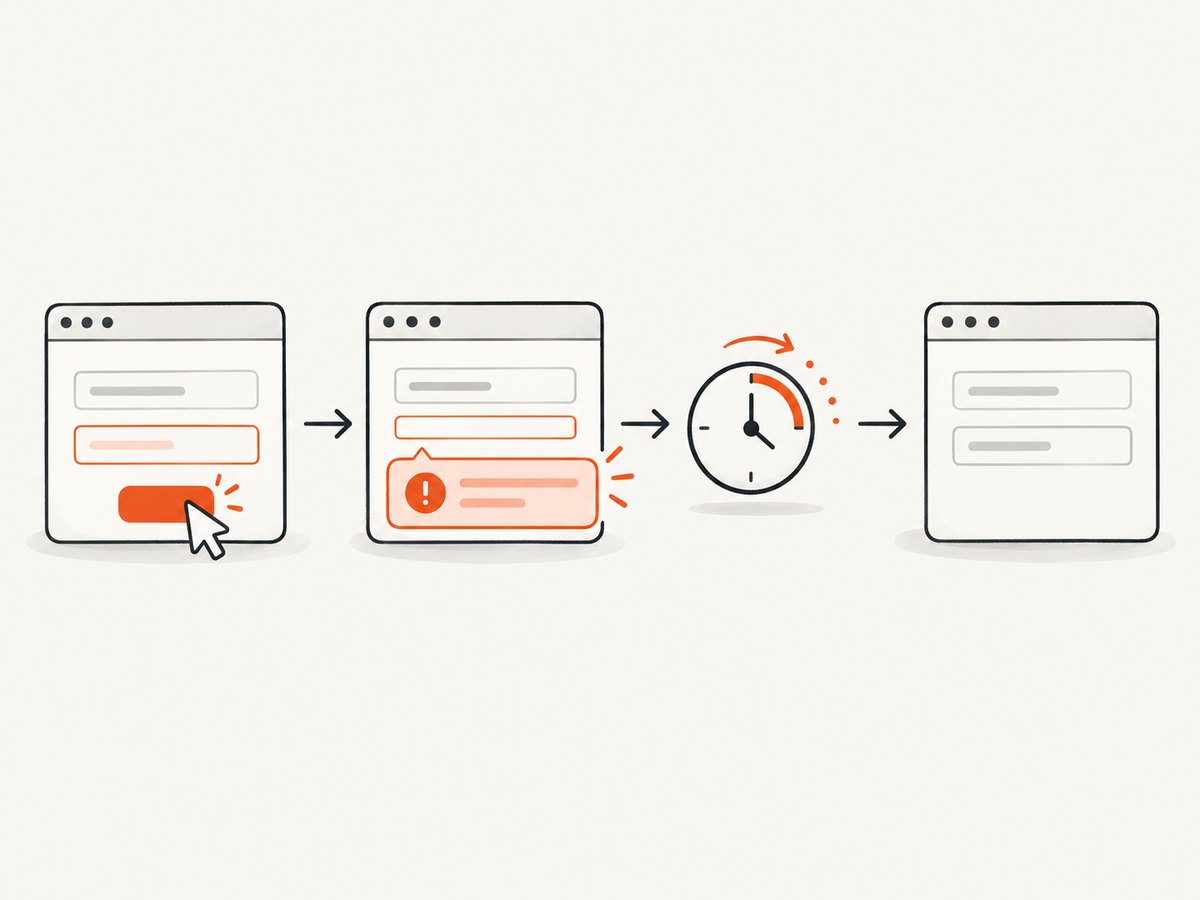
it('dismisses the error after three seconds', () => {
  cy.clock()
  cy.visit('/form')

  cy.get('[data-cy="submit"]').click()
  cy.get('[data-cy="error-toast"]')
    .should('be.visible')
    .and('contain', 'Please enter a valid email')

  cy.tick(2999)
  cy.get('[data-cy="error-toast"]').should('be.visible')

  cy.tick(1)
  cy.get('[data-cy="error-toast"]').should('not.be.visible')
})
The boundary check documents the intended duration. It also catches accidental changes from three seconds to a shorter interval. If the implementation uses a CSS animation rather than a JavaScript timer, clock control may not advance the visual transition. In that case, assert the final state using the application’s observable behavior, or configure the component for a zero-duration transition in the test environment.
Install the clock at the right time
Call cy.clock() before cy.visit() when the timer can be scheduled during page startup. If you install it after the visit, the initial timer may already be running on the real clock. If only the action schedules the timer, installing it immediately before the action is also sufficient.
it('controls a timer scheduled after submission', () => {
  cy.visit('/form')
  cy.clock()

  cy.get('[data-cy="submit"]').click()
  cy.get('[data-cy="error-toast"]').should('be.visible')
  cy.tick(3000)
  cy.get('[data-cy="error-toast"]').should('not.exist')
})
5. Handle other dismissal mechanisms
Close button
If the user dismisses the error manually, test the close control directly and assert the resulting state:
cy.get('[data-cy="error-toast"]').should('be.visible')
cy.get('[data-cy="error-toast-close"]').click()
cy.get('[data-cy="error-toast"]').should('not.exist')
Network response
When an error bubble appears after an API response, synchronize on the request rather than guessing a render delay:
cy.intercept('POST', '/api/profile').as('saveProfile')
cy.get('[data-cy="submit"]').click()
cy.wait('@saveProfile').its('response.statusCode').should('eq', 422)
cy.get('[data-cy="error-toast"]').should('be.visible')
The request alias confirms that the server response arrived. The following assertion still retries until the UI renders the message.
Route change or component unmount
If navigation removes the bubble, assert the route transition or the destination element first, then assert that the old bubble is absent. Do not use a fixed wait to approximate the navigation time.
6. A complete reusable Cypress example
describe('temporary form errors', () => {
  beforeEach(() => {
    cy.clock()
    cy.visit('/form')
  })

  it('shows the expected message and hides it at the timeout', () => {
    cy.get('[data-cy="email"]').type('bad')
    cy.get('[data-cy="submit"]').click()

    cy.get('[data-cy="error-toast"]')
      .should('be.visible')
      .and('contain', 'Please enter a valid email')

    cy.tick(2999)
    cy.get('[data-cy="error-toast"]').should('be.visible')

    cy.tick(1)
    cy.get('[data-cy="error-toast"]').should('not.be.visible')
  })

  it('does not match an unrelated notification', () => {
    cy.get('[data-cy="email"]').type('bad')
    cy.get('[data-cy="submit"]').click()

    cy.get('[data-cy="error-toast"]')
      .should('have.length', 1)
      .and('contain', 'Please enter a valid email')
  })
})
This test keeps the trigger, content, visibility, and dismissal checks separate. When it fails, the failing assertion points to the state that changed.
7. Common failures and fixes
| Symptom | Likely cause | Fix |
|---|---|---|
| Timed out waiting for the bubble | The action did not trigger validation, or the selector is wrong. | Confirm the form state, inspect the DOM, and add a dedicated data-cy attribute. |
| Message is found but not visible | The node exists in a hidden template or a previous notification remains. | Use a unique selector and assert the visible state after the trigger. |
not.exist fails after dismissal |
The component hides the node instead of removing it. | Use not.be.visible. |
not.be.visible fails |
At least one matched element remains visible. | Ensure the selector matches one bubble, or assert each intended notification explicitly. |
cy.tick() has no effect |
The timer was scheduled before the clock was installed, or dismissal uses CSS or another scheduler. | Call cy.clock() earlier, or synchronize with the actual mechanism. |
| Text assertion is flaky | The message is split across nodes or changes during localization. | Assert a stable container and use the locale-specific expected message. |
| Test hangs after adding a clock | Application polling or intervals also use the mocked clock. | Advance the required intervals with cy.tick(), or install the clock with only the APIs your test needs. |
8. Avoid cy.wait(number)
A statement such as cy.wait(3000) does not prove that the bubble appeared or disappeared. It slows fast runs and can still be too short on a busy run. Cypress’s official performance guidance gives the practical rule: “If you find yourself reaching for cy.wait(number), the right fix is almost always to add an explicit assertion that Cypress can retry.” See Cypress best practices.
Use a retryable assertion for real time, an aliased network request for server synchronization, or a controlled clock for deterministic timer behavior. Choose the mechanism that matches the component’s implementation.
9. Performance, reliability, and maintenance
- Keep selectors stable: dedicated test attributes reduce failures caused by visual redesigns.
- Scope queries: start with a form or notification region when several components can emit errors.
- Use focused timeouts: changing one command is safer than increasing the global timeout for every test.
- Control only deterministic timers: use
cy.clock()for JavaScript timers, not as a substitute for waiting on network or CSS behavior. - Assert the contract: check user-visible text and state, not private component variables.
- Keep tests independent: visit a clean route and reset any mocked clock or network intercept between tests.
Real-time retry tests are closest to user behavior, while clock-controlled tests are faster and exact at timer boundaries. Many teams use both: one integration test for the real interaction and one focused timer test for the precise dismissal rule.
10. Capture the result for debugging or documentation
When a failure needs a visual artifact, capture the page after the trigger or at the dismissal boundary. A screenshot can show whether the bubble is clipped, behind another layer, or visually hidden even when the DOM assertion looks correct.
Or skip the browser setup
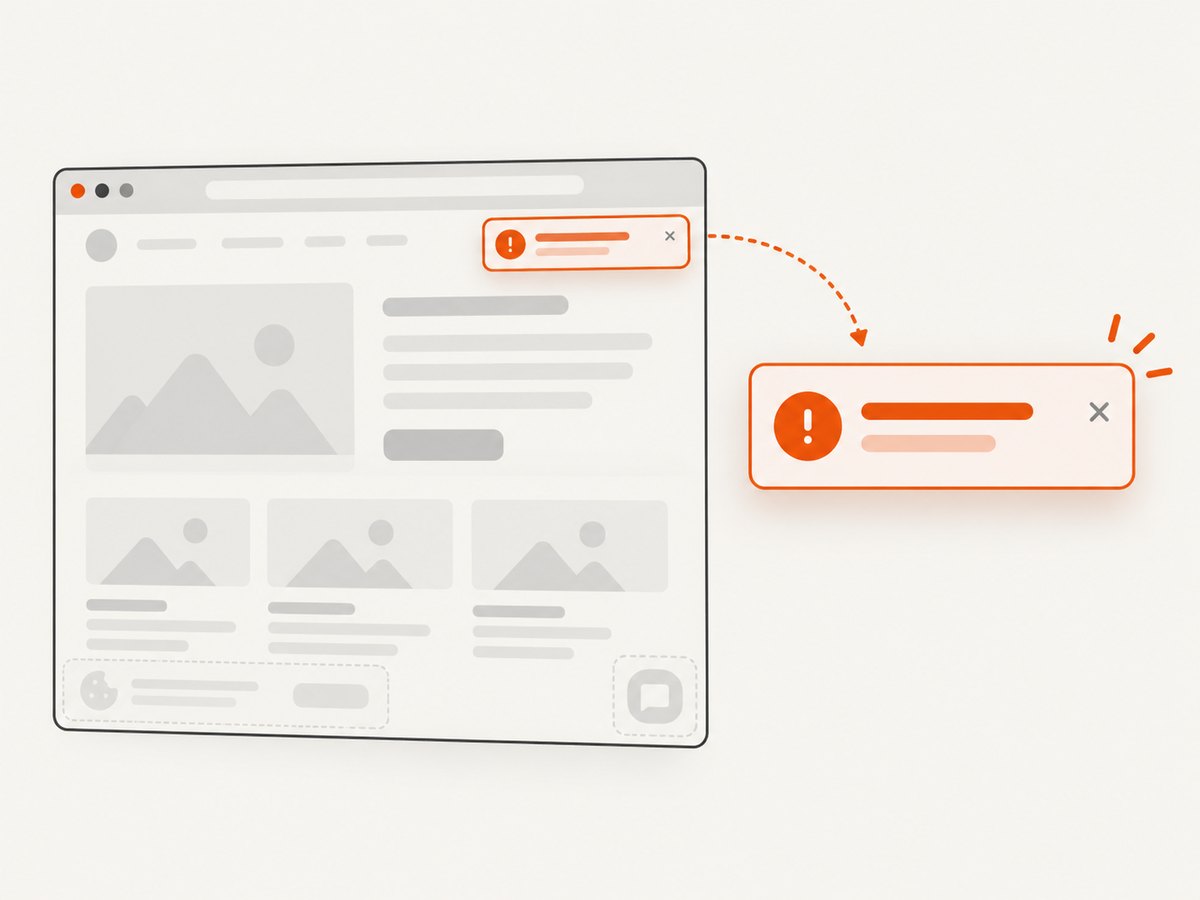
ScreenshotNeo can capture a page with one request. Its clean-shot flow accepts cookie and consent banners like a visitor, then removes more than 60 known consent platforms, newsletter popups, and chat widgets before capture; each step can be turned off. Bot checks and CAPTCHAs, blank pages, timeouts, failed loads, and cache hits are not billed, and the response identifies the result with X-Page-Verdict and X-Billed headers. An MCP server provides take_screenshot, get_page_info, and capture_pdf tools for Claude, Cursor, and other MCP clients.
Read the full option list in the ScreenshotNeo documentation. The same endpoint supports full-page capture, element selectors, dark mode, device presets, custom viewports, retina scale, custom CSS and JavaScript, clicks, waits, blocked resources, headers, cookies, user agents, timezone, geolocation, transparent backgrounds, resizing, caching, signed links, asynchronous jobs, bulk capture, PDFs, HTML/CSS rendering, and a usage API.
curl -G "https://api.screenshotneo.com/v1/shot" -d access_key=YOUR_API_KEY --data-urlencode url=https://stripe.com -o shot.webpimport requests
r = requests.get("https://api.screenshotneo.com/v1/shot", params={"access_key": "YOUR_API_KEY", "url": "https://stripe.com"}, timeout=90)
open("shot.webp", "wb").write(r.content)const q = new URLSearchParams({ access_key: 'YOUR_API_KEY', url: 'https://stripe.com' });
const res = await fetch(`https://api.screenshotneo.com/v1/shot?${q}`);There are 1,000 screenshots per month on the free plan with no card. Paid plans start at $5 for 3,000 shots, and every feature is available on every plan. Create a free ScreenshotNeo account and use the capture when you need a shareable visual record of a Cypress state.
11. FAQ
Should I assert the exact error text?
Assert the exact text when copy is part of the product contract. Otherwise, assert a stable key phrase or error code and keep localization-specific checks in the appropriate locale tests.
Can I use cy.clock() with animations?
It controls JavaScript timers. CSS transitions and animations may need a separate test configuration or an assertion on their final observable state.
What if the toast appears and disappears before Cypress sees it?
Use a stable component that remains mounted until observed, increase only the relevant timeout, or control its timer. A test cannot reliably assert an element that the application removes before any query can match it.
Is not.be.visible enough for accessibility?
It verifies visual state. Keep separate accessibility checks for focus management, live-region announcements, and keyboard behavior when those are requirements.
How do I test several errors in sequence?
Give each message a unique selector or stable identifier, assert the first message, trigger the next state, and verify the intended ordering and dismissal independently.


