How to Test URL Clicks with Karma, Mocha, and Headless Chrome
Test link destinations and click behavior in Karma with Mocha and ChromeHeadless, while keeping real navigation in dedicated browser-flow tests.
To test a URL click in Karma, separate three behaviors: the anchor’s resolved destination, the click handler’s in-page work, and a real assignment to window.location.href. The first two belong in fast browser unit tests. A real navigation changes the document and should be covered by a dedicated browser-flow test or by routing navigation through a replaceable dependency.
Karma runs the browser test harness, Mocha provides describe/it structure, and Chai supplies assertions. ChromeHeadless launches Chrome without a visible window. Google’s integration tutorial demonstrates this combination, while the current launcher and Chrome documentation should be used for present package, binary, and flag details: Chrome Headless mode, karma-chrome-launcher, and Google’s Karma/Mocha/Chai example.
What each kind of URL test proves
| Test | Proves | Does it navigate? | Use it for |
|---|---|---|---|
Read anchor.href |
The browser-resolved destination | No | Link configuration and URL resolution |
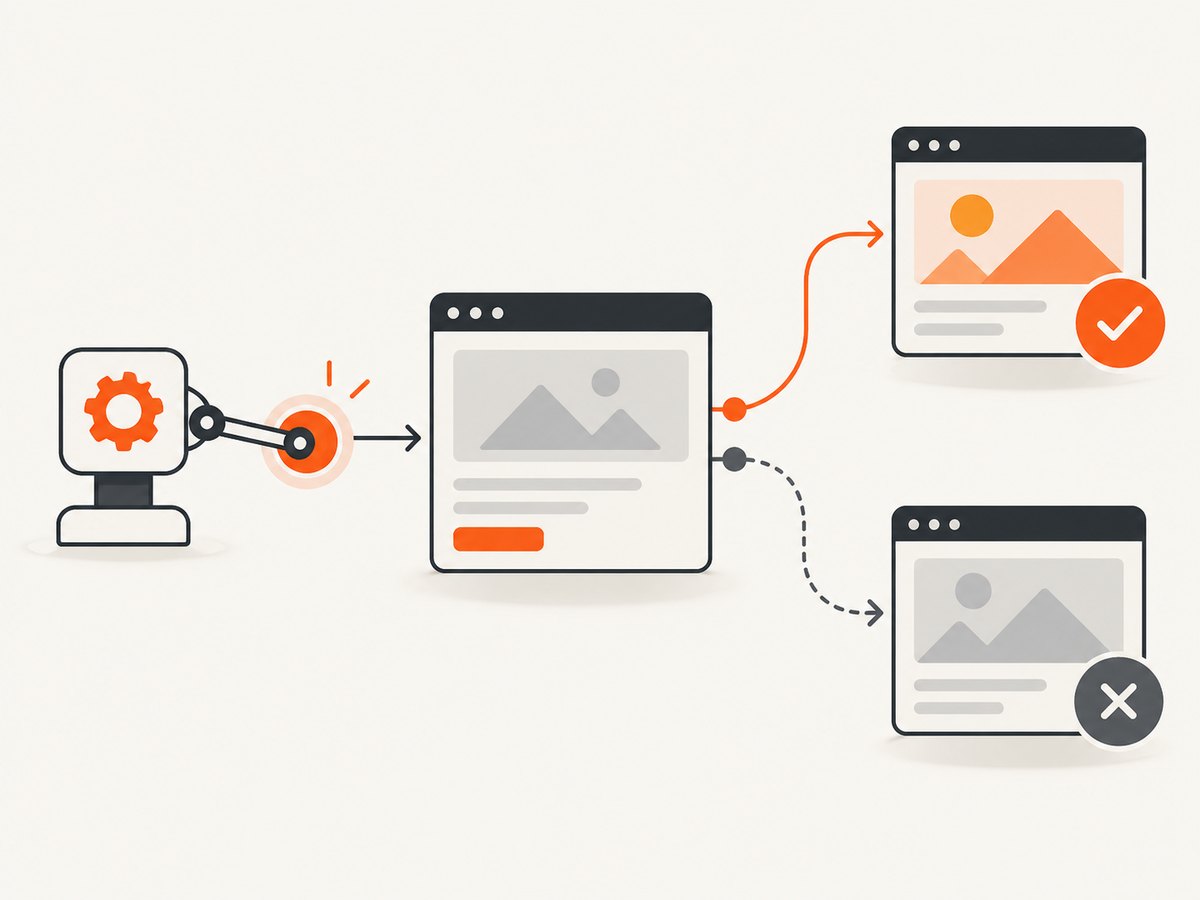
| Dispatch a click with default prevented | Handler behavior, analytics, state changes, or selected target | No | Component and browser unit tests |
Assign window.location.href or follow a link normally |
Actual document transition and destination | Yes | Dedicated end-to-end or browser-flow tests |
An href attribute creates a hyperlink, and the DOM property’s value is normally an absolute, resolved URL. By contrast, assigning Location.href navigates the associated document. See MDN’s Location.href reference. Treat that assignment as a side effect, not as an ordinary property update.
Set up Karma, Mocha, Chai, and ChromeHeadless
Install the test dependencies
npm install --save-dev karma karma-chrome-launcher karma-mocha karma-chai mocha chaiThe package names above match the historical Google tutorial. Check the current package documentation and your lockfile before upgrading because the tutorial was last updated in 2017 and browser tooling changes over time.
Create a Karma configuration
// karma.conf.js
module.exports = function (config) {
  config.set({
    basePath: '',
    frameworks: ['mocha', 'chai'],
    files: [
      'src/**/*.js',
      'test/**/*.spec.js'
    ],
    reporters: ['progress'],
    browsers: ['ChromeHeadless'],
    singleRun: true,
    autoWatch: false,
    client: {
      clearContext: false
    }
  });
};
ChromeHeadless is supplied by karma-chrome-launcher. If Chrome is not discoverable, point the launcher at an installed binary with CHROME_BIN. The launcher README also documents using Puppeteer’s Chromium:
CHROME_BIN=$(node -e "process.stdout.write(require('puppeteer').executablePath())") \
  npx karma start --single-run --browsers ChromeHeadless karma.conf.js
In CI, install a supported Chrome or Chromium and make the binary path explicit. The launcher README describes a historical minimum of Chrome 59 for headless mode; that is not a recommendation to run an obsolete browser.
Add an npm script
{
  "scripts": {
    "test:browser": "karma start --single-run --browsers ChromeHeadless karma.conf.js"
  }
}
Run it with npm run test:browser. If your environment needs sandbox flags, use the smallest change required by the container and document it in CI configuration. Do not copy old flags blindly: unified Headless mode changed in Chrome 112, and from Chrome 132 the old implementation is distributed separately as chrome-headless-shell.
Test an anchor’s resolved destination
This test checks what the browser believes the link points to. It does not click and therefore cannot accidentally leave Karma’s runner page.
// test/link-destination.spec.js
describe('account link', function () {
  it('resolves the expected URL', function () {
    var link = document.createElement('a');
    link.href = '/account/settings?from=nav';
    document.body.appendChild(link);

    expect(link.href).to.equal(
      window.location.origin + '/account/settings?from=nav'
    );

    link.remove();
  });
});
Use an absolute URL when the contract requires a particular origin. For relative links, assert the resolved value rather than the raw attribute; resolution depends on the document base URL. If your application sets a <base> element, include that in the fixture because it changes resolution.
Test click-handler behavior without redirecting Karma
A browser’s default action for an anchor can navigate. Prevent that default action in the test when the behavior under test is the handler itself.
// test/click-handler.spec.js
describe('download link controller', function () {
  it('records the target and prevents default navigation', function () {
    var link = document.createElement('a');
    link.href = '/reports/latest.csv';
    link.textContent = 'Download';
    document.body.appendChild(link);

    var observedHref = null;
    var clicked = false;

    link.addEventListener('click', function (event) {
      event.preventDefault();
      clicked = true;
      observedHref = event.currentTarget.href;
    });

    link.click();

    expect(clicked).to.equal(true);
    expect(observedHref).to.equal(
      window.location.origin + '/reports/latest.csv'
    );
    expect(window.location.pathname).to.not.equal('/reports/latest.csv');

    link.remove();
  });
});
This pattern verifies the handler and its selected destination while keeping the test document alive. If your production handler calls preventDefault(), test that branch explicitly. If it does not, use a test double around the navigation boundary instead of relying on timing.
Test code that assigns window.location.href
Direct assignment has a browser side effect:
function goToBilling() {
  window.location.href = '/billing';
}
Calling goToBilling() in an ordinary Karma test can navigate away from the runner. A practical unit-test boundary is a tiny navigation module that production code uses and tests can replace.
// src/navigation.js
export function navigate(url) {
  window.location.href = url;
}

// src/billing.js
import { navigate } from './navigation.js';

export function openBilling() {
  navigate('/billing');
}
With native ES modules, your Karma preprocessor must support them. If your project uses a bundler, import the module through that bundler’s normal test path. The test can then stub the navigation function using the mocking facility supplied by your build and test stack. The essential assertion is the requested URL, not a real browser transition.
// Pseudocode: adapt the stub API to your module system.
describe('openBilling', function () {
  it('requests the billing URL', function () {
    var requested = null;
    var fakeNavigate = function (url) { requested = url; };

    // Inject or substitute fakeNavigate in the module under test.
    createBillingController(fakeNavigate).openBilling();

    expect(requested).to.equal('/billing');
  });
});
If replacing the dependency is impossible, move this check to a browser-flow test that expects a document transition. Do not try to overwrite the browser’s location object with a plain object; browser implementations may make it non-configurable, and such a replacement no longer tests real navigation semantics.
Testing a real navigation deliberately
- Start the application or serve the test fixture from a stable origin.
- Open the page in a browser automation test, separate from Karma’s unit suite.
- Click the link or invoke the navigation action.
- Wait for the next document or URL change.
- Assert the destination, status, and any page-level condition.
Karma’s client.runInParent option controls whether tests run in the original window instead of an iframe or new window. The Karma configuration reference notes that some tests require a new window. This setting does not neutralize a genuine location navigation, so it is not a substitute for isolating that side effect.
Common failures and fixes
| Symptom | Likely cause | Fix |
|---|---|---|
ChromeHeadless is not captured |
Chrome is missing or not discoverable | Install Chrome/Chromium or set CHROME_BIN; print the path in CI diagnostics. |
| Tests leave the runner page | A click followed its default action or code assigned location.href |
Prevent default for handler tests, or inject a navigation dependency. |
| Relative URL assertion fails | The document origin or <base> differs |
Assert the browser-resolved absolute URL and configure the fixture base explicitly. |
| Works locally, fails in CI | Different Chrome version, sandbox, viewport, or binary | Pin the CI browser image, set CHROME_BIN, and log browser versions. |
| Old headless flags are rejected | Chrome’s unified Headless implementation changed | Remove obsolete flags and consult current Chrome Headless documentation. |
| Click test is flaky | Assertions run before an asynchronous handler finishes | Return a promise or use Mocha’s done callback; wait for the handler’s observable result. |
| Popup or new tab is not observed | The test assumes same-window navigation | Use an automation test that can inspect new windows, or refactor the opener behind a testable adapter. |
Reliability, performance, and cost considerations
- Keep unit tests deterministic. Inspecting
hrefand stubbing navigation avoids network timing, DNS, redirects, and external-site availability. - Use real navigation sparingly. Browser-flow tests prove more, but they are slower and need controlled fixtures.
- Make URL contracts explicit. Assert origin, path, query, hash, and encoding when each matters. Avoid comparing only a substring.
- Control browser versions. Headless behavior and flags are version-sensitive. Record the Chrome version used by local and CI runs.
- Separate external links. A unit test should verify the generated URL. A small number of end-to-end tests can verify redirects or third-party integration.
Or skip the browser setup
If your goal is to capture the destination pages generated by click tests, ScreenshotNeo provides a website screenshot API and MCP server. After your test has produced a URL, one request returns PNG, JPEG, WebP, or PDF. See the ScreenshotNeo API documentation.
curl -G "https://api.screenshotneo.com/v1/shot" -d access_key=YOUR_API_KEY --data-urlencode url=https://stripe.com -o shot.webpimport requests
r = requests.get("https://api.screenshotneo.com/v1/shot", params={"access_key": "YOUR_API_KEY", "url": "https://stripe.com"}, timeout=90)
open("shot.webp", "wb").write(r.content)const q = new URLSearchParams({ access_key: 'YOUR_API_KEY', url: 'https://stripe.com' });
const res = await fetch(`https://api.screenshotneo.com/v1/shot?${q}`);Cookie and consent banners, newsletter popups, and chat widgets are removed before the shot. Bot checks, blank pages, failed loads, timeouts, and cache hits are not billed, and response headers identify the page verdict and billing result. An MCP server provides take_screenshot, get_page_info, and capture_pdf tools for Claude, Cursor, and other MCP clients. The Free plan includes 1,000 screenshots each month with no card; paid plans start at $5 for 3,000 shots. Create a free ScreenshotNeo account.
Frequently asked questions
Should I assert the raw href attribute or the href property?
Use the property when you need the browser-resolved URL. Use getAttribute('href') only when the exact authored string is the contract.
Can I stop a redirect by changing Karma’s window settings?
No. Window and iframe settings affect the browsing context, but assigning Location.href still requests navigation. Prevent the default action or replace the navigation dependency.
Is ChromeHeadless the same as the old headless shell?
Not necessarily. Chrome’s unified Headless mode runs the regular Chrome browser without visible UI. The older implementation is separately distributed as chrome-headless-shell starting with Chrome 132.
Should URL click tests hit the production site?
Usually no. Verify URL construction and handler behavior locally, then reserve real navigation checks for controlled browser-flow tests.
Where can I find current Karma browser configuration details?
Use the Karma configuration reference and the launcher README alongside your installed versions.


