How to Take a Screenshot When a TestNG Assertion Fails
Capture the browser state when TestNG assertions fail with a reliable Selenium listener, durable artifacts, parallel-safe drivers, and CI troubleshooting.
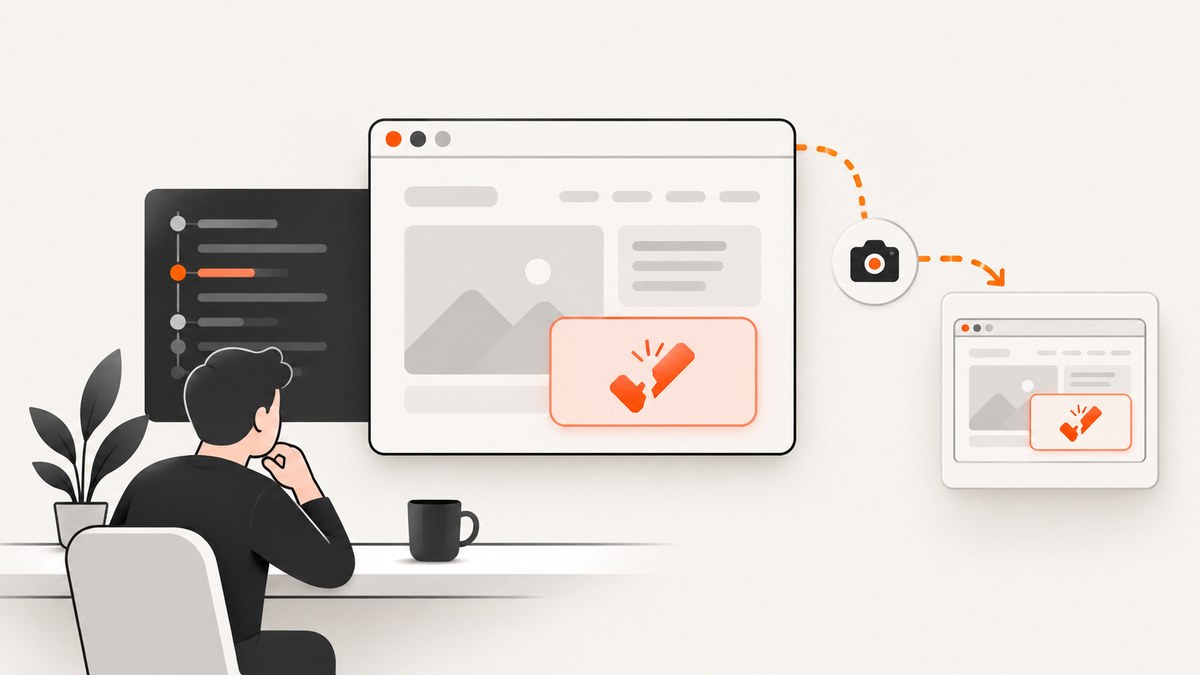
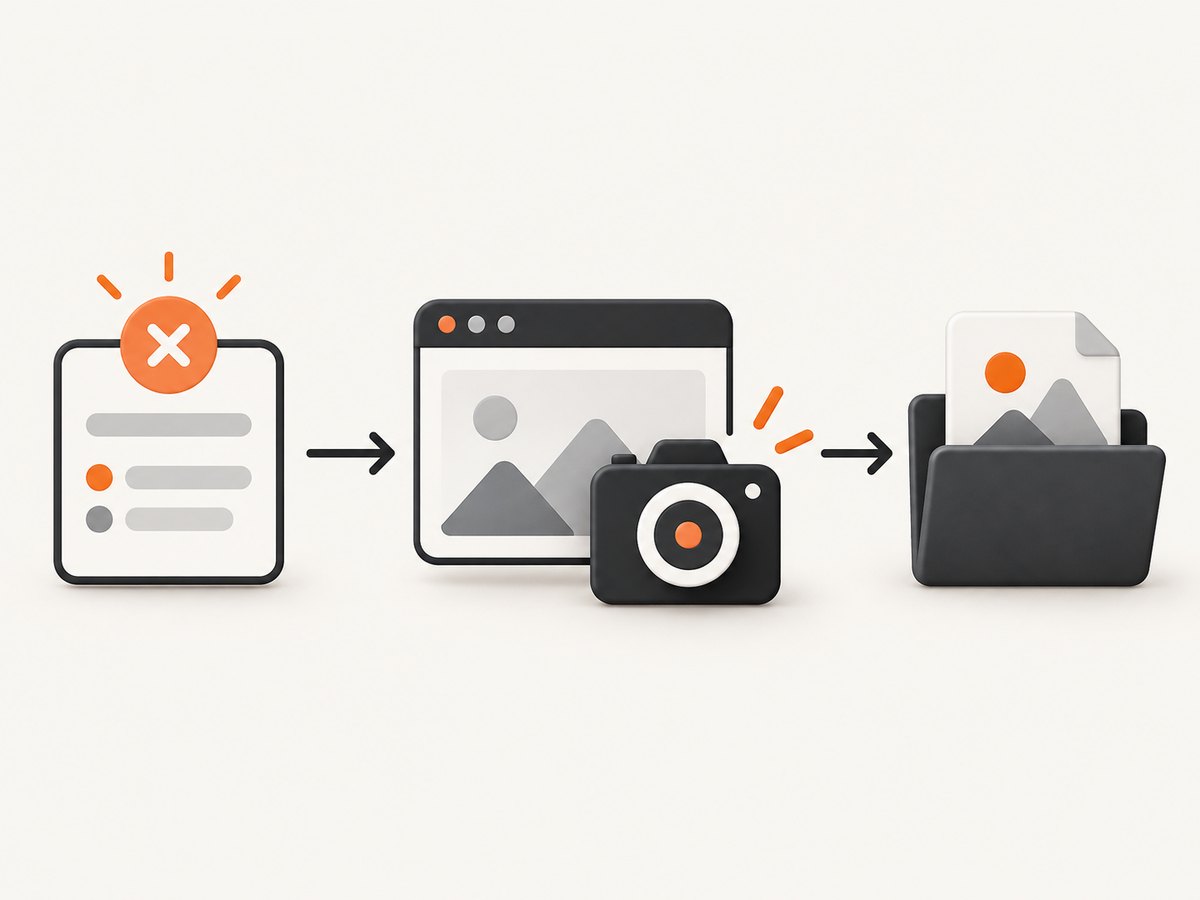
When a TestNG assertion fails, the browser usually contains the evidence you need: the wrong page, a missing element, an unexpected value, or a server error. The most reliable way to preserve that evidence is an org.testng.ITestListener implementation that overrides onTestFailure(ITestResult). In the callback, obtain the WebDriver belonging to the failed test, cast it to Selenium’s TakesScreenshot, call getScreenshotAs(OutputType.FILE), and copy the temporary file into a durable artifacts directory.
This guide builds that solution in Java, explains listener registration, parallel execution, retries, CI retention, common failures, and alternatives. TestNG documents listeners as real-time callbacks for test lifecycle events, and its API describes onTestFailure as being invoked each time a test fails (TestNG listeners, TestNG documentation, ITestListener API).
1. Implement a failure listener
The listener below handles the important production details: it creates the output directory, generates a collision-resistant filename, copies Selenium’s temporary file, and catches capture errors without hiding the original assertion failure.
package com.example.listeners;

import java.io.File;
import java.io.IOException;
import java.nio.file.Files;
import java.nio.file.Path;
import java.nio.file.StandardCopyOption;
import java.time.Instant;

import org.openqa.selenium.OutputType;
import org.openqa.selenium.TakesScreenshot;
import org.openqa.selenium.WebDriver;
import org.testng.ITestListener;
import org.testng.ITestResult;

public final class ScreenshotOnFailureListener implements ITestListener {
  @Override
  public void onTestFailure(ITestResult result) {
    Object instance = result.getInstance();
    if (!(instance instanceof HasDriver)) {
      System.err.println("No HasDriver implementation for " + result.getName());
      return;
    }

    WebDriver driver = ((HasDriver) instance).getDriver();
    if (!(driver instanceof TakesScreenshot)) {
      System.err.println("Driver does not support screenshots: "
          + driver.getClass().getName());
      return;
    }

    String className = safePart(result.getTestClass().getName());
    String methodName = safePart(result.getMethod().getMethodName());
    String fileName = className + "-" + methodName + "-"
        + Instant.now().toEpochMilli() + ".png";
    Path destination = Path.of("test-artifacts", "screenshots", fileName);

    try {
      Files.createDirectories(destination.getParent());
      File temporary = ((TakesScreenshot) driver)
          .getScreenshotAs(OutputType.FILE);
      Files.copy(temporary.toPath(), destination,
          StandardCopyOption.REPLACE_EXISTING);
      System.out.println("Saved failure screenshot: " + destination);
    } catch (IOException | RuntimeException captureError) {
      // Preserve the assertion failure as the primary test failure.
      System.err.println("Could not save failure screenshot: "
          + captureError.getMessage());
    }
  }

  private static String safePart(String value) {
    return value.replaceAll("[^a-zA-Z0-9._-]", "_");
  }
}
Define the driver contract used by the listener:
package com.example.listeners;

import org.openqa.selenium.WebDriver;

public interface HasDriver {
  WebDriver getDriver();
}
OutputType.FILE returns a temporary file. Selenium’s API defines getScreenshotAs as capturing a screenshot into the requested target type, while the output type documentation explains that temporary files are deleted when the JVM exits. Copy the file immediately (TakesScreenshot API, OutputType API).
2. Attach the driver to your test
Your test class can implement HasDriver and expose its driver. Capture must happen before teardown quits the browser.
import static org.testng.Assert.assertEquals;

import org.openqa.selenium.WebDriver;
import org.openqa.selenium.chrome.ChromeDriver;
import org.testng.annotations.AfterMethod;
import org.testng.annotations.BeforeMethod;
import org.testng.annotations.Listeners;
import org.testng.annotations.Test;

@Listeners(ScreenshotOnFailureListener.class)
public class CheckoutTest implements HasDriver {
  private WebDriver driver;

  @BeforeMethod
  public void setUp() {
    driver = new ChromeDriver();
  }

  @Test
  public void displaysTheOrderTotal() {
    driver.get("https://example.test/checkout");
    assertEquals(driver.findElement(By.id("total")).getText(), "$99.00");
  }

  @AfterMethod(alwaysRun = true)
  public void tearDown() {
    if (driver != null) {
      driver.quit();
    }
  }

  @Override
  public WebDriver getDriver() {
    return driver;
  }
}
Import org.openqa.selenium.By in the complete test. The assertion can throw an AssertionError; TestNG marks the method failed and invokes onTestFailure. Do not move the screenshot code into an @AfterMethod that runs after quit().
3. Register the listener suite-wide
Use the annotation for a small number of classes. For a whole suite, register the listener in testng.xml:
<!DOCTYPE suite SYSTEM "https://testng.org/testng-1.0.dtd">
<suite name="UI suite" parallel="methods" thread-count="4">
  <listeners>
    <listener class-name="com.example.listeners.ScreenshotOnFailureListener"/>
  </listeners>
  <test name="browser tests">
    <classes>
      <class name="com.example.CheckoutTest"/>
    </classes>
  </test>
</suite>
TestNG’s listener documentation describes this callback model as real-time notifications for tests that start, pass, fail, or skip. A suite-level registration prevents individual test authors from forgetting the annotation.
4. Make parallel execution safe
A single mutable static driver is unsafe when TestNG runs methods or classes concurrently. One test can overwrite the driver reference while another test is taking its screenshot. Prefer an instance-owned driver when TestNG creates one test instance per execution, or bind drivers to the current thread.
public final class DriverStore {
  private static final ThreadLocal<WebDriver> CURRENT = new ThreadLocal<>();

  public static void set(WebDriver driver) {
    CURRENT.set(driver);
  }

  public static WebDriver get() {
    return CURRENT.get();
  }

  public static void clear() {
    CURRENT.remove();
  }
}
Set the driver in @BeforeMethod, return DriverStore.get() from getDriver(), and clear it after quitting. Include the thread, parameter values, retry number, or a UUID in filenames when the same method can fail more than once.
5. Choose the payload and destination
| Choice | Use it when | Trade-off |
|---|---|---|
OutputType.FILE |
Saving local or CI artifacts | Copy immediately before JVM cleanup |
OutputType.BYTES |
Uploading to a report service or object storage | You must manage the upload and naming |
OutputType.BASE64 |
Embedding in systems that accept Base64 | Larger text payload and encoding overhead |
| Local directory | Debugging on a workstation | Files disappear unless CI publishes them |
| CI artifact or report attachment | Team review after a build | Requires CI retention configuration |
Selenium’s official Java example also copies the temporary screenshot before quitting the driver (Selenium screenshot example). Configure your CI system to publish test-artifacts/screenshots even when the test job fails.
6. Capture more useful evidence
- Use readable names. Sanitize class, method, browser, parameter, and retry values so they cannot create path separators.
- Capture before teardown. If an
@AfterMethodcloses the driver first, the callback may receive a dead session. - Keep capture best-effort. Catch
WebDriverException,UnsupportedOperationException, and I/O errors; never replace the assertion stack trace. - Record metadata. Save the test name, URL, browser, viewport, timestamp, and exception message next to the image or in your report.
- Handle retries deliberately. Use one file per attempt for flaky-test analysis, or overwrite a stable name when only the final attempt matters.
- Consider full-page needs. A normal WebDriver screenshot is commonly the current window or visible frame. Full-page support depends on the driver and browser.
The Selenium API describes screenshot capture as best-effort for non-W3C drivers and permits WebDriverException or UnsupportedOperationException when the implementation cannot capture (TakesScreenshot limitations).
7. Alternative: an @AfterMethod hook
An @AfterMethod can inspect ITestResult and capture only when result.getStatus() == ITestResult.FAILURE. This is convenient when a base test already owns setup and teardown, but ordering is critical: take the screenshot before calling driver.quit(). The listener is generally easier to apply across multiple suites because TestNG exposes failure as a dedicated callback.
8. Troubleshooting common errors
| Symptom | Likely cause | Fix |
|---|---|---|
| No image is created | Listener was not registered | Add @Listeners or the <listeners> entry in suite XML. |
ClassCastException |
Driver does not implement TakesScreenshot |
Check the driver implementation and guard with instanceof. |
Session ID is null |
Teardown quit the browser first | Move capture before quit() and use alwaysRun=true for cleanup. |
| Wrong test’s screenshot | Static shared driver under parallel execution | Use an instance driver or ThreadLocal binding. |
| Only the last retry remains | Deterministic filename overwrites files | Add timestamp, retry, parameter, or UUID components. |
| Copy fails with “No such file” | Destination directory does not exist | Call Files.createDirectories(destination.getParent()). |
| Screenshot failure hides assertion details | Capture exception escaped the callback | Catch capture and copy exceptions and log them separately. |
| Image is blank or incomplete | Page had not finished rendering | Wait for a stable selector or page state before the assertion; inspect the URL and browser logs. |
| Works locally, fails in CI | Headless display, permissions, or artifact retention issue | Check browser startup logs, write to a workspace path, and publish the artifact directory. |
9. Performance, reliability, and cost
A screenshot adds file I/O and the browser’s capture work only on failures, so successful tests do not pay that cost. Keep the listener synchronous when you need the artifact before the test process exits. If screenshots are large or failures are frequent, capture bytes and enqueue an upload, but make sure the process waits for uploads before termination.
Limit retention in CI to the period your team needs, and avoid taking multiple identical screenshots from nested listeners. For parallel suites, use separate filenames and ensure the artifact collector can handle concurrent writes. Treat a missing screenshot as diagnostic information, not as a reason to mark the original assertion differently.
10. Or skip the browser setup
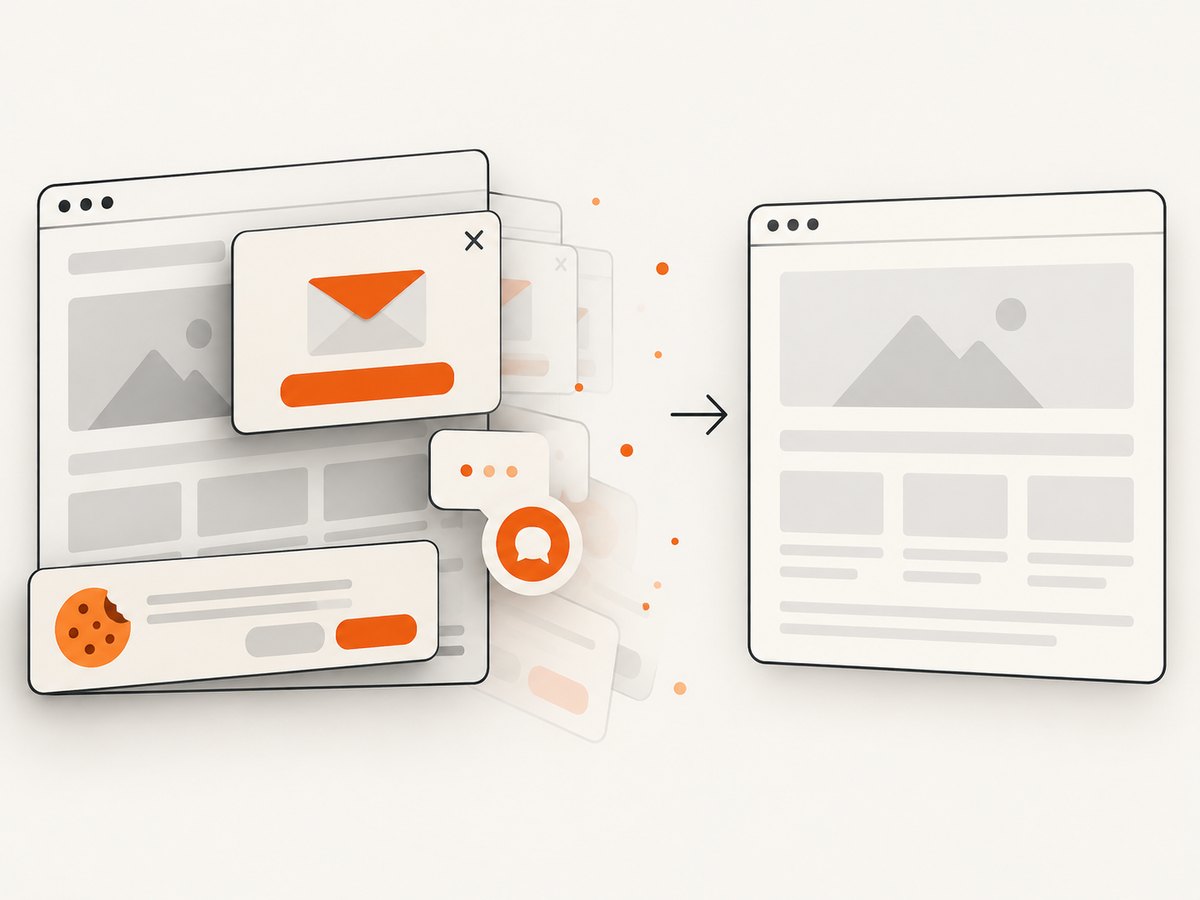
If your goal is a clean screenshot of a URL rather than a screenshot tied to a live Selenium assertion, ScreenshotNeo provides a single HTTP request. It accepts cookie and consent banners as a visitor and removes more than 60 known consent platforms, newsletter popups, and chat widgets before capture. Bot checks, CAPTCHAs, blank pages, timeouts, failed loads, and cache hits are not billed; response headers identify the page verdict and whether it was billed. It also offers an MCP server with take_screenshot, get_page_info, and capture_pdf for Claude, Cursor, and other MCP clients.
See the ScreenshotNeo API documentation for all options, including full-page capture, selectors, device presets, dark mode, custom CSS and JavaScript, waits, request blocking, headers, cookies, geolocation, resizing, caching, signed links, asynchronous jobs, bulk capture, and usage reporting.
cURL
curl -G "https://api.screenshotneo.com/v1/shot" -d access_key=YOUR_API_KEY --data-urlencode url=https://stripe.com -o shot.webpPython
import requests
r = requests.get("https://api.screenshotneo.com/v1/shot", params={"access_key": "YOUR_API_KEY", "url": "https://stripe.com"}, timeout=90)
open("shot.webp", "wb").write(r.content)
Node.js
const q = new URLSearchParams({ access_key: 'YOUR_API_KEY', url: 'https://stripe.com' });
const res = await fetch(`https://api.screenshotneo.com/v1/shot?${q}`);
The Free plan includes 1,000 screenshots per month with no card. Starter is $5 for 3,000; Growth is $15 for 15,000; Pro is $39 for 60,000; Scale is $99 for 250,000; and Business is $249 for 1,000,000. Yearly billing gives two months free, and every feature is available on every plan. Create a free ScreenshotNeo account and start with 1,000 screenshots a month without a card.
11. FAQ
Does an assertion failure always trigger onTestFailure?
TestNG marks a failed test method and invokes the callback. Confirm that the failure occurs in a TestNG test method and that the listener is registered.
Can I take a screenshot for skipped tests?
Use onTestSkipped if you need evidence for skips. The failure callback itself is only for failed tests.
Should I use a file, bytes, or Base64?
Use a file for ordinary CI artifacts, bytes for direct uploads, and Base64 only when the receiving report system requires it.
Why is my screenshot only the visible viewport?
Screenshot dimensions and full-page behavior depend on the browser driver. Use a full-page-capable driver feature or a service that supports full-page capture when the complete document is required.
Can the listener make a failed test pass?
No. The listener should only preserve evidence. Keep capture errors isolated so the original assertion remains the reported failure.


