How to Thank New Followers with Personalized Image Cards
Create thoughtful thank-you cards for new followers with personalized copy, reusable templates, platform-ready exports, and an optional automated workflow.
Use a simple branded template, personalize one meaningful detail, and deliver the card where the follower is comfortable receiving it. A good thank-you image names the person when appropriate, explains why their presence matters, and ends with one easy question or invitation. Keep the graphic short and readable; put extra context in the caption, direct message, or email.
This guide covers the complete process: choosing a delivery method, writing copy, building a reusable design, generating cards in batches, exporting for social platforms or print, handling privacy, and troubleshooting common production problems. It also includes a small Python workflow for creating personalized PNG cards and a way to preview HTML-based cards with ScreenshotNeo.
1. Decide where and how to thank the follower
The recipient and delivery channel determine how personal the card should be. Make this decision before opening a design tool.
| Situation | Best delivery | Personalization guidance |
|---|---|---|
| You want to thank a group publicly | Feed post or carousel | Use a general message or first names only with permission. |
| You want to recognize one person publicly | Story or single feed card | Use their public handle and avoid private details. |
| The follower may prefer privacy | Direct message | Ask before sharing their name, photo, or handle publicly. |
| The relationship is customer-based | DM, email, or printed card | Use information they supplied for that relationship, not unrelated profile data. |
If you are unsure, use a private message first. A public thank-you should match what the person has already made public and what they reasonably expect you to share.
2. Write copy that feels personal without becoming crowded
Start with one specific message. The strongest structure is:
- Recognition: “Thanks for following, Maya!”
- Reason: “I’m glad you joined this project’s community.”
- Low-friction prompt: “What would you like to see next?”
Adobe’s engagement playbook recommends making a connection by complimenting someone, thanking them, or asking how they discovered the account. Use that principle in your own words rather than filling the image with a paragraph.
Copy examples
- “Thanks for following, Maya! What would you like to see next?”
- “Welcome, @example. I’m glad you’re here—tell me how you found this page.”
- “Thanks for joining us, Jordan. Your support helps this project grow.”
Keep the detailed explanation in the caption or DM. The card should normally contain one headline and one short supporting line. Test the wording with the person’s name at its longest expected length; a design that works for “Li” may fail for “Alexandria.”
3. Build a reusable master design
Create one master rather than redesigning every card. A reusable file should have editable fields for the name or handle, supporting line, avatar or approved photo, accent color, and optional date.
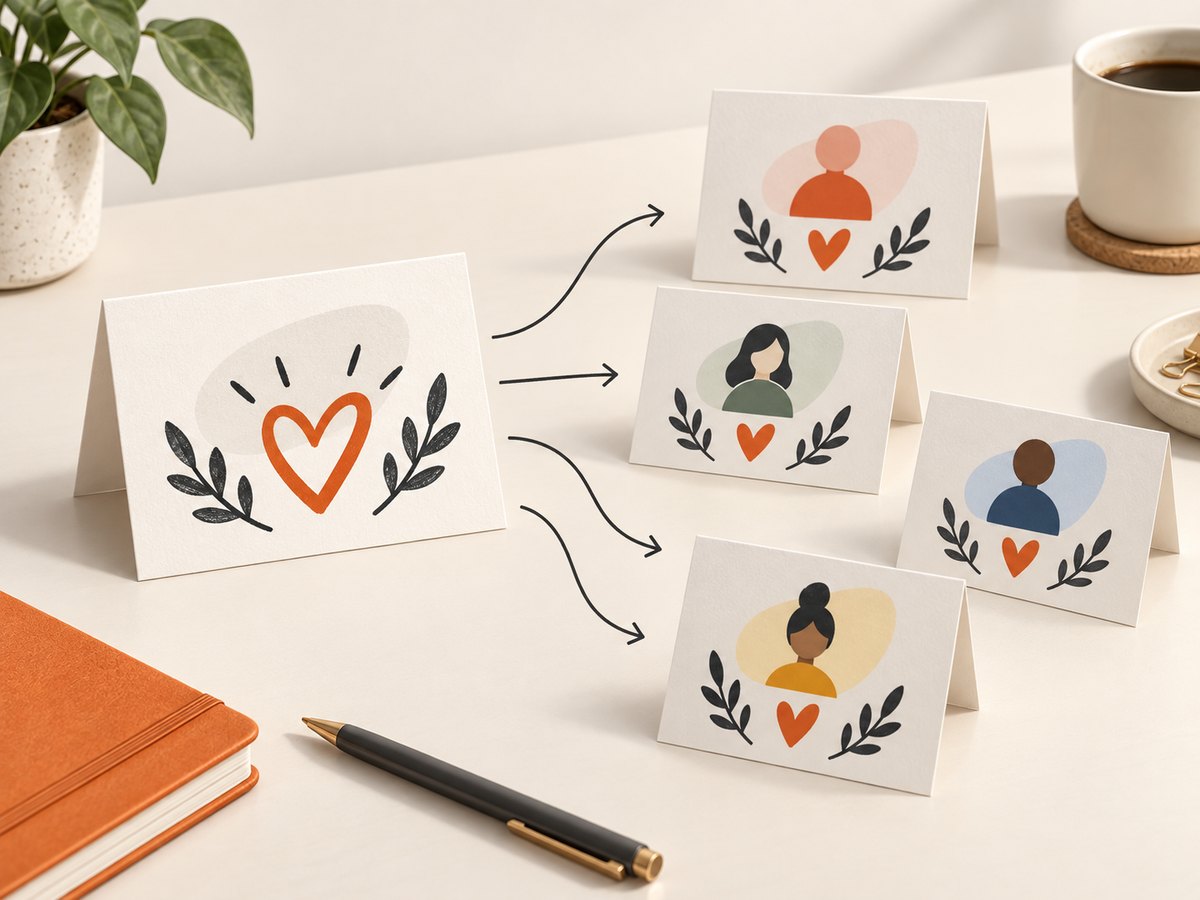
Design checklist
- Use one focal point, such as a portrait, illustration, or large typographic name.
- Keep the headline short and make its hierarchy obvious.
- Choose a readable font and sufficient contrast between text and background.
- Leave generous margins so platform cropping does not cut off names.
- Preview at phone size before publishing.
- Keep colors, fonts, and logo treatment consistent with your existing brand.
Adobe Express and Canva both document editable thank-you templates, photo uploads, brand fonts and colors, resizing, and PNG, JPG, or PDF export. Either is suitable for a manual workflow: duplicate the master, replace the approved fields, preview, and export.
4. Personalize safely
Personalization does not require collecting more information than you need. A public handle or first name is usually enough. Do not place an email address, location, order number, or other private detail on a public card. If an avatar is relevant, use one the follower has made public or supplied for this purpose.
For a DM, you can be warmer and more specific because the audience is limited. For a public story, keep the wording neutral and ask permission if the recognition could surprise the person. Store the source data securely and delete temporary exports when the campaign is finished.
5. Export the right file for each channel
| Use | Recommended export | Checks before publishing |
|---|---|---|
| Feed post or story | PNG or JPG | Readability on a phone, safe margins, correct crop. |
| Carousel or batch of cards | PNG or JPG per card | Same dimensions, naming order, consistent colors. |
| Private message | PNG or JPG | Recipient name and handle are correct. |
| Printable follow-up | Paper size, margins, and print preview. |
Adobe Express and Canva document PNG, JPG, and PDF downloads. Canva also documents direct social sharing and home or ordered printing, while Adobe documents resizing for other social networks and print ordering in its supported desktop experiences. Export a clean master before making platform-specific copies.
6. Generate personalized cards with Python
For a handful of followers, manual duplication is fastest. For a recurring campaign, a small script can place names into the same design reliably. The example below uses Pillow, a common Python imaging library, and creates one PNG per row in a CSV file.
Install the dependency
python -m pip install pillowPrepare followers.csv
name,handle
Maya,@maya_example
Jordan,@jordan_example
Create make_cards.py
from csv import DictReader
from pathlib import Path
from PIL import Image, ImageDraw, ImageFont

WIDTH, HEIGHT = 1080, 1350
BACKGROUND = (247, 243, 235)
INK = (35, 35, 35)
ACCENT = (236, 112, 78)

# Replace these paths with fonts available on your machine.
FONT_REGULAR = "/usr/share/fonts/truetype/dejavu/DejaVuSans.ttf"
FONT_BOLD = "/usr/share/fonts/truetype/dejavu/DejaVuSans-Bold.ttf"

out_dir = Path("cards")
out_dir.mkdir(exist_ok=True)

headline_font = ImageFont.truetype(FONT_BOLD, 72)
body_font = ImageFont.truetype(FONT_REGULAR, 38)
small_font = ImageFont.truetype(FONT_REGULAR, 30)

for row in DictReader(open("followers.csv", newline="", encoding="utf-8")):
    name = row["name"].strip()
    handle = row["handle"].strip()
    if not name or not handle:
        continue

    image = Image.new("RGB", (WIDTH, HEIGHT), BACKGROUND)
    draw = ImageDraw.Draw(image)
    draw.rounded_rectangle((70, 70, WIDTH - 70, HEIGHT - 70), radius=36, fill=(255, 255, 255))
    draw.ellipse((780, 90, 990, 300), fill=ACCENT)

    draw.text((120, 190), "THANK YOU", font=small_font, fill=ACCENT)
    draw.text((120, 290), f"{name}!", font=headline_font, fill=INK)
    draw.multiline_text(
        (120, 430),
        "Thanks for following.\nWhat would you like to see next?",
        font=body_font,
        fill=INK,
        spacing=18,
    )
    draw.text((120, 1120), handle, font=small_font, fill=(90, 90, 90))

    safe_name = "".join(c for c in name.lower() if c.isalnum() or c in " _-").strip().replace(" ", "-")
    image.save(out_dir / f"thank-you-{safe_name or 'follower'}.png", optimize=True)
Run it
python make_cards.pyBefore using the output, inspect every card. A script can apply the template consistently, but it cannot decide whether a person agreed to public recognition, whether a handle is current, or whether a name contains unusual punctuation. Add a manual approval step before publishing.
7. Reuse one design across platforms
Keep a source file with editable layers and a neutral safe area. Duplicate it for each destination, then resize and adjust line breaks instead of stretching the original. Adobe documents resizing and duplication for other social networks; Canva describes reusing Instagram designs across Facebook, YouTube, WhatsApp, and X/Twitter.
- Save the master with a version number and date.
- Duplicate it for the target channel.
- Replace the name, handle, and approved image.
- Check contrast and text at phone size.
- Export PNG or JPG for social publishing.
- Put longer context in the caption or message.
For print, create a PDF version with the required paper size and margins. Keep a separate print file so changes to social dimensions do not alter the printable layout.
8. Preview a card rendered in HTML
If your design is generated as HTML and CSS, render it in a real browser before publishing. Browser rendering catches font loading, overflow, and responsive layout problems that a static image editor may hide. A minimal local page can contain placeholders such as {{name}}; your application replaces them with approved values before capture.
Use a stable viewport, wait for fonts and images, and capture the card element rather than the entire page. Save the source HTML and the final image together so a later correction is reproducible.
9. Or skip the browser setup
ScreenshotNeo is a website screenshot API and MCP server. It can render a URL as PNG, JPEG, WebP, or PDF, including a single element selected by CSS. Before capture it accepts cookie or consent banners and removes more than 60 known consent platforms, newsletter popups, and chat widgets; each step can be turned off. Bot checks or CAPTCHAs, blank pages, timeouts, failed loads, and cache hits are not billed, and the response identifies the result with X-Page-Verdict and X-Billed headers.
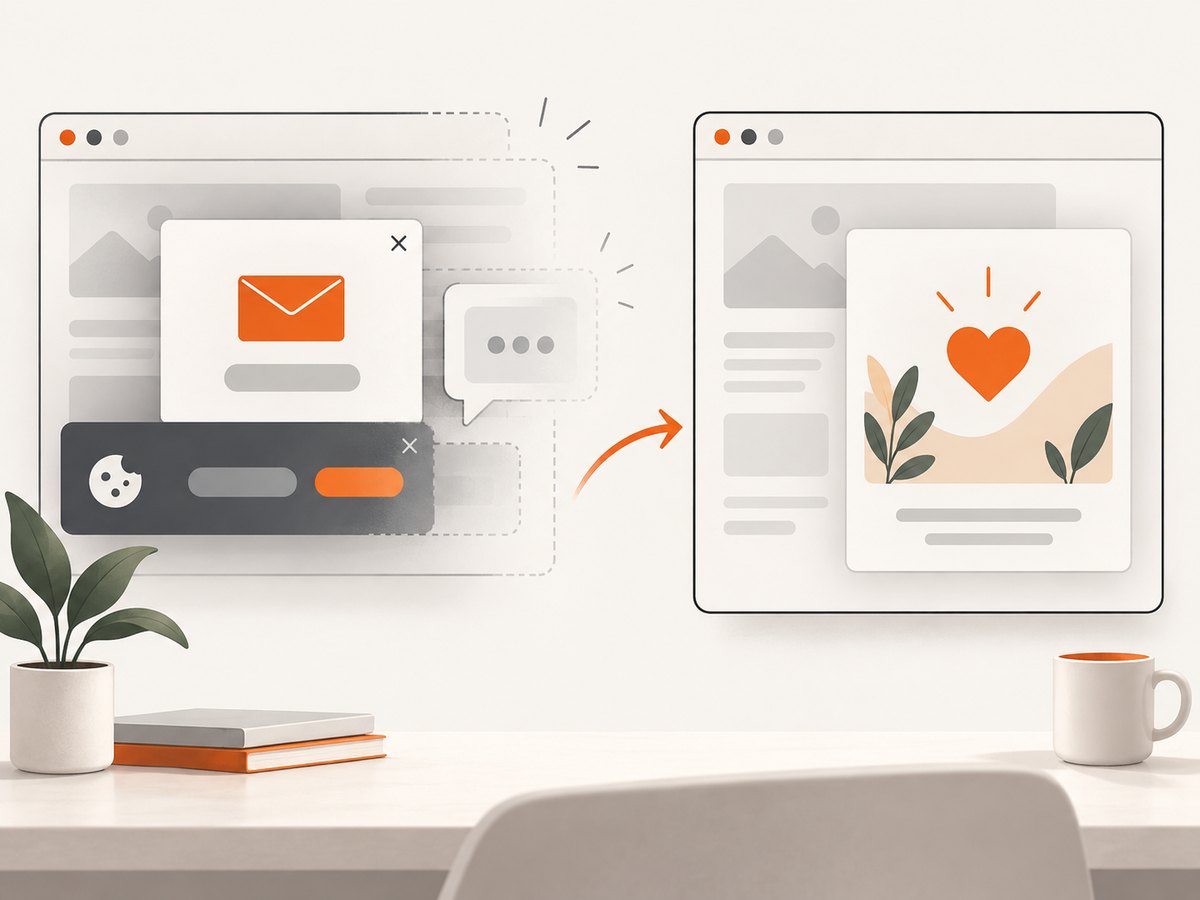
See the ScreenshotNeo API documentation for all options. The one-call examples below use the supplied API endpoint and can target your rendered card URL.
cURL
curl -G "https://api.screenshotneo.com/v1/shot" -d access_key=YOUR_API_KEY --data-urlencode url=https://stripe.com -o shot.webpPython
import requests
r = requests.get("https://api.screenshotneo.com/v1/shot", params={"access_key": "YOUR_API_KEY", "url": "https://stripe.com"}, timeout=90)
open("shot.webp", "wb").write(r.content)
Node.js
const q = new URLSearchParams({ access_key: 'YOUR_API_KEY', url: 'https://stripe.com' }); const res = await fetch(`https://api.screenshotneo.com/v1/shot?${q}`);For cards, useful options include a CSS selector for the card element, custom CSS, JavaScript, a wait for a selector or delay, network-idle waiting, a chosen viewport or device preset, retina scale, transparent background, image resizing, and caching with a TTL you choose. You can also supply custom fonts or authenticated content with headers, cookies, a user agent, or an Authorization value. Bulk capture supports up to 100 URLs per call, while asynchronous jobs support signed webhooks.
An MCP server exposes take_screenshot, get_page_info, and capture_pdf to Claude, Cursor, and other MCP clients. That lets an AI agent render a batch after you approve the source data. ScreenshotNeo has 1,000 shots per month free with no card; paid plans start at $5 for 3,000 shots, and every feature is available on every plan. Create a free ScreenshotNeo account.
10. Troubleshooting
| Problem | Likely cause | Fix |
|---|---|---|
| Name is cut off | Fixed-width text or a long name. | Measure text, reduce font size within a limit, or wrap to two lines. |
| Handle is unreadable | Low contrast or small type. | Use a darker color, larger font, and phone preview. |
| Emoji or accents disappear | The selected font lacks those glyphs. | Use a font with the required character coverage and verify the export. |
| Cards have different dimensions | Templates were resized by stretching. | Duplicate the master and use a platform-specific canvas size. |
| Private detail appears publicly | Source data was copied without a permission check. | Remove it, use a public handle or first name, and route uncertain cases to DM. |
| HTML capture shows a blank card | Fonts, images, or JavaScript had not finished loading. | Wait for a selector, delay, or network idle; confirm the URL is reachable. |
| Screenshot contains a popup or chat bubble | The page changed after the template was built. | Hide the selector, add custom CSS, or enable ScreenshotNeo’s consent and widget cleanup. |
| Capture is billed unexpectedly | The page produced a clean result. | Check X-Page-Verdict and X-Billed; failed loads, bot checks, blank pages, timeouts, and cache hits are not billed. |
11. Performance, reliability, and cost
For manual work, the bottleneck is review, not export. Batch the mechanical steps—duplicate, replace fields, export—then review each recipient and image. For scripted or API work, reuse a template URL, cache unchanged assets, and use bulk capture when many approved cards share the same layout. A chosen cache TTL can reduce repeated rendering for identical previews.
Use explicit waits for dynamic fonts and images. Network-idle waiting is useful when the page makes several requests, but a selector wait is often more predictable when you control the template. Keep a record of the source URL, recipient identifier, template version, and output filename so you can regenerate a card without guessing which design was used.
ScreenshotNeo’s billing model charges only clean shots. Bot checks or CAPTCHAs, blank pages, timeouts, failed loads, and cache hits cost nothing, and each response reports the verdict and billing status. The Free plan includes 1,000 shots per month without a card; Starter is $5 for 3,000, Growth $15 for 15,000, Pro $39 for 60,000, Scale $99 for 250,000, and Business $249 for 1,000,000. Yearly billing gives two months free.
12. Quality-control checklist
- The recipient agreed to the chosen public or private delivery method.
- The name and handle are spelled correctly.
- The card contains one clear message and one optional prompt.
- Text is readable on a phone and has strong contrast.
- The image has safe margins and the correct channel dimensions.
- The export format is PNG or JPG for social use, or PDF for print.
- The caption or DM carries details that would clutter the graphic.
- The final file was opened and inspected before publishing.
Frequently asked questions
Should I use a follower’s full name?
Usually use the public handle or first name. Use a full name only when the person has made it appropriate and you have a clear reason.
Is a thank-you card better as a post or a DM?
Use a post when public recognition is expected and welcome. Use a DM when privacy is uncertain or the message includes personal context.
What should go in the caption?
Put the longer story, context, links, or follow-up question in the caption. Keep the image focused on recognition.
Can I print the same design?
Yes. Export a PDF, confirm paper size and margins, and inspect a print preview before ordering or printing at home.
How many cards should I make at once?
Make a small batch you can review carefully. For larger approved batches, a CSV-driven script or ScreenshotNeo bulk capture can reduce repetitive work while preserving a manual approval step.
A personalized card succeeds when it respects the recipient, communicates one clear thought, and is easy to read wherever it appears. Build the master once, keep the private details out of public graphics, and use the caption or DM for everything the image cannot comfortably hold.


