How to Throttle Web Scraping Requests
Throttle scrapers politely with robots.txt, concurrency limits, adaptive delays, backoff, monitoring, and practical Scrapy, Python, cURL, and Node.js examples.

Direct answer: throttle a scraper with several controls working together. Read the target host’s robots.txt, terms, API documentation, and published limits first. Prefer an API, search endpoint, or bulk export when available. Then cap both global and per-domain concurrency, impose a minimum delay between requests to the same domain, retry transient failures with bounded exponential backoff, and increase load gradually while watching status codes and latency. If server response time changes, use an adaptive controller such as Scrapy AutoThrottle so the delay grows when the site is under pressure.
There is no universal “safe” number of requests. A limit that works for a small static site can overload a dynamic application. The target’s rules and observed responses are your governing signals.
1. Start with the site’s rules
Before writing a queue, identify every hostname your crawler will contact. Fetch each relevant robots.txt with the user agent you intend to send. Scrapy’s documentation recommends obeying robots rules, translating any Crawl-delay or Request-rate directives into settings, preferring documented APIs or exports, and crawling during an idle period where possible. See ROBOTSTXT_OBEY and the AutoThrottle documentation.
- Treat a disallowed path as out of scope unless you have explicit permission.
- Check terms of service, API quotas, authentication requirements, and any contact address for high-volume access.
- Separate domains in your scheduler. A page that embeds assets from a CDN is still a request to another host with its own limits.
- Use an API or bulk export when one exists; it normally creates less work than rendering and parsing every page.
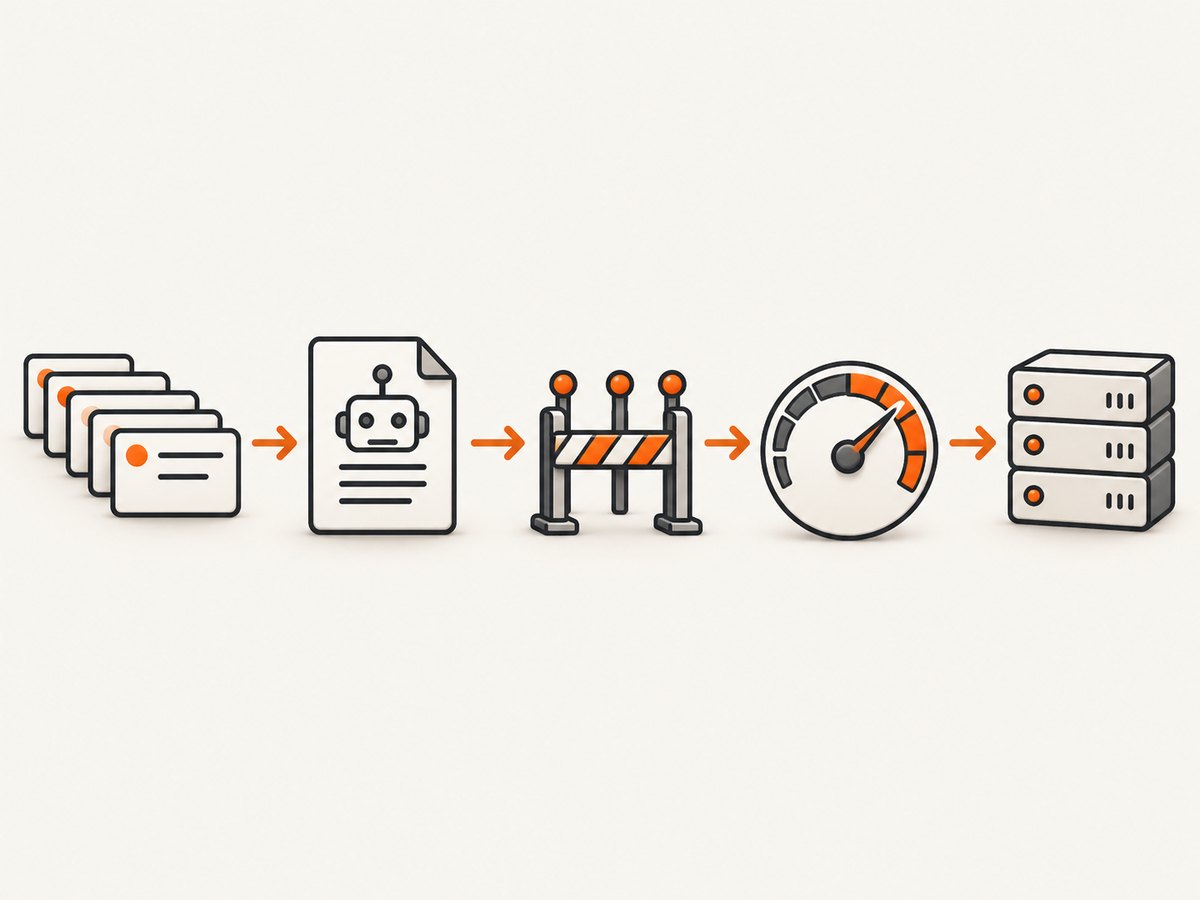
2. Understand the four throttle controls
| Control | What it prevents | Typical use |
|---|---|---|
| Global concurrency | Your process opening too many connections overall | Protects your network, CPU, and all target hosts |
| Per-domain concurrency | A burst directed at one host | Usually the most important politeness limit |
| Minimum delay | Back-to-back requests even when slots are free | Simple, predictable pacing |
| Adaptive delay | Continuing at the same rate as latency or errors rise | Variable-load sites and long crawls |
Scrapy exposes these as CONCURRENT_REQUESTS, CONCURRENT_REQUESTS_PER_DOMAIN, and DOWNLOAD_DELAY. A project generated by scrapy startproject uses one request per second per domain by default. These are starting points, not guarantees from the target site.
3. A conservative Scrapy configuration
Install Scrapy, create a project, and put the following settings in settings.py:
ROBOTSTXT_OBEY = True

# Keep a small overall pool and an even smaller per-host pool.
CONCURRENT_REQUESTS = 8
CONCURRENT_REQUESTS_PER_DOMAIN = 1
CONCURRENT_REQUESTS_PER_IP = 1
DOWNLOAD_DELAY = 1.0
RANDOMIZE_DOWNLOAD_DELAY = True

# Retry only transient responses; keep the list bounded.
RETRY_ENABLED = True
RETRY_TIMES = 2
RETRY_HTTP_CODES = [408, 429, 500, 502, 503, 504]

# Avoid hammering a host while a retry is pending.
AUTOTHROTTLE_ENABLED = True
AUTOTHROTTLE_START_DELAY = 5.0
AUTOTHROTTLE_MAX_DELAY = 60.0
AUTOTHROTTLE_TARGET_CONCURRENCY = 1.0
AUTOTHROTTLE_DEBUG = True
Scrapy’s AutoThrottle calculates a target delay from observed response latency divided by target concurrency, averages it with the previous delay, and clamps it between DOWNLOAD_DELAY and AUTOTHROTTLE_MAX_DELAY. Non-200 responses do not make the delay shorter. The documented defaults are a 5-second start delay, a 60-second maximum, and target concurrency 1.0. A target such as 0.5 is more conservative and polite.
Create a minimal spider:
import scrapy


class ExampleSpider(scrapy.Spider):
    name = "example"
    allowed_domains = ["example.com"]
    start_urls = ["https://example.com/"]

    def parse(self, response):
        yield {
            "url": response.url,
            "title": response.css("title::text").get(),
        }
        for href in response.css("a::attr(href)").getall():
            yield response.follow(href, callback=self.parse)
Run it with scrapy crawl example -O pages.jsonl. Keep AutoThrottle’s debug output during calibration so you can see the per-slot delay. Remove verbose logging only after the rate is stable.
4. Fixed delay versus adaptive throttling
Fixed delay
A fixed delay is easiest to reason about. If a site publishes one request per second, set a per-domain concurrency of one and a one-second delay. It is suitable for a small crawl, a stable server, or a clearly documented limit. Its weakness is that it cannot react quickly when the site’s latency changes.
AutoThrottle
AutoThrottle is useful when pages vary from fast cached responses to slow database-backed responses. Start conservatively, set a maximum delay, and let the controller respond to measurements. Do not interpret a fast response as permission to jump immediately to high concurrency; increase the target in small steps and observe the result.
Manual token-bucket pacing
For a custom worker, a token bucket gives a transparent rate limit. This Python example allows two requests per second with a burst of one token:
import time
import threading
import requests

class RateLimiter:
    def __init__(self, rate_per_second, capacity=1):
        self.rate = rate_per_second
        self.capacity = capacity
        self.tokens = capacity
        self.updated = time.monotonic()
        self.lock = threading.Lock()

    def wait(self):
        while True:
            with self.lock:
                now = time.monotonic()
                self.tokens = min(self.capacity,
                                  self.tokens + (now - self.updated) * self.rate)
                self.updated = now
                if self.tokens >= 1:
                    self.tokens -= 1
                    return
                missing = (1 - self.tokens) / self.rate
            time.sleep(missing)

limiter = RateLimiter(rate_per_second=2.0)
for url in ["https://example.com/a", "https://example.com/b"]:
    limiter.wait()
    response = requests.get(url, timeout=30)
    print(response.status_code, response.url)
Use one limiter per domain plus a global limiter when workers share a process. In a distributed crawler, store rate-limit state in a shared system or assign each domain to one worker; otherwise every worker may independently appear polite while the combined traffic is excessive.
5. Retries, 429 responses, and backoff
A 429 Too Many Requests response means the server is asking you to slow down. Honor a Retry-After header when present. Do not immediately retry a 429 in a tight loop. Reduce concurrency, lengthen the delay, and resume gradually. A 503, timeout, or connection reset can be transient, but repeated failures can also indicate overload or a ban page.
Use bounded exponential backoff with jitter:
import random
import time
import requests

TRANSIENT = {408, 429, 500, 502, 503, 504}

def get_with_backoff(url, attempts=3):
    for attempt in range(attempts):
        response = requests.get(url, timeout=30)
        if response.status_code not in TRANSIENT:
            return response
        retry_after = response.headers.get("Retry-After")
        if retry_after and retry_after.isdigit():
            delay = float(retry_after)
        else:
            delay = min(60.0, 2 ** attempt) + random.uniform(0, 0.5)
        time.sleep(delay)
    raise RuntimeError(f"Transient failure after {attempts} attempts: {url}")
Never retry a robots-denied URL. Do not retry an authentication error, malformed request, or permanent 404 unless your application has a specific reason. Record the final status and retry count so failures do not disappear into a queue.
6. cURL and Node.js pacing examples
For a shell batch, a simple sequential loop prevents bursts. The delay is between requests, not a promise that the server will accept the rate:
while IFS= read -r url; do
  curl --fail-with-body --max-time 30 --retry 0 \
    -A "research-crawler/1.0 (+https://example.com/contact)" \
    --url "$url" -o "$(printf '%s' "$url" | sha256sum | cut -c1-16).html"
  sleep 2
 done < urls.txt
In Node.js, limit both concurrency and the interval between starts:
const urls = ["https://example.com/a", "https://example.com/b"];
const concurrency = 2;
const delayMs = 1000;
let next = 0;

const sleep = ms => new Promise(resolve => setTimeout(resolve, ms));

async function worker() {
  while (true) {
    const index = next++;
    if (index >= urls.length) return;
    if (index > 0) await sleep(delayMs);
    const res = await fetch(urls[index], {
      headers: { "user-agent": "research-crawler/1.0" }
    });
    console.log(urls[index], res.status);
    if (res.status === 429 || res.status === 503) await sleep(5000);
  }
}
await Promise.all(Array.from({length: concurrency}, worker));
7. How many concurrent requests are safe?
Begin with one request at a time per domain. Raise per-domain concurrency by one small step, then watch a representative sample. Stop increasing when any of these trends appears:
- 429 or 503 responses become more frequent.
- Retry counts or connection timeouts rise.
- Latency increases across several measurement windows.
- The response changes to a ban, challenge, or empty page.
- Your own CPU, memory, socket pool, or bandwidth becomes saturated.
When a threshold is crossed, reduce concurrency and lengthen the delay before continuing. Keep global concurrency bounded even if several domains are individually healthy. A target with a published rate limit takes precedence over any locally observed threshold.
8. Measure the throttle instead of guessing
Log at least the domain, request timestamp, status code, response latency, retry count, response size, and whether the URL was allowed by robots rules. Aggregate by domain and time window. Useful alerts include a rising 429 rate, a latency percentile moving upward, a growing retry queue, and a sudden increase in non-HTML challenge pages.
Use a dry run to estimate crawl duration. With N URLs, average delay D, and effective concurrency C, the lower-bound request time is roughly N × D ÷ C; connection time, retries, and server pacing make the actual duration longer. This estimate helps you choose an appropriate crawl window without compressing the delay to meet an arbitrary deadline.
9. Edge cases that change the design
Multiple hostnames
Track limits by hostname, and consider the registered domain when several subdomains share infrastructure. Do not assume www, an API host, and a CDN have independent capacity.
Redirects
Count the final host as a request too. A redirect can move traffic to a different policy domain or an authentication service.
JavaScript-heavy pages
Rendering a browser page costs more than downloading HTML. Cache responses, avoid loading unnecessary assets, and prefer an API or export. If you only need a visual artifact, a screenshot service can remove browser orchestration from your crawler.
Distributed workers
A per-process delay is insufficient when ten workers share one IP. Use a central scheduler, partition domains, or a distributed token bucket. Include retries in the shared budget.
Large files and media
Limit response size and skip assets you do not need. Bandwidth saturation can harm both your service and the target even when request counts look low.
10. Troubleshooting checklist
| Symptom | Likely cause | Fix |
|---|---|---|
| 429 responses | Rate or concurrency is above the site’s limit | Honor Retry-After, lower concurrency, increase delay, and resume slowly |
| 503 or timeouts | Server overload, network trouble, or a temporary maintenance window | Use bounded backoff; inspect latency; stop increasing load |
| Immediate ban page | Robots, terms, fingerprint, or request pattern triggered a block | Stop, verify permission, reduce load, and contact the operator if appropriate |
| Scrapy ignores robots rules | ROBOTSTXT_OBEY is false or middleware is changed |
Enable the setting and verify the robots middleware in logs |
| Retries create a traffic spike | Unlimited or synchronized retries | Set a small retry count, add jitter, and share the limiter across workers |
| Throughput is unexpectedly low | AutoThrottle delay, slow responses, or a hidden per-domain slot limit | Inspect AutoThrottle debug output and latency before changing settings |
| Duplicate downloads | Pagination, redirects, or queue restarts | Canonicalize URLs, persist request fingerprints, and cache successful results |
11. Performance, reliability, and cost
Throttling trades peak throughput for predictable completion and fewer failures. Caching successful responses avoids paying the target site for repeated work and makes restarts safer. Persist the queue and fingerprints so a process crash does not restart the entire crawl. Keep request timeouts finite, but make them long enough for the site’s normal latency.
Measure cost on both sides: your compute, bandwidth, proxy or browser costs, and the target’s request load. An API or bulk export often reduces all four. For screenshots, rendering a browser for every URL can be replaced by a dedicated endpoint.
12. Or skip the browser setup
If your job is to capture pages rather than parse their HTML, ScreenshotNeo provides a single GET request that returns PNG, JPEG, WebP, or PDF. The API can remove cookie banners, newsletter popups, and chat widgets before capture. Bot checks, blank pages, timeouts, failed loads, and cache hits are not billed, and response headers identify the page verdict and billing result. It also offers an MCP server for AI agents with take_screenshot, get_page_info, and capture_pdf.

See the ScreenshotNeo API documentation for all options, including full-page capture, CSS element selection, device and retina settings, custom CSS and JavaScript, waits, request blocking, headers, cookies, geolocation, caching, signed links, asynchronous jobs, bulk capture, and usage reporting.
curl -G "https://api.screenshotneo.com/v1/shot" -d access_key=YOUR_API_KEY --data-urlencode url=https://stripe.com -o shot.webpimport requests
r = requests.get("https://api.screenshotneo.com/v1/shot", params={"access_key": "YOUR_API_KEY", "url": "https://stripe.com"}, timeout=90)
open("shot.webp", "wb").write(r.content)const q = new URLSearchParams({ access_key: 'YOUR_API_KEY', url: 'https://stripe.com' });
const res = await fetch(`https://api.screenshotneo.com/v1/shot?${q}`);ScreenshotNeo includes 1,000 shots per month free with no card. Paid plans start at $5 for 3,000 shots, and every feature is included on every plan. Create a free ScreenshotNeo account.
13. Short FAQ
Should I add a random delay?
A small randomized delay can prevent synchronized bursts, but it does not replace a per-domain rate limit or the site’s published instructions.
Is one request per second always polite?
No. It is Scrapy’s generated-project default, not a universal permission. Follow the target’s rules and reduce the rate when latency or errors rise.
Should I retry 429 forever?
No. Honor Retry-After, use bounded retries, and stop or slow the crawl when rate limiting persists.
Can AutoThrottle replace robots.txt?
No. AutoThrottle controls pace; robots rules determine which paths your crawler may request.
How do I throttle several domains?
Use a separate limiter or scheduler slot per domain plus a global cap, and coordinate that state across workers.


