TLS Scan: How to Check a Server’s TLS Configuration
Learn what a TLS scan checks, run testssl.sh against HTTPS and STARTTLS services, interpret findings, automate safely, and fix common errors.
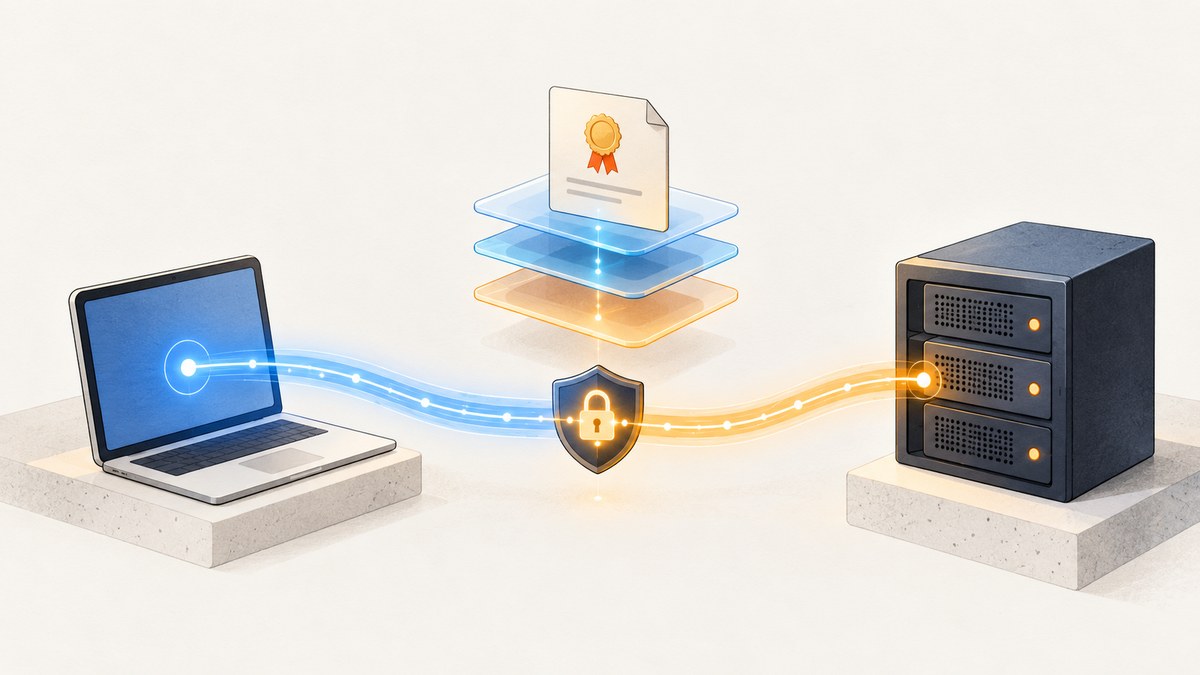
Direct answer: a TLS scan connects to one specific service and records the TLS configuration that a client can observe. A useful scan checks protocol versions, cipher suites, certificate details, key exchange and signature algorithms, TLS extensions such as ALPN, and, when supported, known weaknesses and client compatibility. The result applies to the exact hostname, address, port, protocol mode and scanner version tested; it is not a complete application security audit.
Use a scanner only on systems you own or are authorized to assess. This guide shows a repeatable workflow with testssl.sh, then compares sslscan and TLS-Scanner. It also explains STARTTLS, IPv4/IPv6 differences, automation, remediation and how to capture a web report image.
What a TLS scan actually checks
The client offers protocol versions and cryptographic choices; the server’s replies reveal what it accepts and prefers. Depending on the scanner, expect these evidence groups:
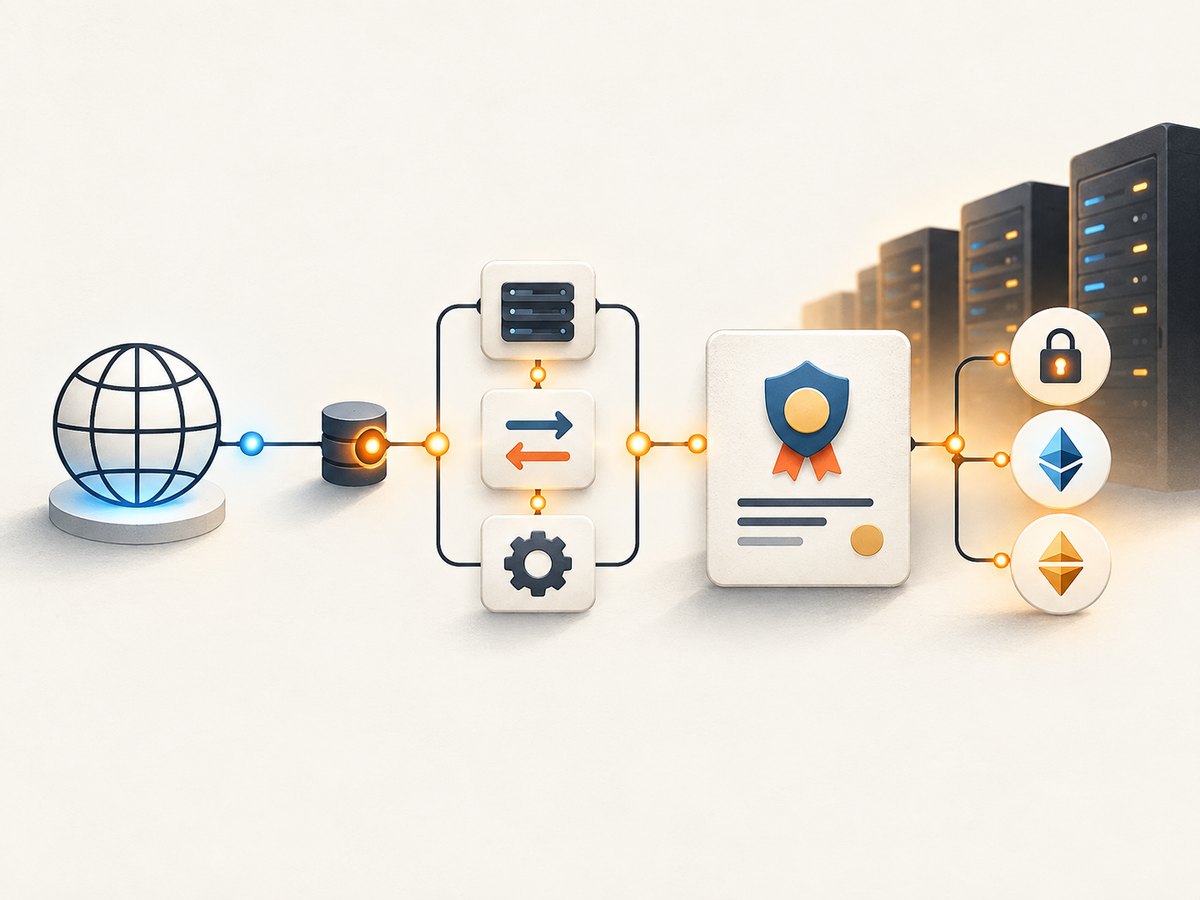
- Protocols: TLS 1.0, 1.1, 1.2 and 1.3 support, plus obsolete SSL modes.
- Ciphers and key exchange: accepted suites, elliptic-curve or finite-field groups, forward-secrecy properties and server preference.
- Certificate: subject and SAN names, issuer, validity, chain delivery, key type and size, signature algorithm and revocation-related metadata.
- Handshake extensions: SNI behavior, ALPN, secure renegotiation and session features.
- Weakness probes: selected historical TLS vulnerabilities or unsafe options. Coverage differs by tool and release.
- Compatibility: simulated clients and protocol combinations to show who can connect.
These are observations of an endpoint. A green rating does not prove that authorization, application logic, headers or every backend is secure. Conversely, a finding may be intentional for legacy clients. Read the individual evidence and check operational requirements before changing policy.
Prepare an accurate target
- Write down the public hostname users actually enter. SNI can select a different certificate and virtual host than the bare IP.
- Confirm the listening port. HTTPS is commonly 443, but APIs, mail, databases and proxies use other ports.
- Identify whether the service is direct TLS or STARTTLS. SMTP, IMAP, POP3, LDAP and other protocols begin in clear text and upgrade after a command.
- Record UTC time, resolved IPv4 and IPv6 addresses, scanner version, options and whether a load balancer or CDN is in front.
- Decide whether you need a fast inventory, a broad vulnerability check, JSON for a pipeline or client simulation.
testssl.sh documents TLS and STARTTLS checks beyond port 443, and hostname scans can test multiple returned IPv4 and IPv6 addresses unless narrowed. Its port mapping can infer known STARTTLS modes. Treat address selection as part of the test. The project documents Unix-like systems, macOS, Windows/WSL and Docker; installation commands change, so follow the current project instructions.
Run a baseline scan with testssl.sh
After installing the current release, a normal HTTPS scan is:
./testssl.sh --warnings batch https://example.comSave both the human report and machine-readable output:
mkdir -p tls-reports
./testssl.sh --warnings batch --logfile tls-reports/example-$(date -u +%Y%m%dT%H%M%SZ).log https://example.com
./testssl.sh --jsonfile-pretty tls-reports/example.json https://example.com
Option names vary by release; run ./testssl.sh --help and use the active manual. A broad default run covers protocol, cipher, certificate/server-default, vulnerability, client-simulation and rating areas. For a nonstandard port:
./testssl.sh example.com:8443
./testssl.sh --starttls smtp mail.example.com:587
./testssl.sh --starttls imap mail.example.com:143
Use an explicit STARTTLS mode when inference is ambiguous. If a hostname resolves to several addresses, test each address deliberately when you need per-node evidence; a single successful result can hide a misconfigured member behind a load balancer.
Useful narrowing and depth controls
--fastis appropriate for a quick change check; it omits some exhaustive probes.- Target a port with
host:port; target an address explicitly when comparing nodes, while preserving the intended SNI name where supported. - Use protocol, cipher, client-simulation and vulnerability selectors to focus a run during incident response.
- Prefer JSON or CSV-like output for ingestion, and archive the exact command with the report.
Do not copy flags blindly between releases. The project manual is the authority for current switches and output schemas.
Read the report without over-interpreting it
| Section | Question | Follow-up |
|---|---|---|
| Protocols | Are deprecated versions accepted? | Disable only after checking client requirements and staged rollback. |
| Ciphers | Are modern AEAD suites preferred? | Check TLS 1.2 and TLS 1.3 separately. |
| Certificate | Does the chain and SAN match the hostname? | Fix missing intermediates, expiry, wrong SNI certificate or weak keys. |
| Key exchange/signatures | Are groups and signature algorithms current? | Coordinate library support before removing older choices. |
| ALPN/extensions | Does negotiation match the service design? | Validate HTTP/2, proxy and origin behavior end to end. |
| Vulnerabilities | Is a named probe positive? | Read the evidence, affected mode and mitigation; confirm with a second run. |
Compare scans by the same hostname, port, address family, STARTTLS mode, scanner version and time window. A CDN edge, reverse proxy and origin can each have different policies. A scanner rating summarizes tested controls; it cannot certify the application or organization.
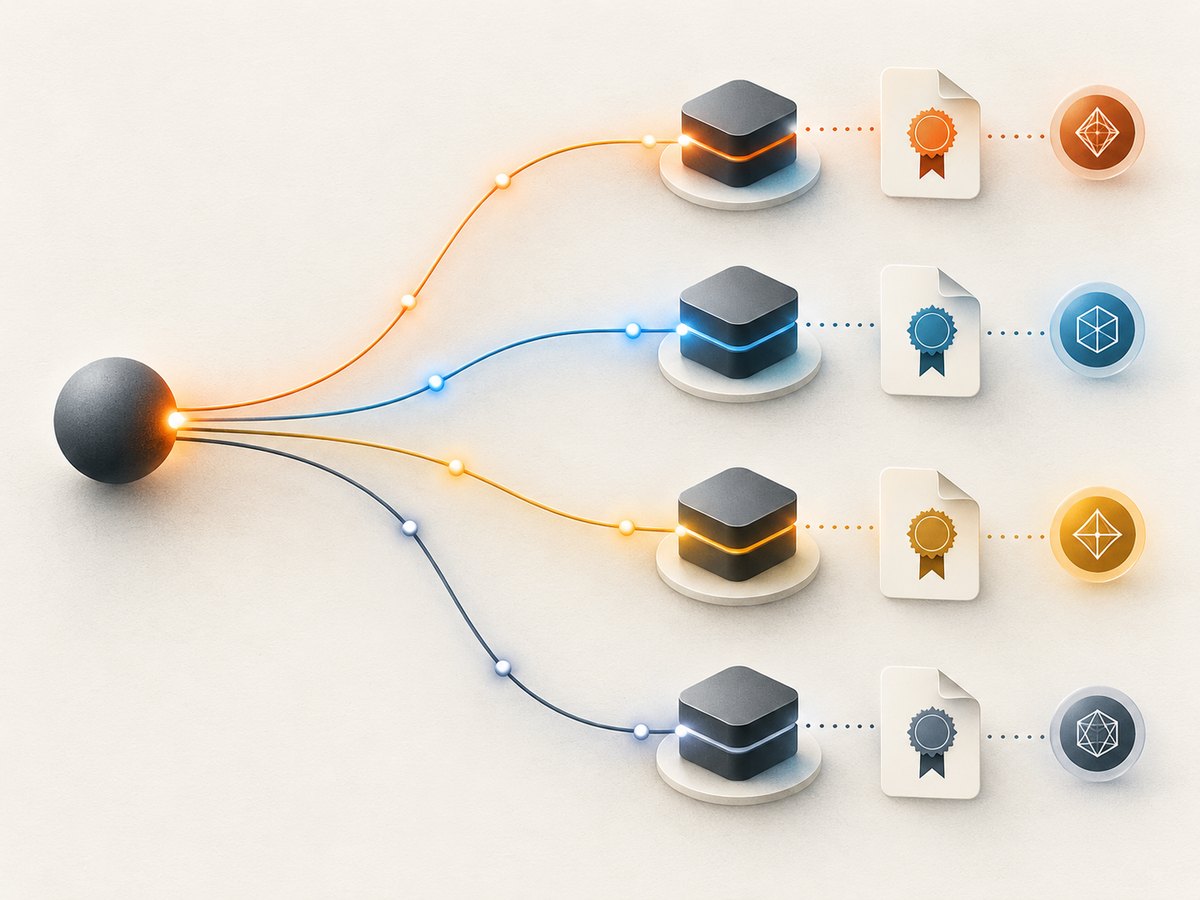
Other TLS scanners and when they fit
sslscan
sslscan is a focused enumerator for protocol versions, cipher suites, key-exchange groups, signature algorithms and certificates. Choose it for a compact inventory or simple command-line report. Check the current build requirements and output options before scripting around them.
TLS-Scanner
TLS-Scanner is research-oriented and exposes scan-detail levels from QUICK through ALL plus adjustable report detail. It has no GUI and suits teams willing to run a Java tool when they need controlled depth and technical reports.
tls-scan and JSON pipelines
The tls-scan project describes an event-driven scanner that emits JSON with certificate, cipher and protocol information and supports TLS plus several STARTTLS protocols. It fits batch collection when its supported services and maintenance state match your environment. Verify active repository instructions before deployment.
| Decision factor | What to compare |
|---|---|
| Coverage | Protocols, ciphers, certificates, vulnerabilities, client simulation and STARTTLS modes. |
| Target handling | SNI, IPv4/IPv6 selection, ports and virtual hosts. |
| Integration | JSON, logs, exit codes, stable schemas and batch behavior. |
| Depth and speed | Fast inventory versus exhaustive probes and research-level detail. |
| Deployment | Local binary, shell/WSL, Docker or Java runtime. |
Automate scans safely
For scheduled checks, pin the scanner version, set a timeout outside the scanner and retain raw output. Fail a build on explicit policy violations rather than on a vendor rating. A minimal shell wrapper can preserve context:
#!/usr/bin/env bash
set -euo pipefail
host="$1"
port="${2:-443}"
out="reports/${host//[^A-Za-z0-9_.-]/_}-$(date -u +%Y%m%dT%H%M%SZ)"
mkdir -p reports
./testssl.sh --warnings batch --jsonfile-pretty "${out}.json" "${host}:${port}"
printf 'saved %s.json\n' "$out"
Run from a controlled network, rate-limit large inventories and alert on changes such as a newly enabled legacy protocol, an expired certificate, a missing intermediate or a cipher-policy regression. Schedule a second scan from an external vantage point when internal DNS or firewall paths differ from customer traffic.
Performance, reliability and cost considerations
- Performance: exhaustive vulnerability and client-simulation probes create many handshakes. Use fast mode for frequent polling and a full run for releases or periodic review.
- Reliability: retries can mask intermittent failures. Keep the first failure, timestamp each attempt and distinguish DNS, TCP, TLS-alert and certificate errors.
- Load: scanning many nodes in parallel can look like abuse or trigger rate limits. Use a small worker pool and an approved source address.
- Cost: open-source scanners run locally, so direct software cost is usually zero; budget operator time, CI minutes, egress and managed scanning separately.
- Change control: export before/after reports, test representative clients and keep rollback configuration.
Troubleshooting common failures
“No connection” or timeout
Confirm DNS, firewall rules, port and route with an authorized connectivity check. Try the correct IPv4 or IPv6 address and compare from the same network as users.
Wrong certificate or virtual host
Use the DNS name, not only the IP, so SNI is sent. If testing an IP intentionally, preserve the hostname as the SNI/server-name setting supported by your tool.
STARTTLS handshake fails
Do not scan an upgrade port as implicit TLS. Select the service mode, verify the port and account for proxies that rewrite or block the upgrade command.
“Unknown option”
Your command targets a different release or wrapper. Run the installed tool’s help, record its version and translate the intent to the current flag.
Intermittent results
Load balancing, anycast edges, certificate rotation and IPv4/IPv6 differences are common causes. Repeat with an address captured in the report, then compare nodes and timestamps.
Certificate-chain warning
Inspect the served chain from the endpoint, including intermediates. A browser may have cached an intermediate that a new client lacks; fix server delivery and retest with a clean client profile.
Or skip the browser setup
A TLS scanner remains the right tool for protocol and certificate evidence. If your next step is to capture a rendered web report, ScreenshotNeo provides a single HTTP request and does not perform the TLS scan itself. Cookie banners, newsletter popups and chat widgets are removed before the shot; bot checks, blank pages and failed loads are never billed. Its MCP server lets AI agents take screenshots, and 1,000 screenshots a month are free with no card.
See the ScreenshotNeo API documentation for all options. A minimal capture is:
curl -G "https://api.screenshotneo.com/v1/shot" -d access_key=YOUR_API_KEY --data-urlencode url=https://stripe.com -o shot.webpimport requests
r = requests.get("https://api.screenshotneo.com/v1/shot", params={"access_key": "YOUR_API_KEY", "url": "https://stripe.com"}, timeout=90)
open("shot.webp", "wb").write(r.content)const q = new URLSearchParams({ access_key: 'YOUR_API_KEY', url: 'https://stripe.com' });
const res = await fetch(`https://api.screenshotneo.com/v1/shot?${q}`);Each response identifies whether it was a clean shot and whether it was billed with X-Page-Verdict and X-Billed headers. Paid plans start at $5 for 3,000 shots, and every feature is available on every plan. Create a free ScreenshotNeo account with 1,000 screenshots per month and no card.
Short FAQ
Is a TLS scan an application penetration test?
No. It examines the TLS service exposed at the tested endpoint. Pair it with application, dependency, identity and host assessments.
Should I scan the IP or hostname?
Start with the user-facing hostname for correct SNI. Scan each address or node when you need consistency evidence.
How often should scans run?
Use lightweight checks after configuration changes and periodic full scans. Choose intervals that fit certificate rotation and release frequency.
Can I scan mail and directory services?
Yes when the scanner supports their STARTTLS mode. Select the protocol explicitly and verify the port.
Why do two scanners disagree?
They may probe different checks, use different defaults, resolve different addresses or have different versions. Normalize target and options, then inspect raw evidence.
Practical checklist
- Authorization recorded
- Hostname, port and TLS versus STARTTLS identified
- IPv4/IPv6 and load-balancer scope understood
- Tool version and exact command archived
- Protocols, ciphers, certificate, extensions and vulnerabilities reviewed
- Compatibility tested before remediation
- Retest confirms the change on every relevant endpoint


