Top 10 Competitive Intelligence Tools for 2026
Compare 10 competitive intelligence tools by job, signal coverage, and reported entry price. Find the right fit for sales, search, social, or ecommerce.

Competitive intelligence (CI) tools help teams understand competitors, but they do different jobs. Some collect market and website traffic signals; others support sales battlecards, SEO research, social listening, or retail price monitoring. Choose by the decision you need to make: help a seller answer an objection, estimate a competitor’s web reach, find search opportunities, understand social discussion, or react to a rival’s price change.
This guide compares the ten tools in Toolradar’s September 2026 shortlist, in its published order. That is one publisher’s ranking, based on review volume and ratings plus media mentions; it is not a universal or independently audited ranking. Its reported cheapest paid prices are dated screening figures, and plans may not be comparable. Confirm current price, limits, geography, and contract terms with each vendor. See Toolradar’s comparison and methodology.
How to choose a competitive intelligence tool
Start with the signal that changes a real decision. A traffic estimate may help assess market reach, but it does not tell a sales rep how to respond to a pricing objection. A social listening platform can surface discussion, but it is not automatically a social channel performance dashboard. An ecommerce price tracker is useful when a price or stock change should affect merchandising; it is not a general-purpose CI platform.
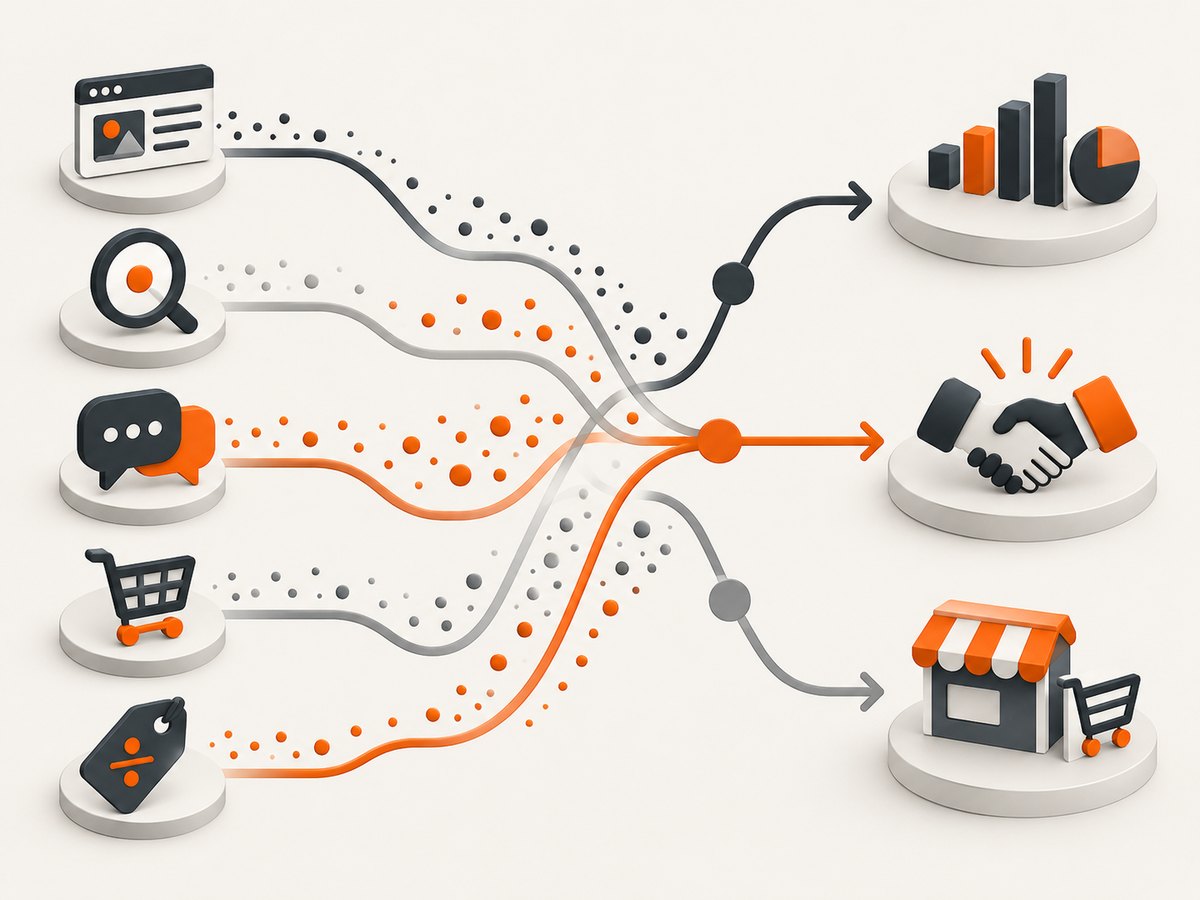
- Name the decision. Examples: update a battlecard, prioritize a search topic, investigate a traffic change, respond to social conversation, or revise a retail price.
- List the required signals. Include competitor websites, pricing, search visibility, ads, buyer feedback, reviews, news, social mentions, or stock, as applicable.
- Check where the insight must go. For sales, test whether sellers can access current guidance in their existing workflow. For analysis, check exports, history, geography, and access to underlying data.
- Run a representative evaluation. Use a few competitors and a decision your team actually makes. Check signal coverage, freshness, false positives, and how much manual verification is required.
- Calculate the full cost. Ask about seats, monitored competitors, data history, integrations, onboarding, implementation, and annual commitments. Compare the plan that supports your workload, not just the lowest advertised entry price.
Top 10 competitive intelligence tools
The entry prices below are Toolradar’s reported cheapest monthly paid plans as of September 2026, not vendor quotes. Features and positioning in the table reflect that comparison unless a vendor source is linked separately.
| Tool | Best fit | Cheapest paid plan reported |
|---|---|---|
| 1. Similarweb | Competitor website traffic and digital market intelligence | $125/mo |
| 2. Ahrefs | SEO competitor analysis, backlinks, keyword research, and content discovery | $129/mo |
| 3. SpyFu | Competitor SEO and paid-search research | $29/mo |
| 4. Crayon | Dedicated CI, competitor monitoring, and sales enablement | Not published in the comparison |
| 5. Brand24 | Social listening and media monitoring | $149/mo |
| 6. Prisync | Ecommerce competitor price and stock tracking | $99/mo |
| 7. AccuRanker | Search rank tracking and competitor analysis | $224/mo |
| 8. Socialinsider | Social media analytics and competitive benchmarking | Not published in the comparison |
| 9. Sotrender | Social media analytics | $72/mo |
| 10. CognitiveSEO | SEO analysis | $129/mo |
Toolradar reports a $127/month median cheapest paid plan for these ten tools, with prices last verified in September 2026. It says eight tools publish a paid price in its table; Crayon and Socialinsider do not. This is a statistic about this particular shortlist and date, not a market-wide benchmark. Toolradar’s full comparison.
1. Similarweb — web traffic and market intelligence
Toolradar places Similarweb first overall and positions it for competitor website traffic and digital market intelligence. Shortlist it when the decision depends on comparing digital reach or channels. Treat traffic figures as estimates: the comparison itself cautions that accuracy varies. Validate whether the available coverage and geography are fit for your question before relying on an apparent difference between competitors. Reported entry price: $125/month.
2. Ahrefs — SEO competitor research
Ahrefs is positioned for SEO competitor analysis, backlinks, keyword research, and content discovery. It fits teams investigating which search topics and referring sites appear relevant to a competitor’s visibility. It is an SEO research tool in this roundup, not a replacement for a sales intelligence workflow or social listening. Reported entry price: $129/month.
3. SpyFu — SEO and paid search
SpyFu is positioned for competitor SEO and paid-search research. Consider it when both organic search and competitors’ advertising activity inform the work. Compare its coverage and limits against your target markets and research volume; the lowest listed entry price does not establish that it includes the same scope as another tool’s plan. Reported entry price: $29/month.
4. Crayon — dedicated CI and sales enablement
Crayon focuses on competitive intelligence and revenue enablement. Its official materials describe capturing external and internal signals, AI-assisted research, competitor activity such as pricing changes, battlecards, newsletters, summaries, and workplace integrations. Its Sparks tool is described as gathering and analyzing competitor activity on a schedule to help keep battlecards current. Pricing is presented through a demo/contact flow rather than a public figure in the comparison. Crayon’s description of Sparks.
This is a stronger fit to assess when the output must reach sellers as usable guidance, rather than remain an analyst’s report. Check how the platform handles your sources, internal data, approvals, integrations, and the work of keeping guidance accurate. Toolradar’s reported entry price: not published.
5. Brand24 — social listening and media monitoring
Brand24 is positioned for monitoring social discussion and media mentions. Shortlist it when the question is what people are saying or where a brand or competitor is mentioned. Listening and mention monitoring answer a different question from measuring a competitor’s channel performance; decide which signal you need before comparing it with analytics products. Reported entry price: $149/month.
6. Prisync — ecommerce price and stock tracking
Prisync is positioned for tracking ecommerce competitor prices and stock, with pricing workflows. It is a specialist choice when assortment, availability, or price changes affect merchandising or repricing decisions. Before buying, check product matching, update frequency, market coverage, and whether the plan supports the number of products and competitors you monitor. Those are evaluation questions, not guaranteed plan features. Reported entry price: $99/month.
7. AccuRanker — rank tracking
AccuRanker is positioned for search-rank tracking and competitor analysis. Consider it when recurring ranking changes are the core signal and the team needs to monitor search performance over time. Compare target engines, locations, keyword volume, history, and reporting limits against your actual requirements. Reported entry price: $224/month.
8. Socialinsider — social analytics and benchmarking
Socialinsider is positioned for social media analytics and competitive benchmarking. That makes it a candidate for comparing social channel performance, rather than primarily detecting mentions across the web. Toolradar does not publish an entry price for it in the comparison. Ask for a quote and confirm which networks, profiles, historical periods, and export needs are included.
9. Sotrender — social media analytics
Sotrender is also positioned for social media analytics. Compare it with Socialinsider based on the channels you use, the competitor accounts you can analyze, reporting needs, and the workflow your team will use. The listing alone does not establish that their features or plans are equivalent. Reported entry price: $72/month.
10. CognitiveSEO — SEO analysis
CognitiveSEO is positioned for SEO analysis. It belongs on a shortlist when the task is search-focused, but compare the specific analysis and limits you need with the SEO capabilities of Ahrefs or SpyFu. “SEO analysis” is too broad a label to decide on its own. Reported entry price: $129/month.
Dedicated CI platforms: Crayon and Klue
A broad tool list can mix specialist and adjacent products. Dedicated CI platforms are designed to organize competitor signals into intelligence that teams can use, particularly in sales and product marketing workflows. Crayon describes competitor monitoring, battlecards, AI-assisted research, and sales enablement. Crayon’s Sparks overview.
Klue describes a combined competitive intelligence and win-loss platform. Its materials cover monitoring competitor websites, pricing, product changes, news, and reviews; delivering battlecards and digests; supporting live deals; and organizing buyer feedback and win/loss patterns. The reviewed pages do not publish a public subscription price. For example, Klue uses questions such as “A prospect says our pricing is too high next to Competitor X, how do I respond?” to illustrate seller needs. Treat that as vendor-provided example wording, not evidence of search demand. Klue’s platform overview.
Choose between platforms by testing whether they can turn evidence into current, trusted guidance inside the places employees work. Ask how a source is captured, how conflicting signals are handled, who approves a battlecard, and whether sellers can find the answer during a live deal. Evaluate win-loss methods and access to buyer voice separately from automated competitor monitoring.
Where website screenshots fit in competitor research
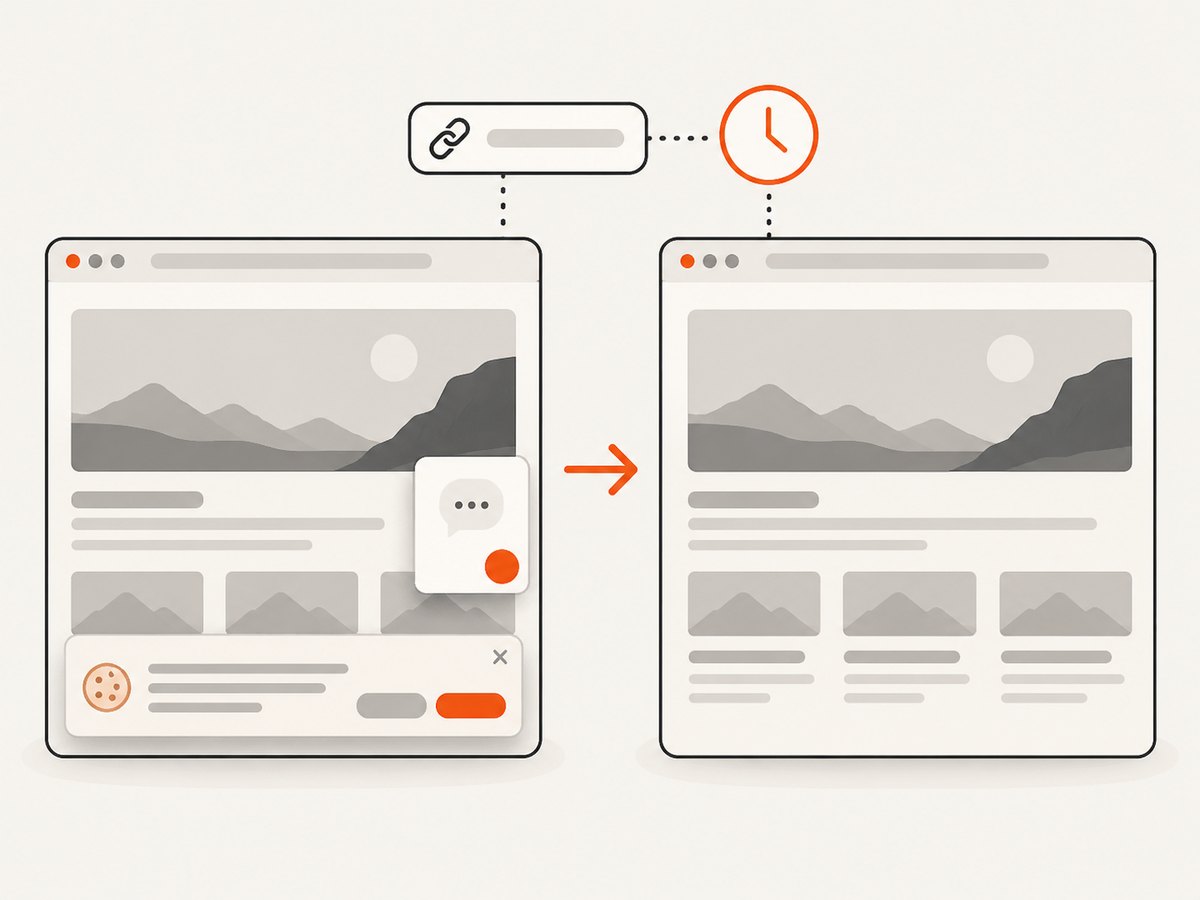
A screenshot is a visual record of a public page at a point in time. It can help an analyst document a competitor’s pricing page, feature announcement, landing page, or terms change alongside the source URL and capture date. It does not estimate traffic, discover keywords, monitor social discussion, or prove what a page showed earlier unless you have a dated capture. Use it as supporting evidence, not as a substitute for a CI, analytics, SEO, or price-monitoring platform.
For an occasional capture, a browser’s built-in screenshot is enough. For repeatable developer workflows, a browser automation script can navigate to the page and save an image. Preserve the original URL and timestamp in your own notes; pages can vary by geography, cookies, login state, and experiments. Do not treat a screenshot as proof that a change was shown to every visitor.
Or skip the browser setup
ScreenshotNeo is a website screenshot API and MCP server. One GET request returns a PNG, JPEG, WebP, or PDF. For CI work, use it to capture public competitor pages as visual evidence next to the signals from your specialist tool. It is the alternative to try first when you need a repeatable page capture: cookie banners, popups, and chat widgets are removed before the shot; bot checks, blank pages, and failed loads are never billed; an MCP server lets AI agents take screenshots; and 1,000 screenshots a month are free with no card, with paid plans starting at $5 for 3,000. Each step in its consent and widget cleanup can be turned off.
Example request (replace the key and target URL):
curl -G "https://api.screenshotneo.com/v1/shot" -d access_key=YOUR_API_KEY --data-urlencode url=https://stripe.com -o shot.webpUse the ScreenshotNeo API documentation for options such as full-page capture, element selection, device and viewport settings, PDF output, custom CSS or JavaScript, waits, headers, cookies, caching, async jobs, and bulk captures. Sign up for 1,000 free screenshots a month with no card.
Budget, performance, and reliability
Use list prices only to make an initial shortlist. Toolradar’s $127/month median applies to its ten listed cheapest paid plans, reported in September 2026; it does not compare equivalent data limits, seats, or workflows. The two unpublished prices in its table require direct vendor conversations. Request a quote that specifies your number of users, competitors, monitored products or keywords, data history, regions, and integrations. Ask separately about onboarding or implementation fees and annual terms.
For performance, measure the time from a signal changing to the right person acting on it. A tool with broad coverage can still create work if analysts must remove noise or sellers cannot find current guidance. In an evaluation, record the freshness of signals, time spent verifying them, missed or irrelevant alerts, and whether the team can export or share evidence. These are practical evaluation measures, not published benchmarks for the listed vendors.
For reliability, identify what happens when a source is inaccessible, a page changes structure, or a signal is ambiguous. Confirm data retention, export options, access controls, and how your team can preserve important evidence. For screenshots, retain capture timestamps and original URLs, and repeat captures when a material decision depends on a visual change. A single page capture is a snapshot, not an ongoing monitoring history.
Common buying mistakes and fixes
| Mistake | Why it causes trouble | Fix |
|---|---|---|
| Buying one “all-purpose” tool | The shortlist combines distinct jobs; one tool may not provide the signal or workflow required. | Choose a primary use case first, then add a second category only when a concrete decision needs it. |
| Treating estimated traffic as exact | Traffic estimates can vary in accuracy, as Toolradar cautions. | Use them directionally and validate before basing a large decision on a small difference. |
| Comparing entry prices as equivalent | The cheapest plans may have different scopes and limits. | Compare the total quote for the same seats, coverage, history, and workflow. |
| Confusing listening with analytics | Mention monitoring and social performance benchmarking describe different signals. | Write the question first: “What are people saying?” or “How are channels performing?” |
| Publishing unverified battlecards | Old or weakly sourced claims can mislead sellers. | Keep source links and dates with claims, assign review ownership, and validate buyer-facing assertions. |
| Using screenshots as historical proof | A capture only records the page at capture time and may reflect a particular visitor context. | Keep dated captures from the time of observation and record URL and context. |
FAQ
Are these ten tools all dedicated CI platforms?
No. The list deliberately spans dedicated CI as well as traffic, SEO, social, rank tracking, and ecommerce pricing tools. Their shared purpose is competitor research, but their signals and users differ.
Which tool has the lowest reported starting price?
SpyFu at $29/month in Toolradar’s September 2026 comparison. That is a dated entry figure, not a like-for-like quote.
Which tools in the list have no public price in the comparison?
Crayon and Socialinsider. Ask those vendors for current pricing and the plan scope that matches your needs.
Is Toolradar’s order an objective industry ranking?
No. It is Toolradar’s own shortlist and ranking method, based on review volume and ratings plus media mentions. Use it to discover candidates, then evaluate fit for your own work.
Can a screenshot replace competitor monitoring?
No. It records a page view at a moment in time. Use monitoring or analytics for ongoing signals, and screenshots as supporting visual evidence.


