Top 7 Headless Browser Automations That Actually Work
A practical guide to seven headless browser automation patterns, with runnable Playwright, Puppeteer, Selenium and Cypress examples.
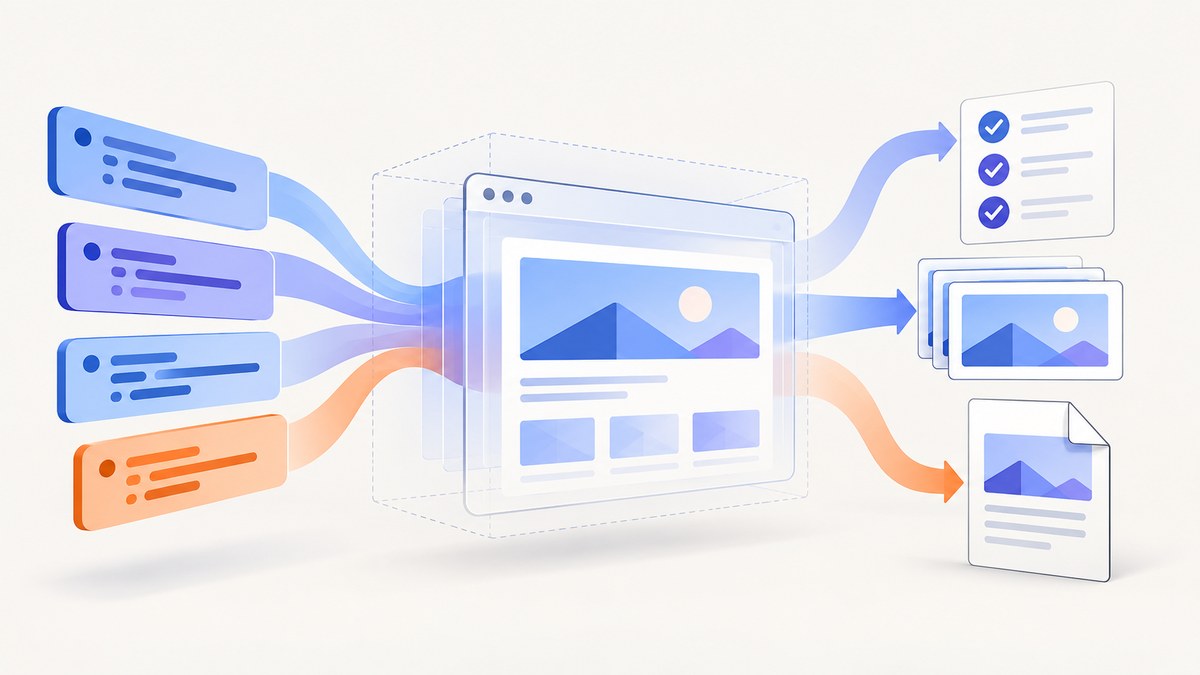
Direct answer: the most useful headless browser automation depends on the job. Use Playwright for cross-browser end-to-end checks and AI-agent browser control, Puppeteer for JavaScript page scripts plus screenshots and PDFs, Selenium when your organization is built around the W3C WebDriver protocol, and Cypress for headless end-to-end runs from its CLI. These are practical patterns rather than a measured ranking: actual reliability depends on the target application, browser versions, selectors, authentication and execution environment.
“Headless” describes how a browser runs: without a visible window. It does not describe one framework or guarantee speed. Playwright supports headed and headless modes; Cypress launches browsers headlessly when you run cypress run from the CLI; Puppeteer and Selenium can drive browser instances in unattended environments. The sections below show seven automations, when each fits, runnable examples and the operational details that determine whether a job works in CI.
1. Cross-browser end-to-end checks with Playwright
Playwright provides one API for Chromium, Firefox and WebKit, with a test runner that includes auto-waiting, assertions, traces and parallel execution. That combination fits teams that need the same user journey checked across browser engines.
import { test, expect } from '@playwright/test';

test('customer can submit contact form', async ({ page }) => {
  await page.goto('https://example.com/contact', { waitUntil: 'domcontentloaded' });
  await page.getByLabel('Email').fill('dev@example.com');
  await page.getByRole('button', { name: 'Send' }).click();
  await expect(page.getByText('Thanks')).toBeVisible();
});
Install the package and its browser binaries before a run. Playwright documents that each version expects specific browser binaries; after an upgrade, reinstalling them avoids a common “executable doesn’t exist” failure.
npm install -D @playwright/test
npx playwright install
npx playwright test --project=chromium --project=firefox --project=webkit
Configuration that matters
- Set
baseURLso tests use relative paths. - Use locators such as roles and labels instead of brittle CSS paths.
- Set explicit test and expect timeouts for slow environments.
- Enable traces on first retry to inspect screenshots, network activity and DOM state.
- Keep browser projects pinned in CI and update binaries deliberately.
Auto-waiting helps with elements that are still becoming actionable, but it cannot infer that a business operation succeeded. Assert a visible result, URL change or API response that represents success.
2. JavaScript browser scripts with Puppeteer
Puppeteer is a high-level JavaScript API for Chrome and Firefox over CDP and WebDriver BiDi. It is a good fit for scripts that navigate pages, interact with controls, collect data or save artifacts.
import puppeteer from 'puppeteer';

const browser = await puppeteer.launch({ headless: true });
try {
  const page = await browser.newPage();
  await page.setViewport({ width: 1440, height: 900, deviceScaleFactor: 1 });
  await page.goto('https://example.com', { waitUntil: 'networkidle2', timeout: 60000 });
  const title = await page.title();
  console.log(title);
} finally {
  await browser.close();
}
Use a bounded timeout and always close the browser in a finally block. In containers, verify that the installed browser and required system libraries are available. If a page renders content after network idle, wait for a specific selector or application signal instead of adding an arbitrary long delay.
3. WebDriver-based application testing with Selenium
Selenium is an open-source suite for automating web application testing and supports the W3C WebDriver standard. It remains a sensible choice when a team already has WebDriver infrastructure, language bindings and grid workflows.
from selenium import webdriver
from selenium.webdriver.common.by import By
from selenium.webdriver.chrome.options import Options

options = Options()
options.add_argument('--headless=new')
options.add_argument('--window-size=1440,900')

driver = webdriver.Chrome(options=options)
try:
    driver.get('https://example.com/login')
    driver.find_element(By.NAME, 'email').send_keys('dev@example.com')
    driver.find_element(By.NAME, 'password').send_keys('secret')
    driver.find_element(By.CSS_SELECTOR, 'button[type="submit"]').click()
    assert 'Dashboard' in driver.title
finally:
    driver.quit()
WebDriver controls a browser through a driver implementation, so compatibility among Selenium, the browser and the driver matters. In CI, log the browser version and preserve screenshots or page source when a test fails. Explicit waits are safer than fixed sleeps:
from selenium.webdriver.support.ui import WebDriverWait
from selenium.webdriver.support import expected_conditions as EC

WebDriverWait(driver, 20).until(
    EC.visibility_of_element_located((By.CSS_SELECTOR, '.dashboard'))
)
4. Headless web-app end-to-end runs with Cypress
Cypress documentation states: “When running cypress run from the CLI, Cypress launches browsers headlessly by default.” Its documented browser options include Chrome-family browsers and Firefox; WebKit is experimental, so check the current support matrix before making it a release gate.
describe('checkout', () => {
  it('places an order', () => {
    cy.visit('https://example.com/cart');
    cy.get('[data-testid=email]').type('dev@example.com');
    cy.contains('button', 'Pay').click();
    cy.contains('Order confirmed').should('be.visible');
  });
});
npx cypress run --browser chrome --headless
npx cypress run --browser firefoxCypress runs in a browser-controlled test model with command logs and automatic retries for many commands. Keep selectors stable by adding test-specific attributes. A test that passes locally can fail in CI if the server is not ready, the origin differs or data is shared between parallel runs; wait for the application health endpoint and isolate test data.
5. Automated screenshots with Puppeteer
Puppeteer’s official overview names screenshots as a browser automation use case. A deterministic capture requires control of the URL, viewport, device scale factor, fonts, browser version and page state.
import puppeteer from 'puppeteer';

const browser = await puppeteer.launch({ headless: true });
try {
  const page = await browser.newPage();
  await page.setViewport({ width: 1365, height: 768, deviceScaleFactor: 1 });
  await page.goto('https://example.com/docs', { waitUntil: 'networkidle2' });
  await page.screenshot({ path: 'docs.png', fullPage: true });
} finally {
  await browser.close();
}
For visual regression, freeze animations, use stable test data and install the same fonts in every runner. Full-page screenshots can become very tall; capture a defined element when the page contains sticky headers, infinite scroll or virtualized lists. Pixel differences can come from browser updates, font rasterization, time zones, locale, device scale factor and third-party content.
6. Generate PDFs from web pages with Puppeteer
Puppeteer also documents PDF generation. Print CSS, page size, margins, headers and footers affect the output, so treat PDF settings as part of the contract.
import puppeteer from 'puppeteer';

const browser = await puppeteer.launch({ headless: true });
try {
  const page = await browser.newPage();
  await page.goto('https://example.com/invoice/123', { waitUntil: 'networkidle2' });
  await page.pdf({
    path: 'invoice.pdf',
    format: 'A4',
    printBackground: true,
    margin: { top: '18mm', right: '14mm', bottom: '18mm', left: '14mm' }
  });
} finally {
  await browser.close();
}
Use @page rules for print layout and verify that remote images and fonts are loaded before printing. A browser may finish network activity while a web font is still being applied, so wait for document.fonts.ready when typography matters. Test long tables, page breaks, right-to-left text and links that span pages.
7. Browser workflows for AI agents with Playwright
Playwright’s home page describes browser automation for AI agents and offers CLI/MCP tooling. This makes it a building block for an agent that needs to inspect pages, click controls and return browser artifacts. Documentation does not establish that an agent will reliably complete a particular task, so add explicit goals, allowed domains, timeouts and verification steps.
A safe workflow separates observation from action:
- Open only an allow-listed origin.
- Collect page title, visible text and relevant controls.
- Ask the agent to choose an action with a bounded budget.
- Execute the action through stable locators.
- Verify the resulting state before reporting success.
Record traces and screenshots for failed runs. Authentication should use short-lived test accounts or injected session state; never print cookies or authorization headers in logs.
Which headless browser automation should you use?
| Need | Starting point | Reason |
|---|---|---|
| Cross-engine end-to-end tests | Playwright | One API for Chromium, Firefox and WebKit, plus auto-waiting, assertions, traces and parallel execution. |
| JavaScript page control | Puppeteer | High-level Chrome and Firefox automation for scripts and artifacts. |
| Existing WebDriver ecosystem | Selenium | W3C WebDriver-based workflow and established language bindings. |
| CLI-driven web-app tests | Cypress | Headless CLI runs with its documented browser controls. |
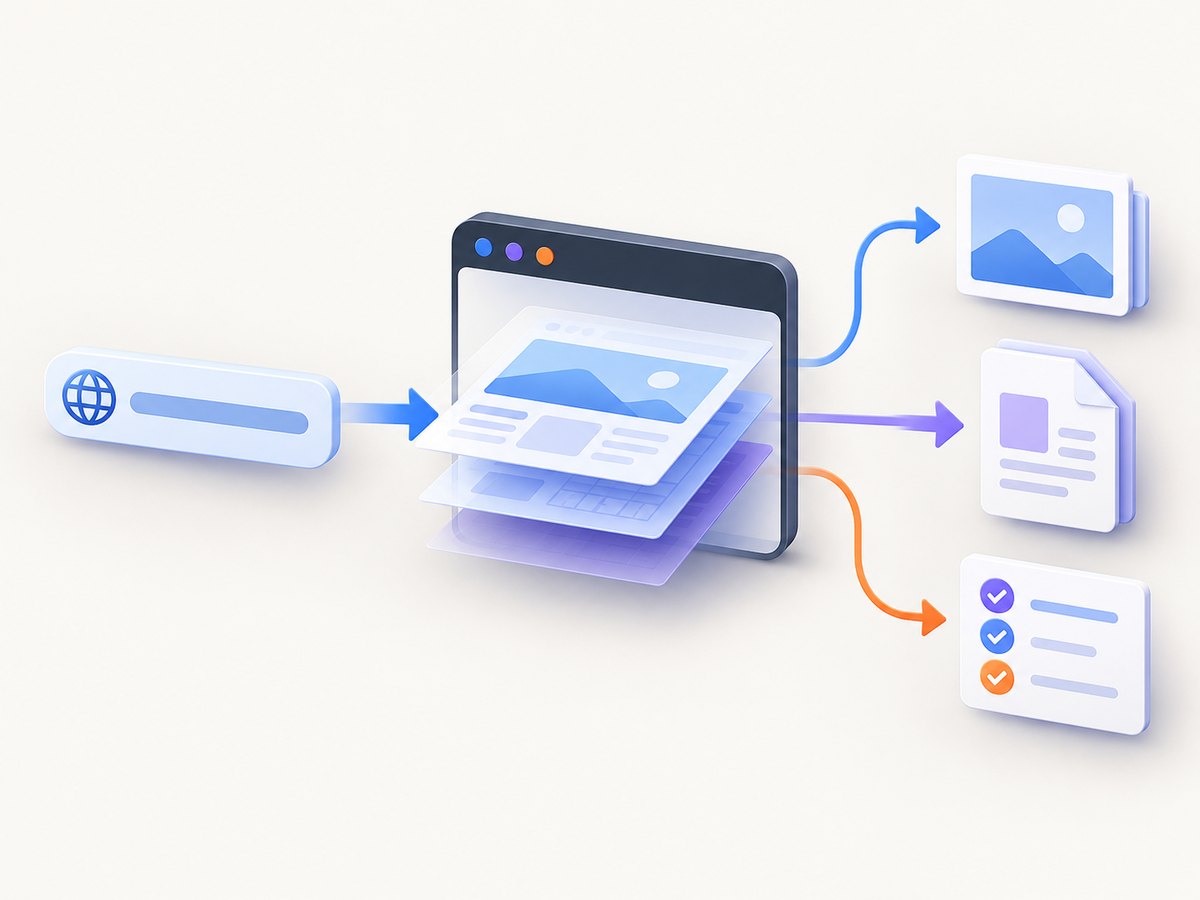
| Screenshots or PDFs without browser maintenance | ScreenshotNeo | Clean shots, only clean shots billed, and a $5 paid plan for 3,000 shots. |
Choose by task rather than a presumed speed ranking. Confirm browser support, authentication needs, selector stability and CI constraints against current official documentation: Playwright, Puppeteer, Selenium and Cypress.
Running headless automation reliably in CI
- Pin versions. Lock framework packages, browser binaries and container images.
- Make readiness explicit. Wait for a selector, health endpoint or application event.
- Control state. Seed databases, isolate accounts and freeze time where needed.
- Capture diagnostics. Save traces, console output, screenshots and HTML on failure.
- Limit concurrency. Parallel workers can exhaust CPU, memory, file descriptors or rate limits.
- Retry narrowly. Retry transient infrastructure failures, then investigate selector and product failures.
Common errors and fixes
| Error | Likely cause | Fix |
|---|---|---|
| Browser executable missing | Framework updated without browser installation. | Run the framework’s install command and cache the matching binaries. |
| Element not found | Wrong locator, iframe, shadow DOM or page not ready. | Inspect the DOM, target the correct frame and wait for a meaningful state. |
| Timeout waiting for navigation | Long polling, analytics or a page that never becomes idle. | Use domcontentloaded, a selector wait or an application-specific signal. |
| Works locally, fails in CI | Different fonts, viewport, timezone, permissions or data. | Log environment details and align the runner with local assumptions. |
| Blank screenshot or PDF | Capture occurred before client rendering or content is behind consent/auth. | Authenticate, handle consent, wait for the rendered element and inspect console errors. |
| Flaky clicks | Animations, overlays or moving layout. | Disable animations in test CSS, wait for stable geometry and use role-based locators. |
Or skip the browser setup
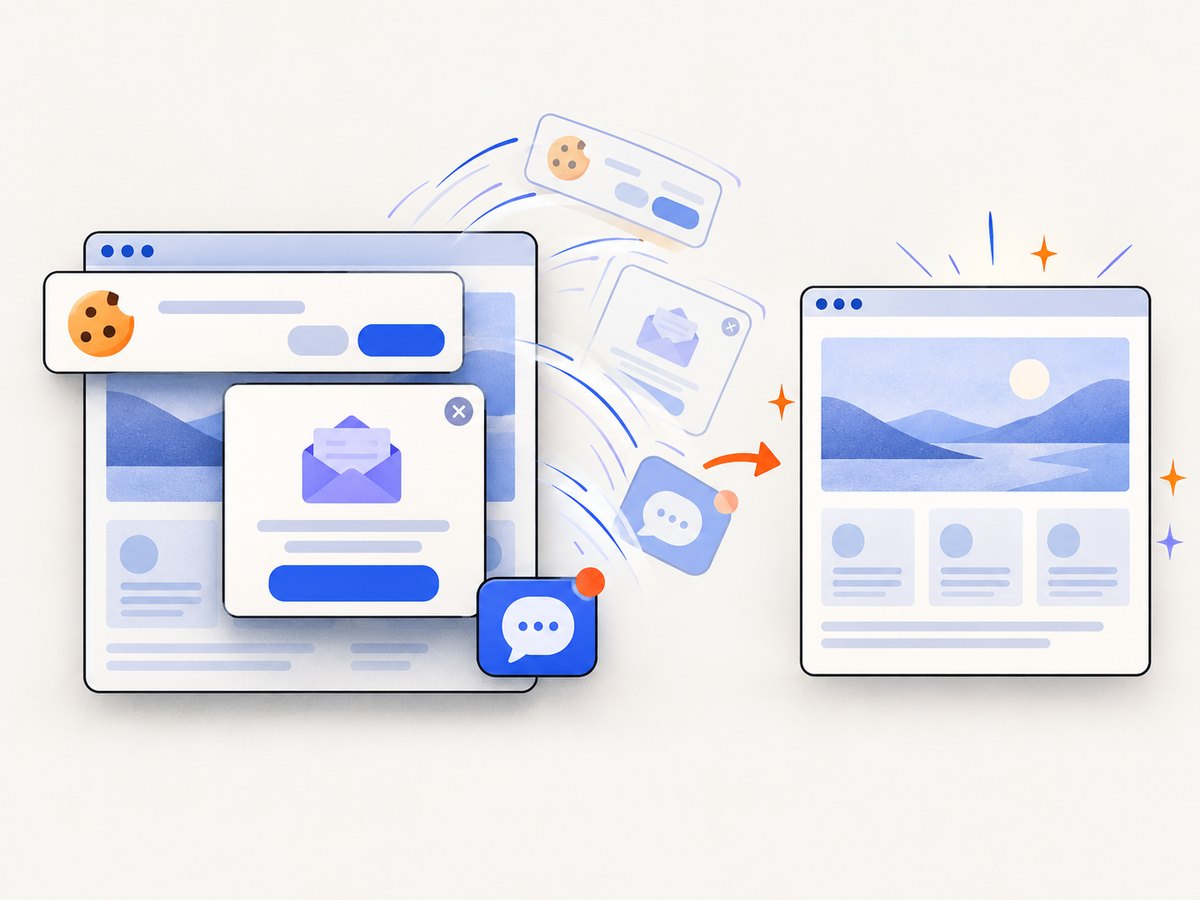
For repeatable website captures, ScreenshotNeo provides one GET request that returns PNG, JPEG, WebP or PDF. It accepts cookie and consent banners like a visitor, then removes more than 60 known consent platforms, newsletter popups and chat widgets; each step can be turned off. Bot checks, CAPTCHAs, blank pages, timeouts, failed loads and cache hits cost nothing, and the response identifies the result with X-Page-Verdict and X-Billed headers. See the ScreenshotNeo API documentation for all options.
cURL
curl -G "https://api.screenshotneo.com/v1/shot" -d access_key=YOUR_API_KEY --data-urlencode url=https://stripe.com -o shot.webpPython
import requests
r = requests.get("https://api.screenshotneo.com/v1/shot", params={"access_key": "YOUR_API_KEY", "url": "https://stripe.com"}, timeout=90)
open("shot.webp", "wb").write(r.content)
Node.js
const q = new URLSearchParams({ access_key: 'YOUR_API_KEY', url: 'https://stripe.com' });
const res = await fetch(`https://api.screenshotneo.com/v1/shot?${q}`);
Options cover full-page capture with lazy images loaded, CSS-selector element capture, dark mode, 12 device presets or any viewport, retina scale, PDF paper size/margins/landscape/page ranges, HTML/CSS to image, custom CSS and JavaScript, pre-capture clicks, hidden selectors, waits, request blocking, custom headers/cookies/user agent/Authorization, timezone, geolocation, transparent backgrounds, resizing, selectable cache TTLs, signed public image links, async jobs with signed webhooks, bulk capture for 100 URLs per call, usage reporting and an OpenAPI specification. Common parameter names from other screenshot APIs also work, easing migration.
For performance, reuse caching where pages are stable, use element capture instead of an unnecessarily tall full page, and choose async jobs or bulk capture for batches. For reliability, inspect the verdict and billing headers, keep API keys server-side and set client timeouts longer than the page’s expected load. The Free plan includes 1,000 shots per month with no card; paid plans start at $5 for 3,000 shots, with every feature on every plan. Yearly billing gives two months free.
Start with 1,000 free screenshots a month—no card required.
FAQ
Is headless mode required for automation?
No. Headless mode is useful for CI and servers, while headed mode helps debug interactively. The same workflow can often run in either mode.
Does Cypress support WebKit?
Cypress documents WebKit as experimental. Verify the current browser matrix before depending on it for release coverage.
Can Puppeteer capture authenticated pages?
Yes, when your script supplies a valid session or login flow. Protect credentials and avoid writing cookies or authorization headers to logs.
Are screenshots identical on every runner?
Only when browser version, fonts, viewport, scale factor, locale, timezone, data and page timing are controlled closely. Third-party content can still change.
When should I use an API instead of a browser framework?
Use an API when you need a service endpoint that returns captures without packaging browsers, managing binaries or building consent and failure handling yourself.


