How to Track E-Commerce Trends with Web Scraping
Build a reliable workflow to collect product observations, compare changes over time, and turn public listings into defensible e-commerce trend signals.
Direct answer
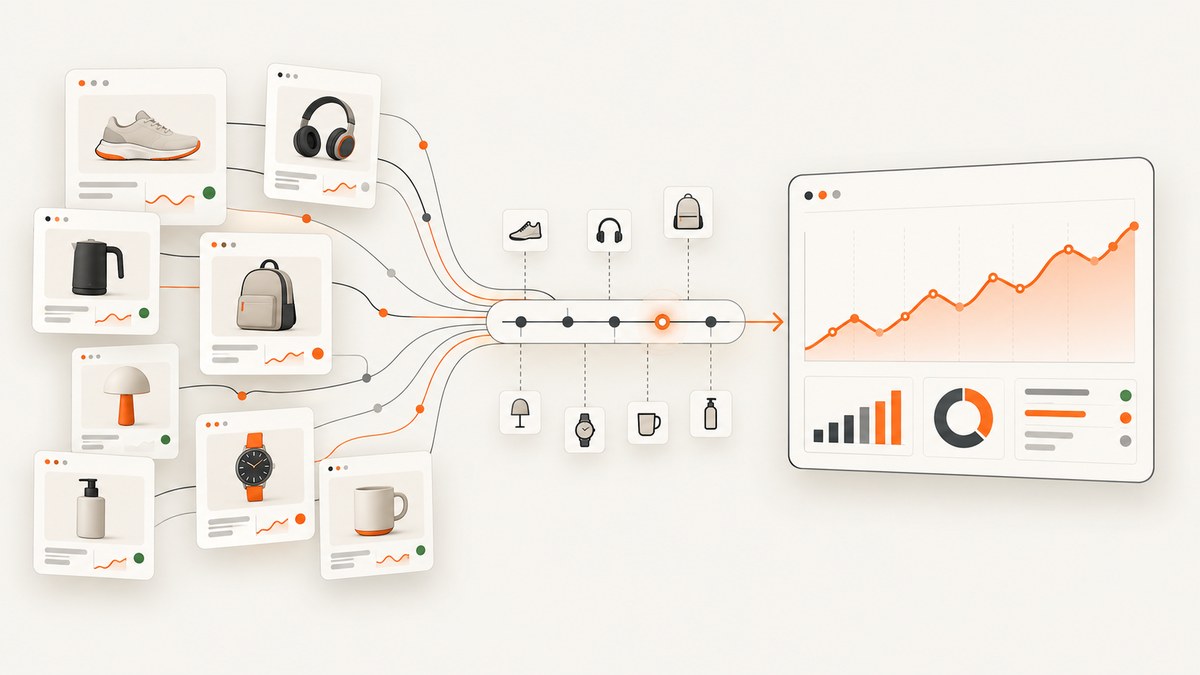
Track e-commerce trends by collecting the same fields from a stable set of permitted public product pages on a consistent schedule, saving every observation with a timestamp, then comparing normalized prices, availability, assortment and product attributes over time. Scraping is the collection method; the trend comes from the consistency of your sample, identifiers, time window and analysis.
A defensible report states the source sites, products, geography, observation window, collection frequency, missing pages and known limitations. Public listings are observations of pages. They do not automatically represent sales, revenue or market share.
1. Define a narrow trend question
- Are listed prices changing for a defined set of competing products?
- How often is a product or category shown as unavailable?
- Are more sellers listing a category or a specific attribute?
- Which words, specifications or claims are becoming more common?
Write the question before writing a scraper. For example: “What was the displayed price and availability of these 40 products in the US storefront each morning during September?” Avoid claiming sales or market share unless your data actually measures those outcomes. Price monitoring, product tracking and market research are common e-commerce scraping applications described by Apify’s guide.
2. Choose sources and check access conditions
- Prefer an official feed, documented API or permitted data provider when it answers the question.
- Review the site’s
robots.txt, terms, account requirements and any restrictions on automated access. - Check whether pages could expose personal, confidential or otherwise sensitive information. Do not collect fields irrelevant to your question.
- Record the storefront, country, currency and language for every source.
Configure your crawler to honor robots.txt. Scrapy documents its robots middleware and the ROBOTSTXT_OBEY setting in its official documentation. Google explains that robots.txt is a crawler instruction, not an access-control or security boundary: “The instructions in robots.txt files cannot enforce crawler behavior to your site; it’s up to the crawler to obey them.” See Google’s robots.txt guide. Treat that as a technical limitation, never as permission to ignore a site’s instructions.
3. Define a comparable observation schema
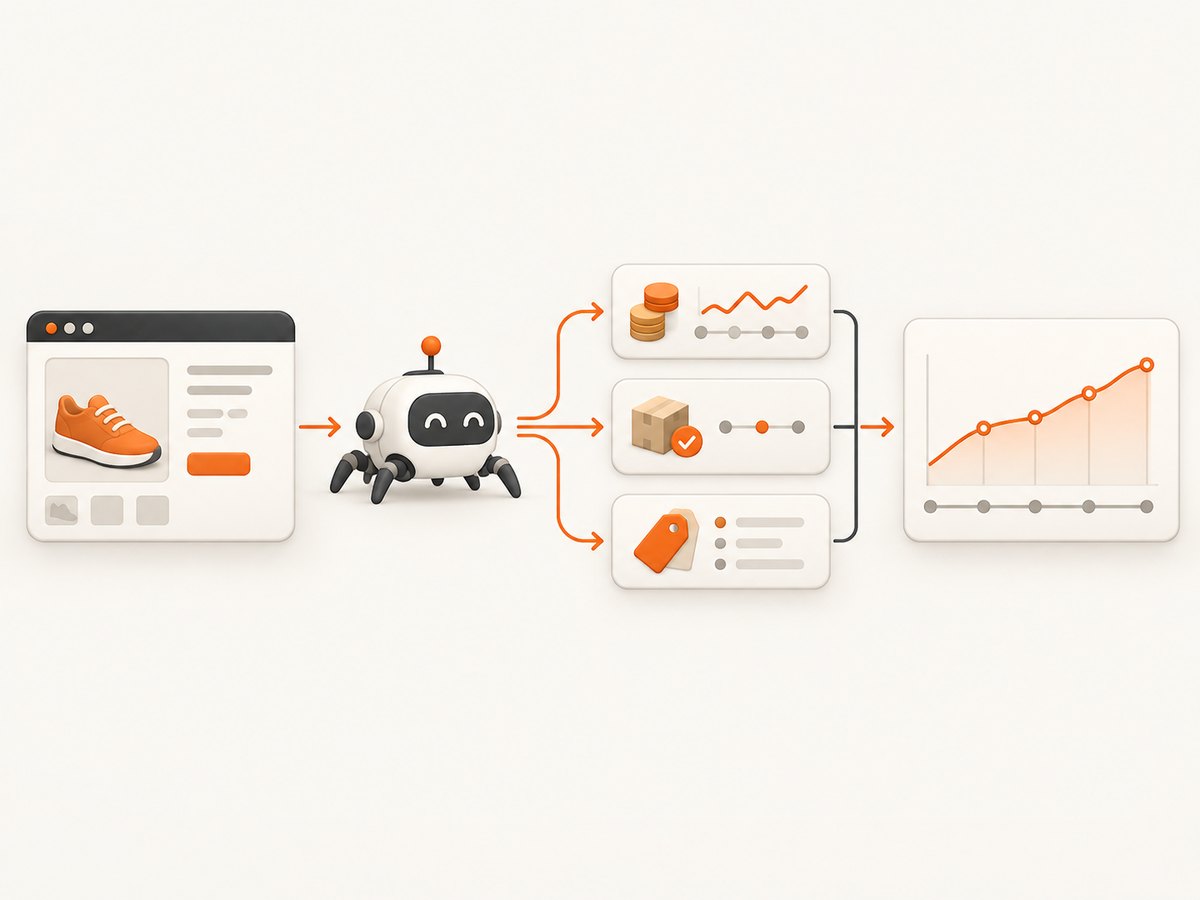
Keep raw values and normalized values in separate columns. A practical starting schema is:
| Field | Purpose |
|---|---|
source |
Stable site or storefront identifier |
url |
Canonical product URL observed |
observed_at |
UTC timestamp of collection |
source_product_id |
Seller’s SKU, product ID or another stable identifier |
title_raw |
Exact displayed product title |
price_raw and currency |
Displayed price and currency |
price_value |
Parsed numeric value for comparison |
availability_raw and availability_normalized |
Original wording plus values such as in_stock, out_of_stock or unknown |
category, brand |
Grouping dimensions needed for the question |
source_region |
Country or storefront context |
http_status, parse_status |
Evidence of successful collection and extraction |
Preserve the raw HTML or response reference when your retention and rights policies allow it. Never silently overwrite historical observations after a parser changes. If markup changes, create a new parser version and label the gap.
4. A small Python scraper you can adapt
The example below reads product URLs, requests them politely, extracts common schema.org JSON-LD fields when available, and writes dated observations. Product sites use different markup, so inspect each permitted source and add a source-specific parser rather than assuming these selectors work everywhere.
python -m pip install requests beautifulsoup4

# track_products.py
import csv
import json
import time
from datetime import datetime, timezone
from decimal import Decimal, InvalidOperation
from urllib.parse import urlparse

import requests
from bs4 import BeautifulSoup

INPUT = "products.csv"          # columns: source,url,source_product_id,category
OUTPUT = "observations.csv"
USER_AGENT = "TrendResearchBot/1.0 (contact: data-team@example.com)"

session = requests.Session()
session.headers.update({"User-Agent": USER_AGENT, "Accept-Language": "en-US,en;q=0.8"})

def first_product_jsonld(soup):
    for tag in soup.select('script[type="application/ld+json"]'):
        try:
            data = json.loads(tag.string or tag.get_text())
        except (TypeError, json.JSONDecodeError):
            continue
        values = data if isinstance(data, list) else data.get("@graph", [data]) if isinstance(data, dict) else []
        for value in values:
            if isinstance(value, dict) and value.get("@type") in ("Product", ["Product"]):
                return value
    return {}

def money_value(value):
    if value is None:
        return ""
    text = str(value).replace(",", "").strip()
    try:
        return str(Decimal(text))
    except InvalidOperation:
        return ""

def collect(row):
    observed_at = datetime.now(timezone.utc).isoformat()
    result = {**row, "observed_at": observed_at, "http_status": "", "parse_status": "error",
              "title_raw": "", "price_raw": "", "price_value": "", "currency": "",
              "availability_raw": "", "availability_normalized": "unknown"}
    try:
        response = session.get(row["url"], timeout=(10, 45))
        result["http_status"] = response.status_code
        response.raise_for_status()
    except requests.RequestException as exc:
        result["parse_status"] = f"request_error:{type(exc).__name__}"
        return result

    soup = BeautifulSoup(response.text, "html.parser")
    product = first_product_jsonld(soup)
    offers = product.get("offers", {}) if isinstance(product, dict) else {}
    if isinstance(offers, list):
        offers = offers[0] if offers else {}
    result["title_raw"] = str(product.get("name", "")).strip()
    result["price_raw"] = str(offers.get("price", "")).strip()
    result["price_value"] = money_value(offers.get("price"))
    result["currency"] = str(offers.get("priceCurrency", "")).strip()
    result["availability_raw"] = str(offers.get("availability", "")).strip()
    availability = result["availability_raw"].lower()
    if "instock" in availability or "in stock" in availability:
        result["availability_normalized"] = "in_stock"
    elif "outofstock" in availability or "out of stock" in availability:
        result["availability_normalized"] = "out_of_stock"
    result["parse_status"] = "ok" if result["title_raw"] or result["price_value"] else "missing_expected_fields"
    return result

with open(INPUT, newline="", encoding="utf-8") as source:
    rows = list(csv.DictReader(source))

results = []
for row in rows:
    results.append(collect(row))
    time.sleep(2)  # conservative pacing; tune only within the source's rules

fields = list(results[0]) if results else []
with open(OUTPUT, "w", newline="", encoding="utf-8") as destination:
    writer = csv.DictWriter(destination, fieldnames=fields)
    writer.writeheader()
    writer.writerows(results)

print(f"Wrote {len(results)} observations to {OUTPUT}")
Create products.csv with a header such as source,url,source_product_id,category. Use a stable seller ID when available; a URL alone can change when tracking parameters or slugs change.
5. Schedule collection without creating noisy data
- Choose a cadence that matches the decision: daily for price movement, weekly for assortment, less often for slow category changes.
- Use a fixed observation window or record the exact timestamp for every request.
- Cache unchanged resources where permitted and avoid downloading assets you do not analyze.
- Use exponential backoff for transient errors and stop when a source denies access.
- Keep a run log containing request count, status codes, parse failures and missing fields.
A sudden jump may be a sale, currency issue, variant change, shipping exclusion or parser failure. Compare the raw display and page context before labeling it a market trend.
6. Normalize and analyze the snapshots
- Normalize currencies with a documented conversion date or keep each currency separate.
- Match products using source IDs first, then carefully reviewed URLs, SKUs or title attributes. Do not merge variants merely because their names are similar.
- Define sale-price handling: retain list price, displayed sale price and shipping separately when visible.
- Map availability wording to a small controlled vocabulary while retaining the original text.
- Measure missingness and parser errors separately from true out-of-stock observations.
Useful outputs include median and distribution of displayed prices, percentage of observations marked unavailable, number of active sellers, assortment counts and the prevalence of selected attributes or keywords. Every chart should show its source set, geography, period and sample size. Scraped data can support price monitoring, product tracking and market research, but a page field is not automatically a measure of demand or sales.
7. Build a crawler or use a hosted API?
| Option | Advantages | Questions to answer |
|---|---|---|
| Custom crawler | Control over parsers, storage, cadence and retries | Can your team maintain selectors, browser dependencies, scheduling, monitoring and compliance reviews? |
| Hosted collection API | Less infrastructure and faster integration | Does it support your permitted sources, regions, fields, export format, retention and failure handling? What are vendor and usage costs? |
| Official API or feed | Usually more stable and explicitly authorized | Does it provide the fields, freshness and coverage needed for your question? |
Compare source coverage, authorization, extraction quality, frequency, reliability, regional support, export, vendor dependence and total cost. Scrapy.io documents tool discovery, synchronous and asynchronous runs, dataset retrieval and schedules; those are workflow features, not independent proof of accuracy.
8. Legal and privacy checklist
- Read the target’s terms and access conditions, especially when an account is required.
- Honor robots.txt and use conservative rates. It is a technical convention, not a legal permission slip.
- Collect only fields necessary for the stated trend question.
- Do not bypass authentication, bot checks or other access controls.
- Review privacy, copyright, database-rights and contract issues for the jurisdictions involved.
- Document source, purpose, retention and deletion rules.
U.S. GSA guidance on web scraping is written for U.S. civilian federal agencies and flags robots.txt, terms, sensitive information and copyright; it is not a universal legal ruling. Local law and contracts require their own review. An EDPB consultation on scraping in the context of generative AI is a separate, evolving topic and does not settle general e-commerce scraping legality.
9. Reliability, performance and cost
Reliability
- Persist every response outcome, including timeouts and blocked requests.
- Alert on missing-field rates and implausible price changes.
- Version parsers and run a small canary set before processing the full catalog.
- Keep gaps visible; never fill a failed observation with the previous value without labeling it.
Performance
- Use a session with connection reuse and bounded concurrency.
- Request only the pages and fields required.
- Separate discovery, extraction and analysis so a parser change does not require recollecting history.
- For JavaScript-heavy pages, use a browser only when a permitted source requires rendering; browser work costs more resources than plain HTTP.
Cost
Estimate requests per run × runs per month, then add storage, proxy or browser usage, monitoring and engineering time. A cheaper request is not cheaper if it produces unusable or non-comparable observations. Official feeds may reduce maintenance even when they have a direct fee.
10. Troubleshooting
| Symptom | Likely cause | Fix |
|---|---|---|
| 403 or 429 responses | Access rules, rate limits or denied automation | Stop, review terms and robots.txt, slow the rate and use an authorized feed or API. |
| HTML contains no product data | Data is rendered by JavaScript or embedded differently | Inspect permitted page source and JSON-LD; use a browser only if allowed, or request an official endpoint. |
| Prices are blank | Variant selection, changed markup or price embedded in a different script | Record raw HTML, add a source-specific parser and distinguish missing from free or zero-priced items. |
| Every item becomes out of stock | Availability parser is matching a badge, recommendation or stale template | Store raw wording, test representative pages and alert on sudden uniform changes. |
| Duplicate products | Tracking parameters, variants or seller listings are being treated as separate IDs | Canonicalize URLs and use seller or product IDs with explicit variant rules. |
| Large unexplained price jump | Currency, unit, shipping, pack size or sale-price change | Compare currency, quantity, raw display and page context before analysis. |
| Timeouts and intermittent failures | Slow origin, overloaded browser or transient network error | Set bounded connect/read timeouts, retry only transient failures with backoff and log final status. |
| Robots middleware does not work | Setting or middleware is disabled | Enable and verify ROBOTSTXT_OBEY; test with a known permitted URL and check the framework version. |
Or skip the browser setup
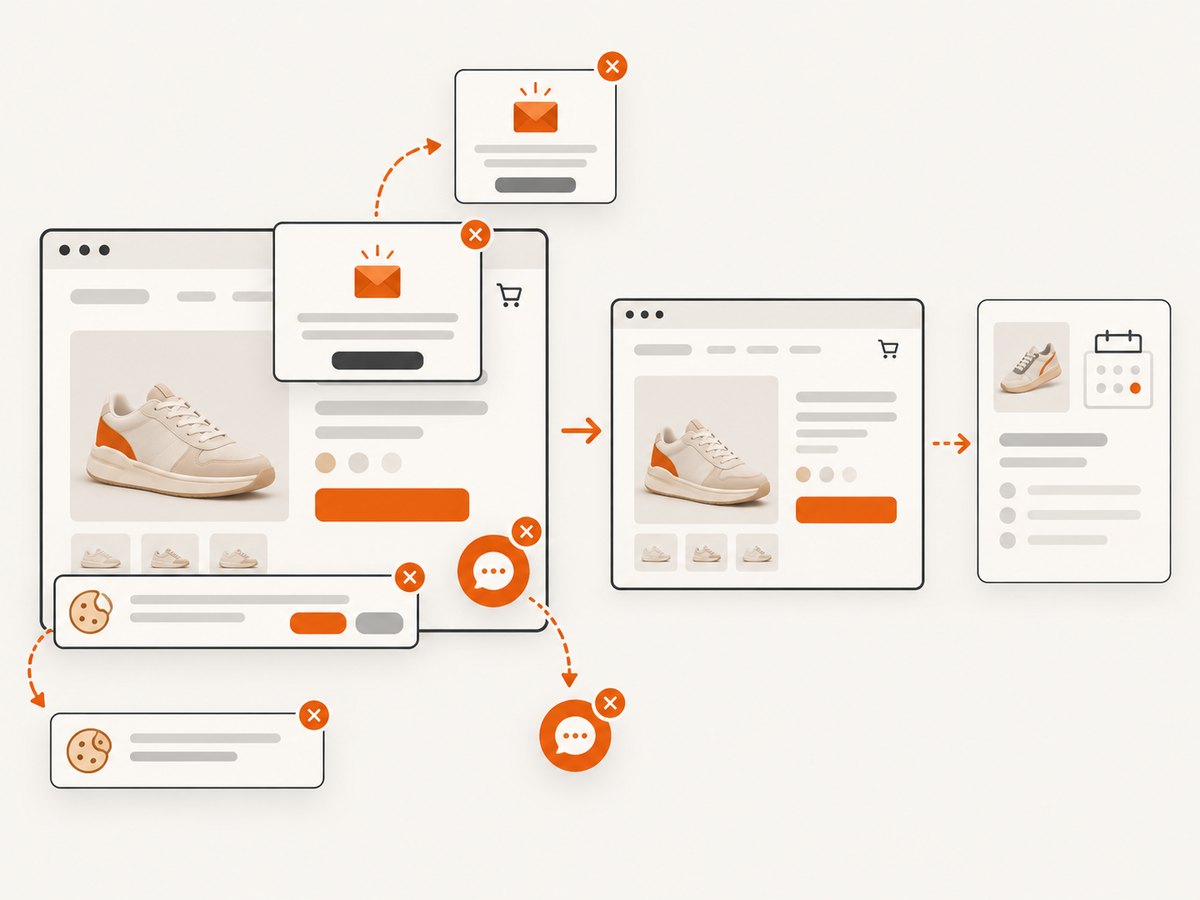
ScreenshotNeo is a website screenshot API and MCP server. You can capture a product or category page as PNG, JPEG, WebP or PDF and store the image alongside each observation. It accepts cookie and consent banners like a visitor, then removes more than 60 known consent platforms, newsletter popups and chat widgets before capture; each step can be turned off. Bot checks, blank pages, timeouts, failed loads and cache hits are not billed, and the response identifies the result with X-Page-Verdict and X-Billed headers.
See the ScreenshotNeo API documentation for all options.
curl -G "https://api.screenshotneo.com/v1/shot" -d access_key=YOUR_API_KEY --data-urlencode url=https://stripe.com -o shot.webpimport requests
r = requests.get("https://api.screenshotneo.com/v1/shot", params={"access_key": "YOUR_API_KEY", "url": "https://stripe.com"}, timeout=90)
open("shot.webp", "wb").write(r.content)const q = new URLSearchParams({ access_key: 'YOUR_API_KEY', url: 'https://stripe.com' });
const res = await fetch(`https://api.screenshotneo.com/v1/shot?${q}`);Use the returned image as visual evidence for a dated observation, especially when a price or availability change needs human review. ScreenshotNeo also supports full-page and element capture, dark mode, device presets, retina scale, custom CSS and JavaScript, clicks, waits, request blocking, headers, cookies, user agents, timezone, geolocation, caching, signed links, async webhooks, bulk capture of up to 100 URLs per call, a usage API and an MCP server with take_screenshot, get_page_info and capture_pdf for AI agents.
There are 1,000 free screenshots each month with no card. Paid plans start at $5 for 3,000 shots; every feature is on every plan. Create a free ScreenshotNeo account.
FAQ
How often should I scrape product prices?
Use the slowest schedule that can answer the decision. Daily is a reasonable starting point for active price monitoring; weekly may be enough for assortment or attribute trends. Document the cadence.
What data should I track?
Start with URL, timestamp, product ID, displayed price and currency, availability, title, category and source geography. Add fields only when they answer the trend question.
Can scraped listings prove market share?
No. Listings show what selected sources displayed during your collection window. They do not prove sales, revenue or complete market coverage.
Should I use a browser for every page?
No. Plain HTTP is cheaper and simpler when the needed data is in the response. Use permitted browser rendering only when the source requires it, and record that choice because it affects cost and reproducibility.
Is web scraping legal?
There is no blanket answer. Review the source’s terms, access controls, privacy and copyright issues, applicable law and your purpose. Robots.txt expresses crawler instructions but does not grant legal permission.


