How to Transform HTML into a JPG Image
Render HTML in a browser, wait for fonts and images, then encode the pixels as JPEG with html2canvas, Puppeteer, wkhtmltoimage, or an API.
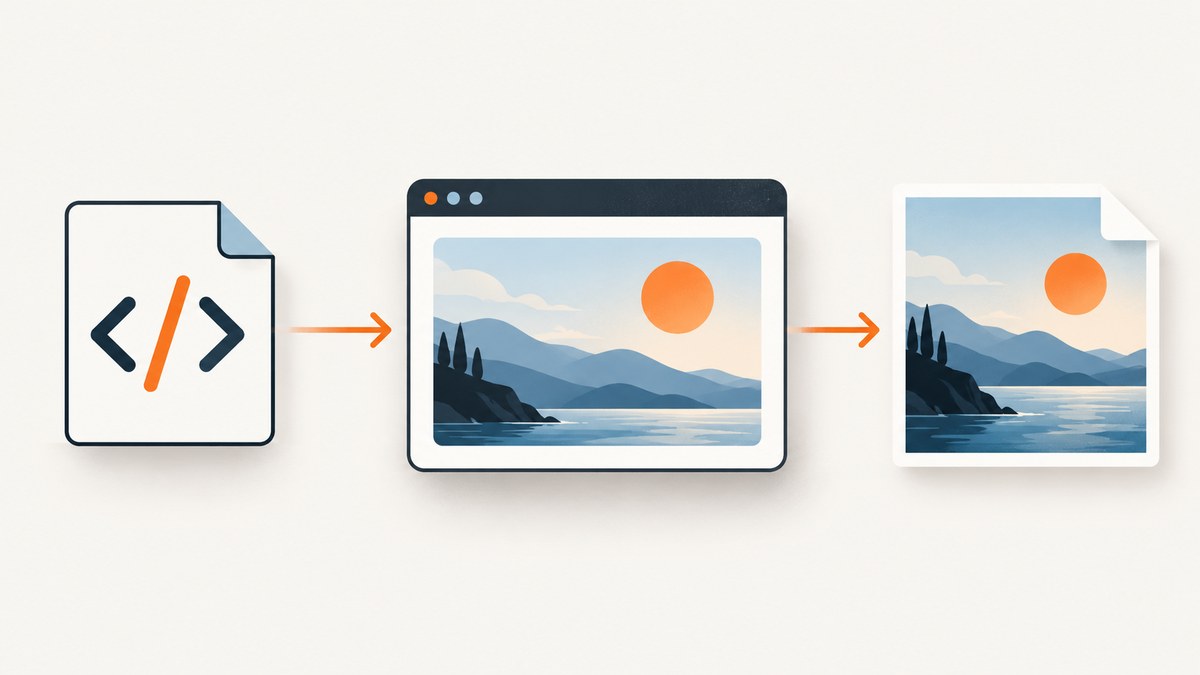
To transform HTML into a JPG, render the HTML and CSS in a browser-like engine, wait for JavaScript, fonts, and images to finish, then encode the rendered pixels as a JPEG. HTML is markup, not a bitmap, so simply renaming an .html file to .jpg cannot work.
Choose the implementation based on where the conversion runs:
| Need | Best route | Main limitation |
|---|---|---|
| Capture an element in an existing page | html2canvas | Reconstructs pixels from the DOM; CSS and cross-origin restrictions apply |
| Pixel fidelity, JavaScript, or server automation | Puppeteer with Chromium | You operate a browser process |
| Shell scripts and simple jobs | wkhtmltoimage | Validate modern CSS and JavaScript support |
| Batch conversion without browser infrastructure | Hosted HTML-to-image API | Review authentication, retention, and pricing |
1. Convert HTML to JPG in the browser with html2canvas
html2canvas runs in the browser and creates a canvas from an element. It does not take a native screenshot: the project documents that the image is reconstructed from the DOM, so unsupported CSS can change the result. Same-origin images work directly. Cross-origin images need suitable CORS headers or a proxy, and cross-origin iframes cannot be rendered. See the project’s FAQ for the security restrictions.
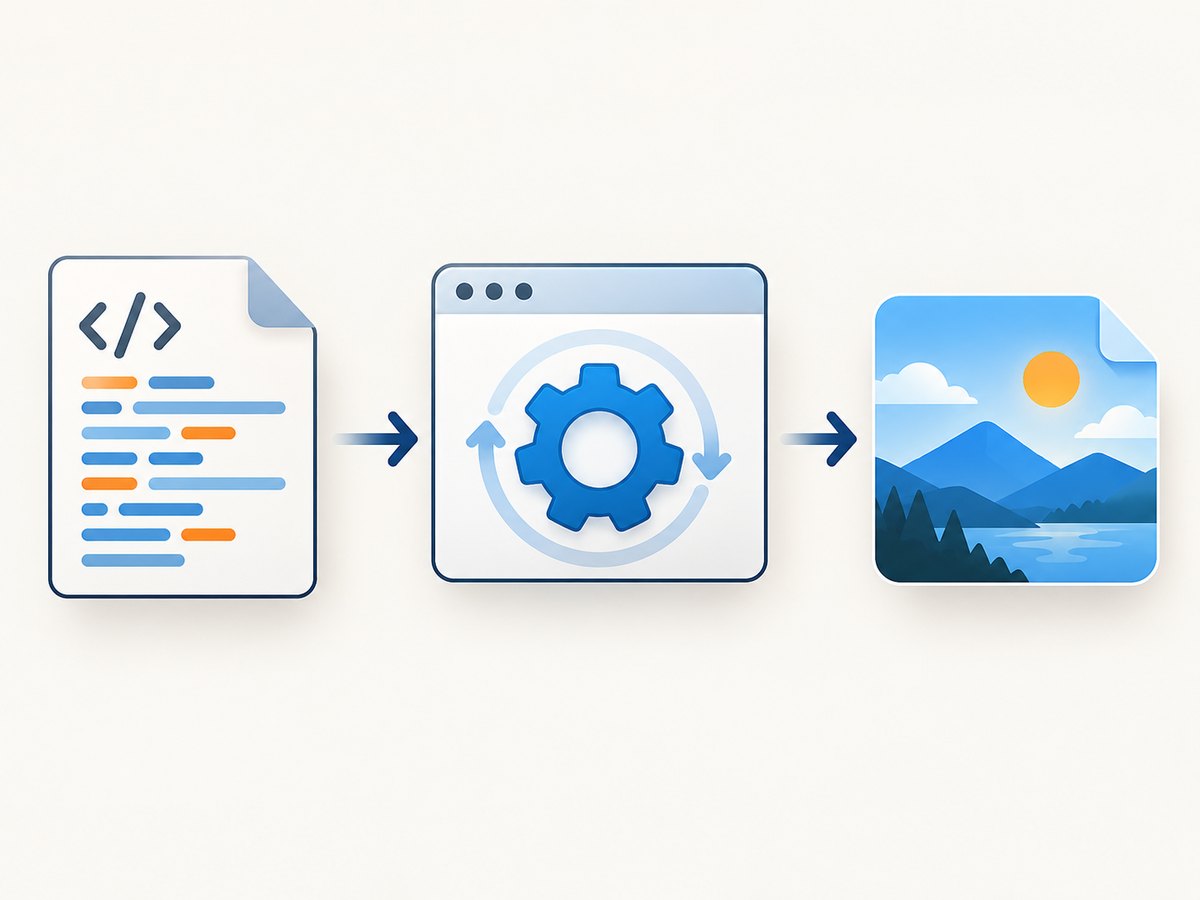
Complete runnable example
<!doctype html>
<html>
<head>
  <meta charset="utf-8">
  <title>HTML to JPG</title>
  <script src="https://cdn.jsdelivr.net/npm/html2canvas@1.4.1/dist/html2canvas.min.js"></script>
  <style>
    body { margin: 0; font-family: system-ui, sans-serif; background: #eef2f7; }
    #card { width: 720px; padding: 48px; box-sizing: border-box; background: white; color: #172033; }
    h1 { margin-top: 0; }
  </style>
</head>
<body>
  <main id="card">
    <h1>Release summary</h1>
    <p>This element will be exported as a JPG.</p>
  </main>
  <script>
    async function downloadJpg() {
      await document.fonts.ready;
      const element = document.querySelector('#card');
      const canvas = await html2canvas(element, {
        backgroundColor: '#ffffff',
        scale: window.devicePixelRatio || 1,
        useCORS: true,
        logging: false
      });
      const dataUrl = canvas.toDataURL('image/jpeg', 0.9);
      const link = document.createElement('a');
      link.download = 'release-summary.jpg';
      link.href = dataUrl;
      link.click();
    }
    downloadJpg();
  </script>
</body>
</html>
toDataURL('image/jpeg', 0.9) uses a quality value from 0 to 1. Higher quality produces a larger file. JPEG has no transparency; a transparent canvas is flattened against the background color. For text, charts, or sharp interface edges, PNG may look better.
Useful html2canvas options
backgroundColor: color used behind transparent content; setnullfor a transparent canvas, though JPEG will still need a background when encoded.scale: output pixel density. A value of 2 gives a retina-sized image but increases memory use.useCORS: requests images with CORS enabled. The image server must send an appropriateAccess-Control-Allow-Originheader.allowTaint: permits tainted images but prevents exporting the canvas safely; it is not a fix for production downloads.width,height,x, andy: control the capture rectangle.windowWidthandwindowHeight: emulate the layout viewport and responsive breakpoints.foreignObjectRendering: can improve some markup cases in supporting browsers, but results vary.ignoreElements: callback for excluding controls, advertisements, or other nodes.
Wait for document.fonts.ready, image load events, and application data before calling html2canvas. For a full page, capture a wrapper containing the complete document rather than assuming the viewport contains every element.
2. Convert a URL or HTML file with Puppeteer
Puppeteer drives a real headless Chromium page. Its Page.screenshot API captures the rendered page, so JavaScript, layout, and browser-supported CSS behave much closer to what a user sees than DOM reconstruction.
Install and run
mkdir html-jpg && cd html-jpg
npm init -y
npm install puppeteer
// capture.mjs
import puppeteer from 'puppeteer';
const browser = await puppeteer.launch({ headless: true });
try {
const page = await browser.newPage();
await page.setViewport({ width: 1440, height: 900, deviceScaleFactor: 1 });
await page.goto('https://example.com', { waitUntil: 'networkidle2', timeout: 60000 });
await page.evaluate(() => document.fonts.ready);
await page.waitForFunction(() => [...document.images].every(img => img.complete));
await page.screenshot({
path: 'page.jpg',
type: 'jpeg',
quality: 90,
fullPage: true
});
} finally {
await browser.close();
}node capture.mjsFor a local file, use a file URL or set the content directly:
const html = `<!doctype html><html><body><h1>Invoice</h1></body></html>`;
await page.setContent(html, { waitUntil: 'networkidle0' });
await page.screenshot({ path: 'invoice.jpg', type: 'jpeg', quality: 88 });
Puppeteer settings that affect the JPG
type: 'jpeg'selects JPEG output;qualityaccepts 0–100.fullPage: truecaptures the complete scrollable document. Very tall pages can exceed browser or image dimension limits; split them into sections when necessary.clipcaptures a rectangle withx,y,width, andheight.deviceScaleFactorcontrols retina density. Increasing it multiplies pixel count and memory use.page.emulateMediaType('screen')or'print'selects the CSS media mode.page.setExtraHTTPHeaders(), cookies, authentication, timezone, and geolocation let you reproduce an authenticated or localized view.page.waitForSelector()is safer than a fixed delay when a known component signals readiness. Use a delay only for animations or third-party widgets without a reliable selector.
3. Use wkhtmltoimage from the command line
wkhtmltoimage is convenient for scripts that need one command to write an image. It supports JPG and PNG output and a JPG --quality option.
wkhtmltoimage --quality 90 https://example.com page.jpg
wkhtmltoimage --quality 85 input.html output.jpg
Use this route when your pages are simple and the renderer matches your CSS. Confirm behavior for modern layout, web fonts, module scripts, lazy loading, and client-side frameworks before relying on it for production captures. A page that renders correctly in Chromium can differ in this older-style renderer.
4. Convert HTML to JPG with a hosted API
A hosted HTML-to-image service accepts a URL or HTML payload and performs browser rendering on managed infrastructure. This avoids installing Chromium, handling browser crashes, and scaling worker processes. Check each provider’s authentication, retention, viewport, selector, full-page, DPI, timeout, and webhook behavior before sending private documents.
5. Or skip the browser setup with ScreenshotNeo
ScreenshotNeo is a website screenshot API and MCP server. One GET request returns PNG, JPEG, WebP, or PDF. It removes cookie and consent banners, newsletter popups, and chat widgets before capture; each cleanup step can be disabled. Bot checks, CAPTCHAs, blank pages, timeouts, failed loads, and cache hits are not billed, and response headers identify the page verdict and billing result.
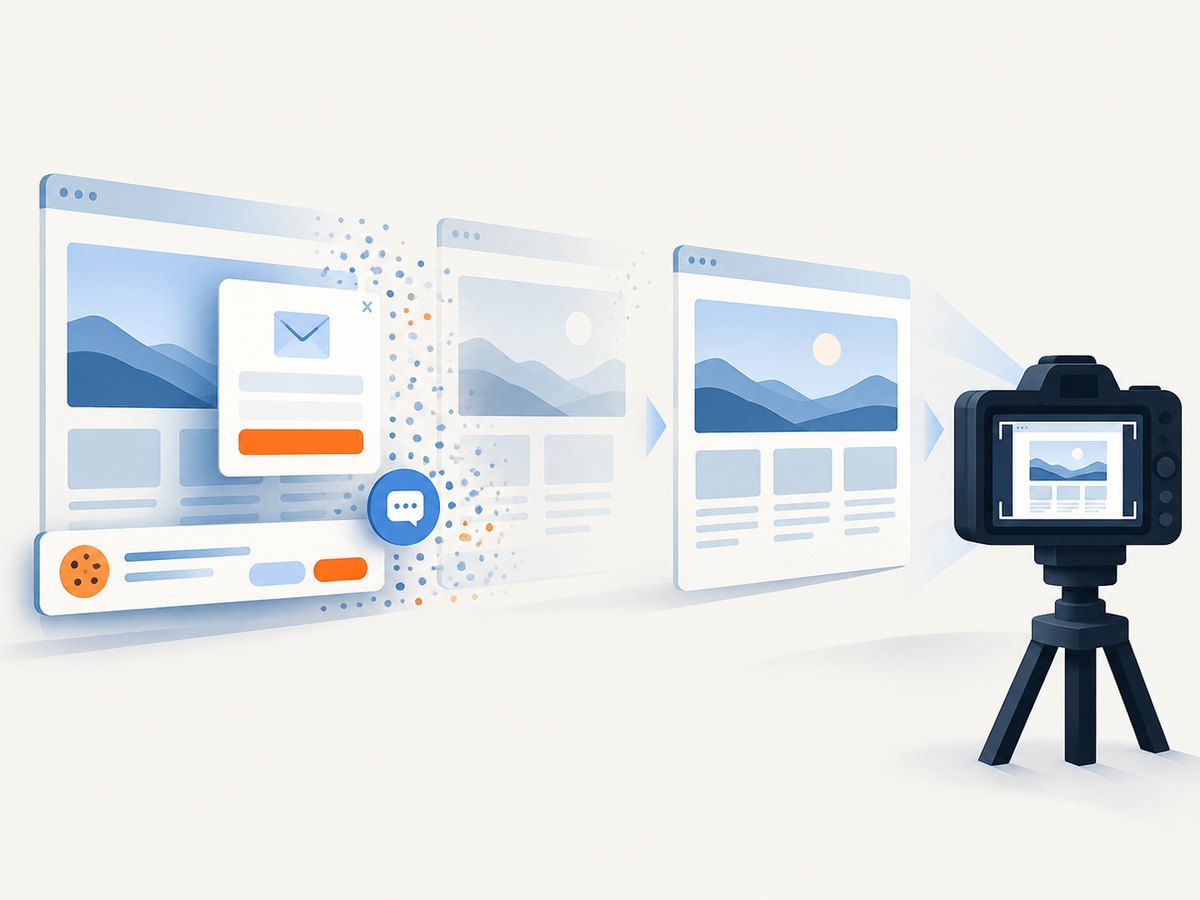
See the ScreenshotNeo API documentation for all options. The same parameter names used by other screenshot APIs also work, which simplifies migration.
cURL
curl -G "https://api.screenshotneo.com/v1/shot" \
  -d access_key=YOUR_API_KEY \
  --data-urlencode url=https://stripe.com \
  -o shot.webp
Python
import requests

r = requests.get(
    "https://api.screenshotneo.com/v1/shot",
    params={"access_key": "YOUR_API_KEY", "url": "https://stripe.com"},
    timeout=90,
)
r.raise_for_status()
open("shot.webp", "wb").write(r.content)
Node.js
const q = new URLSearchParams({ access_key: 'YOUR_API_KEY', url: 'https://stripe.com' });
const res = await fetch(`https://api.screenshotneo.com/v1/shot?${q}`);
if (!res.ok) throw new Error(`Screenshot failed: ${res.status}`);
const fs = await import('node:fs/promises');
await fs.writeFile('shot.webp', Buffer.from(await res.arrayBuffer()));
For JPG output, add the documented format parameter. ScreenshotNeo also supports full-page capture with lazy images loaded, CSS-selector element capture, dark mode, device presets or custom viewports, retina scale, custom CSS and JavaScript, clicks, selector or network-idle waits, blocked resource types, headers, cookies, user agents, Authorization, timezone, geolocation, transparent backgrounds, resizing, selectable-TTL caching, signed image links, asynchronous jobs with signed webhooks, bulk capture of up to 100 URLs per call, usage reporting, and an OpenAPI specification. Its MCP server exposes take_screenshot, get_page_info, and capture_pdf for Claude, Cursor, and other MCP clients.
The Free plan includes 1,000 shots per month without a card. Paid plans start at $5 for 3,000 shots; yearly billing gives two months free. Every feature is available on every plan. Create a free ScreenshotNeo account and start with the included monthly shots.
6. Make captures reliable
- Set the viewport explicitly. Responsive breakpoints can change the output if the default viewport differs between machines.
- Wait for readiness. Fonts, images, API data, animations, and lazy-loaded sections must finish before capture.
- Use deterministic inputs. Fix timezone, locale, geolocation, cookies, and user-agent when comparing images.
- Choose the format deliberately. JPEG reduces size with lossy compression. Use PNG for transparency or small, sharp text.
- Control dimensions. Large scale factors and full-page captures consume memory. Split extremely tall documents.
- Inspect output. Look for clipped content, missing fonts, blank cross-origin images, incorrect breakpoints, and overlays.
7. Troubleshooting: “How do I convert HTML to JPG?”
The JPG is blank or only contains the background
The capture ran before client-side rendering completed, or the selected element has no dimensions. Wait for a selector, fonts, images, and application data; verify the element’s computed width and height.
How can I save a web page as a JPG when images are missing?
Cross-origin images may lack CORS headers. Host them on the same origin, configure Access-Control-Allow-Origin, use a supported proxy, or capture with a real browser service. Cross-origin iframes cannot be reconstructed by html2canvas.
The layout is different from the browser
Set an explicit viewport and device scale factor. In html2canvas, remember that the output is reconstructed from DOM information and may not match a native screenshot. Use Puppeteer or a hosted browser renderer when Chromium fidelity matters.
Web fonts are missing
Wait for document.fonts.ready and confirm that font requests succeed. A blocked font, incorrect MIME type, or cross-origin policy can cause fallback fonts.
Only the visible portion was captured
Enable fullPage in Puppeteer or capture a wrapper containing the entire document with html2canvas. For very tall pages, capture sections and stitch them or produce several JPGs.
The output file is too large
Lower JPEG quality, reduce the viewport or scale, resize after capture, or use a lower-DPI output. Do not lower quality so far that text becomes unreadable.
wkhtmltoimage shows modern CSS incorrectly
That renderer may not support the feature your page uses. Test the same URL in headless Chromium and switch to Puppeteer or a managed browser API if fidelity is required.
8. Performance, reliability, and cost
Browser startup is expensive, so long-running Puppeteer workers should reuse a browser and create new pages per job, while still closing pages and limiting concurrency. Waiting on a precise selector or network-idle condition is usually faster and more reliable than adding a large fixed delay. Cache immutable pages and assets, but avoid caching personalized content.
JPEG quality, viewport dimensions, and device scale factor determine output size and encoding time. Full-page captures and retina scale multiply memory use. For a managed API, compare synchronous timeouts, asynchronous webhooks, bulk limits, cache behavior, and billing rules with your workload. ScreenshotNeo reports verdict and billing headers and does not bill failed loads, bot checks, blank pages, timeouts, or cache hits, which makes failed capture cost visible.
9. FAQ
Can I convert HTML to JPG without a browser?
You need a renderer somewhere. html2canvas uses the current browser, Puppeteer and wkhtmltoimage run browser-like engines, and a hosted API operates the renderer for you.
Is JPG better than PNG for HTML?
JPG is smaller for photographic or gradient-heavy pages. PNG preserves transparency and sharp text without lossy artifacts.
Can I convert a private HTML page?
Yes, with a local browser or a service that supports authentication headers, cookies, or private HTML input. Review data retention before sending confidential content to a hosted service.
Why does a screenshot include a cookie banner?
The renderer captured the page before consent handling or cleanup. Remove the banner in your own page, wait for its dismissal, or use a service such as ScreenshotNeo that accepts consent banners and removes known consent platforms before capture.


