How to Capture Transparent Screenshots with Selenium and PhantomJS in Python
Learn why PhantomJS screenshots can be transparent, how to capture and verify PNG alpha in Selenium, and how to migrate to maintained browsers.
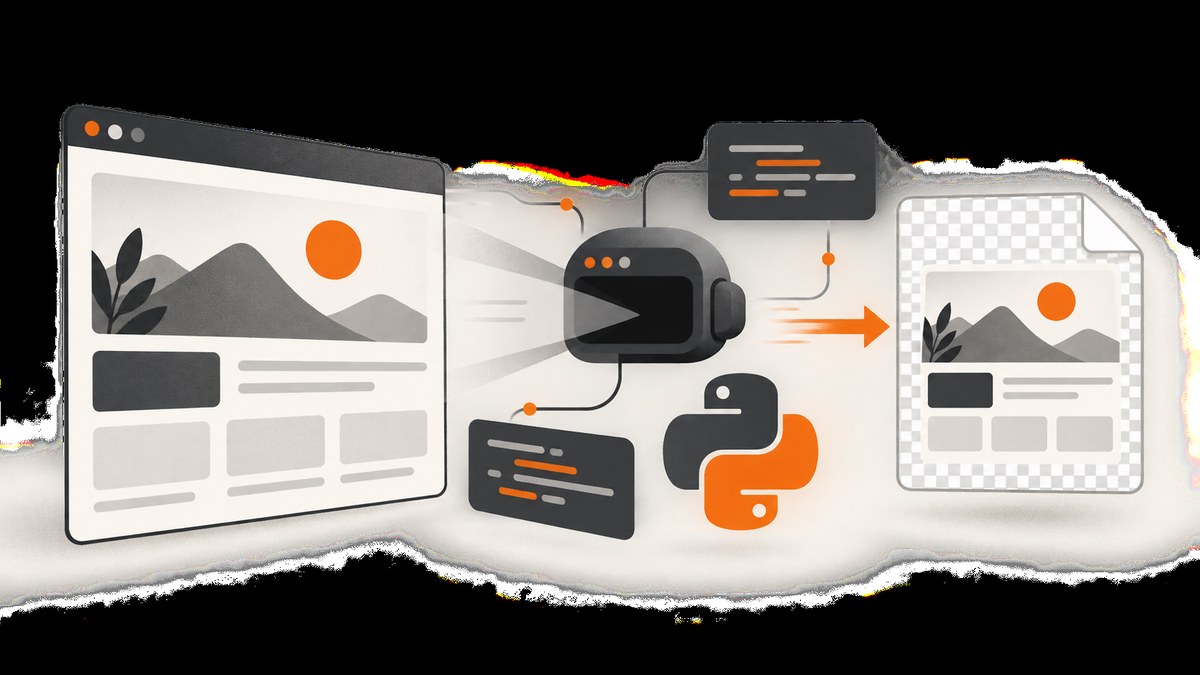
Direct answer: PhantomJS leaves the web page background unset. If the page does not paint a background, the screenshot can contain transparent pixels. Selenium can save the result as a PNG with save_screenshot(), get_screenshot_as_file(), or return PNG bytes with get_screenshot_as_png(). Transparency is not guaranteed: page CSS, images, compositing, and the browser’s PNG encoder can make the final image opaque. Always inspect the alpha channel before depending on it.
PhantomJS is deprecated and is no longer a maintained browser choice. The durable approach is to keep the Selenium workflow but move to headless Chrome or Firefox, then verify the actual target pages in your CI environment. This guide covers the legacy method, alpha verification, common failure modes, migration, and a hosted alternative.
1. How PhantomJS transparency works
The PhantomJS FAQ explains that PhantomJS “does not set the background color of the web page at all”; when the page sets no background, it remains transparent. This is a property of the rendered page and compositor, not a Selenium option. See the PhantomJS FAQ.
A page can still become opaque when:
body,html, or a full-page wrapper has a background color or image.- A child element covers every pixel with an opaque paint.
- An image, canvas, video, SVG, or pseudo-element supplies a background.
- The browser or image conversion pipeline flattens the output onto a solid color.
Setting document.body.style.background = 'transparent' only changes the inline body style. A higher-specificity rule, an !important declaration, or a different full-page wrapper can still paint the result.
2. Install the legacy stack
This method requires a locally installed PhantomJS executable and a Selenium version that still exposes webdriver.PhantomJS. Current Selenium releases deprecate or remove this constructor. Use it only when maintaining an older application or reproducing an existing capture.
- Install Python and a Selenium release compatible with your existing PhantomJS driver.
- Install PhantomJS and make its executable available on
PATH, or pass its explicit path. - Use a writable output directory and a deterministic viewport.
- Confirm that the target URL is permitted by your network and authentication setup.
python -m pip install selenium
phantomjs --version
Do not assume that installing the latest Selenium will preserve PhantomJS support. Pin the versions used by your legacy build and plan a browser migration.
3. Capture a transparent PNG with Selenium
The following complete script sets the viewport, navigates, removes common page background declarations, captures a PNG, and closes the driver. Removing the background is optional; omit those lines when you need the site’s own styling.
from selenium import webdriver

URL = "https://example.com"
OUTPUT = "/tmp/example-transparent.png"

# Requires a PhantomJS executable and a Selenium version that still
# supports webdriver.PhantomJS.
driver = webdriver.PhantomJS(service_log_path="/tmp/phantomjs.log")
driver.set_window_size(1200, 800)

try:
    driver.get(URL)

    # Remove common painted backgrounds. This does not override every
    # possible wrapper, pseudo-element, canvas, image, or !important rule.
    driver.execute_script("""
        document.documentElement.style.background = 'transparent';
        document.body.style.background = 'transparent';
        document.documentElement.style.backgroundColor = 'transparent';
        document.body.style.backgroundColor = 'transparent';
    """)

    driver.save_screenshot(OUTPUT)
    print("saved", OUTPUT)
finally:
    driver.quit()
Selenium’s file API expects a filename ending in .png. The documented APIs are get_screenshot_as_file(filename) and get_screenshot_as_png(); see the Selenium Python API documentation.
Save PNG bytes instead of a file
from selenium import webdriver

 driver = webdriver.PhantomJS()
 driver.set_window_size(1200, 800)
 try:
     driver.get("https://example.com")
     png_bytes = driver.get_screenshot_as_png()
     with open("/tmp/example-transparent.png", "wb") as image_file:
         image_file.write(png_bytes)
 finally:
     driver.quit()
Returning bytes is useful when an application uploads directly to object storage or passes the image to an image-processing pipeline. The bytes are still only as transparent as the rendered output.
4. Make the page transparent deliberately
Start by inspecting the page in browser developer tools or by querying computed styles. A transparent body is insufficient if a wrapper fills the viewport.
backgrounds = driver.execute_script("""
const nodes = [document.documentElement, document.body,
               ...document.querySelectorAll('*')];
return nodes.slice(0, 200).map((node) => ({
  tag: node.tagName,
  id: node.id,
  className: node.className,
  backgroundColor: getComputedStyle(node).backgroundColor,
  backgroundImage: getComputedStyle(node).backgroundImage
}));
""")
for item in backgrounds:
    if item["backgroundColor"] != "rgba(0, 0, 0, 0)" or item["backgroundImage"] != "none":
        print(item)
For stubborn pages, inject a style element after navigation. This can override ordinary author rules but not every browser-level surface.
driver.execute_script("""
const style = document.createElement('style');
style.textContent = `
  html, body, body * { background-color: transparent !important; }
  html, body { background-image: none !important; }
`;
document.head.appendChild(style);
""")
Use this carefully. It can destroy intentional transparency boundaries, make text unreadable, or change layout when a background image was part of the design. If only the outer page should be transparent, target a small set of selectors instead of every descendant.
5. Wait for the state you actually want
driver.get() returns after the initial navigation, but JavaScript applications may continue rendering. Wait for a meaningful condition instead of relying on a fixed sleep.
from selenium.webdriver.common.by import By
from selenium.webdriver.support.ui import WebDriverWait

wait = WebDriverWait(driver, 30)
wait.until(lambda browser: browser.execute_script("return document.readyState") == "complete")
wait.until(lambda browser: browser.find_element(By.CSS_SELECTOR, "main").is_displayed())
For a page that loads images lazily, scroll through the document before capture, then wait for the network-driven content to appear. PhantomJS has limited modern web-platform compatibility, so a page that works in Chrome may never reach the same state in PhantomJS.
6. Verify that the PNG really has alpha
A checkerboard in an editor is a useful visual signal, but automate the check when transparency is a requirement. Pillow can inspect the PNG mode and alpha extrema.
python -m pip install pillowfrom PIL import Image
image = Image.open("/tmp/example-transparent.png")
print("mode:", image.mode)
print("size:", image.size)
if "A" not in image.getbands():
raise RuntimeError("PNG has no alpha channel")
alpha = image.getchannel("A")
minimum, maximum = alpha.getextrema()
print("alpha range:", minimum, maximum)
if minimum == 255:
raise RuntimeError("PNG contains an alpha channel, but every pixel is opaque")
print("Some pixels are transparent or translucent")An RGBA image with an alpha range of (255, 255) is visually opaque even though it carries an alpha channel. Conversely, a page can contain a few transparent pixels while the useful content is effectively flattened. Check representative pixels or a mask that matches your use case.
7. Migrate to headless Chrome or Firefox
Selenium’s change notes mark PhantomJS deprecated and recommend Chrome or Firefox in headless mode. Native PhantomJS support was removed from Selenium’s JavaScript bindings because PhantomJS was no longer actively developed. Current Selenium bindings continue to expose screenshot APIs for maintained browsers.
Headless Chrome
from selenium import webdriver
from selenium.webdriver.chrome.options import Options

options = Options()
options.add_argument("--headless=new")
options.add_argument("--window-size=1200,800")

driver = webdriver.Chrome(options=options)
try:
    driver.get("https://example.com")
    driver.save_screenshot("/tmp/example.png")
finally:
    driver.quit()
Headless Firefox
from selenium import webdriver
from selenium.webdriver.firefox.options import Options

options = Options()
options.add_argument("-headless")

driver = webdriver.Firefox(options=options)
try:
    driver.set_window_size(1200, 800)
    driver.get("https://example.com")
    driver.save_screenshot("/tmp/example.png")
finally:
    driver.quit()
Use a maintained browser for new work, but do not promise alpha preservation without testing. Selenium’s generic screenshot contract is PNG capture; it is not a guarantee that every browser, page, or compositor will preserve transparent pixels. Firefox also documents full-page screenshot methods, which can help when the viewport is shorter than the document.
8. Full-page, element, and viewport considerations
- Viewport screenshot:
save_screenshot()normally captures the current viewport. Set the window size before navigation for repeatable dimensions. - Full-page capture: use the maintained browser’s documented full-page facilities or stitch controlled viewport captures. Lazy content must be loaded first.
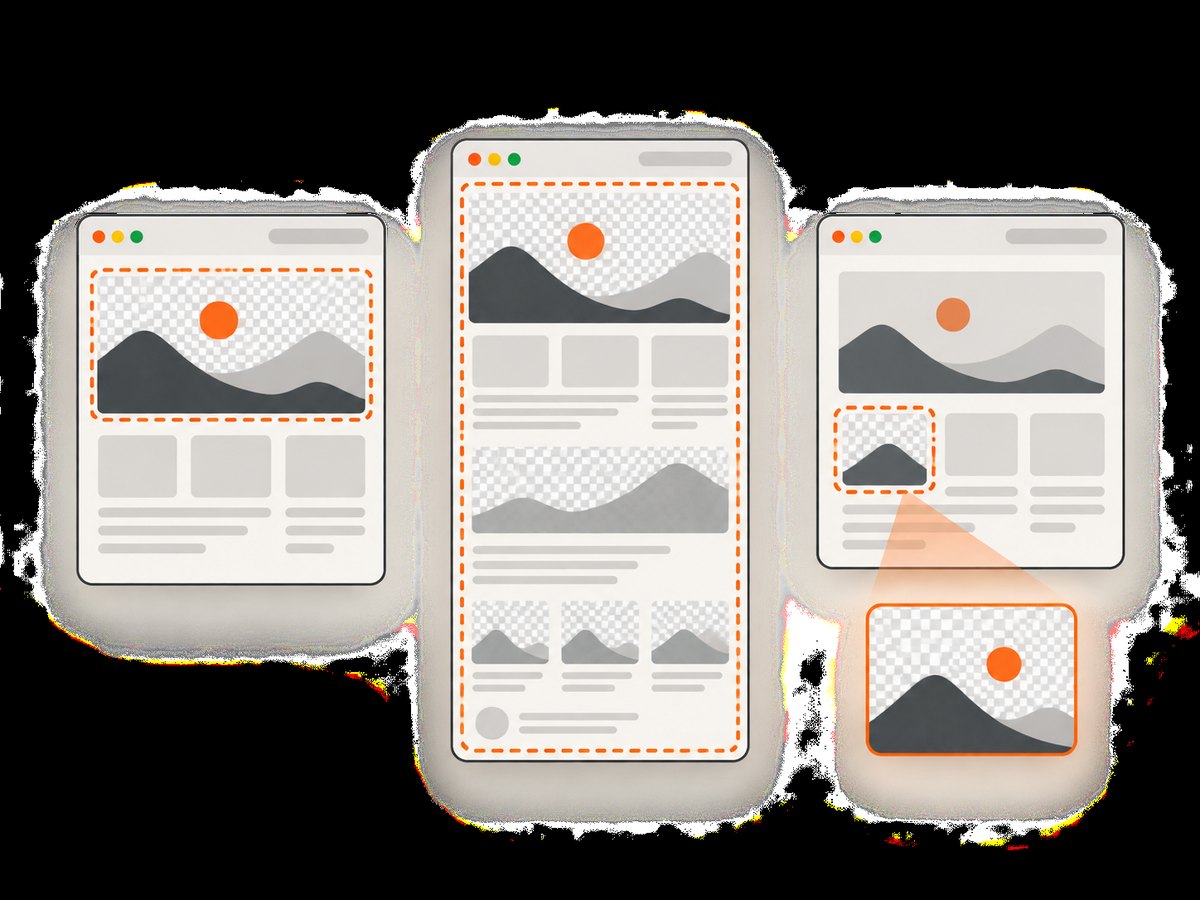
- Element capture: locate the element, ensure it is displayed, and use the element screenshot method available in your Selenium version. Transparent pixels outside the element are irrelevant.
- Device scale: browser scale factors change pixel dimensions. Record the viewport and scale in build metadata.
- Scrollbars: a scrollbar can alter layout width and introduce opaque pixels. Hide it only when doing so does not change the page you intend to represent.
9. Troubleshooting
| Symptom | Likely cause | Fix |
|---|---|---|
AttributeError: webdriver has no attribute PhantomJS |
Your Selenium release removed the legacy constructor. | Pin a compatible legacy stack temporarily, or migrate to headless Chrome or Firefox. |
| Executable not found | PhantomJS is missing or not on PATH. |
Install the executable, pass its path, and log the resolved binary location. |
| PNG is white or opaque | Page CSS, a wrapper, image, canvas, or compositor painted the background. | Inspect computed styles, remove targeted backgrounds, and verify alpha with Pillow. |
| PNG has RGBA but no transparent pixels | The encoder included an alpha channel while all pixels were 255. | Check alpha extrema and remove the actual painting source. |
| Text or images are missing | Capture happened before asynchronous rendering or assets failed to load. | Wait for a selector or ready condition; capture browser logs and check asset URLs. |
| Modern site never finishes | PhantomJS lacks required JavaScript, CSS, or Web APIs. | Use headless Chrome or Firefox and update selectors and waits. |
| Dimensions vary between runs | Viewport, device scale, fonts, or responsive breakpoints differ. | Set window size, install deterministic fonts, and record browser settings. |
| Screenshot file is empty or missing | Output directory is unwritable or the process exits before writing. | Use an absolute writable path, check the Boolean return from file APIs, and close the driver in finally. |
| Transparent checkerboard disappears after upload | A downstream tool flattened the PNG onto a background. | Keep PNG until final composition and inspect the downloaded artifact, not only the source. |
10. Performance, reliability, and cost
Browser startup is usually the expensive part of a one-off capture. Reuse a driver for a controlled batch, but reset cookies, storage, viewport, and injected styles between pages to avoid state leakage. Parallel drivers improve throughput at the cost of CPU and memory; set an explicit concurrency limit in CI.
Reliability improves when captures have bounded navigation and wait timeouts, deterministic fonts, a fixed viewport, and a recorded browser version. Retry transient network failures with backoff, but do not retry a deterministic selector or JavaScript error indefinitely. Store the URL, timestamp, browser version, viewport, and alpha verification result beside each artifact.
Self-hosted Selenium costs the compute, browser maintenance, container images, and engineering time required to operate it. PhantomJS may appear lightweight, but incompatibility can turn a fast capture into a failed job. A hosted API changes the cost model to requests and plan limits; measure the value of clean output and operational simplicity against your volume.
11. Or skip the browser setup
ScreenshotNeo provides a single GET request for PNG, JPEG, WebP, or PDF captures. Before the shot, it accepts cookie and consent banners and removes more than 60 known consent platforms, newsletter popups, and chat widgets; each step can be turned off. Bot checks, blank pages, timeouts, failed loads, and cache hits are not billed, and the response reports the result in X-Page-Verdict and X-Billed headers. It also offers an MCP server for AI agents through take_screenshot, get_page_info, and capture_pdf.
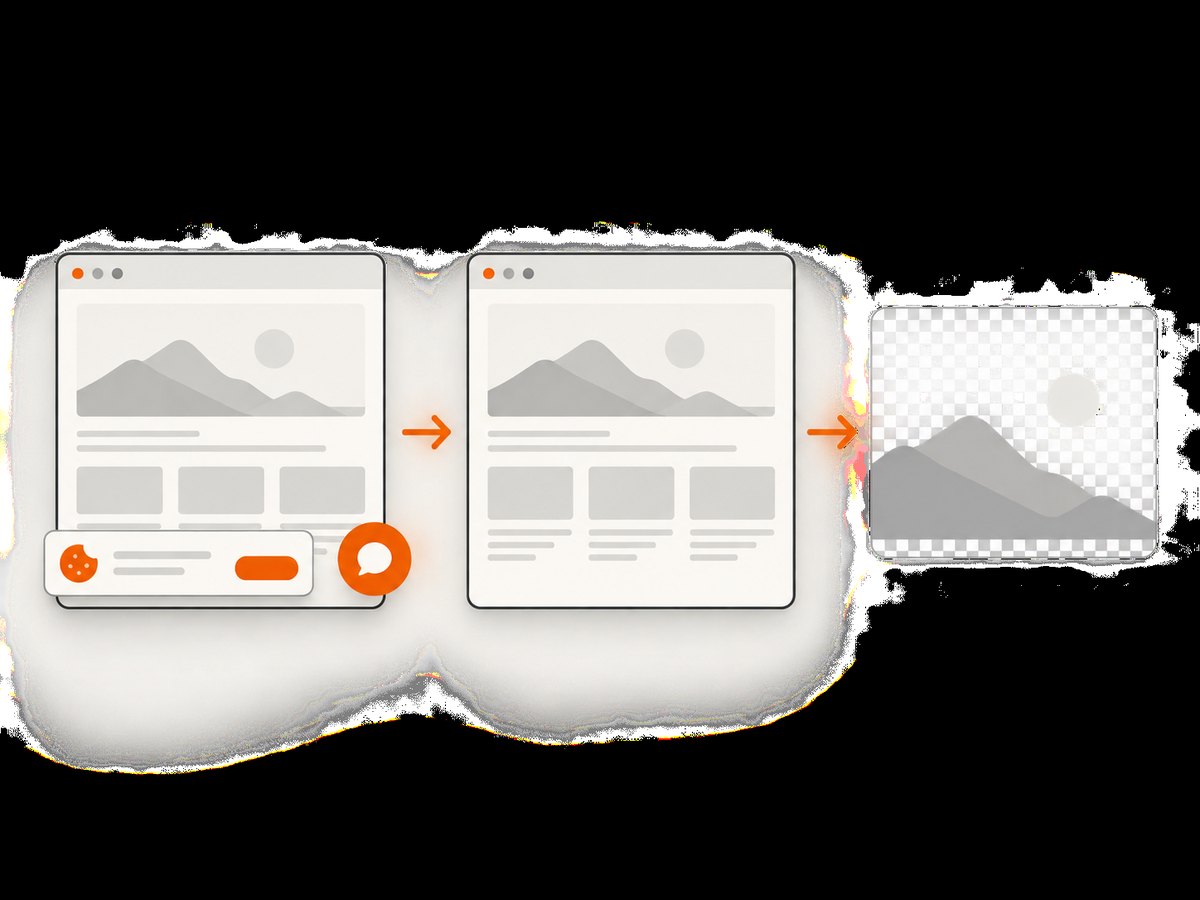
See the ScreenshotNeo API documentation for all options. The same endpoint supports full-page capture with lazy images loaded, CSS element capture, dark mode, device presets or custom viewports, retina scale, custom CSS and JavaScript, clicks, waits, request blocking, headers, cookies, user agents, authorization, timezone, geolocation, transparent backgrounds, resizing, TTL caching, signed links, asynchronous jobs, webhooks, bulk capture, usage reporting, and an OpenAPI specification.
cURL
curl -G "https://api.screenshotneo.com/v1/shot" \\
  -d access_key=YOUR_API_KEY \\
  --data-urlencode url=https://example.com \\
  -o shot.webp
Python
import requests

r = requests.get(
    "https://api.screenshotneo.com/v1/shot",
    params={"access_key": "YOUR_API_KEY", "url": "https://example.com"},
    timeout=90,
)
r.raise_for_status()
open("shot.webp", "wb").write(r.content)
Node.js
const q = new URLSearchParams({
  access_key: 'YOUR_API_KEY',
  url: 'https://example.com'
});
const res = await fetch(`https://api.screenshotneo.com/v1/shot?${q}`);
if (!res.ok) throw new Error(`HTTP ${res.status}`);
const buffer = Buffer.from(await res.arrayBuffer());
require('fs').writeFileSync('shot.webp', buffer);
ScreenshotNeo has 1,000 shots per month free with no card. Paid plans start at $5 for 3,000 shots; every feature is available on every plan. Create a free ScreenshotNeo account and try the capture before maintaining a browser stack.
12. FAQ
Does PhantomJS always produce transparent screenshots?
No. It leaves the page background unset, but page painting and compositing determine the final pixels.
Can JPEG preserve transparency?
No. JPEG has no alpha channel. Use PNG or another format with alpha support.
Should I use PhantomJS for a new project?
No. Selenium’s guidance is to use headless Chrome or Firefox because PhantomJS is deprecated and unmaintained.
Why does a transparent PNG look black in one viewer?
The viewer may display transparent pixels against black, or the file may contain premultiplied or flattened data. Inspect the alpha channel with an image library.
Can CSS make only one component transparent?
Yes. Override the component’s background and capture the element, while leaving unrelated page surfaces unchanged.
Is a hosted screenshot API cheaper than Selenium?
It depends on volume and operational requirements. Compare request pricing with browser compute, maintenance, retries, and engineering time.


