Trigger Website Screenshots with Webhooks
Learn when a webhook should start a screenshot or deliver its result, then build a secure, reliable capture workflow with runnable examples.
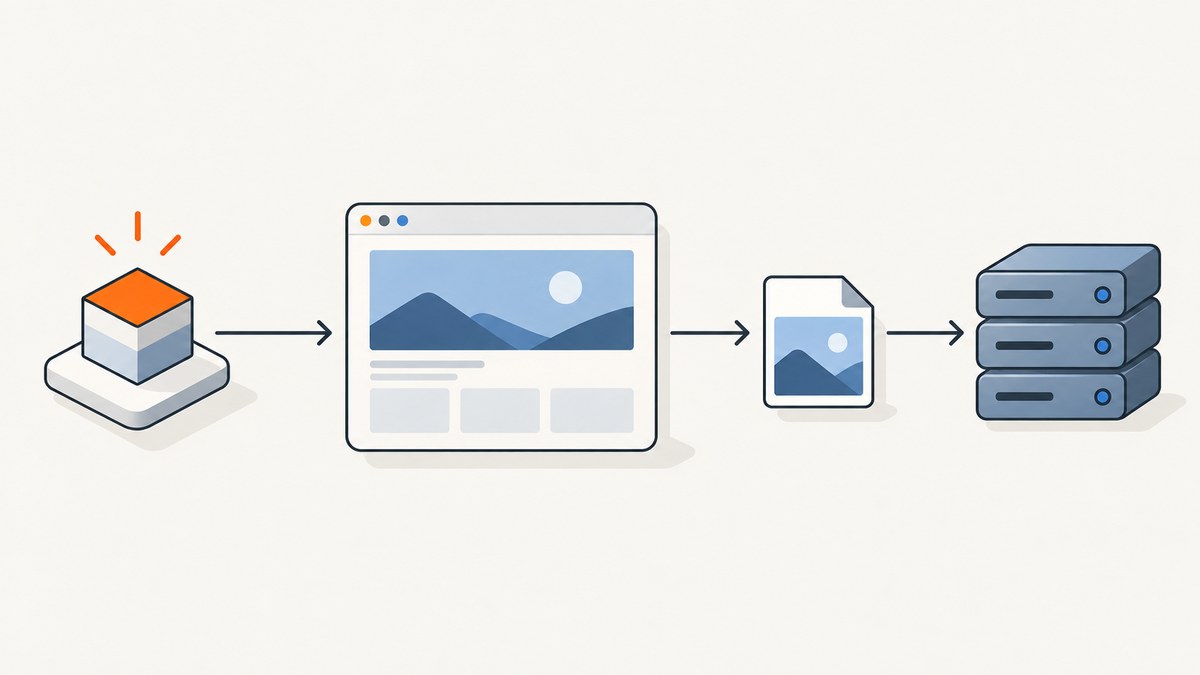
A webhook can either start a screenshot capture or deliver a completed screenshot to your application. Decide which direction you need before choosing an API or designing an endpoint: a deploy system might notify a capture workflow to take visual checks, while a screenshot service might POST each finished image or a link to your webhook.
1. Identify the direction of the webhook
The term “screenshot webhook” describes two different request flows. The sender, payload, and security contract differ, so examples for one pattern do not automatically work for the other.
| Pattern | Request flow | Typical use |
|---|---|---|
| Webhook starts capture | Deployment or caller → your hook → capture workflow | Run visual checks after a deployment or content update. |
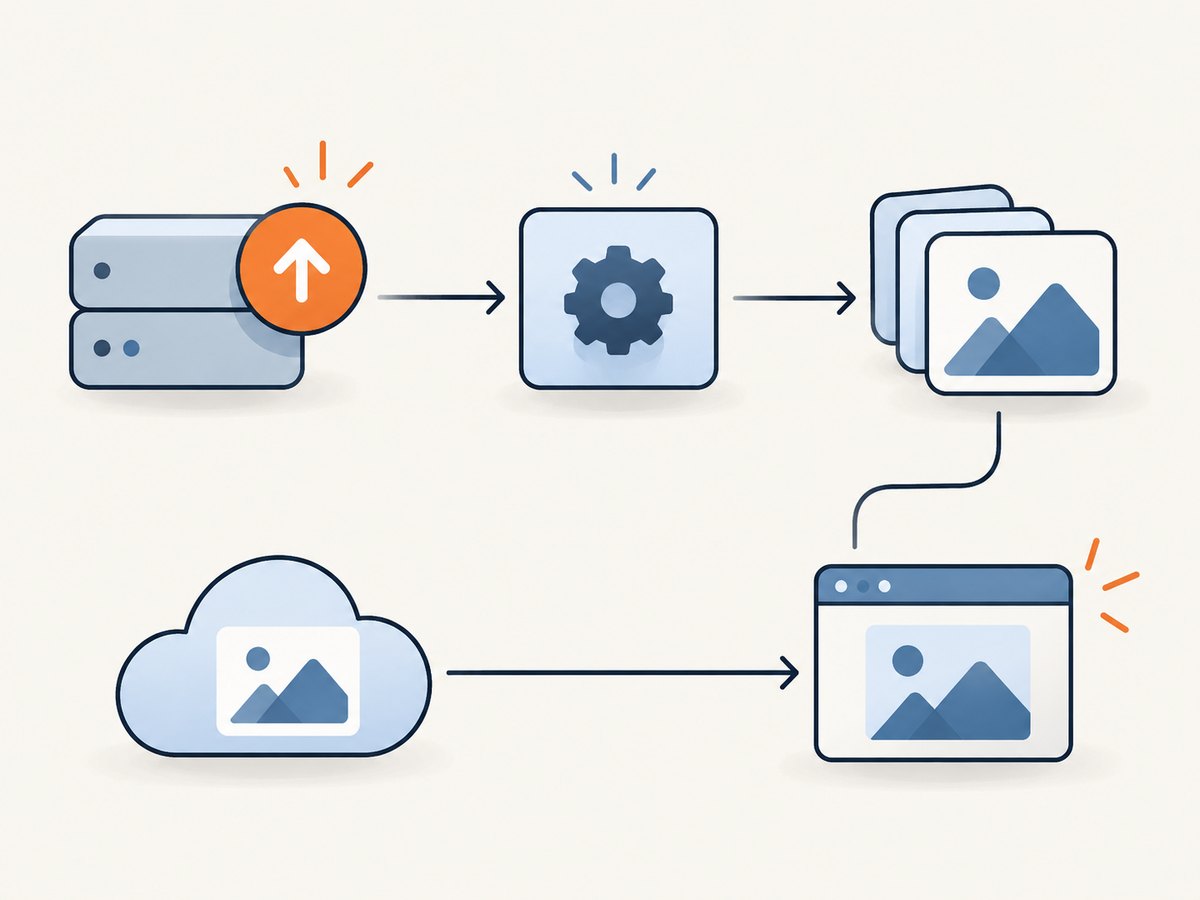
| Capture service delivers result | Your app → screenshot service; later, service → your hook | Store a result or trigger downstream work without holding a request open. |
Pattern A: an event starts a capture
deployment system
  -- POST event --> your trigger endpoint
                       --> queue capture job
                       --> capture pages and compare with baselines
Screenshot API documents scheduled runs and runs started through a snapshot hook. Its hook URL contains the token used as the credential, and its documentation says the request body is ignored. Treat that URL like an API key: keep it out of browser code, public repositories, and routine logs. See the Screenshot API documentation.
Pattern B: a capture service delivers a result
your app -- capture request --> screenshot service
                                  ... renders page ...
your webhook endpoint <-- POST result
For example, PagePixels documents scheduled captures sent to a custom webhook address. AddScreenshots documents a JSON POST that can include a base64 image. Those payloads are provider-specific; confirm whether your selected service sends bytes, base64 data, a hosted link, or metadata. PagePixels webhook guide; AddScreenshots webhook documentation.
2. Decide what should cause a capture
Choose an event with a clear relationship to the page state you want to inspect. Common triggers include a completed deployment, a content publish, or a scheduled monitoring run. Avoid triggering on every intermediate build step: that can create redundant work and make it difficult to know which revision a screenshot represents.
- Pick the event: for example, a production deployment succeeded.
- Choose the pages and viewports: include critical routes and widths that represent supported layouts.
- Associate a revision: pass the deployment ID, commit SHA, or release label into your own job metadata.
- Queue the work: acknowledge the incoming event quickly, then let a worker perform captures and comparisons.
- Store the outcome: record the event ID, target URL, viewport, result, and comparison status.
For visual testing, a capture alone is not a pass/fail result. Compare it with an agreed baseline, account for expected dynamic regions, and decide how much visual difference should fail the check. Screenshot API describes page sets of up to 20 pages and up to 3 widths, plus options such as full-page capture and delay; these are its documented limits, not general limits for screenshot services.
3. Build a trigger endpoint and queue the capture
The following runnable Node.js example demonstrates the webhook-starts-capture pattern. It accepts a simple deployment event, validates a shared secret, and places work in an in-memory queue. The queue is intentionally minimal for illustration; use durable storage in production so a process restart does not discard pending work. The example does not claim to implement any vendor-specific hook contract.
// Save as server.mjs; run: HOOK_SECRET='replace-me' node server.mjs
import express from 'express';

const app = express();
app.use(express.json({ limit: '256kb' }));
const jobs = [];

app.post('/hooks/deploy', (req, res) => {
  const secret = process.env.HOOK_SECRET;
  if (!secret || req.get('authorization') !== `Bearer ${secret}`) {
    return res.sendStatus(401);
  }

  const { deployment_id, commit, urls } = req.body ?? {};
  if (!deployment_id || !Array.isArray(urls) || urls.length === 0 ||
      urls.some((url) => typeof url !== 'string' || !url.startsWith('https://'))) {
    return res.status(400).json({ error: 'deployment_id and HTTPS urls are required' });
  }

  const job = {
    id: crypto.randomUUID(),
    deployment_id,
    commit: commit ?? null,
    urls,
    state: 'queued',
    received_at: new Date().toISOString(),
  };
  jobs.push(job);
  // A production service should enqueue to durable storage here.
  return res.status(202).json({ job_id: job.id, state: job.state });
});

app.get('/health', (_req, res) => res.json({ ok: true }));
app.listen(3000, () => console.log('Listening on :3000'));
Install the dependency with npm install express. Node.js provides crypto as a built-in module. Send a test event with cURL:
curl -i -X POST http://localhost:3000/hooks/deploy \
  -H 'Authorization: Bearer replace-me' \
  -H 'Content-Type: application/json' \
  -d '{"deployment_id":"deploy-123","commit":"abc123","urls":["https://example.com/","https://example.com/pricing"]}'
A real deployment provider may use a signature header, a different event shape, and its own retry rules. Use that provider’s documentation to verify the request, and adapt the handler to its exact contract. Do not assume a shared authorization header or payload format.
4. Receive a completed screenshot
When the capture service calls your endpoint, keep the request path short: authenticate as the provider specifies, validate the payload, save or enqueue the result, then return the response required by that provider. AddScreenshots says its receiver must return a 2xx status and finish within 60 seconds. That is an AddScreenshots contract, not a universal webhook rule. Review its current receiver requirements.
This Express handler illustrates parsing an AddScreenshots-style JSON body with a data URL image. Configure a request-size limit based on the provider’s maximum payload. For production, persist the image to object storage or a durable queue instead of retaining it in memory.
// Add to an Express app. Set the limit to match your provider's payload bounds.
app.use(express.json({ limit: '15mb' }));

app.post('/hooks/screenshot-result', async (req, res) => {
  const { file, image, mimetype, metadata } = req.body ?? {};
  if (typeof image !== 'string' || !image.startsWith('data:image/')) {
    return res.status(400).json({ error: 'Expected an image data URL' });
  }

  const match = image.match(/^data:(image\/[a-zA-Z0-9.+-]+);base64,([A-Za-z0-9+/=]+)$/);
  if (!match) return res.status(400).json({ error: 'Malformed base64 image' });
  const [, contentType, encoded] = match;
  const bytes = Buffer.from(encoded, 'base64');
  if (bytes.length === 0) return res.status(400).json({ error: 'Empty image' });

  // TODO: persist bytes and metadata, deduplicate repeated deliveries, and enqueue processing.
  console.log({ file, contentType, size: bytes.length, metadata });
  return res.sendStatus(200);
});
The illustrative handler checks the shape and decodes the image; it is not a complete authentication scheme. AddScreenshots documents configurable custom headers, so configure and verify an appropriate secret header in that integration. For other providers, follow their current authentication and signature-verification instructions. The reviewed documentation does not establish one signature format for all vendors.
5. Handle duplicate delivery, failures, and validation
Webhook delivery is a network exchange: your endpoint can receive a request and fail before the sender observes the response. A sender may retry, so design processing to be idempotent. Use a provider event or screenshot ID as a unique key, store it before downstream work, and make repeated events return success without repeating expensive processing.
- Persist before acknowledging: store the event or enqueue it durably before returning 2xx when the sender interprets that status as acceptance.
- Keep acknowledgments quick: resize, compare, or notify asynchronously. Some providers impose response deadlines.
- Track failures: record attempt status, event ID, response code, and a safe error summary. Avoid logging secrets or full base64 payloads.
- Validate the page result: a valid screenshot file may show a login page, an error page, or an unexpected redirect. Check page status or equivalent provider metadata where available.
- Correlate the result: retain deployment ID, URL, viewport, and capture options so the image maps to the right release.
Screenshot API exposes page status and recommends checking it; other APIs may expose different signals. Do not treat a successful image response as proof that the intended content rendered. ScreenshotRun describes queued capture requests with later completion or failure events, an asynchronous pattern where a short receiver and background processing are especially useful. Verify its current event schema and delivery terms before implementing against it. ScreenshotRun webhook overview.
6. Choose capture options deliberately
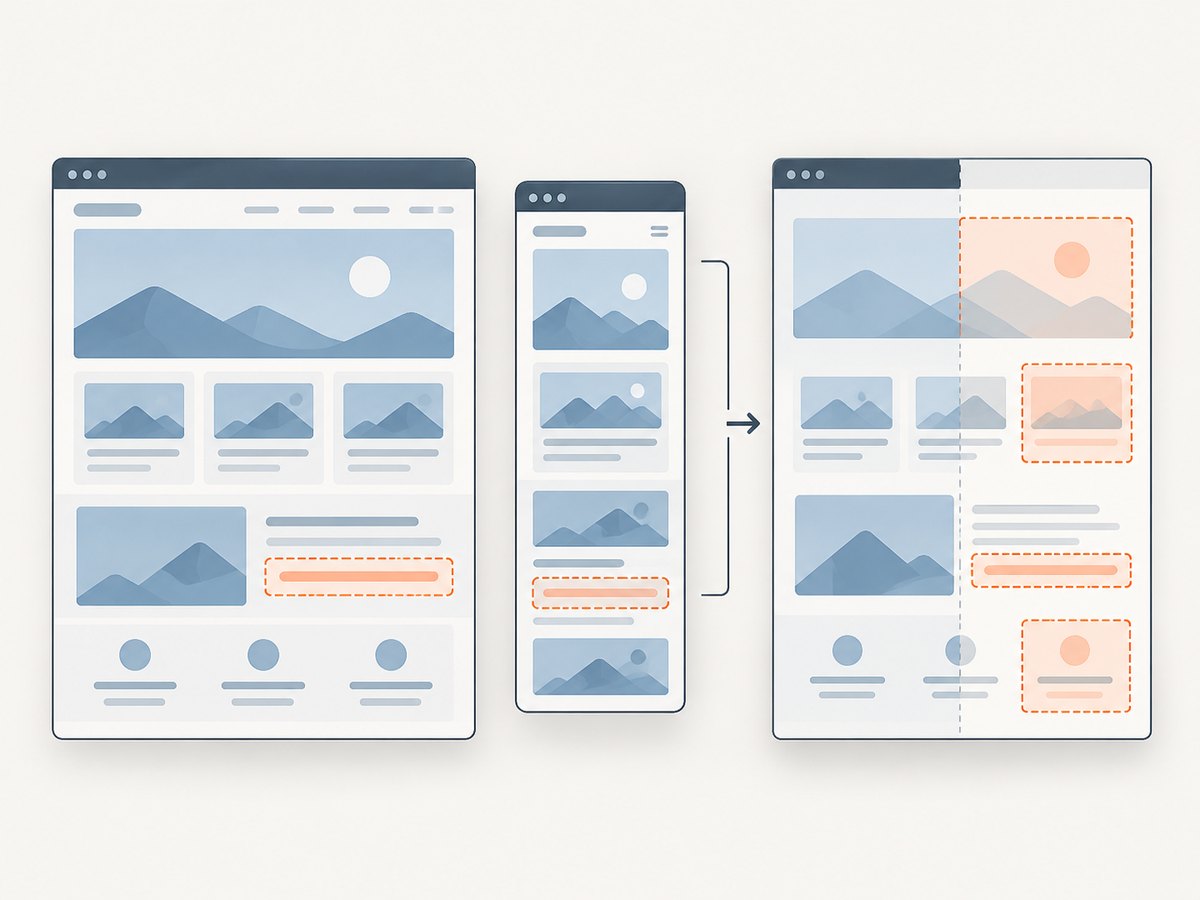
Capture parameters affect both whether the image is useful and how much work the workflow performs. Availability and names vary by provider; consult its current API reference before copying options into production.
| Option | When it helps | Trade-off or edge case |
|---|---|---|
| Viewport width and height | Check responsive layouts at meaningful breakpoints. | More widths multiply renders and stored results. |
| Full-page capture | Inspect long pages or content below the fold. | Very tall pages can take longer and produce large files; lazy content may require scroll/loading behavior. |
| Delay or selector wait | Wait for a known widget or page section. | Fixed delays waste time on fast pages and may still be too short on slow ones. |
| Authentication or cookies | Capture a protected page or a particular account state. | Keep credentials secret, use least privilege, and avoid exposing private data in shared screenshots. |
| Baseline comparison | Detect visual change after a release. | Animations, timestamps, ads, and personalized content can create noise; stabilize or mask them where supported. |
Screenshot API documents page sets of up to 20 pages and up to 3 widths. Its documentation also describes scheduled and hook/manual runs, full-page capture, delay, baselines, and per-page, per-width render usage. Treat these values as Screenshot API-specific, and recheck the current docs for any changed limits.
7. Troubleshooting
| Symptom | Likely cause | Fix |
|---|---|---|
| No capture starts | The trigger URL or token is wrong, or the deployment event never reached the hook. | Inspect the sender’s delivery log, confirm the configured URL, and check the receiver’s access logs. Rotate exposed hook credentials. |
| Receiver returns 401 or 403 | Missing or incorrect credential, or signature validation uses the wrong request bytes or secret. | Follow the provider’s exact authentication instructions; compare configuration without logging the secret itself. |
| Receiver times out | The endpoint performs image decoding, comparison, or storage synchronously. | Persist/enqueue quickly and process in a worker. Check the selected provider’s deadline; the documented 60-second AddScreenshots deadline applies specifically to that service. |
| Same event runs twice | A retry followed a lost acknowledgment, or the sender delivered more than once. | Deduplicate on a stable event or capture ID and make work idempotent. |
| Image missing or JSON parser rejects request | Payload is larger than the body limit, has a different field name, or contains a link instead of base64. | Inspect a safe sample payload, increase limits within reason, and implement the selected provider’s schema exactly. |
| Screenshot is blank or shows an error/login page | Navigation failed, a bot check appeared, authentication expired, or rendering was incomplete. | Inspect page status and metadata, verify access, adjust waits, and treat failed or blocked captures as failures rather than valid baselines. |
| Visual diffs are noisy | Dynamic content, animation, fonts, or viewport mismatch changed between runs. | Use consistent viewport and state, wait for required elements, and mask expected moving regions if your capture/comparison system supports it. |
8. Security, performance, reliability, and cost
Security
Use HTTPS for production endpoints. Keep API keys and secret hook URLs on the server, scope credentials narrowly where possible, and redact them from logs. Validate the provider’s authentication method before trusting a POST. Restrict accepted URL schemes and destinations in your trigger endpoint; otherwise an untrusted event could cause your capture worker to request unintended internal resources.
Performance and reliability
Capture time depends on the page, its network resources, and the selected waits and options; the dossier contains no independent benchmark. Queue work when captures are slow or numerous, cap concurrency to protect your own receiver and downstream storage, and use bounded retries with visibility into exhausted jobs. If a screenshot service sends a hosted link instead of image bytes, fetch it according to that service’s access and expiration rules. Keep enough metadata to re-run a failed capture.
Cost
Estimate usage as pages × viewport widths × triggering runs, then account for provider-specific billing rules and any storage or comparison work on your side. Screenshot API documents per-page, per-width render usage. Avoid unnecessary deploy events, duplicate jobs, and excessive widths. No general price or billing model applies across providers, so verify the chosen service’s current plan and what counts as a billable render.
Or skip the browser setup
ScreenshotNeo is a website screenshot API and MCP server from Yorker Media. For a direct capture, use one GET request:
curl -G "https://api.screenshotneo.com/v1/shot" -d access_key=YOUR_API_KEY --data-urlencode url=https://stripe.com -o shot.webpSee the ScreenshotNeo documentation for request options. Python and Node.js versions:
import requests
r = requests.get("https://api.screenshotneo.com/v1/shot", params={"access_key": "YOUR_API_KEY", "url": "https://stripe.com"}, timeout=90)
open("shot.webp", "wb").write(r.content)
const q = new URLSearchParams({ access_key: 'YOUR_API_KEY', url: 'https://stripe.com' });
const res = await fetch(`https://api.screenshotneo.com/v1/shot?${q}`);- Cookie banners, newsletter popups, and chat widgets are removed before the shot; each cleanup step can be turned off.
- Bot checks, blank pages, failed loads, timeouts, and cache hits are never billed; response headers report the page verdict and billing status.
- An MCP server lets Claude, Cursor, and other MCP clients take screenshots, inspect page info, and capture PDFs.
- 1,000 screenshots per month are free with no card; paid plans start at $5 for 3,000 shots. Every feature is on every plan.
Sign up for 1,000 free screenshots a month, with no card required.
FAQ
Does a webhook take the screenshot itself?
Not by itself. It carries an event or result between systems. A capture workflow or screenshot service still performs the browser rendering.
Can I use the same webhook for deploy events and finished images?
You can build one application with separate routes, but keep the request contracts distinct. Separate endpoints make validation, authentication, and operational logs easier to reason about.
Should a webhook contain the image or a URL?
That depends on the provider. Base64 makes the payload larger; a link requires your service to retrieve and possibly persist the image. Confirm the provider’s schema and link lifetime.
Can I trigger captures on a schedule instead?
Yes. Some providers support scheduled captures, while others let your scheduler call a capture API. PagePixels documents recurring screenshot schedules and custom webhook delivery; check its current configuration for the interval and behavior you need.


