How to Troubleshoot Web Scraping APIs
Diagnose scraping API errors by separating request, provider, proxy, and target-site failures. Learn what to log, how to retry safely, and when to change session or proxy strategy.
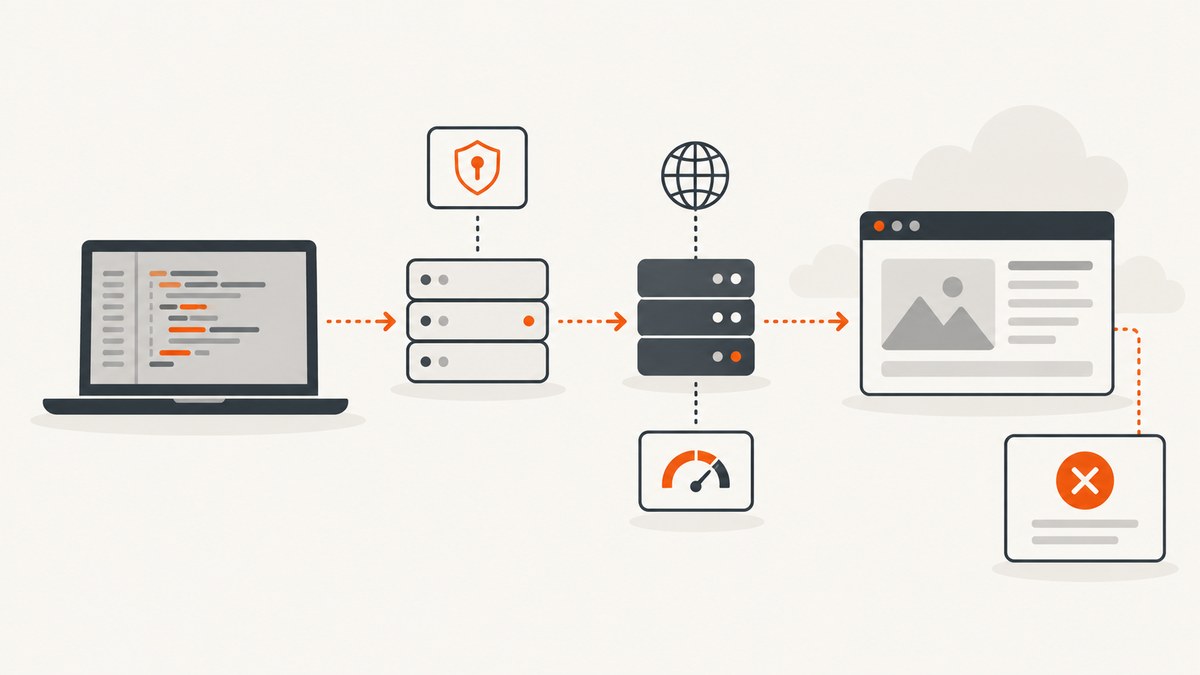
When a web scraping API fails, first capture the complete request and response, then identify whether the failure came from your request, your provider, its proxy, or the target website. A 401 usually points to authentication; a 429 means you should slow down; a 403 may be an account restriction or a target-site block; and a 5xx may come from the provider or upstream site. Classify the response before changing code, and retry only when the error is plausibly temporary.
This guide gives you a repeatable diagnostic workflow, runnable examples, status-code guidance, retry logic, proxy and session checks, and a checklist for escalating provider issues. The examples use Python with a generic HTTP scraping endpoint; adapt the endpoint, authentication method, and response format to your provider’s documentation.
1. Capture enough evidence to reproduce the failure
Do not start by changing proxy settings or adding retries. First preserve the details that let you identify which layer failed. Record one structured diagnostic entry per request, with secrets removed.
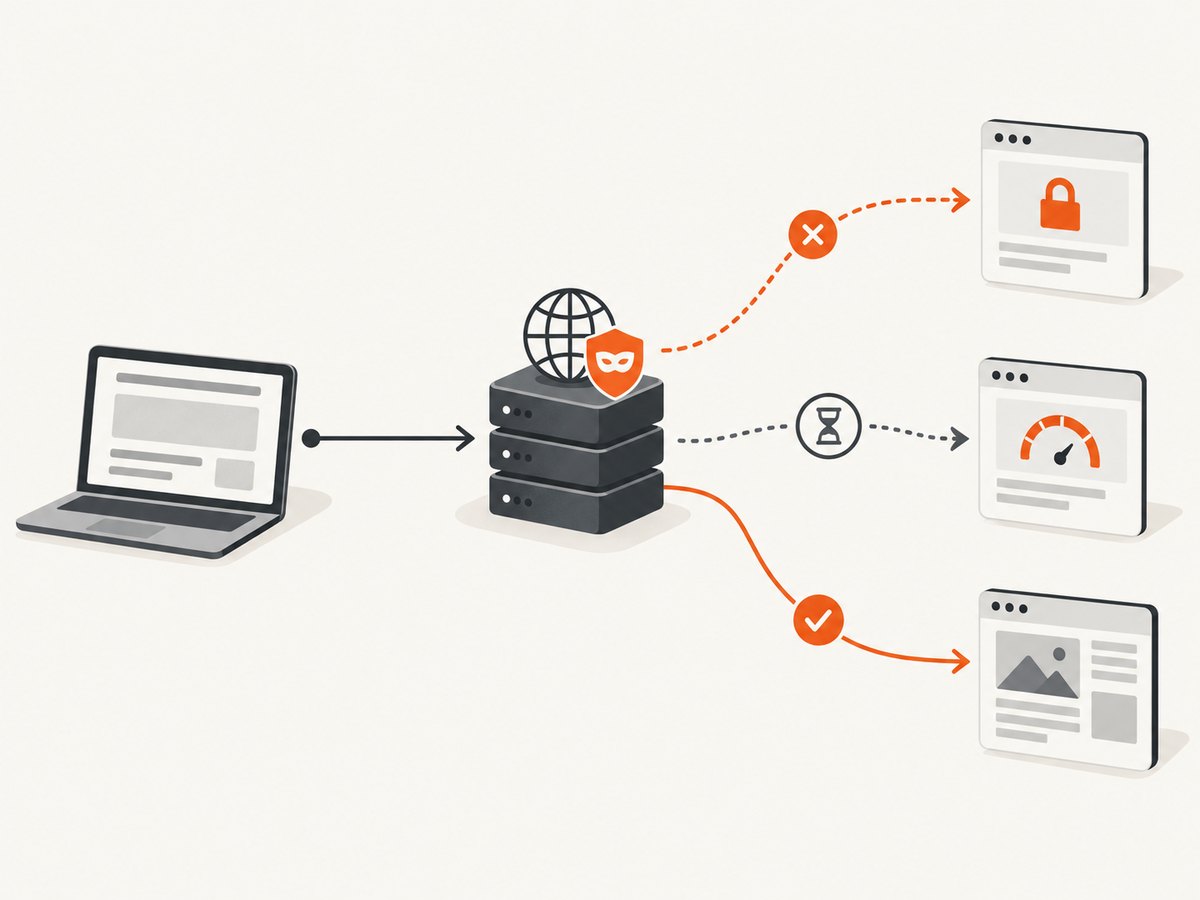
- HTTP method and endpoint, plus the target URL.
- Request parameters or a sanitized body, content type, and authentication method.
- Response status and headers, provider error type or object, and a short response-body sample.
- Elapsed time, retry count, proxy or session identifier, and timestamp.
Never record API keys, authorization values, session cookies, or other credentials. Keep a request ID if the provider returns one. A short body sample is often enough to tell a CAPTCHA page from a JSON error; redact personal or sensitive page content before retaining it.
A reusable Python diagnostic wrapper
import json
import time
import requests

API_ENDPOINT = "https://api.example.com/scrape"
API_KEY = "YOUR_API_KEY"
TARGET_URL = "https://example.org/"

started = time.monotonic()
try:
    response = requests.post(
        API_ENDPOINT,
        auth=(API_KEY, ""),  # Replace with the provider's documented auth scheme.
        json={"url": TARGET_URL},
        timeout=(10, 90),  # Connect timeout, then response timeout.
    )
    elapsed_ms = round((time.monotonic() - started) * 1000)
    try:
        provider_error = response.json()
    except ValueError:
        provider_error = None

    # Keep a small sample for diagnosis; do not log secrets or full page content.
    record = {
        "method": "POST",
        "endpoint": API_ENDPOINT,
        "target_url": TARGET_URL,
        "status": response.status_code,
        "headers": dict(response.headers),
        "provider_error": provider_error,
        "body_sample": response.text[:500],
        "elapsed_ms": elapsed_ms,
        "retry_count": 0,
    }
    print(json.dumps(record, default=str))
    response.raise_for_status()
except requests.RequestException as exc:
    print(json.dumps({"exception": type(exc).__name__, "message": str(exc)}))
    raise
This is a diagnostic skeleton, not a provider-independent authentication recipe. For example, Zyte’s documented API-key method uses HTTP Basic authentication with the key as the username. Apify documents a token-based API and structured errors. Confirm the endpoint, required fields, authentication placement, and response shape in the provider’s official documentation before using the request. Zyte API reference; Apify API documentation.
2. Validate the request before diagnosing the target
Check the request as sent over the wire, not only the object in your source code. Common mistakes include a relative or malformed target URL, missing required fields, JSON sent without the JSON content type, invalid encoding, and placing a token in a header when the endpoint expects a query parameter (or the reverse).
- Confirm the API endpoint and HTTP method match the provider’s current docs.
- Validate that the target URL is absolute, correctly encoded, and reachable from an ordinary browser.
- Check required parameters, JSON shape, content type, and authentication placement.
- Inspect the provider’s error object. A structured validation error can identify the field or parameter that needs correction.
- Reproduce with the provider’s simplest documented request, then add options one at a time.
For a command-line check, keep the credential out of shell history and process listings where possible. The placeholder below illustrates the shape only; use the provider’s documented auth syntax.
curl --user "$SCRAPER_API_KEY:" \
  --header 'Content-Type: application/json' \
  --data '{"url":"https://example.org/"}' \
  'https://api.example.com/scrape'
Some providers do not use Basic auth or a POST body. Do not copy this authentication form unless it matches the endpoint you are calling.
3. Classify the status code
HTTP status is a starting point, not a complete diagnosis. Read the provider error body and headers too. A provider may use a successful HTTP status while reporting a target-site error in its response object, or use a provider-specific status for proxy failures.
| Response | Likely causes | First action |
|---|---|---|
| 400 or 422 | Malformed JSON, missing fields, invalid or incompatible options. | Validate request structure and parameter values; remove optional fields and add them back individually. |
| 401 | Missing, malformed, expired, or unknown key/token; incorrect authentication placement. | Check the secret source, account key, auth scheme, and environment. Do not print the credential while debugging. |
| 403 | Provider account suspension or eligibility restriction, or target-site access denial/anti-bot response. | Check the provider error first; inspect the body for target-site denial or CAPTCHA markers. |
| 404 | Wrong API path, missing resource ID, or target URL itself returned not found. | Determine whether the 404 came from the API endpoint or is reported as the fetched page result. |
| 429 | Provider rate limit or account quota. | Reduce concurrency, honor Retry-After when present, and back off with jitter. |
| 503 | Provider overload or provider-defined rate limiting; sometimes transient upstream trouble. | Check headers and error type, honor any retry guidance, and retry with a cap. |
| 520 or 521 | Provider-specific upstream ban or download/reachability failure. | Use the provider’s definitions. Zyte distinguishes a temporary ban response (520) from permanent download error (521). |
| Apify 590–599 | Provider proxy diagnostics, such as DNS, connection, timeout, or upstream-auth failures. | Use the exact diagnostic code and provider proxy status tools to isolate the proxy path. |
These meanings are provider-specific in places. In particular, the same 403 or 503 can have different causes across services. See Zyte’s error reference and Apify’s API documentation for their documented distinctions. Apify’s published limits include 60 requests per second per resource and 250,000 requests per minute globally; these are Apify limits, not universal scraping API limits.
4. Retry throttling and transient failures safely
For a 429 or a provider-documented rate-limit 503, honor Retry-After if supplied. Otherwise use exponential backoff with random jitter so concurrent workers do not all retry together. Cap attempts and total elapsed time. A retry loop should not turn a permanent 401, invalid request, or policy rejection into repeated load.
import random
import time
import requests

RETRYABLE = {429, 503}
MAX_ATTEMPTS = 5
BASE_DELAY_SECONDS = 0.5
MAX_DELAY_SECONDS = 30


def retry_after_seconds(value):
    if not value:
        return None
    try:
        return max(0.0, float(value))
    except ValueError:
        # Retry-After may also be an HTTP date. Parse that form using
        # email.utils.parsedate_to_datetime in production code.
        return None


def fetch_with_backoff(url, api_key):
    for attempt in range(MAX_ATTEMPTS):
        response = requests.get(
            "https://api.example.com/scrape",
            params={"url": url},
            headers={"Authorization": f"Bearer {api_key}"},
            timeout=(10, 90),
        )
        if response.status_code not in RETRYABLE:
            response.raise_for_status()
            return response

        if attempt == MAX_ATTEMPTS - 1:
            response.raise_for_status()

        server_wait = retry_after_seconds(response.headers.get("Retry-After"))
        exponential = min(MAX_DELAY_SECONDS, BASE_DELAY_SECONDS * (2 ** attempt))
        delay = server_wait if server_wait is not None else exponential
        delay = min(MAX_DELAY_SECONDS, delay) + random.uniform(0, 0.25)
        time.sleep(delay)

    raise RuntimeError("Retry loop ended unexpectedly")
Replace the example bearer header with your provider’s real authentication method. If the service documents rate limits in requests per minute, concurrency, account credits, or per-resource units, control the matching unit. A queue with a concurrency limit is usually easier to reason about than many independent workers retrying at once.
Zyte recommends exponential backoff for rate limiting; Apify’s example starts at 500 ms and doubles the wait. Keep separate policies for rate limits and other transient errors. Retry connection resets or temporary upstream failures only when the operation is safe to repeat, and stop on a provider error marked non-retryable. References: Zyte error handling and Apify API docs.
5. Distinguish target-site blocking from API failure
A 403, access-denied page, or CAPTCHA can mean the target site rejected the scraping request even though the API itself is functioning. Some sites return different content to browser visitors and non-browser clients. Compare the API result with a normal browser visit to the same URL, and inspect a short body sample for denial language, CAPTCHA markup, or a challenge page.
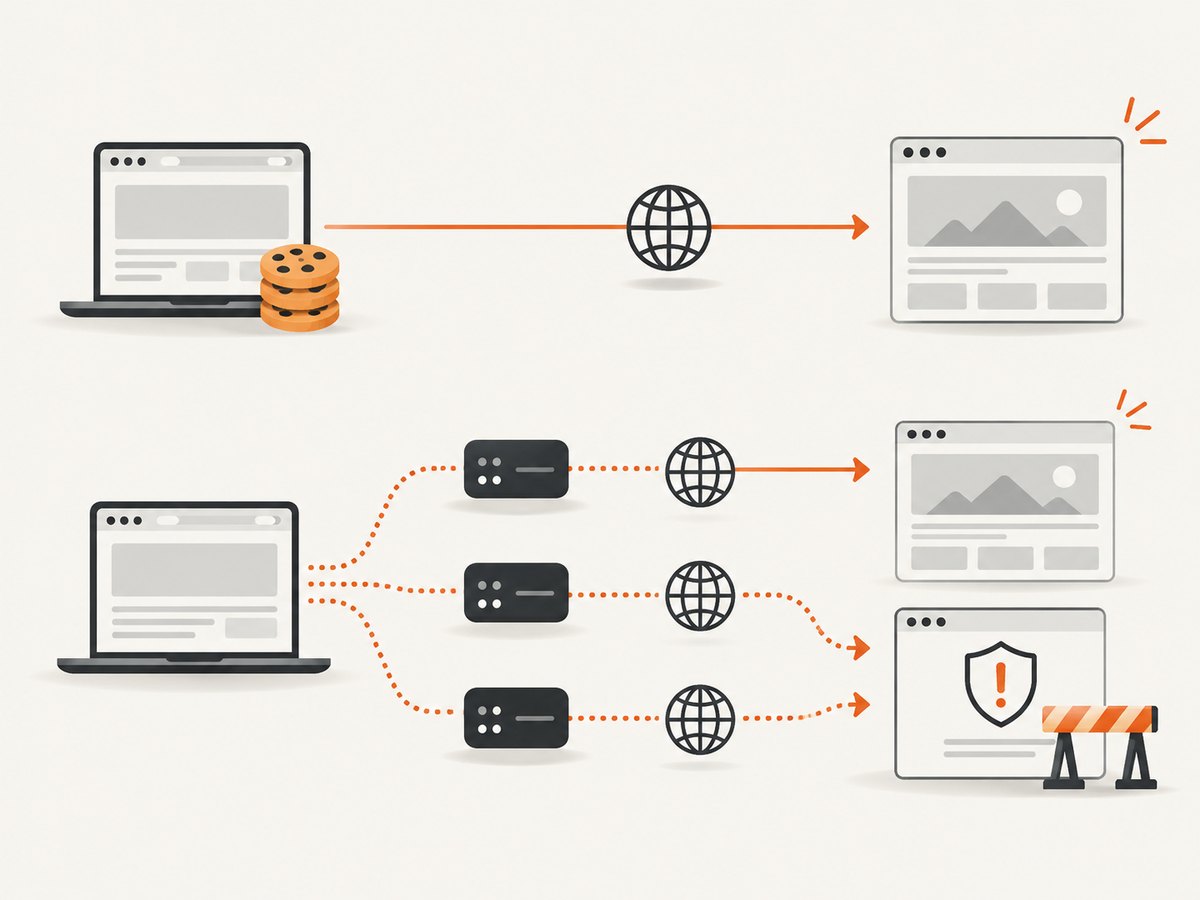
- Check the provider’s structured status: did the API reject your request, or did it report a fetched page that was blocked?
- Inspect response headers and body markers. Preserve the provider request ID and any reject code.
- Try a single controlled request with a stable session if the workflow depends on cookies or login state.
- If the block appears tied to IP reputation, test the provider’s documented proxy options and geography. Follow the target site’s access rules.
Do not treat every 403 as a reason to rotate IPs. First separate a provider account eligibility error from a target access denial. Zyte’s error documentation distinguishes account and upstream cases; Scrapfly exposes throttle diagnostics such as retryability and scrape identifiers. See Scrapfly’s error and throttle documentation.
6. Check proxy connectivity and session behavior
When proxy diagnostics point to a network path failure, verify the proxy independently using the provider’s status page or diagnostic endpoint. Apify documents a proxy status page and a browser-info endpoint at https://api.apify.com/v2/browser-info/ for connectivity and IP checks.
Session choice depends on the site and task. Keep a stable session when cookies, cart state, or authenticated navigation must persist. Consider rotating IPs when evidence points to IP reputation, while recognizing that frequent rotation can itself break session continuity. Apify documents different persistence characteristics for datacenter and residential sessions: 26 hours for datacenter sessions and around 30 minutes for residential sessions. Those durations describe Apify proxy behavior, not a general guarantee across providers. See Apify proxy documentation.
| Symptom | Check | Useful comparison |
|---|---|---|
| DNS lookup failure | Hostname spelling, DNS resolution, provider proxy diagnostics. | Compare provider diagnostic result with local DNS only as a clue; paths may differ. |
| Connection refused or reset | Target availability, port/protocol, proxy route, timeout. | Retry a single request after confirming whether the target is reachable. |
| Login state disappears | Session identifier, cookie handling, session persistence limits. | Repeat with one stable session and verify cookies are not being discarded. |
| 403 after many requests | Rate pattern, target challenge, IP reputation, account state. | Reduce concurrency and inspect response markers before changing proxy strategy. |
7. Compare providers on the properties that affect your failure
When failures continue, compare services using the operational properties relevant to your workload instead of relying on a single headline rate or feature list.
- Authentication: Basic auth, bearer token, query key, or another documented method.
- Rendering: direct HTTP retrieval versus browser rendering for JavaScript-heavy pages.
- Proxy options: datacenter or residential network, geography, and session controls.
- Limits: requests per minute, concurrency, per-resource rate, and account quota.
- Diagnostics: request IDs, structured error types, retryability fields, and reject headers.
- Billing behavior: whether blocked, rate-limited, failed, or cached requests consume usage.
Zyte documents 3,000 requests per minute for Standard API keys, with separate website and account limits; Apify documents per-resource and global API limits; Scrapfly documents throttle metadata including retryability and scrape IDs. These numbers and fields are specific to those providers and can change, so check current documentation before setting production limits. Zyte rate limits; Apify API; Scrapfly errors.
8. Troubleshooting checklist
- Save a sanitized request and response record with latency and retry count.
- Verify endpoint, method, absolute target URL, required fields, encoding, and content type.
- Confirm authentication scheme and secret source against the provider’s current docs.
- Read the provider error object and response headers before classifying the status.
- For 429 and documented rate-limit 503 responses, reduce concurrency and honor retry guidance.
- For 403 or CAPTCHA, determine whether the provider or target site rejected the request.
- For proxy codes, test provider diagnostics and check session continuity.
- Escalate with request ID, timestamp, provider error type, reject headers, and a minimal reproduction. Redact keys, cookies, and personal data.
9. Performance, reliability, and cost
Retries improve recovery from transient problems, but increase latency and request volume. Use a bounded retry policy, jitter, an overall deadline, and a concurrency limit. Track success rate by status and provider error type, not only a single aggregate success number; otherwise a rise in target-site blocks can look like general API instability.
Measure end-to-end time, including queue wait, provider processing, and retry delay. If pages are expensive to render, cache results where freshness allows and avoid refetching identical URLs unnecessarily. Confirm whether a provider bills at request time, on successful fetch, or under some other rule. The dossier does not establish billing behavior for Zyte, Apify, or Scrapfly, so verify each provider’s current pricing and charge rules before estimating cost. Keep rate limits and spend limits explicit in production configuration.
10. Or skip the browser setup
If your goal is to inspect or save a page screenshot rather than retrieve its HTML, ScreenshotNeo is a website screenshot API and MCP server. One GET request returns a PNG, JPEG, WebP, or PDF. It can accept cookie banners and remove more than 60 known consent platforms, newsletter popups, and chat widgets before capture; each of those steps can be turned off. Only clean shots are billed: bot checks/CAPTCHAs, blank pages, timeouts, failed loads, and cache hits cost nothing, and responses report the page verdict and billing status in headers. ScreenshotNeo also offers an MCP server with take_screenshot, get_page_info, and capture_pdf tools for Claude, Cursor, and other MCP clients.
For a complete list of options, see the ScreenshotNeo API documentation.
curl -G "https://api.screenshotneo.com/v1/shot" -d access_key=YOUR_API_KEY --data-urlencode url=https://stripe.com -o shot.webpimport requests
r = requests.get("https://api.screenshotneo.com/v1/shot", params={"access_key": "YOUR_API_KEY", "url": "https://stripe.com"}, timeout=90)
open("shot.webp", "wb").write(r.content)const q = new URLSearchParams({ access_key: 'YOUR_API_KEY', url: 'https://stripe.com' });
const res = await fetch(`https://api.screenshotneo.com/v1/shot?${q}`);Cookie banners, popups, and chat widgets are removed before the shot. Bot checks, blank pages, and failed loads are never billed. An MCP server lets AI agents take screenshots. The free plan includes 1,000 screenshots per month with no card; paid plans start at $5 for 3,000. Create a free ScreenshotNeo account.
11. FAQ
Why does the endpoint work in my browser but fail in code?
Your browser may add cookies, follow an authenticated session, or receive different content than a non-browser client. Compare request headers and session state safely, then inspect the provider’s error body and target response.
Should I retry every 5xx?
No. Retry documented transient failures with a cap. A provider-specific 521 may describe a persistent download or reachability problem; repeated retries without changing the cause waste time and quota.
Is CAPTCHA always an API error?
No. It may be a page returned by the target site, while the scraping API successfully fetched that page. Use the provider’s result fields and body sample to distinguish fetch success from useful page content.
What should I send provider support?
Send the request or scrape ID, timestamp with timezone, sanitized endpoint and target URL, status, provider error type, relevant response and reject headers, latency, retry history, and a minimal reproducible request. Remove credentials and cookies.


