How to Troubleshoot wkhtmltoimage Segmentation Faults on Specific URLs
Find why wkhtmltoimage crashes on one URL: isolate scripts, assets, fonts, TLS, packaging, and native faults with a repeatable workflow.
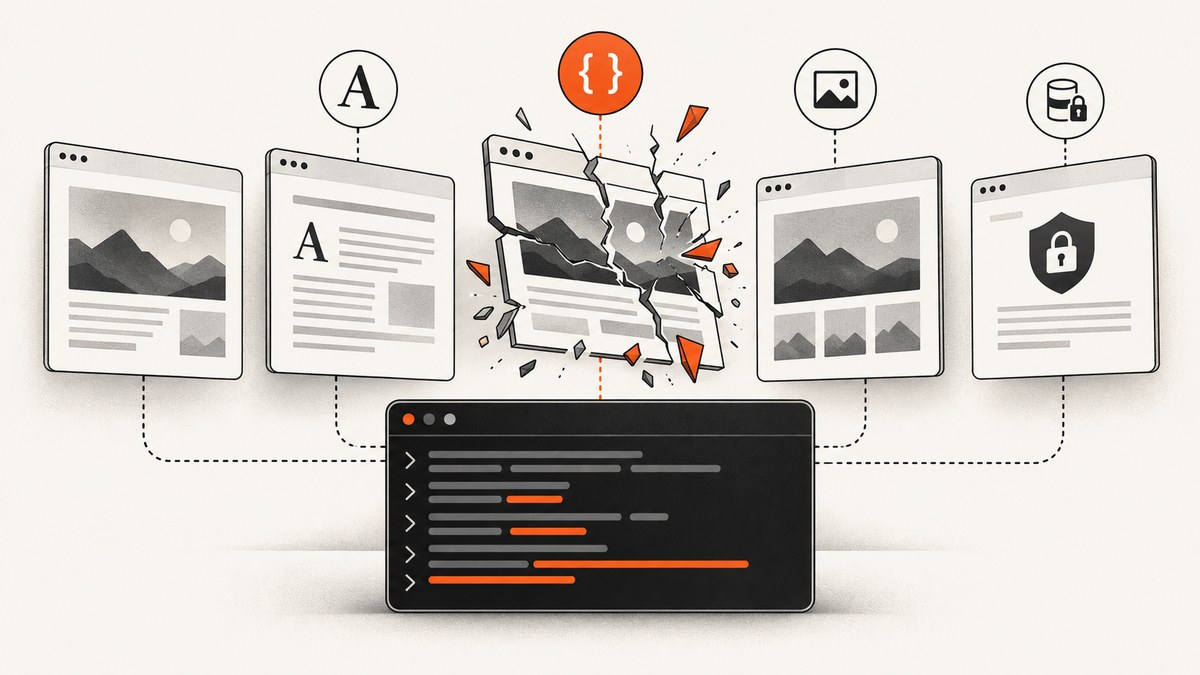
A wkhtmltoimage segmentation fault on one URL usually means that the page triggered a renderer path that other pages do not. Start by preserving the exact URL and environment, then isolate JavaScript, images, delayed execution, fonts, TLS, redirects, and external resources one variable at a time. Changing output dimensions or image format first rarely identifies the cause.
This guide gives a reproducible diagnostic process, runnable commands, packaging checks, debugger steps, security boundaries, and operational alternatives. The evidence is issue-level and documentation-level: no single switch fixes every crash.
1. Freeze the evidence before changing anything
URL-specific failures are easy to lose when a redirect, query parameter, authentication cookie, or third-party asset changes. Create a text record containing:
- The complete URL, including its query string and fragment if relevant.
- The complete command line, including all options and output path.
wkhtmltoimage --version, package origin, OS release, kernel, CPU architecture, and container or VM base image.- All stderr output, not just the final “Segmentation fault” line.
- Whether the page redirects, requires authentication, loads third-party scripts, or uses client certificates.
- The result with a second URL that renders successfully on the same host.
wkhtmltoimage --version
cat /etc/os-release
uname -a
wkhtmltoimage --log-level info 'https://example.com/problem?case=1' /tmp/problem.png 2>/tmp/wkhtmltoimage.log
cat /tmp/wkhtmltoimage.log
A published 0.12.5 report contains repeated QFont::setPixelSize: Pixel size <= 0 (0) warnings, an SSL error ignored warning, and then a segmentation fault on one HTTPS page. See wkhtmltopdf issue #4062. Those lines are clues to preserve, not proof that fonts or TLS caused the crash.
2. Establish a baseline that can be repeated
Run the smallest normal command first. Keep logging at information level so you can see redirects, resource failures, and timing without hiding warnings.
wkhtmltoimage --log-level info \
  --load-error-handling abort \
  --load-media-error-handling ignore \
  'https://example.com/problem' /tmp/baseline.png
Repeat the same command three times. A deterministic crash points toward a stable page or native code path; an intermittent crash suggests a race, changing network response, resource pressure, or delayed JavaScript. Save exit status and elapsed time:
/usr/bin/time -v wkhtmltoimage --log-level info \
  'https://example.com/problem' /tmp/repeat.png
printf 'exit=%s\n' "$?"
Compare the failing URL with a local HTML file and a simple public page. This separates a host-wide installation problem from a page-triggered path.
3. Isolate page features with controlled experiments
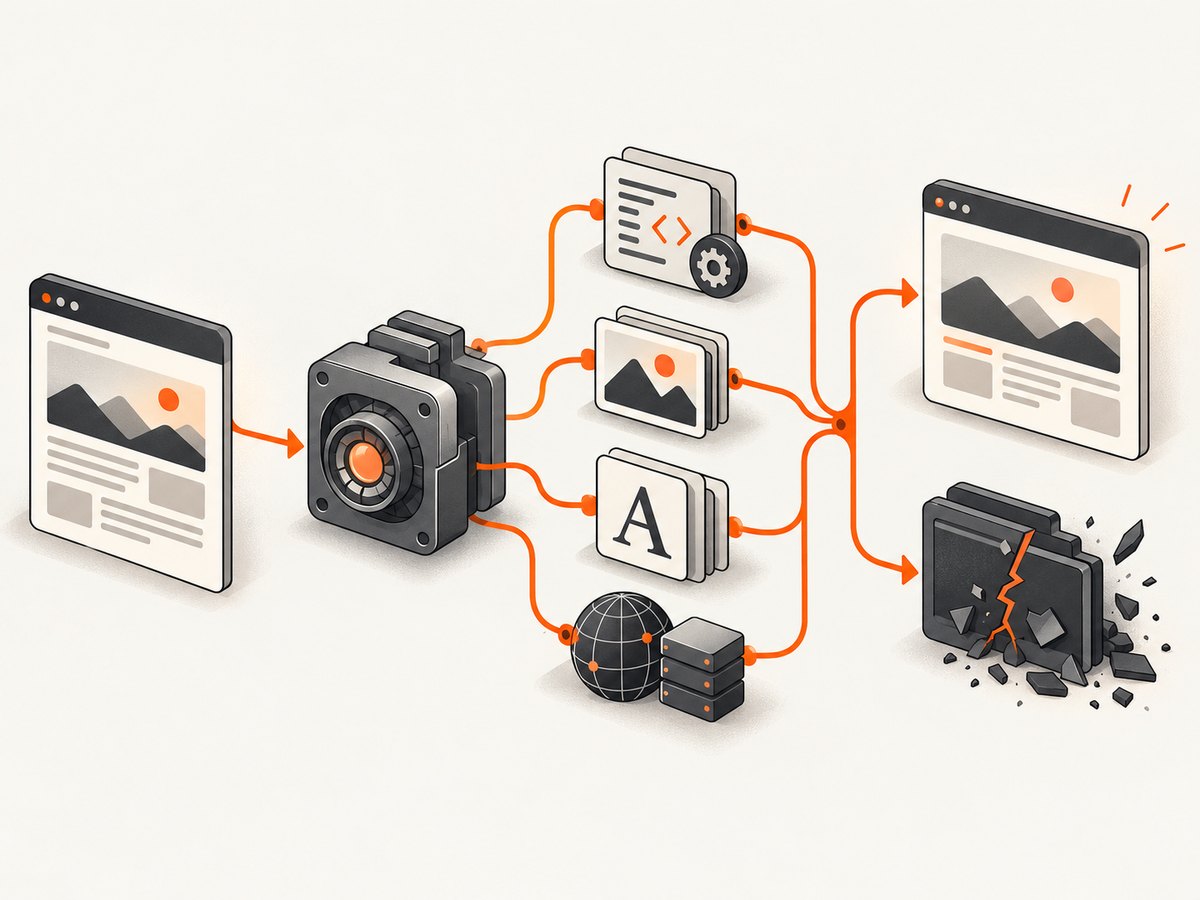
The Debian wkhtmltoimage manpage documents switches that make useful experiments. Change one class of input at a time and record whether the fault remains.
| Experiment | Command option | What a change in result suggests |
|---|---|---|
| Disable JavaScript | --disable-javascript |
A script, framework startup path, canvas operation, or script-triggered navigation may be involved. |
| Disable images | --no-images |
An image decoder, SVG, animated image, image URL, or memory spike deserves inspection. |
| Remove waiting | --javascript-delay 0 |
The delayed state, timer, or late network response may trigger the fault. |
| Inspect scripts | --debug-javascript |
JavaScript errors and the last script activity become visible; use --stop-slow-scripts for runaway code. |
| Ignore media failures | --load-media-error-handling ignore |
A failed stylesheet, font, audio, or video request may be part of the trigger. |
| Change load policy | --load-error-handling ignore|skip|abort |
Shows whether a failed document or subresource changes the renderer path. |
# JavaScript experiment
wkhtmltoimage --log-level info --disable-javascript \
  'https://example.com/problem' /tmp/no-js.png

# Image experiment
wkhtmltoimage --log-level info --no-images \
  'https://example.com/problem' /tmp/no-images.png

# No-delay experiment
wkhtmltoimage --log-level info --javascript-delay 0 \
  'https://example.com/problem' /tmp/no-delay.png

# Diagnostic JavaScript logging
wkhtmltoimage --debug-javascript --stop-slow-scripts \
  'https://example.com/problem' /tmp/debug-js.png
If disabling JavaScript stops the crash, re-enable it and remove scripts from a locally saved fixture one group at a time. If disabling images helps, list every image, SVG, and webfont URL in the page and test them individually. A disappearing crash identifies correlation; it does not establish the underlying defect.
4. Check external resources, authentication, and local-file access
Pages often depend on cookies, authorization headers, a proxy, or a region-specific response. Reproduce those inputs explicitly instead of relying on a browser session.
wkhtmltoimage \
  --custom-header 'Accept-Language' 'en-US' \
  --cookie session_id REDACTED \
  --proxy http://proxy.example:8080 \
  'https://example.com/problem' /tmp/authenticated.png
Use real values only in a protected environment. For a local fixture, constrain filesystem access:
wkhtmltoimage --disable-local-file-access \
  --allow /srv/fixtures/assets \
  file:///srv/fixtures/problem.html /tmp/fixture.png
Inspect the HTML for third-party embeds, redirects, malformed SVG, very large images, and webfonts. Save the final response and test its assets from the same host. A locally saved fixture that still crashes proves the page content is sufficient; a fixture that succeeds shifts attention toward network responses, TLS, authentication, or timing.
5. Verify fonts and native dependencies
Font warnings are a concrete lead in issue #4062, but they are not a diagnosis. Confirm that the runtime can see valid fonts and that fontconfig and freetype are installed in the execution environment.
fc-match sans-serif
fc-list | head
fc-cache -f -v
ldd "$(command -v wkhtmltoimage)" | sort
Check for malformed webfonts, unusual SVG text, missing glyphs, and differences between the interactive host and a container. Compare the installed libraries and font directories, including libpng, libjpeg, OpenSSL, libc, fontconfig, and freetype. The project’s packaging guidance explains that the builds do not make every system dependency static; runtime libraries and font configuration still matter.
Try a known system font by temporarily removing the page’s custom font declarations in a fixture. If that changes the result, keep the reduced HTML and the font file as part of the reproducer. Do not “fix” the host by randomly replacing libraries: first record the package versions so the change remains explainable.
6. Investigate TLS, redirects, and certificates without masking the crash
The issue report’s SSL error ignored line appears immediately before the fault. Treat that sequence as a reproducibility clue. Capture the redirect chain and certificate details, then test the final URL directly.
curl -I -L 'https://example.com/problem'
openssl s_client -connect example.com:443 -servername example.com </dev/null
Compare the OpenSSL version used by the shell and by the renderer. If the site requires a client certificate, use the documented certificate options and reproduce the same credentials. Do not claim TLS caused the segmentation fault unless removing the redirect or changing the certificate path in a reduced test consistently changes the result. Avoid disabling certificate verification as a permanent workaround.
7. Test a supported renderer build and package origin
The wkhtmltopdf project lists 0.12.6, released June 11, 2020, as the stable series and marks older releases obsolete for new bug reports. Re-test the exact URL on 0.12.6 where the target distribution is supported. Compare a project build with a distro-built package if their Qt patches and system dependencies differ; record which binary ran with command -v and readlink -f.
command -v wkhtmltoimage
readlink -f "$(command -v wkhtmltoimage)"
wkhtmltoimage --version
rpm -qf "$(command -v wkhtmltoimage)" 2>/dev/null || dpkg -S "$(command -v wkhtmltoimage)"
When using a container or Lambda layer, pin the base distribution, architecture, libraries, fonts, and FONTCONFIG_PATH. A different base image can reintroduce a crash even when the executable version string is identical. Keep the old binary available so you can make an A/B comparison rather than losing the original evidence.
8. Build a minimal reproducer and native backtrace
Reduce the page until the smallest HTML or URL that still crashes remains. Remove scripts, styles, images, fonts, and third-party embeds by class, recording the first removal that makes the fault disappear. This reduced case is more useful than a full production page when reporting a WebKit defect.
gdb --args wkhtmltoimage --log-level info \
  'https://example.com/minimal' /tmp/minimal.png
# At the gdb prompt:
run
bt full
info sharedlibrary
Save the signal, complete backtrace, binary checksum, version, library list, command, and stderr. A native backtrace can distinguish a page-triggered Qt/WebKit defect from a loader or packaging problem. Historical WebKit reports show why reduced test cases and backtraces matter: one website can reliably exercise a crash path that ordinary pages never reach.
9. Keep the renderer inside a security boundary
wkhtmltopdf’s project warning says: “Do not use wkhtmltopdf with any untrusted HTML” without sanitizing user-supplied HTML and JavaScript, because it can lead to complete server takeover. Treat remote URLs and uploaded HTML as untrusted input while debugging.
- Run as a dedicated, unprivileged user in an isolated container or VM.
- Restrict filesystem access with
--disable-local-file-accessand narrowly scoped--allowpaths. - Block unnecessary outbound network access and protect metadata endpoints.
- Set process, memory, file-size, and wall-clock limits outside wkhtmltoimage.
- Use least-privilege credentials and redact cookies, authorization headers, and client certificates from logs.
10. Performance, reliability, and cost considerations
Each diagnostic option changes rendering work. JavaScript and delayed waits increase CPU and wall time; full-page pages with lazy images increase memory; custom fonts and large SVGs add decoding work; retries can multiply load on the target site. Measure elapsed time and peak memory for the baseline and each experiment. Keep a concurrency limit while reproducing a fault so several crashing processes do not exhaust the host.
For production capture, define a timeout, classify exit codes, retain stderr, and retry only transient network failures. A deterministic segmentation fault should be quarantined and escalated with the reduced reproducer instead of retried indefinitely. Pin the binary and container image, and run a smoke capture after every library or font update. If you need a controlled Linux VPS or container, choose one that lets you pin the distribution, libraries, architecture, and fonts; that infrastructure control is often more valuable than a generic cleanup utility.
11. Or skip the browser setup
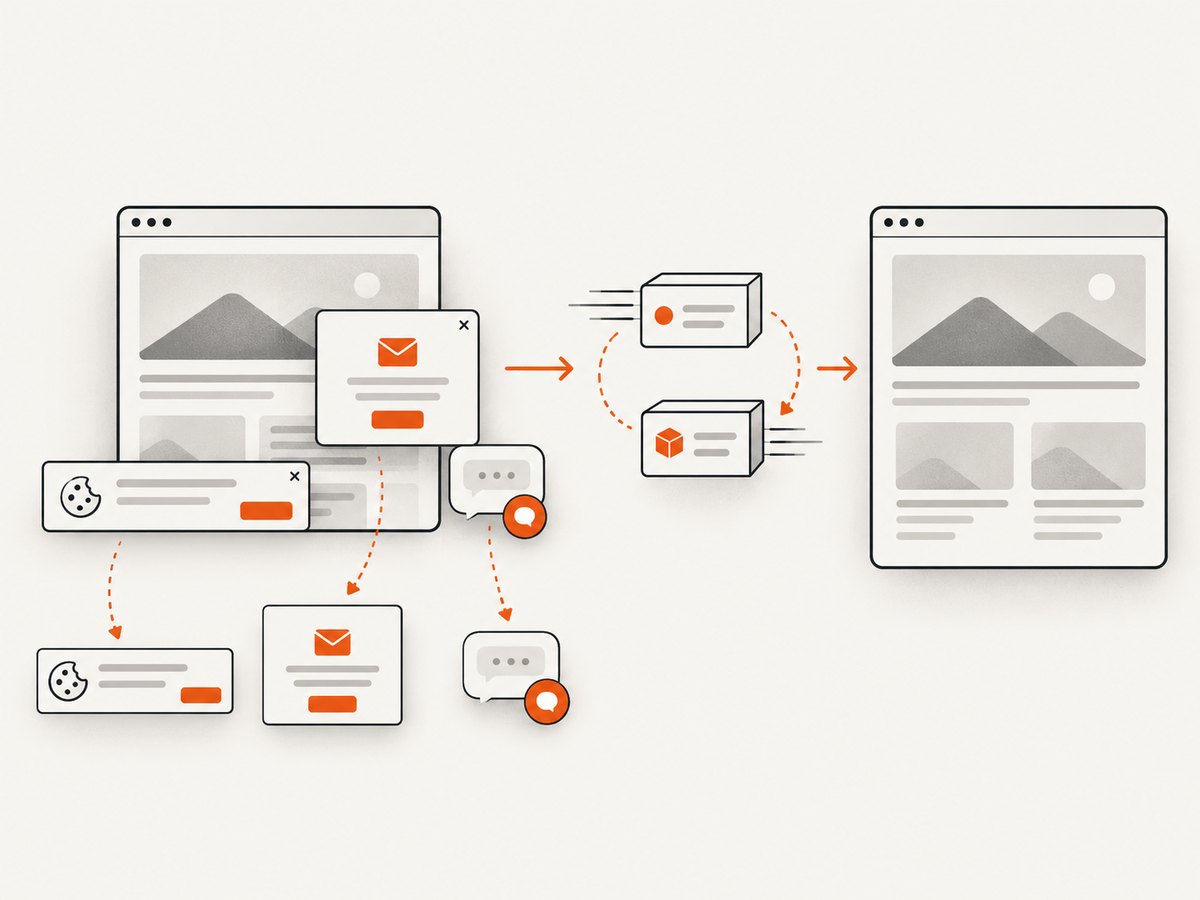
ScreenshotNeo provides a website screenshot API and MCP server when maintaining a native renderer is not the goal. One GET request returns PNG, JPEG, WebP, or PDF. Before capture it accepts cookie and consent banners like a visitor and removes more than 60 known consent platforms, newsletter popups, and chat widgets; each step can be disabled. Bot checks, blank pages, timeouts, failed loads, and cache hits are not billed, and the response identifies the result with X-Page-Verdict and X-Billed headers.
See the ScreenshotNeo API documentation for the complete parameter list. This basic call is runnable as written:
curl -G "https://api.screenshotneo.com/v1/shot" -d access_key=YOUR_API_KEY --data-urlencode url=https://stripe.com -o shot.webpimport requests
r = requests.get("https://api.screenshotneo.com/v1/shot", params={"access_key": "YOUR_API_KEY", "url": "https://stripe.com"}, timeout=90)
open("shot.webp", "wb").write(r.content)const q = new URLSearchParams({ access_key: 'YOUR_API_KEY', url: 'https://stripe.com' });
const res = await fetch(`https://api.screenshotneo.com/v1/shot?${q}`);Options cover full-page capture with lazy images, CSS-selector element capture, dark mode, 12 device presets or any viewport, retina scale, PDF paper size and margins, custom CSS and JavaScript, clicks, selector waits, delays, network idle, blocked ads or resource types, headers, cookies, user agents, authorization, timezone, geolocation, transparent backgrounds, resizing, chosen cache TTL, signed public image links, asynchronous jobs with signed webhooks, bulk capture of 100 URLs per call, usage data, and an OpenAPI specification. Familiar parameter names from other screenshot APIs also work.
An MCP server exposes take_screenshot, get_page_info, and capture_pdf to Claude, Cursor, and other MCP clients. The Free plan includes 1,000 shots each month with no card; paid plans start at $5 for 3,000 shots. Create a free ScreenshotNeo account.
12. Troubleshooting common errors
| Symptom | Likely cause | Next action |
|---|---|---|
| Only one URL segfaults | Page-specific WebKit path | Freeze the URL, disable JavaScript and images, then reduce the page. |
| Crash follows a custom font | Fontconfig/freetype issue or malformed webfont | Use fc-match, remove the font in a fixture, and compare package builds. |
| Crash follows HTTPS redirect | TLS, certificate, or redirect response difference | Inspect with curl -I -L, test the final URL, and record OpenSSL versions. |
| “Unknown long argument” | Option belongs to another version or binary | Check --version and the installed manpage; use documented options only. |
| Blank output without a crash | Load failure, blocked resource, or premature capture | Use --log-level info, inspect redirects, and test a selector or delay. |
| Works interactively, fails in a container | Missing fonts, libraries, permissions, or different architecture | Compare ldd, font directories, environment variables, and package origin. |
| Repeated retries exhaust the host | Deterministic native crash under concurrency | Quarantine the URL, cap concurrency, enforce limits, and collect one backtrace. |
13. FAQ
Does a segmentation fault always mean wkhtmltoimage is out of memory?
No. Memory pressure is one possibility, but a stable crash on one page can be a WebKit, font, image decoder, TLS, or packaging defect. Compare peak memory and produce a backtrace.
Should I always disable JavaScript?
Use it as an experiment. If the page requires JavaScript, disabling it is not a production fix; isolate the script or delayed state that changes the outcome.
Is 0.12.6 guaranteed to fix the crash?
No. It is the project’s listed stable series, and older releases are obsolete for new bug reports, but page-specific defects can remain. Re-test with the same URL and environment details.
Can I safely render user-submitted HTML?
Only inside a strong isolation boundary with sanitization, least privilege, restricted files, network controls, and resource limits. The project warns that unsanitized HTML or JavaScript can compromise the server.
What should I attach to a bug report?
Provide the minimal reproducer, exact command and URL, version, OS, architecture, package origin, complete stderr, library and font information, and a debugger backtrace.


