How to Troubleshoot the wkhtmltopdf Internal Error
A systematic guide to diagnosing wkhtmltopdf internal errors using stderr, exit codes, minimal test files, build checks, and wrapper debugging.

The message “Internal Error” is a symptom label, not a diagnosis. Start by capturing the complete stderr output and process exit status from the exact wkhtmltopdf command that fails. Then run the same input directly with a minimal local HTML file, record the binary version and platform, and isolate whether the failure concerns PDF generation, image saving, resource loading, or a framework wrapper.
This sequence is more reliable than reinstalling packages or changing flags at random. wkhtmltopdf is an open-source command-line HTML-to-PDF tool built on Qt WebKit; its companion, wkhtmltoimage, renders images. The project describes both as headless tools that do not require a display service. See the official project site and its download and build information.
1. Recover the real error before changing anything
Many frameworks replace stderr with a generic exception such as “WKHTMLTOPDF didn’t return any data” or simply “Internal Error.” Preserve the original process result before trying a fix.
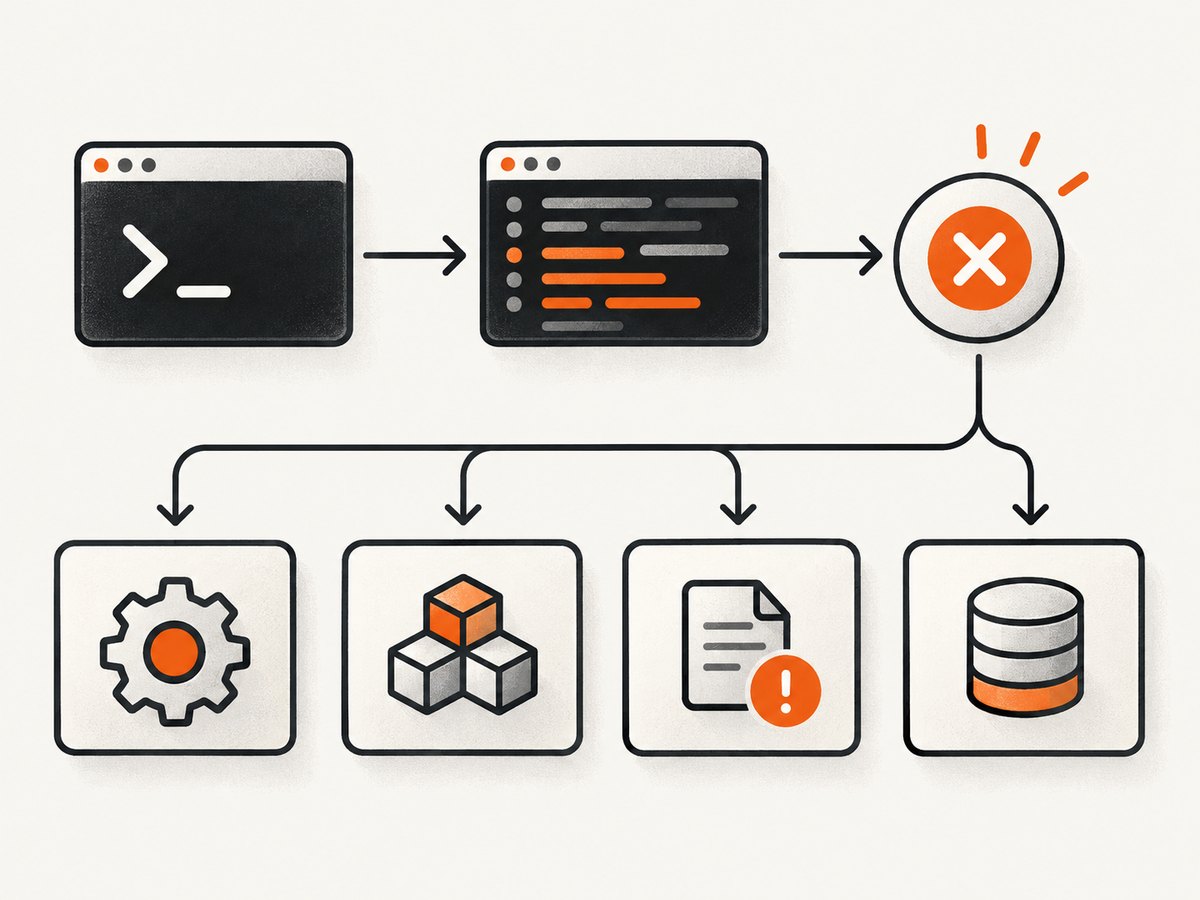
Run the exact command with separate logs
set -o pipefail
/usr/local/bin/wkhtmltopdf \
  --quiet \
  input.html output.pdf \
  1>wkhtmltopdf.stdout.log \
  2>wkhtmltopdf.stderr.log
status=$?
printf 'exit_status=%s\n' "$status"
cat wkhtmltopdf.stderr.log
exit "$status"
Record these fields:
- Absolute executable path.
- Complete argument list, with credentials removed from shared logs.
- Working directory.
- Input URL or filename.
- Output filename and directory.
- Operating-system release, architecture, and container or VM details.
- Full stderr and the numeric exit status.
On Windows PowerShell, capture the same information explicitly:
$exe = 'C:\Program Files\wkhtmltopdf\bin\wkhtmltopdf.exe'
& $exe 'C:\work\input.html' 'C:\work\output.pdf' 1>stdout.log 2>stderr.log
$status = $LASTEXITCODE
"exit_status=$status"
Get-Content stderr.log
If your application uses a process library, inspect its result object rather than only its exception message. Ensure stderr is read even when the process exits nonzero. A historical CakePdf/Windows report associated the surfaced exception with a path containing spaces and hidden stderr; treat that as a case example to verify in your own runtime, not as a universal Windows rule.
2. Compare direct CLI execution with the wrapper
Create a tiny trusted file and invoke the binary without your framework, queue worker, web server, or container entrypoint. This separates wkhtmltopdf from argument construction and process-management problems.
cat > /tmp/wkhtml-minimal.html <<'HTML'
<!doctype html>
<html><head><meta charset="utf-8"><title>Test</title></head>
<body><h1>wkhtmltopdf test</h1><p>Local content only.</p></body></html>
HTML

wkhtmltopdf --version
wkhtmltopdf /tmp/wkhtml-minimal.html /tmp/wkhtml-minimal.pdf
file /tmp/wkhtml-minimal.pdf
Interpret the result:
| Observation | Likely investigation |
|---|---|
| Direct minimal command succeeds; application fails | Executable path, quoting, current directory, permissions, disabled process functions, environment variables, or hidden stderr. |
| Both fail with the same stderr | Binary, platform libraries, fonts, input, output destination, or runtime security policy. |
| Minimal file works; real URL fails | Network access, JavaScript, TLS, redirects, external assets, authentication, or page-specific HTML. |
| PDF works; image command fails | Investigate wkhtmltoimage, image output format, and destination permissions separately. |
When a wrapper fails, log the final argument array after all interpolation. Do not log secrets such as authorization headers or signed URLs. Check whether a path with spaces is passed as one argument, whether shell parsing is being used unnecessarily, and whether the worker account can execute the binary and write the destination directory.
3. Verify the exact build and platform
Capture the version from the binary that the failing process actually launches:
command -v wkhtmltopdf
readlink -f "$(command -v wkhtmltopdf)" 2>/dev/null || true
wkhtmltopdf --version
uname -a
getconf LONG_BIT
The official download page lists the 0.12.6 stable series and dates that release to June 11, 2020. It also lists packages by operating system, distribution, and architecture. The project FAQ explains that patched Qt builds provide features absent from upstream Qt, while distribution builds may omit them. System-library versions, including OpenSSL and libc, and installed fonts can also change behavior. Compare your binary with the package intended for your operating system instead of assuming every file named wkhtmltopdf is equivalent.
The GitHub repository reports that the project was archived on January 2, 2023 and is read-only. That status describes project maintenance; it does not, by itself, identify the cause of a particular internal error. Keep the binary and operating system fixed while reproducing a problem so that each change has a clear meaning.
4. Separate input, output, and redirection failures
“Internal Error” can hide failures in different layers. Test a normal file-to-file conversion first:
wkhtmltopdf --enable-local-file-access \
  /absolute/path/to/trusted.html \
  /absolute/path/to/output/test.pdf
Use a simple output path owned by the process account. Confirm free disk space and directory permissions:
df -h /absolute/path/to/output
test -w /absolute/path/to/output && echo writable
ls -ld /absolute/path/to/output
If stderr says Could not save image, troubleshoot the image destination and wkhtmltoimage invocation rather than treating it as proof that PDF generation is broken. If the PDF is empty or unreadable, inspect the output file size, magic bytes, and whether another process is writing the same path:
ls -l output.pdf
file output.pdf
head -c  eight output.pdf | xxd
A project issue from 2014 describes image-save failures with HTML supplied on stdin, unreadable output when redirecting PDF through stdout, and an “internal error” under another invocation. It was marked as needing a minimal test case and did not establish a universal fix. Therefore test stdin and stdout only after a conventional file destination works:
cat trusted.html | wkhtmltopdf - output.pdf
wkhtmltopdf trusted.html - > output.pdf
Compare those results with a direct file-to-file command. If redirection fails, keep the output as a regular file and inspect buffering, binary-safe stream handling, and the wrapper’s temporary-file cleanup.
5. Follow the specific stderr signature
OpenSSL or FIPS self-test failure
If stderr contains wording such as OpenSSL internal error: FATAL FIPS SELFTEST FAILURE, capture the exact build and host crypto configuration. A community report described this on Ubuntu 18.04 with Ubuntu Pro ESM in an Odoo 10 deployment, but the report did not establish a general cause. Do not apply a version change from that anecdote without reproducing it against your own binary and cryptographic environment.
Missing shared library or plugin
Follow the named library in stderr. On Linux, inspect dependencies with:
ldd "$(command -v wkhtmltopdf)" | grep 'not found' || trueInstall a package built for the target distribution or correct the runtime library path according to your deployment policy. Avoid copying random libraries between distributions.
Fonts, CSS, JavaScript, or external resources
A missing font can change layout or cause rendering failures in a constrained image. Test with a document that uses only installed, common fonts. For a URL, verify DNS, outbound network policy, TLS trust, redirects, authentication, and the availability of every stylesheet, script, image, and font. Compare a fully local HTML bundle with the remote page.
Permission and sandbox failures
Run the command as the same service account as the application. Check execute permission on the binary, read permission on local assets, write permission on temporary and output directories, and any container security profile. A successful shell test as your login user does not prove that a queue worker can run the same command.
6. A repeatable diagnostic checklist
- Save complete stderr and the numeric exit status.
- Write down the exact executable path and
--versionoutput. - Run a minimal trusted local HTML file directly.
- Use a conventional local PDF destination.
- Run under the application’s service account.
- Compare the direct argument list with the wrapper’s final arguments.
- Test the real HTML only after the minimal file succeeds.
- Classify the concrete stderr signature: output, library, font, network, crypto, or wrapper.
- Change one variable at a time and preserve the working command.
- Sanitize logs and HTML before sharing them.
7. Security, reliability, and performance notes
Use only trusted or sanitized HTML during diagnosis. The official project warning states: “Do not use wkhtmltopdf with any untrusted HTML – be sure to sanitize any user-supplied HTML/JS, otherwise it can lead to complete takeover of the server it is running on!” Treat HTML, JavaScript, URLs, cookies, and headers as untrusted input in a multi-tenant service.
For reliability, pin the executable path and package artifact in deployment, record its version at startup, and keep a minimal fixture in your health checks. Use unique temporary and output filenames so concurrent jobs cannot overwrite one another. Retain stderr with a request identifier, and set an application timeout that is longer than the expected page load but finite. Retry only when the signature indicates a transient dependency such as a network timeout; retries will not repair malformed HTML, missing libraries, or unwritable directories.
For performance, reduce remote dependencies, reuse a controlled worker environment, and avoid rendering unnecessarily large pages. Measure conversion time, output size, and failure type in your own workload. The project sources reviewed here do not provide a universal benchmark or a population-level breakdown of internal-error causes, so do not use another installation’s timing or failure rate as your expectation.
8. Or skip the browser setup
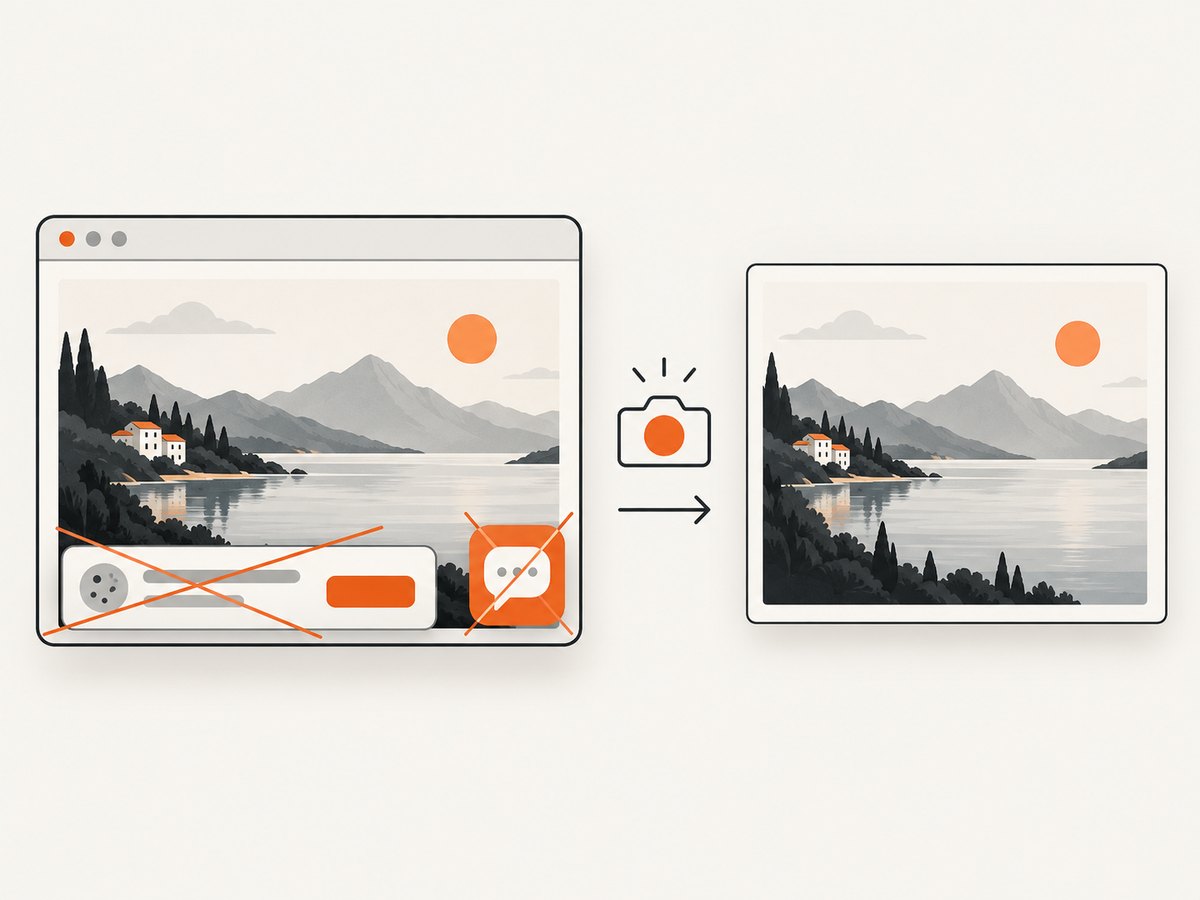
If your actual goal is a clean screenshot or PDF rather than maintaining a wkhtmltopdf runtime, ScreenshotNeo provides a website screenshot API and MCP server. One GET request returns PNG, JPEG, WebP, or PDF. It accepts consent banners before capture and removes more than 60 known consent platforms, newsletter popups, and chat widgets; each cleanup step can be disabled. Bot checks, CAPTCHAs, blank pages, timeouts, failed loads, and cache hits are not billed, and the response reports the page verdict and billing status in X-Page-Verdict and X-Billed headers.
See the ScreenshotNeo API documentation for all options. This minimal request captures a page as WebP:
curl -G "https://api.screenshotneo.com/v1/shot" \
  -d access_key=YOUR_API_KEY \
  --data-urlencode url=https://example.com \
  -o shot.webp
Python:
import requests

r = requests.get(
    "https://api.screenshotneo.com/v1/shot",
    params={"access_key": "YOUR_API_KEY", "url": "https://example.com"},
    timeout=90,
)
r.raise_for_status()
open("shot.webp", "wb").write(r.content)
Node.js:
const q = new URLSearchParams({
  access_key: 'YOUR_API_KEY',
  url: 'https://example.com'
});
const res = await fetch(`https://api.screenshotneo.com/v1/shot?${q}`);
if (!res.ok) throw new Error(`HTTP ${res.status}`);
const data = Buffer.from(await res.arrayBuffer());
require('fs').writeFileSync('shot.webp', data);
ScreenshotNeo includes full-page capture with lazy images loaded, CSS-selector element capture, dark mode, device presets and custom viewports, retina scale, PDF paper and margin controls, custom CSS and JavaScript, clicks, selector or network-idle waits, request blocking, headers, cookies, user agents, authorization, timezone, geolocation, transparent backgrounds, resizing, configurable caching, signed links, asynchronous jobs with signed webhooks, bulk capture for up to 100 URLs per call, a usage API, and an OpenAPI specification. An MCP server exposes take_screenshot, get_page_info, and capture_pdf to Claude, Cursor, and other MCP clients.
Free usage includes 1,000 screenshots per month with no card. Paid plans start at $5 for 3,000 shots; yearly billing gives two months free, and every feature is available on every plan. Create a free ScreenshotNeo account.
9. Frequently asked questions
Does “Internal Error” mean wkhtmltopdf is missing?
No. It may be a wrapper’s generic label for a failed process, an output problem, a resource failure, or a platform-specific runtime issue. The exit status and stderr identify the layer.
Should I always reinstall wkhtmltopdf?
No. First identify the exact build, operating system, architecture, patched-Qt variant, and concrete stderr signature. Reinstalling can replace a working dependency with a mismatched package.
Can wkhtmltopdf run without X11?
The official project describes wkhtmltopdf and wkhtmltoimage as headless tools that do not require a display service. A failure without X11 therefore needs its own stderr and platform diagnosis.
Why does the command work in my shell but fail in the application?
The application may use a different executable, account, working directory, environment, argument quoting, temporary directory, or process policy. Run the exact command as the application account and expose stderr.
Is an archived repository proof that my error is caused by an old bug?
No. The repository’s archived status is maintenance context. It does not establish causation for an individual failure.
What should I include when asking for help?
Provide the redacted command, executable path, version, OS and architecture, input type, output destination, exit status, and complete stderr. Include a minimal reproducible HTML file when possible.


