How to Troubleshoot WKPDF System Errors
Fix wkhtmltopdf command, dependency, blank PDF, SSL, Docker, permission and security errors with a repeatable diagnostic workflow.
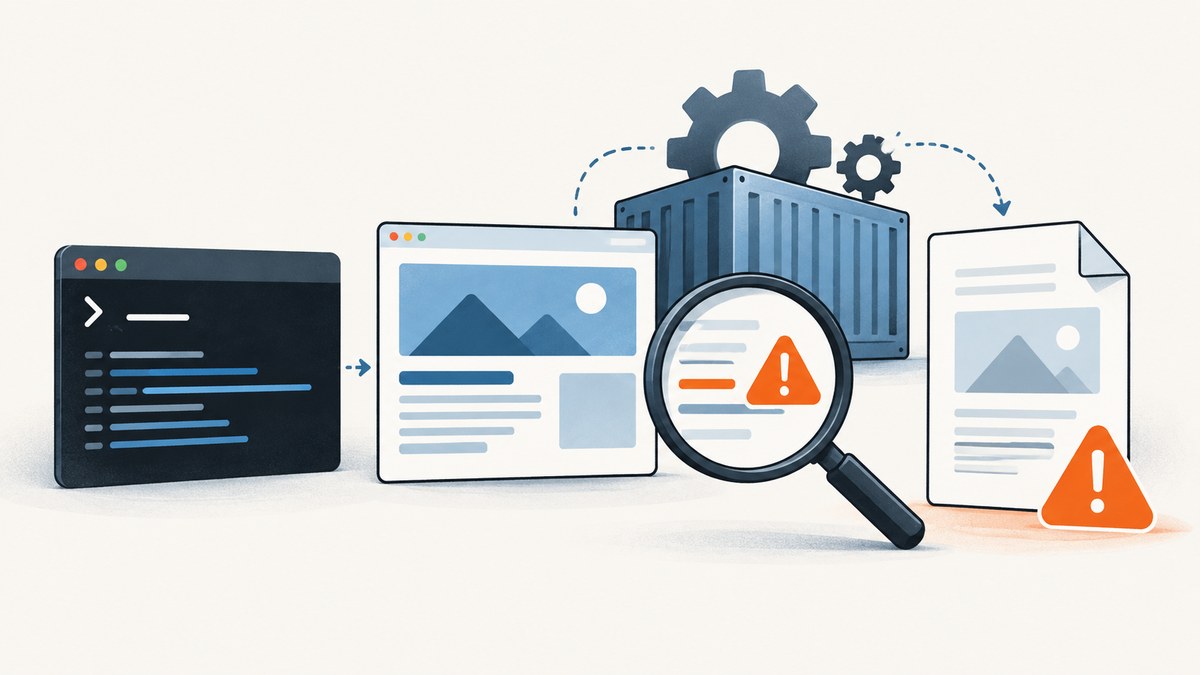
Start by separating a startup problem from a rendering problem. Record the exact wkhtmltopdf version, operating system, wrapper, complete command, input, output path, exit code and stderr. Then convert a tiny local HTML file before adding JavaScript, images, external URLs or local-file references. This isolates missing packages and permissions from page-specific failures.
wkhtmltopdf is an open-source, headless command-line renderer based on Qt WebKit. It normally does not need an X server or display service. The stable project series is 0.12.6, released in 2020. Static builds still depend on system packages such as fontconfig and freetype2, and distribution-specific libraries can prevent the binary from starting. The official project documentation and downloads are at wkhtmltopdf.org.
1. Capture the failure exactly
Do this from the same account and service environment that runs the failing conversion. A command that works in your interactive shell can fail from systemd, a queue worker, a web server or a container because PATH, HOME, temporary directories, certificates and network policy differ.
# Identify the executable and version
command -v wkhtmltopdf
wkhtmltopdf --version
wkhtmltopdf -H > wkhtmltopdf-help.txt 2> wkhtmltopdf-help.stderr

# Capture OS and architecture
uname -a
cat /etc/os-release

# Run a conversion while preserving stderr and the exit code
wkhtmltopdf input.html output.pdf 2>conversion.stderr
status=$?
printf 'exit_code=%s\n' "$status"
cat conversion.stderr
Save the wrapper or framework version too. For example, record the package version when using a language binding, the container image tag, and the exact arguments generated by the wrapper. A useful bug report contains a minimal HTML/CSS/JavaScript reproduction, the operating system, architecture, version and detailed stderr. The project’s issue guidance asks for those details.
2. Make a minimal local conversion
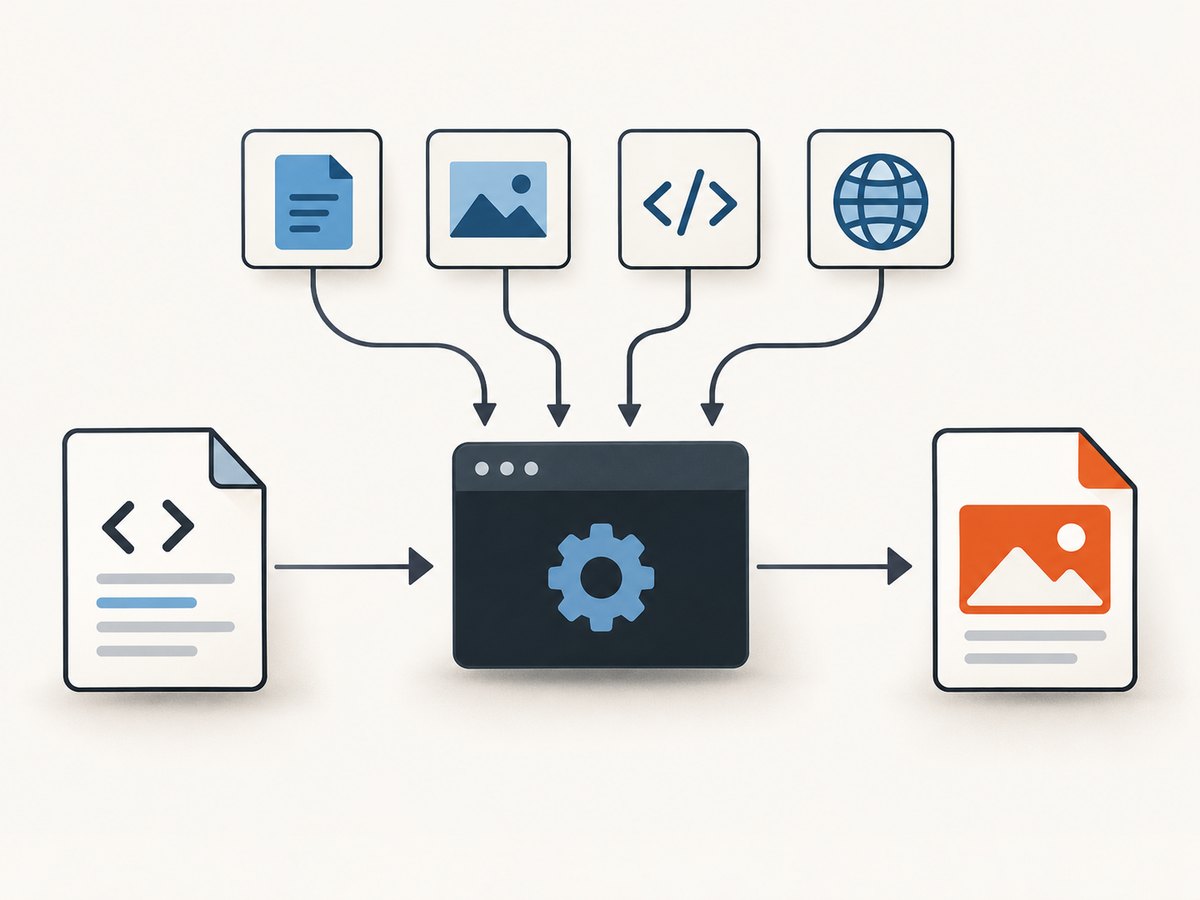
Create the smallest possible input. This tells you whether the executable can start, write files and render basic text without involving DNS, TLS, JavaScript or remote assets.
cat > /tmp/wkpdf-minimal.html <<'HTML'
<!doctype html>
<html>
  <meta charset="utf-8">
  <title>wkhtmltopdf test</title>
  <body><h1>Renderer test</h1><p>Plain local HTML.</p></body>
</html>
HTML

mkdir -p /tmp/wkpdf-output
wkhtmltopdf /tmp/wkpdf-minimal.html /tmp/wkpdf-output/minimal.pdf
file /tmp/wkpdf-output/minimal.pdf
ls -l /tmp/wkpdf-output/minimal.pdf
If this fails, do not debug your application page yet. Fix the executable, shared libraries, fonts, temporary directory, confinement policy or output permissions first. If it succeeds, add one feature at a time: a stylesheet, a local image, JavaScript, a delayed script result, an external URL and finally local-file references.
3. Fix “command not found” and startup errors
Command not found
Locate the binary and compare the PATH used by your shell with the PATH used by the service.
find /usr /opt -type f -name wkhtmltopdf -perm -111 2>/dev/null
printf 'shell PATH=%s\n' "$PATH"
# For systemd, inspect the unit and effective environment:
systemctl cat your-renderer.service
systemctl show your-renderer.service --property=Environment
Use an absolute executable path in application configuration, or set PATH explicitly in the service definition. Check that the service account can traverse every parent directory and execute the file.
“No such file or directory” when the file exists
This often means a missing dynamic loader or shared library rather than a missing executable. Check the architecture and dependencies:
file "$(command -v wkhtmltopdf)"
ldd "$(command -v wkhtmltopdf)" | grep -i 'not found' || true
Install the packages required by your operating-system release, including fontconfig and freetype2 where applicable. A “static” wkhtmltopdf build statically links Qt, but “static” does not mean it has no system requirements. Avoid mixing a binary built for one distribution with libraries from another; use the build listed for your distribution or rebuild in the same base image.
Illegal instruction, segmentation fault or immediate exit
Verify CPU architecture, container platform and binary provenance. A binary compiled for a different architecture or relying on incompatible libraries can exit before processing HTML. Run the minimal test directly in the final deployment image, not only on a developer workstation.
4. Diagnose blank, partial or missing-content PDFs
JavaScript has not finished
Qt WebKit may return a page before client-side code finishes building it. Confirm that JavaScript is enabled, then add a deliberate delay and test with a page that displays a completion marker.
wkhtmltopdf \
  --enable-javascript \
  --javascript-delay 2000 \
  https://example.com/dashboard \
  dashboard.pdf
Use the smallest delay that reliably includes the content. A long fixed delay increases latency for every request. If the page has a deterministic readiness element, a renderer with a selector wait is usually more predictable; wkhtmltopdf’s controls are primarily JavaScript, delay and load-error settings.
Images or stylesheets are missing
Open each asset URL from the same host, container and service account. Check DNS, proxy variables, firewall egress, TLS certificates, redirects and authentication. An HTML file opened in a browser may use browser credentials or a different trust store.
# Check an asset from the deployment environment
curl -I -L https://example.com/assets/logo.png
curl -I -L https://example.com/assets/site.css
For a local image or stylesheet, use a correct file:// URL and review local-file policy. Recent builds restrict local-file access by default or require an explicit allow-list. If your controlled document needs it, configure the narrowest allowed directory rather than granting broad filesystem access.
wkhtmltopdf \
  --enable-local-file-access \
  --allow /srv/reports/assets \
  /srv/reports/input.html /srv/reports/output.pdf
Only enable local access for trusted, sanitized input. Do not use it as a workaround for arbitrary user HTML.
External links, redirects and load errors
Inspect stderr for failed resource requests and test the final redirected URL. Confirm that the service can resolve the hostname and negotiate TLS. If a page intentionally contains optional third-party assets, choose a documented load-error policy that matches your application instead of silently accepting incomplete output.
5. SSL, proxy and authentication failures
TLS failures commonly come from an old certificate store, an incomplete certificate chain, a proxy requirement or a hostname that is unavailable from the server. Test with the server’s CA bundle and network route:
curl -v https://example.com/ -o /dev/null
getent hosts example.com
openssl s_client -connect example.com:443 -servername example.com < /dev/null
Install and update the CA package in the operating-system image, configure the service’s HTTPS proxy if one is required, and ensure the URL uses the expected hostname. Avoid disabling certificate verification as a permanent fix. For authenticated pages, pass credentials through the wrapper’s supported header or cookie mechanism where available, and keep secrets out of command logs.
6. Docker, server and permission failures
wkhtmltopdf is headless, so adding a virtual X server is usually not the right first fix. In a container, check these areas:
- Shared libraries and fonts exist in the runtime image.
- The service user can execute the binary and read the input.
- The output directory and temporary directory are writable.
- DNS, proxy and outbound network access work from the container.
- The working directory exists and has enough disk space.
- AppArmor or SELinux is not denying execution, font-cache writes, temporary files, work paths or network name resolution.
# Basic runtime checks inside the container
id
pwd
df -h
test -x /usr/local/bin/wkhtmltopdf && echo executable
test -w /tmp && echo tmp-writable
fc-list | head
Compare the interactive shell with the process manager’s environment. Review kernel or audit logs for AppArmor and SELinux denials. The required policy should grant only the executable, font directories, temporary workspace, input/output paths and network destinations that the job needs.
7. Security requirements for untrusted HTML
The wkhtmltopdf project explicitly warns: “Do not use wkhtmltopdf with any untrusted HTML.” HTML and JavaScript can access more than the visual document you intended, especially when local-file access, network access or permissive process privileges are enabled.
- Sanitize HTML, CSS and JavaScript before rendering.
- Run the renderer as a dedicated unprivileged user.
- Isolate jobs in a container or sandbox with a read-only filesystem where practical.
- Restrict local-file access to a specific directory.
- Apply outbound network allow-lists or disable network access for offline documents.
- Use AppArmor or SELinux to constrain executable, font, temporary and work paths.
- Set CPU, memory, process and wall-clock limits.
- Do not place API keys, cookies or authorization headers in HTML visible to the renderer.
8. A repeatable troubleshooting checklist
- Save version, OS, architecture, wrapper version, command, input, output, exit code and stderr.
- Run
wkhtmltopdf -Hand confirm the options supported by the installed build. - Convert a tiny local HTML file.
- Check executable architecture and shared-library dependencies.
- Verify fonts, fontconfig and freetype2.
- Check output and temporary-directory permissions and available disk space.
- Add CSS, images, JavaScript, delay and external URLs one at a time.
- Test DNS, TLS, proxy and authentication from the service environment.
- Review AppArmor or SELinux audit records.
- Reduce the case to reproducible HTML and attach the evidence when requesting help.
9. Performance, reliability and cost considerations
Rendering time is affected by page size, JavaScript delay, remote assets, fonts, network latency and concurrency. Keep assets close to the renderer, avoid unnecessary third-party requests and use a bounded delay. Reuse a warm worker process only if your wrapper and isolation model support it safely; otherwise process isolation is simpler to reason about.
For reliable jobs, set a timeout outside wkhtmltopdf, capture stderr, retain the exit code and write to a temporary filename before atomically moving a completed PDF into place. Retry transient DNS or upstream failures with a limit and backoff, but do not retry deterministic input or permission errors. Monitor output size and page count to catch blank or truncated documents.
The project recommends considering WeasyPrint or Prince for controlled report generation, and Puppeteer or similar browser wrappers for dynamic JavaScript sites. Compare JavaScript and CSS compatibility, font and library portability, local-file and network controls, security maintenance, deterministic output, container support and migration cost before switching.
10. Or skip the browser setup
If your goal is a dependable screenshot or PDF of a URL rather than maintaining a Qt WebKit installation, ScreenshotNeo provides a website screenshot API and MCP server. It accepts one GET request and returns PNG, JPEG, WebP or PDF. Before capture it accepts consent banners and removes more than 60 known consent platforms, newsletter popups and chat widgets; each cleanup step can be disabled.
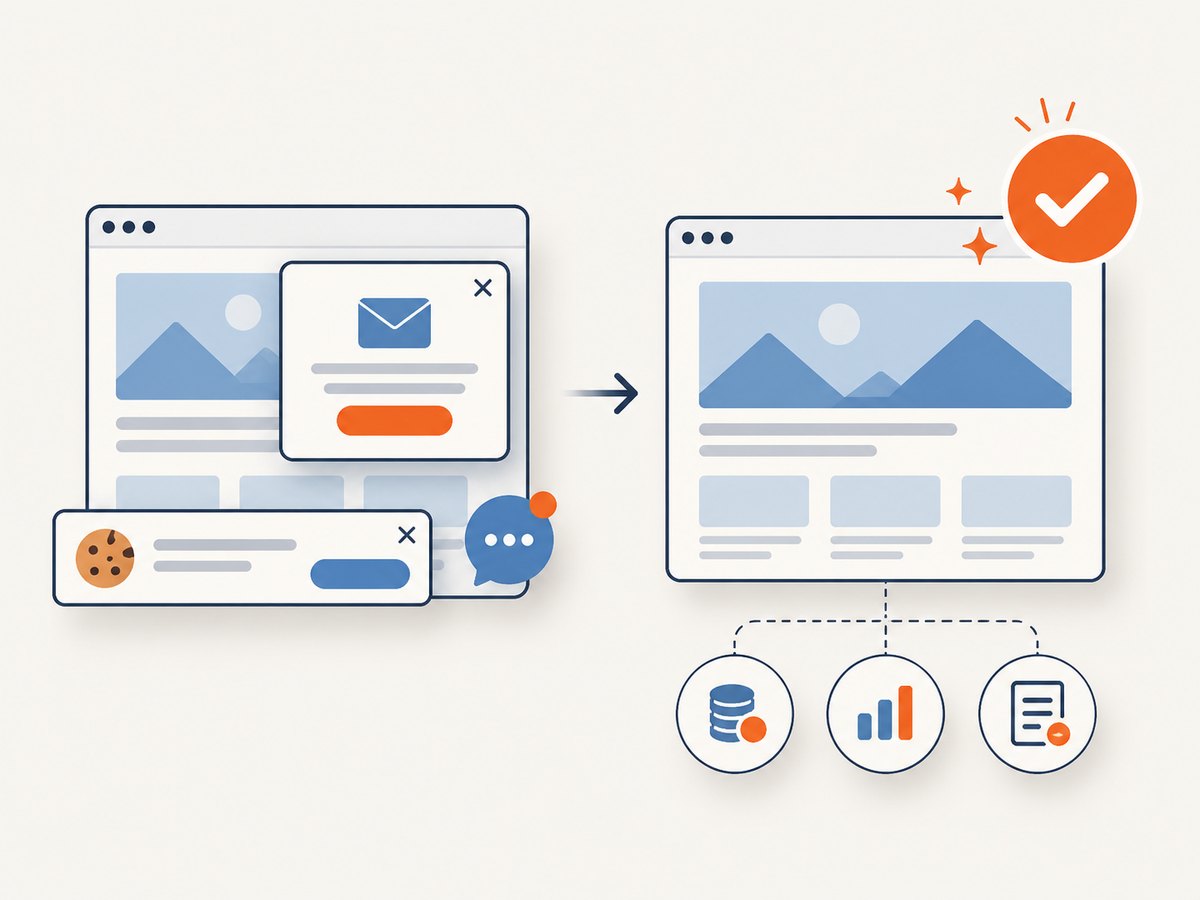
Only clean shots are billed. Bot checks or CAPTCHAs, blank pages, timeouts, failed loads and cache hits cost nothing, and the response identifies the result with X-Page-Verdict and X-Billed headers. An MCP server exposes take_screenshot, get_page_info and capture_pdf to Claude, Cursor and other MCP clients.
See the ScreenshotNeo API documentation for the complete parameter list. The same service supports full-page capture with lazy images loaded, CSS element capture, dark mode, device presets and custom viewports, retina scale, PDF paper size, margins, landscape and page ranges, HTML/CSS to image, custom CSS and JavaScript, clicks, selector waits, delays, network idle, blocked resources, headers, cookies, user agents, Authorization, timezone, geolocation, transparent backgrounds, resizing, configurable caching TTL, signed image links, asynchronous jobs with signed webhooks, bulk capture for 100 URLs per call, a usage API and an OpenAPI specification.
curl -G "https://api.screenshotneo.com/v1/shot" -d access_key=YOUR_API_KEY --data-urlencode url=https://stripe.com -o shot.webpimport requests
r = requests.get("https://api.screenshotneo.com/v1/shot", params={"access_key": "YOUR_API_KEY", "url": "https://stripe.com"}, timeout=90)
open("shot.webp", "wb").write(r.content)const q = new URLSearchParams({ access_key: 'YOUR_API_KEY', url: 'https://stripe.com' });
const res = await fetch(`https://api.screenshotneo.com/v1/shot?${q}`);Every feature is included on every plan: 1,000 screenshots per month are free with no card; paid plans start at $5 for 3,000. Create a free ScreenshotNeo account and try the API without installing a browser runtime.
11. FAQ
Does wkhtmltopdf require an X server?
No. It is designed to run headlessly. A failure in a container is more often caused by libraries, fonts, permissions, temporary storage, network access or confinement.
Why does a static build still need packages?
Static generally refers to Qt linkage. Runtime components such as fontconfig, freetype2 and distribution libraries can still be required.
Should I increase the JavaScript delay indefinitely?
No. Use a short, measured delay and reduce third-party requests. If the page needs modern browser behavior, evaluate a maintained browser automation renderer.
Is enabling local-file access safe?
Only for controlled, sanitized documents with a narrow allow-list. Do not combine it with untrusted HTML or a privileged service account.
When should I migrate away from wkhtmltopdf?
Consider migration when you need modern JavaScript and CSS, stronger isolation, easier container portability or maintained browser behavior. WeasyPrint or Prince fit controlled reports; Puppeteer-style tools fit dynamic sites.


