How to Turn a Screenshot into a URL
Upload a screenshot, choose the right kind of share link, and check who can access it. Learn how direct image URLs differ from file and album links.
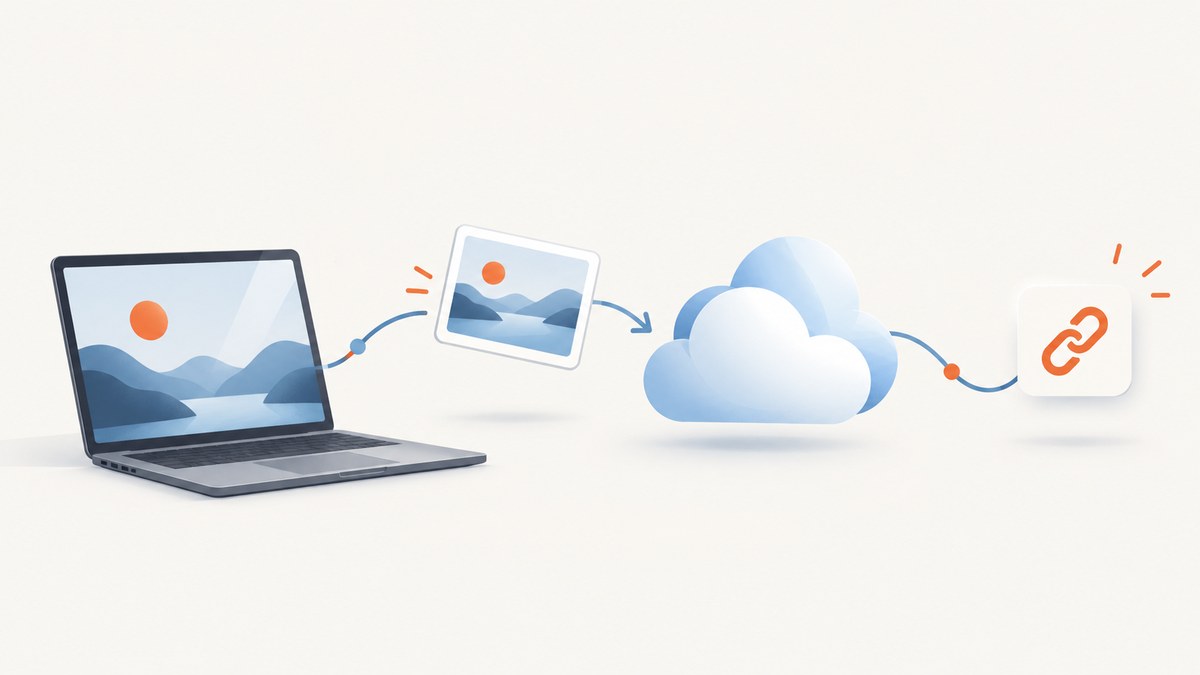
A screenshot saved on your computer does not have a public URL by itself. To turn it into a URL, upload it to a service that hosts images or files, choose the access level you want, then copy the service’s link. If you need to embed the image on a website or in a document, make sure you have a direct image URL that opens the image file; a share link may instead open a viewer page.
This guide covers direct image links, managed file links, and photo album links, with steps for Imgur, Google Drive, Google Photos, and Dropbox’s screenshot workflow. It also explains how to check access and avoid sharing the wrong kind of link.
1. Decide what kind of URL you need
“Screenshot URL” can mean two different things:
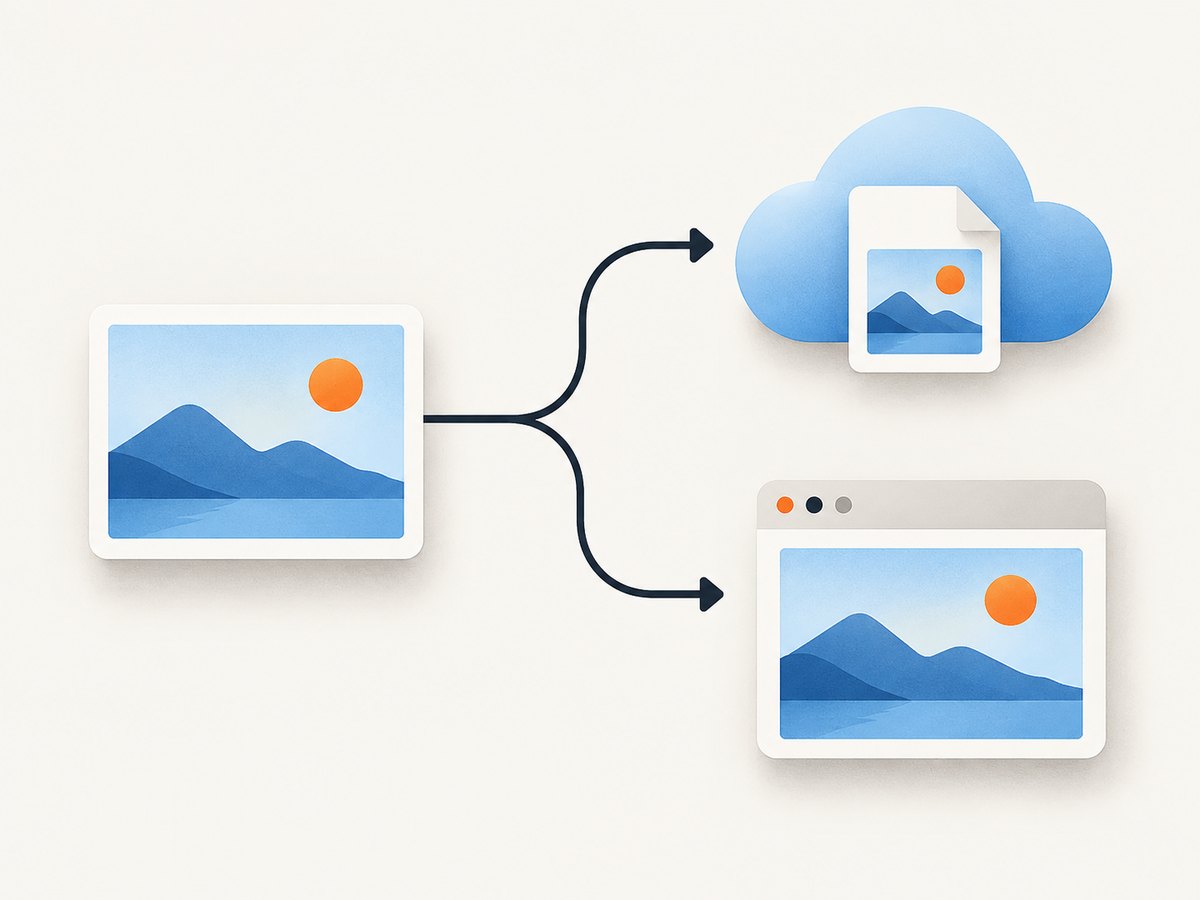
- A direct image URL: opens or returns the image itself. Use this when a destination expects an image address, such as an HTML
srcor a Markdown image link. - A share-page URL: opens a service’s page for viewing a file, photo, or album. This is usually suitable for sending to a person, but may not work in an embed field that expects an image file.
These are not interchangeable. Imgur documents how to find a direct URL for uploaded content. Google Drive documents file sharing links, while Google Photos documents links to photos or albums. Before uploading, check what the receiving app asks for: an image URL, a file link, or a link anyone with access can open.
| What you want to do | Link to look for | Useful option |
|---|---|---|
| Show an image inline in a website or compatible editor | Direct image URL | Imgur’s direct image address |
| Let someone view or download a managed file | File share link | Google Drive |
| Share a photo or a group of photos | Photo or album link | Google Photos |
| Capture screenshots regularly in an existing workflow | Whatever link the capture settings copy | Dropbox screenshot capture |
2. Upload the screenshot and copy its link
Option A: Get a direct image URL with Imgur
- Open Imgur and upload the screenshot from your device. Imgur documents uploading through its desktop flow and its apps.
- Open the uploaded image. On desktop, right-click the image and choose the browser option to copy its image address.
- On a mobile browser, use the content menu’s copy-link action. In the Imgur apps, long-press the image to copy its link.
- Paste the result into a private or signed-out browser window. Confirm it displays the image directly if that is what your destination needs.
Imgur distinguishes Public and Hidden posts. Its help says a Hidden post can be accessed through its direct URL. If you want account-side control and a way to request deletion, upload while signed in and retain the URL. Treat a URL that grants access as something to protect: recipients may be able to pass it along.
Option B: Share an image file with Google Drive
- Upload the screenshot file to Drive.
- Open the file’s sharing settings.
- Choose the general access setting appropriate for your recipients. For link-based access, select Anyone with the link and choose the Viewer role when read-only access is intended.
- Copy the link and test it in a signed-out browser window.
“Anyone with the link” means anyone holding the link can access the file, subject to the selected role. Google also warns that the owner’s name and email are visible when sharing a file by link. Consider that before posting a Drive URL publicly. A Drive share link is a file-viewing link; do not assume it is a direct image URL suitable for embedding.
Option C: Share through Google Photos
- Choose the individual photo or album in Google Photos.
- Use the sharing flow to create or copy a link.
- Open the link in a signed-out or private browser window to check what it reveals and whether it opens the intended photo or album.
Google Photos says a shared album link can be shared by other people who have it. To reset that link, turn link sharing off and then back on. If link sharing remains enabled, removing an individual person does not prevent holders of the existing link from viewing the album.
Option D: Copy a link after a Dropbox screenshot
Dropbox documents settings that can automatically copy a link or image after a screenshot capture. The outcome depends on the settings you have configured. Check the copied result before sharing, especially if the destination requires the actual image address rather than a page for viewing it.
3. Check the link before you share or embed it
A successful copy action does not prove that the link is usable by its recipient. Run these checks:
- Open it signed out. Use a private window or a browser where you are not logged in to the hosting account. If you can see the image only while signed in, recipients may not have access.
- Identify the destination. Does the link open the image itself, a file viewer, or an album page? Match that behavior to what the destination accepts.
- Check the access scope. Decide whether the link should be available to anyone who receives it or only to selected people. Avoid making a private screenshot broadly accessible just to make an embed work.
- Test in the actual destination. Paste the URL into the app or site where you intend to use it. Some destinations accept viewer pages; others require a direct image address.
- Review personal information. For Drive links, remember that the owner’s name and email may be visible.
For an HTML embed that accepts a direct image URL, the basic shape is:
<img src="DIRECT_IMAGE_URL" alt="Description of the screenshot">Replace DIRECT_IMAGE_URL with the address that opens the image file, not a URL that merely opens a hosting service’s viewer page. Use descriptive alternative text that explains what the screenshot shows.
For Markdown, a compatible destination may accept:
Whether either embed works depends on the host’s link type and the destination’s rules. The practical test is to paste the link where it will be used and confirm the rendered result.
4. Privacy, access, and link revocation
A URL is not automatically private because it is difficult to guess. Check the host’s sharing controls and decide what exposure is acceptable before sending it.
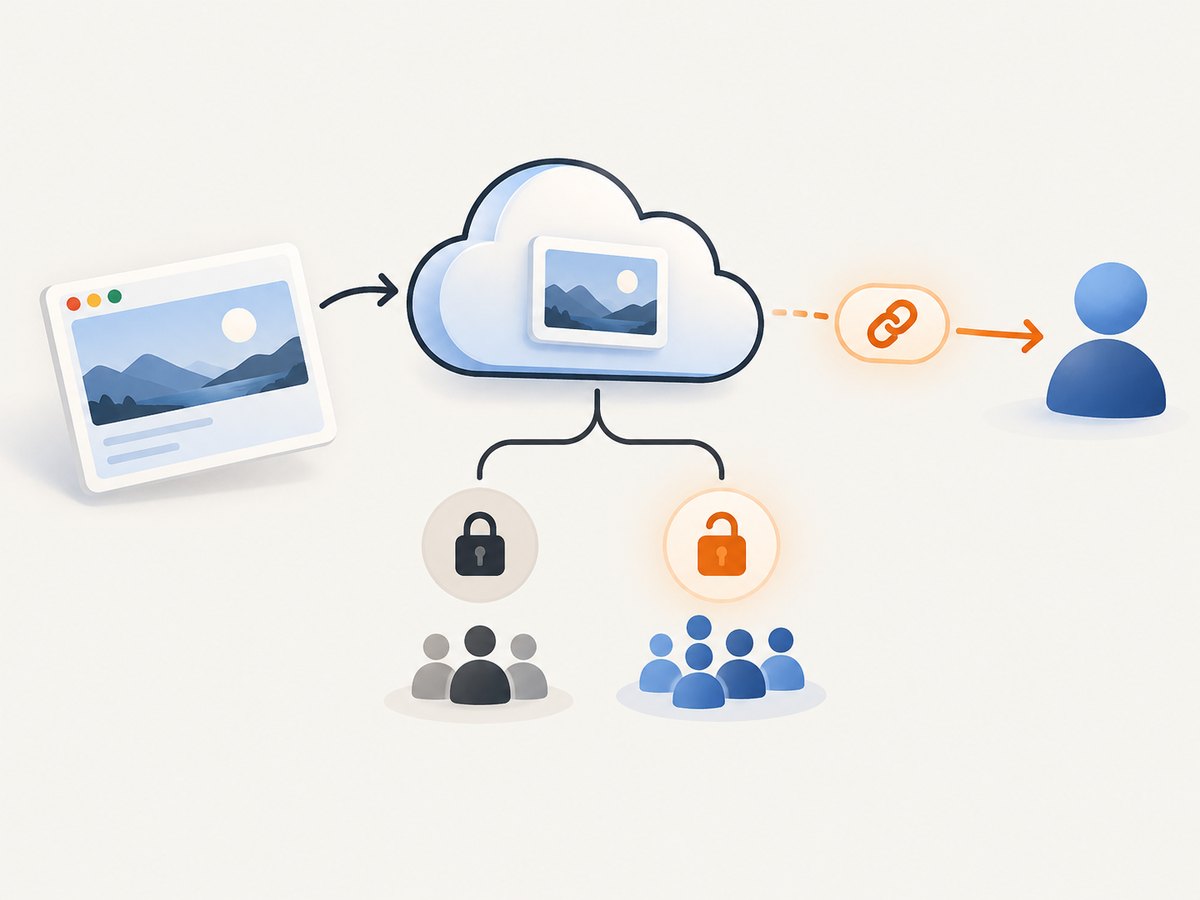
- Anyone-with-link access: convenient for sharing, but anyone who obtains the link may be able to open it. Google Drive allows this general access mode and a viewer role.
- Hidden content: Imgur describes Hidden posts as accessible through their direct URL. Keep the link under control and upload while signed in if you want account-side control and a way to request deletion.
- Album links: Google Photos says an existing shared album link can be passed on. Turn link sharing off and on again to reset it if you need to invalidate that link.
- Uploader identity: Google Drive notes that the owner’s name and email appear when sharing a file by link.
If a screenshot contains account details, customer information, private messages, API keys, or other sensitive material, remove or obscure that material before uploading. Also review the screenshot itself at full size; small interface text can contain data that is easy to miss in a thumbnail.
5. Or skip the browser setup
If you need to create the screenshot as well as share or process it, ScreenshotNeo is a website screenshot API and MCP server from Yorker Media. One GET request captures a URL and returns a PNG, JPEG, WebP, or PDF. The returned screenshot is a file response, so to give it a shareable URL you still need to store or serve that output somewhere appropriate.
Here is a cURL request that saves a WebP screenshot of Stripe locally. See the ScreenshotNeo API documentation for request options.
curl -G "https://api.screenshotneo.com/v1/shot" -d access_key=YOUR_API_KEY --data-urlencode url=https://stripe.com -o shot.webpCookie banners, popups, and chat widgets are removed before the shot. Bot checks, blank pages, and failed loads are never billed. An MCP server lets AI agents use screenshot tools. The free plan includes 1,000 screenshots a month with no card; paid plans start at $5 for 3,000. When you need a screenshot from a URL, sign up for free and get 1,000 screenshots a month with no card.
6. Troubleshooting
| Problem | Likely cause | What to do |
|---|---|---|
| The link asks the recipient to sign in | The file or album is restricted to your account or selected people. | Review its sharing settings. If appropriate for the content, enable link access and test while signed out. |
| The URL opens a page, but an embed stays blank | You copied a share or viewer link, not a direct image URL, or the destination does not accept that host’s URL type. | Use the host’s direct-image workflow where available, then test in the target app. Imgur documents copying an image address. |
| The copied address leads to the wrong image or page | You copied the link for a post, file listing, or album instead of the image itself. | Open the intended screenshot first and copy its image address or file link from that item. |
| A Drive link exposes the owner’s identity | Drive displays the owner’s name and email for a file shared by link. | Review whether that identity exposure is acceptable before sharing publicly; choose another sharing method if it is not. |
| A Photos album link still works after removing a person | Link sharing remains on, so holders of the link can still view it. | Turn link sharing off and back on to reset the link, then distribute the new link only to intended recipients. |
| The link worked yesterday but not now | Access settings or the shared link may have changed, or the host may no longer serve that item at the same address. | Check the item’s current sharing settings and copy a fresh link. Do not assume a link will remain available indefinitely. |
| The image looks blurry after embedding | The destination may be displaying a preview or a resized rendition rather than the original. | Open the link directly and compare it with the uploaded file. Check whether the destination offers a larger image or accepts a direct file URL. |
7. Performance, reliability, and cost considerations
For a one-off screenshot, the main effort is the upload and the access check. For repeated sharing, Dropbox’s documented option to copy a link or image after capture can reduce manual steps if you already use its screenshot workflow. The research sources do not establish comparative upload speed, link longevity, or service reliability, so test the workflow that matters to your own destination.
Keep the original screenshot locally until you have verified both the hosted result and the copied URL. This gives you a source file if the wrong item was uploaded or a sharing setting needs to change. For public embeds, check periodically that the destination still renders the image as expected; for sensitive material, prefer access controls appropriate to the audience and understand how to revoke or reset the link.
No particular paid hosting plan is required by the workflows covered here. The cited product documentation does not establish comparative plan value or upload limits, so check a service’s current terms if your use depends on capacity or long-term hosting.
Frequently asked questions
Can I turn a screenshot on my phone into a URL?
Yes. Upload it through a host’s mobile app or browser, then use that service’s link-copy action. Imgur documents copying a link by long-pressing an image in its apps.
Is a Google Drive link a direct image URL?
It is a file sharing link intended to provide access to the Drive item. Do not assume it is a direct image resource for an embed; test it in the destination.
Can someone else share my link?
They may be able to. Google Photos explicitly says a shared album link can be shared by others. Treat any broadly accessible link as transferable.
Does saving a screenshot create its URL?
No. Saving creates a local file. A hosted URL becomes available after uploading the image to a service and copying its link.
How do I stop an old Google Photos album link from working?
Turn link sharing off and back on to reset the shared album link, then share the new link with the intended viewers.


