Screenshot API for TypeScript: Quick Start and Examples
Capture website screenshots in TypeScript with raw HTTP, SDKs, error handling, options, and a production-ready ScreenshotNeo alternative.
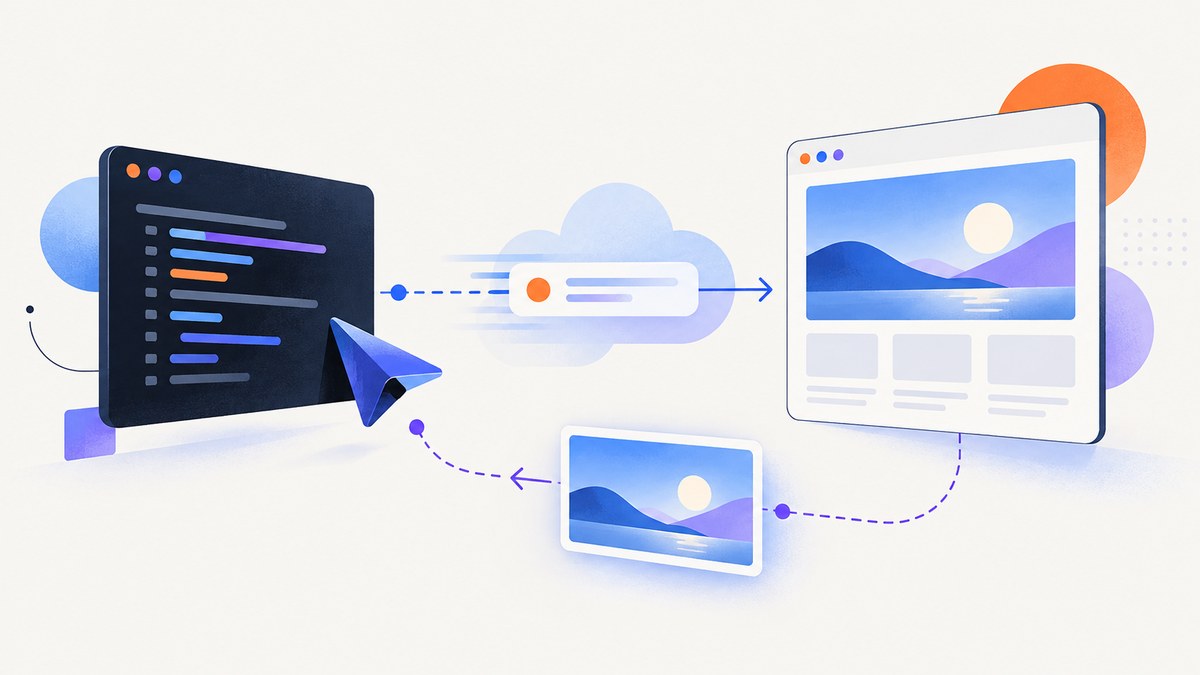
A screenshot API lets your TypeScript or Node.js application send a URL and capture settings over HTTP, then receive image bytes or a documented response. The exact endpoint, authentication scheme, parameters, and response format belong to each provider, so keep those details provider-specific.
This guide starts with a direct TypeScript implementation using ScreenshotEngine’s documented API, then covers SDKs, saving binary responses, capture options, reliability, troubleshooting, and a hosted alternative. Keep API keys on your server and check the HTTP status before writing a response to disk.
How do I take a screenshot with an API in TypeScript?
- Create a server-side project running Node.js 20 or later.
- Store the provider key in an environment variable.
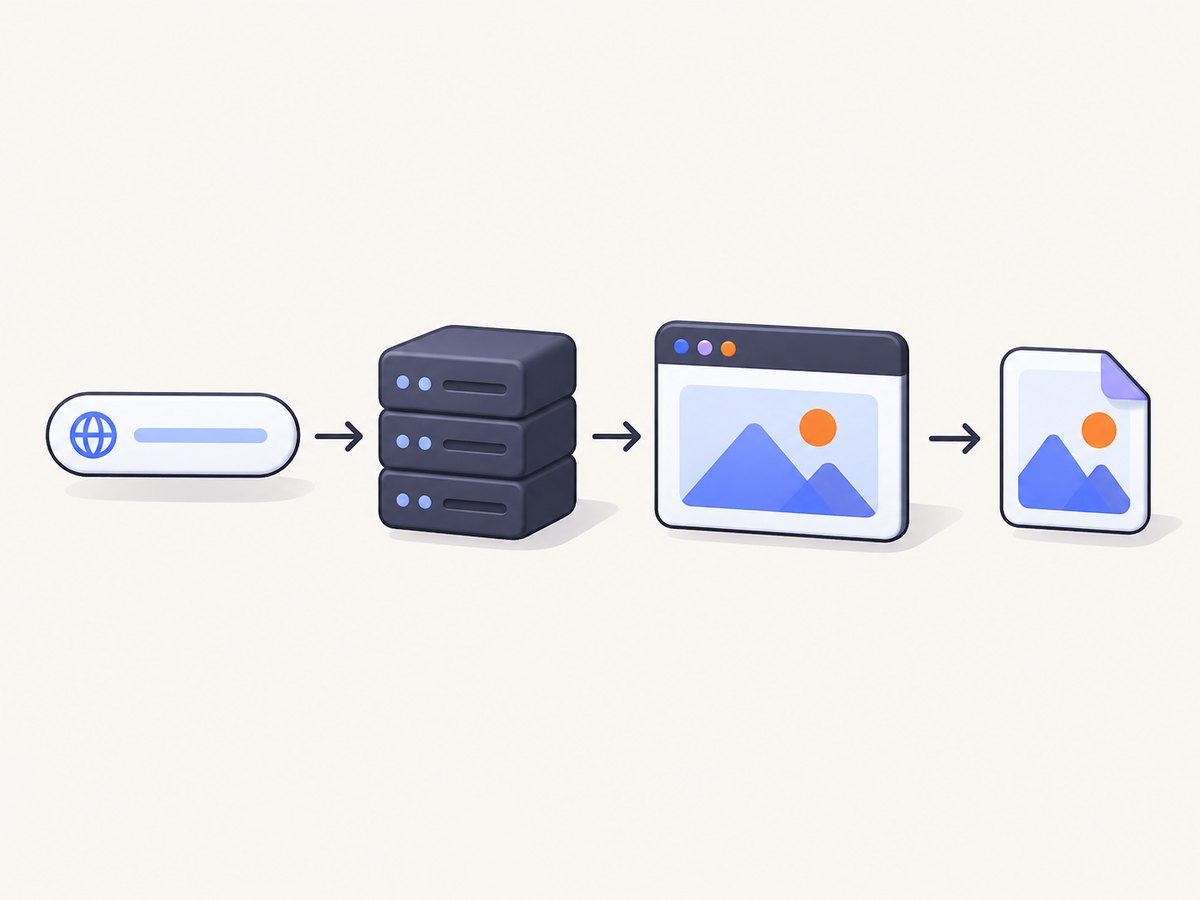
- Send a POST request with the provider’s URL, format, and capture settings.
- Check
response.okbefore reading the body as an image. - Write the returned bytes to a file or stream them to your application.
ScreenshotEngine documents bearer authentication, a JSON POST body, and direct image bytes on a successful HTTP 200 response. Errors are returned as JSON. Its example uses a 120-second client timeout; that is a client budget, not a promise about API response time.
Complete TypeScript example with fetch
import { writeFile } from "node:fs/promises";

const apiKey = process.env.SCREENSHOTENGINE_API_KEY;
if (!apiKey) throw new Error("Set SCREENSHOTENGINE_API_KEY");

const controller = new AbortController();
const timeout = setTimeout(() => controller.abort(), 120_000);

try {
  const response = await fetch("https://api.screenshotengine.com/v1/screenshot", {
    method: "POST",
    headers: {
      "Authorization": `Bearer ${apiKey}`,
      "Content-Type": "application/json"
    },
    body: JSON.stringify({
      url: "https://example.com",
      format: "png",
      height: 1200
    }),
    signal: controller.signal
  });

  if (!response.ok) {
    const errorText = await response.text();
    throw new Error(`Screenshot API ${response.status}: ${errorText}`);
  }

  const imageBytes = Buffer.from(await response.arrayBuffer());
  await writeFile("example.png", imageBytes);
  console.log("Saved example.png");
} finally {
  clearTimeout(timeout);
}
Run it with SCREENSHOTENGINE_API_KEY=your_key npx tsx screenshot.ts. The key stays in the process environment instead of appearing in a URL or browser bundle.
How do I call a screenshot API from Node.js?
Node.js 20 includes fetch, so the same request works in a JavaScript server without an HTTP dependency. The important sequence is request, status check, binary read, and save.
import { writeFile } from "node:fs/promises";

const response = await fetch("https://api.screenshotengine.com/v1/screenshot", {
  method: "POST",
  headers: {
    Authorization: `Bearer ${process.env.SCREENSHOTENGINE_API_KEY}`,
    "Content-Type": "application/json"
  },
  body: JSON.stringify({
    url: "https://example.com",
    format: "jpeg",
    height: 900
  })
});

if (!response.ok) {
  throw new Error(`${response.status}: ${await response.text()}`);
}

await writeFile("page.jpg", Buffer.from(await response.arrayBuffer()));
cURL equivalent
curl -X POST "https://api.screenshotengine.com/v1/screenshot" \
  -H "Authorization: Bearer $SCREENSHOTENGINE_API_KEY" \
  -H "Content-Type: application/json" \
  -d '{"url":"https://example.com","format":"png","height":1200}' \
  -o example.png
Python equivalent
import os
import requests

response = requests.post(
    "https://api.screenshotengine.com/v1/screenshot",
    headers={
        "Authorization": f"Bearer {os.environ['SCREENSHOTENGINE_API_KEY']}",
        "Content-Type": "application/json",
    },
    json={"url": "https://example.com", "format": "png", "height": 1200},
    timeout=120,
)
response.raise_for_status()
with open("example.png", "wb") as output:
    output.write(response.content)
How do I save the screenshot returned by an API?
Use arrayBuffer() in Node.js, convert it to a Buffer, and write it with the filesystem API. Do not call response.json() on a successful image response. Conversely, do not save an error response as if it were an image: inspect response.ok first and read error text or JSON for diagnostics.
When your application serves the image directly, set the response content type to match the requested format and stream the bytes where possible. For large full-page captures, streaming avoids keeping multiple copies in memory.
Capture options you should plan for
| Concern | Questions to answer |
|---|---|
| Output | PNG, JPEG, WebP, PDF, or a provider-specific redirect/JSON response? |
| Viewport | What width, height, device scale, and device preset are required? |
| Page extent | Viewport-only or full page? Are lazy-loaded images included? |
| Timing | Wait for a selector, fixed delay, or network idle? |
| Authentication | Bearer header, query key, cookies, custom headers, or another method? |
| Privacy | Will the target require a user agent, authorization header, cookie, timezone, or geolocation? |
Provider options are not interchangeable. ScreenshotEngine’s quickstart documents url, format, and height. Screenshot API documents its own REST endpoint, authentication choices, GET and POST behavior, JSON or redirect modes, batch capture, and advanced POST-only settings. Read the selected provider’s current reference before copying parameter names.
Full-page and responsive captures
Full-page capture is different from setting a tall viewport. A service may need to scroll the document to trigger lazy images, wait for layout changes, and stitch sections. Test pages with infinite scroll, sticky headers, animated content, and cross-origin iframes. For responsive output, create explicit viewport profiles such as mobile, tablet, and desktop rather than relying on the caller’s browser size.
Dynamic pages and readiness
A request can finish before a client-side application has rendered. Prefer a documented selector wait or network-idle option when available. A fixed delay is simpler but can waste time on fast pages and still be too short for slow pages. Avoid waiting forever: set a client timeout and handle provider timeouts as a normal failure path.
Authenticated and localized pages
Private pages may need cookies, custom headers, an authorization header, or a special user agent. Localized captures can depend on timezone, locale, or geolocation. Treat these values as secrets and avoid logging them. Verify that the provider supports the exact header and cookie format you need.
Raw HTTP versus an SDK
Direct HTTP has the smallest dependency footprint and gives you complete control over the request, timeout, retries, and response handling. It is a good fit for a small service or when a provider’s API changes faster than its SDK.
An official SDK can provide typed options, URL builders, framework helpers, and provider-specific error objects. Screenshot API lists a Node package named @screenshot-api/js. ScreenshotOne publishes screenshotone-api-sdk with client-based capture, URL generation, downloads, and API error information. ScreenshotMAX publishes @screenshotmax/sdk with screenshot options, result fetching, and file writing; its repository also documents PDF, scraping, and scheduled-task features.
npm install @screenshot-api/js
npm install screenshotone-api-sdk
npm install @screenshotmax/sdk
Choose one provider’s SDK and follow its current types and response contract. Do not combine an SDK’s option names with another service’s endpoint.
Reliability, performance, and cost planning
- Timeouts: Set a deadline that fits your job queue. Abort work that exceeds it and record the target URL and provider status.
- Retries: Retry transient network failures with exponential backoff and a small attempt limit. Avoid blindly retrying authentication errors, invalid URLs, or deterministic page failures.
- Idempotency: If your provider supports request IDs, store them. Otherwise, deduplicate jobs in your own queue so a retry does not create duplicate downstream work.
- Caching: Cache by URL plus every visual input: viewport, format, headers, cookies, and wait settings. A cache hit is only safe when those inputs match.
- Concurrency: Limit parallel captures according to your provider plan and your own CPU, memory, and storage capacity. Large full-page images can create memory pressure.
- Cost: Count captures, retries, batch requests, and PDF pages according to the provider’s billing rules. Do not assume that a successful HTTP response means the same thing across vendors.
ScreenshotEngine’s documented 120-second timeout is an example client setting, not a response-time guarantee. The provider references do not establish independent benchmarks for speed, reliability, or price, so compare current plans and limits directly.
Common errors and fixes
| Symptom | Likely cause | Fix |
|---|---|---|
| 401 or 403 | Missing, malformed, or expired credential | Load the key on the server, verify the authentication scheme, and rotate the key if needed. |
| 400 validation error | Wrong parameter name, format, or URL | Compare the body with that provider’s reference; do not copy options from another API. |
| Image file contains JSON | Error body was saved without checking status | Check response.ok, then read text or JSON for the actual error. |
| Blank or incomplete page | Capture occurred before rendering or lazy loading | Use a selector wait, network-idle wait, or an appropriate delay; test the target independently. |
| Request aborts | Client timeout is shorter than page load | Increase the budget within operational limits and handle aborts separately from HTTP errors. |
| Works locally, fails in production | Environment variable, egress, DNS, or certificate differences | Log status and sanitized diagnostics, confirm outbound access, and check deployment secrets. |
| Wrong response shape | Provider returns JSON or a redirect for that route | Follow the selected route’s contract; inspect content type before consuming bytes. |
Or skip the browser setup
ScreenshotNeo is a website screenshot API and MCP server. One GET request returns a PNG, JPEG, WebP, or PDF. It removes cookie and consent banners, newsletter popups, and chat widgets before capture; bot checks, blank pages, timeouts, failed loads, and cache hits are not billed, and the response reports the page verdict and billing status in headers.
It supports full-page captures with lazy images, element selectors, dark mode, device presets, custom viewports, retina scale, PDF settings, custom CSS and JavaScript, clicks, waits, blocking rules, headers, cookies, user agents, authorization, timezone, geolocation, transparent backgrounds, resizing, configurable caching, signed links, asynchronous jobs with signed webhooks, bulk capture for up to 100 URLs per call, usage data, and an OpenAPI specification. Its MCP server exposes take_screenshot, get_page_info, and capture_pdf for Claude, Cursor, and other MCP clients.
See the ScreenshotNeo documentation for current parameters.
const q = new URLSearchParams({
  access_key: 'YOUR_API_KEY',
  url: 'https://stripe.com'
});
const res = await fetch(`https://api.screenshotneo.com/v1/shot?${q}`);
curl -G "https://api.screenshotneo.com/v1/shot" -d access_key=YOUR_API_KEY --data-urlencode url=https://stripe.com -o shot.webpimport requests
r = requests.get("https://api.screenshotneo.com/v1/shot", params={"access_key": "YOUR_API_KEY", "url": "https://stripe.com"}, timeout=90)
open("shot.webp", "wb").write(r.content)There is a free tier of 1,000 screenshots per month with no card. Paid plans start at $5 for 3,000 screenshots; every feature is included on every plan. Create a free ScreenshotNeo account.
FAQ
Should my API key be in TypeScript frontend code?
No. Keep it in a server, worker, or serverless function and expose only your own controlled endpoint to browsers.

Can I treat every screenshot API response as image bytes?
No. Some documented routes return direct bytes, while others can return JSON or redirects. Check the provider’s response contract and content type.
Is a screenshot SDK required?
No. Raw fetch is sufficient when you can construct the documented request and handle errors yourself. An SDK is useful for typed options and provider helpers.
How should I test screenshot changes?
Capture the same URL with fixed viewport, format, wait, and authentication settings, then compare the resulting files or a perceptual hash. Keep dynamic timestamps and rotating content out of visual assertions.


