How to Upload Files with Python Selenium
Upload files in Python Selenium by sending an absolute path to the page’s file input, then submit and verify the application result.
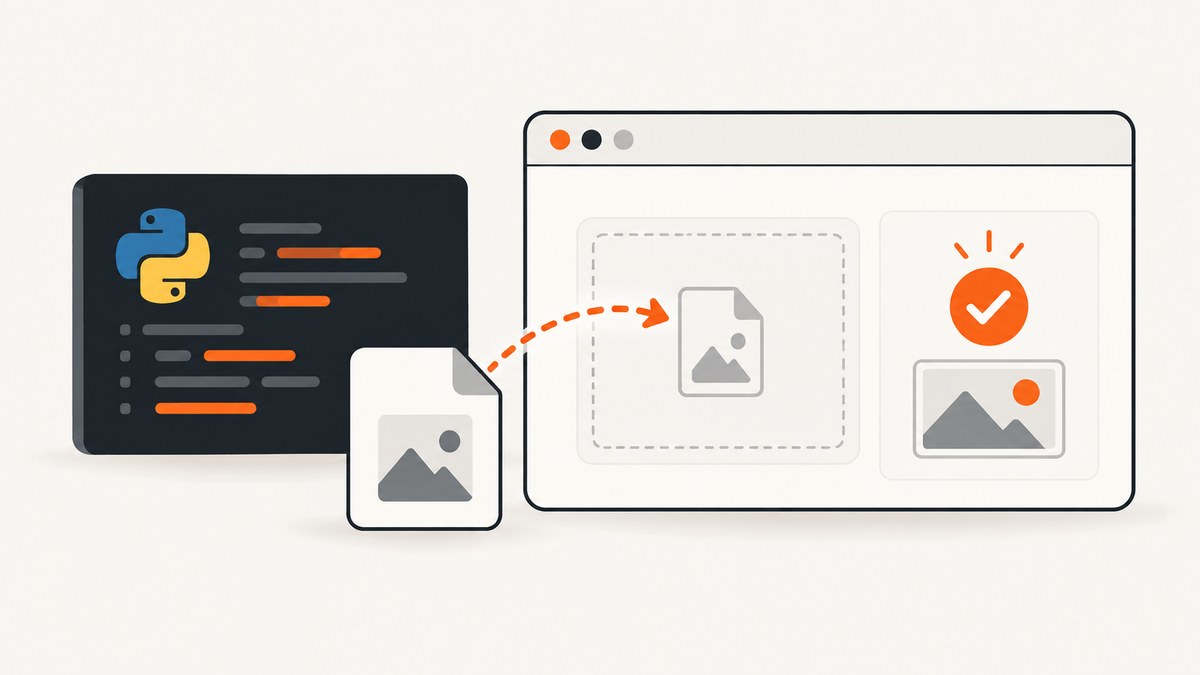
Use Selenium’s file-input workflow: locate the real <input type="file">, resolve the file to an absolute path, pass that path to send_keys(), activate the page’s upload or submit control, and assert a visible result. Selenium sets the input through WebDriver, so the operating-system file chooser does not need to open.
This guide covers local and remote WebDriver sessions, multiple files, hidden inputs, custom upload widgets, path handling on different operating systems, validation, troubleshooting, and reliable test design.
1. The standard Python Selenium upload
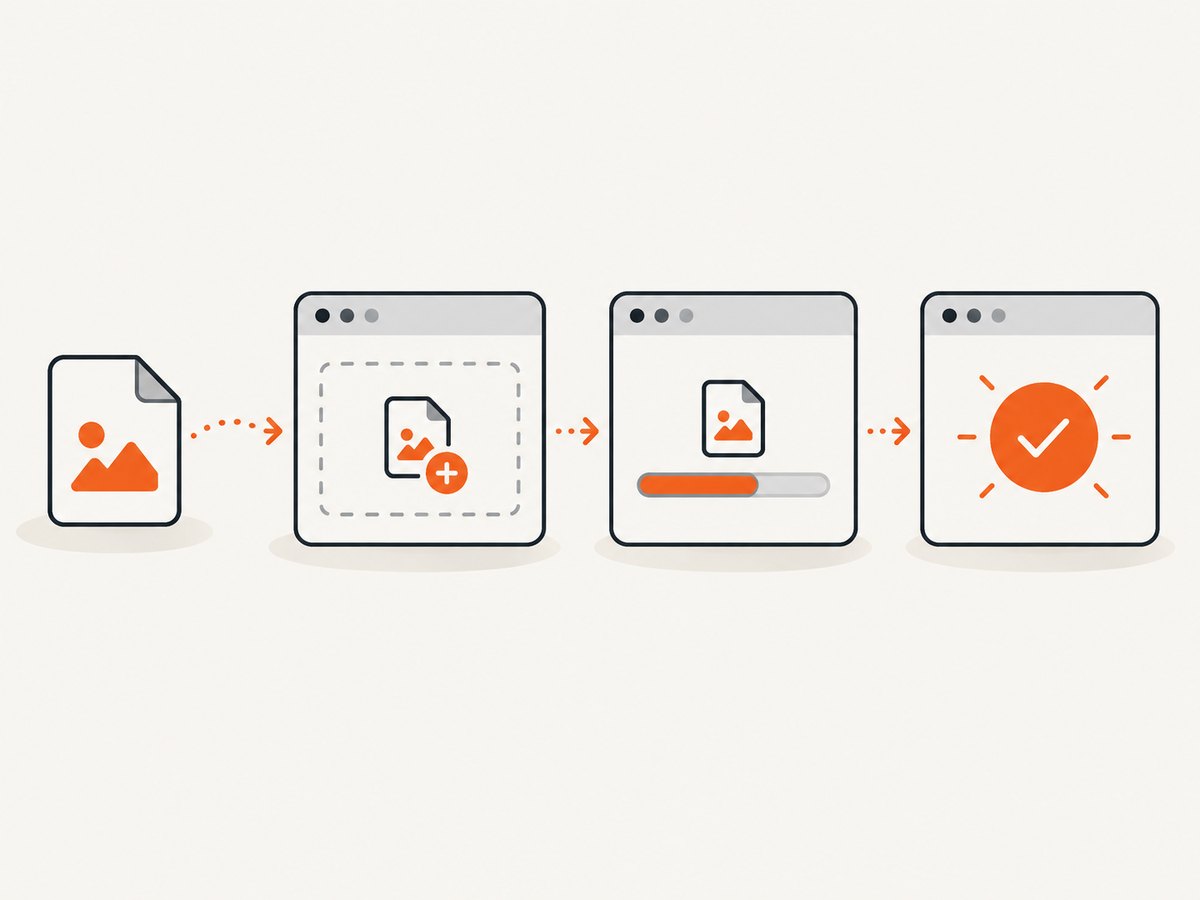
A minimal upload test looks like this:
import os
from pathlib import Path

from selenium import webdriver
from selenium.webdriver.common.by import By
from selenium.webdriver.chrome.options import Options

options = Options()
options.add_argument("--headless=new")

driver = webdriver.Chrome(options=options)

try:
    driver.get("https://the-internet.herokuapp.com/upload")

    upload_file = os.path.abspath("tests/fixtures/sample.png")
    file_input = driver.find_element(By.CSS_SELECTOR, "input[type='file']")
    file_input.send_keys(upload_file)

    driver.find_element(By.ID, "file-submit").click()

    uploaded_name = driver.find_element(By.ID, "uploaded-files").text
    assert uploaded_name == Path(upload_file).name
finally:
    driver.quit()
The important operation is file_input.send_keys(upload_file). Do not click the input and attempt to control the native chooser with Selenium. Selenium’s official file-upload guide explains that WebDriver cannot interact with the operating-system dialog and instead provides a way to upload without opening it: select the file input and send it a path.
Replace the example URL and selectors with those from your application. The page still owns the final action: it may require a Submit button, an Upload button, a form submission, or JavaScript that reacts to the input’s change event.
2. Install Selenium and create a dependable fixture
Install Selenium in the environment that runs the test:
python -m pip install seleniumKeep test files in a fixture directory and resolve paths from a known location. A path based on the process’s current working directory can break when the test runner is launched from another directory.
Use pathlib relative to the test file
from pathlib import Path

FIXTURES = Path(__file__).resolve().parent / "fixtures"
upload_file = FIXTURES / "sample.png"

if not upload_file.is_file():
    raise FileNotFoundError(f"Upload fixture does not exist: {upload_file}")

file_input.send_keys(str(upload_file))
Path.resolve() produces a stable absolute path. Converting the final value to str keeps the call compatible with Selenium’s Python API. On Windows, use normal Windows paths generated by pathlib; avoid manually mixing slash styles. Selenium’s documentation also notes that Cygwin users may need a Windows-form path when the browser driver runs in the Windows environment.
Check the file before opening the browser
from pathlib import Path

upload_file = (Path(__file__).resolve().parent / "fixtures" / "sample.png")
assert upload_file.exists(), upload_file
assert upload_file.is_file(), upload_file
assert upload_file.stat().st_size > 0, upload_file

file_input.send_keys(str(upload_file))
These checks turn a vague WebDriver error into a direct fixture error. They also catch a common CI problem: the fixture was not included in the checkout or build artifact.
3. Find the actual file input
The documented technique applies to an actual HTML file input. Inspect the page’s DOM and select that element rather than a styled button or wrapper.
| Selector | When to use it |
|---|---|
input[type='file'] |
There is one file input on the page. |
#avatar-upload |
The input has a stable ID. |
input[name='documents'] |
The name is stable and meaningful. |
label[for='document'] + input |
The input is associated with a known label. |
Prefer stable IDs, names, or test-specific attributes over long XPath expressions tied to layout. If a page contains several inputs, identify the one associated with the field under test:
file_input = driver.find_element(
    By.CSS_SELECTOR,
    "form#profile-form input[type='file'][name='avatar']"
)
file_input.send_keys(str(upload_file))
Hidden inputs and styled controls
Many interfaces hide the native input and style a button or drop zone around it. The visible control may only forward a click to the hidden input. The upload path still belongs on the real input[type=file]. If Selenium can locate the input, call send_keys() on it directly.
If the input is removed from the DOM until a button is clicked, click the application control first, wait for the input to appear, then send the path:
from selenium.webdriver.support.ui import WebDriverWait
from selenium.webdriver.support import expected_conditions as EC

wait = WebDriverWait(driver, 15)
driver.find_element(By.CSS_SELECTOR, "button.open-uploader").click()
file_input = wait.until(
    EC.presence_of_element_located((By.CSS_SELECTOR, "input[type='file']"))
)
file_input.send_keys(str(upload_file))
Do not assume every custom widget behaves like a native input. A component may create a temporary input, upload through JavaScript, require drag-and-drop events, or validate the file before showing a result. Inspect the DOM and test the application’s own completion state.
4. Submit and verify the result
Sending a path only populates the input. It does not guarantee that the server has accepted the file. Trigger the page’s upload action and wait for an observable result.
from selenium.webdriver.support.ui import WebDriverWait
from selenium.webdriver.support import expected_conditions as EC

file_input.send_keys(str(upload_file))
driver.find_element(By.CSS_SELECTOR, "button[type='submit']").click()

success = WebDriverWait(driver, 30).until(
    EC.visibility_of_element_located((By.CSS_SELECTOR, ".upload-success"))
)
assert upload_file.name in success.text
Good assertions are application-visible: the uploaded filename, a success message, a rendered preview, a newly created record, or a download link. Avoid asserting only that send_keys() returned; that confirms input population, not server-side processing.
Wait for asynchronous uploads
For an AJAX uploader, wait for a success element, progress indicator to disappear, or an explicit status change. A fixed sleep is slower and less reliable because upload time varies by machine and file size.
wait.until(
    EC.text_to_be_present_in_element(
        (By.CSS_SELECTOR, "[role='status']"),
        "Uploaded"
    )
)
5. Upload multiple files
If the input has the multiple attribute, Selenium can receive multiple paths separated by a newline:
files = [
    Path(__file__).resolve().parent / "fixtures" / "one.txt",
    Path(__file__).resolve().parent / "fixtures" / "two.txt",
]

for path in files:
    if not path.is_file():
        raise FileNotFoundError(path)

file_input = driver.find_element(By.CSS_SELECTOR, "input[type='file'][multiple]")
file_input.send_keys("\n".join(str(path) for path in files))

driver.find_element(By.CSS_SELECTOR, "button[type='submit']").click()
Whether the application accepts multiple files, limits their count, or validates each one is application-specific. Assert the result for every expected file when the interface exposes individual statuses.
6. File type, size, and application validation
Browsers may expose an accept attribute such as accept="image/png", but the server remains responsible for validation. Test the cases your application promises to support:
- valid extension and MIME type;
- empty files;
- files larger than the configured limit;
- unsupported formats;
- duplicate names;
- malformed or deliberately invalid content.
For a rejected file, assert the visible validation message and verify that no success state appears. Do not rename a file and assume that changes its actual content type; applications may inspect file bytes on the server.
7. Remote WebDriver and Selenium Grid
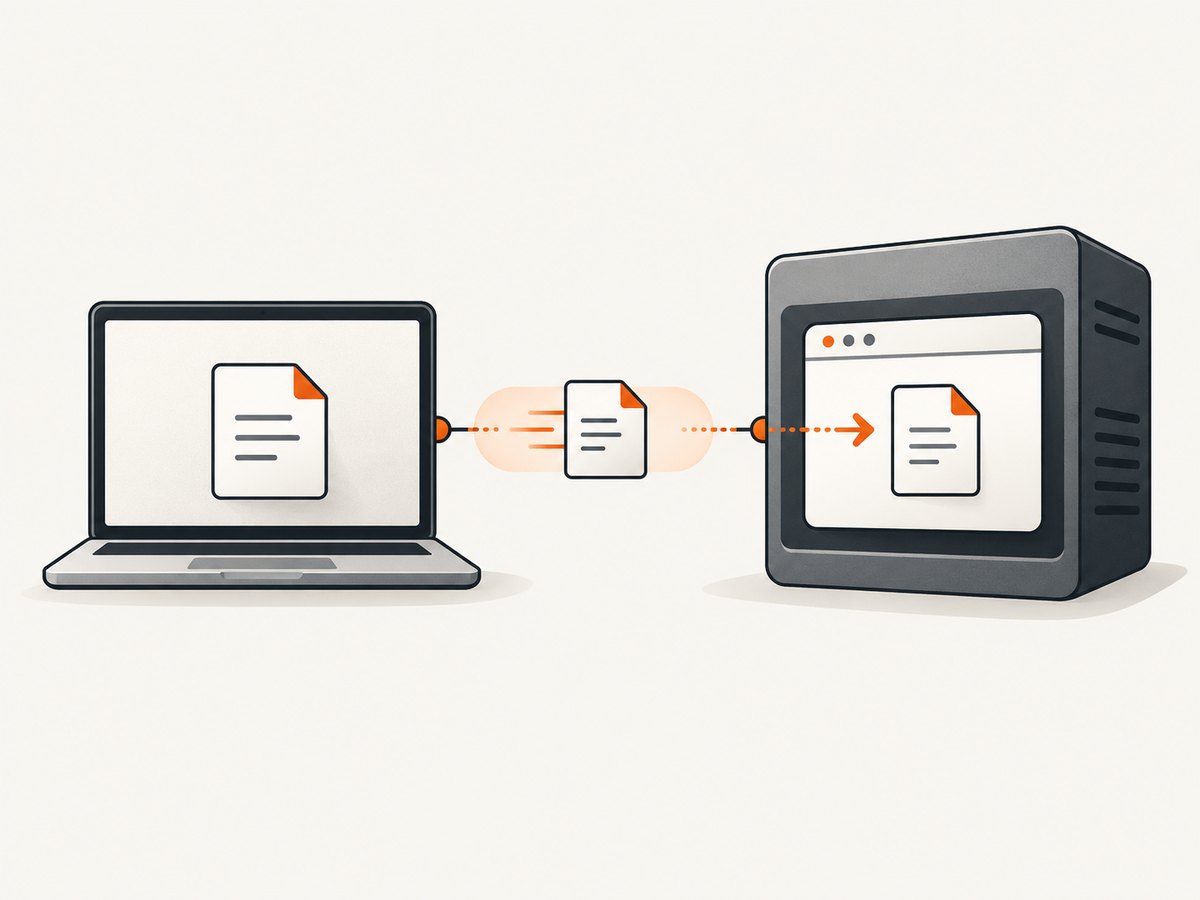
Remote sessions introduce two machines: the Python test process and the browser node. A path that exists on the client may not exist on the node. Selenium’s remote upload support uses a local file detector to transfer the file so the remote browser can use it. Python Remote WebDriver provides a local file detector by default; setting it explicitly makes the behavior clear.
from pathlib import Path
from selenium import webdriver
from selenium.webdriver.common.by import By
from selenium.webdriver.remote.file_detector import LocalFileDetector

upload_file = Path(__file__).resolve().parent / "fixtures" / "sample.png"

driver = webdriver.Remote(
    command_executor="http://grid-host:4444/wd/hub",
    options=webdriver.ChromeOptions(),
)
driver.file_detector = LocalFileDetector()

try:
    driver.get("https://example.test/upload")
    driver.find_element(By.CSS_SELECTOR, "input[type='file']").send_keys(
        str(upload_file)
    )
    driver.find_element(By.CSS_SELECTOR, "button[type='submit']").click()
finally:
    driver.quit()
Use a file path on the client machine where the Python test runs. The detector handles the transfer to the remote session. If the transfer fails, first confirm that the local file exists, the remote endpoint is reachable, and the Grid session is configured for file uploads.
8. Common errors and fixes
| Error or symptom | Likely cause | Fix |
|---|---|---|
FileNotFoundError or “file does not exist” |
The relative path is based on the wrong working directory. | Build an absolute path from Path(__file__).resolve() and check is_file(). |
ElementNotInteractableException |
The selected element is not the real file input, or it was not added yet. | Inspect the DOM, locate input[type=file], and wait for its presence. |
| The native chooser opens | The test clicked the visible control and tried to automate the OS dialog. | Send the absolute path directly to the file input. |
| Upload appears selected but nothing is saved | The page requires a separate submit or change event. | Click the page’s upload control and wait for its success state. |
| Remote session cannot find the file | The browser node cannot access the client’s filesystem. | Use the local file detector and pass a client-side absolute path. |
| Wrong input receives the file | Several upload inputs exist. | Scope the selector to the form, field name, ID, or test attribute. |
| Validation rejects the file | Extension, content, size, or server policy is invalid. | Use a valid fixture and assert the intended validation message for negative tests. |
9. Reliability and performance practices
- Use deterministic fixtures. Keep small, versioned files in the test project so CI receives exactly the files the test expects.
- Use explicit waits. Wait for the input and application result instead of sleeping for a fixed duration.
- Keep files small in routine tests. Large files make suites slower and can trigger infrastructure limits. Reserve large-file cases for dedicated validation tests.
- Clean up generated files. If the test creates a temporary file, use Python’s temporary-file tools and remove it after the test.
- Test the server result. A populated input is only the first step; assert the user-visible outcome.
- Separate local and remote tests. The same test can run in both contexts, but remote transfer time and Grid configuration should be treated as part of the test environment.
- Capture diagnostic state on failure. Save the page source, screenshot, browser console output, and the resolved fixture path when the upload fails.
10. Optional HTTP alternatives when the application exposes an upload API
Selenium is appropriate when you need to exercise the browser interface. If the application documents a multipart HTTP endpoint, an API test can be faster and independent of browser rendering. The endpoint, field name, authentication, and response format must come from your application’s API documentation; the examples below use placeholders.
cURL multipart template
curl -X POST "https://app.example.test/api/upload" \
  -H "Authorization: Bearer YOUR_TOKEN" \
  -F "file=@tests/fixtures/sample.png"
Python requests template
from pathlib import Path
import requests

path = Path("tests/fixtures/sample.png").resolve()
with path.open("rb") as handle:
    response = requests.post(
        "https://app.example.test/api/upload",
        headers={"Authorization": "Bearer YOUR_TOKEN"},
        files={"file": (path.name, handle, "image/png")},
        timeout=30,
    )
response.raise_for_status()
print(response.json())
Node.js fetch template
import fs from "node:fs";
import path from "node:path";
import { FormData, File } from "undici";

const filePath = path.resolve("tests/fixtures/sample.png");
const bytes = fs.readFileSync(filePath);
const form = new FormData();
form.append("file", new File([bytes], path.basename(filePath), { type: "image/png" }));

const response = await fetch("https://app.example.test/api/upload", {
  method: "POST",
  headers: { Authorization: "Bearer YOUR_TOKEN" },
  body: form,
});

if (!response.ok) throw new Error(`Upload failed: ${response.status}`);
console.log(await response.json());
Do not use these API templates to replace a browser test when the behavior under test is the visible upload widget, client-side validation, drag-and-drop handling, or browser-specific interaction.
11. Or skip the browser setup
If your next step is capturing the uploaded page rather than testing the upload interaction, ScreenshotNeo returns a screenshot or PDF from one GET request. Its cleanup step accepts cookie and consent banners before capture and removes more than 60 known consent platforms, newsletter popups, and chat widgets. Each step can be turned off. Bot checks, blank pages, timeouts, failed loads, and cache hits are not billed, and the response reports the page verdict and billing status in X-Page-Verdict and X-Billed headers.
See the ScreenshotNeo API documentation for all options, including full-page capture, element selectors, dark mode, device presets, custom viewports, retina scale, PDF output, custom CSS and JavaScript, clicks, waits, blocked resources, headers, cookies, user agents, authorization, timezone, geolocation, transparent backgrounds, resizing, caching, signed links, asynchronous jobs, bulk capture, usage, and the OpenAPI specification.
curl -G "https://api.screenshotneo.com/v1/shot" -d access_key=YOUR_API_KEY --data-urlencode url=https://stripe.com -o shot.webpimport requests
r = requests.get("https://api.screenshotneo.com/v1/shot", params={"access_key": "YOUR_API_KEY", "url": "https://stripe.com"}, timeout=90)
open("shot.webp", "wb").write(r.content)const q = new URLSearchParams({ access_key: 'YOUR_API_KEY', url: 'https://stripe.com' }); const res = await fetch(`https://api.screenshotneo.com/v1/shot?${q}`);ScreenshotNeo also provides an MCP server with take_screenshot, get_page_info, and capture_pdf tools for Claude, Cursor, and other MCP clients. The Free plan includes 1,000 screenshots each month with no card; paid plans start at $5 for 3,000 screenshots. Create a free ScreenshotNeo account.
12. FAQ
Can Selenium upload without opening a file chooser?
Yes. Locate the HTML file input and pass it an absolute path with send_keys(). The operating-system chooser is not part of the standard workflow.
Does the file need to be on the browser machine?
For a local driver, the test and browser normally share the machine. For Remote WebDriver or Grid, use the local file detector so the client-side file is transferred to the remote session.
Why does the test pass but the application show no upload?
Populating the input does not necessarily submit the form. Trigger the page’s upload action and wait for an application-visible success or validation state.
Can I upload more than one file?
Yes, when the input supports multiple files. Pass newline-separated absolute paths and verify how the application reports each result.
Should I automate the operating-system dialog?
No for the standard file-input case. Send the path to the input directly. A custom widget may require page-specific inspection if it does not expose a usable file input.


