URL to Image Converter
Convert any public URL into a reliable PNG, JPEG, or WebP with browser rendering, full-page capture, waits, security, and API options.
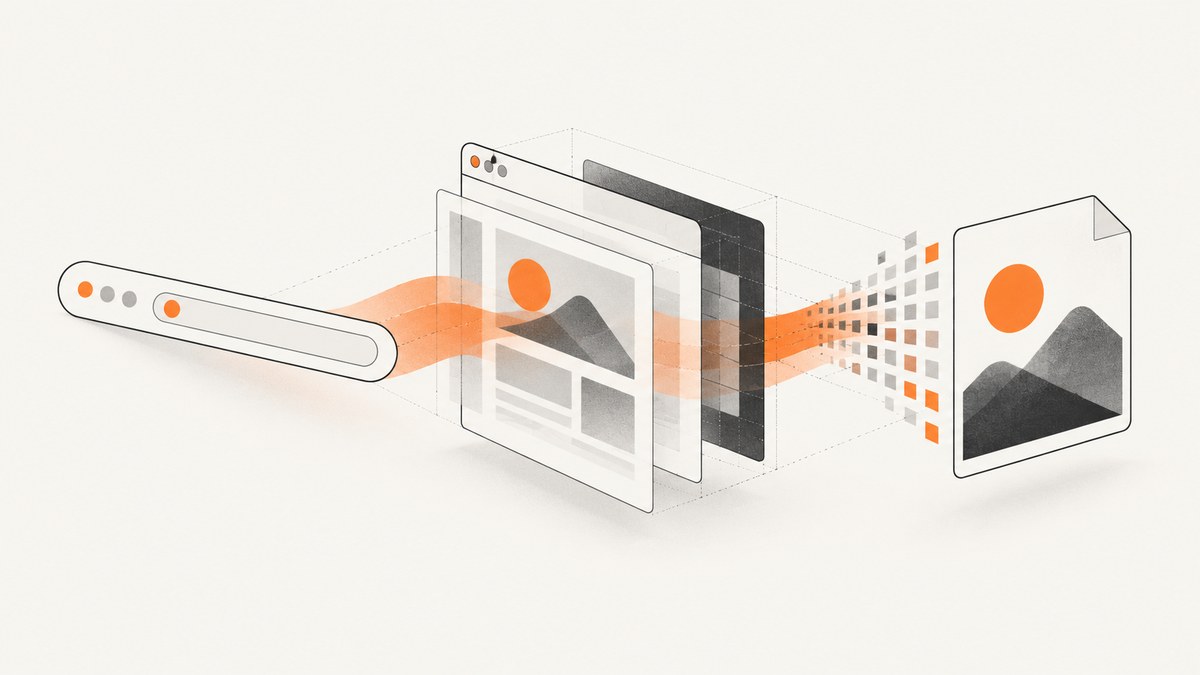
Direct answer: A URL-to-image converter loads a web address in a real browser, waits for HTML, CSS, fonts, and JavaScript to finish, then encodes the rendered pixels as PNG, JPEG, or WebP. Downloading HTML alone is not reliable because client-side applications, lazy images, consent dialogs, and responsive layouts appear only after rendering.
For a one-off screenshot, use Playwright or Puppeteer. For production, use a hosted screenshot API when you need repeatable rendering, full-page capture, authentication controls, retries, and predictable operations. This guide covers both approaches, including a complete self-hosted example and an API call with ScreenshotNeo.
What a URL-to-image converter does
The conversion pipeline has four stages:
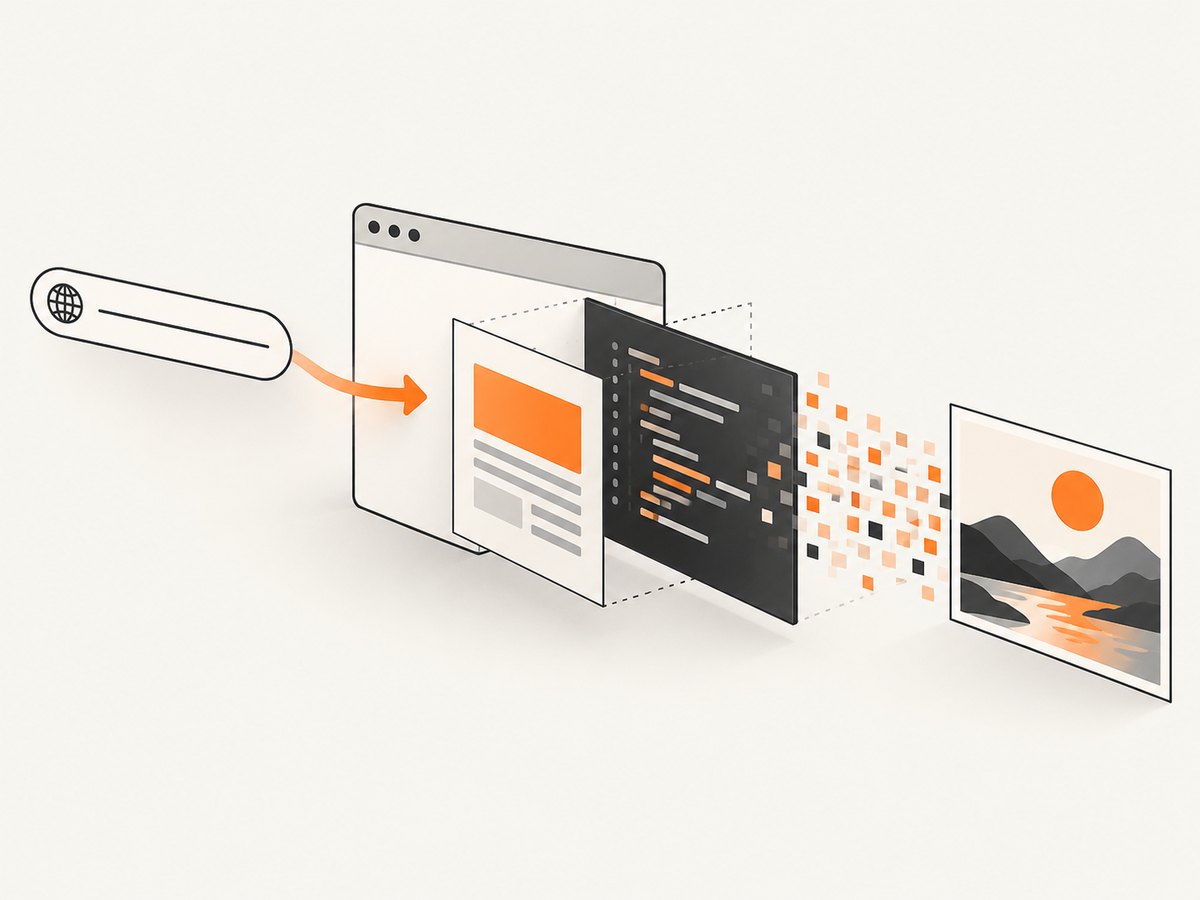
- Fetch: a browser requests the public HTTP or HTTPS URL, follows redirects, and loads subresources.
- Render: the browser executes JavaScript and applies CSS at a chosen viewport and device scale.
- Stabilize: the capture waits for a selector, delay, or network idle so late content is present.
- Encode: the rendered pixels are returned as PNG, JPEG, or WebP bytes.
A viewport screenshot contains the visible browser area. A full-page screenshot expands or stitches the document so below-the-fold content is included. PNG preserves text and sharp edges, JPEG is smaller for photographic pages, and WebP often offers a useful size-quality compromise.
Choose a conversion method
| Need | Best fit | Reason |
|---|---|---|
| One local capture | Playwright or Puppeteer | No service account and complete browser control. |
| Scheduled or high-volume jobs | Hosted screenshot API | Less browser infrastructure and scaling work. |
| JavaScript-heavy pages | Chromium rendering with an explicit wait | HTML downloaders miss client-rendered content. |
| Social cards or embeds | Fixed viewport and output format | Stable dimensions prevent layout surprises. |
| Private pages | Authenticated browser context or HTML input | Public URL services generally block internal addresses. |
Public-host restrictions are fundamental. Many converters refuse loopback, link-local, and private IP ranges. Keep API keys on your server because a key in a public image URL can be copied and abused.
Self-hosted conversion with Playwright
Install Node.js 18 or newer and Chromium:
mkdir url-image && cd url-image
npm init -y
npm install playwright
npx playwright install chromium
Create capture.mjs:
import { chromium } from 'playwright';

const target = process.argv[2] ?? 'https://example.com';
const output = process.argv[3] ?? 'shot.webp';
const format = output.endsWith('.png') ? 'png' : output.endsWith('.jpg') || output.endsWith('.jpeg') ? 'jpeg' : 'webp';
const parsed = new URL(target);
if (!['http:', 'https:'].includes(parsed.protocol)) throw new Error('Only http and https URLs are supported');
const browser = await chromium.launch({ headless: true });
try {
  const page = await browser.newPage({ viewport: { width: 1440, height: 900 }, deviceScaleFactor: 1 });
  await page.goto(parsed.href, { waitUntil: 'domcontentloaded', timeout: 45000 });
  await page.waitForLoadState('networkidle', { timeout: 15000 }).catch(() => {});
  await page.evaluate(() => document.fonts?.ready);
  await page.screenshot({ path: output, type: format, fullPage: true });
  console.log(`Wrote ${output}`);
} finally { await browser.close(); }
Run node capture.mjs https://stripe.com stripe.webp. The network-idle wait is best effort because analytics and chat sockets can remain open indefinitely. A selector wait is more deterministic for a site you control:
await page.goto(url, { waitUntil: 'domcontentloaded' });
await page.locator('[data-report-ready]').waitFor({ state: 'visible', timeout: 30000 });
await page.screenshot({ path: 'report.png', fullPage: true });
Useful Playwright options
fullPage: truecaptures the complete document; omit it for the viewport only.viewportcontrols responsive breakpoints. Set it explicitly for repeatability.deviceScaleFactor: 2produces retina-sized pixels but increases memory and file size.page.emulateMedia({ colorScheme: 'dark' })requests dark mode when supported.page.addStyleTag({ content: '...' })can hide a banner or freeze an animation.page.setExtraHTTPHeaders(),context.addCookies(), andtimezoneIdreproduce authenticated or localized views.page.route()can abort ads, trackers, video, or other resource types.
Full-page, element, and responsive captures
Full-page mode is not always one simple bitmap. Nested scrolling containers, sticky headers, and virtualized lists can change the result. For a component, capture the element:
const card = page.locator('#pricing-card');
await card.screenshot({ path: 'pricing-card.png', type: 'png' });
Capture several viewport presets when a design must work across devices. Keep width, height, scale, locale, and color scheme in the job definition because responsive CSS can produce different layouts.
JavaScript, lazy images, and consent UI
Wait for the application’s own ready marker where possible. If images are lazy-loaded, scroll through the page before taking a full-page shot:
await page.evaluate(async () => {
  await new Promise(resolve => {
    let y = 0;
    const step = () => { y += 700; window.scrollTo(0, y); if (y < document.body.scrollHeight) setTimeout(step, 100); else { window.scrollTo(0, 0); resolve(); } };
    step();
  });
});
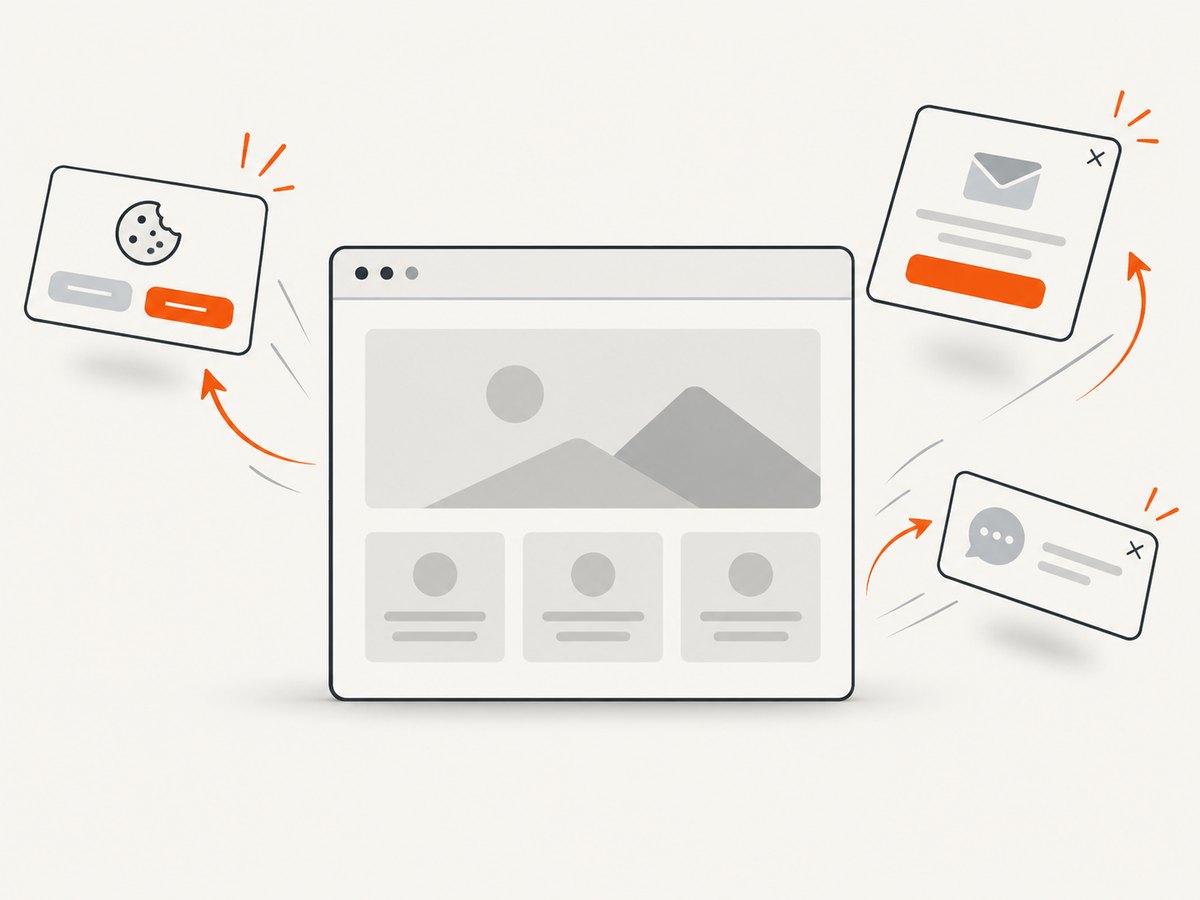
Cookie banners, newsletter modals, and chat bubbles can obscure the result. If you own the page, dismiss them through their accessible button. Otherwise, hide known selectors with a short-lived style rule and verify that it does not remove needed content.
Output format, quality, and file size
Use PNG for diagrams, text-heavy pages, and pixel comparison. Use JPEG for photographic pages when transparency is irrelevant. Use WebP for compact web delivery when consumers support it. JPEG has no alpha channel; transparent backgrounds require PNG or a service that supports transparency.
Resize after rendering only when the consumer needs a smaller asset. Rendering at a larger device scale and downsampling can improve thin lines, but it costs memory and CPU. Store format and dimensions beside each image so downstream systems do not guess.
Or skip the browser setup
ScreenshotNeo’s API documentation describes a synchronous URL screenshot endpoint. One GET returns PNG, JPEG, WebP, or a PDF. Before capture it accepts cookie and consent banners and removes more than 60 known consent platforms, newsletter popups, and chat widgets; each cleanup step can be turned off. Bot checks or CAPTCHAs, blank pages, timeouts, failed loads, and cache hits are not billed, and response headers report the page verdict and whether it was billed.
curl -G 'https://api.screenshotneo.com/v1/shot' -d access_key=YOUR_API_KEY --data-urlencode url=https://stripe.com -o shot.webpimport requests
r = requests.get('https://api.screenshotneo.com/v1/shot', params={'access_key': 'YOUR_API_KEY', 'url': 'https://stripe.com'}, timeout=90)
open('shot.webp', 'wb').write(r.content)const q = new URLSearchParams({ access_key: 'YOUR_API_KEY', url: 'https://stripe.com' });
const res = await fetch(`https://api.screenshotneo.com/v1/shot?${q}`);
if (!res.ok) throw new Error(`HTTP ${res.status}`);
require('node:fs').writeFileSync('shot.webp', Buffer.from(await res.arrayBuffer()));ScreenshotNeo supports full-page capture with lazy images loaded, CSS-selector element capture, dark mode, 12 device presets or any viewport, retina scale, PDF paper size and page ranges, HTML/CSS input, custom CSS and JavaScript, clicks, selector or delay waits, network-idle waits, request and resource blocking, headers, cookies, user agents, Authorization, timezone, geolocation, transparent backgrounds, resizing, chosen cache TTLs, signed public image links, asynchronous jobs with signed webhooks, bulk capture of 100 URLs per call, a usage API, and an OpenAPI specification. Parameter names used by other screenshot APIs also work, simplifying migration. Its MCP server exposes take_screenshot, get_page_info, and capture_pdf to Claude, Cursor, and other MCP clients.
There are 1,000 free shots each month with no card. Paid plans are Starter $5 for 3,000, Growth $15 for 15,000, Pro $39 for 60,000, Scale $99 for 250,000, and Business $249 for 1,000,000; yearly billing gives two months free, and every feature is on every plan.
Create a free ScreenshotNeo account and start with 1,000 screenshots a month without a card.
Security and private content
- Validate and allow-list destination hosts if users supply URLs; block localhost, private ranges, and cloud metadata addresses.
- Keep API keys in environment variables or a secret manager. Do not expose them in browser JavaScript or public HTML.
- Pass authentication through short-lived cookies or headers where policy permits, and avoid logging them.
- Limit redirects and response size. A URL can redirect to another host or return an unexpectedly large document.
- Sanitize custom CSS and JavaScript supplied by users, and isolate browser workers between tenants.
Troubleshooting
| Symptom | Cause | Fix |
|---|---|---|
| Blank image | Capture happened before hydration, or the URL returned a bot check. | Wait for a ready selector; inspect status and page text; use a browser-rendering service that reports verdicts. |
| Missing images | Lazy loading or blocked third-party assets. | Scroll before capture, wait for images, and review route blocking. |
| Cookie dialog covers content | Consent UI was not handled. | Click its accept control or hide the exact selector. |
| Network-idle timeout | Analytics, WebSockets, or long polling remain active. | Use DOM content loaded plus a selector or bounded delay. |
| 403 or 401 | Authentication is required or the user agent is rejected. | Supply permitted cookies, headers, or user agent. |
| Giant file or memory error | Very tall page, retina scale, or unbounded images. | Capture sections, lower scale, and cap document size. |
| Different result each run | Animations, rotating ads, timezone, or changing data. | Freeze animations, set locale and timezone, block ads, and wait for a deterministic marker. |
| API key appears in logs | Client-side integration exposed the secret. | Move the request server-side, rotate the key, and redact query strings. |
Performance, reliability, and cost
Reuse a browser process for batches, but create an isolated context per tenant or credential set. Limit concurrency to available CPU and memory. Cache identical URL, viewport, option, and content-version combinations. A cache TTL trades freshness for lower latency and spend.
Synchronous calls are simplest when the image is needed immediately. For large batches, queue jobs, retry transient failures with exponential backoff, and make writes idempotent. Asynchronous APIs return a job identifier and later deliver a download or webhook; verify webhook signatures before processing. Record URL, options, render duration, status, byte size, and billing verdict.
Provider pricing and retention differ. Research examples include a service with 10 free screenshots monthly and packs from $5 for 2,500 credits, while another charges one render unit plus bytes and retains results for 24 hours. These are vendor-specific examples, not market averages; check the current plan and retention policy before committing. Run representative pages because no neutral cross-vendor benchmark was found.
Production checklist
- Define viewport, full-page or element mode, format, quality, and scale.
- Choose a deterministic readiness condition and bounded timeout.
- Handle consent UI, lazy images, fonts, and animations.
- Set locale, timezone, color scheme, and authentication explicitly.
- Restrict outbound hosts and protect secrets.
- Use retries, caching, observability, and idempotent storage.
- Test short, long, responsive, JavaScript-heavy, and error pages.
FAQ
Can I convert a URL without running a browser?
Only when final pixels are represented in static HTML and CSS. JavaScript-rendered content, web fonts, and lazy images require browser rendering.
Which format should an API return?
PNG for text and visual comparison, JPEG for photographic pages, and WebP for compact web delivery. Preserve PNG when transparency matters.
Why does a full-page image differ from what I see?
Full-page mode includes content below the fold and can trigger lazy loading. Fix viewport, scale, waits, and scroll behavior.
Are internal URLs supported?
Many hosted services reject private, loopback, and link-local addresses. Use an authenticated browser inside your network or HTML input when appropriate.
How do I make visual regression stable?
Pin browser and fonts, set viewport and timezone, disable animations and ads, wait for a readiness marker, and compare with a defined pixel tolerance.


