HTTPS URLBox.io HTML to PNG
Learn how Urlbox renders HTML or URLs to PNG, what its documented request methods and capture options cover, and how to choose a reliable workflow.

Urlbox documents two ways to render HTML or a URL into an image: a render link that returns the render directly, or a JSON API request that can run synchronously or asynchronously. PNG is among the image formats listed on its homepage. The exact request parameters and authentication details depend on the Urlbox API version and account configuration, so use the current official docs and your account credentials when implementing the Urlbox examples below. This article distinguishes documented capabilities from workflow recommendations; it does not claim hands-on testing. (Urlbox homepage; Urlbox documentation)
1. Choose your input and request method
Start by deciding whether your source is already hosted at a public or accessible URL, or whether your application has HTML that it needs to render. Then choose how the result should be delivered:
- Render link: Urlbox documents links that return a render directly. This can suit embedding or fetching an image when a URL-based request is practical.
- Synchronous JSON API: send a request and handle the render response in the same request flow. This is convenient when the caller can wait for rendering to finish.
- Asynchronous JSON API: use a job-style flow where rendering and result handling are decoupled. This can fit queues and longer-running batch work; check the current docs for job creation, status, and result retrieval details.
Urlbox’s docs describe all three approaches. The available evidence here does not establish exact current endpoint paths, parameter names, authentication signatures, or response schemas. Avoid copying an outdated snippet from a secondary article: use Urlbox’s official API reference and examples for the account and API version you use.
2. Render a hosted URL as PNG
For a page already served over HTTP(S), request a render of that URL and choose PNG using the format syntax documented for your Urlbox account. A typical integration has these steps:

- Store the API secret in a server-side environment variable or secrets manager. Do not expose it in browser JavaScript or a public render URL unless the vendor’s signing method makes that URL safe to share.
- Construct the render request using the documented URL input, PNG output format, viewport and any page-state options.
- Wait for the response or asynchronous completion according to the chosen API mode.
- Check the response status and content type before saving the bytes with a
.pngextension. - Record enough request context to reproduce failures, while redacting credentials and sensitive page data.
Urlbox’s homepage lists viewport dimensions, full-page capture, element capture, delays, scrolling, localization, timezone, custom CSS and JavaScript, request headers and script blocking among its controls. Confirm the precise parameter names and supported combinations in its current API reference. (Urlbox product overview)
Example request flow in cURL
The dossier does not include Urlbox’s endpoint or signing syntax, so a literal Urlbox cURL command would risk inventing API details. Use the official docs to obtain the render-link or API request format, then preserve the general HTTP handling pattern below. Replace the placeholders with the exact documented URL and authentication fields:
# Template only: fill in the endpoint and authentication syntax from Urlbox's docs.
curl --fail --show-error --location \
  'URLBOX_DOCUMENTED_RENDER_ENDPOINT_AND_PARAMETERS' \
  --output page.png
--fail makes HTTP errors produce a failing exit status, and --location follows redirects. Add connection and total timeouts for production jobs, and inspect response headers when diagnosing an unexpected format.
3. Render HTML you already have
When the source is HTML rather than a deployed page, Urlbox’s docs describe rendering HTML input and give a use case of saving dynamic user-generated HTML as an image. The browser still needs to resolve every dependency the markup references: stylesheets, fonts, images, scripts and API data. A snippet that points to a local file on your application server will not necessarily be visible to a hosted renderer. Use the input mechanism described in the official docs, and make asset URLs reachable to the renderer or include them in the supported way.
For deterministic output, build a self-contained document where possible. Set explicit dimensions and fonts, avoid depending on animations, and wait until data is present before capture. If HTML is user-generated, treat it as untrusted input: do not pass secrets in the document, and understand the renderer’s network and script controls before rendering it.
Python integration pattern
This Python example is an HTTP handling pattern, not a copy of Urlbox’s undocumented endpoint format. Insert the URL, parameters and authentication required by the current official API docs:
import os
import requests

endpoint = os.environ["URLBOX_RENDER_ENDPOINT"]
params = {
    # Add the exact documented HTML or URL input and PNG format fields.
}
headers = {
    # Add documented authentication headers if required.
}

with requests.get(
    endpoint,
    params=params,
    headers=headers,
    timeout=(10, 120),
    stream=True,
) as response:
    response.raise_for_status()
    content_type = response.headers.get("content-type", "")
    if "image/png" not in content_type:
        raise RuntimeError(f"Expected PNG, received {content_type!r}")
    with open("page.png", "wb") as output:
        for chunk in response.iter_content(chunk_size=64 * 1024):
            if chunk:
                output.write(chunk)
Set URLBOX_RENDER_ENDPOINT in the process environment using the exact endpoint from the docs. For an asynchronous API, submit the job and poll or receive its completion through the documented mechanism instead of assuming the first response contains image bytes.
Node.js integration pattern
Likewise, this Node.js example shows safe response handling while leaving vendor-specific fields to the official reference:
import { writeFile } from "node:fs/promises";

const endpoint = process.env.URLBOX_RENDER_ENDPOINT;
if (!endpoint) throw new Error("Set URLBOX_RENDER_ENDPOINT");

const requestUrl = new URL(endpoint);
// Add the exact documented HTML or URL input and PNG format fields.
// Add documented authentication without exposing secrets to a browser client.

const response = await fetch(requestUrl, { signal: AbortSignal.timeout(120_000) });
if (!response.ok) {
  throw new Error(`Render failed: HTTP ${response.status}`);
}
const contentType = response.headers.get("content-type") ?? "";
if (!contentType.includes("image/png")) {
  throw new Error(`Expected PNG, received ${contentType}`);
}
await writeFile("page.png", Buffer.from(await response.arrayBuffer()));
For larger captures, avoid holding many image buffers in memory at once. Use a bounded queue and stream to storage where your runtime and API response mode allow it.
4. Select capture controls deliberately
| Need | Control to investigate | Practical note |
|---|---|---|
| Consistent layout | Viewport width and height | Responsive breakpoints change the page, so make dimensions part of the request specification. |
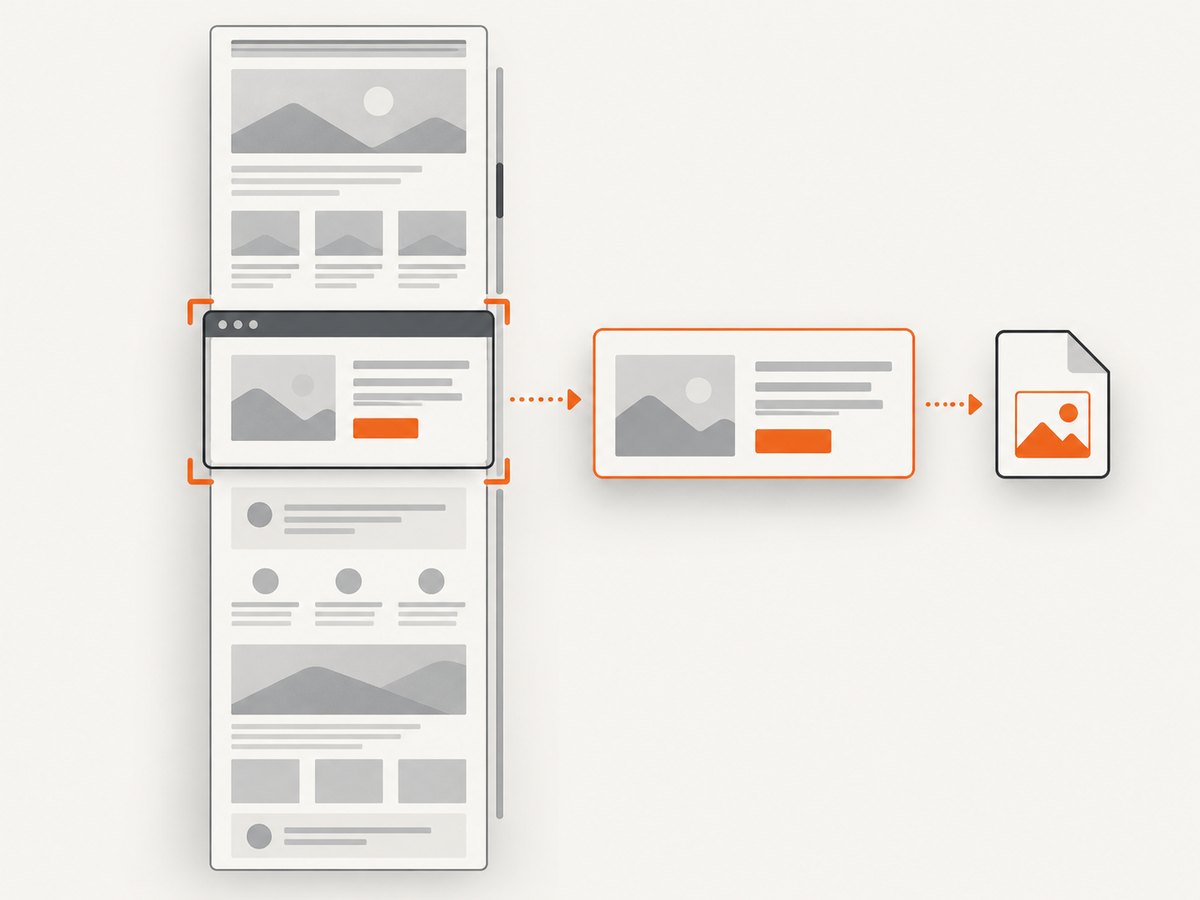
| Long pages | Full-page capture and scrolling | Lazy content may appear only after scrolling; verify the page is loaded before capture. |
| One component | Element capture | Selectors can fail if markup changes or an element is rendered late. |
| Late data | Delay or wait behavior | Prefer a condition tied to page readiness over an unnecessarily long fixed delay. |
| Localized output | Locale and timezone | Set both when dates, number formats or text layout matter. |
| Dynamic styling | Custom CSS or JavaScript | Keep injected changes narrow and deterministic. |
| Reduce page noise | Script blocking and request headers | Blocking can also remove scripts or styles the page needs; validate dependencies. |
The Urlbox homepage lists these as product controls; confirm each one, its limits, and its exact syntax in the API reference before relying on it. (Urlbox homepage)
5. Handle output and failures safely
A successful HTTP response is not sufficient proof that you received the intended artifact. Check the status code, content type, and nonzero body size. Store PNG bytes as bytes rather than decoding them as text. If you use a render link in an <img> element or other public context, check the vendor’s current security guidance for signing and exposure of request parameters.
For asynchronous work, model the job as a small state machine: submitted, pending, complete, or failed. Make result handling idempotent so a retry or repeated completion notification does not create duplicate downstream work. Use a bounded retry policy for transient network failures, and do not retry permanent input or authentication errors unchanged.
6. Performance, reliability and cost
- Performance: rendering requires page loading and browser work, so a complex page with many assets can take longer than a static document. Use the smallest viewport and output dimensions that meet the requirement, block only nonessential resources, and avoid fixed delays larger than necessary.
- Reliability: treat remote pages and third-party assets as variable inputs. Set timeouts, cap concurrent jobs, record failures, and retry only transient conditions. For repeatable output, control page state, viewport, locale and timing.
- Cost: current Urlbox pricing and plan limits were not recoverable from the pricing-page material in this research. Check the live pricing page before estimating spend; do not assume a free tier, allowance or per-render rate. Measure the expected volume and account for retries, full-page work and asynchronous storage or transfer in your own system.
- Security: keep API credentials on a trusted server, avoid putting private HTML or secrets in publicly retrievable URLs, and use only the renderer controls documented for restricting scripts or requests.
Urlbox’s homepage publishes product claims and supported controls, but no independent benchmark or hands-on result is available in this research. Test representative pages from your own workload before selecting dimensions, timeouts and concurrency limits.
7. Troubleshooting
| Symptom | Likely cause | Fix |
|---|---|---|
| Authentication or signature error | Missing, malformed or exposed credentials; signature does not match the request. | Rebuild the request following the current Urlbox authentication guide. Keep secrets server-side and sign the exact inputs required by the docs. |
| HTML renders without styles or images | Assets use local paths, blocked domains or inaccessible URLs. | Make dependencies reachable to the renderer or embed them using a supported input format. Check script and request blocking settings. |
| PNG is blank or incomplete | Capture occurs before client-side rendering or data loading finishes. | Wait for a stable selector or documented readiness condition; use a short delay only when a condition is unavailable. |
| Expected PNG but got an error page | Code saved an HTTP error response as an image. | Check status and content type before writing the file; log a redacted error response for diagnosis. |
| Element capture is empty | Selector is incorrect, hidden, or attached after the capture moment. | Inspect the live DOM and wait for the element to appear and become visible. |
| Output layout differs by run | Responsive dimensions, fonts, timezone, animations or remote data vary. | Fix viewport and locale, wait for content, use stable assets and disable or override animations where appropriate. |
| Request times out | Slow page, stalled asset, long wait, or overloaded caller. | Set a realistic timeout, remove unnecessary waits, constrain concurrency and use the asynchronous mode if it better fits the documented workflow. |
| Unexpectedly high usage | Retries or repeated renders are not deduplicated. | Cache at the application layer where safe, use stable inputs, and make retries bounded and idempotent. Confirm Urlbox billing semantics on its current pricing page. |
8. Or skip the browser setup
ScreenshotNeo is a website screenshot API and MCP server. One GET request can return PNG, JPEG, WebP or PDF. Its [docs](https://screenshotneo.com/docs/) describe the API and options; the call below uses the supplied ScreenshotNeo request format and changes the target to a representative HTML-to-PNG URL. For a real integration, store your API key securely and use the documented output parameter if you need to explicitly select PNG.
curl -G "https://api.screenshotneo.com/v1/shot" \
  -d access_key=YOUR_API_KEY \
  --data-urlencode url=https://stripe.com \
  -o shot.webp
ScreenshotNeo removes cookie banners, newsletter popups and chat widgets before the shot. Bot checks, blank pages and failed loads are never billed. Its MCP server lets AI agents take screenshots. The free plan includes 1,000 screenshots a month with no card; paid plans start at $5 for 3,000. Every feature is on every plan. Sign up free and capture 1,000 screenshots a month without a card.
9. FAQ
Can Urlbox render a page that only exists in my local browser?
A hosted renderer cannot automatically see your local browser’s filesystem or session. Make the page and required assets accessible through the input method supported by Urlbox, or use a workflow that supplies the HTML and dependencies appropriately.
Should I use a direct render link or JSON API?
Use the direct render link when a URL response fits the caller and sharing model. Choose synchronous API handling when the application should wait inline, and asynchronous handling when jobs need to be queued or completed separately. Confirm the current docs’ behavior for each mode.
Can I make an image suitable for social sharing?
Urlbox’s docs mention generating Open Graph images with a render link. Build a fixed-size HTML template, supply its data, and use a deterministic capture setup; verify the exact dimensions and output syntax in the docs.
Does a PNG preserve selectable text?
No. PNG is a raster image, so text is represented as pixels. If consumers need selectable text or scalable vectors, evaluate a document or vector output supported by the service and your target workflow.
Where can I confirm current Urlbox pricing?
Use Urlbox’s official pricing page. The research available for this article did not establish current plan names, prices or allowances, so none are quoted here.


