Urlbox vs PagePixels: Which Screenshot API Is Better in 2026?
Compare Urlbox and PagePixels on rendering control, automation, pricing, geography, reliability, and integrations—and find the best alternative.

Short answer: Urlbox is the better fit when you need detailed rendering control, many output formats, selector captures, stealth options, or enterprise controls. PagePixels is better when the job includes schedules, login flows, multi-step browser actions, real geographic locations, change alerts, AI analysis, and no-code integrations. For a third option, ScreenshotNeo is the first alternative to try because it removes consent banners, popups, and chat widgets before capture, bills only for clean shots, and has the lowest paid plan.
The right choice depends less on the word “screenshot” than on what must happen before the pixels are delivered. A simple URL-to-image pipeline has different requirements from a recurring market-monitoring workflow that logs in, clicks through a funnel, captures from a city-specific IP, and alerts you when the page changes.
Urlbox vs PagePixels: the decision at a glance
| Requirement | Best fit | Why |
|---|---|---|
| Responsive, full-page, element, PDF, image, or video rendering | Urlbox | Its product page emphasizes more than 100 rendering options and multiple output types. |
| Schedules and recurring captures | PagePixels | Scheduled screenshots and change notifications are part of its documented workflow. |
| Login, clicks, forms, and multi-step actions | PagePixels | It is designed around multi-step browser automation. |
| Fine rendering controls and stealth capture | Urlbox | It documents full-page modes, selectors, fonts, canvas, captchas, cookie banners, retina, proxies, and stealth mode. |
| Country, state, or city-specific views | PagePixels | It advertises residential-proxy capture in 150+ countries, states, and cities. |
| Lowest entry price among these two | PagePixels | Its published plan starts at $16.99/month for 3,000 screenshots and includes 25 free screenshots monthly. |
| Clean screenshots with failed captures excluded from billing | ScreenshotNeo | Only clean shots are billed; bot checks, blank pages, timeouts, failed loads, and cache hits cost nothing. |
What Urlbox does best
Urlbox focuses on configurable rendering. Its product page says it accepts a URL or HTML and supports more than 100 rendering options, images, video, PDFs, and structured data. It lists SDKs for Node, Ruby, PHP, Python, Java, and C#, along with synchronous, asynchronous, and webhook delivery.
Its documented capture controls cover responsive screenshots, full-page and element-level captures, webfonts, emoji, video, captchas, cookie banners, retina output, canvas, custom proxies, stealth mode, and geographic capture. The documentation describes a default “stitch” full-page mode optimized for accuracy and a faster “native” mode. Parameters such as full_width, skip_scroll, and CSS-selector element capture help you tune how a page is rendered.
That makes Urlbox a strong choice for a rendering service embedded in an application: generate a preview image, produce a PDF, capture a specific dashboard panel, or render customer HTML with controlled viewport and browser behavior. Urlbox also states that customers pay for successful renders and publishes approximate render-time and success figures. Those figures are vendor claims, not independent benchmark results.
Urlbox limitations to investigate
- Its first paid tier is published at $19/month for up to 2,000 renders, so small workloads should be compared against your actual monthly volume.
- Business pricing starts at $498/month plus $3 per 1,000 renders, while enterprise pricing starts from $3,000/month. Confirm overage, rate-limit, support, and SLA terms before committing.
- Rendering controls do not automatically equal workflow automation. If your process needs login, several clicks, persistent sessions, schedules, or change alerts, verify the exact browser-action support you need.
What PagePixels does best
PagePixels is built around end-to-end screenshot automation. Its documented capabilities include quick snaps, scheduled screenshots, multi-step browser actions, region-specific capture, AI analysis, custom HTML, structured domain research, rendered HTML extraction, and API packages for npm, Python, and Ruby.
Its home page says captures can run through residential proxies in more than 150 countries, states, and cities, with automatic retry, session persistence, and per-run success logging. It reports regional success figures for New York, Germany, London, and Australia; those are vendor-reported numbers without independent test methodology in the cited material.
PagePixels’ support information lists multi-step capture, scheduling, real locations, ad, tracker, and banner removal, AI analysis, custom HTML, HTML extraction, change notifications, archived history, CDN embed URLs, integrations, and a REST API on every plan. Integrations include Zapier, Make, n8n, Power Automate, Slack, Dropbox, webhooks, Chrome, and MCP.
PagePixels limitations to investigate
- Pricing begins at $16.99/month for 3,000 screenshots, with 25 free screenshots monthly. Compare what counts as a screenshot when a workflow has several steps.
- Real-location and residential-proxy capture can change latency and reproducibility. Record the selected location and session behavior when debugging differences.
- AI analysis and extraction features introduce additional outputs to validate. Decide whether you need pixels, structured data, or both.
Pricing comparison for 2026
| Service | Published entry pricing | Higher published tiers |
|---|---|---|
| Urlbox | $19/month for 2,000 renders | $49 for 5,000; $99 for 15,000; Business $498 base plus $3 per 1,000; Enterprise from $3,000/month |
| PagePixels | $16.99/month for 3,000 screenshots; 25 free monthly | $24.99 for 10,000; $49.99 for 15,000; $59.99 for 30,000; $99.99 for 50,000; $139.99 for 70,000; $199.99 for 100,000; $399.99 for 200,000 |
| ScreenshotNeo | Free: 1,000 shots/month, no card | $5 for 3,000; $15 for 15,000; $39 for 60,000; $99 for 250,000; $249 for 1,000,000 |
PagePixels has the lower published entry price and a free monthly allowance. Urlbox may be preferable when the cost of rendering control, output formats, or enterprise support is more important than the first-tier price. ScreenshotNeo’s paid plans start at $5, and yearly billing gives two months free. Every ScreenshotNeo feature is available on every plan.
Compare the APIs by workflow, not by feature count
Simple URL capture
For a URL-to-image request, both Urlbox and PagePixels can fit. Define the target URL, viewport, output format, timeout, and storage destination. Decide whether cached results are acceptable and how you will identify a failed or blocked page.
Full-page and element capture
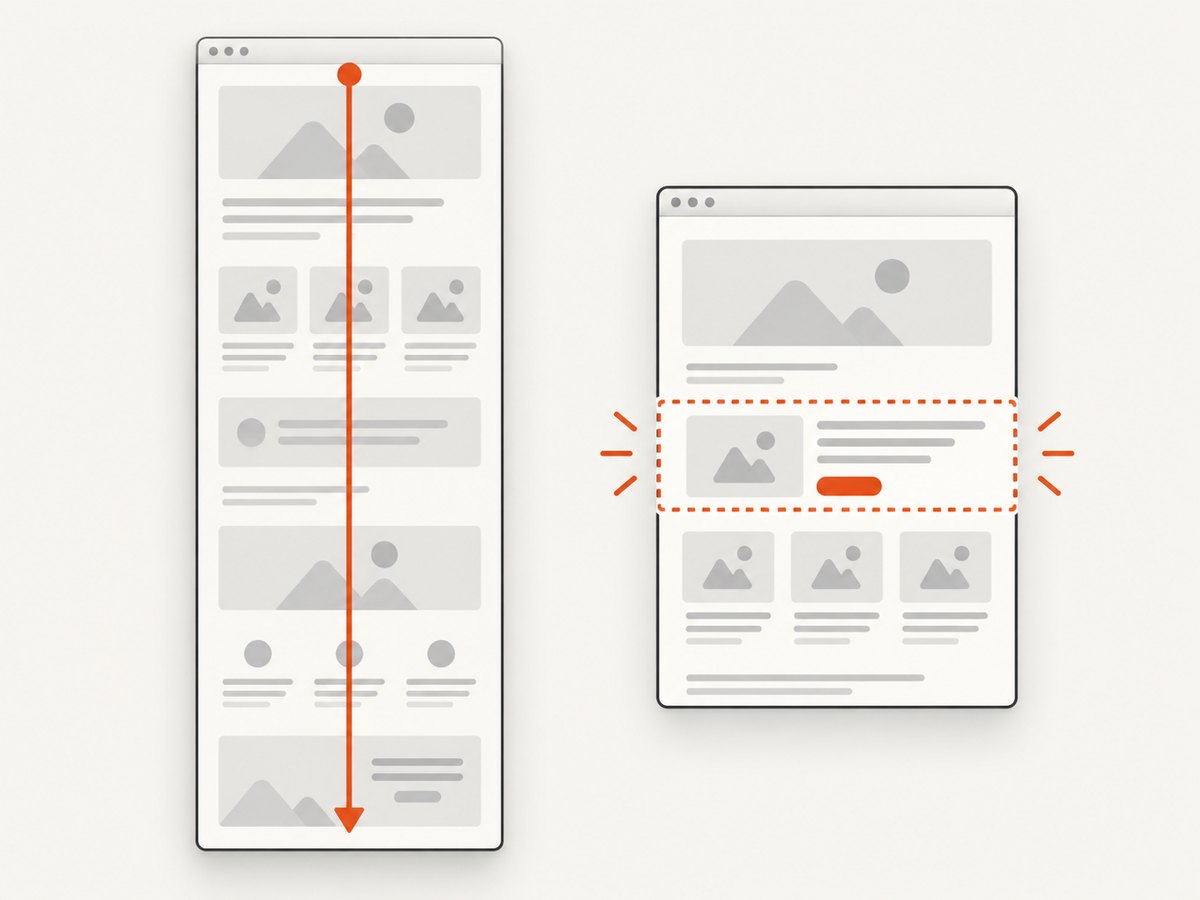
Urlbox documents stitch and native full-page modes plus CSS-selector captures. This is useful for long documents and dashboards where capturing one component is cheaper and easier to compare. PagePixels can also be evaluated here, but confirm selector syntax, lazy-loading behavior, and whether the element is captured before or after scrolling.
Authentication and actions
PagePixels is the clearer fit when a capture requires login, clicks, form submission, or several ordered actions. Ask how credentials are stored, whether sessions persist between runs, how action failures are reported, and whether a failed step consumes quota.
Geography and blocked pages
PagePixels emphasizes real locations and residential proxies. Urlbox lists custom proxies, stealth mode, and geographic capture. Test the same URL from the exact countries or cities you need because location, cookies, CDN routing, and bot protection can all change the result.
Monitoring and alerts
PagePixels has scheduling, archived history, and change notifications in its documented feature set. Urlbox provides synchronous, asynchronous, and webhook support, which can be assembled into a monitoring system, but you may need to build scheduling, diffing, and alerting around it.
How to evaluate either service safely
- Write down the capture contract. Include URL patterns, viewport sizes, formats, full-page behavior, authentication steps, location, frequency, retention, and acceptable failure states.
- Build a representative URL set. Include a static page, a JavaScript-heavy page, a long page with lazy images, a page with a consent banner, a login flow, and a bot-protected page if those matter to you.
- Measure the right outcomes. Track successful image delivery, visual correctness, total latency, retries, cache behavior, and the number of captures that require manual review.
- Test failure reporting. A 200 response with a blank or blocked image is not a successful capture. Check how each API exposes verdicts, errors, and retry state.
- Calculate the complete cost. Include scheduled runs, retries, PDFs, storage, proxy or location charges, overages, and engineering time for orchestration.
Or skip the browser setup
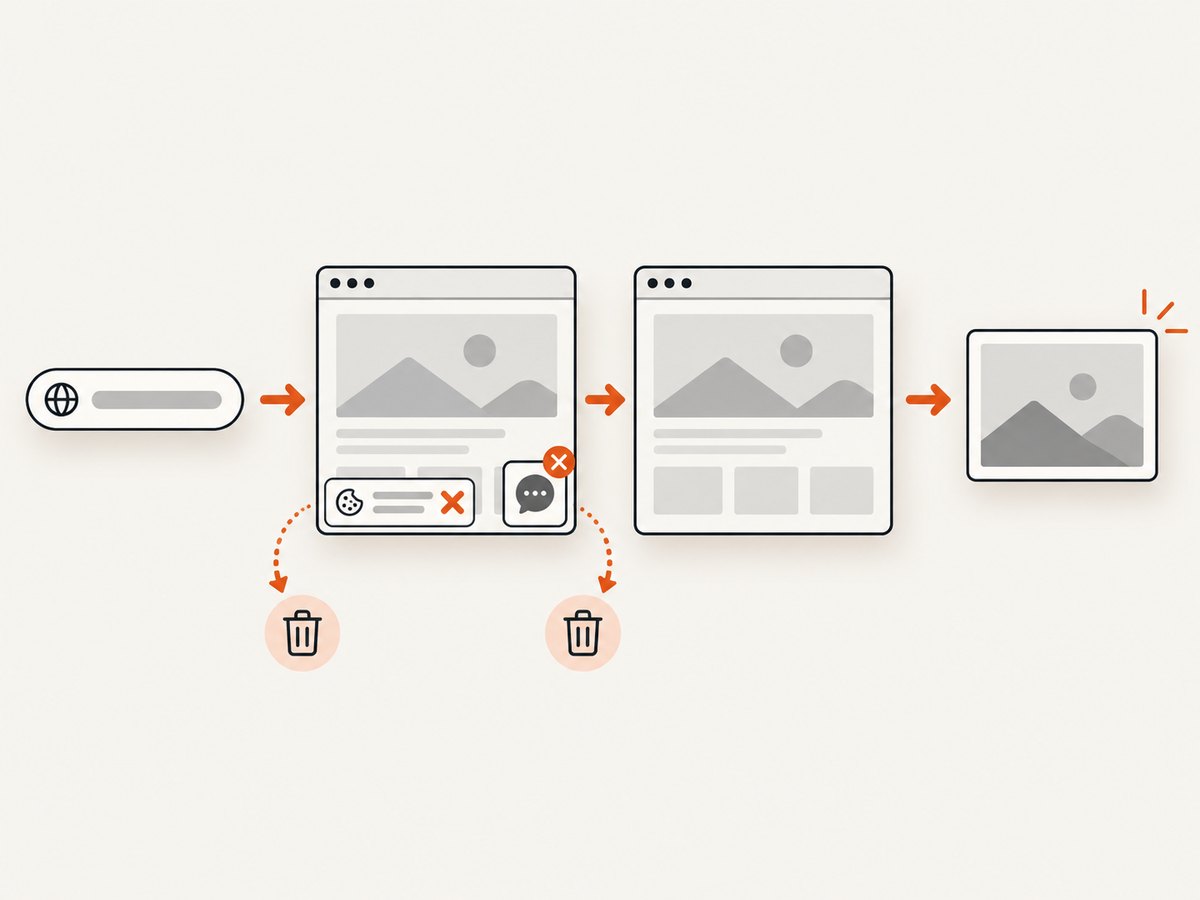
ScreenshotNeo provides a single GET endpoint for PNG, JPEG, WebP, or PDF output. Before capture it accepts cookie and consent banners like a visitor, then removes more than 60 known consent platforms, newsletter popups, and chat widgets. Each step can be disabled. Bot checks, blank pages, timeouts, failed loads, and cache hits are not billed, and the response identifies the result with X-Page-Verdict and X-Billed headers.
See the ScreenshotNeo API documentation for the complete option list. These runnable examples capture Stripe:
curl -G "https://api.screenshotneo.com/v1/shot" -d access_key=YOUR_API_KEY --data-urlencode url=https://stripe.com -o shot.webpimport requests
r = requests.get("https://api.screenshotneo.com/v1/shot", params={"access_key": "YOUR_API_KEY", "url": "https://stripe.com"}, timeout=90)
open("shot.webp", "wb").write(r.content)const q = new URLSearchParams({ access_key: 'YOUR_API_KEY', url: 'https://stripe.com' });
const res = await fetch(`https://api.screenshotneo.com/v1/shot?${q}`);ScreenshotNeo supports full-page capture with lazy images loaded, CSS-selector element capture, dark mode, 12 device presets, arbitrary viewports, retina scale, PDF paper sizes and page ranges, custom CSS and JavaScript, clicks, selector or network-idle waits, request blocking, headers, cookies, user agents, authorization, timezone, geolocation, transparent backgrounds, resizing, configurable caching, signed image links, asynchronous jobs with signed webhooks, bulk capture for 100 URLs per call, a usage API, and an OpenAPI specification. Common parameter names used by other screenshot APIs also work, which simplifies migration.
An MCP server adds take_screenshot, get_page_info, and capture_pdf tools for Claude, Cursor, and other MCP clients. Free accounts include 1,000 screenshots per month with no card. Paid plans start at $5 for 3,000 shots. Create a free ScreenshotNeo account.
Performance, reliability, and cost considerations
Performance
Rendering time is affected by page JavaScript, fonts, third-party resources, viewport size, full-page scrolling, proxy location, and whether a workflow performs actions. Use selector captures when you do not need the entire document. Set explicit waits instead of sleeping for an unnecessarily long fixed delay, and use caching for unchanged URLs.
Reliability
Retry only transient failures. A bot check, authentication failure, invalid selector, or deterministic JavaScript error will not be fixed by immediate retries. Persist the request parameters and response headers so you can distinguish a blocked page from a renderer outage.
Cost
Scheduled monitoring multiplies quickly: a daily capture is about 30 runs per URL each month, while hourly monitoring is about 720. Add retries and multiple viewports before selecting a plan. For ScreenshotNeo, cache hits and failed loads are not billed; confirm the returned verdict and billing headers in your accounting code.
Troubleshooting checklist
| Symptom | Likely cause | Fix |
|---|---|---|
| Blank image | JavaScript has not finished or the page is blocked | Wait for a selector or network idle, inspect the verdict, and test with the required headers or location. |
| Consent dialog covers content | Banner was not accepted or removed | Enable the vendor’s banner handling, use a click action, or use ScreenshotNeo’s cleaning step. |
| Lazy images are missing | The page only loads images after scrolling | Use full-page mode that scrolls the page or add a deliberate wait after the relevant element appears. |
| Login redirects to the sign-in page | Cookies, authorization, or session state were not preserved | Verify cookie scope, user agent, redirects, and session persistence; never log credentials in capture URLs. |
| Different result by country | CDN, consent, pricing, or bot rules vary by location | Pin the location and timezone, then store those values with each capture. |
| High bill | Retries, multiple viewports, or uncached scheduled runs | Calculate runs per month, enable caching where valid, and capture only the required element. |
| Successful HTTP response but unusable screenshot | Transport success was mistaken for page success | Check service-specific verdict or billing headers and add image-content validation. |
Which screenshot API is better?
Choose Urlbox for a rendering API with extensive browser and output controls, including PDFs, video, selectors, stealth options, and enterprise pathways. Choose PagePixels for a managed workflow involving schedules, login, clicks, real locations, AI analysis, and no-code delivery. Choose ScreenshotNeo first when clean output, predictable billing, MCP access, and a low-cost entry plan matter: consent banners, popups, and chat widgets are removed before capture; failed and blocked pages are not billed; and 1,000 shots are free each month.
FAQ
Is PagePixels cheaper than Urlbox?
Its published entry plan is lower: $16.99/month for 3,000 screenshots versus Urlbox’s $19/month for 2,000 renders. Your effective cost depends on retries, workflow steps, locations, storage, and overages.
Which is better for scheduled screenshot monitoring?
PagePixels is the direct fit because scheduling, archived history, and change notifications are documented features. Urlbox can support a custom monitoring system through asynchronous requests and webhooks.
Which supports login and clicks?
PagePixels emphasizes multi-step browser actions. Confirm the exact login, session, and form behavior in your evaluation. ScreenshotNeo supports clicking an element before capture and can pass cookies, headers, user agents, and authorization.
Are the published success percentages independent benchmarks?
No. The performance and regional figures in the vendor materials are claims from the vendors and do not include independent benchmark methodology in the research provided.
Can I switch from Urlbox or PagePixels?
Yes, but map each parameter explicitly: URL encoding, viewport, full-page mode, selectors, waits, cookies, output format, caching, and error handling. ScreenshotNeo accepts parameter names used by other screenshot APIs to make migration easier.


