How to Use ADB in Windows Command Prompt
Install ADB on Windows, connect an Android phone, run essential commands, use wireless debugging, and fix common device and authorization errors.
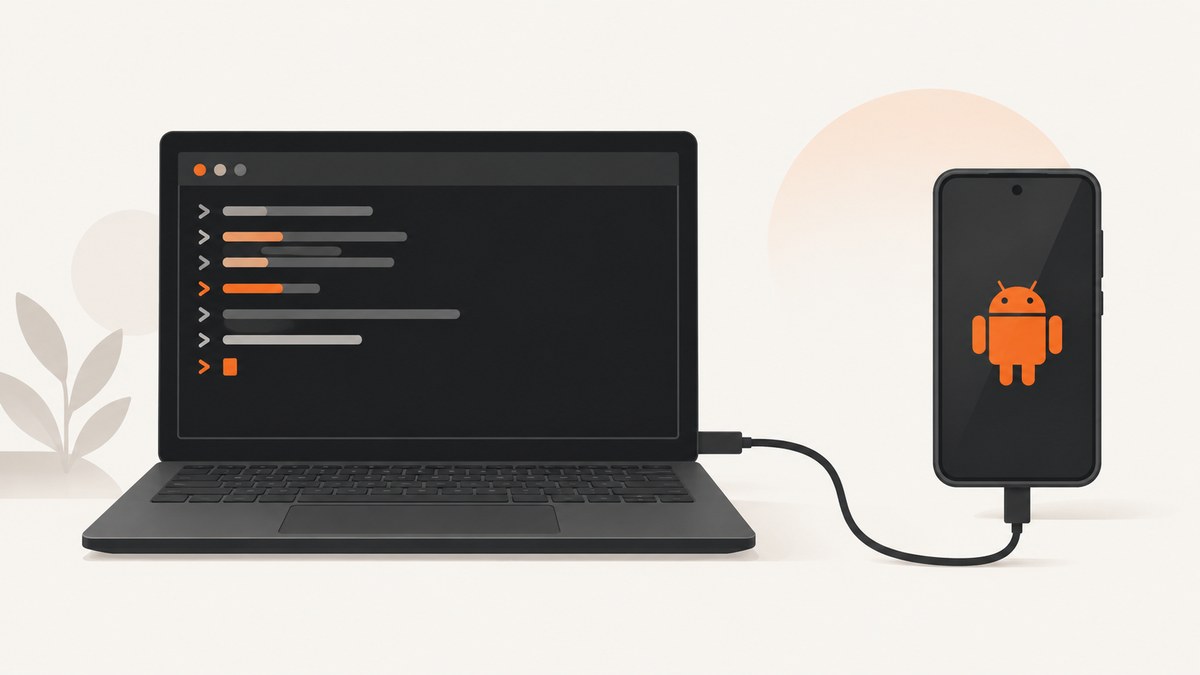
ADB (Android Debug Bridge) lets you communicate with an Android phone or emulator from Windows Command Prompt. Install Google’s SDK Platform-Tools, enable USB debugging, authorize the computer on the phone, and verify the connection with adb devices.
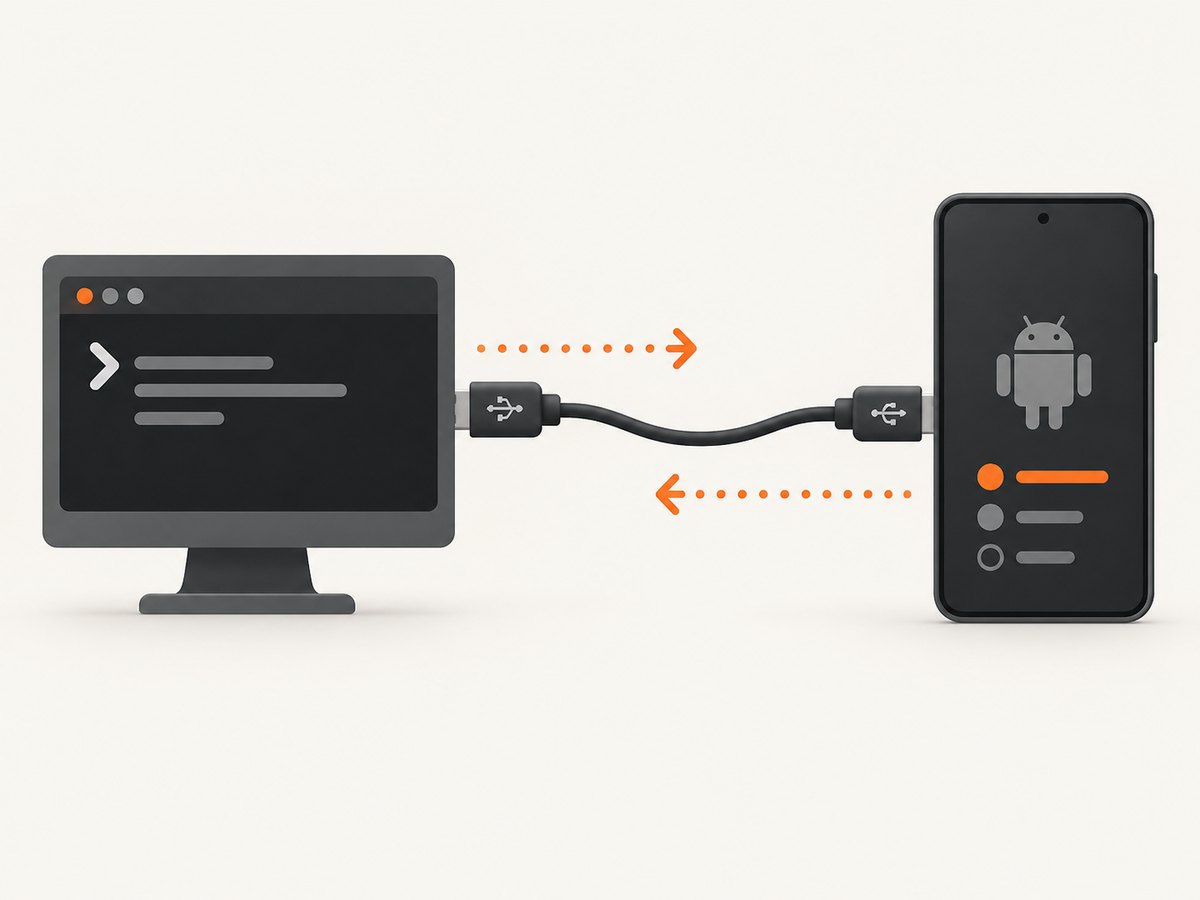
ADB can open a device shell, install APKs, copy files, inspect logs, reboot the device, and automate Android tasks. The ADB client runs in Command Prompt, an ADB server runs on Windows, and the phone runs the adbd daemon.
What you need
- A Windows PC.
- An Android phone or emulator.
- Google’s SDK Platform-Tools for Windows.
- A USB cable that supports data transfer, not charging only.
- USB debugging enabled on the phone.
Install ADB on Windows
- Download the current SDK Platform-Tools for Windows from Google. Android Studio is not required for basic ADB use.
- Extract the ZIP to a simple folder, such as
C:\Android\platform-tools. - Open that folder in File Explorer, click the address bar, type
cmd, and press Enter. Command Prompt opens with the correct working directory.
Confirm the installation:
adb versionIf Windows reports that adb is not recognized, either run Command Prompt from the extracted folder or add the absolute platform-tools path to your Windows PATH environment variable. Open a new Command Prompt window after changing PATH.
Enable USB debugging and connect your phone
- On the phone, open Settings > About phone.
- Tap Build number repeatedly until Android says that Developer options are enabled. The exact menu names vary by manufacturer.
- Return to Settings, open Developer options, and enable USB debugging.
- Connect the phone with a known data-capable USB cable. If Windows does not recognize it, install the appropriate OEM USB driver.
- Open Command Prompt in
platform-toolsand run:
adb devicesUnlock the phone and accept the Allow USB debugging? RSA prompt. Run the command again:

adb devices| Output state | Meaning | Next step |
|---|---|---|
device |
The phone is connected and authorized. | Run ADB commands. |
unauthorized |
The phone has not approved this computer. | Unlock the phone and accept the RSA prompt. |
| No devices listed | Windows or Android has not established the connection. | Check the cable, USB mode, driver, USB debugging, and phone screen. |
For extra connection details, use:
adb devices -lEssential ADB commands in Command Prompt
Open an Android shell
adb shellThis opens an interactive shell on the phone. Type exit to return to Windows.
Inspect Android properties
adb shell getpropInstall an APK
adb install "C:\path\to\app.apk"Quote Windows paths when they contain spaces.
Uninstall an app
adb uninstall com.example.appCopy a file from Android to Windows
adb pull /sdcard/DCIM/photo.jpg "C:\Users\you\Pictures\"Copy a file from Windows to Android
adb push "C:\path\to\file.txt" /sdcard/Download/View device logs
adb logcatStop the live log with Ctrl+C. You can redirect output to a Windows file:
adb logcat > "C:\temp\android-log.txt"Reboot the phone
adb rebootDisplay help
adb helpTarget one device when several are connected
When more than one phone or emulator is connected, ADB cannot guess which target you mean. List serial numbers:
adb devicesThen add -s SERIAL to every command:
adb -s R58N123456A shell getprop
adb -s R58N123456A install "C:\apps\demo.apk"
The ADB reference also supports -d for a USB device and -e for an emulator:
adb -d shell
adb -e logcat
Use ADB over Wi-Fi
Android 11 (API level 30) and later support wireless debugging. Wireless ADB avoids a cable, but the PC and phone must be on the same network and the phone must support the feature.
- Open Developer options and enable Wireless debugging.
- Choose the pairing option and note the address, port, and pairing code shown on the phone.
- Run the current pairing command shown by Android’s documentation and enter the pairing code when prompted.
- Run the connection command using the address and connection port displayed by the phone.
- Verify the connection:
adb devicesPorts and menu labels vary by Android release, so use Google’s current ADB documentation for the exact commands displayed by your version. Wireless debugging should be used only on a network you trust.
USB versus wireless ADB
| Factor | USB | Wireless debugging |
|---|---|---|
| Setup | Enable USB debugging, connect a cable, and possibly install an OEM driver. | Pair and connect through Developer options. |
| Reliability | Usually has fewer network prerequisites. | Depends on Wi-Fi availability and network configuration. |
| Speed | Generally preferable for large APKs and file transfers. | Convenient for interactive work after pairing. |
| Security exposure | Requires approval on the connected phone. | Requires a trusted local network and pairing approval. |
| Compatibility | Works across a wider range of Android versions. | Built-in wireless debugging requires Android 11/API 30 or later. |
Troubleshooting ADB on Windows
‘adb’ is not recognized
Cause: Command Prompt cannot find adb.exe.
Fix: Open Command Prompt inside the extracted platform-tools folder, or add that folder to PATH and open a new Command Prompt window. Confirm with adb version.
No device is listed
Cause: The phone is locked, USB debugging is off, the cable is charge-only, Windows lacks a driver, or Android selected an unsuitable USB mode.
Fix: Unlock the phone, verify USB debugging, try a known data cable and another USB port, select a file-transfer USB mode if offered, and install the correct OEM driver.
The device says unauthorized
Cause: The phone has not approved the computer’s RSA key.
Fix: Look at the phone screen, accept the RSA dialog, and run adb devices again. If the prompt is stuck, revoke USB debugging authorizations in Developer options, reconnect, and approve the new prompt.
More than one device or emulator
Cause: ADB needs an explicit target.
Fix: Get the serial from adb devices and use adb -s SERIAL <command>.
ADB server problems
Cause: The Windows ADB server is stale or another process has interfered with it.
Fix:
adb kill-server
adb start-server
adb devices
Windows sees the phone but ADB does not
File browsing support does not prove that the ADB driver is installed. Install the phone manufacturer’s ADB USB driver, reconnect, unlock the device, and approve USB debugging.
Commands fail because of a path or syntax error
Run adb help, quote Windows paths containing spaces, and check that the Android path exists. For example:
adb pull /sdcard/Download/report.pdf "C:\Users\you\Desktop\"Performance, reliability, and safety tips
- Keep Platform-Tools current by downloading the latest supported Windows package from Google.
- Use USB for large transfers or when a stable connection matters.
- Use
-s SERIALin scripts so a second emulator cannot receive a command accidentally. - For repeatable scripts, check the exit code and run
adb devicesbefore destructive operations. - Do not enable USB or wireless debugging on an untrusted computer or network.
- ADB itself is free. Your practical hardware cost is the data-capable cable, and an OEM driver may be required on Windows.
- Commands such as
adb uninstall,adb push, andadb rebootcan change device state; verify the target before running them.
Or skip the browser setup
If your Windows workflow also needs website screenshots, ScreenshotNeo provides a single HTTP request instead of maintaining a browser, driver, and capture script. Cookie and consent banners, newsletter popups, and chat widgets are removed before the shot. Bot checks, blank pages, timeouts, failed loads, and cache hits are not billed, and the response identifies the result with X-Page-Verdict and X-Billed headers. Its MCP server lets Claude, Cursor, and other MCP clients call take_screenshot, get_page_info, and capture_pdf.
See the ScreenshotNeo API documentation for all options. This cURL request returns a WebP image:
curl -G "https://api.screenshotneo.com/v1/shot" -d access_key=YOUR_API_KEY --data-urlencode url=https://stripe.com -o shot.webpPython:
import requests
r = requests.get("https://api.screenshotneo.com/v1/shot", params={"access_key": "YOUR_API_KEY", "url": "https://stripe.com"}, timeout=90)
open("shot.webp", "wb").write(r.content)
Node.js:
const q = new URLSearchParams({ access_key: 'YOUR_API_KEY', url: 'https://stripe.com' });
const res = await fetch(`https://api.screenshotneo.com/v1/shot?${q}`);
There are 1,000 free screenshots each month with no card. Paid plans start at $5 for 3,000 shots. Create a free ScreenshotNeo account.
FAQ
Do I need Android Studio to use ADB?
No. Google’s SDK Platform-Tools package contains ADB and is sufficient for basic Command Prompt work.
Why does Android show an RSA fingerprint?
Android uses the approval dialog to ensure that USB debugging commands cannot run until someone unlocks the phone and authorizes that computer.
Can I use ADB with an emulator?
Yes. Start the emulator, run adb devices, and use -e or -s SERIAL when more than one target is available.
Is wireless ADB available on every Android phone?
No. Built-in wireless debugging is supported on Android 11/API level 30 and later. Older versions generally require a USB connection or a different setup.
What is the first command to run after installation?
Run adb version to verify Windows can find ADB, then run adb devices to verify a connected phone.


