How to Use cURL in Python
Run the curl command-line tool safely from Python with subprocess, or use a Python HTTP library when you only need to make a request.
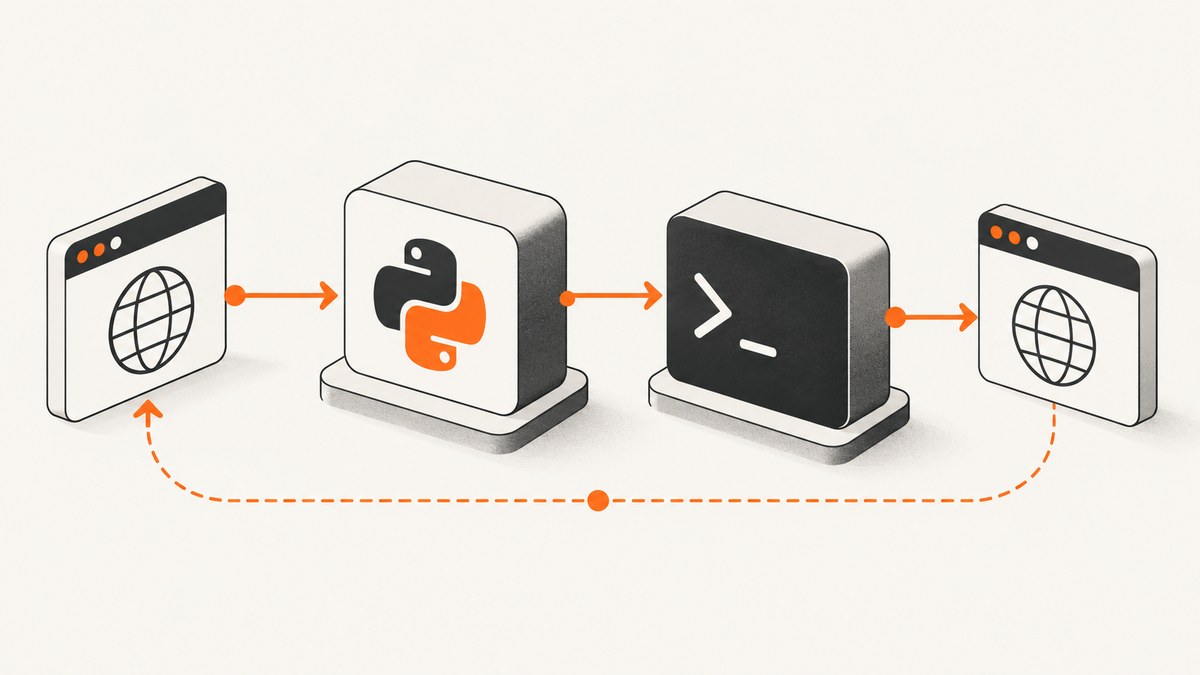
To run the installed curl command from Python, use subprocess.run() with a list of arguments, leave shell=False (the default), and set a timeout. Use check=True to raise an exception for a nonzero exit status, and capture output only if your program needs it. If you only need to make an HTTP request, use a Python HTTP library such as urllib.request or Requests instead of starting a separate curl process.
This guide covers both approaches, including response bodies, files, headers, errors, timeouts, and platform details. The examples that invoke curl require the curl executable to be installed in the environment running Python.
1. Run curl from Python with subprocess
Python’s subprocess.run() is its recommended high-level interface for subprocess work it can handle. Pass the executable and every option as a separate list item. Python starts curl directly, without asking a shell to parse the command.
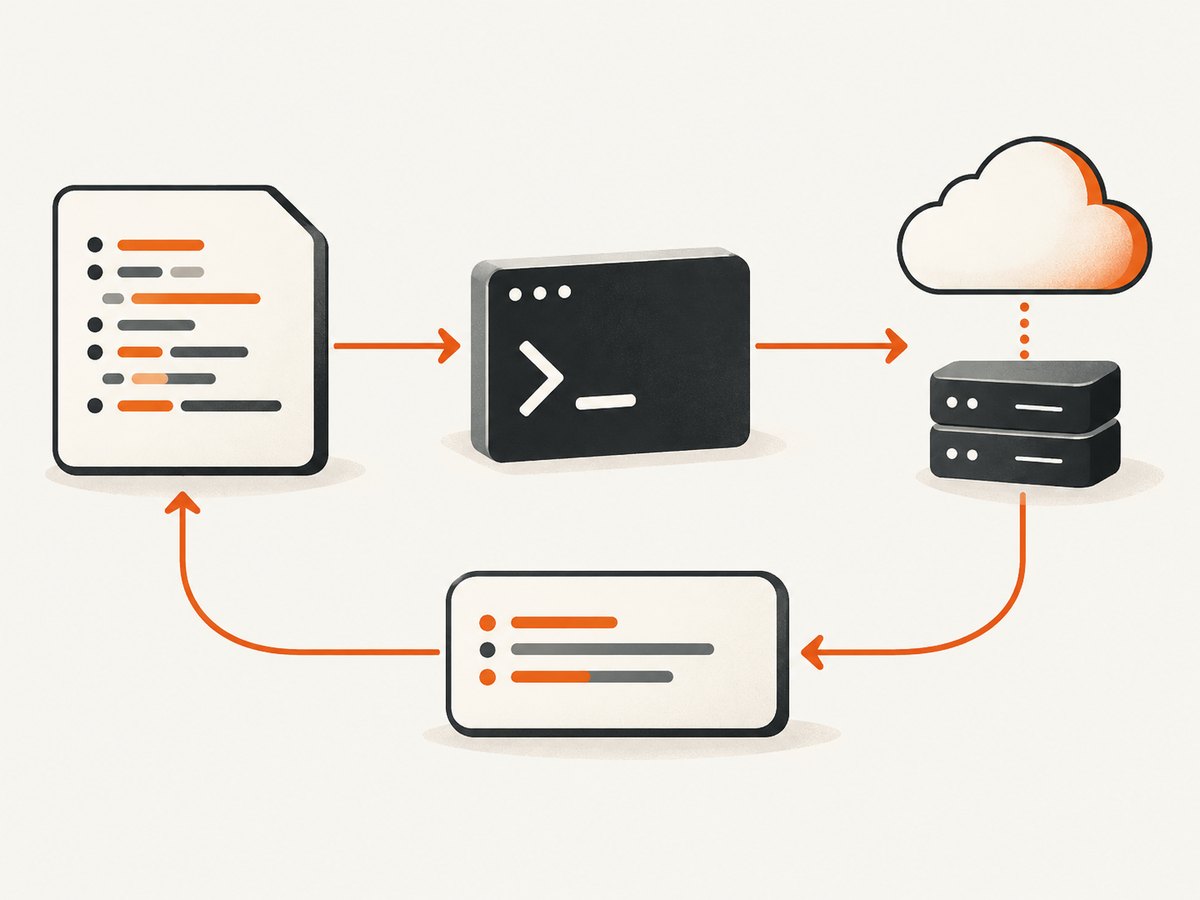
import subprocess

result = subprocess.run(
    ["curl", "--fail", "--silent", "--show-error", "https://example.com/"],
    capture_output=True,
    text=True,
    timeout=20,
    check=True,
)

print(result.stdout)
--fail makes curl treat HTTP error responses as failures for this invocation; --silent suppresses its progress meter; and --show-error still displays an error message when curl fails. These are curl options, so check the installed curl version and the behavior you need. The Python controls are:
| Argument | What it does | When to use it |
|---|---|---|
capture_output=True |
Captures stdout and stderr so they are available on the returned result. | Use when Python needs to read the response body or report curl’s error output. Omit it if output should go directly to the process streams. |
text=True |
Decodes captured streams into strings. | Use for text responses. Leave it off for binary content, such as an image. |
timeout=20 |
Limits how long Python waits for the child process. | Choose a limit appropriate to the request and application. Handle a timeout explicitly if recovery is needed. |
check=True |
Raises subprocess.CalledProcessError if curl exits with a nonzero status. |
Use when failure should interrupt the normal path. Otherwise, check returncode yourself. |
Official references: Python’s subprocess documentation describes run() and its arguments. The curl manual documents curl’s command-line options.
Read output and handle failures
With check=True, a failed process raises an exception. You can inspect its exit status and captured stderr to produce a useful application error:
import subprocess

try:
    result = subprocess.run(
        ["curl", "--fail", "--silent", "--show-error", "https://example.com/"],
        capture_output=True,
        text=True,
        timeout=20,
        check=True,
    )
except FileNotFoundError as exc:
    raise RuntimeError("curl is not installed or is not on PATH") from exc
except subprocess.TimeoutExpired as exc:
    raise RuntimeError("curl did not finish before the timeout") from exc
except subprocess.CalledProcessError as exc:
    print("curl exit status:", exc.returncode)
    print("curl error:", exc.stderr)
    raise
else:
    print(result.stdout)
For a response that may be large, capturing the whole body in memory may be unsuitable. Write it to a file with curl’s -o option instead. Since the URL and output path are separate arguments, spaces in the path do not need shell quoting:
import subprocess

subprocess.run(
    ["curl", "--fail", "--silent", "--show-error", "-o", "page.html", "https://example.com/"],
    timeout=30,
    check=True,
)
When you need Python to inspect curl’s output, capture it. For binary output, keep it as bytes: do not set text=True, which requests decoding. If output is only being saved to a file, you usually do not need to capture the response body at all.
Supply options, headers, and data safely
Represent each curl option and value as its own item. For example, pass a request header as one argument after -H. Do not concatenate values into a command string:
import subprocess

url = "https://example.com/api/items"
token = "replace-with-your-token"

result = subprocess.run(
    [
        "curl", "--fail", "--silent", "--show-error",
        "-H", f"Authorization: Bearer {token}",
        "-H", "Accept: application/json",
        url,
    ],
    capture_output=True,
    text=True,
    timeout=20,
    check=True,
)
print(result.stdout)
The URL, token, and other values should still come from trusted or validated sources. A list prevents shell interpretation, but it does not make an invalid URL valid, keep secrets out of logs, or remove the need to handle credentials carefully. Avoid printing authorization headers or embedding production secrets in source code.
2. Avoid shell=True and command-string construction
For normal curl invocation, do not build a shell command by inserting a URL or user-supplied value into a string. The shell may interpret whitespace and special characters as syntax. Python documents that it does not implicitly choose a system shell; when you explicitly use shell=True, quoting and protection against shell injection become the application’s responsibility.
Unsafe pattern:
# Avoid: user_input becomes part of shell syntax.
command = "curl " + user_input
subprocess.run(command, shell=True)
Safer pattern:
# Pass each value as an argument; shell=False is the default.
subprocess.run(["curl", user_input], check=True, timeout=20)
This avoids shell parsing, but an application that accepts arbitrary URLs may still need URL validation and network-access controls appropriate to its environment. The subprocess documentation also notes platform differences in executable lookup, including on Windows. See Python’s subprocess security considerations.
3. Make an HTTP request without launching curl
If the goal is simply to send an HTTP request, a Python HTTP library avoids the extra process startup and the dependency on a curl executable. The standard library provides urllib.request; Requests is a separate package. These interfaces are not interchangeable with every curl feature or runtime behavior, so choose based on the needs of your project.
Standard library: urllib.request
This example opens a URL and reads a text response using Python’s standard library:
from urllib.request import urlopen

with urlopen("https://example.com/", timeout=20) as response:
    body = response.read()
    print("HTTP status:", response.status)
    print(body.decode("utf-8"))
urlopen() returns a response object that can be used as a context manager. Reading with read() gives bytes; decode them only when you know the response is text and the chosen character encoding is appropriate. Consult the urllib.request documentation for authentication, redirects, cookies, handlers, and other supported details.
Third-party library: Requests
Requests has to be installed in the Python environment before this example will run:
import requests

response = requests.get("https://example.com/", timeout=20)
response.raise_for_status()
print(response.text)
The timeout is important for code that should not wait indefinitely. raise_for_status() makes an unsuccessful HTTP status raise an exception, so handle request and status errors in the surrounding application as needed. For installation and current API details, use the Requests documentation.
| Approach | Needs curl installed? | Process exit status? | Best fit |
|---|---|---|---|
subprocess.run() + curl |
Yes | Yes; inspect returncode or use check=True |
A project requires the curl executable or a curl-specific behavior. |
urllib.request |
No | No child process; handle Python exceptions and HTTP responses | A standard-library HTTP request fits the requirement. |
| Requests | No | No child process; handle library exceptions and HTTP responses | The project already uses Requests or prefers its API and accepts a package dependency. |
4. Check the runtime environment
The Python process must be able to locate the executable. Test the same environment where the application will run: a developer terminal, virtual environment, container, scheduled task, and production service may have different PATH settings.
import shutil

curl_path = shutil.which("curl")
if curl_path is None:
    raise RuntimeError("curl was not found on PATH")

print("Using:", curl_path)
You can pass the discovered path as the first list item, or configure a known absolute path when deployment requires it. Python recommends a fully qualified executable path for maximum reliability, or shutil.which() when searching PATH. Executable lookup differs across platforms, so validate the deployed setup rather than assuming a local shell’s PATH will carry over.
5. Troubleshooting common errors
| Symptom | Likely cause | Fix |
|---|---|---|
FileNotFoundError |
Python cannot find the curl executable. | Install curl in the runtime environment, check shutil.which("curl"), or pass the configured executable path. |
CalledProcessError |
curl returned a nonzero exit status and check=True was set. |
Inspect exc.returncode and exc.stderr. Check the URL, network access, curl options, and HTTP failure behavior. |
TimeoutExpired |
The child process did not finish before Python’s timeout. | Choose a timeout suitable for the operation, check network or server responsiveness, and handle timeout recovery. Avoid unlimited waits in long-running services. |
Empty stdout |
The response may have been written to a file, sent to stderr, or not captured. | Check whether you used -o; enable capture_output=True if Python needs the output, and inspect stderr on failure. |
| Decode error or corrupted binary data | Binary output was treated as text. | Leave text=True off and work with bytes, or have curl write the content to a file. |
| Command behaves differently on another OS | Executable lookup, PATH, or platform details differ. | Check the deployed executable path and test in the target environment. Python’s subprocess documentation records platform-specific lookup behavior. |
| Unexpected shell behavior or injection risk | A command string was run with shell=True or untrusted text was interpolated. |
Use an argument list and default shell=False. Validate inputs independently where the application accepts arbitrary destinations. |
| HTTP error response did not raise in Python | Receiving a response and treating its status as an application error are separate decisions. | For curl, consider the appropriate documented failure option; for Requests, call raise_for_status(); with urllib, inspect the response or handle its documented exceptions. |
6. Performance, reliability, and cost
Starting curl creates a child process for each invocation, so an HTTP library can be a better fit when an application makes frequent requests and does not need the curl executable. The dossier provides no benchmark that establishes a universal performance winner. Measure in the actual workload if process startup, connection behavior, or throughput matters.
For reliability, use a finite timeout, define how nonzero exit statuses are handled, and decide whether to capture output or stream it to a file. Check the executable in the deployment environment. These steps make failures visible and prevent the parent Python program from waiting without a limit.
There is no source-supported universal cost comparison for the approaches: curl and the standard library do not add a per-request product fee in these examples, while Requests adds a package dependency. Network usage, hosting, and the service being called may have their own costs. Do not choose based on assumed speed or price; account for the runtime and dependencies you actually operate.
7. Use ScreenshotNeo when the request is a website screenshot
If your Python task is to capture a rendered website as an image or PDF, you can call ScreenshotNeo with Requests rather than launching curl or managing a browser. Its API accepts a URL and returns a screenshot or PDF; see the API documentation for parameters and response details.

Python example
import requests

r = requests.get(
    "https://api.screenshotneo.com/v1/shot",
    params={"access_key": "YOUR_API_KEY", "url": "https://stripe.com"},
    timeout=90,
)
open("shot.webp", "wb").write(r.content)
Equivalent cURL request
curl -G "https://api.screenshotneo.com/v1/shot" -d access_key=YOUR_API_KEY --data-urlencode url=https://stripe.com -o shot.webpEquivalent Node.js request
const q = new URLSearchParams({ access_key: 'YOUR_API_KEY', url: 'https://stripe.com' });
const res = await fetch(`https://api.screenshotneo.com/v1/shot?${q}`);
ScreenshotNeo accepts cookie and consent banners before capture and removes more than 60 known consent platforms, newsletter popups, and chat widgets; each step can be turned off. Bot checks or CAPTCHAs, blank pages, timeouts, failed loads, and cache hits cost nothing, and response headers indicate the page verdict and billing status. An MCP server exposes screenshot, page information, and PDF capture tools for AI agents. The free plan includes 1,000 screenshots a month with no card; paid plans start at $5 for 3,000 screenshots. Every feature is on every plan.
Create a free ScreenshotNeo account for 1,000 screenshots a month with no card.
8. Frequently asked questions
Is curl part of Python?
No. curl is a separate command-line executable. Python can start it with subprocess if it is installed and discoverable in the runtime environment.
Should I learn curl if I already use Requests?
It can still be useful when a tool or project specifically requires curl, but Python does not need to launch it for every HTTP request. Choose the interface that fits the application and deployment.
Can I capture an image returned by curl?
Yes. Keep subprocess output as bytes by leaving text=True off, or have curl write the response to a file with -o. Avoid decoding binary content as text.
Does a list of subprocess arguments validate the URL?
No. It prevents ordinary shell parsing because no shell is invoked, but your application remains responsible for validating destinations and handling the request’s result.


