How to Use a Free Image Search API
Search Unsplash, Pexels, and Pixabay from code with secure keys, pagination, attribution, quotas, and production-ready error handling.
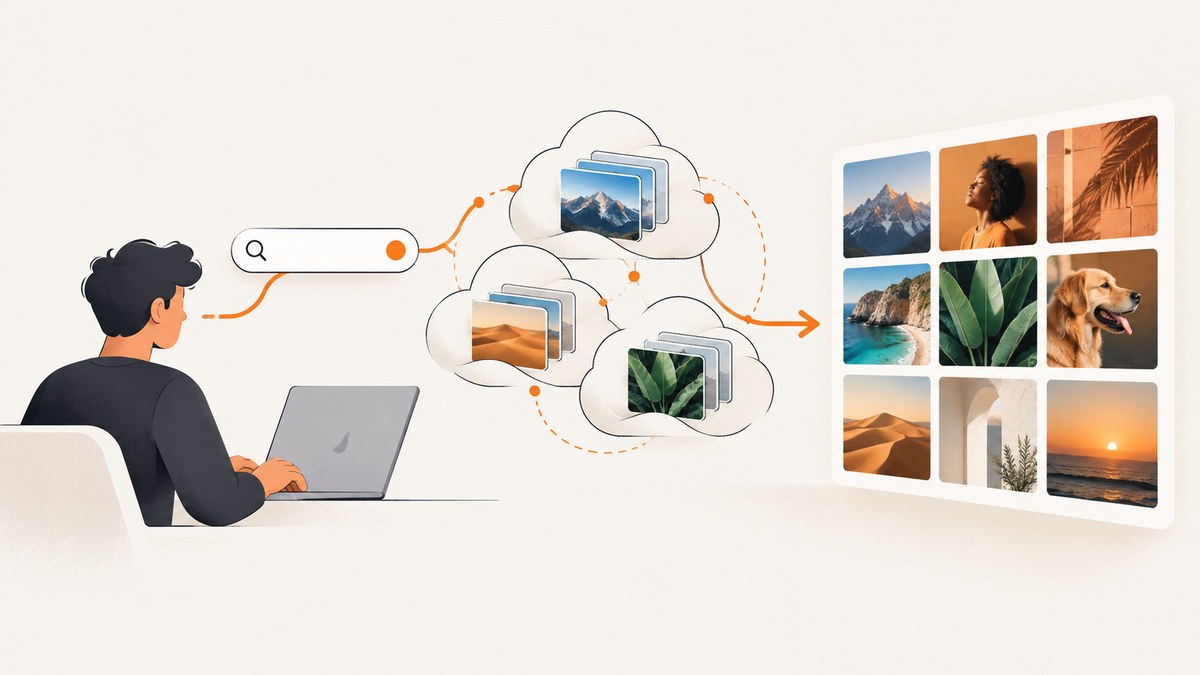
A free image search API lets your application find photos, illustrations, or videos by sending an authenticated HTTP request and reading structured JSON. The practical workflow is: choose a provider, create an application, keep the API key on your server, send a query with pagination, retain each result’s author and source metadata, render the provider-approved URL, and follow the provider’s attribution and download rules.
“Free” means the provider does not charge at its default tier. It does not mean unlimited requests, unrestricted redistribution, or no attribution. Unsplash’s demo tier is 50 requests per hour, Pexels defaults to 200 requests per hour and 20,000 per month, and Pixabay defaults to 100 requests per 60 seconds. Confirm current limits and license terms before shipping because they can change.
1. Choose an image API that fits your use case
Pick a provider based on media type, result quality, authentication, quota, attribution, and what your product does with the images.
| Provider | Best fit | Authentication and default limits | Compliance you must plan for |
|---|---|---|---|
| Unsplash API | High-quality photo search | Register an application. Send Authorization: Client-ID YOUR_ACCESS_KEY or client_id. Demo: 50 requests/hour; approved production: 1,000/hour. |
Use the returned photo.urls hotlinked URL. Credit the photographer and Unsplash. For download-like actions, call photo.links.download_location. |
| Pexels API | Photo and video search | API key with documented search endpoints. Default: 200 requests/hour and 20,000/month. Higher limits can be requested when requirements are met. | Credit photographers when possible and link to the photo page or a Pexels text link. Do not copy or replicate Pexels core functionality. |
| Pixabay API | REST search for images and video | API key and query parameters. Default: 100 requests per 60 seconds. | Show users where results came from whenever search results are displayed, and follow the Pixabay Content License. |
Do not build a bulk downloader, wallpaper catalog, resale library, or competing search service until you have checked the applicable terms. Store the license and attribution fields alongside every result so a later UI change cannot silently remove required credit.
2. Create an application and protect the key
- Create a developer account with your selected provider and register an application.
- Copy the access key into a server-side environment variable such as
UNSPLASH_ACCESS_KEY. Never commit it to Git or expose it in a public JavaScript bundle unless the provider explicitly supports that pattern. - Put a small backend endpoint in front of the provider. The browser sends your backend a query; your backend adds the secret key, validates parameters, applies rate limits, and returns only the fields your UI needs.
- Restrict the key to the minimum scopes or origins offered by the provider. Rotate it if it appears in a repository, log, browser bundle, or error report.
3. Search Unsplash with a complete server-side example
Unsplash’s search endpoint returns a result object containing an image identifier, dimensions, author, landing page, and several approved URLs. The example below keeps the key private and preserves the metadata required for display.
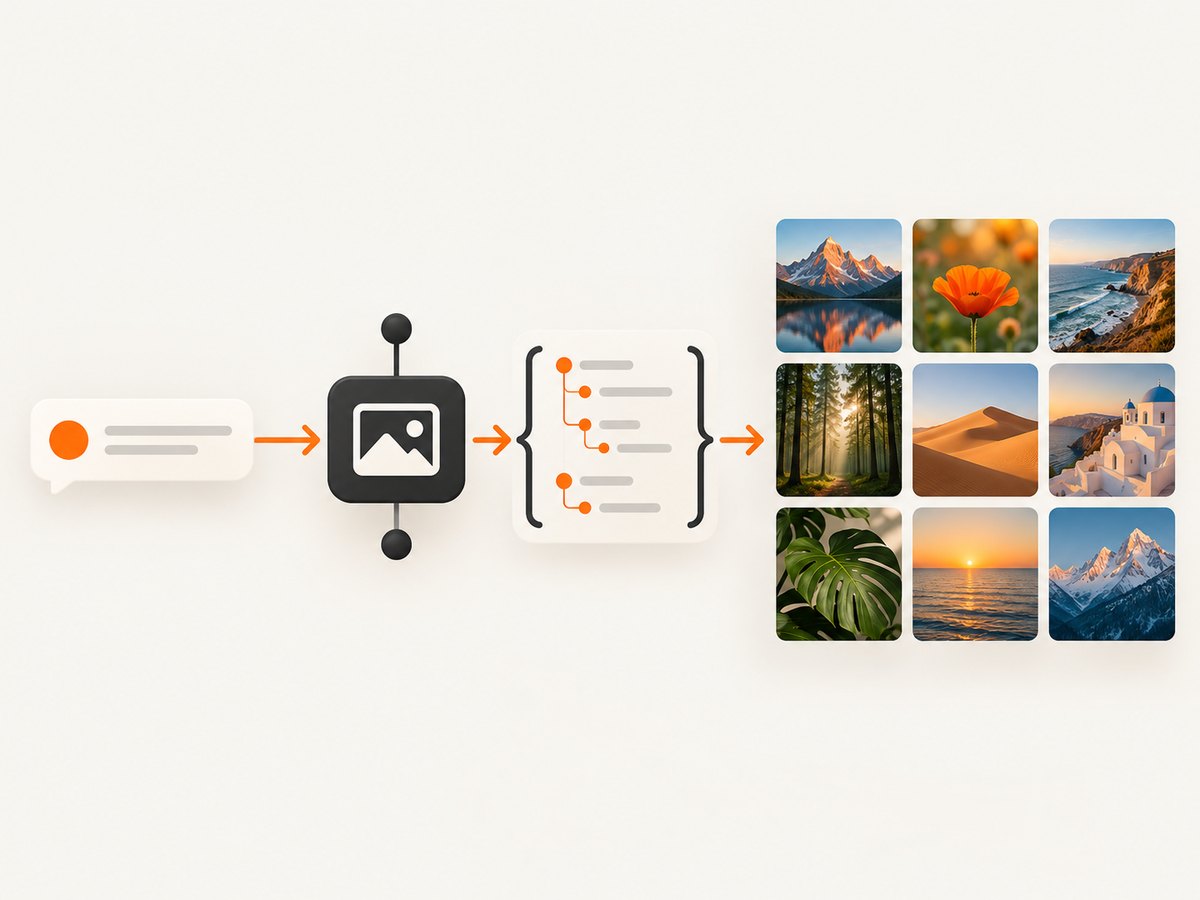
import os
import requests

query = "coastal village"
page = 1
per_page = 20

response = requests.get(
    "https://api.unsplash.com/search/photos",
    headers={"Authorization": f"Client-ID {os.environ['UNSPLASH_ACCESS_KEY']}"},
    params={"query": query, "page": page, "per_page": per_page},
    timeout=15,
)
response.raise_for_status()
data = response.json()

results = []
for photo in data.get("results", []):
    results.append({
        "id": photo["id"],
        "width": photo["width"],
        "height": photo["height"],
        "image_url": photo["urls"]["regular"],
        "photo_url": photo["links"]["html"],
        "author_name": photo["user"]["name"],
        "author_url": photo["user"]["links"]["html"],
        "download_location": photo["links"]["download_location"],
    })

print({"total": data.get("total", 0), "results": results})
When a user chooses an image to include in a blog post, header, or similar destination, treat that action as download-like and request the download_location URL returned for the photo. Unsplash’s guidelines require hotlinked URLs from photo.urls for API uses; do not download every result to your own storage as a substitute.
4. Pexels and Pixabay request patterns
Both services use straightforward REST requests, but their response fields and rules differ. Keep provider-specific adapters instead of assuming that one JSON shape works for all providers.
Pexels photo search
import os
import requests

response = requests.get(
    "https://api.pexels.com/v1/search",
    headers={"Authorization": os.environ["PEXELS_API_KEY"]},
    params={"query": "coastal village", "page": 1, "per_page": 20},
    timeout=15,
)
response.raise_for_status()
for photo in response.json().get("photos", []):
    print({
        "id": photo["id"],
        "image_url": photo["src"]["medium"],
        "photo_url": photo["url"],
        "photographer": photo["photographer"],
    })
Pixabay image search
import os
import requests

response = requests.get(
    "https://pixabay.com/api/",
    params={
        "key": os.environ["PIXABAY_API_KEY"],
        "q": "coastal village",
        "page": 1,
        "per_page": 20,
        "image_type": "photo",
    },
    timeout=15,
)
response.raise_for_status()
for hit in response.json().get("hits", []):
    print({
        "id": hit["id"],
        "image_url": hit["webformatURL"],
        "source_url": hit["pageURL"],
        "author": hit.get("user"),
    })
Pixabay requires you to show users where results came from whenever results are displayed. Pexels asks you to credit photographers when possible and forbids copying or replicating its core functionality, including making its content available as a wallpaper app.
5. Browser JavaScript: call your backend, not the provider secret
Your frontend can safely call an endpoint you control. This example assumes /api/images accepts q and page, then returns normalized results.
async function searchImages(query, page = 1) {
const params = new URLSearchParams({ q: query, page: String(page) });
const response = await fetch(`/api/images?${params}`);
if (!response.ok) throw new Error(`Image search failed (${response.status})`);
const data = await response.json();
const grid = document.querySelector("#results");
grid.replaceChildren();
for (const image of data.results) {
const card = document.createElement("article");
card.innerHTML = `

Photo by ${image.author_name}
`;
grid.append(card);
}
return data;
}Escape or assign text with textContent when provider fields are inserted into more complex templates. Add a visible provider credit in the result card and preserve a link to the original photo page. Use the provider’s approved image URL rather than silently proxying it through your own domain.
6. Pagination, filters, and empty results
Send the user’s query, page, and per-page value on every request. Keep page sizes modest so a single search cannot consume a quota burst. Disable the “next” button when the provider reports no more pages or when the returned count is smaller than the requested page size.
- Trim whitespace and reject empty queries before making a request.
- URL-encode the query; do not concatenate raw user input into a URL.
- Use a stable result identifier as the UI key, not the array index.
- Keep the original query and provider with each saved result so attribution survives later edits.
- Show a useful empty state and offer spelling or broader-query suggestions.
- For video search, use the provider’s video endpoint and store duration, dimensions, and preview fields separately from photo fields.
7. Production reliability and cost controls
Rate limits and retries
Handle 429 Too Many Requests explicitly. Read Retry-After when present, wait with exponential backoff, and cap retries. A typical sequence is 1 second, 2 seconds, and 4 seconds with random jitter. Do not retry a malformed request or a persistent authentication error.
Caching
Cache identical query, page, and filter combinations for a short period to reduce latency and quota usage. Cache metadata more aggressively than volatile search ordering. Respect provider rules before storing or transforming image bytes. A cache hit should still retain the source URL and attribution fields.
Timeouts and fallbacks
Set a connection and total timeout. Return a friendly error when the provider is unavailable, and keep the last successful page available if your product supports it. Do not substitute an unlicensed image from an unrelated source just because a request failed.
Observability
Log provider name, status code, latency, query length, page, and a request correlation ID. Redact API keys and avoid logging full user-entered queries when they may contain personal information. Track quota headers where a provider supplies them.
What “free” costs
At the default tiers, the API call may have no monetary charge, but your application still pays in server time, bandwidth, storage, and quota. Unsplash’s documented demo limit is 50 requests/hour and approved production limit is 1,000/hour. Pexels defaults to 200/hour and 20,000/month. Pixabay defaults to 100/60 seconds. Design search-as-you-type with debounce and caching rather than issuing a request for every keystroke.
8. Troubleshooting common errors
| Symptom | Likely cause | Fix |
|---|---|---|
401 or 403 |
Missing, revoked, or incorrectly formatted key. | Check the environment variable, provider header format, application status, and server logs. Rotate exposed keys. |
429 |
Quota or burst limit exceeded. | Honor Retry-After, add exponential backoff, debounce UI searches, and cache repeated queries. |
| Results display without credit | Author and source metadata were discarded. | Normalize and store attribution fields with the image from the first response; render the credit beside the image. |
| Images fail in the browser | Hotlinking, mixed content, expired URL, or a restrictive content security policy. | Use the provider-approved HTTPS URL, allow the provider’s image host in CSP, and inspect the network response. Follow the provider’s hotlinking rules. |
| Search works locally but not in production | Secret is absent from deployment environment or outbound requests are blocked. | Configure the production secret, verify server egress, and check deployment logs without printing the key. |
| Duplicate or unstable pages | Search ordering changed between requests. | Cache a short-lived search session, retain IDs, and do not promise permanent ordering. |
| Provider rejects the product | The feature resembles a competing search, wallpaper, bulk-download, or resale service. | Review the provider terms and redesign the use case or request written clarification before launch. |
9. Or skip the browser setup
If your actual goal is to capture a web page containing image search results, ScreenshotNeo provides a website screenshot API and MCP server. It accepts one GET request and returns PNG, JPEG, WebP, or PDF. The API can load a full page, wait for a selector or network idle, run custom JavaScript, set headers and cookies, choose a device or viewport, and capture one CSS-selected element. See the ScreenshotNeo documentation for the complete parameter list.

curl -G "https://api.screenshotneo.com/v1/shot" -d access_key=YOUR_API_KEY --data-urlencode url=https://stripe.com -o shot.webpimport requests
r = requests.get("https://api.screenshotneo.com/v1/shot", params={"access_key": "YOUR_API_KEY", "url": "https://stripe.com"}, timeout=90)
open("shot.webp", "wb").write(r.content)const q = new URLSearchParams({ access_key: 'YOUR_API_KEY', url: 'https://stripe.com' }); const res = await fetch(`https://api.screenshotneo.com/v1/shot?${q}`);Cookie banners, newsletter popups, and chat widgets are removed before the shot; bot checks, blank pages, failed loads, timeouts, and cache hits are never billed, and response headers identify the verdict and billing status. An MCP server lets Claude, Cursor, and other MCP clients call take_screenshot, get_page_info, and capture_pdf. The free plan includes 1,000 screenshots per month with no card; paid plans start at $5 for 3,000 shots. Create a free ScreenshotNeo account.
10. FAQ
Can I call an image API directly from a static website?
Only when the provider explicitly permits a public client key and the request pattern is safe. In most cases, use a backend proxy so the secret is not visible in browser source.
Do I own images returned by a free API?
No. The API’s free access does not transfer copyright. Check the image license, model and property issues, attribution requirements, and restrictions on redistribution for each result.
Should I download every search result?
Usually no. Use the provider-approved display URL and download only when your product has a permitted download-like action. Unsplash specifically requires its download endpoint for those actions.
How should I test quota handling?
Use a staging key or a deliberately small request budget, then simulate 429 responses in your backend tests. Verify that the UI stops retrying and explains when the user can try again.
Which provider should I start with?
Start with the provider whose media type and terms match your product. Compare the required credit, returned URLs, quota, and restrictions before writing provider-specific UI.


