How to Use the Grafana Snapshot API
Create, share, expire, retrieve, and delete Grafana dashboard snapshots with the Snapshot API, using cURL, Python, and Node.js.

Use Grafana’s legacy POST /api/snapshots endpoint to create a shareable, point-in-time copy of a dashboard. The request must include the complete dashboard model and snapshot data; a dashboard UID alone is not enough. Authenticate with a service account bearer token, choose an expiry in seconds, save the returned share key and deletion credentials, and treat anyone who has the snapshot URL as able to view it.
Grafana is transitioning from /api routes to /apis routes starting in Grafana 13. The legacy routes remain operative, but Grafana says they will no longer be updated and that an exact replacement may not exist for every route. Check the API reference for the Grafana version running at your target URL. Read Grafana’s Snapshot API documentation.
What the Snapshot API does
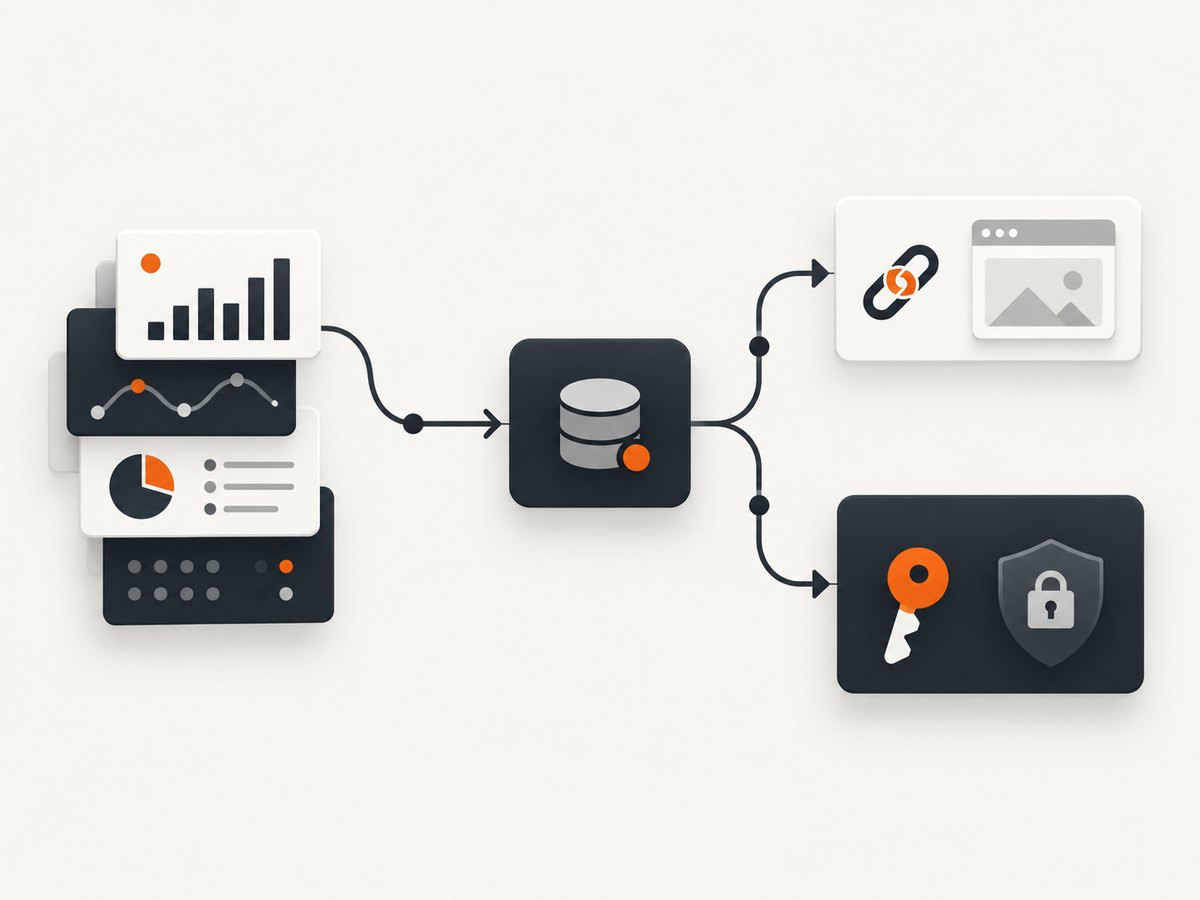
A snapshot stores the dashboard state and data needed to reproduce a point-in-time view. You can store it in your Grafana instance or request external storage. The create response supplies a share URL, a snapshot key, an ID, and deletion information.
| Operation | Method and route | Purpose |
|---|---|---|
| Create | POST /api/snapshots |
Store a snapshot from a complete dashboard payload. |
| List | GET /api/dashboard/snapshots |
List snapshots; supports query and limit. |
| Retrieve | GET /api/snapshots/:key |
Fetch a snapshot by its share key. |
| Delete | DELETE /api/snapshots/:key |
Delete with an authenticated request. |
| Delete by secret | GET /api/snapshots-delete/:deleteKey |
Delete without authentication by presenting the secret delete key. |
Prerequisites and security checks
- Confirm the Grafana base URL and version. Verify whether your deployment documents the legacy route or a newer
/apisroute. - Create a service account token with permission to create and manage snapshots. Send it as
Authorization: Bearer TOKEN. - Obtain the full dashboard model, including the panel data required for the snapshot. The documented create endpoint is designed for Grafana’s UI and does not accept only a UID.
- Inspect the dashboard for credentials, private metrics, customer information, or other data before publishing. Grafana states that anyone with a snapshot link can view it.
- Keep
deleteKeyseparate from the share URL. The unauthenticated delete route makes that value equivalent to a deletion secret.
Create a snapshot with cURL
The following request creates a local snapshot that expires after one hour. Replace the placeholder dashboard object with the complete model exported or assembled for your dashboard.
curl -X POST "https://grafana.example.com/api/snapshots" \\
  -H "Authorization: Bearer $GRAFANA_TOKEN" \\
  -H "Content-Type: application/json" \\
  --data @snapshot.json
{
"name": "Incident review 2026-10-01",
"expires": 3600,
"external": false,
"dashboard": {
"title": "Production overview",
"timezone": "browser",
"panels": [],
"time": {
"from": "now-6h",
"to": "now"
},
"schemaVersion": 39,
"version": 1
}
}The example dashboard is intentionally minimal. In a real request, dashboard must contain the complete dashboard model and snapshot data expected by your Grafana version.
Create a snapshot with Python
import os
import requests

base_url = "https://grafana.example.com"
payload = {
    "name": "Incident review 2026-10-01",
    "expires": 86400,
    "external": False,
    "dashboard": {
        "title": "Production overview",
        "timezone": "browser",
        "panels": [],
        "time": {"from": "now-6h", "to": "now"},
        "schemaVersion": 39,
        "version": 1,
    },
}

response = requests.post(
    f"{base_url}/api/snapshots",
    headers={
        "Authorization": f"Bearer {os.environ['GRAFANA_TOKEN']}",
        "Content-Type": "application/json",
    },
    json=payload,
    timeout=30,
)
response.raise_for_status()
result = response.json()
print("Share URL:", result["url"])
print("Snapshot key:", result["key"])
print("Delete URL:", result["deleteUrl"])
Create a snapshot with Node.js
const baseUrl = 'https://grafana.example.com';
const token = process.env.GRAFANA_TOKEN;

const payload = {
  name: 'Incident review 2026-10-01',
  expires: 86400,
  external: false,
  dashboard: {
    title: 'Production overview',
    timezone: 'browser',
    panels: [],
    time: { from: 'now-6h', to: 'now' },
    schemaVersion: 39,
    version: 1
  }
};

const response = await fetch(`${baseUrl}/api/snapshots`, {
  method: 'POST',
  headers: {
    Authorization: `Bearer ${token}`,
    'Content-Type': 'application/json'
  },
  body: JSON.stringify(payload)
});

if (!response.ok) {
  throw new Error(`Grafana returned ${response.status}: ${await response.text()}`);
}

const result = await response.json();
console.log({
  url: result.url,
  key: result.key,
  deleteUrl: result.deleteUrl
});
Request fields and configuration
| Field | Meaning | guidance |
|---|---|---|
dashboard |
Complete dashboard model, including snapshot data. | Required. A UID by itself is insufficient. |
name |
Optional human-readable snapshot name. | Use an incident, release, or report identifier. |
expires |
Lifetime in seconds. | 3600 is one hour; 86400 is one day. Omitting it means the snapshot does not expire. |
external |
Whether to use external snapshot storage. | Defaults to false. |
key |
Share key for external storage. | Required when using external storage. |
deleteKey |
Secret used to delete an externally stored snapshot. | Keep it private and store it separately from public links. |
Local versus external storage
With the default external: false, Grafana stores the snapshot locally. For external storage, the API documentation requires both key and deleteKey. The share key identifies the snapshot; the delete key is intended to let only its creator remove it. Choose the storage location based on where the link must remain available and which system should control retention.
Read, list, and delete snapshots
Retrieve a snapshot
curl -H "Authorization: Bearer $GRAFANA_TOKEN" \\
  "https://grafana.example.com/api/snapshots/SNAPSHOT_KEY"
List snapshots
curl -G -H "Authorization: Bearer $GRAFANA_TOKEN" \\
  "https://grafana.example.com/api/dashboard/snapshots" \\
  --data-urlencode "query=incident" \\
  --data-urlencode "limit=100"
The documented limit defaults to 1000 when it is missing or invalid. Use a smaller value for administrative pages and paginate according to what your Grafana version exposes.
Delete with authentication
curl -X DELETE \\
  -H "Authorization: Bearer $GRAFANA_TOKEN" \\
  "https://grafana.example.com/api/snapshots/SNAPSHOT_KEY"
Delete with the secret delete key
curl "https://grafana.example.com/api/snapshots-delete/DELETE_KEY"Grafana documents this route as usable without authentication. Do not put the delete URL in a public issue, log, browser history shared with others, or client-side application code.
Expiry, privacy, and sharing decisions
- Set an expiry for temporary reports. The value is seconds, not minutes or milliseconds.
- Assume the share URL is public. Anyone who obtains it can view the snapshot. Grafana’s sharing guide uses the same rule.
- Review panel output before creation. Snapshot data can expose values that the live dashboard normally protects with login or permissions.
- Plan for CDN delay. Grafana says deletion can take up to an hour to clear from CDN caches, so deletion is not an immediate guarantee that every cached copy disappears.
- Check panel compatibility. Grafana notes that custom panels cannot be published to
snapshot.raintank.io.
Automation pattern for production jobs
- Load the dashboard model from a version-controlled export or Grafana’s own dashboard representation.
- Validate that required panels and time range values are present.
- Call
POST /api/snapshotswith an explicit expiry. - Persist only the share URL, key, creation time, and a protected deletion credential.
- Send the share URL to the intended audience through your normal access-controlled channel.
- Run cleanup using the authenticated delete route or protected delete URL.
For reliability, use request timeouts, record the HTTP status and response body, retry only transient transport failures, and avoid retrying a request when you cannot determine whether Grafana already created the snapshot. An idempotency mechanism is not documented for this endpoint, so retries can create duplicates.
Performance and cost considerations
The Snapshot API stores a dashboard snapshot rather than rendering a new browser image for every viewer. Keep payloads focused on the dashboard state you need, and avoid repeatedly creating permanent snapshots for the same report. Explicit expiry limits storage growth and reduces the number of links that need later cleanup. Grafana’s documentation does not publish a universal latency or capacity benchmark; measure your own deployment, storage backend, dashboard size, and panel data volume.

Troubleshooting
| Symptom | Likely cause | Fix |
|---|---|---|
| 400 or validation error | The body lacks the complete dashboard model or snapshot data. | Send the full dashboard representation, not only a UID. |
| 401 Unauthorized | Missing, expired, or incorrectly formatted token. | Send Authorization: Bearer TOKEN and verify the service account. |
| 403 Forbidden | The service account lacks the required permission. | Grant the minimum snapshot permissions needed by your Grafana role. |
| 404 Not Found | Wrong base URL, route, key, or API generation. | Check the instance URL and version-specific API reference. Confirm whether the snapshot key is correct. |
| External snapshot rejected | external is true but key or deleteKey is absent. |
Provide both fields as required by the external-storage workflow. |
| Snapshot link shows unexpected data | The captured dashboard state contains sensitive or stale values. | Inspect the model and panel data before publishing; create a new snapshot with the intended time range. |
| Delete appears ineffective | A CDN still serves a cached copy. | Allow up to an hour for caches to clear, as Grafana documents. |
| Custom panel is missing externally | The destination external service does not support that custom panel. | Use supported panels or keep the snapshot on a compatible local Grafana instance. |
| Code worked before Grafana 13 | The deployment is moving from legacy /api routes to /apis. |
Read the target version’s API reference; do not assume a one-to-one replacement. |
Or skip the browser setup
If your goal is a clean image or PDF of a Grafana page rather than a Grafana-native snapshot object, ScreenshotNeo provides a single HTTP request. Its capture flow accepts consent banners like a visitor, removes more than 60 known consent platforms plus newsletter popups and chat widgets, and lets you turn each cleanup step off. Bot checks, blank pages, failed loads, timeouts, and cache hits are not billed, and the response identifies the result with X-Page-Verdict and X-Billed headers. An MCP server also lets Claude, Cursor, and other MCP clients call take_screenshot, get_page_info, and capture_pdf.
See the ScreenshotNeo API documentation for all capture options.
curl -G "https://api.screenshotneo.com/v1/shot" -d access_key=YOUR_API_KEY --data-urlencode url=https://grafana.example.com/d/production/overview -o grafana.webpimport requests
r = requests.get("https://api.screenshotneo.com/v1/shot", params={"access_key": "YOUR_API_KEY", "url": "https://grafana.example.com/d/production/overview"}, timeout=90)
open("grafana.webp", "wb").write(r.content)const q = new URLSearchParams({ access_key: 'YOUR_API_KEY', url: 'https://grafana.example.com/d/production/overview' }); const res = await fetch(`https://api.screenshotneo.com/v1/shot?${q}`);ScreenshotNeo includes full-page capture, CSS selector element capture, device and viewport controls, retina scale, PDF settings, custom CSS and JavaScript, waits, request blocking, headers, cookies, authorization, timezone, geolocation, caching, signed links, asynchronous jobs, bulk capture, and a usage API. Every feature is on every plan. The Free plan includes 1,000 screenshots per month with no card; paid plans start at $5 for 3,000. Start with 1,000 free screenshots.
FAQ
Can I create a snapshot by sending only a dashboard UID?
No. The documented create request requires the complete dashboard payload, including snapshot data.
What happens when I omit expires?
The API documentation says the snapshot does not expire. Set a seconds value when the link should be temporary.
Is the delete key the same as the share key?
No. They are separate values. Protect the delete key because its route can be called without authentication.
Are snapshots private by default?
No assumption of privacy is safe. Anyone who obtains the link can view the snapshot.
Should new integrations use /apis?
Check the Grafana version and its current API reference. Grafana is deprecating /api endpoints beginning in Grafana 13, but says exact replacements may not yet exist for every route.
When should I use ScreenshotNeo instead?
Use ScreenshotNeo when you need a rendered PNG, JPEG, WebP, or PDF from a URL, especially when consent banners, popups, chat widgets, failed loads, or AI-agent access are part of the workflow.
Checklist
- Confirm the Grafana version and route.
- Use a service account bearer token.
- Send the full dashboard model.
- Set
expiresin seconds when appropriate. - Choose local or external storage deliberately.
- Protect
deleteKey. - Review data before sharing the URL.
- Account for up to one hour of CDN cache delay after deletion.


