How to Use imgkit With wkhtmltoimage
Install IMGKit and wkhtmltoimage separately, then render a URL, file, or HTML string with Python. Includes options, headless setup, and fixes for common errors.
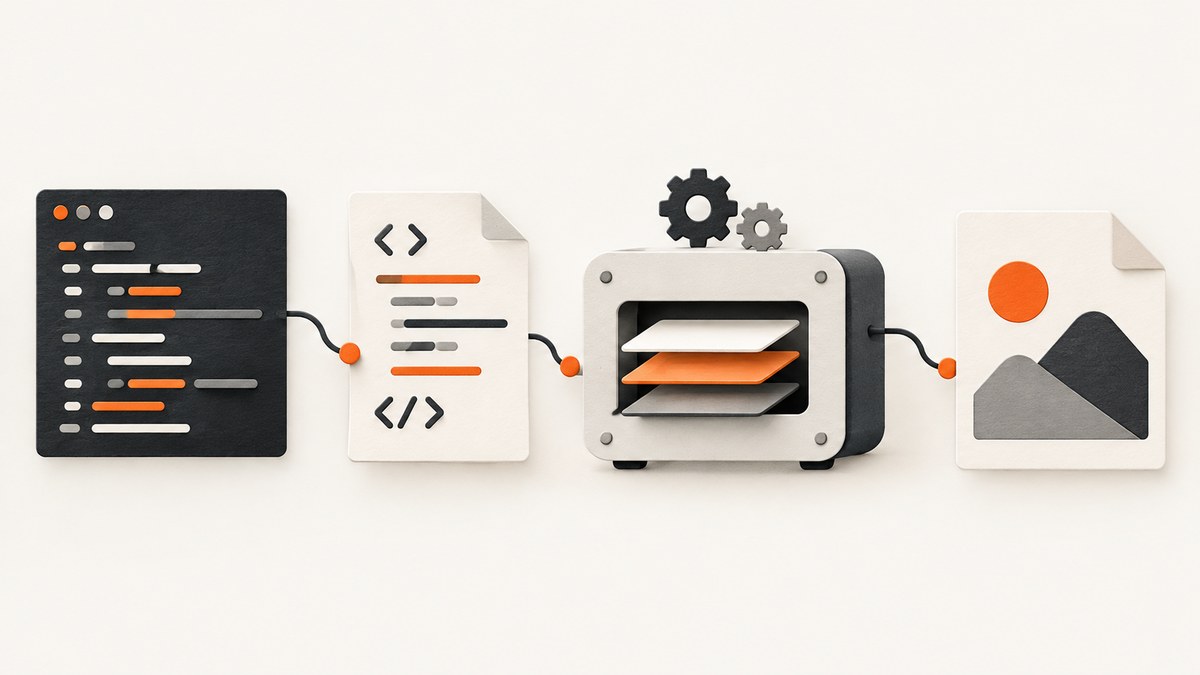
To use IMGKit with wkhtmltoimage, install the Python wrapper and the wkhtmltoimage executable separately. Then call the wrapper method that matches your input: from_url for a webpage, from_file for an HTML file, or from_string for HTML text. IMGKit passes rendering options to the executable and can return the image bytes in memory instead of writing directly to a file.
This guide covers installation, runnable examples, options, headless deployment, common failures, and the limits to consider before choosing this renderer. IMGKit is a Python interface; it does not bundle the renderer binary. The upstream wkhtmltopdf repository, which includes wkhtmltoimage, is archived, and its changelog lists version 0.12.6 dated 2020-06-11. [Project repository; changelog]
1. Install both parts
Install IMGKit in the Python environment that will run your code:
python -m pip install imgkitNext, install wkhtmltoimage. It is distributed as part of wkhtmltopdf. Use an appropriate package or installer for your operating system, and check that the executable is available to the process that runs Python. The IMGKit documentation treats these as separate installation steps. [IMGKit documentation]
Check that Python can invoke the executable from your shell:
wkhtmltoimage --versionIf this prints a version, the binary is on the shell’s PATH. That alone does not guarantee a service, container, or scheduled job has the same PATH; check from the actual runtime environment if conversion fails there.
Record the executable path if needed
When the executable is installed but not discoverable by IMGKit, configure its path explicitly. The path must point to the wkhtmltoimage executable, not just the directory containing it:
import imgkit

config = imgkit.config(wkhtmltoimage="/usr/local/bin/wkhtmltoimage")
imgkit.from_url(
    "https://example.com",
    "out.jpg",
    config=config,
)
Replace that example path with the actual path on the target machine. On Windows, use the full path to the executable installed on that host. Keep the path in deployment configuration when it differs across environments.
2. Render a URL, file, or HTML string
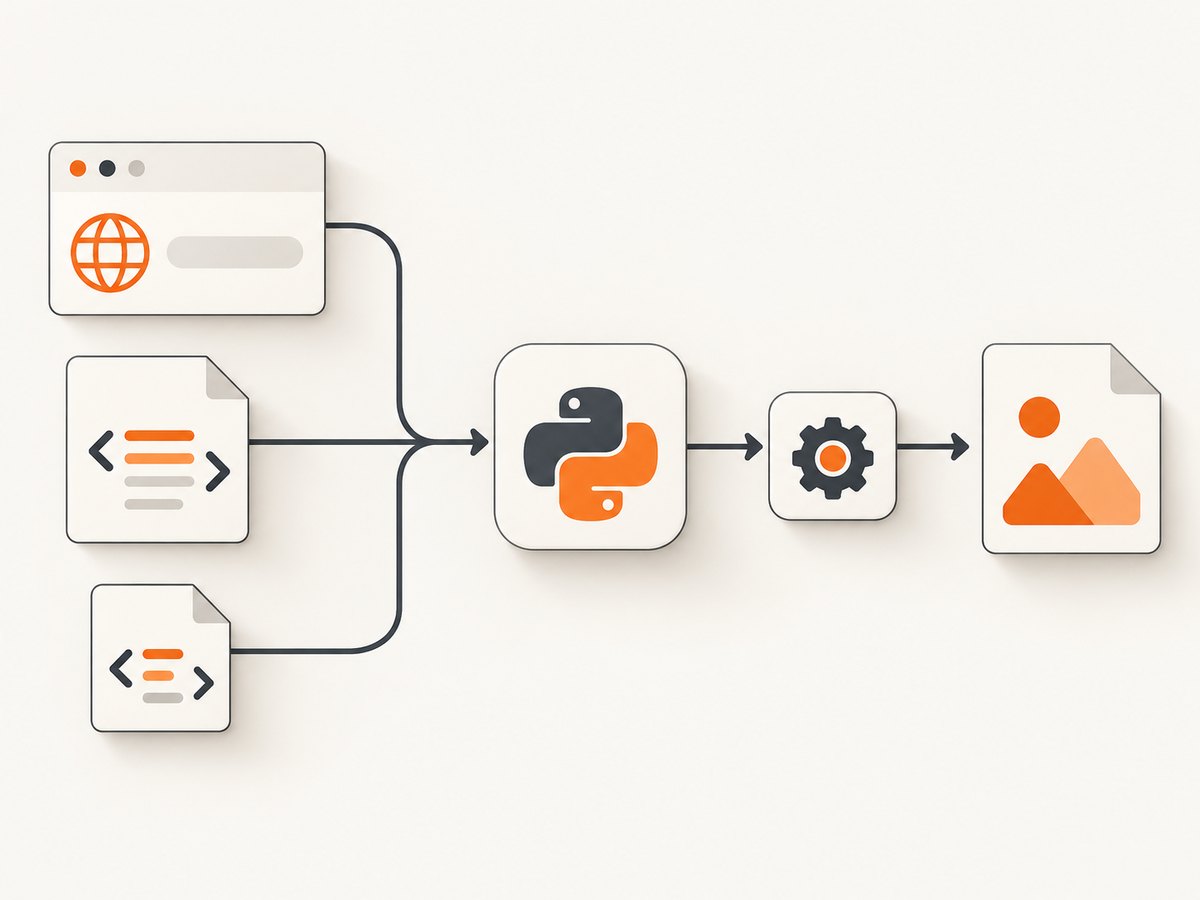
These are the three basic IMGKit entry points. Each example writes an image file:
Capture a public URL
import imgkit

imgkit.from_url("https://example.com", "out.jpg")
Render a local HTML file
import imgkit

imgkit.from_file("page.html", "out.jpg")
You can also pass an open file object, which can be useful when the caller already manages file access:
import imgkit

with open("page.html", "r", encoding="utf-8") as html_file:
    imgkit.from_file(html_file, "out.jpg")
Render an HTML string
import imgkit

html = "<!doctype html><html><body><h1>Hello</h1></body></html>"
imgkit.from_string(html, "out.jpg")
For each method, the second argument is the destination. Use an extension matching the intended image format, or explicitly set the renderer’s format option. The documented IMGKit example for a PNG uses format: png.
3. Return image bytes instead of writing a file
Pass False as the destination to receive the rendered output in memory. This is useful when the next step uploads the image, stores it in a database, or returns it from a web handler:
import imgkit

image_bytes = imgkit.from_url("https://example.com", False)

with open("out.jpg", "wb") as output_file:
    output_file.write(image_bytes)
The variable contains bytes, so open the destination in binary mode. For a service that handles multiple requests, decide how those bytes are bounded and stored; rendering large or full-page documents can consume substantial memory.
4. Pass wkhtmltoimage options
IMGKit accepts an options dictionary and translates its entries into command-line arguments. The keys omit the leading --. For an option that has no value, IMGKit documents using None, False, or an empty string. Lists or tuples represent repeated options; a tuple can also hold multiple values where an option accepts them. [IMGKit option examples]
import imgkit

options = {
    "format": "png",
    "quality": 90,
}
imgkit.from_url("https://example.com", "out.png", options=options)
For a valueless flag, follow the renderer’s option syntax and use one of the documented empty-value forms:
options = {
    "some-flag": None,
}
That flag name is illustrative: choose a flag supported by the installed wkhtmltoimage build and consult its help output. IMGKit passes options through; it does not make an unsupported renderer option valid.
Repeated options and multiple values
Where the renderer supports repeated flags, provide a list or tuple. For options that accept multiple values, provide those values together as documented by the renderer:
options = {
    "allow": ["/srv/site/assets", "/srv/shared/images"],
}
Because accepted flags and their value formats belong to wkhtmltoimage, inspect wkhtmltoimage --help on the same machine where the code runs. This avoids copying an option from a different version or build.
Set the output format
The output format can be selected using the format option, for example {"format": "png"}. Keep the destination extension aligned with the format to make downstream handling clearer:
import imgkit

imgkit.from_file(
    "page.html",
    "out.png",
    options={"format": "png"},
)
5. Headless servers and Xvfb
The upstream project README says its tools run headlessly without requiring a display or display service. IMGKit’s own documentation separately notes that some headless server setups may need Xvfb and shows how to configure it. Treat these as deployment-specific instructions: start with the normal headless invocation, and use the documented virtual-display setup if your environment requires it. [upstream README; IMGKit documentation]

Install Xvfb using the package source for your operating system if it is needed, then pass its executable path through IMGKit’s configuration:
import imgkit

config = imgkit.config(
    wkhtmltoimage="/usr/local/bin/wkhtmltoimage",
    xvfb="/usr/bin/xvfb-run",
)
imgkit.from_url(
    "https://example.com",
    "out.png",
    config=config,
)
Adjust both paths to the installed executable locations. A missing Xvfb binary or a wrong path will fail before a useful image can be produced.
6. Troubleshooting
| Symptom | Likely cause | What to check or change |
|---|---|---|
OSError: No wkhtmltoimage executable found or similar |
The renderer is absent, or its directory is not on the runtime PATH. | Install wkhtmltoimage, run wkhtmltoimage --version in the same environment, or set wkhtmltoimage explicitly with imgkit.config. |
| The command works in a terminal but not in a worker | The service has a different PATH or container filesystem. | Check the binary from inside the worker/container. Configure the absolute path and ensure that the runtime user can execute it. |
| Conversion fails on a headless host | The deployment may need the Xvfb setup documented by IMGKit. | Install the virtual-display tool, configure the correct xvfb path, and retry in that runtime. |
| Output is empty or incomplete | The source may not have loaded as expected, or rendering may have failed. | Verify the URL or local file independently, check asset paths and renderer output, and try a minimal HTML document. For a URL, confirm the host is reachable from the machine running the conversion. |
| Images or styles are missing from a local file | Relative asset references may resolve differently when rendered from a file. | Use paths accessible to the renderer and check its help/documentation for local-file access options supported by that build. |
| An option appears to be ignored | The flag may be misspelled, unsupported, or encoded with the wrong value shape. | Remove the leading dashes from dictionary keys, inspect wkhtmltoimage --help, and use None, False, an empty string, a list, or tuple according to the option’s syntax. |
| Python raises a package import error | IMGKit was installed into a different Python environment. | Use python -m pip install imgkit with the same interpreter that runs the script, then verify python -c "import imgkit". |
7. Performance, reliability, and maintenance
A conversion includes starting or invoking the renderer, loading the document and its assets, and encoding the image. A URL can therefore take longer than a simple local HTML string, especially when the page depends on remote resources. Keep the source page and its assets reachable from the renderer host, and avoid making a production request wait indefinitely for a page that does not finish loading.
For repeated captures of the same content, consider caching the resulting image at your application layer. The research sources do not provide a benchmark or a guarantee about rendering speed, so measure with your own pages and deployment shape. For concurrent work, set an application-level limit appropriate to available CPU and memory, and bound how many large outputs can be held in memory at once.
Reliability depends on both Python packaging and the separate native executable. Pin and document the versions installed by your environment, validate the executable during deployment, and include a small conversion check in operational diagnostics. Since the upstream repository is archived and its changelog’s latest listed release is 0.12.6 from 2020-06-11, assess compatibility and security requirements before adopting it for new systems; do not assume newer upstream releases from these sources. [repository archive notice; changelog]
Cost considerations
IMGKit and wkhtmltoimage are software components, so the direct setup described here is package and renderer installation. Operational costs come from the machine resources, storage, and maintenance needed to run the conversion environment. The cited documentation does not establish pricing, benchmarks, or service-level guarantees.
8. Or skip the browser setup
If you need a screenshot endpoint instead of installing and maintaining a renderer, ScreenshotNeo accepts one GET request with a URL and returns an image or PDF. Its API supports PNG, JPEG, WebP, and PDF, alongside options such as full-page capture, element capture, custom CSS and JavaScript, and viewport selection. See the ScreenshotNeo API documentation.
curl -G "https://api.screenshotneo.com/v1/shot" -d access_key=YOUR_API_KEY --data-urlencode url=https://stripe.com -o shot.webpimport requests
r = requests.get(
"https://api.screenshotneo.com/v1/shot",
params={"access_key": "YOUR_API_KEY", "url": "https://stripe.com"},
timeout=90,
)
open("shot.webp", "wb").write(r.content)const q = new URLSearchParams({ access_key: 'YOUR_API_KEY', url: 'https://stripe.com' });
const res = await fetch(`https://api.screenshotneo.com/v1/shot?${q}`);ScreenshotNeo accepts cookie and consent banners as a visitor and removes more than 60 known consent platforms, newsletter popups, and chat widgets before the screenshot; each step can be turned off. Bot checks, blank pages, timeouts, failed loads, and cache hits are not billed, with response headers indicating the page verdict and billing status. Its MCP server provides take_screenshot, get_page_info, and capture_pdf tools for Claude, Cursor, and other MCP clients. The Free plan includes 1,000 screenshots per month without a card; paid plans start at $5 for 3,000 shots.
Sign up free for 1,000 screenshots a month, with no card required.
9. FAQ
Does installing IMGKit install wkhtmltoimage?
No. IMGKit is the Python wrapper; install the renderer executable separately and make it discoverable or configure its path.
Can I render without saving to disk?
Yes. Pass False as the output destination and IMGKit returns the image data in memory.
Does every headless deployment need Xvfb?
No universal requirement is established by the cited guidance. The upstream README describes headless operation, while IMGKit documents Xvfb for some headless server setups.
Is wkhtmltoimage actively maintained?
The repository is archived, and the changelog lists 0.12.6 dated 2020-06-11. Those sources do not establish a later upstream release.


