How to Use Proxies With Node.js Axios
Configure Axios with an HTTP proxy, environment variables, or a custom agent. Learn how authentication, HTTPS tunneling, bypass rules, and Node versions affect the setup.
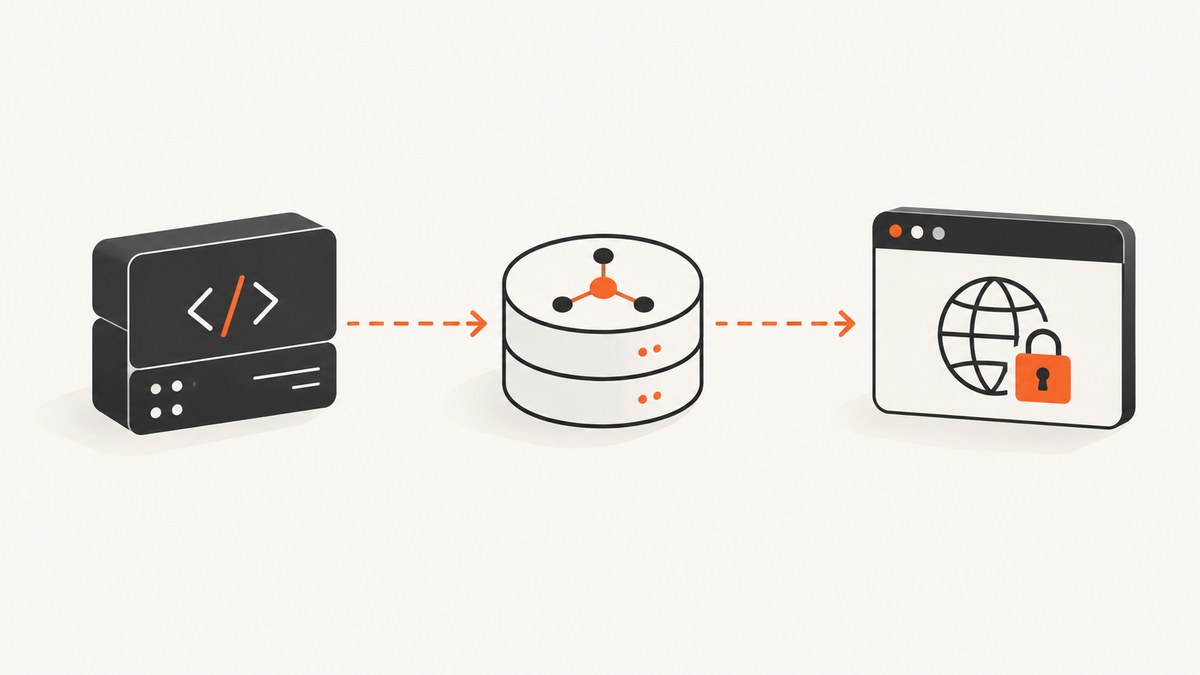
To use a proxy with Axios in Node.js, pass a proxy object with the proxy protocol, host, and port. Add auth only when the proxy requires HTTP Basic authentication. For requests sharing the same settings, put the configuration on an Axios instance. This guide’s Axios examples use the current Axios v1.x configuration API; Node’s native environment proxy support is documented for Node.js v24.5.0 and v22.21.0 or later in those release lines, and must be enabled.
1. Configure an explicit proxy in Axios
Install Axios in an existing project with npm install axios. The following CommonJS example can run in a Node.js project with top-level await supported in its context, or inside an async function. Replace the example proxy and destination with endpoints you are authorized to use.
const axios = require('axios');

async function main() {
  const client = axios.create({
    proxy: {
      protocol: 'http',
      host: 'proxy.example.com',
      port: 8080,
    },
  });

  const response = await client.get('https://api.example.com/data');
  console.log(response.status);
  console.log(response.data);
}

main().catch((error) => {
  console.error(error.message);
  process.exitCode = 1;
});
The protocol is the protocol used to connect to the proxy. It is not necessarily the scheme of the target URL. The host and port identify the proxy endpoint. If credentials are required, Axios supports HTTP Basic credentials in the proxy configuration:
const client = axios.create({
  proxy: {
    protocol: 'http',
    host: process.env.PROXY_HOST,
    port: Number(process.env.PROXY_PORT),
    auth: {
      username: process.env.PROXY_USER,
      password: process.env.PROXY_PASSWORD,
    },
  },
});
Keep credentials in a secret store or environment variables, not source control or logs. Omit auth when the proxy does not require it. Axios’s request configuration documents the proxy fields, authentication behavior, environment handling, and agent interaction in its Request Config documentation.
2. Choose where the proxy configuration belongs
Axios configuration can be attached to an individual request, an Axios instance, or supplied through environment variables. Pick one clear owner for proxy routing so it is easier to reason about what will happen.
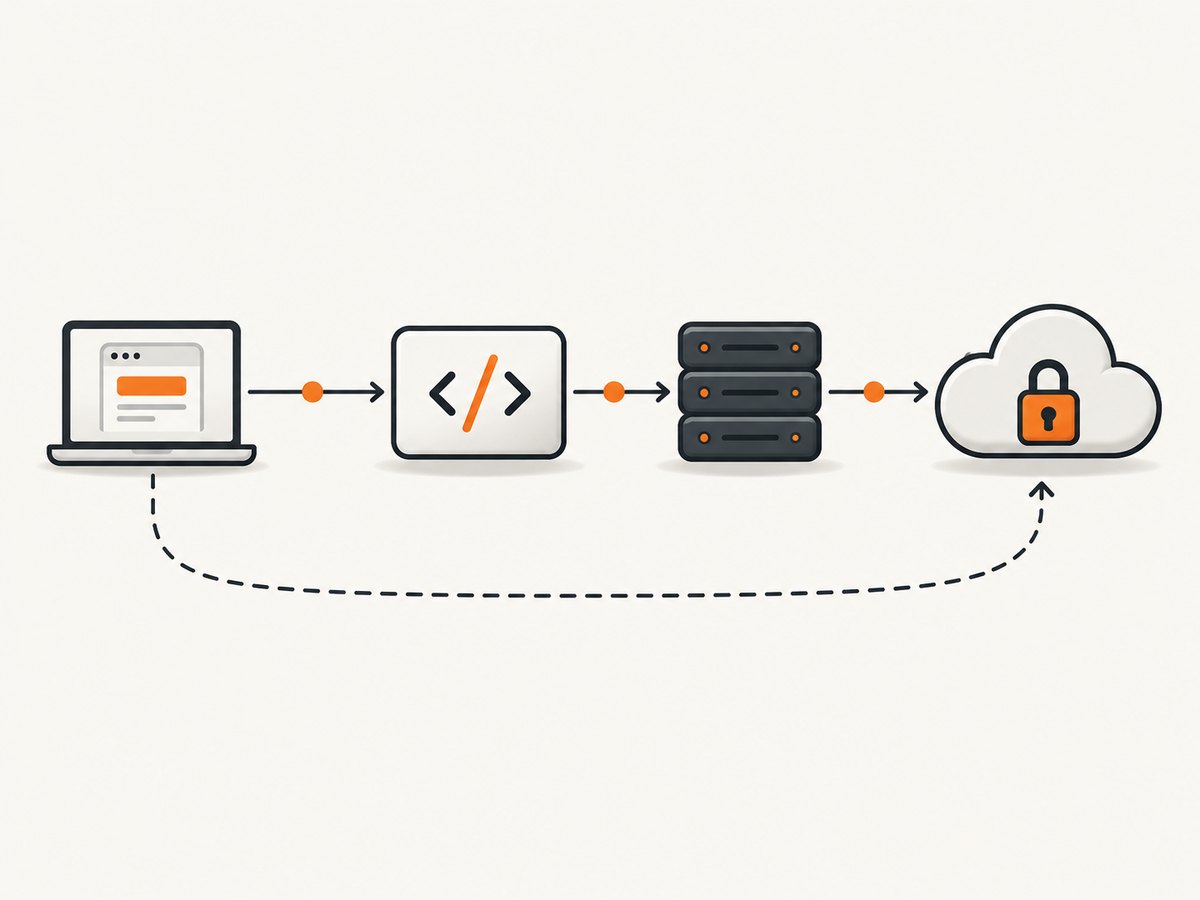
| Method | Scope | Use it when |
|---|---|---|
Request proxy |
One request | A single destination needs different routing. |
Instance proxy |
Requests made through one client | A service or module shares proxy settings. |
| Environment variables | Process or deployment environment | Operations configures routing outside application code. |
| Custom agent | Transport controlled by the agent | An existing agent owns connection or proxy behavior. |
An individual request can override the instance defaults:
const axios = require('axios');

const client = axios.create({
  proxy: {
    protocol: 'http',
    host: 'proxy.example.com',
    port: 8080,
  },
});

const response = await client.get('https://api.example.com/data', {
  timeout: 15000,
  // Per-request config takes precedence over instance defaults.
  proxy: {
    protocol: 'http',
    host: 'regional-proxy.example.com',
    port: 8080,
  },
});
Axios merges library defaults, instance defaults, and request configuration in that order; later configuration takes precedence. For predictable deployments, avoid setting conflicting proxy routes at multiple levels unless the override is deliberate.
3. Use proxy environment variables
Axios documents http_proxy and https_proxy, with no_proxy as a comma-separated bypass list. For example, a deployment environment may provide:
HTTP_PROXY=http://proxy.example.com:8080
HTTPS_PROXY=http://proxy.example.com:8080
NO_PROXY=localhost,127.0.0.1,.internal.example.com
Axios environment resolution is version and transport sensitive. Current Node.js documentation also describes native support for HTTP_PROXY, HTTPS_PROXY, and NO_PROXY when native proxy support is enabled. Node documents enabling this with NODE_USE_ENV_PROXY=1 or the --use-env-proxy command-line option, and support for a proxyEnv option on agents. Native support was added in Node.js v24.5.0 and v22.21.0.
Current Axios documentation says it delegates environment proxy handling to Node when the selected agent has proxyEnv enabled. Custom agents without that setting continue to use Axios environment resolution, while an explicit Axios proxy configuration remains handled by Axios. Check your actual Node.js and Axios versions rather than assuming that an environment variable will behave identically across every runtime and agent combination.
For a native Node setup, enable the documented feature when starting the process:
NODE_USE_ENV_PROXY=1 node app.jsOr use the Node option:
node --use-env-proxy app.jsEnvironment-variable names can be case-sensitive in some deployment environments. Use the names your runtime and deployment configuration support, and verify the resulting route. The official references are the Axios configuration guide and Node.js HTTP documentation.
4. Understand HTTPS, CONNECT, and TLS
An HTTPS destination commonly uses an HTTP CONNECT tunnel: the client asks the proxy to establish a tunnel to the origin, then performs TLS with the destination through that tunnel. Proxy authentication is for the proxy connection; it is separate from authentication to the API you are calling.

Retain normal TLS certificate verification. If an organization intercepts TLS or uses a private certificate authority, configure the trusted CA according to its deployment guidance. Disabling certificate verification is not a safe general-purpose proxy fix: it can remove an important check that the connection is with the intended service.
A proxy is a routing component, not an anonymity guarantee. The proxy may observe connection metadata, and plain HTTP content or traffic whose TLS is terminated or intercepted may be visible to it. Use only a proxy authorized for your deployment. Node’s HTTP documentation describes these security considerations.
5. Bypass proxy handling for a request or host
Set proxy: false to disable Axios proxy resolution for an individual request. Axios documents that this also ignores proxy environment variables for that request:
const response = await axios.get('https://api.example.com/health', {
  proxy: false,
  timeout: 10000,
});
With environment-managed routing, use NO_PROXY (or the documented lowercase Axios counterpart, no_proxy) to bypass selected destinations. Node’s native format supports exact host names, domain suffix or wildcard forms, IP addresses, ranges, optional ports, and * to bypass every host. Entries are comma-separated. Confirm the exact destination hostname and port; a suffix or port mismatch can make an entry fail to match.
Do not assume a bypass list controls a custom agent that performs its own routing. In that case, configure the agent’s bypass rules. When a request unexpectedly bypasses a proxy or uses one, inspect the final destination host, port, variable values, runtime, and selected agent.
6. Work with a custom HTTP or HTTPS agent
A custom httpAgent or httpsAgent can manage connection behavior, including proxying. When the agent owns proxy configuration, Axios advises setting proxy: false so Axios proxy handling does not compete with it. The agent’s own options determine whether it uses a proxy; an Axios proxy object does not automatically configure an arbitrary agent.
const axios = require('axios');
const http = require('node:http');
const https = require('node:https');

// Illustrative only: these agents do not proxy by themselves.
// Supply agents configured for your transport requirements.
const httpAgent = new http.Agent({ keepAlive: true });
const httpsAgent = new https.Agent({ keepAlive: true });

const client = axios.create({
  httpAgent,
  httpsAgent,
  proxy: false,
});
The example demonstrates ownership and option placement; it does not create a proxy connection. For Node’s native environment proxy support, use a runtime and agent configuration that explicitly enables its documented proxyEnv behavior. For a third-party proxy agent, follow that agent’s own current documentation and check compatibility with the installed Axios adapter.
7. Run the same request with cURL, Python, or Node.js
These examples illustrate setting a proxy for a request. Replace the reserved example proxy endpoint with an authorized one. The API destination is also a placeholder.
cURL
curl --proxy http://proxy.example.com:8080 \
  https://api.example.com/data
For a proxy requiring Basic authentication, cURL has proxy-specific options such as --proxy-user. Avoid putting real passwords directly in shell history; use your platform’s secret handling.
Python requests
import requests

proxies = {
    "http": "http://proxy.example.com:8080",
    "https": "http://proxy.example.com:8080",
}
response = requests.get(
    "https://api.example.com/data",
    proxies=proxies,
    timeout=15,
)
response.raise_for_status()
print(response.status_code)
print(response.text)
Use the Python HTTP client’s supported authentication and environment configuration for your deployment. Do not copy credentials into a committed script.
Node.js Axios
const axios = require('axios');

const response = await axios.get('https://api.example.com/data', {
  proxy: {
    protocol: 'http',
    host: 'proxy.example.com',
    port: 8080,
  },
  timeout: 15000,
});
console.log(response.data);
For exact behavior, follow the documentation for the versions actually deployed. The Node proxy support described above applies to documented recent release lines, and Axios’s current v1.x request configuration can evolve.
8. Troubleshoot common proxy failures
| Symptom | Likely cause | What to check |
|---|---|---|
| Connection refused or timeout | Proxy host or port is unreachable, blocked, or incorrect. | Resolve the proxy hostname from the app environment; verify port access, firewall rules, and proxy health. |
| 407 Proxy Authentication Required | Missing, invalid, or unsupported proxy credentials. | Confirm the proxy expects HTTP Basic auth and set Axios proxy.auth from secrets. |
| Environment variable seems ignored | Runtime, agent, adapter, variable name, or explicit config changes ownership. | Record Node and Axios versions; inspect the selected agent and adapter; verify native support is enabled if relying on Node. |
| Request unexpectedly bypasses proxy | A NO_PROXY/no_proxy entry matches, or a custom agent routes directly. |
Check host, suffix, optional port, wildcard entries, and agent-level bypass configuration. |
| Request unexpectedly uses proxy | Bypass entry fails to match the actual hostname or port. | Compare the final URL host and port with the comma-separated bypass list. |
| TLS certificate error | Untrusted private CA, TLS interception, or an incorrect certificate chain. | Install or configure the authorized CA using deployment guidance; keep certificate verification enabled. |
| HTTP destination works but HTTPS fails | Proxy does not support CONNECT, tunnel policy blocks the target, or TLS trust is misconfigured. | Check proxy CONNECT policy, destination allowlist, and CA configuration. |
| Proxy works outside app but not inside it | Process environment differs from shell, container, service manager, or serverless runtime. | Inspect sanitized variable presence in the actual process environment without printing secrets. |
When reporting a failure, log the destination host, elapsed time, status or error code, Node/Axios versions, and which configuration path is active. Do not log proxy passwords, authorization headers, or sensitive URL query strings.
9. Performance, reliability, and cost considerations
A proxy adds a network hop. Its effect on latency and reliability depends on the proxy location, load, routing, connection reuse, and policy; there is no universal performance figure. Use an explicit timeout, reuse a correctly configured Axios instance, and evaluate connection reuse when your workload sends repeated requests. Measure from the same deployment environment that will run the application.
For reliability, decide what the application should do when the proxy is unavailable. Retrying can help with transient network failures, but retries also increase traffic and may repeat non-idempotent operations. Apply bounded retries only where the operation’s semantics permit them, and use backoff and limits appropriate to the service. Monitor proxy failures separately from origin errors where possible.
Cost depends on the proxy service and deployment terms; Axios itself does not specify proxy endpoint pricing. Confirm authorization, data handling, retention, geographic routing, and billing with the provider. A proxy does not inherently lower request cost or guarantee successful access.
10. Or skip the browser setup
If your task is capturing a web page as an image or PDF, ScreenshotNeo provides a website screenshot API and MCP server. It is not an Axios proxy; it handles the browser capture job so your Node application does not need to operate its own screenshot browser. The API accepts one GET request with a URL and returns PNG, JPEG, WebP, or PDF output. See the ScreenshotNeo API documentation.
const q = new URLSearchParams({
  access_key: 'YOUR_API_KEY',
  url: 'https://stripe.com',
});
const res = await fetch(`https://api.screenshotneo.com/v1/shot?${q}`);
if (!res.ok) throw new Error(`ScreenshotNeo returned ${res.status}`);
const bytes = new Uint8Array(await res.arrayBuffer());
await import('node:fs/promises').then(({ writeFile }) => writeFile('shot.webp', bytes));
Cookie and consent banners are accepted like a visitor and more than 60 known consent platforms, newsletter popups, and chat widgets are removed before capture; each step can be turned off. Bot checks/CAPTCHAs, blank pages, timeouts, failed loads, and cache hits cost nothing, with response headers identifying page verdict and billing. Its MCP server provides take_screenshot, get_page_info, and capture_pdf for Claude, Cursor, and other MCP clients. The free plan includes 1,000 screenshots per month with no card; paid plans start at $5 for 3,000, and every feature is on every plan.
Create a free ScreenshotNeo account for 1,000 screenshots a month with no card.
11. Frequently asked questions
How do I set an HTTP proxy in Axios?
Set proxy to an object with protocol, host, and port, either on a request or an Axios instance. Add auth only if proxy Basic authentication is required.
Can Axios use HTTPS_PROXY in Node.js?
Axios documents https_proxy and HTTPS_PROXY-style deployment usage. Behavior depends on Axios, Node, and the selected agent. Recent Node releases also offer native environment proxy support when enabled; verify which mechanism your app is using.
How do I bypass a proxy for one Axios request?
Pass proxy: false on that request. This disables Axios proxy resolution, including its environment proxy handling for the request. A custom agent may still route traffic according to its own settings.
Does an HTTPS proxy decrypt HTTPS traffic?
A CONNECT tunnel normally carries TLS between the client and origin. A proxy that terminates or intercepts TLS can see traffic, so trust only authorized infrastructure and retain certificate verification.
Which setting should own proxy routing?
Use request or instance configuration for app-owned routes, environment variables for deployment-managed routes, or a custom agent when it owns transport. Avoid overlapping owners unless the precedence is intentional.


