How to Use TestNG in Selenium
Learn how TestNG organizes Selenium WebDriver tests with Java setup, annotations, suites, data providers, parallel runs, debugging, and CI guidance.
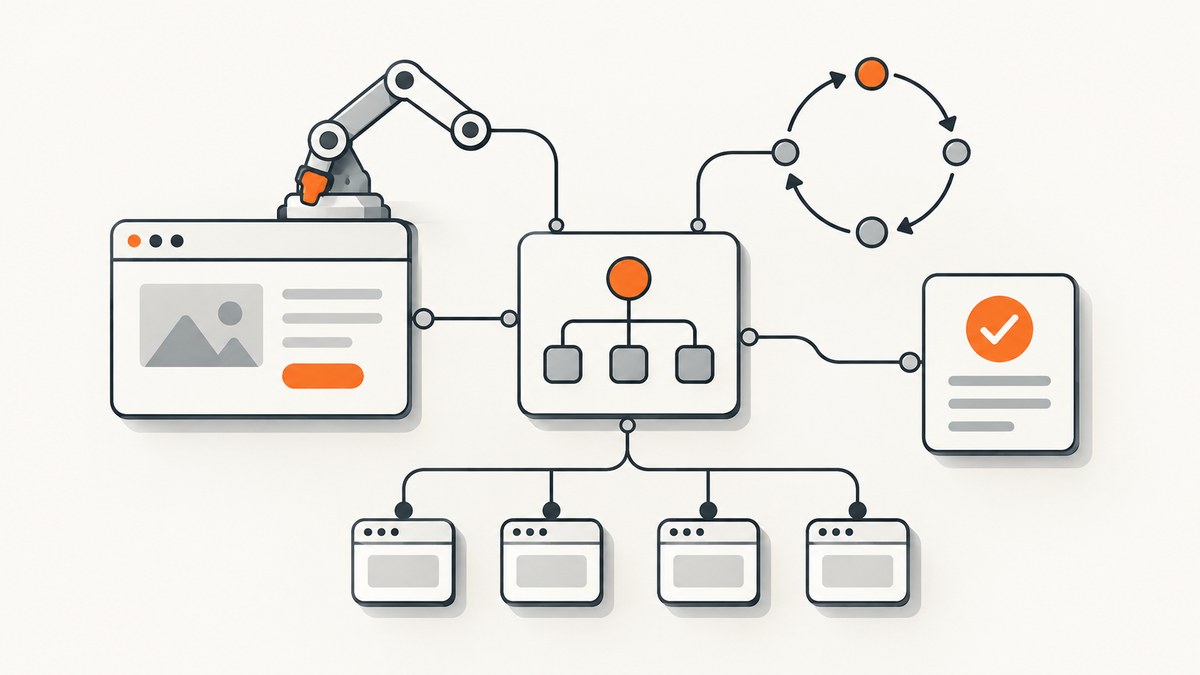
Use TestNG as the test runner and organizer, and Selenium WebDriver as the browser controller. A TestNG @Test method can call WebDriver commands, while TestNG annotations handle setup and cleanup, assertions determine outcomes, and testng.xml defines repeatable suites.
Selenium WebDriver does not provide test assertions, pass/fail decisions, or reporting by itself. The Selenium project describes TestNG and JUnit as Java test-runner choices and specifically calls out TestNG support for parallel execution and parameterized tests. See the Selenium guidance on organizing and executing Selenium code and the official TestNG documentation.
1. Create a Java project with Selenium and TestNG
Use a build tool so dependency versions are explicit and reproducible. The Selenium project publishes the current installation approach for Maven and other build tools. Confirm the current Selenium and TestNG versions before copying them into a new project. The TestNG homepage currently displays 7.9.0 as its current release and states that TestNG 7.6.0 and later require JDK 11 or higher; these values can change.
Maven
<project xmlns="http://maven.apache.org/POM/4.0.0"
         xmlns:xsi="http://www.w3.org/2001/XMLSchema-instance"
         xsi:schemaLocation="http://maven.apache.org/POM/4.0.0 https://maven.apache.org/xsd/maven-4.0.0.xsd">
  <modelVersion>4.0.0</modelVersion>
  <groupId>example</groupId>
  <artifactId>selenium-testng-example</artifactId>
  <version>1.0-SNAPSHOT</version>

  <properties>
    <maven.compiler.release>11</maven.compiler.release>
    <project.build.sourceEncoding>UTF-8</project.build.sourceEncoding>
    <selenium.version>REPLACE_WITH_CURRENT_SELENIUM_VERSION</selenium.version>
    <testng.version>REPLACE_WITH_CURRENT_TESTNG_VERSION</testng.version>
  </properties>

  <dependencies>
    <dependency>
      <groupId>org.seleniumhq.selenium</groupId>
      <artifactId>selenium-java</artifactId>
      <version>${selenium.version}</version>
      <scope>test</scope>
    </dependency>
    <dependency>
      <groupId>org.testng</groupId>
      <artifactId>testng</artifactId>
      <version>${testng.version}</version>
      <scope>test</scope>
    </dependency>
  </dependencies>

  <build>
    <plugins>
      <plugin>
        <groupId>org.apache.maven.plugins</groupId>
        <artifactId>maven-surefire-plugin</artifactId>
        <version>REPLACE_WITH_CURRENT_SUREFIRE_VERSION</version>
        <configuration>
          <suiteXmlFiles>
            <suiteXmlFile>testng.xml</suiteXmlFile>
          </suiteXmlFiles>
        </configuration>
      </plugin>
    </plugins>
  </build>
</project>
Gradle
plugins {
    id 'java'
}

repositories {
    mavenCentral()
}

dependencies {
    testImplementation "org.seleniumhq.selenium:selenium-java:REPLACE_WITH_CURRENT_SELENIUM_VERSION"
    testImplementation "org.testng:testng:REPLACE_WITH_CURRENT_TESTNG_VERSION"
}

test {
    useTestNG() {
        suites 'testng.xml'
    }
}
Use a JDK supported by the TestNG version you select. Keep Selenium, the browser, and the driver or Selenium Manager setup compatible with the execution environment. Selenium’s driver-session documentation explains local sessions and driver choices.
2. Write a basic Selenium test with TestNG
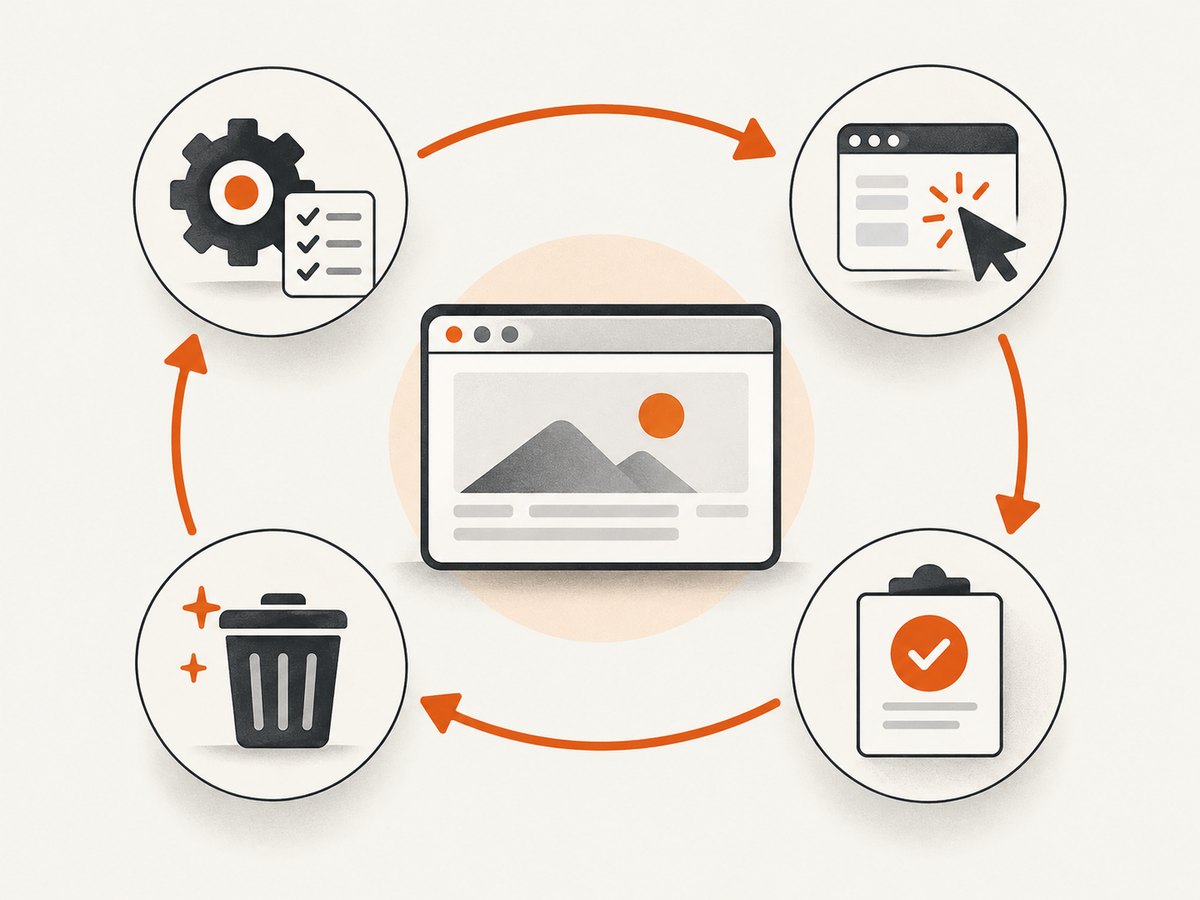
The usual lifecycle is: create a driver before each test method, perform browser actions in @Test, assert the expected result, and call quit() in cleanup. Selenium’s first Java script demonstrates the same browser interaction sequence.
package example;

import static org.testng.Assert.assertTrue;

import org.openqa.selenium.By;
import org.openqa.selenium.WebDriver;
import org.openqa.selenium.chrome.ChromeDriver;
import org.testng.annotations.AfterMethod;
import org.testng.annotations.BeforeMethod;
import org.testng.annotations.Test;

public class SearchTest {
    private WebDriver driver;

    @BeforeMethod
    public void setUp() {
        driver = new ChromeDriver();
    }

    @Test
    public void searchPageHasExpectedTitle() {
        driver.get("https://www.selenium.dev/");
        assertTrue(driver.getTitle().toLowerCase().contains("selenium"));
        driver.findElement(By.linkText("Downloads")).click();
        assertTrue(driver.getCurrentUrl().contains("downloads"));
    }

    @AfterMethod(alwaysRun = true)
    public void tearDown() {
        if (driver != null) {
            driver.quit();
        }
    }
}
Run it with mvn test or ./gradlew test. The exact browser-driver setup depends on your browser and environment. A local Chrome session is only one option; Selenium also supports remote execution through Selenium Server and Grid.
3. Understand TestNG lifecycle annotations
Choose the smallest lifecycle scope that matches the resource you are managing:
| Annotation | Runs around | Typical use |
|---|---|---|
@BeforeSuite / @AfterSuite |
Entire suite | Global reporting or one-time environment setup |
@BeforeTest / @AfterTest |
One <test> in XML |
Resources shared by a configured TestNG test |
@BeforeGroups / @AfterGroups |
Selected groups | Group-specific setup |
@BeforeClass / @AfterClass |
One Java class | Class-scoped fixtures |
@BeforeMethod / @AfterMethod |
Each @Test method |
Isolated browser sessions and cleanup |
A browser is a stateful resource. Per-method sessions usually improve isolation but add startup time. Reusing a session can be faster, yet one test can leak cookies, local storage, navigation state, or logged-in accounts into another. If you reuse a driver, reset all relevant state deliberately and still guarantee cleanup.
4. Add assertions, waits, and reliable cleanup
Assertions belong in the test framework. Use explicit waits for a condition instead of fixed sleeps whenever possible.
import static org.testng.Assert.assertEquals;

import java.time.Duration;

import org.openqa.selenium.By;
import org.openqa.selenium.WebDriver;
import org.openqa.selenium.WebElement;
import org.openqa.selenium.support.ui.ExpectedConditions;
import org.openqa.selenium.support.ui.WebDriverWait;

@Test
public void loginShowsDashboard() {
    driver.get("https://example.test/login");
    driver.findElement(By.id("username")).sendKeys("demo");
    driver.findElement(By.id("password")).sendKeys("secret");
    driver.findElement(By.cssSelector("button[type='submit']")).click();

    WebDriverWait wait = new WebDriverWait(driver, Duration.ofSeconds(15));
    WebElement heading = wait.until(
        ExpectedConditions.visibilityOfElementLocated(By.cssSelector("h1.dashboard")));

    assertEquals(heading.getText(), "Dashboard");
}
Keep @AfterMethod(alwaysRun = true) on cleanup methods so the driver is closed even when setup or a test fails. Capture diagnostic information before quitting if your reporting system needs a screenshot, page source, browser logs, or the current URL.
5. Use testng.xml for repeatable suites
TestNG’s documentation describes a suite XML file as a container for one or more tests, with each test containing one or more TestNG classes. XML is useful when CI needs named selections, groups, parameters, or controlled parallel settings.
<!DOCTYPE suite SYSTEM "https://testng.org/testng-1.0.dtd">
<suite name="browser-regression" verbose="1">
  <parameter name="browser" value="chrome"/>
  <test name="smoke">
    <groups>
      <run>
        <include name="smoke"/>
      </run>
    </groups>
    <classes>
      <class name="example.SearchTest"/>
      <class name="example.LoginTest"/>
    </classes>
  </test>
</suite>
Read an XML parameter in Java with @Parameters:
import org.testng.annotations.BeforeMethod;
import org.testng.annotations.Parameters;

@Parameters("browser")
@BeforeMethod
public void setUp(String browser) {
    if ("chrome".equalsIgnoreCase(browser)) {
        driver = new ChromeDriver();
    } else {
        throw new IllegalArgumentException("Unsupported browser: " + browser);
    }
}
You can also select individual methods, classes, or groups. Keep suite files small enough that a developer can understand what a CI job executes.
6. Use groups and data providers
Groups
@Test(groups = {"smoke", "checkout"})
public void guestCanOpenCheckout() {
    // browser actions and assertions
}

@Test(groups = "regression")
public void savedAddressIsDisplayed() {
    // browser actions and assertions
}
Data providers
A data provider runs the same test method with multiple input rows. Keep test data independent and make failures identify the input that failed.
import org.testng.annotations.DataProvider;
import org.testng.annotations.Test;

@DataProvider(name = "searchTerms")
public Object[][] searchTerms() {
    return new Object[][] {
        {"selenium"},
        {"webdriver"},
        {"testng"}
    };
}

@Test(dataProvider = "searchTerms")
public void searchReturnsResults(String term) {
    driver.get("https://www.google.com/search?q=" + term);
    assertTrue(driver.getTitle().toLowerCase().contains(term));
}
7. Run tests in parallel safely
TestNG supports parallel execution, but parallel workers do not make shared browser sessions or test data safe automatically. Give each worker its own driver and isolate accounts, files, ports, and server-side records.
<suite name="parallel-suite" parallel="tests" thread-count="2">
  <test name="chrome-tests">
    <classes>
      <class name="example.SearchTest"/>
    </classes>
  </test>
  <test name="login-tests">
    <classes>
      <class name="example.LoginTest"/>
    </classes>
  </test>
</suite>
For method-level parallelism, a shared field such as private WebDriver driver can become a race. Use a driver-per-thread design, for example a carefully managed ThreadLocal<WebDriver>, or keep the scope at tests/classes where each worker owns a separate instance. Start with serial execution, then increase concurrency while watching for shared-state failures and remote-grid capacity limits.
8. Run TestNG from Maven, Gradle, or an IDE
- Compile and run the configured suite with
mvn testor./gradlew test. - Run a focused class during development, such as Maven’s test selection option or your IDE’s TestNG runner.
- Use
testng.xmlin CI when you need stable groups, parameters, or parallel policies. - Store browser, base URL, credentials, and grid endpoint as environment or CI secrets rather than source-controlled literals.
Selenium distinguishes local driver sessions from remote execution. A remote Selenium Server or Grid is useful when browsers run on another machine or when you need multiple browser environments; the test code still uses WebDriver, while the driver URL and capabilities identify the remote session.
9. Common errors and fixes
| Symptom | Likely cause | Fix |
|---|---|---|
Cannot find symbol: Test |
TestNG is missing or not on the test classpath. | Check the org.testng:testng dependency and refresh Maven or Gradle. |
| Tests are not discovered | The build runner is not configured for TestNG, or the class/method is missing @Test. |
Configure Surefire or Gradle useTestNG(); verify package names and annotations. |
SessionNotCreatedException |
Browser, driver, Selenium, or runtime versions are incompatible. | Check the selected browser and driver setup, update compatible components, and inspect the first driver error. |
Unable to locate element |
The locator is wrong, the element is not present yet, or the page changed. | Verify the locator, wait for the correct condition, and inspect the page at failure time. |
| Intermittent stale-element failures | The page re-rendered after the element was found. | Locate the element again after the state change and wait for the replacement element. |
| Tests pass alone but fail in a suite | Cookies, data, files, or static fields leak between tests. | Use per-method isolation, reset state, and remove mutable shared fixtures. |
| Parallel tests interfere | Workers share a driver, account, record, port, or download directory. | Allocate resources per worker or reduce parallel scope until data isolation is complete. |
| Driver remains running after failure | Cleanup is skipped or throws before quit(). |
Use @AfterMethod(alwaysRun = true), null checks, and cleanup that does not depend on assertions. |
| XML parameter is not resolved | The parameter name differs between XML and @Parameters, or the test was launched outside that suite. |
Match names exactly and provide defaults or launch through the intended suite. |
| Remote tests time out | Grid capacity, network access, page load, or wait settings are insufficient. | Check the remote endpoint, session queue, browser logs, and explicit wait boundaries. |
10. Performance, reliability, and cost considerations
- Browser startup: A fresh session per method improves isolation but is slower. Reuse only when you can reset state reliably.
- Wait strategy: Explicit condition waits reduce unnecessary delay compared with large fixed sleeps. Avoid mixing incompatible implicit and explicit wait strategies without understanding their timing effects.
- Parallelism: More workers can reduce elapsed time when the environment has enough CPU, memory, browser licenses, grid slots, and test data. It can increase failures when shared state is not isolated.
- Remote execution: Browser startup, video, downloads, and page assets consume grid and network resources. Keep artifacts only when they help diagnose failures.
- Retries: A retry can expose flakiness but can also hide a real defect. Record the original failure and investigate repeated retries.
- Test data: Generate unique records where possible and clean them up in a separate, failure-tolerant path.
- Cost: Selenium, TestNG, browsers, CI minutes, and remote browser infrastructure have separate resource costs. Measure your own suite before selecting concurrency or session-reuse policies.
11. Capture failure evidence
When a test fails, record the exception, current URL, page title, screenshot, page source, and relevant browser or driver logs. Capture evidence before the driver is quit. A small helper keeps the failure path consistent:
import java.io.IOException;
import java.nio.file.Files;
import java.nio.file.Path;

import org.openqa.selenium.OutputType;
import org.openqa.selenium.TakesScreenshot;

public void saveFailureScreenshot(String name) throws IOException {
    if (driver instanceof TakesScreenshot) {
        byte[] png = ((TakesScreenshot) driver).getScreenshotAs(OutputType.BYTES);
        Files.write(Path.of("target", name + ".png"), png);
    }
}
Call this helper from a failure listener or an @AfterMethod that receives the test result. Ensure the target directory exists in the actual project before writing files.
12. Or skip the browser setup
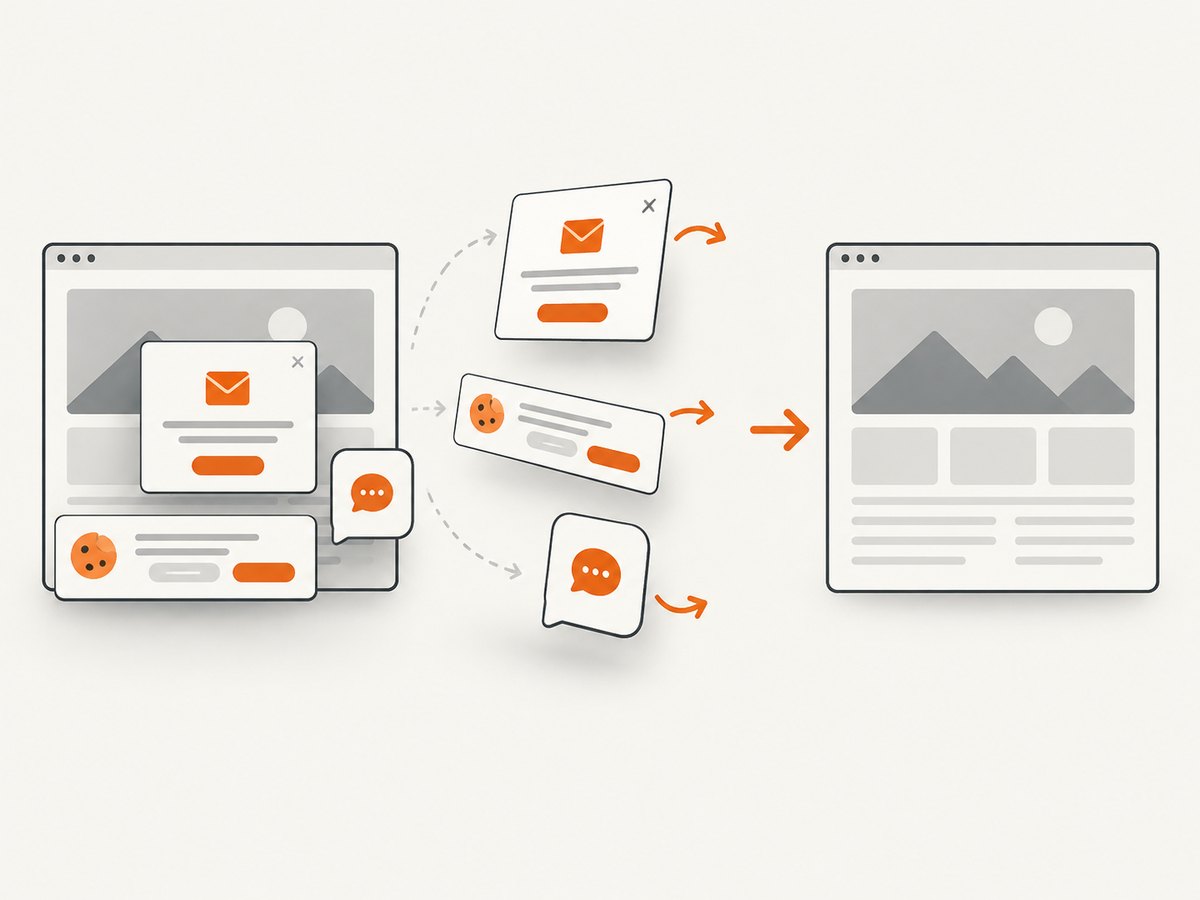
If your goal is to capture a page image rather than exercise browser behavior, ScreenshotNeo provides a website screenshot API and MCP server. It accepts a URL in one GET request and returns PNG, JPEG, WebP, or PDF. Cookie and consent banners are accepted and removed before capture, along with more than 60 known consent platforms, newsletter popups, and chat widgets. Bot checks, blank pages, timeouts, failed loads, and cache hits are not billed as clean shots, and the response identifies the result with X-Page-Verdict and X-Billed headers.
See the ScreenshotNeo API documentation for the available options, including full-page capture, CSS element capture, dark mode, device presets, retina scale, waits, custom CSS and JavaScript, request blocking, headers, cookies, user agents, geolocation, caching, signed links, asynchronous jobs, bulk capture, and PDF output.
cURL
curl -G "https://api.screenshotneo.com/v1/shot" -d access_key=YOUR_API_KEY --data-urlencode url=https://stripe.com -o shot.webpPython
import requests

r = requests.get(
    "https://api.screenshotneo.com/v1/shot",
    params={"access_key": "YOUR_API_KEY", "url": "https://stripe.com"},
    timeout=90,
)
r.raise_for_status()
open("shot.webp", "wb").write(r.content)
Node.js
const q = new URLSearchParams({ access_key: 'YOUR_API_KEY', url: 'https://stripe.com' });
const res = await fetch(`https://api.screenshotneo.com/v1/shot?${q}`);
if (!res.ok) throw new Error(`Screenshot failed: ${res.status}`);
const fs = await import('node:fs/promises');
await fs.writeFile('shot.webp', Buffer.from(await res.arrayBuffer()));
ScreenshotNeo includes an MCP server with take_screenshot, get_page_info, and capture_pdf tools for Claude, Cursor, and other MCP clients. The Free plan includes 1,000 screenshots per month with no card; paid plans start at $5 for 3,000 shots, and every feature is available on every plan. Create a free ScreenshotNeo account.
FAQ
What is TestNG.xml used for?
It defines named suites and tests and can select classes, methods, and groups while supplying parameters and parallel settings for repeatable execution.
How do I run TestNG tests with Selenium WebDriver?
Add Selenium and TestNG to the build, annotate browser methods with @Test, create and quit WebDriver in lifecycle methods, then run through Maven, Gradle, an IDE, or a suite XML file.
Should I use @BeforeMethod or @BeforeClass for WebDriver?
Use @BeforeMethod for stronger test isolation. Use @BeforeClass only when sharing a session is intentional and state reset is reliable.
Can TestNG run Selenium tests in parallel?
Yes. Configure parallel execution in testng.xml or TestNG settings, then provide each worker with isolated drivers and test data.
Does Selenium replace TestNG?
No. Selenium drives browsers; TestNG runs test methods and manages lifecycle, selection, assertions, and framework execution.


