How to Use TestNG with Selenium in Java
Set up TestNG and Selenium in Java with Maven, explicit waits, suites, parallel runs, troubleshooting, and a ScreenshotNeo option.
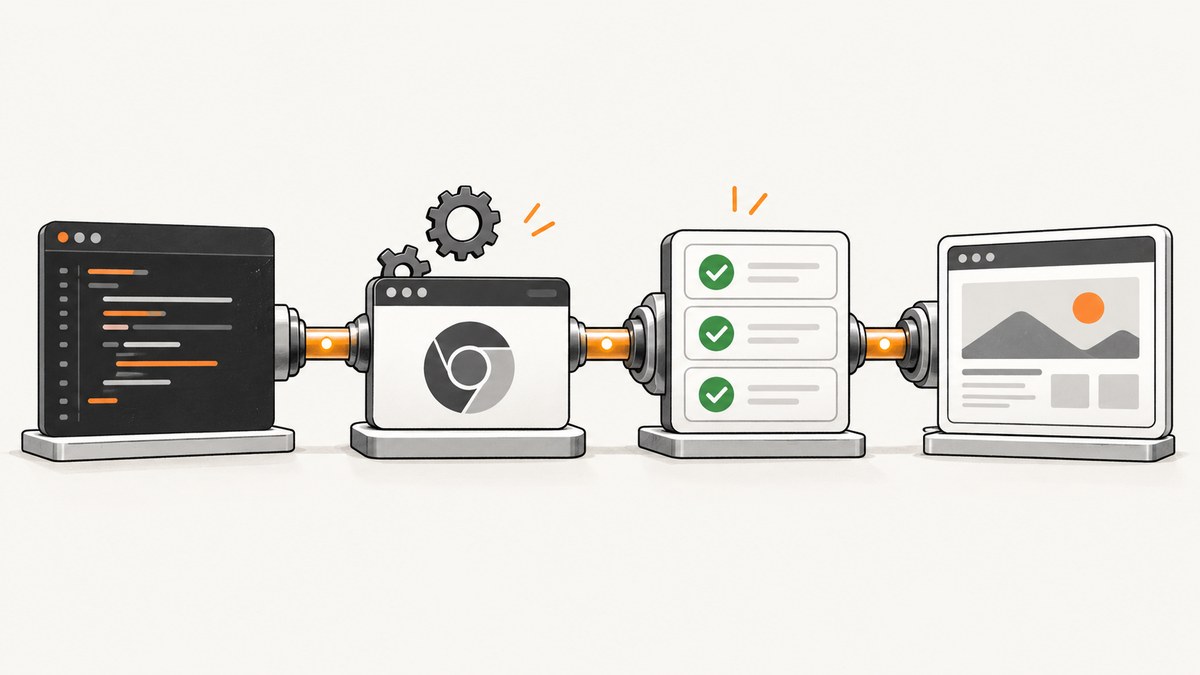
Direct answer: Add Selenium Java and TestNG to your build, create one WebDriver per test method, use TestNG lifecycle annotations to start and quit the browser, synchronize with explicit waits, and run the suite through Maven Surefire.
1. Create the project
Pin dependency versions in source control. TestNG documentation shows 7.5.1 in a JDK 8 example and 7.9.0 in a JDK 11 example; verify current releases and Selenium/browser compatibility before upgrading.
selenium-testng-java/
├── pom.xml
├── src/test/java/example/LoginTest.java
└── src/test/resources/testng.xml
Maven configuration
<project xmlns='http://maven.apache.org/POM/4.0.0'>
  <modelVersion>4.0.0</modelVersion>
  <groupId>example</groupId><artifactId>selenium-testng-java</artifactId><version>1.0-SNAPSHOT</version>
  <properties>
    <maven.compiler.release>17</maven.compiler.release>
    <selenium.version>CHECK_CURRENT_VERSION</selenium.version>
    <testng.version>7.9.0</testng.version>
    <maven.surefire.version>3.6.0</maven.surefire.version>
  </properties>
  <dependencies>
    <dependency><groupId>org.seleniumhq.selenium</groupId><artifactId>selenium-java</artifactId><version>${selenium.version}</version><scope>test</scope></dependency>
    <dependency><groupId>org.testng</groupId><artifactId>testng</artifactId><version>${testng.version}</version><scope>test</scope></dependency>
  </dependencies>
  <build><plugins><plugin><groupId>org.apache.maven.plugins</groupId><artifactId>maven-surefire-plugin</artifactId><version>${maven.surefire.version}</version><configuration><suiteXmlFiles><suiteXmlFile>src/test/resources/testng.xml</suiteXmlFile></suiteXmlFiles></configuration></plugin></plugins></build>
</project>
Replace CHECK_CURRENT_VERSION with a version from the official Selenium downloads page.
Gradle alternative
plugins { id 'java' }
repositories { mavenCentral() }
dependencies {
  testImplementation 'org.seleniumhq.selenium:selenium-java:CHECK_CURRENT_VERSION'
  testImplementation 'org.testng:testng:7.9.0'
}
test { useTestNG() }
2. Write a TestNG test
A TestNG class contains at least one TestNG annotation. @Test marks a test; @BeforeMethod and @AfterMethod run around each method. A fresh browser prevents cookies, local storage, and navigation state leaking between tests.
package example;
import java.time.Duration;
import org.openqa.selenium.*;
import org.openqa.selenium.chrome.ChromeDriver;
import org.openqa.selenium.support.ui.*;
import org.testng.Assert;
import org.testng.annotations.*;

public class LoginTest {
  private WebDriver driver;
  private WebDriverWait wait;
  @BeforeMethod public void setUp() {
    driver = new ChromeDriver();
    wait = new WebDriverWait(driver, Duration.ofSeconds(10));
    driver.manage().window().setSize(new Dimension(1440, 1000));
  }
  @Test(groups = "smoke") public void userCanLogIn() {
    driver.get("https://example.test/login");
    wait.until(ExpectedConditions.visibilityOfElementLocated(By.id("username"))).sendKeys(System.getenv("TEST_USERNAME"));
    driver.findElement(By.id("password")).sendKeys(System.getenv("TEST_PASSWORD"));
    driver.findElement(By.cssSelector("button[type='submit']")).click();
    String heading = wait.until(ExpectedConditions.visibilityOfElementLocated(By.cssSelector("h1"))).getText();
    Assert.assertEquals(heading, "Dashboard");
  }
  @AfterMethod(alwaysRun = true) public void tearDown() { if (driver != null) driver.quit(); }
}
Replace the URL, selectors, credentials, and expected text. Keep credentials in environment variables or a secret store. Selenium Manager normally resolves a compatible driver; otherwise manage the driver explicitly and keep browser and driver versions compatible.
3. Configure a suite
<!DOCTYPE suite SYSTEM 'https://testng.org/testng-1.0.dtd'>
<suite name='UI suite'>
  <test name='Smoke tests'>
    <groups><run><include name='smoke'/></run></groups>
    <classes><class name='example.LoginTest'/></classes>
  </test>
</suite>
Use XML for named subsets, parameters, multiple classes, or parallel settings. TestNG also provides @BeforeSuite, @AfterSuite, @BeforeTest, @AfterTest, @BeforeGroups, and @AfterGroups. Choose the narrowest fixture scope that matches the resource.
4. Run tests with Maven
mvn test
mvn -Dtest=LoginTest test
mvn -Dgroups=smoke test
Surefire conventionally discovers classes such as *Test.java. Reports are written under target/surefire-reports.
5. Parameters and data providers
@Parameters({"baseUrl"})
@BeforeMethod
public void setUp(String baseUrl) {
  driver = new ChromeDriver();
  wait = new WebDriverWait(driver, Duration.ofSeconds(10));
  driver.get(baseUrl);
}

@DataProvider(name = "invalidUsers")
public Object[][] invalidUsers() {
  return new Object[][] {{"unknown@example.test", "wrong-password"}, {"", ""}};
}

@Test(dataProvider = "invalidUsers")
public void invalidLoginIsRejected(String username, String password) { /* arrange, act, assert */ }
Groups, parameters, data providers, expected exceptions, invocation counts, enabled flags, listeners, and reporters are documented in the TestNG API.
6. Synchronize correctly
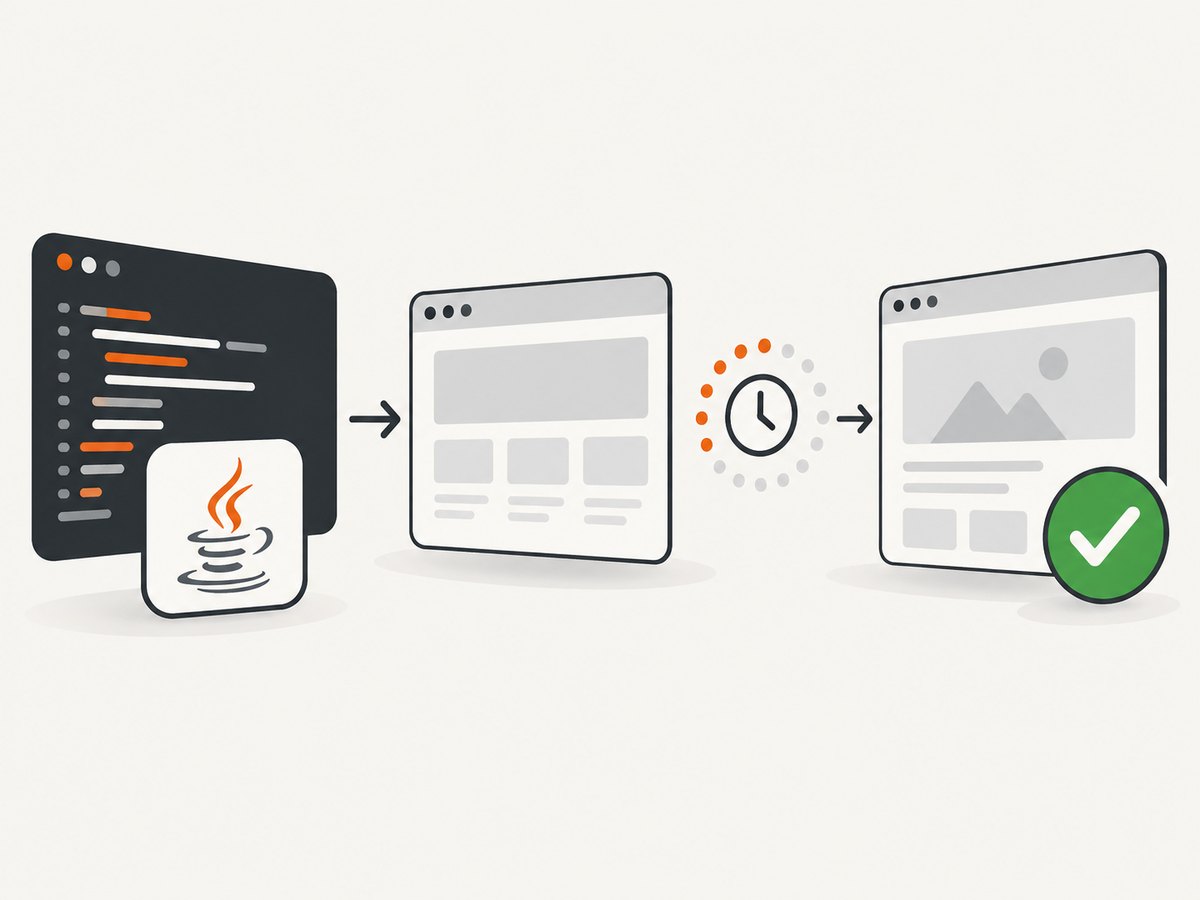
Navigation waits for a page-load readyState, but JavaScript can continue changing the DOM. Selenium recommends explicit waits: WebDriverWait polls until a condition is true or the timeout expires. See Selenium’s waiting strategies.
| Wait | Use | Risk |
|---|---|---|
| Implicit | Small global lookup grace period | Can combine unpredictably with explicit waits |
| Explicit | Visible, clickable, URL, or frame state | Needs a meaningful condition |
| Fluent | Custom polling and ignored exceptions | More configuration |
wait.until(ExpectedConditions.elementToBeClickable(By.id("save"))).click();
wait.until(ExpectedConditions.urlContains("/dashboard"));
wait.until(ExpectedConditions.invisibilityOfElementLocated(By.cssSelector(".spinner")));
wait.until(ExpectedConditions.frameToBeAvailableAndSwitchToIt(By.id("payment-frame")));
driver.switchTo().defaultContent();
Avoid Thread.sleep: it either wastes time or wakes before the application is ready. Use a finite timeout and a condition describing the required state.
7. Parallel execution
WebDriver is stateful. Create one driver per method or class and isolate accounts and test data before enabling parallelism.
<suite name='parallel' parallel='methods' thread-count='3'>
  <test name='ui'><classes><class name='example.LoginTest'/></classes></test>
</suite>
If shared access is unavoidable, use ThreadLocal<WebDriver> and call remove() after quitting. Start sequentially, prove isolation, then increase concurrency.
8. Troubleshooting
| Symptom | Cause | Fix |
|---|---|---|
SessionNotCreatedException |
Browser/driver/Selenium mismatch | Update the compatible versions or use Selenium Manager. |
NoSuchElementException |
Element is late, selector changed, or wrong frame | Use an explicit wait, verify the selector, and switch frames. |
TimeoutException |
Condition never became true | Check URL, page source, network, application logs, and timeout. |
| Element is covered | Animation, overlay, or consent banner | Wait for clickability or overlay invisibility; avoid coordinate clicks. |
StaleElementReferenceException |
Framework re-rendered the node | Locate the element again after the state change. |
| Passes alone, fails in suite | Shared state, order, or data | Quit in alwaysRun, isolate fixtures, remove order dependencies. |
| Headless differs | Viewport, fonts, permissions, or timing | Set a fixed size, install fonts, grant permissions, and wait on state. |
| Secrets in logs | Printed credentials or command-line secrets | Inject through a secret store and mask values. |
9. Reliability, performance, and cost
- Reliability: Use stable selectors, isolated data, explicit waits, and cleanup in
alwaysRunhooks. Attach screenshots and page source on failure. - Performance: Parallelize only after driver and data isolation. Browser startup, CPU, memory, and contention can be bottlenecks.
- CI: Pin JDK, browser, Selenium, TestNG, and Surefire versions. Record capabilities and the failing URL.
- Cost: Browser tests consume CI minutes and machines. Run smoke groups on changes and broader suites before releases; keep retries limited.
10. Or skip the browser setup
ScreenshotNeo is a website screenshot API and MCP server. One GET request returns PNG, JPEG, WebP, or PDF. Before capture it accepts cookie/consent banners like a visitor and removes 60+ known consent platforms, newsletter popups, and chat widgets; each step can be turned off. Bot checks/CAPTCHAs, blank pages, timeouts, failed loads, and cache hits are not billed, and responses identify the result with X-Page-Verdict and X-Billed.
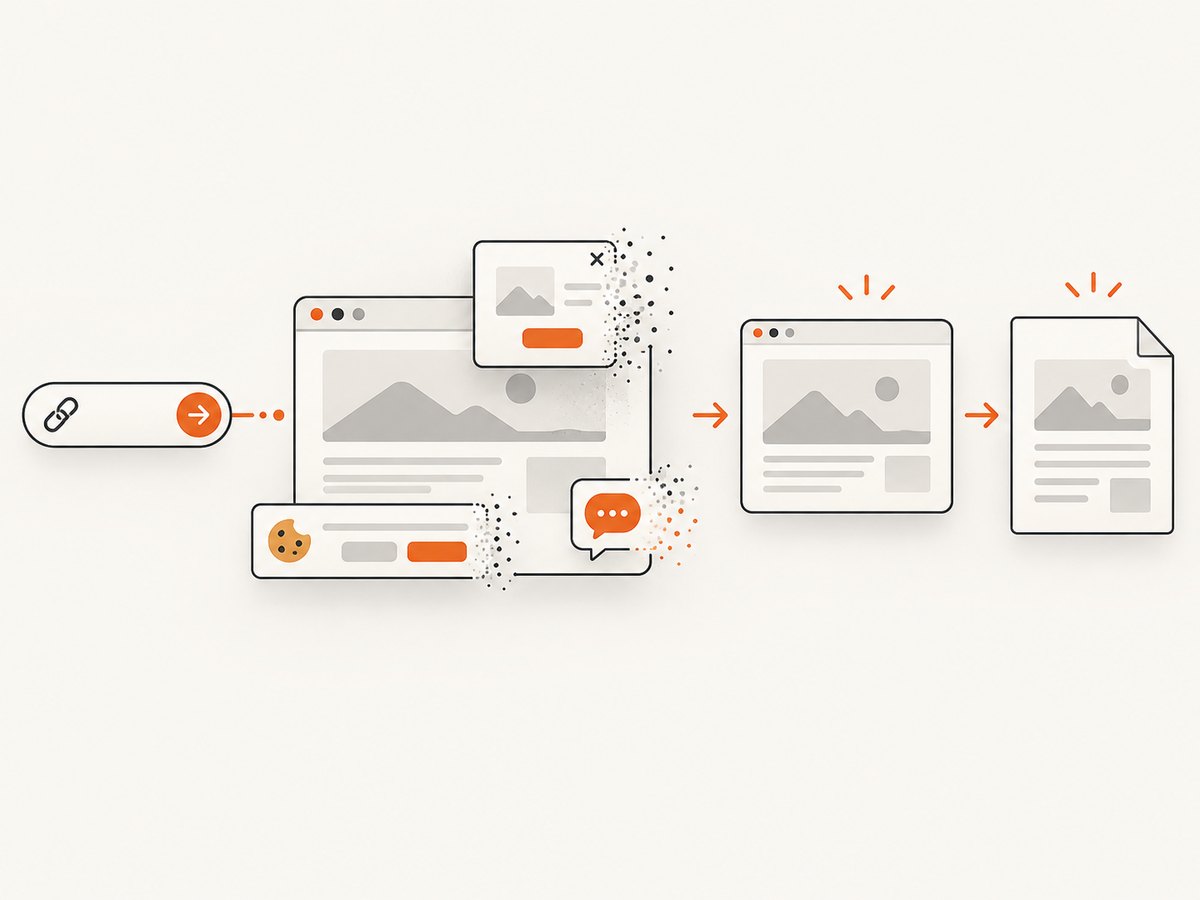
See the ScreenshotNeo API documentation:
curl -G "https://api.screenshotneo.com/v1/shot" -d access_key=YOUR_API_KEY --data-urlencode url=https://stripe.com -o shot.webpimport requests
r = requests.get("https://api.screenshotneo.com/v1/shot", params={"access_key": "YOUR_API_KEY", "url": "https://stripe.com"}, timeout=90)
open("shot.webp", "wb").write(r.content)const q = new URLSearchParams({ access_key: 'YOUR_API_KEY', url: 'https://stripe.com' });
const res = await fetch(`https://api.screenshotneo.com/v1/shot?${q}`);ScreenshotNeo supports full-page capture with lazy images, CSS-element capture, dark mode, device presets or custom viewports, retina scale, PDF options, HTML/CSS rendering, custom CSS and JavaScript, clicks, hidden selectors, selector/delay/network-idle waits, request blocking, headers, cookies, user agents, Authorization, timezone, geolocation, transparent backgrounds, resizing, TTL caching, signed links, async jobs and signed webhooks, bulk capture of 100 URLs, a usage API, and an OpenAPI specification. Its parameter names are compatible with other screenshot APIs.
The MCP server exposes take_screenshot, get_page_info, and capture_pdf to Claude, Cursor, and other MCP clients. The Free plan includes 1,000 shots/month with no card; paid plans start at $5 for 3,000 shots. Create a free ScreenshotNeo account.
11. FAQ
Should WebDriver be created in @BeforeSuite?
Only when the whole suite intentionally shares one session. Most UI tests are safer with method-level setup and teardown.
Can TestNG replace Maven?
No. TestNG is the test framework; Maven or Gradle resolves dependencies and launches tests.
When should I use testng.xml?
Use it for named suites, groups, parameters, class selection, or parallel settings. Annotation discovery is enough for small projects.
Why use an explicit wait instead of a longer sleep?
It finishes as soon as the condition is true and fails clearly when it is not.
Can TestNG tests run in parallel?
Yes, after WebDriver state and test data are isolated.


