How to Use Website Images Legally and Avoid Copyright Problems
Learn how to check image rights, handle Creative Commons and fair use, document permission, and avoid common website copyright mistakes.
Short answer: You may reuse a website image only when you have a rights basis for that exact image and your exact use: permission or a license, verified public-domain status, or a legal exception such as fair use that applies to the facts. Finding an image in Google, seeing it on a website, or giving credit does not by itself grant permission.
This guide is general, U.S.-centered information rather than a legal determination. Copyright, privacy, publicity, moral-rights, and licensing rules vary by country and by use. For an important campaign, disputed ownership, or uncertain exception, get permission or qualified legal advice.
1. Identify the exact image and rights holder
Start with the asset itself, not the page where you found it.
- Save the image URL and a local copy or checksum so you can identify the precise file later.
- Look for the creator, photographer, agency, publisher, or asserted rights holder.
- Check the image page for a license or permission statement. A site’s general terms may not cover third-party images embedded on that site.
- Record the date you checked, because licenses and pages can change.
Copyright in an original photograph or graphic generally exists when the work is fixed; registration is not what creates the initial protection. Copyright owners hold exclusive rights that include reproduction and public display online. See the U.S. Copyright Office copyright overview.
2. Choose a rights basis that fits your use
| Route | Verify | Limits |
|---|---|---|
| Direct permission or paid license | Rights holder, permitted media, territory or duration, modifications, commercial use, credit, and exclusions | The license grants only the stated scope. Keep the terms and permission record. |
| Creative Commons | The exact license and version attached to that work; attribution, commercial-use, and adaptation conditions | CC licensing does not guarantee ownership or clear people, trademarks, or other third-party material. |
| Public domain | Why this specific work is public domain under the relevant jurisdiction and date | Do not infer status from the hosting site. Rules differ by country and publication date. |
| Fair use or another exception | Jurisdiction, purpose, nature of the work, amount and substantiality, and market effects | There is no percentage, pixel-size, or “noncommercial” shortcut. |
| Create or commission a new image | Contractual ownership or license terms plus releases and third-party rights | Paying a photographer does not automatically transfer copyright. |
3. Understand Creative Commons conditions
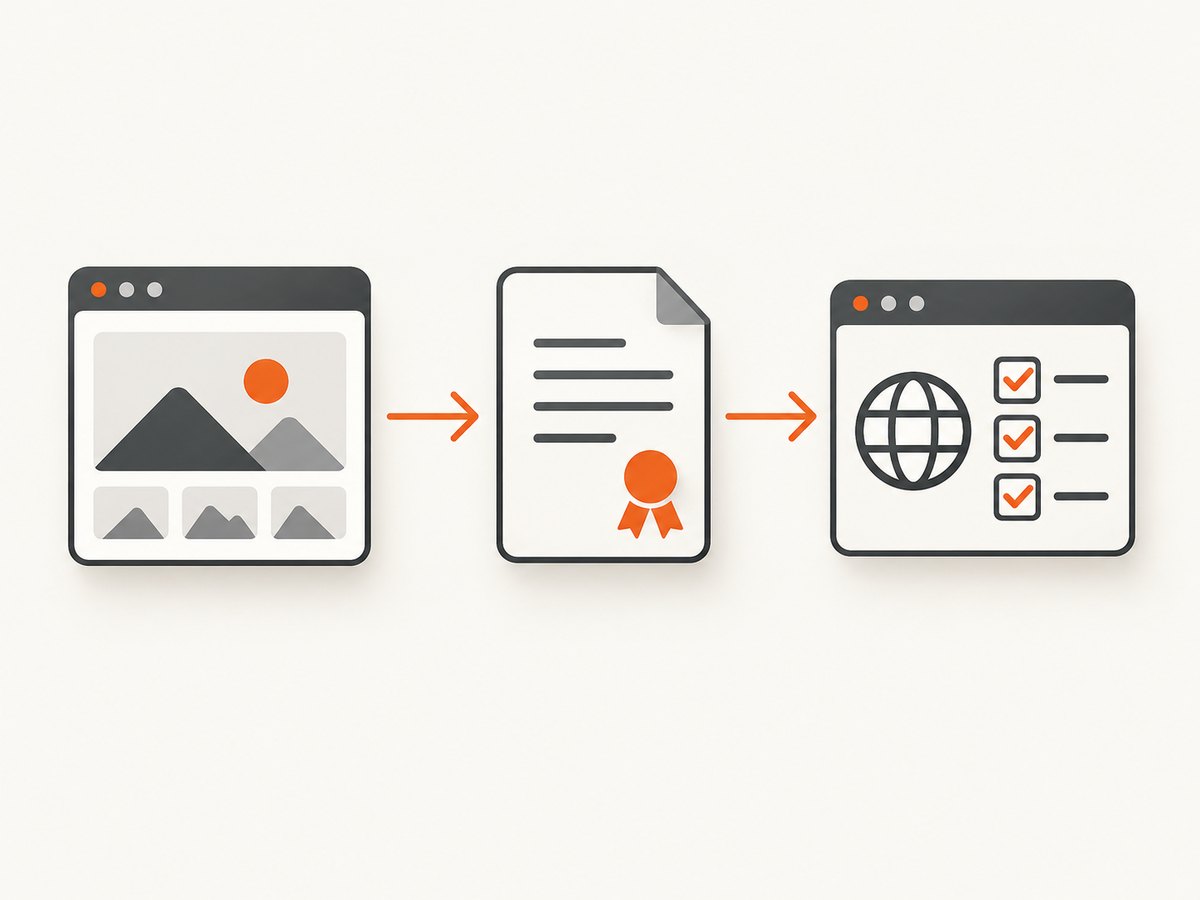
Creative Commons is a family of actual licenses, not a label meaning “free for anything.” Open the license attached to the particular image and follow its conditions. Depending on the license, you may need to identify the creator, preserve a copyright notice, link to the license, disclose changes, or avoid commercial use or derivatives. The CC BY 3.0 US deed describes common attribution information.
A CC license covers the copyright and similar rights within its scope. Creative Commons does not guarantee that the licensor owns every element, cleared embedded third-party material, or obtained model releases. You may need additional permission for recognizable people, trademarks, private locations, or other rights.
Keep an attribution record such as: “Title” by Creator, licensed under CC BY 4.0, source URL, changes made. Use the exact attribution requested by the license rather than inventing a shorter credit.
4. Do not treat fair use as a numeric rule
U.S. fair use is evaluated from all the circumstances. The Copyright Office states: “There are no legal rules permitting the use of a specific number of words, a certain number of musical notes, or percentage of a work.” Its examples include commentary, criticism, news reporting, and scholarship, but those categories are not automatic guarantees. Only a federal court can finally determine whether a particular use is fair use. Read the Copyright Office Fair Use FAQ.
- Purpose and character: Explain what your use adds and whether it is commercial, educational, editorial, transformative, or merely decorative.
- Nature of the work: A highly creative photograph receives different consideration from factual material.
- Amount and substantiality: Consider both how much you take and whether you take the work’s most important part.
- Market effect: Consider whether your use substitutes for a licensed image or harms a realistic market.
“I used less than 10%,” “the image is small,” “I linked to the creator,” and “my site is noncommercial” are not established safe harbors. When the analysis is uncertain, seek permission or choose another asset.
5. Check government and library websites carefully
Government hosting does not automatically make an image public domain. Federal pages can include third-party content, protected works, and agency marks with separate restrictions. USAGov advises checking the individual asset and agency information; see its government copyright guidance.
The Copyright Office also notes that it usually does not own rights in Library of Congress collection materials and generally cannot grant permission for them. Follow the collection’s rights statement and obtain any needed permission independently.
6. Handle commissioned photographs and people correctly
The photographer generally owns copyright in a commissioned photograph unless rights were transferred in a signed writing or defined work-made-for-hire rules apply. The person shown is not automatically the copyright owner. Review the contract, employment relationship, and any privacy or publicity concerns before publishing.
For recognizable people, confirm that the intended use is covered by a model release when one is needed. A copyright license alone may not clear publicity or privacy rights. Trademarks, artwork, screens, and other objects visible in a photo can create additional issues.
7. Use a repeatable clearance checklist
- Asset: Record the exact file, creator, source URL, and download date.
- License: Save the license text or permission email, including version and expiry if stated.
- Use: Write down where it will appear, whether the use is commercial, edits or crops, audience, territory, and duration.
- Attribution: Copy the required credit, license link, and change notice into your publishing record.
- Other rights: Check people, trademarks, artwork, private locations, and embedded third-party content.
- Evidence: Archive screenshots or PDFs of the rights statement and your correspondence.
- Decision: If no clear basis exists, request permission or replace the image.
8. Capture rights evidence without building a browser workflow
For a defensible record, preserve the page that stated the license or permission and the date you reviewed it. You can do this manually in a browser, or automate a clean capture for your project archive.
DIY browser method
- Open the image’s original page and its license page.
- Save each page as a PDF or full-page screenshot with the URL visible.
- Record the access date, license version, attribution text, and any restrictions in your asset register.
- Store the original file, the evidence capture, and permission correspondence together.
Or skip the browser setup
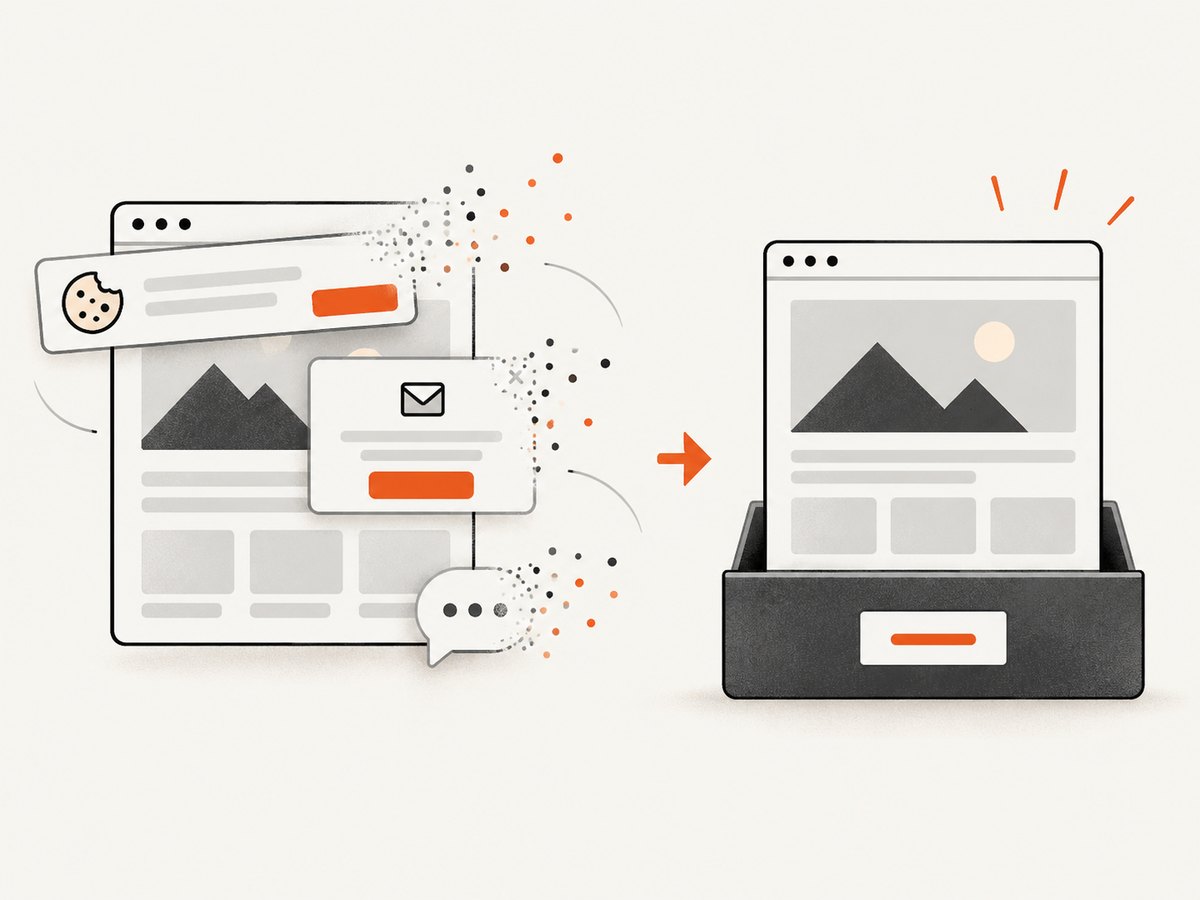
ScreenshotNeo captures a URL through one API request and can help archive license pages consistently. Cookie and consent banners, newsletter popups, and chat widgets are removed before the shot. Bot checks, blank pages, failed loads, timeouts, and cache hits are not billed, and the response identifies the verdict and billing status. Its MCP server lets Claude, Cursor, and other MCP clients take screenshots. See the ScreenshotNeo API docs.
curl -G "https://api.screenshotneo.com/v1/shot" -d access_key=YOUR_API_KEY --data-urlencode url=https://stripe.com -o shot.webpimport requests
r = requests.get("https://api.screenshotneo.com/v1/shot", params={"access_key": "YOUR_API_KEY", "url": "https://stripe.com"}, timeout=90)
open("shot.webp", "wb").write(r.content)const q = new URLSearchParams({ access_key: 'YOUR_API_KEY', url: 'https://stripe.com' });
const res = await fetch(`https://api.screenshotneo.com/v1/shot?${q}`);Replace the example URL with the image source or license page you need to document. ScreenshotNeo includes full-page capture, custom CSS and JavaScript, wait conditions, headers and cookies, caching, signed links, PDFs, bulk capture, and usage reporting. One thousand screenshots per month are free with no card; paid plans start at $5 for 3,000. Create a free ScreenshotNeo account.
9. Troubleshooting common rights problems
| Problem | Cause | Fix |
|---|---|---|
| “I found it through Google.” | Search results locate files but do not grant rights. | Open the original source, identify the rights holder, and obtain a license or permission. |
| “I gave credit, so it is legal.” | Attribution is often a license condition, not a substitute for permission. | Verify a license or exception first, then provide the required credit. |
| “It says Creative Commons.” | The specific CC license may restrict commercial use or derivatives, or third-party rights may remain. | Record the exact license and check people, marks, and embedded works. |
| “It is on a government site.” | The page may host third-party or restricted material. | Check the asset-level rights statement and agency guidance. |
| “We paid the photographer.” | Payment alone may not transfer copyright. | Review the signed assignment, work-made-for-hire terms, and releases. |
| “The image is tiny or heavily cropped.” | There is no size or percentage safe harbor. | Analyze the complete context or obtain permission. |
| “The license page disappeared.” | Online terms can change or be removed. | Use your archived capture, saved license text, and correspondence; replace the asset if the record is inadequate. |
10. Performance, reliability, and cost of an evidence workflow
- Reliability: Keep the original URL, downloaded asset, license text, and capture together. A screenshot alone may not prove which file was licensed.
- Repeatability: Use the same naming scheme and record access dates so a reviewer can reproduce your decision.
- Performance: Capture only the pages needed for clearance. Full-page captures and PDFs are useful for long terms pages; cache stable pages when appropriate.
- Cost: Manual browser capture costs time. ScreenshotNeo provides 1,000 free shots monthly without a card; paid plans begin at $5 for 3,000. Failed loads and cache hits are not billed.
- Legal quality: Automation preserves evidence; it does not decide whether your use is lawful. The rights analysis still depends on the asset, license, jurisdiction, and context.
FAQ
Can I use an image from Google if I credit the photographer?
No automatic permission follows from search visibility or credit. Find the original rights statement and obtain a license, permission, public-domain basis, or applicable exception.
Are all Creative Commons images free for commercial use?
No. Some licenses restrict commercial use or adaptations, and CC does not guarantee model releases or clearance of embedded third-party material.
How much of an image can I use without permission?
There is no fixed percentage, pixel count, or crop that is always lawful. Fair use is fact-specific.
Are images on federal websites public domain?
Not necessarily. Federal pages can include third-party works and protected agency marks. Check the specific asset.
Who owns a photograph I commissioned?
Usually the photographer, unless a signed transfer or applicable work-made-for-hire arrangement says otherwise.
What should I do when rights are unclear?
Ask the rights holder for written permission or select an image with clear licensing. For high-value or disputed uses, consult a qualified lawyer.


