How to Use UTF-8 Fonts in PDFKit for Rails PDFs
Fix missing accents, squares, and non-Latin text in Rails PDFKit by checking encoding, glyph coverage, and wkhtmltopdf asset access.

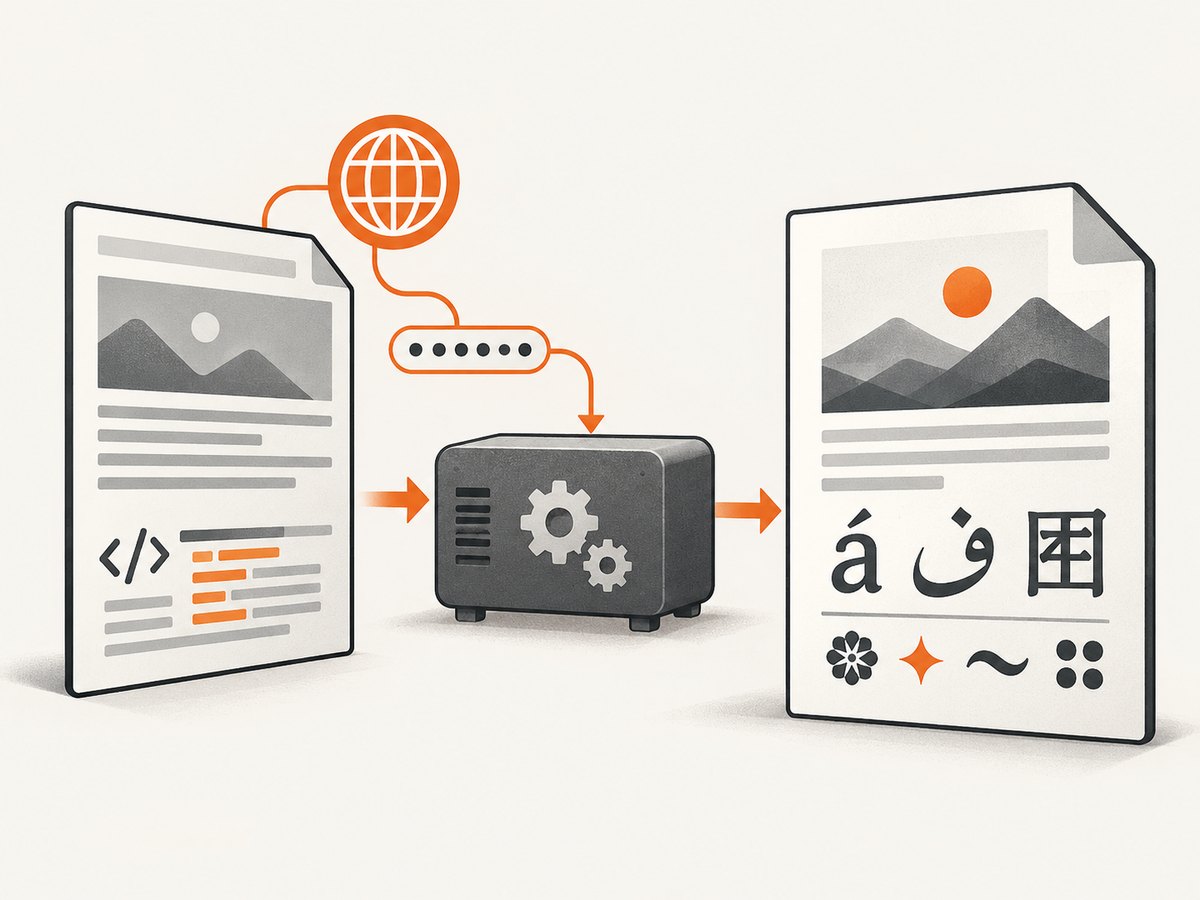
When PDFKit output shows mojibake, empty boxes, or square characters, check three separate layers: the text encoding, the font’s glyph coverage, and whether wkhtmltopdf can load the stylesheet and font file. PDFKit is a Ruby and Rails wrapper around wkhtmltopdf; your Rails view is rendered by a separate WebKit process, so a font that works in your browser can still be missing from the generated PDF.
The reliable workflow is:
- Declare UTF-8 in the HTML document and keep input strings valid UTF-8.
- Choose a typeface containing every script and symbol you need.
- Load that font through a URL or path that the wkhtmltopdf process can actually read.
- Set the renderer and encoding options explicitly when deployment differs from development.
- Generate a PDF containing representative real text and inspect the result.
1. Understand what UTF-8 fixes—and what it cannot
UTF-8 is an encoding. It maps bytes to Unicode characters, including accented Latin text, Cyrillic, Greek, Arabic, Hebrew, CJK characters, emoji, and symbols. It does not provide the visual glyph for a character. A document can be correctly decoded as UTF-8 while still displaying a square because the selected font has no glyph for that code point.
| Symptom | Most likely layer | First check |
|---|---|---|
| Text is consistently garbled, such as é | Input or HTML encoding | Source bytes, Rails string encoding, and the HTML charset |
| Only a few characters are empty or square | Font coverage | Whether the chosen font contains those glyphs |
| Font works in Chrome but not the PDF | Renderer asset access | Absolute font and CSS URLs, network access, and file permissions |
| Local output differs from production | Renderer environment | The exact wkhtmltopdf binary, version, and host configuration |
The PDFKit README documents direct PDFKit.new usage, Rails integration, renderer configuration, default options, and resource path issues. wkhtmltopdf calls the encoding fallback web.defaultEncoding: it is a guess used when the content does not declare an encoding, not a replacement for a charset declaration.
2. Make the Rails HTML explicitly UTF-8
Put a charset declaration near the beginning of the document’s <head>. Use the HTML5 form shown here:
<!doctype html>
<html lang="en">
  <head>
    <meta charset="utf-8">
    <meta name="viewport" content="width=device-width, initial-scale=1">
    <%= stylesheet_link_tag "pdf", media: "all" %>
  </head>
  <body>
    <h1><%= @invoice.title %></h1>
    <p><%= @invoice.customer_name %></p>
  </body>
</html>
Keep your templates saved as UTF-8 and make sure values entering the view are valid UTF-8 Ruby strings. A declaration cannot repair bytes that were decoded incorrectly earlier in the request. If data comes from an external file or service, normalize it at the boundary and reject or repair invalid byte sequences before rendering.
For a page that omits a declaration, configure PDFKit’s encoding fallback. The wrapper option is commonly written as encoding:
# config/initializers/pdfkit.rb
PDFKit.configure do |config|
  config.default_options = {
    encoding: "UTF-8"
  }
end
Option names and behavior can vary with the installed PDFKit and wkhtmltopdf versions. Keep the HTML declaration even when this option is present.
3. Choose a font with the required glyphs
List the exact characters your application must print, then verify that the selected font contains them. Test more than accented Latin if your users enter names, addresses, currencies, or free-form text. Include representative samples for each script and symbols such as en and em dashes, non-breaking spaces, mathematical signs, and currency marks.
Do not assume a generic fallback such as sans-serif covers every script. Select candidate fonts by:
- Glyph coverage for the languages and symbols in your data.
- Availability to the wkhtmltopdf process on every deployment host.
- Licensing terms that permit server-side PDF generation and redistribution where required.
- Readable appearance at the sizes used in the document.
A missing glyph usually appears as an empty field or square while the surrounding text remains correct. That pattern points to coverage, not UTF-8 decoding. The wkhtmltopdf issue tracker contains a report of “UTF-8 characters are either missing (empty fields) or displayed as squares” from wkhtmltopdf 0.12.3 on CentOS 7. Treat that as one user’s environment-specific report, not a universal failure rate.
4. Load the font through the rendered page
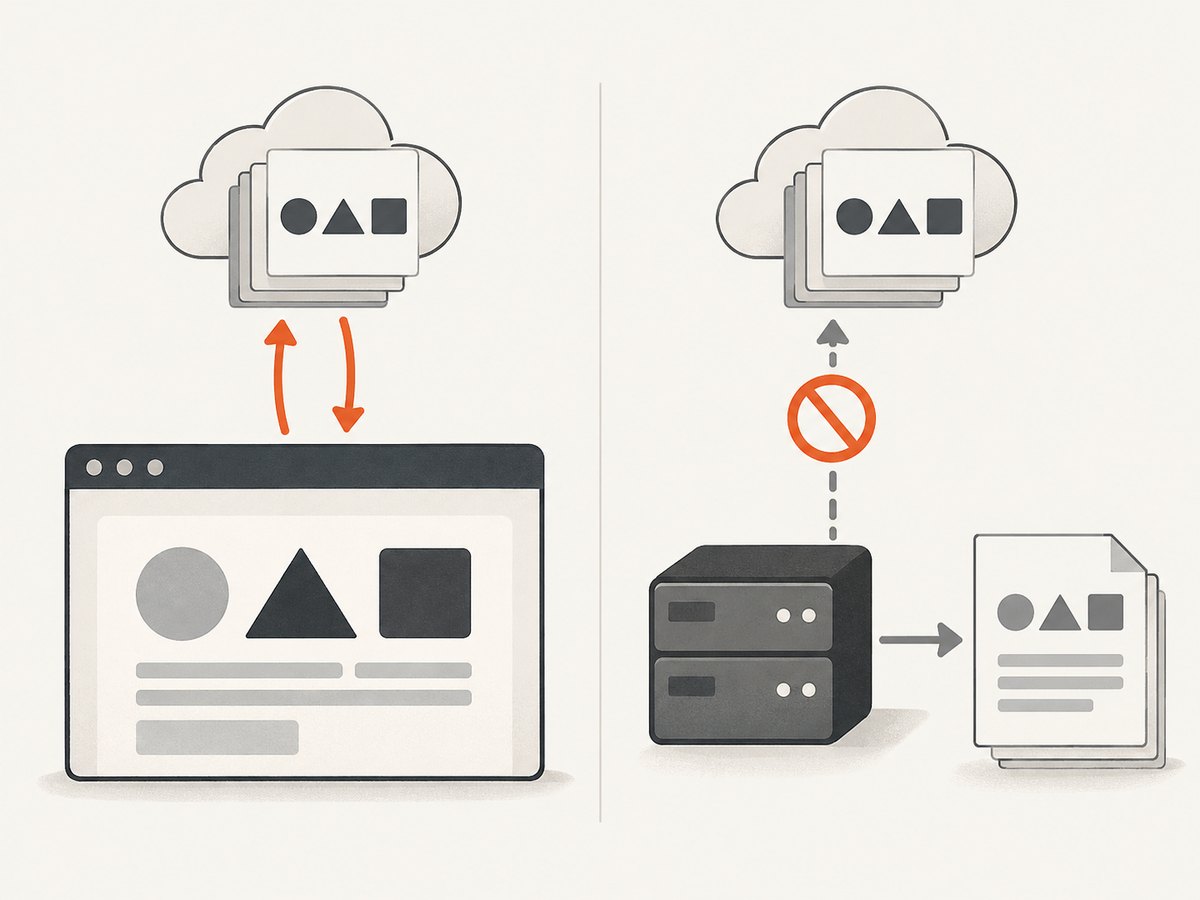
Define the font with @font-face and use it in the PDF stylesheet. The URL must resolve from the wkhtmltopdf process, which may run outside your Rails web process and may have different network or filesystem permissions.
/* app/assets/stylesheets/pdf.css */
@font-face {
  font-family: "DocumentFont";
  src: url("/assets/document-font.ttf") format("truetype");
  font-style: normal;
  font-weight: 400;
  font-display: block;
}

body {
  font-family: "DocumentFont", sans-serif;
}

.bold {
  font-family: "DocumentFont", sans-serif;
  font-weight: 700;
}
For raw HTML passed directly to PDFKit, use a full file path or an absolute URL. Relative paths have no dependable base unless you provide one. PDFKit supports a root_url for resolving relative resources:
html = render_to_string(
  template: "invoices/show",
  formats: [:html],
  locals: { invoice: @invoice }
)

kit = PDFKit.new(
  html,
  root_url: "https://app.example.test/",
  encoding: "UTF-8"
)
send_data kit.to_pdf, filename: "invoice.pdf", type: "application/pdf"
In a deployment where the renderer can read local files, an absolute path can be clearer:
@font-face {
  font-family: "DocumentFont";
  src: url("file:///srv/app/current/public/fonts/document-font.ttf") format("truetype");
}
Use the form your installed wkhtmltopdf build permits. Some hardened environments restrict local file access, while others cannot reach an internal hostname. The important diagnostic question is whether the subprocess can fetch the exact CSS and font URL, not whether your normal browser can.
5. Configure PDFKit and wkhtmltopdf explicitly
Automatic binary discovery can hide environment differences. Configure the executable in an initializer when you have more than one installation or when production does not use the same path as development:
# config/initializers/pdfkit.rb
PDFKit.configure do |config|
  config.wkhtmltopdf = "/usr/local/bin/wkhtmltopdf"
  config.default_options = {
    encoding: "UTF-8",
    print_media_type: true
  }
end
Confirm that the configured binary exists, is executable, and can access the font path or URL under the account running your Rails jobs or web process. Capture the binary version during deployment diagnostics so a host replacement does not silently change rendering behavior.
The upstream wkhtmltopdf repository was archived and made read-only on January 2, 2023. That maintenance status matters when you plan long-lived compatibility. Pin the renderer used by your application, document the operating-system dependencies, and verify output after upgrades instead of assuming every WebKit build behaves identically.
6. A complete Rails example
This example renders an invoice containing accented Latin, a currency symbol, and a non-Latin sample. Replace the sample font and text with values your application actually supports.
# app/controllers/invoices_controller.rb
class InvoicesController < ApplicationController
  def show
    @invoice = Invoice.find(params[:id])
    html = render_to_string(
      template: "invoices/show",
      formats: [:html],
      layout: "pdf",
      locals: { invoice: @invoice }
    )

    kit = PDFKit.new(html, encoding: "UTF-8")
    send_data kit.to_pdf,
      filename: "invoice-#{@invoice.id}.pdf",
      type: "application/pdf",
      disposition: "inline"
  end
end
<!-- app/views/layouts/pdf.html.erb -->
<!doctype html>
<html lang="en">
<head>
<meta charset="utf-8">
<%= stylesheet_link_tag "pdf", media: "all" %>
</head>
<body>
<%= yield %>
</body>
</html><!-- app/views/invoices/show.html.erb -->
<h1>Invoice <%= invoice.number %></h1>
<p>Customer: <%= invoice.customer_name %></p>
<p>Examples: Café, Łódź, Ελληνικά, العربية, 日本語, € and —</p>7. Troubleshooting checklist
Mojibake or consistently misread characters
- Inspect the original bytes and Ruby string encoding.
- Ensure the template contains
<meta charset="utf-8">. - Check response headers and any intermediate HTML files.
- Use
encoding: "UTF-8"only as a fallback for unspecified content.
Squares or empty boxes for only some characters
Inspect the font’s glyph coverage for those exact characters. Try a font known to support the required script, then confirm that the PDF stylesheet actually applies it. Changing the encoding will not create a missing glyph.
The font works in a browser but not in the PDF
Save the exact HTML generated for PDFKit and open it from the same host context. Check every CSS and font request, use absolute paths or URLs, configure root_url when appropriate, and verify file permissions. A browser session may have cookies, DNS access, or local fonts unavailable to wkhtmltopdf.
Fonts load locally but fail in production
Compare the wkhtmltopdf binary, operating system, user account, asset-host URL, firewall rules, and filesystem paths. Make the binary path explicit and log enough deployment information to reproduce the renderer environment.
Only bold or italic text is broken
Declare the corresponding font files and weights. If a stylesheet requests weight 700 but only a regular file is available, the renderer may synthesize or fall back to another face with different coverage.
PDF generation times out after adding web fonts
Check whether the font URL is reachable and returns promptly. Avoid URLs that require an interactive login, an expiring token, or browser-only service-worker behavior. Prefer a stable asset URL or an accessible local file when your deployment policy allows it.
8. Verification, performance, and reliability
Build a small fixture page containing the real scripts and symbols your product supports. Generate it with the production wkhtmltopdf binary and inspect the PDF in more than one viewer. This catches missing assets, fallback fonts, and deployment-specific differences before users encounter them.
Keep font files reasonably sized and avoid loading families or weights the document never uses. Fewer resource requests reduce the chance of a renderer timeout. If PDFs are generated in background jobs, retain the HTML input, renderer version, and relevant options with failed jobs so an encoding problem can be diagnosed without guessing.
PDFKit inherits the reliability characteristics of a separate wkhtmltopdf process. Resource requests can fail independently of Rails, and a successful HTML response does not prove that every font was embedded or applied. Treat font assets as deployment dependencies: version them, make their paths deterministic, and verify them after infrastructure changes.
9. Cost and architecture notes
Self-hosted PDFKit costs the compute and operational time required to run wkhtmltopdf and serve its assets. The research does not establish a benchmark or a universal memory or time requirement, so measure your own documents if throughput matters. A document with many pages, large images, or remote fonts can require more work than a short invoice.
If your goal is a screenshot or PDF of a public web page rather than a Rails view, a hosted capture endpoint can remove browser-process setup. ScreenshotNeo is a website screenshot API and MCP server for developers. Its API can return PNG, JPEG, WebP, or PDF from one GET request, while its capture pipeline accepts consent banners and removes more than 60 known consent platforms, newsletter popups, and chat widgets before capture. Only clean shots are billed; bot checks, blank pages, timeouts, failed loads, and cache hits cost nothing, and response headers identify the page verdict and billing status.
10. Or skip the browser setup
For a URL capture, call ScreenshotNeo directly. See the ScreenshotNeo API documentation for the complete option list.
curl -G "https://api.screenshotneo.com/v1/shot" \
  -d access_key=YOUR_API_KEY \
  --data-urlencode url=https://stripe.com \
  -o shot.webp
import requests
r = requests.get(
"https://api.screenshotneo.com/v1/shot",
params={"access_key": "YOUR_API_KEY", "url": "https://stripe.com"},
timeout=90,
)
r.raise_for_status()
open("shot.webp", "wb").write(r.content)const q = new URLSearchParams({
access_key: 'YOUR_API_KEY',
url: 'https://stripe.com'
});
const res = await fetch(`https://api.screenshotneo.com/v1/shot?${q}`);
if (!res.ok) throw new Error(`HTTP ${res.status}`);
const bytes = Buffer.from(await res.arrayBuffer());
require('fs').writeFileSync('shot.webp', bytes);ScreenshotNeo also supports full-page capture with lazy images loaded, element selection by CSS selector, dark mode, device presets and custom viewports, retina scale, PDF paper size and margins, custom CSS and JavaScript, click and wait actions, request blocking, headers and cookies, user-agent, authorization, timezone, geolocation, transparent backgrounds, resizing, configurable caching, signed links, asynchronous jobs with signed webhooks, bulk capture for up to 100 URLs per call, a usage API, and an OpenAPI specification. An MCP server provides take_screenshot, get_page_info, and capture_pdf tools for Claude, Cursor, and other MCP clients.
There are concrete reasons to use it for web captures: cookie banners, popups, and chat widgets are removed before the shot; bot checks, blank pages, and failed loads are never billed; AI agents can take screenshots through MCP; 1,000 screenshots per month are free with no card, and paid plans start at $5 for 3,000 shots. Create a free ScreenshotNeo account.
FAQ
Does adding a UTF-8 meta tag embed a font?
No. The tag declares how the HTML bytes should be decoded. You still need a font with the required glyphs and a URL or path that wkhtmltopdf can access.
Should I use a web font URL or a local file?
Use whichever is reliably reachable by the renderer. A local absolute path avoids network and DNS problems when permitted; a stable absolute URL can simplify asset deployment. Test the chosen method under the production renderer account.
Why does sans-serif fail for one language?
Generic families resolve to installed fonts, and the selected fallback may not cover that script. Declare a font with the required glyphs and verify the applied face.
Is PDFKit the same as the Node.js PDFKit library?
No. This guide covers the Ruby PDFKit gem for Rails, which invokes wkhtmltopdf. The similarly named Node.js library is a different tool and rendering model.
What should I record when reporting a rendering bug?
Record the Rails and PDFKit versions, wkhtmltopdf version and path, operating system, exact HTML, font URL or file path, representative failing characters, and whether the renderer can fetch each asset.


