How to Validate JavaScript Data with Cypress
Validate Cypress API responses and JavaScript objects with precise Chai assertions, retries, fixtures, error checks, and practical troubleshooting.
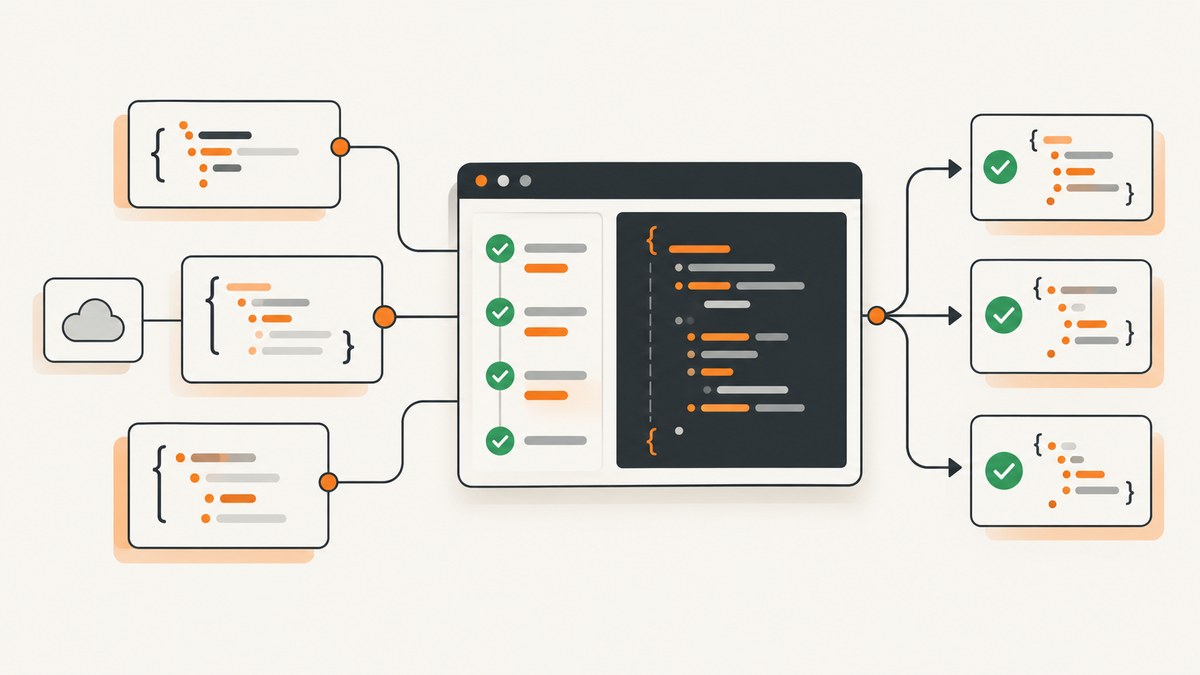
Use Cypress’s built-in Chai assertions to validate JavaScript data. For API responses, call cy.request(), inspect its status, headers, duration, and body, then assert the exact contract your application depends on. Use expect() inside a .then() callback for resolved data, or .should() when Cypress should retry a changing subject.
Cypress bundles Chai and adds assertion extensions, so you can check properties, keys, types, values, arrays, and deep equality without installing another assertion library. See the official Cypress assertions reference.
1. The basic patterns
Validate an object returned by an API
cy.request('/cart').its('body').then((cart) => {
  expect(cart).to.have.all.keys(
    'id', 'items', 'subtotal', 'tax', 'total', 'currency'
  )
  expect(cart.currency).to.be.oneOf(['USD', 'EUR', 'GBP'])
  expect(cart.total).to.be.a('number')

  cart.items.forEach((item) => {
    expect(item).to.include.all.keys('sku', 'quantity', 'unitPrice')
    expect(item.quantity).to.be.greaterThan(0)
  })
})
This checks the contract and the values that matter to the consumer. all.keys also fails when an unexpected key appears. If additive fields are allowed, use partial key assertions instead.
Check one property
cy.request('/users/1')
  .its('body.username')
  .should('eq', 'jdoe')
Compare a complete object
cy.request('/users/1')
  .its('body')
  .should('deep.eq', { name: 'Jane', username: 'jdoe' })
Deep equality compares nested values and types. It is useful for a deliberately fixed response, but it can make a test fail whenever the server adds an unrelated field.
2. A complete Cypress example
The following spec covers a success response, nested data, an expected validation error, and a fixture. Replace the URLs and contract details with those used by your application.
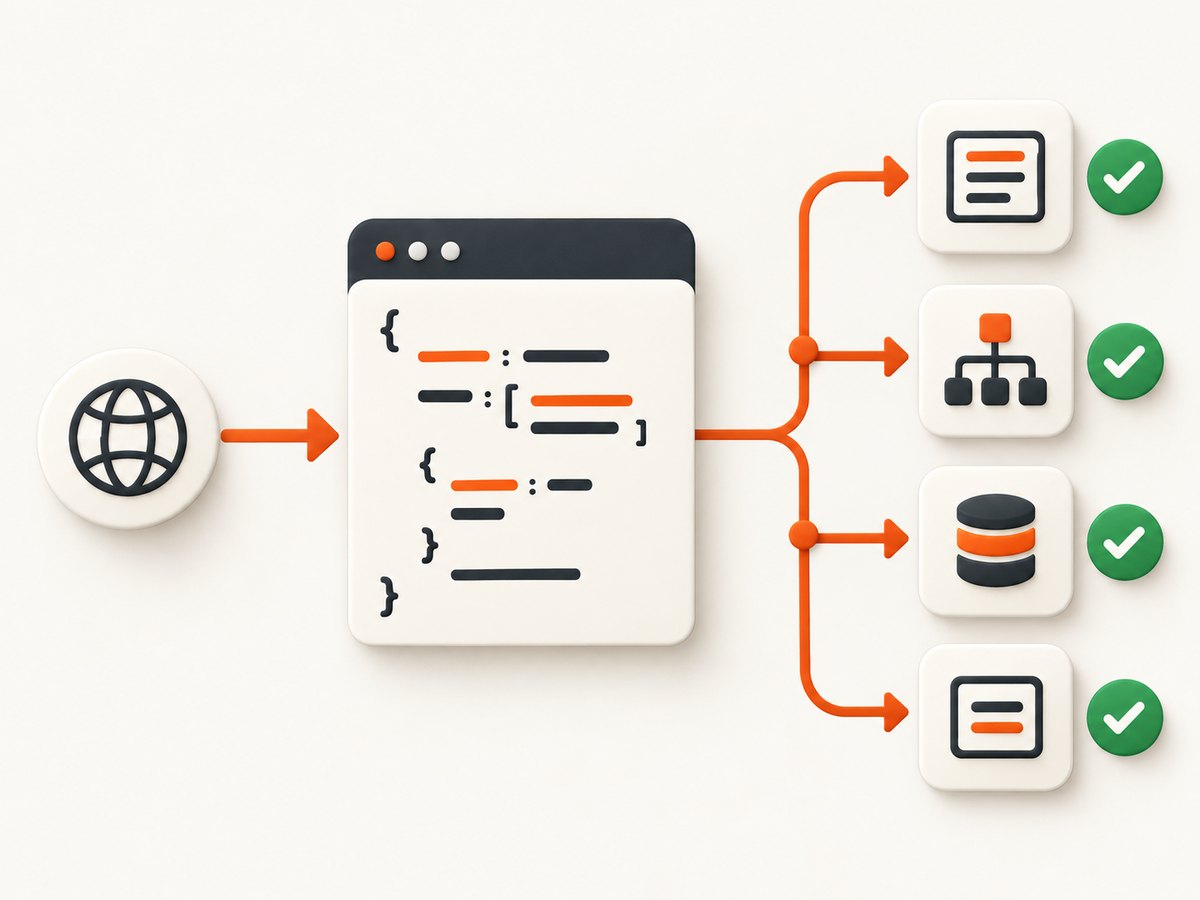
describe('order API data', () => {
  it('validates the successful response shape and values', () => {
    cy.request({
      method: 'GET',
      url: '/api/orders/123',
    }).then((response) => {
      expect(response.status).to.eq(200)
      expect(response.headers).to.have.property('content-type')
      expect(response.duration).to.be.a('number')

      const order = response.body
      expect(order).to.have.all.keys(
        'id', 'lineItems', 'subtotal', 'tax', 'total', 'currency'
      )
      expect(order.id).to.eq('123')
      expect(order.currency).to.be.oneOf(['USD', 'EUR', 'GBP'])
      expect(order.subtotal).to.be.a('number')
      expect(order.tax).to.be.a('number')
      expect(order.total).to.be.a('number')
      expect(order.lineItems).to.be.an('array').and.not.be.empty

      order.lineItems.forEach((lineItem) => {
        expect(lineItem).to.include.all.keys(
          'sku', 'quantity', 'unitPrice'
        )
        expect(lineItem.sku).to.be.a('string').and.not.be.empty
        expect(lineItem.quantity).to.be.a('number')
        expect(lineItem.quantity).to.be.greaterThan(0)
        expect(lineItem.unitPrice).to.be.a('number')
        expect(lineItem.unitPrice).to.be.at.least(0)
      })
    })
  })

  it('checks the server-side validation contract', () => {
    cy.request({
      method: 'POST',
      url: '/api/orders',
      body: { lineItems: [] },
      failOnStatusCode: false,
    }).then((response) => {
      expect(response.status).to.eq(422)
      expect(response.body).to.have.property('errors')
      expect(response.body.errors).to.deep.include({
        field: 'lineItems',
        message: 'must contain at least one item',
      })
    })
  })
})
The 422 status and error shape above are example contract values. Keep the assertion aligned with your server’s documented response.
3. Choosing the right Chai assertion
| Need | Useful assertion | What it verifies |
|---|---|---|
| One exact value | expect(value).to.eq(expected) |
Strict equality for a scalar |
| Nested object equality | expect(value).to.deep.eq(expected) |
Recursive value and type equality |
| Required property | expect(object).to.have.property('id') |
The property exists |
| Property value | expect(object).to.have.property('status', 'paid') |
Property exists with the expected value |
| Required keys only | expect(object).to.have.all.keys('id', 'status') |
Exact key set; extra keys fail |
| Required keys among others | expect(object).to.include.all.keys('id', 'status') |
Required keys; unrelated keys are allowed |
| Type | expect(value).to.be.a('number') |
Runtime JavaScript type |
| Allowed values | expect(value).to.be.oneOf([...]) |
Membership in an allowed set |
| Array contents | expect(array).to.deep.include(item) |
An item appears by nested value |
| Numeric range | expect(value).to.be.greaterThan(0) |
A boundary or ordering rule |
Assert the smallest meaningful contract. A complete deep comparison is appropriate for a stable, versioned payload. Property, key, type, and range assertions are more resilient when the API intentionally permits additional fields.
4. .should() versus .then()
.should() is Cypress’s retryable assertion command when the subject supports retrying. Cypress repeatedly evaluates the assertion until it passes or the command times out. A callback form groups related checks:
cy.get('[data-cy=total]').should(($total) => {
  expect($total).to.have.length(1)
  expect($total).to.contain('$42.00')
})
This is useful when the UI updates after a request. Cypress retries the callback as a unit while the subject is retryable. See the Cypress introduction and retry model.
Use .then() after a resolved request when you want ordinary synchronous JavaScript assertions:
cy.request('/api/profile').then((response) => {
  expect(response.status).to.eq(200)
  expect(response.body.email).to.match(/@/)
})
An assertion chained from cy.request() runs against that resolved response; it does not automatically issue the HTTP request again when the body assertion fails. Request retry options and assertion retries are separate concerns.
5. Validating HTTP responses with cy.request()
cy.request() yields a response containing status, body, headers, and duration. Cypress parses the body as a JavaScript object when the response Content-Type ends in json; otherwise the body is a string. Check the server header when a body unexpectedly has the wrong type.
cy.request({
  method: 'GET',
  url: '/api/catalog',
  headers: {
    Accept: 'application/json',
  },
}).then((response) => {
  expect(response.status).to.eq(200)
  expect(response.headers['content-type']).to.match(/json/)
  expect(response.body).to.be.an('array')
})
For authentication, pass the headers or cookies required by the endpoint and assert the authenticated contract rather than merely checking status:
cy.request({
  method: 'GET',
  url: '/api/me',
  headers: {
    Authorization: `Bearer ${Cypress.env('API_TOKEN')}`,
  },
}).then(({ status, body }) => {
  expect(status).to.eq(200)
  expect(body).to.include.all.keys('id', 'email', 'roles')
  expect(body.roles).to.be.an('array')
})
6. Testing expected failures
By default, Cypress fails a request when the server returns a non-2xx or non-3xx status. Set failOnStatusCode: false when the purpose of the test is to inspect that error response.
cy.request({
  method: 'POST',
  url: '/api/users',
  body: { email: 'not-an-email' },
  failOnStatusCode: false,
}).then((response) => {
  expect(response.status).to.eq(400)
  expect(response.body).to.include.all.keys('code', 'message')
  expect(response.body.code).to.eq('INVALID_EMAIL')
})
Do not assert only that a request failed. Assert the status, error code, field, and message your client uses. This catches regressions where the server returns the wrong error for the right input.
7. Avoiding weak negative assertions
A negative assertion can pass for an unintended reason. For example, checking that a list is not a particular length may pass because the application deleted every item, inserted a blank row, or failed to render the response. Prefer the expected shape and count:
// Weak: several incorrect states can satisfy this.
cy.get('[data-cy=results]').should('not.have.length', 3)

// Stronger: state the intended result directly.
cy.get('[data-cy=result]').should('have.length', 2)
cy.get('[data-cy=result]').each(($result) => {
  expect($result).to.have.attr('data-id').and.not.be.empty
})
For API data, assert the expected array length, required keys, and meaningful values. Use negative checks only when the absence itself is the contract.
8. Fixtures and static JavaScript data
Keep a small, test-specific object inline when it clarifies the scenario. Put shared or substantial data in a fixture file. Cypress documents JSON and JavaScript fixtures in the fixture API reference.
// cypress/fixtures/order.json
{
  "id": "fixture-order-1",
  "currency": "USD",
  "lineItems": [
    { "sku": "sku-1", "quantity": 2, "unitPrice": 10 }
  ]
}
cy.fixture('order').then((expectedOrder) => {
expect(expectedOrder).to.include.all.keys('id', 'currency', 'lineItems')
expect(expectedOrder.lineItems).to.be.an('array').and.not.be.empty
})Fixtures are loaded data, not a schema validator. Keep their assertions representative of the contract and update both together when the contract intentionally changes.
9. Validating transformed data
When application code maps an API response into a view model, validate both the source and the transformation boundary. This prevents a test from passing because the UI hides a missing field.
cy.request('/api/products').then(({ body }) => {
  expect(body).to.be.an('array')

  const cards = body.map((product) => ({
    id: product.id,
    title: product.name,
    priceLabel: `$${product.price.toFixed(2)}`,
  }))

  cards.forEach((card) => {
    expect(card).to.have.all.keys('id', 'title', 'priceLabel')
    expect(card.id).to.be.a('string').and.not.be.empty
    expect(card.title).to.be.a('string').and.not.be.empty
    expect(card.priceLabel).to.match(/^\$\d+\.\d{2}$/)
  })
})
For optional fields, assert the allowed alternatives explicitly:
expect(user.displayName == null || typeof user.displayName === 'string')
  .to.eq(true)
10. Equivalent checks with cURL, Python, and Node.js
Cypress is useful when the check belongs in a browser test suite. For a quick contract probe in a shell or service, the same response can be inspected with other clients.
cURL
curl --fail-with-body -sS https://example.test/api/users/1 \
  -H 'Accept: application/json' \
  -o response.json
cat response.json
Python
import requests

response = requests.get(
    'https://example.test/api/users/1',
    headers={'Accept': 'application/json'},
    timeout=30,
)
response.raise_for_status()
data = response.json()
assert isinstance(data['username'], str)
assert data['username'] == 'jdoe'
Node.js
const response = await fetch('https://example.test/api/users/1', {
  headers: { Accept: 'application/json' },
});
if (!response.ok) throw new Error(`HTTP ${response.status}`);
const data = await response.json();
if (data.username !== 'jdoe') {
  throw new Error(`Unexpected username: ${data.username}`);
}
11. Troubleshooting common failures
| Symptom | Likely cause | Fix |
|---|---|---|
response.body is a string |
The response Content-Type does not end in json. |
Fix the server header, or parse the string deliberately after asserting its format. |
| The test fails before inspecting an error body | A non-2xx/3xx response triggered the default failure. | Set failOnStatusCode: false for deliberately invalid requests. |
| An assertion never retries the request | Assertions chained from cy.request() run once. |
Use request retry options for transport problems, or poll through a retryable Cypress subject when the data changes asynchronously. |
all.keys fails after a harmless API change |
The assertion requires an exact key set. | Use include.all.keys when extra fields are allowed, or update the versioned contract. |
| Deep equality fails on equivalent-looking data | Types, missing keys, array order, or nested values differ. | Inspect the actual object and assert the specific contract dimensions that matter. |
| A negative UI assertion passes unexpectedly | The application reached a different empty or malformed state. | Assert the expected count, keys, identifiers, and values directly. |
| Authentication returns 401 or 403 | The token, cookie, scope, or environment is missing or expired. | Pass the required headers/cookies, verify the test environment, and assert the intended authenticated response. |
| Intermittent timeout in a UI assertion | The subject updates after asynchronous work or the timeout is too short. | Use .should() on a retryable subject, wait on a meaningful application condition, and change timeouts only when the operation genuinely needs longer. |
12. Performance and reliability
- Validate the response at the API boundary when the goal is data correctness; this avoids waiting for rendering and produces a more focused failure.
- Keep assertions specific. Checking every incidental field increases maintenance and makes harmless additive changes break tests.
- Use one request when several assertions describe the same response. Store
response.bodyin the callback rather than issuing duplicate requests. - Use deterministic fixtures or controlled test data for stable contracts. Avoid depending on mutable production records.
- Record
response.durationwhen latency is diagnostically useful, but do not turn an incidental local duration into a universal performance budget. - Separate transport retries from assertion retries. A body assertion failure does not imply a new HTTP request.
- For eventual consistency, poll through an application-facing retryable command or explicitly repeat the request with a bounded strategy rather than hiding a race with a long arbitrary delay.
13. Cost and test-suite maintenance
Cypress itself does not charge per assertion. The practical costs are CI time, test-environment capacity, and maintenance when contracts are over-specified. Exact-key and deep-equality checks provide stronger change detection but require deliberate versioning. Partial assertions reduce churn while still protecting the fields the client uses.
Keep expensive setup outside individual assertions, reuse a resolved response for related checks, and reserve end-to-end browser flows for behavior that needs a browser. API contract checks can run faster and explain failures more directly.
14. Or skip the browser setup
If the goal is to capture a clean screenshot of a Cypress result, test report, or application state for review, ScreenshotNeo provides a single HTTP request. Its API can return PNG, JPEG, WebP, or PDF, and the ScreenshotNeo documentation lists the options.

curl -G "https://api.screenshotneo.com/v1/shot" -d access_key=YOUR_API_KEY --data-urlencode url=https://stripe.com -o shot.webpimport requests
r = requests.get("https://api.screenshotneo.com/v1/shot", params={"access_key": "YOUR_API_KEY", "url": "https://stripe.com"}, timeout=90)
open("shot.webp", "wb").write(r.content)const q = new URLSearchParams({ access_key: 'YOUR_API_KEY', url: 'https://stripe.com' }); const res = await fetch(`https://api.screenshotneo.com/v1/shot?${q}`);Before capture, ScreenshotNeo accepts cookie or consent banners like a visitor and removes more than 60 known consent platforms, newsletter popups, and chat widgets; each step can be turned off. Bot checks, blank pages, timeouts, failed loads, and cache hits are not billed, and the response reports the result with X-Page-Verdict and X-Billed headers. An MCP server provides take_screenshot, get_page_info, and capture_pdf tools for Claude, Cursor, and other MCP clients. The Free plan includes 1,000 screenshots per month with no card; paid plans start at $5 for 3,000 shots.
Create a free ScreenshotNeo account and get 1,000 screenshots a month without a card.
15. FAQ
Should I validate status before the body?
Yes. Assert the expected status first, then validate the body contract for that status. For expected failures, disable automatic status failure so the body can be inspected.
Is deep.eq better than property assertions?
Neither is universally better. Use deep equality for a stable complete object; use property, key, type, and value assertions when unrelated fields may change.
Why did Cypress not retry my API request?
Assertions on a resolved cy.request() response run once. Cypress assertion retries apply to retryable subjects; request retries are configured separately.
Can Cypress validate non-JSON responses?
Yes. Cypress yields non-JSON bodies as strings. Assert the content type and parse or match the string according to the response contract.
Where should shared expected data live?
Use a fixture for substantial or shared data and inline objects for small, scenario-specific values. Keep the assertions tied to the contract rather than treating a fixture as a schema.
16. Practical checklist
- Assert the expected HTTP status.
- Confirm the response body type and content type.
- Choose exact keys or partial keys intentionally.
- Check required properties, types, ranges, and allowed values.
- Validate nested arrays item by item when their shape matters.
- Use
failOnStatusCode: falsefor expected error responses. - Use
.should()for retryable changing subjects and.then()for resolved data. - Avoid negative assertions that can pass for unrelated states.
- Keep fixture data representative and deterministic.
- Separate API transport reliability from assertion behavior.


