How to Create Verifiable Records with Website Screenshots
Learn how to capture, timestamp, hash, preserve, and verify website screenshots without overstating what a screenshot proves.
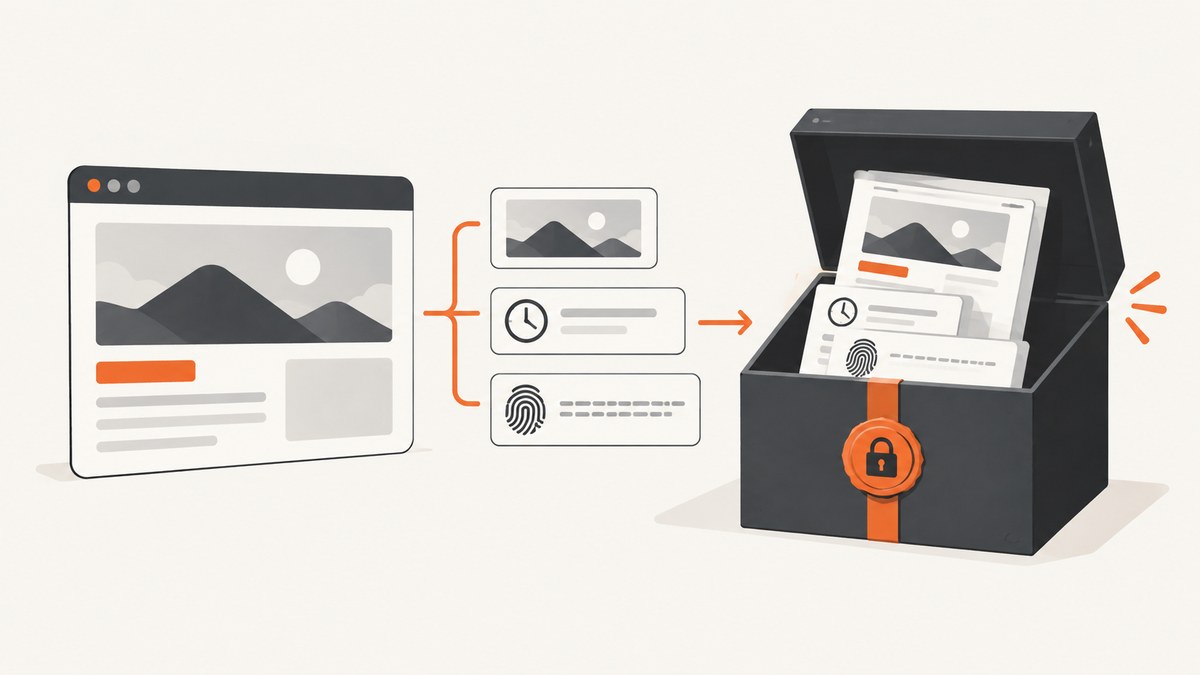
Short answer: A screenshot records the pixels visible to the person or tool that captured it. To make that record verifiable, preserve the exact resolved URL and context, record the capture time and timezone, document the browser and settings, retain the untouched original, calculate a cryptographic hash, and keep a collection log in controlled storage. A screenshot alone does not prove that a page was authentic before capture, that it remained unchanged, or that a court will admit it.
For a reviewer to check your record, package the image with enough information to answer five questions:
- What was captured? Include the final URL after redirects, visible page context, account state, region, filters, and query parameters.
- When was it captured? Record the date, precise time, clock source if relevant, and whether the timestamp is UTC or local time.
- How was it captured? Identify the browser or capture service, version, viewport, device scale, user agent, extensions, and every interaction.
- Did it change? Preserve the original bytes, calculate a hash, and record every conversion or annotation.
- Can another person review it? Keep the original, metadata, logs, and related HTML, PDF, or archive package together in access-controlled or write-protected storage.
1. What a screenshot can and cannot prove
A screenshot is strongest when the question is “What did the rendered interface look like at this moment?” It preserves the visible layout, text, images, and browser state that the collector saw. It is weaker for questions about hidden HTML, links, scripts, network responses, prior versions, or later replay.
Use careful wording in reports. Say that the image shows the pixels recorded by the collector at the stated time. Do not say that it proves the publisher created authentic content, that the content was unchanged before capture, or that it is automatically admissible in every jurisdiction. Stronger support comes from corroborating server or archive records, reproducible steps, preserved originals, hashes, and a documented chain of custody.
The National Archives and Records Administration describes a reliable website record as a full and accurate representation and treats integrity as the record being complete and unaltered. RFC 3227 similarly advises investigators to capture as accurate a picture of the system as possible. Read the RFC 3227 evidence-collection guidance alongside your organization’s records policy.
2. Choose the right capture package
| Method | Best evidence | What it can miss | Include with the record |
|---|---|---|---|
| Screenshot | Human-visible rendered state | HTML structure, links, scripts, network responses, replay | Original image, URL, timestamp, settings, hash, log |
| Paginated, shareable report | Dynamic behavior, exact viewport interaction | Original PDF, print settings, source URL, hash | |
| HTML download | Source markup and text | Remote assets, post-load JavaScript, server-side state | HTML, asset list, retrieval log, hash |
| Web archive or harvest | Links, assets, and later replay | Private or blocked content, interactive services | Archive package, harvester details, logs, hash |
Use more than one method when the dispute could involve links, scripts, or later replay. A screenshot and PDF can document appearance while an HTML or archive package preserves material needed to inspect the underlying page. Stable URIs make it easier to associate captures over time; script-only navigation and unstable links make later verification harder.
3. A repeatable capture workflow
Step 1: Define the question and scope
Write down what the record must establish before opening the page. Specify the URL, whether redirects matter, the relevant section of the page, and whether you need the address bar visible. Avoid collecting unrelated personal data. If the page is behind an account, record the account role or state without putting credentials in the evidence package.
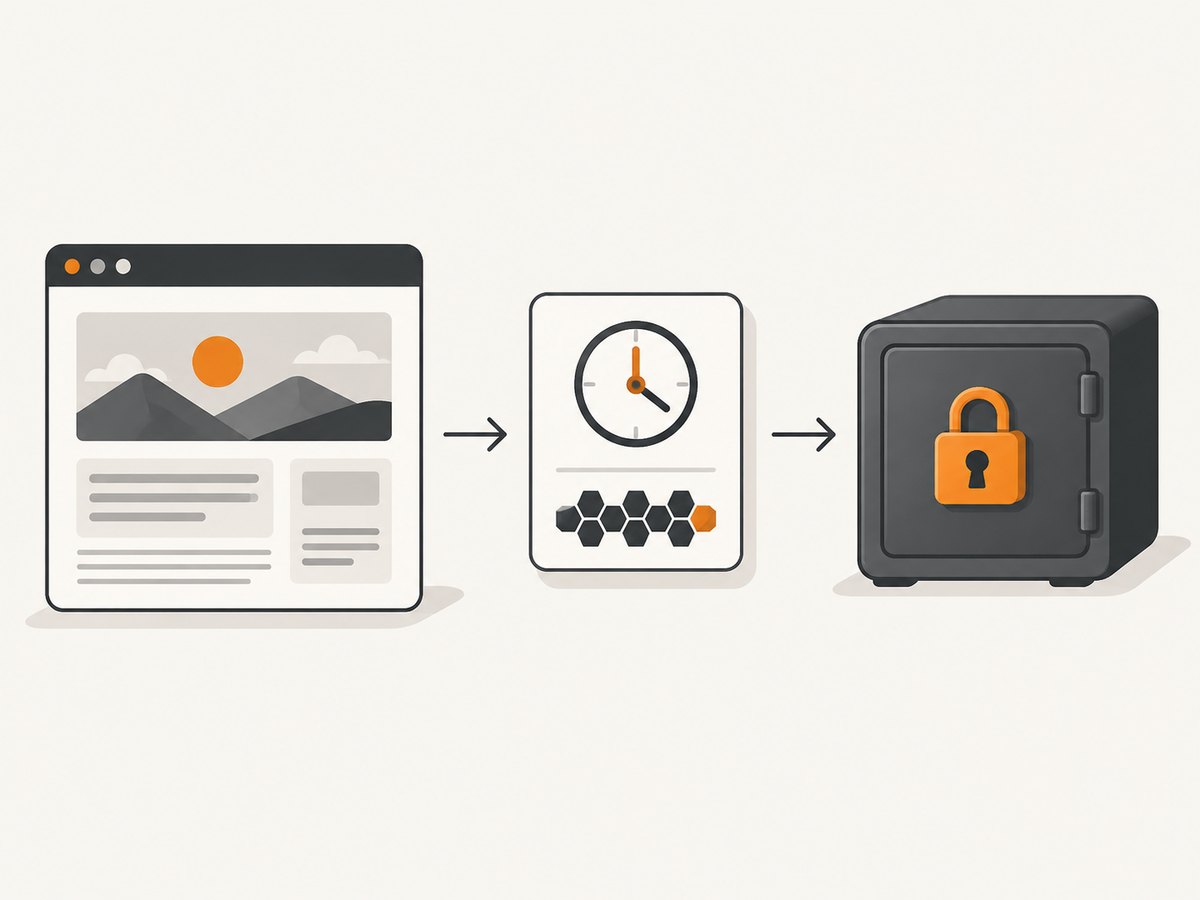
Step 2: Open a clean, documented session
Use a normal browser profile unless the investigation requires a known extension or account. Record browser name and version, operating system, viewport dimensions, device scale, user agent, language, timezone, region, and extensions that can alter content. Note consent choices, login state, filters, and query parameters. Follow redirects and save the exact final URL.
Step 3: Record time and timezone
Capture the system clock and label it explicitly as UTC or local time with its offset. RFC 3227 recommends minimizing changes while collecting. For a high-value record, compare the workstation clock with an organization-approved time source and retain the time-check note. Do not silently convert local times later; preserve the original notation and document any conversion.
Step 4: Capture the focused state
Scroll only as needed to include the relevant content. A full-page capture is useful for a long article, while a focused capture reduces unrelated material and makes review easier. When practical, include the browser address bar and visible date or time. Record every interaction: clicks, expansion of accordions, dismissed banners, searches, and delays before capture.
Step 5: Preserve the untouched original
Save the image exactly as produced. Do not crop, resize, sharpen, redact, or annotate that file. If you need a marked-up version, create a derivative with a new filename and retain the original beside it. Keep the original format because converting PNG to JPEG or placing an image in a document changes its bytes.
Step 6: Capture supporting material
Save the page’s HTML, a PDF, or a web-archive package when links, scripts, assets, or later replay matter. Record the method and tool used to create those files. A screenshot is a point-in-time representation, not a complete web-record management system; preservation must cover the associated files and logs as well as the image.
Step 7: Hash and log every original
Use a cryptographic hash such as SHA-256. Store the digest in a separate text file or evidence database and include the filename, size, capture time, operator, tool, and any conversion. A matching hash demonstrates that the file reviewed later is the same byte sequence that was collected. It does not prove that the web server supplied truthful content.
# Linux or macOS
sha256sum page-2026-09-29T14-32-10Z.png

# macOS alternative
shasum -a 256 page-2026-09-29T14-32-10Z.png

# Windows PowerShell
Get-FileHash .\page-2026-09-29T14-32-10Z.png -Algorithm SHA256
Step 8: Store and transfer under control
Put the original, hash, metadata, and collection log in access-controlled or write-protected storage. Restrict deletion and record who retrieves or copies the package. When another person receives it, log the transfer date, sender, recipient, purpose, and resulting hash. Keep derivatives in a separate folder so reviewers cannot confuse them with originals.
4. Minimal evidence manifest
A plain-text or JSON manifest makes the package reviewable without guessing. The following fields cover the core record:
{
  "record_id": "case-042-page-003",
  "resolved_url": "https://example.test/article?id=123",
  "captured_at": "2026-09-29T14:32:10Z",
  "timezone": "UTC",
  "operator": "analyst-17",
  "browser": "Browser name and version",
  "os": "Operating system and version",
  "viewport": "1440x900",
  "device_scale": 1,
  "account_state": "signed out",
  "region": "US",
  "interactions": ["opened page", "expanded Sources"],
  "files": [
    {"name": "page.png", "sha256": "paste-digest-here"},
    {"name": "page.pdf", "sha256": "paste-digest-here"}
  ],
  "notes": "Originals are write-protected; annotation is in derivatives/"
}
Keep a separate event log for retrieval, copying, annotation, format conversion, and transfer. Never overwrite the manifest when a new derivative is created; append a new event instead.
5. Timestamping and independent verification
A local timestamp tells reviewers what your system clock reported. For stronger independence, preserve a corroborating server or archive record and document the time source used by your organization. A hash proves continuity of the file after collection, while an independently recorded timestamp helps establish when that hash or file existed. Neither one proves the page’s underlying claims.
To verify a package, a second reviewer should:
- Copy the original file without editing it.
- Recalculate its SHA-256 digest.
- Compare the result with the manifest.
- Open the image and check the URL, visible context, and any address-bar details.
- Read the collection log and confirm that the browser, settings, time notation, and interactions are documented.
- Check that derivatives are clearly separated and that transfer records account for every handoff.
6. Common failure modes and fixes
| Problem | Likely cause | Fix |
|---|---|---|
| Reviewer cannot identify the page | Only a cropped image was saved | Capture the address bar when practical and log the final URL, redirects, account state, and filters. |
| Timestamp is disputed | No timezone or uncertain system clock | Record UTC or the local offset, document the clock source, and preserve the original notation. |
| Hash no longer matches | Image was edited, converted, or recompressed | Locate the untouched original, hash it again, and treat edited output as a derivative. |
| Page looks different later | Content, personalization, geolocation, or experiments changed | Record region, language, account state, cookies, user agent, and query parameters; preserve HTML or an archive package. |
| Lazy content is missing | Capture occurred before scrolling or rendering finished | Wait for the relevant selector or network activity, scroll deliberately, and record the wait and interaction. |
| Cookie banner covers evidence | Consent state was not documented | Record whether consent was accepted or declined. If the banner itself matters, capture it before interacting. |
| Another reviewer cannot replay the page | Scripts, assets, login, or links were not preserved | Save HTML, PDF, or a web archive and document the harvester and its logs. |
| Package contains sensitive data | Full-page capture included unrelated personal information | Keep the original restricted, create a documented redacted derivative, and record exactly what was removed. |
7. Performance, reliability, and cost decisions
Capture promptly when a page may be edited or removed. For repeatability, keep the viewport, timezone, locale, user agent, account state, and interaction sequence constant. A full-page image can be large; use lossless PNG for text and fine details, and retain the original before creating a smaller review copy. PDF and archive captures add storage and processing time but preserve context that a screenshot cannot.
Run a second capture when the matter is important and compare the manifests. Treat differences as information: the page may be personalized, still loading, or changed between captures. Do not hide disagreements by selecting only the more convenient image. Record failures, timeouts, bot checks, and blank pages in the log.
8. Or skip the browser setup
ScreenshotNeo provides a website screenshot API and MCP server. One GET request returns a PNG, JPEG, WebP, or PDF. It accepts consent banners like a visitor and removes more than 60 known consent platforms, newsletter popups, and chat widgets before capture; each cleanup step can be turned off. Bot checks, CAPTCHAs, blank pages, timeouts, failed loads, and cache hits cost nothing, and response headers identify the page verdict and whether the shot was billed.

For evidence work, you still need your own manifest, timestamp policy, hashes, access controls, and chain-of-custody log. The API automates rendering; it does not establish that a publisher’s content was truthful.
See the ScreenshotNeo API documentation for all options. A minimal request is:
curl -G "https://api.screenshotneo.com/v1/shot" -d access_key=YOUR_API_KEY --data-urlencode url=https://stripe.com -o shot.webpimport requests
r = requests.get(
"https://api.screenshotneo.com/v1/shot",
params={"access_key": "YOUR_API_KEY", "url": "https://stripe.com"},
timeout=90,
)
r.raise_for_status()
open("shot.webp", "wb").write(r.content)const q = new URLSearchParams({ access_key: 'YOUR_API_KEY', url: 'https://stripe.com' });
const res = await fetch(`https://api.screenshotneo.com/v1/shot?${q}`);
if (!res.ok) throw new Error(`HTTP ${res.status}`);
const data = Buffer.from(await res.arrayBuffer());
await Bun.write('shot.webp', data);Relevant capture controls include full-page mode with lazy images loaded, a CSS-element selector, dark mode, 12 device presets or a custom viewport, retina scale, PDF paper size and margins, custom CSS and JavaScript, clicks, selector or network-idle waits, request and resource blocking, custom headers and cookies, user agent, authorization, timezone, geolocation, transparent backgrounds, resizing, chosen cache TTL, signed links, asynchronous jobs with signed webhooks, bulk capture for up to 100 URLs per call, and a usage API. Parameter names used by other screenshot APIs also work, which can simplify migration.
ScreenshotNeo includes an MCP server with take_screenshot, get_page_info, and capture_pdf for Claude, Cursor, and other MCP clients. Plans include 1,000 shots per month free with no card; paid plans start at $5 for 3,000 shots, with yearly billing providing two months free. Only clean shots are billed.
Create a free ScreenshotNeo account to capture up to 1,000 screenshots each month without a card.
9. FAQ
Is a screenshot enough to prove what a website said?
It proves what the captured pixels showed to the collector at the recorded time. Preserve the URL, context, original bytes, hash, and logs, and add HTML, PDF, archive, or server evidence when the underlying page matters.
Should I include the browser address bar?
When practical, yes. It makes the resolved URL and visible context easier to review. Always record the URL separately even when the address bar is not visible.
Does a hash prove the screenshot is genuine?
A hash proves that the reviewed bytes match the hashed file. It does not prove who created the file, what the server originally returned, or that the page was truthful.
When should I use the Wayback Machine or another archive?
Use an archive or harvest package when links, assets, source markup, or later replay matter. Keep your own contemporaneous capture because an archive may not contain the page or the exact personalized state you observed.
Can I redact the screenshot?
Keep the untouched original under restricted access. Make a separate redacted derivative, document the tool and removed regions, hash the derivative, and never replace the original.


