How to Verify API Requests in Cypress
Learn when to use cy.intercept() or cy.request(), how to assert on requests and responses, and how to troubleshoot common Cypress API test failures.
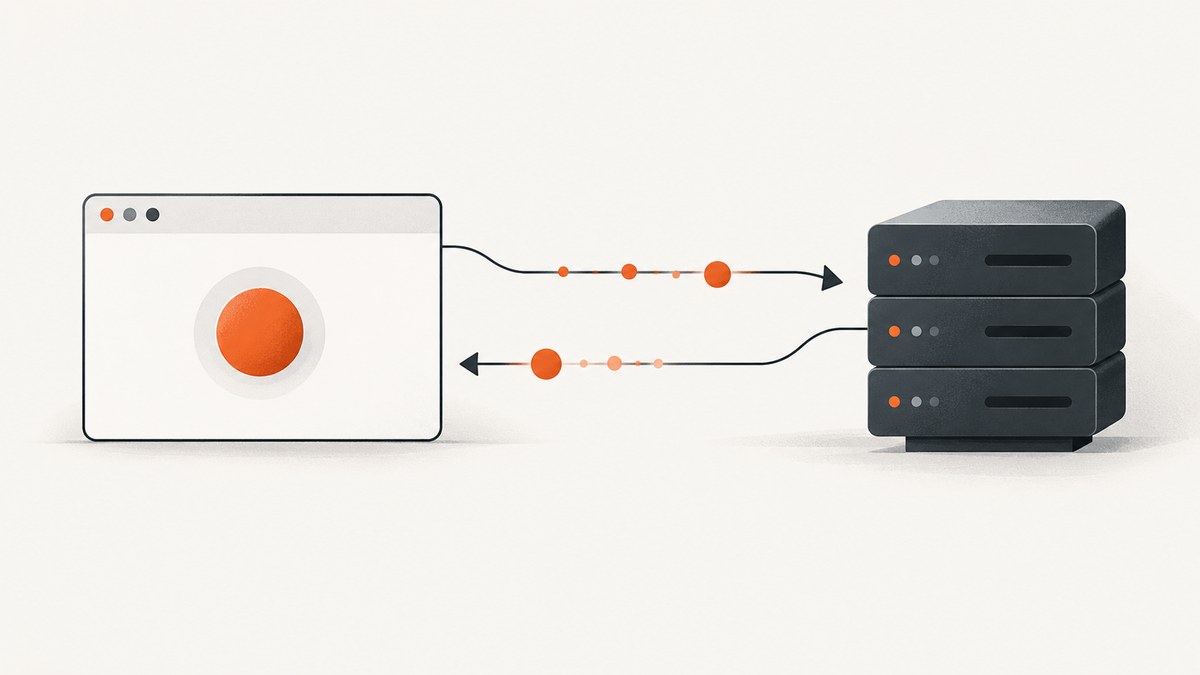
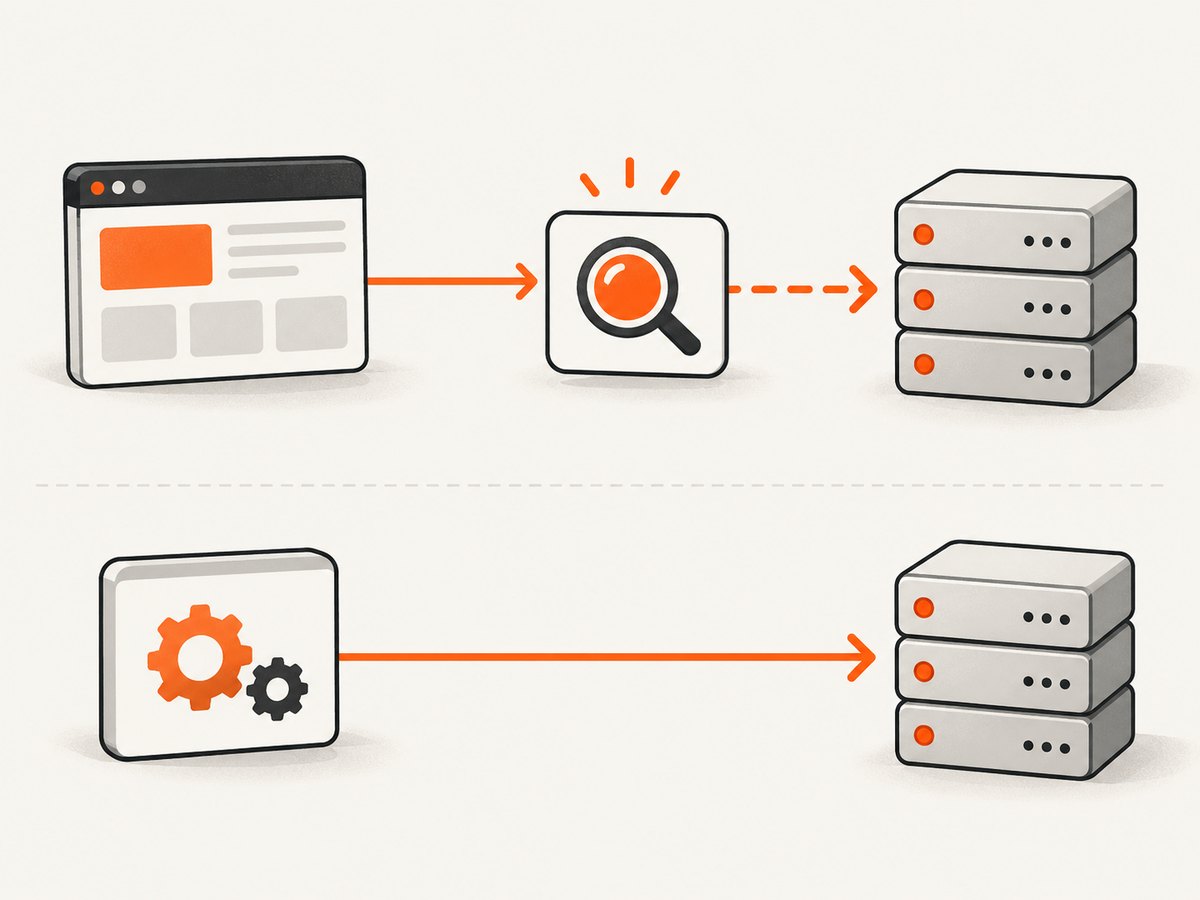
To verify an API request made by the app under test, register cy.intercept() before the action that triggers the request, give the route an alias, trigger the action, then wait with cy.wait('@alias') and assert on the yielded interception. Use cy.request() when the test itself should call an endpoint directly and check its response. The key distinction is who initiates the HTTP request: the application or the test. Cypress documents these as separate API testing approaches (network request guide; API testing guide).
1. Verify a request made by the application
Use an intercept when you want to prove that the browser application sent the expected request, inspect its response, or control the response with a stub. Register the intercept before visiting a page or clicking the control that causes the request. A wait only observes matching traffic that occurs after the route is registered.
describe('order submission', () => {
  it('sends an order and renders its confirmation', () => {
    cy.intercept('POST', '/api/orders').as('createOrder')

    cy.visit('/checkout')
    cy.get('[data-testid="place-order"]').click()

    cy.wait('@createOrder').then(({ request, response }) => {
      expect(request.body).to.include({ productId: 'sku-123' })
      expect(response.statusCode).to.eq(201)
      expect(response.body).to.have.property('id')
    })

    cy.get('[data-testid="order-confirmation"]').should('be.visible')
  })
})
The route is matched by method and URL, so an unrelated request is less likely to satisfy the wait. The yielded interception exposes the request and, if a response arrived, the response. Assert the fields that define the contract your test cares about: perhaps the submitted body and response status, rather than every incidental header. Then assert on the UI separately when the test also needs to show that the application responded correctly to the API result.
Register before the request trigger
Put cy.intercept() before cy.visit() when the page makes its request during load. For requests triggered by an interaction, register it before the interaction. This ordering avoids a race where the app sends the request before Cypress starts watching for it.
cy.intercept('GET', '/api/profile').as('getProfile')
cy.visit('/account')

cy.wait('@getProfile').then(({ response }) => {
  expect(response.statusCode).to.eq(200)
})

cy.get('[data-testid="profile-name"]').should('be.visible')
2. Match the intended request precisely
Cypress intercepts can match a URL string, glob, regular expression, or route matcher. A route matcher can constrain properties such as the method, hostname, pathname, or query. When you provide multiple matcher properties, all of them must match. Prefer a specific method and endpoint over a broad pattern so that a background call or a different API operation cannot satisfy the alias wait.
cy.intercept({
  method: 'GET',
  pathname: '/api/products',
  query: { category: 'books' }
}).as('getBooks')

cy.visit('/catalog?category=books')
cy.wait('@getBooks').its('response.statusCode').should('eq', 200)
Pick the matcher based on what is stable in your application. A full URL is useful when the host distinguishes an API from other traffic. A pathname plus query is useful when the test environment host changes. Avoid a wildcard that matches every request if the purpose of the test is to verify one specific API call.
Assert query parameters, headers, and bodies
For a JSON API, inspect the request’s body and response body directly. For a GET request, verify relevant query data on the URL or request URL. For authentication or content negotiation contracts, assert the particular header that matters. Avoid assertions on unstable values such as generated request identifiers unless the application contract requires them.
cy.intercept('GET', '/api/search*').as('search')
cy.visit('/search?q=cypress')

cy.wait('@search').then(({ request, response }) => {
  expect(request.url).to.include('q=cypress')
  expect(response.statusCode).to.eq(200)
  expect(response.body.results).to.be.an('array')
})
3. Observe a real response or stub a deliberate one
If your goal is to verify the app’s integration with the real test environment, let the request pass through and inspect the response. If your goal is to test a UI state deterministically, provide a fixture or response from the intercept. Cypress supports both observing upstream traffic and stubbing responses through cy.intercept() (Cypress network request guide).
cy.intercept('GET', '/api/products', {
  statusCode: 200,
  body: { products: [{ id: 'p-1', name: 'Notebook' }] }
}).as('getProducts')

cy.visit('/products')
cy.wait('@getProducts')
cy.get('[data-testid="product-p-1"]').should('contain', 'Notebook')
Stubbing helps isolate a test from upstream variability and lets you exercise response cases that are difficult to produce on demand. It also means that test does not establish that the real API currently returns that payload. Keep tests aligned with their purpose: use an intercepted real response to inspect integration behavior, and a controlled response to test a specific UI branch. A suite can use both kinds of tests.
4. Check failure responses and network errors
A complete API test often includes a failure path. For an HTTP error response, assert the status and then the visible error state. When simulating a network failure, stub a network error and verify that the app presents its retry or failure behavior. The right visible assertion depends on the product; make it specific enough to prove that the application handled the event.
cy.intercept('GET', '/api/profile', {
  statusCode: 503,
  body: { message: 'Service unavailable' }
}).as('profileUnavailable')

cy.visit('/account')
cy.wait('@profileUnavailable').its('response.statusCode').should('eq', 503)
cy.get('[data-testid="load-error"]').should('be.visible')
When checking an un-stubbed request that may fail before an HTTP response exists, do not assume response is always present. A network error is different from an HTTP response with a non-2xx status. Cypress’s interception result provides request and response information for the completed cycle; structure assertions around the kind of failure your test intends to verify.
5. Choose between cy.intercept(), cy.request(), and cy.task()
| Goal | Command | What it verifies |
|---|---|---|
| Observe, wait for, or stub traffic initiated by the app | cy.intercept() and cy.wait('@alias') |
The application’s matching request and, when available, its response |
| Call an endpoint directly and test its response contract | cy.request() |
The direct HTTP response, including status, body, headers, or duration |
| Run Node-side work such as database access or file I/O | cy.task() |
Work performed by the Node process outside browser application traffic |
cy.request() is made by the Cypress Node process rather than by the browser. It is appropriate for directly checking an endpoint, preparing data, or validating a service response. It does not represent a request sent by your front-end app, and cy.intercept() does not catch it. Cypress documents this separation in its API testing guide and FAQ.
it('returns an order from the API', () => {
  cy.request('GET', '/api/orders/ord-123').then((response) => {
    expect(response.status).to.eq(200)
    expect(response.body).to.have.property('id', 'ord-123')
    expect(response.headers).to.have.property('content-type')
  })
})
Use an intercept when the test needs to establish what the browser app did. Use a direct request when the test itself is the client and the response contract is the subject. Use a task for work that belongs in the Node process and is not browser traffic. Choosing by request initiator prevents a common category error: waiting for an app intercept to observe a call made directly by Cypress.
6. Understand what cy.wait() does
cy.wait('@alias') waits for the matching request/response cycle and yields the interception. It is not a retryable query. A chained assertion against that yielded interception gets a single attempt; Cypress documents this behavior in the cy.wait() reference. Use the wait to inspect the completed network cycle. For UI state that may render or settle after the response, use a retryable Cypress query and assertion such as cy.get(...).should(...).
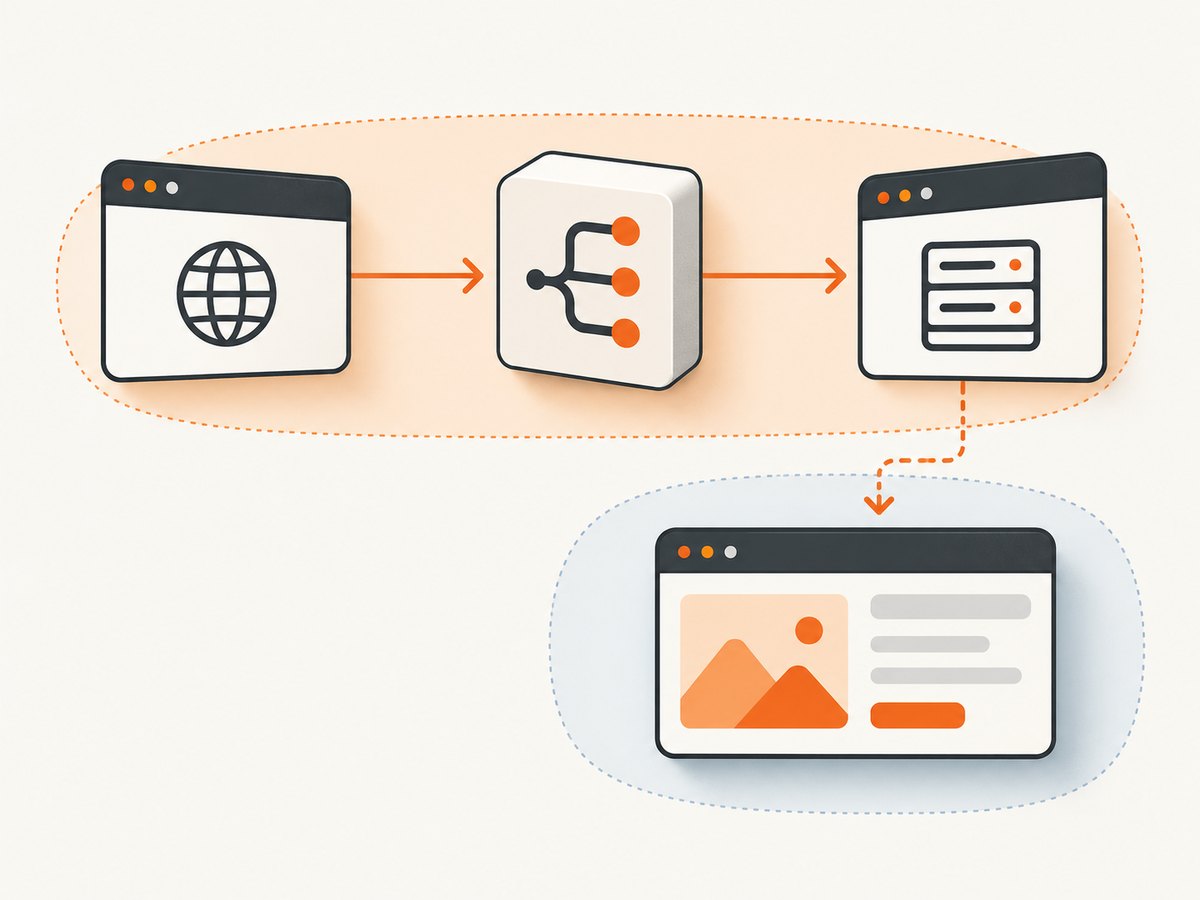
This distinction makes tests clearer: the alias wait proves that the request cycle happened, while the UI assertion proves that the page eventually reached the expected state. Avoid adding an arbitrary delay as a substitute for either. A delay does not identify the request and can make a test slower without making its condition more precise.
7. Troubleshooting common failures
| Symptom | Likely cause | Fix |
|---|---|---|
cy.wait('@alias') times out |
The route was registered after the request, or the method/URL matcher does not match the actual call. | Register before visit or action; inspect the actual method and URL; narrow or correct the matcher. |
| The wait resolves for the wrong request | The matcher is too broad, such as a wildcard covering multiple calls. | Match the HTTP method and a more specific endpoint, pathname, or query. |
cy.intercept() never sees cy.request() |
The direct request is made by Cypress’s Node process, not by the browser app. | Assert on the response returned by cy.request(). |
| Response assertions pass but the page is wrong | The network result was verified, but the user-visible rendering was not. | Add a separate retryable assertion for the expected UI state. |
| A chained assertion after the wait does not retry | cy.wait() is not a query; interception assertions are evaluated once. |
Assert on the completed interception, then use a retryable UI query for later rendering. |
| A completed CI failure is hard to diagnose | The local run may not show the same timing or traffic context as CI. | When available, inspect the request and response in Cypress Test Replay for the completed run. |
For the CI case, Cypress’s API testing guide describes Test Replay as a way to inspect command history for a completed run, including request and response details (Cypress API testing and Test Replay). Use the captured request details to confirm whether the call occurred and whether the matcher reflects the actual traffic.
8. Reliability, performance, and test cost
Network tests become more reliable when each wait has a clear cause and a narrow match. Register the route before the trigger, avoid ambiguous aliases, and assert only stable contract fields. For UI tests, keep the request assertion and rendered-state assertion separate so a failure tells you whether the network behavior or the page behavior broke.
Real upstream calls exercise more of the integration but can depend on the availability and state of the test environment. Stubs make a scenario controlled and repeatable, while leaving real-service behavior unverified in that test. Use each intentionally. A direct cy.request() can test an endpoint response without driving the browser UI, but it cannot prove that the UI issued that request. These are scope choices, not interchangeable ways to save time.
No topic-specific performance benchmark is established by the cited Cypress documentation. Keep suites efficient by avoiding arbitrary sleeps and by matching the single request relevant to each assertion. For costs, the dossier does not establish Cypress pricing or a cost figure, so there is no supported price claim to make here.
9. Or skip the browser setup
If the task is to capture a page screenshot as evidence alongside your testing workflow, ScreenshotNeo is a website screenshot API and MCP server for developers. One GET request returns an image or PDF. Its cookie and consent handling accepts banners like a visitor and removes more than 60 known consent platforms, newsletter popups, and chat widgets before capture. Bot checks, blank pages, and failed loads are never billed; response headers identify the page verdict and billing status. Its MCP server provides take_screenshot, get_page_info, and capture_pdf for AI agents.
See the ScreenshotNeo API documentation for request options. Here is the one-call cURL example:
curl -G "https://api.screenshotneo.com/v1/shot" -d access_key=YOUR_API_KEY --data-urlencode url=https://stripe.com -o shot.webpScreenshotNeo includes 1,000 screenshots per month free with no card; paid plans start at $5 for 3,000 shots. Sign up for the free plan and get 1,000 screenshots a month with no card.
10. FAQ
Can I verify the request body without stubbing the response?
Yes. Register an intercept for the app request, allow it to reach its destination, and inspect the yielded request. Stub only when controlling the response is part of the scenario.
Does waiting on an alias prove the UI updated?
No. It proves the matching network cycle completed. Add a separate UI assertion for the state the user should see.
Should every API test use cy.intercept()?
No. Use it for app-initiated browser traffic. Use cy.request() when the test itself should call and validate an endpoint directly.
Where can I investigate a request that fails only in CI?
Inspect the completed run’s command history and request/response details with Cypress Test Replay when available, then compare those details with the intercept matcher.


