How to Include Video Frames in PDFs Generated with html2canvas and jsPDF
html2canvas does not capture a playing video frame automatically. Draw the frame to a canvas, then add it to your jsPDF document with the right timing and CORS checks.
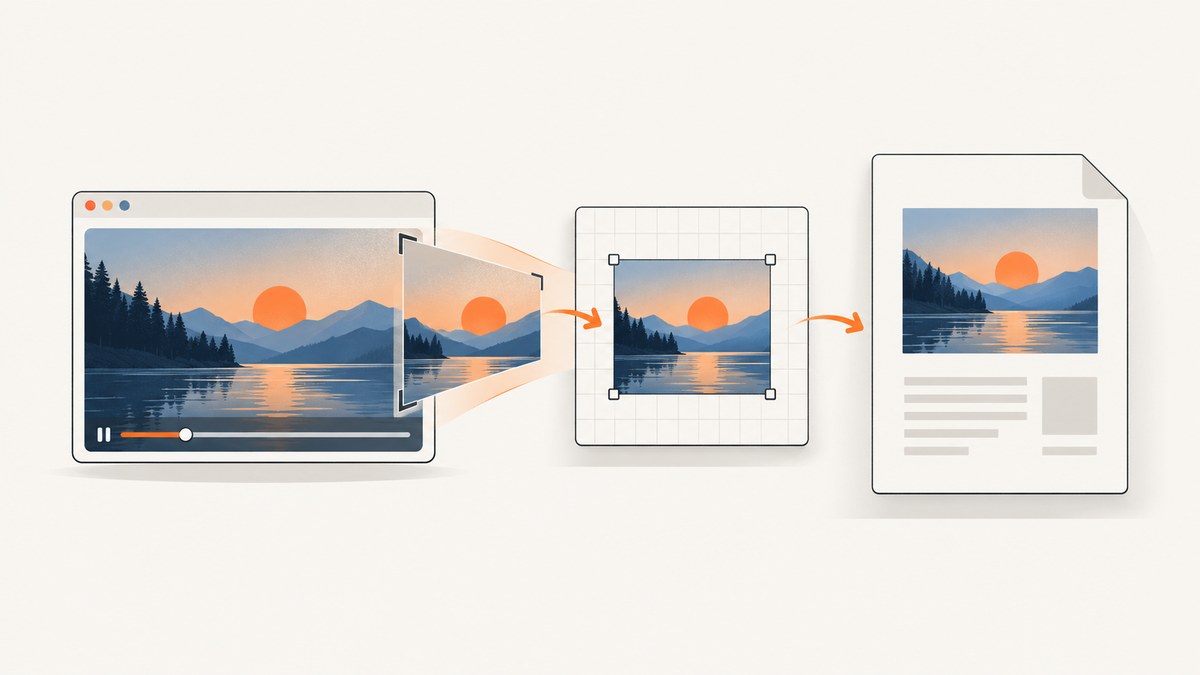
To include a video frame in a PDF generated with html2canvas and jsPDF, explicitly draw the desired frame from the <video> element into a canvas, then pass that canvas to jsPDF’s addImage(). html2canvas reconstructs a rendering from DOM and style information; it does not capture the browser’s displayed pixels, and a video element is not a still image that it can reliably export by itself.
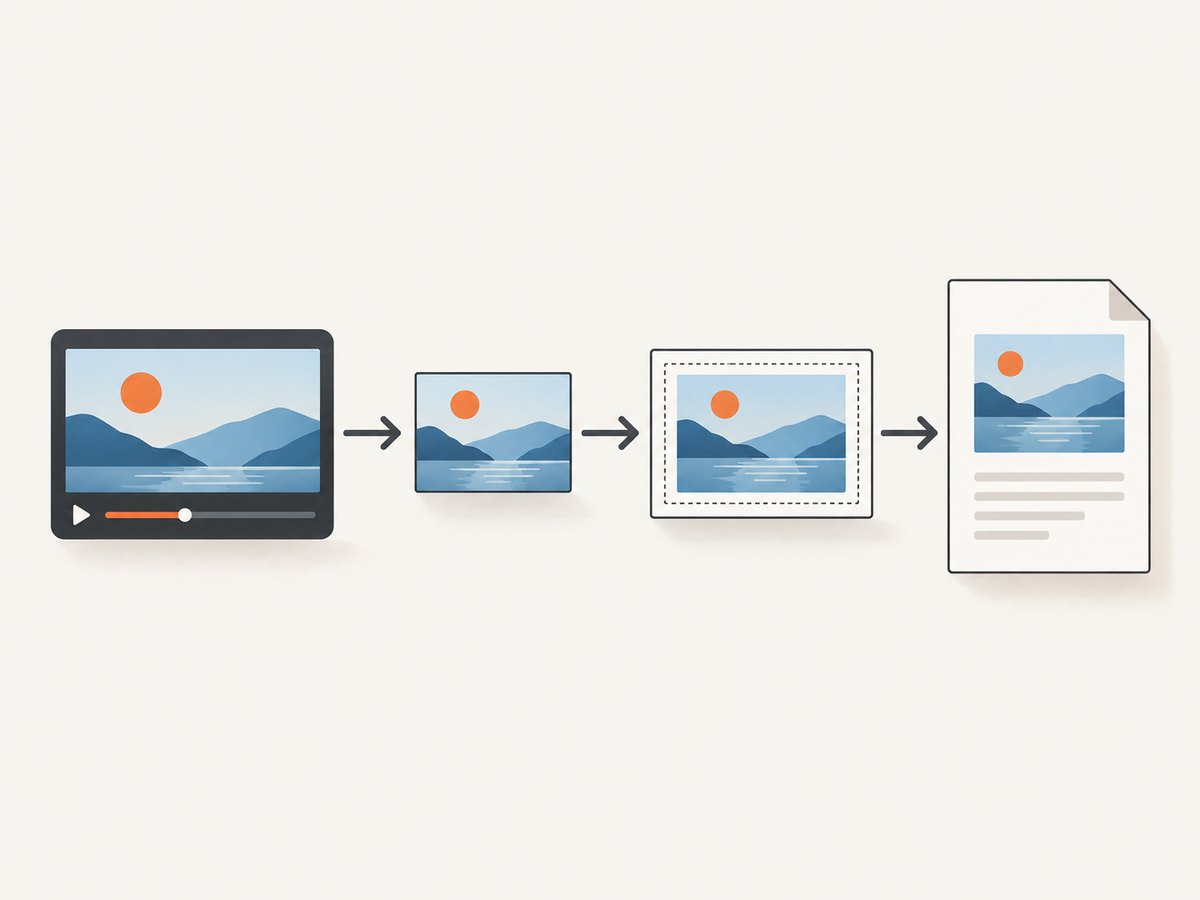
The reliable sequence is: wait until the video has frame data, seek and wait for seeked if you need a particular timestamp, draw the frame with drawImage(), then add the result to the PDF. This guide shows a complete browser example, explains how to combine the frame with DOM content, and covers CORS, sizing, timing, and common failures.
1. Understand what each library does
html2canvas walks the page’s DOM and styles and paints a canvas from the information it can inspect. It is not a native browser screenshot API, so its output may differ from what the browser visibly paints. Supported CSS and resource access affect the result.
A video frame is different from a normal image node: the browser decodes frames over time. Choose a frame and copy it yourself using the Canvas API. The browser’s CanvasRenderingContext2D.drawImage() accepts an HTMLVideoElement source; its intrinsic decoded dimensions are video.videoWidth and video.videoHeight.
Then use jsPDF to create the document and call addImage() with the canvas. jsPDF page format, orientation, and units determine the page geometry and the coordinates you pass to that method.
2. Install the libraries and prepare a same-origin video
The example below uses npm and a bundled browser application. It assumes the video is accessible to the page and that the user can press a button after it loads. Put a test video at /media/demo.mp4 or change the source to your own asset.
npm install html2canvas jspdfUse this HTML for a player, a report section to render, and a button:
<video id="player" controls crossorigin="anonymous" src="/media/demo.mp4"></video>
<section id="report">
  <h1>Inspection report</h1>
  <p>The selected video frame appears below.</p>
  <div id="frame-slot"></div>
</section>
<button id="export">Export PDF</button>
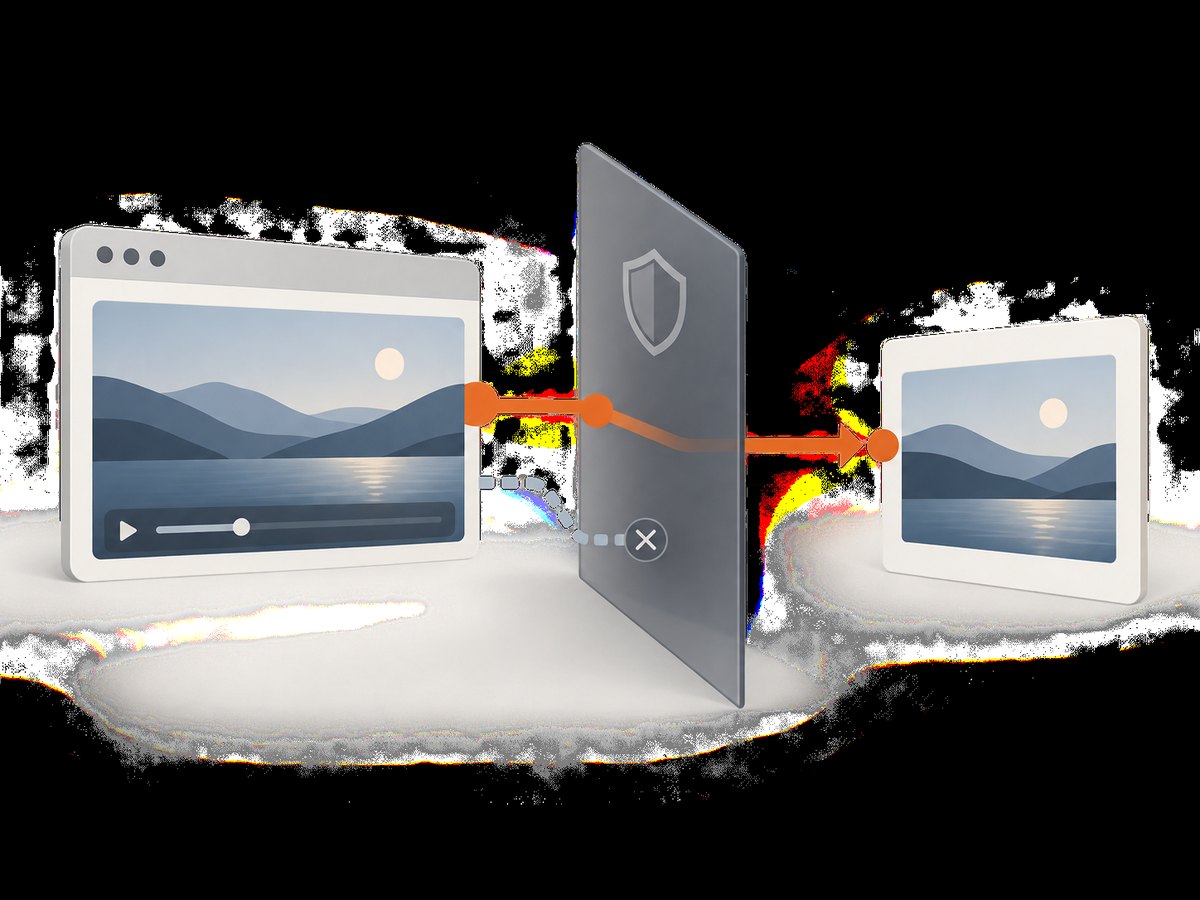
If the media is served from another origin, the server must allow your page’s origin through CORS for canvas export. The crossorigin attribute alone does not grant access; it asks the browser to make a CORS-enabled media request. Configure the media host to return an appropriate Access-Control-Allow-Origin response header. A video that plays normally can still taint a canvas and block export.
3. Wait for the right frame and draw it
Before drawing, ensure that media metadata and frame data are available. MDN documents that drawing a video works correctly when readyState is greater than HAVE_CURRENT_DATA (numeric value 2). If seeking, wait for the seeked event; setting currentTime does not mean the target frame is ready immediately.
function waitForEvent(target, eventName) {
  return new Promise((resolve, reject) => {
    const onError = () => {
      cleanup();
      reject(new Error(`Media error while waiting for ${eventName}`));
    };
    const onEvent = () => {
      cleanup();
      resolve();
    };
    function cleanup() {
      target.removeEventListener(eventName, onEvent);
      target.removeEventListener('error', onError);
    }
    target.addEventListener(eventName, onEvent, { once: true });
    target.addEventListener('error', onError, { once: true });
  });
}

async function waitForVideoFrameData(video) {
  if (video.readyState > 1 && video.videoWidth > 0 && video.videoHeight > 0) return;
  await waitForEvent(video, 'loadeddata');
  if (video.videoWidth === 0 || video.videoHeight === 0) {
    throw new Error('Video has no decoded frame dimensions');
  }
}

async function seekTo(video, seconds) {
  if (!Number.isFinite(seconds) || seconds < 0) throw new Error('Invalid video timestamp');
  if (Number.isFinite(video.duration) && seconds > video.duration) {
    throw new Error('Timestamp is beyond the video duration');
  }
  if (Math.abs(video.currentTime - seconds) < 0.001 && video.readyState > 1) return;
  const seeking = waitForEvent(video, 'seeked');
  video.currentTime = seconds;
  await seeking;
  await waitForVideoFrameData(video);
}

function drawVideoFrame(video) {
  if (video.readyState <= 1) throw new Error('Video frame data is not ready');
  const width = video.videoWidth;
  const height = video.videoHeight;
  if (!width || !height) throw new Error('Video dimensions are unavailable');
  const canvas = document.createElement('canvas');
  canvas.width = width;
  canvas.height = height;
  const context = canvas.getContext('2d');
  if (!context) throw new Error('Could not create a 2D canvas context');
  context.drawImage(video, 0, 0, width, height);
  return canvas;
}
For the current playback frame, call waitForVideoFrameData(video) and then drawVideoFrame(video). If you want a particular point in the clip, first wait for metadata, call seekTo(video, seconds), and draw only after it resolves. This prevents a frequent race where the PDF contains the previous frame, a black frame, or nothing.
For closer synchronization with a frame sent to the browser compositor, current browsers can use requestVideoFrameCallback(). It schedules work when a new video frame is presented. MDN marks this API Baseline 2024, but older browser environments may not support it. Seeking plus seeked is usually easier when the goal is a known timestamp; a frame callback is useful when capture timing should follow playback.
4. Add the still to a jsPDF document
This runnable export function captures the surrounding report with html2canvas, adds it as a page, then inserts the video still separately. Separate insertion gives direct PDF coordinate control. The example uses millimeters and an A4 portrait page; change the page size, orientation, or units to fit your report.
import html2canvas from 'html2canvas';
import { jsPDF } from 'jspdf';

async function exportReport() {
  const video = document.querySelector('#player');
  const report = document.querySelector('#report');
  if (!(video instanceof HTMLVideoElement) || !report) {
    throw new Error('Player or report section was not found');
  }

  await waitForVideoFrameData(video);
  await seekTo(video, 8.5); // omit this line to use the current playback position
  const frame = drawVideoFrame(video);

  const reportCanvas = await html2canvas(report, {
    scale: 2,
    backgroundColor: '#ffffff',
    useCORS: true
  });
  const pdf = new jsPDF({ orientation: 'portrait', unit: 'mm', format: 'a4' });
  const pageWidth = pdf.internal.pageSize.getWidth();
  const pageHeight = pdf.internal.pageSize.getHeight();
  const margin = 12;
  const contentWidth = pageWidth - margin * 2;
  const reportHeight = reportCanvas.height * contentWidth / reportCanvas.width;

  pdf.addImage(reportCanvas, 'PNG', margin, margin, contentWidth, reportHeight);

  // Add the frame on a second page to keep its placement predictable.
  pdf.addPage('a4', 'landscape');
  const frameWidth = pdf.internal.pageSize.getWidth() - margin * 2;
  const frameHeight = pdf.internal.pageSize.getHeight() - margin * 2;
  const ratio = Math.min(frameWidth / frame.width, frameHeight / frame.height);
  const drawWidth = frame.width * ratio;
  const drawHeight = frame.height * ratio;
  const x = (pdf.internal.pageSize.getWidth() - drawWidth) / 2;
  const y = (pdf.internal.pageSize.getHeight() - drawHeight) / 2;
  pdf.addImage(frame, 'PNG', x, y, drawWidth, drawHeight);
  pdf.save('inspection-report.pdf');
}

document.querySelector('#export').addEventListener('click', () => {
  exportReport().catch(error => {
    console.error(error);
    alert(`PDF export failed: ${error.message}`);
  });
});
The example intentionally puts the frame on a second landscape page so that the layout calculation remains simple and preserves the video’s aspect ratio. To put it on the report page, add it at a chosen x, y, width, and height after the report image, while ensuring it does not overlap content. For multiple pages, create pages explicitly and calculate placements per page.
5. Choose a composition strategy
Put the prepared frame into the DOM before html2canvas
Append the frame canvas (or an image made from it) into #frame-slot, then call html2canvas on the report. This keeps the still aligned with nearby headings and text as laid out by the page. It is useful when the PDF should resemble one composed report section.
const slot = document.querySelector('#frame-slot');
const frame = drawVideoFrame(video);
slot.replaceChildren(frame);
const reportCanvas = await html2canvas(document.querySelector('#report'));
Make sure the inserted canvas is not immediately resized or removed before html2canvas finishes. If you need a clean presentation, give the preview canvas CSS such as max-width: 100%; height: auto; CSS display size does not change its intrinsic pixel dimensions.
Insert the frame directly with jsPDF
Capture the DOM section and add the frame independently, as in the full example. This is better when you need precise PDF coordinates, separate page orientation, or independent sizing. The tradeoff is that you must calculate placement and pagination yourself. Neither method is universally preferable; choose according to whether DOM alignment or explicit PDF geometry matters more.
6. Options that affect output
| Choice | Effect | Practical guidance |
|---|---|---|
| Timestamp | Selects which decoded video frame is drawn. | Wait for metadata and then seeked; reject times outside the clip duration. |
| Canvas dimensions | Determine source pixel detail in the PDF. | Use videoWidth and videoHeight; keep the ratio to avoid distortion. |
| jsPDF format and orientation | Set page geometry. | Choose a format and orientation that fit the report or frame; use getWidth() and getHeight() for calculations. |
| jsPDF units | Define coordinate units for image position and size. | Keep all margins and dimensions in the configured unit, for example millimeters. |
| html2canvas scale | Scales the DOM render’s pixel dimensions. | A higher scale can improve detail but increases memory and canvas size. It does not change the video’s decoded frame dimensions. |
html2canvas useCORS |
Requests eligible remote images with CORS. | It only works when the remote server allows the origin; it cannot bypass browser security. |
| Frame placement | Controls alignment and pagination. | DOM placement follows page layout; direct addImage placement uses PDF coordinates. |
7. cURL, Python, and Node.js alternatives
The Canvas and html2canvas method runs in a browser because it depends on browser DOM and media APIs. cURL and Python cannot directly read a browser’s decoded video element. Node.js can run this client-side code in a browser, but plain Node’s fetch does not provide HTMLVideoElement or html2canvas’s browser environment. For a server-side screenshot workflow, the html2canvas FAQ points developers toward headless browser drivers such as Puppeteer or Playwright. That is a separate rendering setup.
When you already have an exported image file and want to inspect or transfer it, command-line clients can handle the file, but they do not choose a frame from the player’s live decoded state. Keep frame extraction in the browser or use a server-side media-processing workflow appropriate to your source and environment.
8. Or skip the browser setup
If your goal is a screenshot of a web page rather than a still extracted from a specific video timeline, ScreenshotNeo can return a page screenshot or PDF with one GET request. It does not replace the explicit video-frame extraction above when you need a particular moment from a clip.
curl -G "https://api.screenshotneo.com/v1/shot" -d access_key=YOUR_API_KEY --data-urlencode url=https://stripe.com -o shot.webpimport requests
r = requests.get("https://api.screenshotneo.com/v1/shot", params={"access_key": "YOUR_API_KEY", "url": "https://stripe.com"}, timeout=90)
open("shot.webp", "wb").write(r.content)const q = new URLSearchParams({ access_key: 'YOUR_API_KEY', url: 'https://stripe.com' });
const res = await fetch(`https://api.screenshotneo.com/v1/shot?${q}`);See the ScreenshotNeo API documentation for request options. Cookie banners, popups, and chat widgets are removed before the shot; bot checks, blank pages, and failed loads are never billed. Its MCP server lets AI agents take screenshots, and 1,000 screenshots a month are free with no card; paid plans start at $5 for 3,000. Sign up for free ScreenshotNeo access.
9. Troubleshooting
| Symptom | Likely cause | Fix |
|---|---|---|
| Video region is blank in the PDF | The frame was never explicitly drawn, or it was drawn before frame data existed. | Wait for loadeddata, check readyState > 1 and nonzero video dimensions, then draw to canvas. |
| PDF contains the wrong moment | The code drew immediately after assigning currentTime. |
Wait for seeked before drawing. Validate the requested timestamp against duration. |
addImage throws or export reports a security error |
A cross-origin video or image tainted the canvas. | Configure the asset server’s CORS response and set the media element’s crossorigin attribute before loading. Use a same-origin proxy when appropriate; html2canvas documents proxying as an option for remote assets. |
| Video plays but cannot be exported | Playback permission and canvas readback are governed by different origin checks. | Verify the media response headers in the browser network panel and test with a same-origin file. |
| html2canvas output differs from the visible page | It reconstructs DOM using supported CSS and accessible resources rather than taking native pixels. | Check unsupported CSS and cross-origin resources; simplify the captured region or use a native browser capture workflow when pixel fidelity is required. |
| Canvas or PDF is blank, clipped, or partial on a long page | Canvas dimension or area limits vary by browser, device, GPU, operating system, and memory. | Capture smaller sections or multiple pages, reduce html2canvas scale, and avoid giant single canvases. Reported evergreen browser maxima are approximate guidance, not guarantees. |
| Export hangs or takes too long | Media loading, seeking, DOM rendering, or large canvas encoding may still be in progress. | Surface loading errors, await the relevant events, reduce captured area or scale, and split long documents into page-sized sections. |
| Embedded player cannot be captured | Cross-origin iframe content is not accessible to html2canvas. | Capture content you control, obtain a frame through an allowed player/API route, or use a browser screenshot workflow with access to the rendered page. The parent page cannot inspect another origin’s iframe document. |
10. Performance, reliability, and cost notes
Memory use grows with canvas pixel area. A 2x html2canvas scale multiplies both dimensions, so the rendered canvas can contain roughly four times as many pixels as at scale 1, before accounting for other buffers and encoding. Keep the capture region and scale no larger than the output needs. Large pages may exceed device-specific canvas limits or produce partial output; render sections into separate pages when necessary.
For reliable timing, register event listeners before triggering a seek so a fast event cannot be missed. Handle media errors and provide a retry or a clear failure state. If the video is still playing while you capture, pause it when a stable still matters. For precision tied to compositor presentation, use requestVideoFrameCallback() where available and retain a fallback for older environments.
There is no service charge for the browser APIs shown here; operational costs are your development, compute, and bandwidth costs. A server-side headless browser adds infrastructure and resource management. ScreenshotNeo is a paid hosted option for page screenshots, with 1,000 monthly shots free and plans from $5 for 3,000; its pricing is based on the supplied product facts. A page screenshot service does not solve extraction of a chosen frame from a video timeline.
11. FAQ
Can html2canvas capture a video’s current frame automatically?
Do not rely on that. Draw the frame explicitly from the video element to a canvas, then include the result in the DOM capture or add it to jsPDF.
Should I use requestVideoFrameCallback() or wait for seeked?
Use seeked after seeking to a known timestamp. Use the frame callback when synchronizing with a newly presented playback frame, with a fallback for older browsers.
Can I do this with a cross-origin video?
Only if the media host permits CORS for your page. Without an allowing response header, playback may work while canvas export remains blocked.
Can I generate this PDF entirely on a server with html2canvas?
html2canvas depends on browser APIs and is client-side. Its documentation suggests headless browser drivers such as Puppeteer or Playwright for server-side screenshot generation.


