How to View a Facebook Profile Picture at Full Size
Open a Facebook profile picture in its photo view, understand size and privacy limits, and capture a public profile page without browser setup.
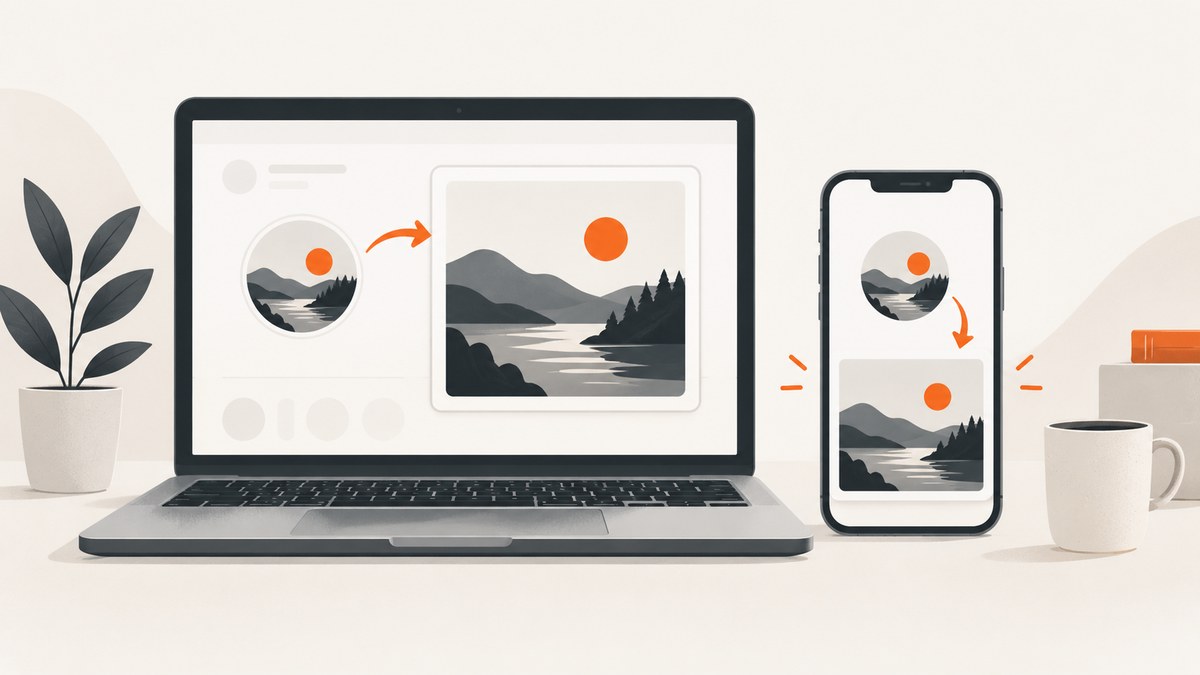
Open the person’s Facebook profile, then select the profile picture or its entry in the Profile Pictures album when Facebook makes it openable. This can show a larger photo view than the thumbnail in a feed or comment. Facebook does not promise that every viewer can access the original upload at full resolution, so a guaranteed full-size download is not possible.
What “full size” means on Facebook
A thumbnail is the small circular image shown beside a name in feeds, comments, search results, and other locations. The photo view is the larger version Facebook serves when the image is available to open. The displayed dimensions depend on the image, the viewer’s permissions, Facebook’s interface, and the device screen.
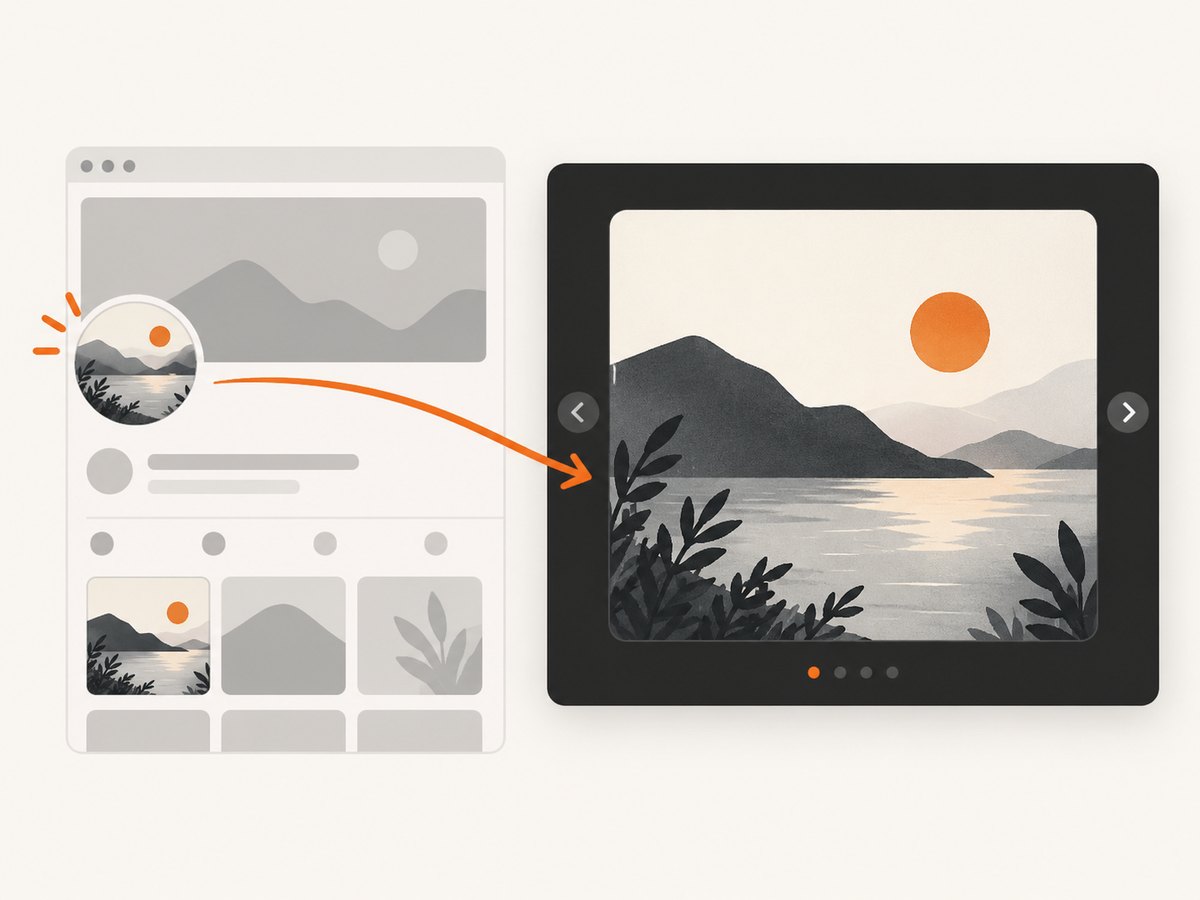
Facebook says the current profile picture and cover photo are public and can be seen by people on or off Facebook. A profile picture also appears in the person’s Profile Pictures album and as a thumbnail beside the person’s name in different places throughout Facebook. See the Facebook Help Center for the current interface and privacy controls.
Open the profile picture on desktop
- Sign in to Facebook and open the person’s profile. You can usually do this by selecting their name or profile picture where it appears.
- Select the current profile picture. If it opens a photo viewer, use that view instead of the small thumbnail.
- If the current image does not open directly, open the profile’s Photos area and choose Albums.
- Open Profile Pictures, then select the matching image.
- Use the viewer’s expand or open-in-new-tab control if Facebook provides one. The browser’s zoom control enlarges what is displayed, but it does not add detail that is absent from the served image.
Open it in the Facebook mobile app
- Open the Facebook app and navigate to the person’s profile.
- Tap the current profile picture.
- If the image only shows as a thumbnail, open Photos, then Albums, and choose Profile Pictures.
- Tap the image that matches the current profile photo. Pinch to zoom inside the photo viewer when available.
Menu names and locations vary between Android, iPhone, and Facebook interface versions. If a tap does nothing, use the profile’s photo album route rather than repeatedly tapping the thumbnail.
Why the picture may not become truly full resolution
- The viewer is only seeing a thumbnail. A feed or comment may expose no larger photo link.
- The photo is not available to this viewer. Past profile-picture photos can have their own privacy settings, even though Facebook describes the current profile picture as public.
- Facebook has resized or recompressed the upload. Zooming cannot restore detail that was not delivered.
- The interface has changed. Facebook’s controls differ by device, account, and rollout.
- The original upload is not guaranteed. Official guidance identifies where profile pictures appear, but does not guarantee that every viewer can retrieve the original file or a particular pixel size.
Facebook recommends uploading a profile picture at least 320 by 320 pixels for best quality. That is an upload recommendation, not proof that a viewer can retrieve an image at that size.
When opening the image does not work
| Symptom | Likely cause | What to try |
|---|---|---|
| The thumbnail does nothing | The location only exposes a small preview, or the app is using a different interaction | Open the profile, then Photos → Albums → Profile Pictures. |
| The photo viewer opens but stays small | Facebook served a limited-size rendition | Use the viewer’s expand control, try the album entry, and avoid assuming browser zoom creates extra detail. |
| The album is missing | The account, interface, or photo visibility differs | Check the profile’s Photos tab and try the desktop site. Do not bypass privacy controls. |
| You see an error or blank photo | Expired session, blocked request, temporary Facebook problem, or network issue | Refresh, sign in again, update the app, and retry on a stable connection. |
| An old profile picture is unavailable | Historical photo privacy may differ from the current profile photo | Ask the owner to share the image or change its audience. A privacy change may not remove already indexed or cached links immediately. |
Privacy and safety boundaries
Only open images Facebook makes available to your account. Do not use services that request your Facebook password or claim they can bypass a profile’s privacy settings. The official material reviewed does not establish whether viewing a profile picture sends a notification, so do not rely on a promise either way.
If you are trying to remove an older image from search results, remember that search engines can retain indexed or cached links after a privacy setting changes. Removing access on Facebook and removing an existing cached reference are separate processes.
Capturing a publicly viewable profile page
If you need a record of a page you are allowed to view, capture the public page itself rather than attempting to extract a private or unavailable original. A screenshot preserves what a normal viewer can see at capture time; it does not bypass Facebook permissions or turn a thumbnail into an original upload.
Or skip the browser setup
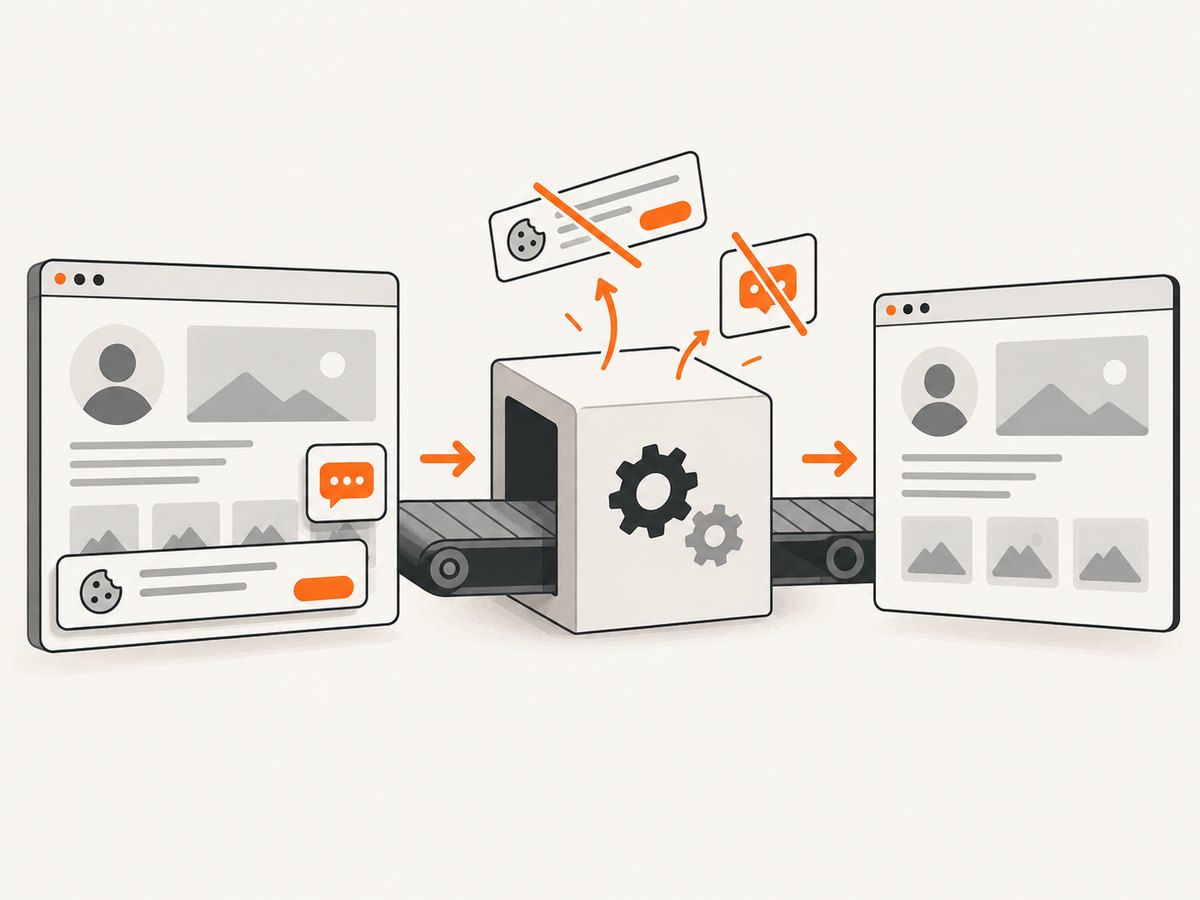
ScreenshotNeo can capture a publicly accessible Facebook page with one GET request. Its consent handling removes known cookie banners, newsletter popups, and chat widgets before the shot; bot checks, blank pages, failed loads, timeouts, and cache hits are not billed. Every response identifies the page verdict and billing status in headers. An MCP server provides take_screenshot, get_page_info, and capture_pdf tools for Claude, Cursor, and other MCP clients. See the ScreenshotNeo API documentation for all options.
curl -G "https://api.screenshotneo.com/v1/shot" -d access_key=YOUR_API_KEY --data-urlencode url=https://www.facebook.com/your-profile -o shot.webpimport requests
r = requests.get("https://api.screenshotneo.com/v1/shot", params={"access_key": "YOUR_API_KEY", "url": "https://www.facebook.com/your-profile"}, timeout=90)
open("shot.webp", "wb").write(r.content)const q = new URLSearchParams({ access_key: 'YOUR_API_KEY', url: 'https://www.facebook.com/your-profile' });
const res = await fetch(`https://api.screenshotneo.com/v1/shot?${q}`);The free plan includes 1,000 screenshots per month with no card. Paid plans start at $5 for 3,000 shots, and every feature is included on every plan. Create a free ScreenshotNeo account.
Performance, reliability, and cost notes
- For a one-off check, opening the profile directly is fastest and costs nothing.
- For repeated captures, use a stable public URL and caching where appropriate. ScreenshotNeo lets you choose a cache TTL.
- Pages that require a login, trigger a bot check, or fail to load may not produce a usable public capture. Do not treat an error response as evidence that the profile picture does not exist.
- For many public URLs, ScreenshotNeo supports asynchronous jobs, signed webhooks, and bulk capture of up to 100 URLs per call.
FAQ
Can I always download the original profile-picture file?
No. Facebook’s guidance does not guarantee original-file access or a universal full-resolution download for every viewer.
Does browser zoom improve image quality?
No. Zoom enlarges the pixels Facebook already sent.
Why can I see the current photo but not an older one?
Past profile-picture photos can have different privacy settings from the current public profile picture.
Can a screenshot service reveal a private profile picture?
No. A screenshot service captures what its browser session can legitimately access; it should not bypass Facebook permissions.
What if Facebook changed the buttons?
Start from the profile, then look under Photos and Albums for Profile Pictures. Labels can vary by device and interface version.


