Visual Regression Testing With Python
Build reliable Python visual regression tests with Playwright, baselines, review workflows, troubleshooting, and a hosted screenshot option.
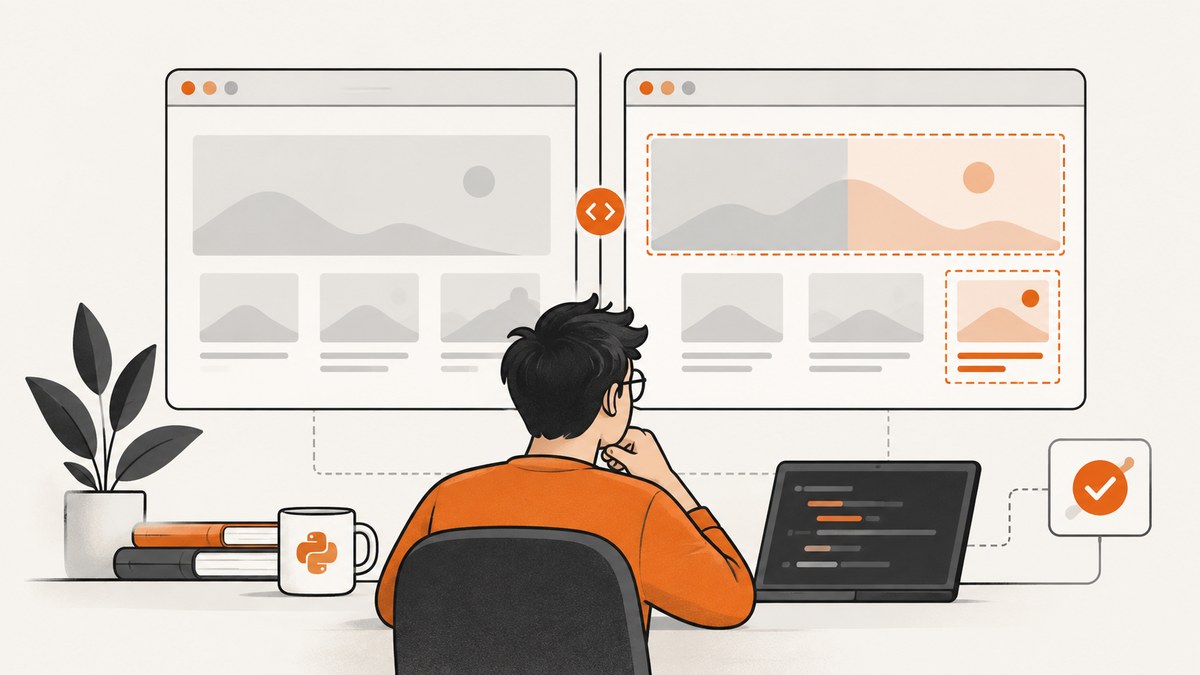
Visual regression testing with Python means driving a browser to a known UI state, capturing a screenshot, comparing it with an accepted baseline, and reviewing any difference before updating the baseline. Playwright’s Python pytest plugin handles browser automation and screenshot artifacts; you still need a deliberate comparison and baseline workflow.
This guide builds that workflow from first principles, shows a runnable local implementation, explains managed alternatives, and covers the conditions that make screenshot comparisons trustworthy.
What a Python visual regression test must contain
Every useful visual test has two artifacts:
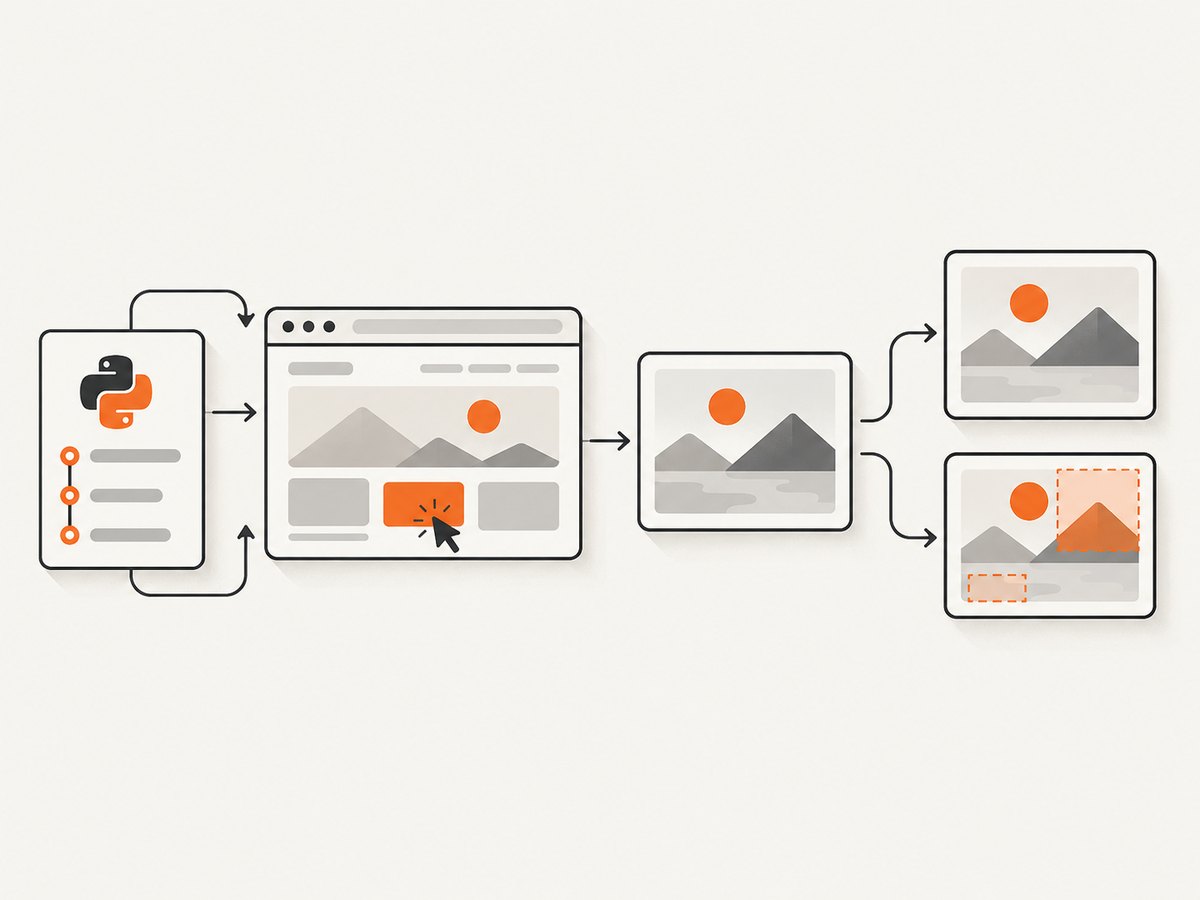
- Actual screenshot: the image produced by the current code at a meaningful checkpoint.
- Accepted baseline: the image that represents the expected appearance for the same browser, viewport, data, and state.
The test must first reach a stable checkpoint. A screenshot taken while a menu is opening, a font is loading, or a request is still changing the page creates noise rather than a regression signal.
On the first run there is no historical baseline. Your workflow can save that capture as a candidate reference, but a person should explicitly review and accept it. Future changes should update the baseline only when the UI change is intentional.
Choose the capture and comparison layers
| Layer | What it provides | What you must decide |
|---|---|---|
| Playwright Python + pytest | Browser fixtures, navigation, interaction, and screenshot capture | How images are compared and where baselines live |
| Local snapshot plugin | pytest-oriented assertions and local reference files | Plugin compatibility, review process, and CI artifact handling |
| Managed review service | Stored baselines, visual diff review, and team workflow | Service integration, privacy, pricing, and retention |
The Playwright Python pytest documentation documents screenshot-related options such as --screenshot=on, off, or only-on-failure, plus --full-page-screenshot when screenshot capture is enabled. These options create artifacts; they do not by themselves define a Python visual assertion or approval system.
Playwright’s visual comparison guide describes golden snapshots for Playwright Test. Treat that API as a language boundary: the documented assertion syntax is for Playwright Test, while Python pytest users should use Python-compatible tooling or their own comparison code. The official pytest plugin index lists projects such as pytest-playwright-visual-snapshot; verify maintenance and compatibility before standardizing on one.
Install Playwright for Python
python -m venv .venv
source .venv/bin/activate
python -m pip install pytest pytest-playwright pillow
python -m playwright install chromium
Pin these dependencies in your project. Browser version, operating-system fonts, and image libraries can all affect pixels.
Build a small local snapshot workflow
The following example uses Playwright’s synchronous Python API and Pillow. It saves an actual image, creates a baseline when one does not exist, and fails when the per-pixel difference exceeds a configured threshold. The comparison is intentionally simple and inspectable; teams with more sophisticated needs can replace it with a snapshot plugin or managed service.
from pathlib import Path
from PIL import Image, ImageChops, ImageStat
from playwright.sync_api import Page

BASELINES = Path("tests/visual_baselines")
ACTUALS = Path("test-results/visual_actuals")


def compare_or_create_baseline(page: Page, name: str, *, full_page: bool = True,
                               max_changed_ratio: float = 0.001) -> None:
    BASELINES.mkdir(parents=True, exist_ok=True)
    ACTUALS.mkdir(parents=True, exist_ok=True)
    baseline_path = BASELINES / f"{name}.png"
    actual_path = ACTUALS / f"{name}.png"

    page.screenshot(path=str(actual_path), full_page=full_page, animations="disabled")

    if not baseline_path.exists():
        baseline_path.write_bytes(actual_path.read_bytes())
        return

    baseline = Image.open(baseline_path).convert("RGBA")
    actual = Image.open(actual_path).convert("RGBA")
    if baseline.size != actual.size:
        raise AssertionError(
            f"{name}: size changed from {baseline.size} to {actual.size}"
        )

    diff = ImageChops.difference(baseline, actual)
    changed = sum(1 for pixel in diff.getdata() if pixel != (0, 0, 0, 0))
    changed_ratio = changed / (baseline.width * baseline.height)
    if changed_ratio > max_changed_ratio:
        diff.save(ACTUALS / f"{name}.diff.png")
        raise AssertionError(
            f"{name}: {changed_ratio:.4%} of pixels changed; "
            f"see {actual_path} and the diff image"
        )
This checks changed-pixel area, not semantic similarity. Anti-aliasing, font rasterization, and a one-pixel shift can produce many changed pixels. Use the threshold as a reviewed project setting, not a universal quality number.
Drive the page into a deterministic state
import re
from playwright.sync_api import Page, expect


def test_checkout_summary(page: Page):
    page.set_viewport_size({"width": 1440, "height": 900})
    page.goto("http://localhost:3000/checkout", wait_until="networkidle")
    page.get_by_label("Email").fill("visual@example.test")
    page.get_by_role("button", name="Continue").click()
    expect(page.get_by_role("heading", name="Order summary")).to_be_visible()

    # Freeze sources of nondeterminism before capture.
    page.add_style_tag(content="""
      *, *::before, *::after {
        animation-duration: 0s !important;
        animation-delay: 0s !important;
        transition: none !important;
        caret-color: transparent !important;
      }
    """)
    page.locator("[data-testid='clock']").evaluate(
        "el => el.textContent = '2026-01-01 00:00'"
    )
    compare_or_create_baseline(page, "checkout-summary")
Prefer stable selectors and seeded test data. Set a fixed viewport, use one browser and version per baseline set, load the same fonts, freeze clocks and random values, disable animations, and stub changing network responses. Wait for the specific selector that proves the state is ready; network idle alone does not guarantee that a lazy image or client-side transition has finished.
Baseline review and update procedure
- Run the test and collect the actual image, baseline, and diff artifact.
- Open the images at the same scale. Identify whether the change is content, layout, typography, color, or rendering noise.
- Check the source change and test data. A changed fixture can be a legitimate reason for a new reference, but it should be intentional.
- Accept the new image by replacing the baseline in a reviewed commit. Record why it changed.
- If the difference is unexpected, keep the old baseline and file or fix the regression.
Never make “update snapshots” an unconditional CI step. That hides regressions and makes the repository follow whatever the latest run happened to render.
Full-page, element, and dynamic-region choices
- Full page: catches changes below the fold, but includes more dynamic content and can be slower.
- Element: focuses a component and reduces unrelated noise. Use a stable CSS or test-id selector.
- Region control: ignore only content that is truly irrelevant, such as a rotating timestamp. Percy’s Python Playwright integration documents ignore and consider regions; do not mask a region merely because it is difficult to stabilize.
- Multiple checkpoints: capture meaningful states such as empty, populated, validation-error, mobile, and dark-mode views instead of one giant screenshot.
CI, artifacts, and parallel runs
Run visual tests in a controlled browser image. Upload actual, baseline, and diff files when a job fails. Keep baselines versioned or in a service with an auditable review history. If tests run in parallel, give each test a unique artifact path and avoid two jobs writing the same baseline. Separate browser failures from visual failures so a timeout is not mistaken for a UI change.
Use a small smoke set on every pull request and a broader browser or viewport matrix on a scheduled build when runtime is limited. Capture only after the page is ready; extra screenshots increase storage and review work without increasing coverage.
Common errors and fixes
| Symptom | Likely cause | Fix |
|---|---|---|
| Every pixel changes | Different browser, OS, fonts, viewport, or device scale | Pin the runner image and browser; install identical fonts and set the viewport explicitly. |
| Only text or dates change | Live data, clock, random IDs, or ads | Seed fixtures, freeze time, mock responses, and remove nonessential third-party content. |
| Intermittent diffs | Animation, lazy loading, or a race after navigation | Disable motion, wait for a meaningful selector, and wait for images or fonts used by the checkpoint. |
| Baseline size mismatch | Responsive breakpoint or full-page height changed | Confirm viewport and content; treat an intentional breakpoint change as a reviewed baseline update. |
| Blank or partial screenshot | Navigation error, authentication failure, or capture before render | Assert the URL and key heading, inspect console/network errors, and wait for the application-ready signal. |
| CI cannot write snapshots | Read-only checkout or wrong path | Write actuals to the job workspace and update baselines through a deliberate commit or service review. |
| Diff is too sensitive | Raw pixel threshold does not match the UI | Compare a stable element, tune a documented threshold, or choose a visual tool with region and perceptual controls. |
Performance, reliability, and cost considerations
Browser startup, page loading, and full-page rendering dominate runtime. Reuse a browser context where isolation permits, keep test data local, and avoid capturing the same state repeatedly. Full-page images consume more memory and artifact storage than element shots. Parallel workers improve throughput but can overload the application or make shared test data flaky.
Reliability comes from controlling inputs: browser version, fonts, viewport, locale, timezone, network responses, authentication, and feature flags. A visual failure is actionable only when you can reproduce it with the same inputs. Store enough metadata with each artifact to identify those inputs.
Local comparison has infrastructure and maintenance costs even when the Python packages are open source: browser images, baseline reviews, artifact retention, and CI minutes still require ownership. Managed services add their own pricing, privacy, retention, and availability decisions. The reviewed documentation does not establish a universal cost or quality winner.
Managed visual review options
Applitools describes a visual-testing loop of exercising UI states, capturing checkpoints, comparing them with baselines, reviewing differences, and accepting or rejecting changes. Its Playwright product describes adding Eyes to existing tests and using Visual AI as an alternative to strictly pixel-oriented comparison. Percy documents a Python Playwright integration with screenshot capture and region controls. These are vendor descriptions; verify current integrations, plans, data handling, and compatibility before adopting them.
A local pytest workflow is appropriate when images must remain in your repository or private CI. A managed workflow can be useful when a team needs centralized review, baseline history, and collaboration. Evaluate Python support, browser coverage, CI integration, artifact retention, dynamic-region handling, privacy, and operational ownership.
Or skip the browser setup
ScreenshotNeo provides a website screenshot API and MCP server. A GET request returns PNG, JPEG, WebP, or PDF, while your Python tests keep responsibility for navigation and assertions around the captured artifact. See the ScreenshotNeo API documentation for the complete option list.
curl -G "https://api.screenshotneo.com/v1/shot" -d access_key=YOUR_API_KEY --data-urlencode url=https://stripe.com -o shot.webpimport requests
r = requests.get("https://api.screenshotneo.com/v1/shot", params={"access_key": "YOUR_API_KEY", "url": "https://stripe.com"}, timeout=90)
r.raise_for_status()
open("shot.webp", "wb").write(r.content)
print(r.headers.get("X-Page-Verdict"), r.headers.get("X-Billed"))const q = new URLSearchParams({ access_key: 'YOUR_API_KEY', url: 'https://stripe.com' });
const res = await fetch(`https://api.screenshotneo.com/v1/shot?${q}`);
if (!res.ok) throw new Error(`Screenshot failed: ${res.status}`);
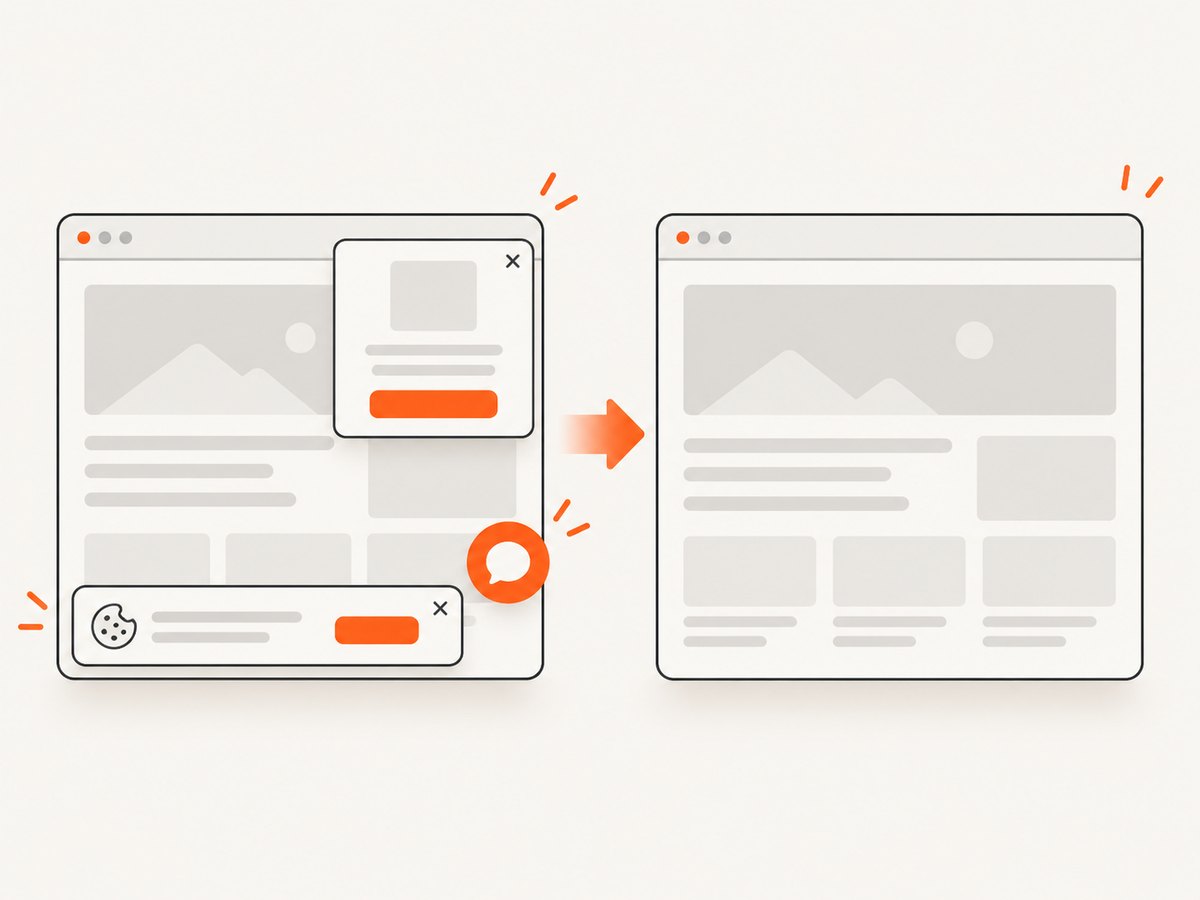
require('fs').writeFileSync('shot.webp', Buffer.from(await res.arrayBuffer()));Cookie banners, newsletter popups, and chat widgets are removed before the shot. Bot checks, blank pages, failed loads, timeouts, and cache hits are not billed, and the response identifies the page verdict and billing status with X-Page-Verdict and X-Billed. ScreenshotNeo also offers an MCP server with take_screenshot, get_page_info, and capture_pdf for Claude, Cursor, and other MCP clients. You can set full-page capture, CSS element selection, dark mode, device or viewport, retina scale, custom CSS and JavaScript, waits, request blocking, headers, cookies, user agent, authorization, timezone, geolocation, transparency, resizing, caching, signed links, asynchronous webhooks, bulk capture, and usage reporting.
The Free plan includes 1,000 screenshots per month with no card. Paid plans start at $5 for 3,000 shots; every feature is available on every plan. Create a free ScreenshotNeo account.
Checklist for a dependable Python visual suite
- Define the user-visible states that matter.
- Use stable data, fonts, browser versions, viewport, locale, and timezone.
- Wait for a state-specific readiness signal.
- Disable animation and freeze changing content.
- Store actual, baseline, and diff artifacts on failure.
- Review baseline updates as code changes.
- Mask only content that cannot represent a meaningful defect.
- Keep browser failures separate from visual diffs.
- Document thresholds and the command used to update references.
FAQ
Can I use Playwright with Python for visual testing?
Yes. Playwright’s Python pytest plugin provides browser fixtures and screenshot capture. Add a Python-compatible snapshot comparator or a managed review service for baseline comparison.
How do I compare screenshots in pytest?
Capture at a stable checkpoint, load the accepted image, verify dimensions, calculate a documented difference rule, and fail with actual and diff artifacts. A pytest visual-snapshot plugin can supply that plumbing if it matches your Python and Playwright versions.
How do I update a visual test baseline?
Review the actual and diff, confirm the UI change is intentional, replace the reference in a separate reviewed commit, and retain the reason for the update.
Should every page be a full-page screenshot?
No. Full-page captures cover more content but include more dynamic surface area. Component or element checkpoints are often easier to stabilize and review.
What does a visual diff prove?
It proves that rendered pixels changed under the captured conditions. It does not by itself explain whether the change is a bug, an intended design update, or environment noise; review and reproducible inputs provide that context.


