How to Wait for AJAX Content Before Capturing with html-to-image
Wait for rendered AJAX state, fonts, and images before html-to-image capture, with fixes for iframes, CORS, and hosted browsers.
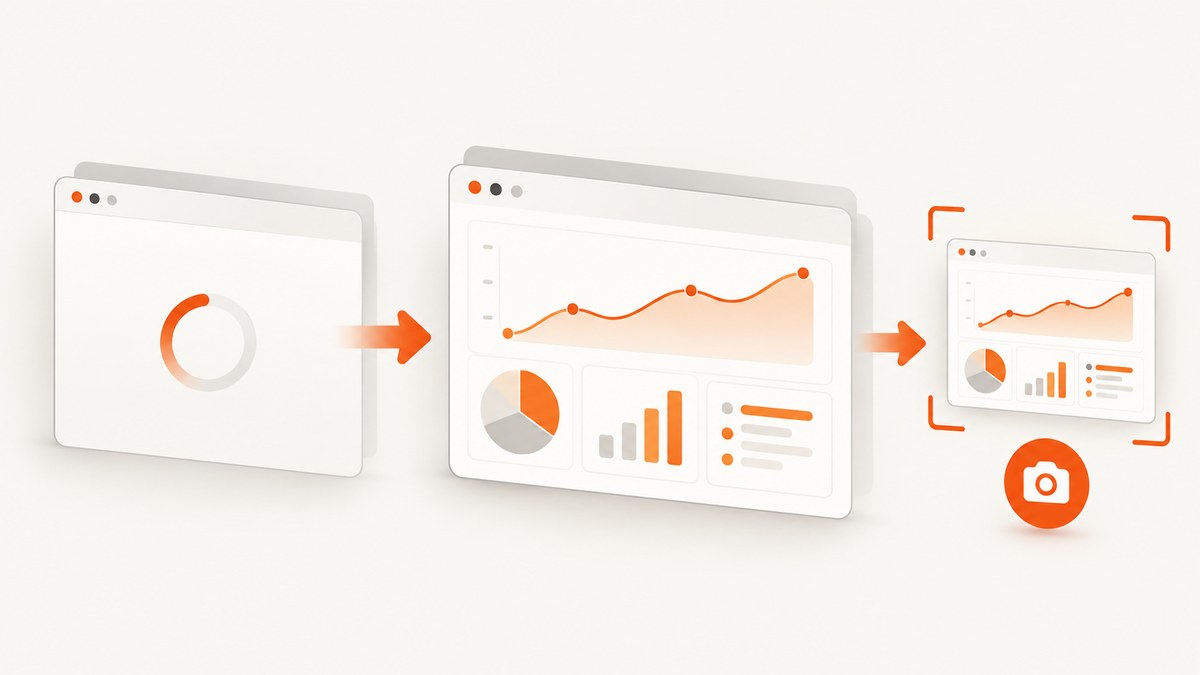
Short answer: wait for the AJAX request, render its result, and expose a readiness marker before calling toPng or toJpeg. Then wait for fonts and images that affect pixels. A fixed sleep is only a fallback for animation or iframe timing.
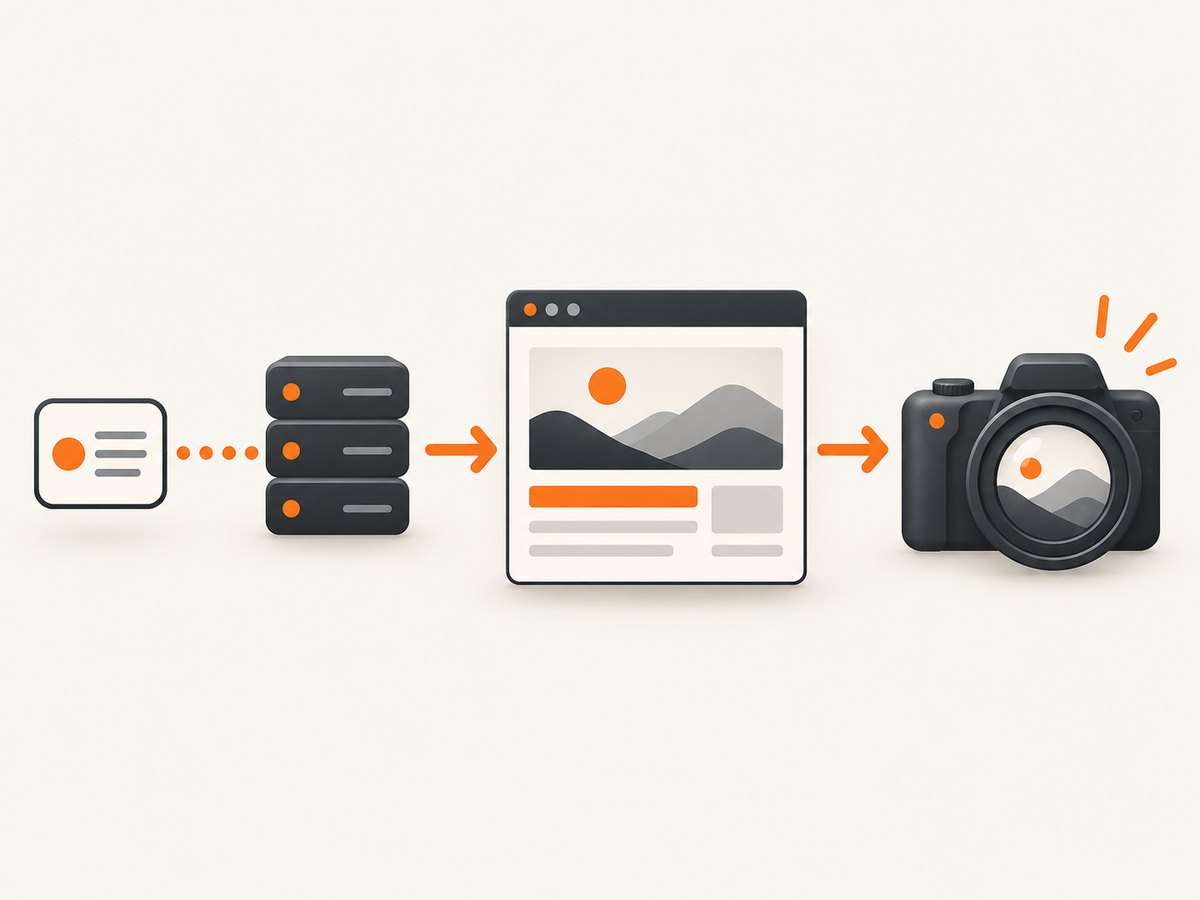
html-to-image captures the DOM as it exists at call time. Its Promise-based APIs clone computed styles, embed fonts and images, serialize through SVG foreignObject, and rasterize to a canvas. If your request is still pending, the captured pixels can be a spinner, empty container, or partial report. See the html-to-image source and README for the capture pipeline and toPng/toSvg APIs.
1. Define “ready” in application state
Do not make “the request finished” your only condition. The DOM must also contain the final markup, and images and fonts must be usable. Add a marker that is set in the same code path that finishes rendering:
import { toPng } from 'html-to-image';
function renderReport(data) {
return `<h1>${escapeHtml(data.title)}</h1>
<ul>${data.rows.map(row => `<li>${escapeHtml(row.label)}: ${row.value}</li>`).join('')}</ul>`;
}
function escapeHtml(value) {
return String(value).replace(/[&<>"']/g, char => ({
'&': '&', '<': '<', '>': '>',
'"': '"', "'": '''
}[char]));
}
export async function captureAfterAjax() {
const node = document.querySelector('#report');
if (!node) throw new Error('Missing #report');
node.dataset.state = 'loading';
const response = await fetch('/api/report');
if (!response.ok) throw new Error(`HTTP ${response.status}`);
const data = await response.json();
node.innerHTML = renderReport(data);
node.dataset.state = 'ready';
if (document.fonts?.ready) await document.fonts.ready;
await Promise.all([...node.querySelectorAll('img')].map(img =>
img.decode?.().catch(() => undefined)
));
return toPng(node);
}The explicit document.fonts.ready and img.decode() waits are implementation guidance around the library’s documented font and image embedding stages; they are not special html-to-image options.
Use a visible state marker
<section id="report" data-state="idle" aria-busy="false"></section>

// Set these together after the final DOM update:
node.dataset.state = 'ready';
node.ariaBusy = 'false';
A marker such as #report[data-state="ready"] is testable, debuggable, and unambiguous when multiple AJAX calls can finish in different orders.
2. Handle concurrent requests and failures
Protect against stale responses. An older request must not overwrite a newer report or mark it ready:
let requestId = 0;

async function loadAndCapture() {
  const id = ++requestId;
  const node = document.querySelector('#report');
  node.dataset.state = 'loading';
  try {
    const response = await fetch('/api/report');
    if (!response.ok) throw new Error(`HTTP ${response.status}`);
    const data = await response.json();
    if (id !== requestId) return;

    node.innerHTML = renderReport(data);
    node.dataset.state = 'ready';
    await document.fonts?.ready;
    await Promise.all([...node.querySelectorAll('img')].map(img => img.decode?.().catch(() => undefined)));
    return await toPng(node);
  } catch (error) {
    if (id === requestId) node.dataset.state = 'error';
    throw error;
  }
}
Always reject on HTTP errors and surface a failed state. Capturing an error banner as if it were valid data is harder to detect downstream.
3. Wait for images, fonts, and layout
- Fonts: await
document.fonts.readywhen a web font changes glyph widths or line breaks. - Images: call
decode()for images inside the node; handle rejected decodes if a broken image is acceptable. - Layout: if your render schedules a second update with
requestAnimationFrame, await one or two animation frames after the update. - Animations: disable them in capture CSS or use a short delay only after the ready marker.
const nextFrame = () => new Promise(requestAnimationFrame);
node.dataset.state = 'ready';
await nextFrame();
await nextFrame();
const dataUrl = await toPng(node, { cacheBust: true });
Two frames are a settling aid, not a network synchronization mechanism. Keep the readiness condition tied to your data.
4. Capture only after a hosted renderer sees readiness
If the page is rendered by a hosted browser, expose the same marker in the public page and wait for it. HTML2IMG’s JavaScript integration uses waitForSelector; raw requests use wait_for_selector. Prefer a selector over a delay because it returns as soon as the completion element exists. A delay is useful for animation settling or content inside an iframe.
await client.screenshot({
  url: 'https://app.example/reports/42',
  waitForSelector: '#report[data-state="ready"]',
  msDelay: 400,
  width: 1440,
  height: 900,
});
Keep a bounded timeout around the operation. If the marker never appears, report a timeout instead of silently returning the loading state.
5. Iframes and cross-origin AJAX
A selector wait cannot inspect inside an iframe. Have the iframe send a postMessage when its data and rendering are complete; the outer page then sets its own ready marker:
// iframe
parent.postMessage({ type: 'report-ready' }, 'https://app.example');

// outer page
window.addEventListener('message', event => {
  if (event.origin !== 'https://reports.example' || event.data?.type !== 'report-ready') return;
  document.querySelector('#report-shell').dataset.state = 'ready';
});
If you cannot add a marker, use a bounded delay. HTML2IMG documents a 1–5000 ms delay range for this iframe fallback. A delay does not prove that the iframe succeeded, so pair it with an application health check when possible.
For browser-side html-to-image, cross-origin images can taint the canvas and make export fail. Use same-origin assets, CORS-enabled responses, or omit inaccessible resources. Hosted renderers likewise need publicly reachable HTTPS resources and suitable CORS behavior.
6. Useful html-to-image options
| Option | Use | Watch for |
|---|---|---|
toPng(node, options) |
PNG data URL | Large nodes create large data URLs. |
toJpeg(node, { quality }) |
JPEG output | Lossy compression; transparent backgrounds become a solid color. |
toSvg(node) |
Inspect serialized output | SVG still depends on embedded resources and foreignObject support. |
backgroundColor |
Set a deterministic canvas background | Needed when the source relies on transparency. |
pixelRatio |
Control output density | Higher values increase memory and encode time. |
cacheBust |
Add cache-busting to resource URLs | Can increase requests. |
filter |
Exclude nodes from the clone | Removing layout-critical nodes can change geometry. |
Option names and availability depend on the installed package version; check the README for your version before shipping a new setting.
7. Browser-side performance and reliability
- Capture the smallest node that meets the requirement.
- Resize large output deliberately instead of raising pixel ratio without a target.
- Reuse loaded fonts and images where possible.
- Set separate AJAX and capture timeouts.
- Log readiness state, request ID, resource failures, and capture exceptions.
- Keep hosted-renderer API keys out of browser JavaScript.
8. Troubleshooting checklist
| Symptom | Likely cause | Fix |
|---|---|---|
| Spinner or empty panel | Capture started before DOM mutation | Set a ready marker after rendering and wait for it. |
| Old data appears | Out-of-order AJAX responses | Use a request ID or abort superseded requests. |
| Text wraps differently | Web font was not loaded | Await document.fonts.ready and verify the font URL. |
| Images missing | Decode pending, 404, or cross-origin restrictions | Await decode(), inspect network responses, and configure CORS. |
| Tainted canvas error | Cross-origin pixels lack permission | Serve assets with CORS or remove them. |
| Hosted timeout | Marker never appears or script exceeds budget | Verify the AJAX endpoint and keep scripts within the documented 30-second budget. |
| Iframe content absent | Outer selector cannot see inside iframe | Use postMessage or a bounded delay. |
| Huge memory use | Large DOM or high pixel ratio | Capture a smaller node or lower pixel ratio. |
9. Or skip the browser setup
ScreenshotNeo provides a hosted screenshot API. Expose #report[data-state="ready"] and wait for that selector, or use delay and network controls when the page cannot publish a marker. The API accepts parameter names used by other screenshot services, including wait_for_selector.

See the ScreenshotNeo API documentation for the full option set:
curl -G "https://api.screenshotneo.com/v1/shot" -d access_key=YOUR_API_KEY --data-urlencode url=https://stripe.com -o shot.webpimport requests
r = requests.get("https://api.screenshotneo.com/v1/shot", params={"access_key": "YOUR_API_KEY", "url": "https://stripe.com"}, timeout=90)
open("shot.webp", "wb").write(r.content)const q = new URLSearchParams({ access_key: 'YOUR_API_KEY', url: 'https://stripe.com' });
const res = await fetch(`https://api.screenshotneo.com/v1/shot?${q}`);Cookie banners, newsletter popups, and chat widgets are removed before the shot. Bot checks, blank pages, timeouts, failed loads, and cache hits are not billed, and response headers report the page verdict and billing result. An MCP server provides take_screenshot, get_page_info, and capture_pdf for Claude, Cursor, and other MCP clients. The Free plan includes 1,000 screenshots a month with no card; paid plans start at $5 for 3,000.
Create a free ScreenshotNeo account to try the API.
10. FAQ
Can I wait for a network request directly?
Wait for the request in your application, render the response, and publish a ready marker. A renderer cannot reliably infer that an arbitrary request means the pixels are complete.
Is setTimeout ever enough?
Only when you have no completion signal, such as an iframe you cannot modify. Keep it bounded and treat timeout as an error.
Why does toSvg work while toPng fails?
PNG requires canvas rasterization and export, where tainted canvases and memory limits surface. Inspect the SVG and cross-origin resources to find the failing asset.
Should readiness be visible to users?
It can be a data attribute or hidden state. The important part is that it is deterministic, set after the final DOM update, and easy for automation to select.


