How to Wait for Alerts in PHP WebDriver Without Killing Tests
Use bounded explicit waits for JavaScript alerts in PHP WebDriver, then read, accept, dismiss, or answer them without flaky sleeps.

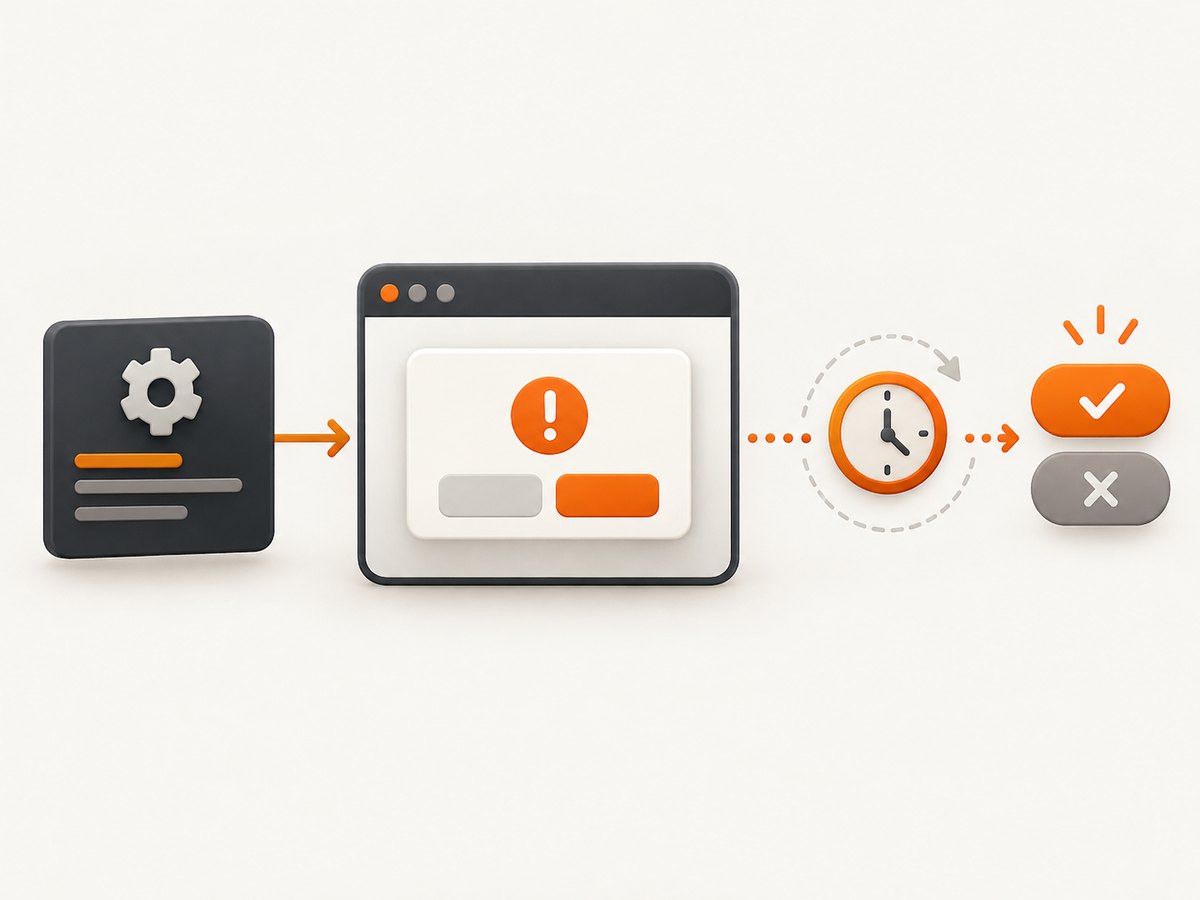
Use a bounded explicit wait immediately after the action that should open the native dialog. In PHP WebDriver, wait for alertIsPresent(), switch to the alert, perform the required operation, and let the wait fail at a known timeout if the dialog never appears.
<?php
use Facebook\\WebDriver\\WebDriverExpectedCondition;

$driver->wait(10, 500)->until(
    WebDriverExpectedCondition::alertIsPresent()
);

$alert = $driver->switchTo()->alert();
$message = $alert->getText();
$alert->accept();
This pattern polls for the browser’s native alert instead of sleeping for a guessed duration. The wait returns as soon as the alert exists and raises a timeout when the expected dialog does not appear. The php-webdriver wait guide documents wait(10, 500)->until(...) and lists alertIsPresent(); its alert guide shows switching to the alert and calling accept(), dismiss(), getText(), or sendKeys(). See the php-webdriver wait guide and alert guide.
Why an explicit wait keeps tests alive
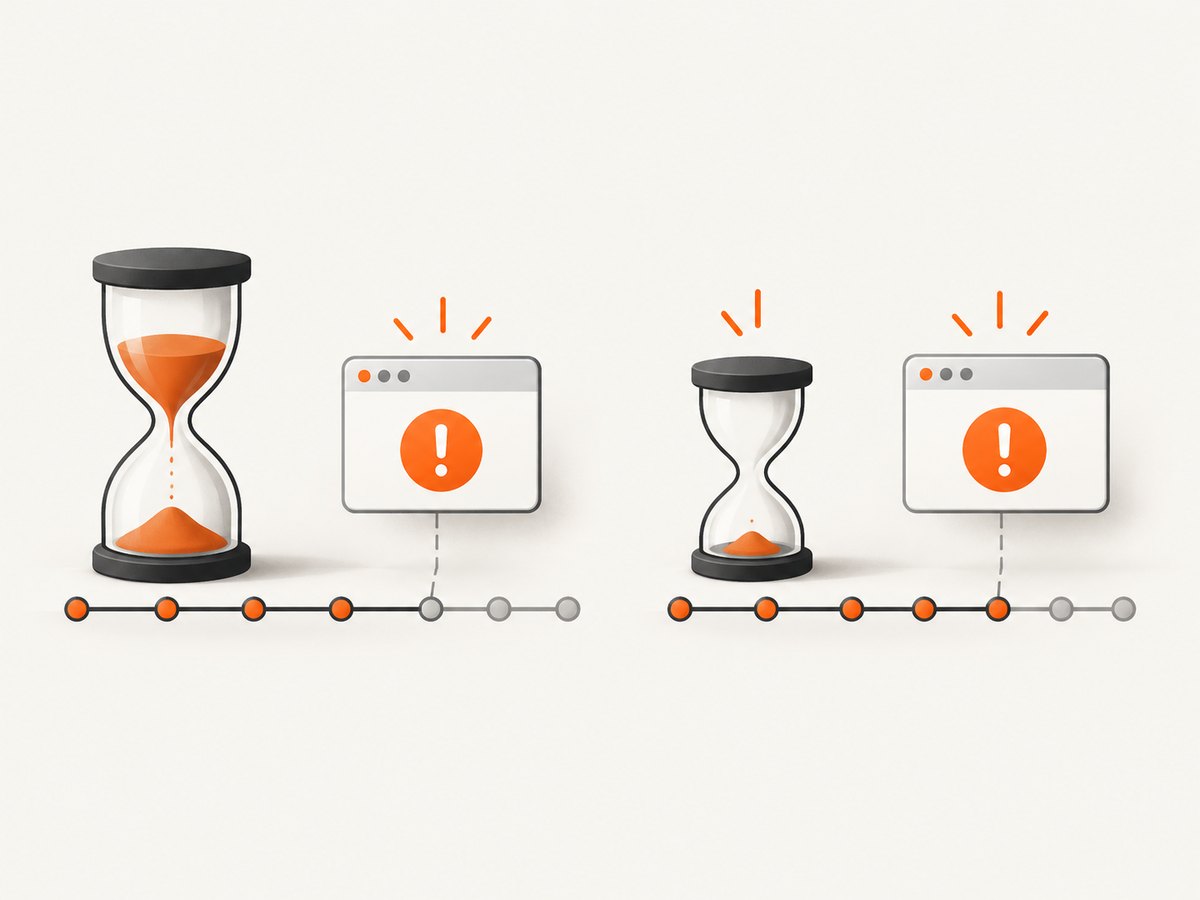
sleep() always consumes its entire delay. If the alert appears after 100 milliseconds, a five-second sleep wastes nearly five seconds; if it appears after six seconds, the test continues too early and fails. An explicit wait checks a condition repeatedly, returns on success, and stops at a defined deadline. Selenium describes this as targeting the application state your test needs and avoiding race conditions. Read Selenium’s wait documentation for the distinction between implicit and explicit waits.
The second argument in $driver->wait(10, 500) is the polling interval in milliseconds. Ten seconds is the timeout in this example; 500 milliseconds is a reasonable starting interval for most suites. Choose values that fit the application’s real response budget rather than adding a large arbitrary delay.
Complete setup and runnable example
Install php-webdriver with Composer and create a WebDriver session before triggering the dialog.
composer require php-webdriver/webdriver<?php
require __DIR__ . '/vendor/autoload.php';
use Facebook\\WebDriver\\Remote\\DesiredCapabilities;
use Facebook\\WebDriver\\Remote\\RemoteWebDriver;
use Facebook\\WebDriver\\WebDriverExpectedCondition;
$host = 'http://localhost:4444';
$driver = RemoteWebDriver::create(
$host,
DesiredCapabilities::chrome()
);
try {
$driver->get('https://example.test/alerts');
// The click (or submit) must happen immediately before the alert wait.
$driver->findElement(
Facebook\\WebDriver\\WebDriverBy::id('open-alert')
)->click();
$driver->wait(10, 500)->until(
WebDriverExpectedCondition::alertIsPresent()
);
$alert = $driver->switchTo()->alert();
$message = $alert->getText();
if ($message !== 'Delete this record?') {
throw new RuntimeException('Unexpected alert text: ' . $message);
}
$alert->accept();
} finally {
$driver->quit();
}
Replace the URL, locator, and expected message with values from your application. Keep the wait scoped to the action that should create the dialog. A global wait cannot tell whether an alert belongs to the current step.
What alertIsPresent() checks
The current php-webdriver implementation attempts switchTo()->alert() and then calls getText(). If the browser raises NoSuchAlertException, the condition returns null, so the wait polls again. Once the call succeeds, the alert object is returned. The implementation is visible in WebDriverExpectedCondition.php.
This is a native browser dialog, not an HTML element. Do not use findElement(), CSS selectors, or a DOM visibility condition for alert(), confirm(), or prompt(). Those APIs create a separate browser-level prompt that WebDriver exposes through switchTo()->alert().
Accept, dismiss, read, and answer dialogs
Alert
$driver->wait(10, 500)->until(
    WebDriverExpectedCondition::alertIsPresent()
);

$alert = $driver->switchTo()->alert();
$message = $alert->getText();
$alert->accept();
An ordinary alert has one outcome: accept it. Read the message first when it is part of the assertion or helps diagnose a failure.
Confirm
$driver->wait(10, 500)->until(
    WebDriverExpectedCondition::alertIsPresent()
);

$alert = $driver->switchTo()->alert();
$message = $alert->getText();

if ($shouldDelete) {
    $alert->accept();
} else {
    $alert->dismiss();
}
A confirm dialog has two branches. Select the branch your test is asserting; do not always accept merely to make the test continue.
Prompt
$driver->wait(10, 500)->until(
    WebDriverExpectedCondition::alertIsPresent()
);

$alert = $driver->switchTo()->alert();
$promptText = $alert->getText();
$alert->sendKeys('Ada Lovelace');
$alert->accept();
For a prompt, call sendKeys() before accept(). Use getText() when you need to verify the prompt message or choose an answer.
Timeouts, polling, and implicit waits
Set the explicit timeout according to the operation that launches the dialog. A local development test may need two seconds; a remote grid under load may need ten or twenty. Keep the timeout bounded so a broken application fails with evidence instead of hanging the suite.
A 250–500 ms polling interval is usually sufficient. Polling every few milliseconds adds command traffic without making a browser dialog meaningfully faster. Polling every several seconds can miss useful diagnostic timing and slow successful tests.
Avoid casually combining implicit and explicit waits. Selenium warns that mixing them can produce unpredictable total wait times. php-webdriver also notes that an implicit wait remains active for the lifetime of the driver. Prefer a deliberate policy: either keep the implicit wait at zero while using explicit conditions, or understand exactly how element commands and alert polling interact.
// Optional policy: no implicit wait; use explicit waits for each state.
$driver->manage()->timeouts()->implicitlyWait(0);

$button = $driver->wait(10, 250)->until(
    Facebook\\WebDriver\\WebDriverExpectedCondition::elementToBeClickable(
        Facebook\\WebDriver\\WebDriverBy::id('open-alert')
    )
);
$button->click();

$driver->wait(10, 500)->until(
    WebDriverExpectedCondition::alertIsPresent()
);
Handle an optional alert without hiding defects
Sometimes a warning may appear only for a first visit or a particular account. If absence is expected, catch the timeout in a narrow block and record that branch explicitly. Do not catch every exception around the whole test, because that can hide an unexpected dialog or a failed assertion.
use Facebook\\WebDriver\\Exception\\TimeOutException;

try {
    $driver->wait(3, 250)->until(
        WebDriverExpectedCondition::alertIsPresent()
    );
    $driver->switchTo()->alert()->dismiss();
} catch (TimeOutException $e) {
    // This product flow legitimately has no warning for this account.
    $logger->info('Optional warning did not appear');
}
If the dialog is required, let the timeout fail the test. A missing alert can mean the click did not happen, JavaScript failed, the page navigated, or the application changed its behavior.
Common failures and fixes
| Failure | Likely cause | Fix |
|---|---|---|
NoSuchAlertException |
The code switches before the dialog exists, or another step already closed it. | Put alertIsPresent() immediately after the triggering action and perform the switch once. |
| Timeout waiting for alert | The click failed, the event is conditional, JavaScript errored, or the timeout is too short. | Verify the locator and browser console, assert the trigger’s result, and set a realistic bounded timeout. |
| Unexpected alert open | A previous test left a dialog open, or navigation encountered a prompt. | Close dialogs in the owning test, reset the browser between tests, and capture the alert text before deciding how to handle it. |
| Element commands fail while alert is open | WebDriver routes commands to the modal dialog until it is handled. | Switch to the alert and accept or dismiss it before locating more page elements. |
| Prompt value is empty | sendKeys() was omitted or called after accept(). |
Wait, switch, send the value, then accept. |
| Flakes only on CI | Remote browser startup, network, or application latency exceeds local assumptions. | Use an explicit timeout based on the CI budget, keep polling moderate, and log the trigger, timeout, URL, and alert text when available. |
| Long unpredictable waits | Implicit and explicit waits are stacked. | Reduce or remove the implicit wait and use explicit conditions for the specific state. |
Reliability and performance checklist
- Trigger the dialog and start the alert wait in adjacent lines.
- Use a timeout that reflects the slowest supported environment.
- Choose a polling interval in the hundreds of milliseconds, not a busy loop.
- Read and assert dialog text before accepting or dismissing when content matters.
- Handle confirm branches intentionally.
- Send prompt input before accepting.
- Keep optional-dialog exception handling narrow and documented.
- Do not mix implicit and explicit waits without calculating their interaction.
- On failure, preserve the timeout and collect browser logs, URL, action name, and screenshots where your test runner supports them.
Explicit waits improve speed because successful tests finish at the first satisfied poll. They also improve diagnosis: a timeout says the expected browser state was not observed within the contract, while a fixed sleep usually says only that the next command ran too soon.
Or skip the browser setup
If your goal is a clean image of a page after an automated flow, ScreenshotNeo can capture the URL with one request instead of maintaining a WebDriver session. Its consent handling accepts cookie banners before capture and removes more than 60 known consent platforms, newsletter popups, and chat widgets. Each step can be turned off. Bot checks, blank pages, timeouts, failed loads, and cache hits are not billed, and the response identifies the result with X-Page-Verdict and X-Billed headers.
See the ScreenshotNeo API documentation for all options, including selectors, full-page lazy-image loading, device presets, dark mode, custom CSS and JavaScript, waits, request blocking, cookies, headers, geolocation, PDFs, caching, signed links, asynchronous jobs, bulk capture, and usage reporting.
cURL
curl -G "https://api.screenshotneo.com/v1/shot" -d access_key=YOUR_API_KEY --data-urlencode url=https://stripe.com -o shot.webpPython
import requests

r = requests.get(
    "https://api.screenshotneo.com/v1/shot",
    params={"access_key": "YOUR_API_KEY", "url": "https://stripe.com"},
    timeout=90,
)
r.raise_for_status()
open("shot.webp", "wb").write(r.content)
Node.js
const q = new URLSearchParams({ access_key: 'YOUR_API_KEY', url: 'https://stripe.com' });
const res = await fetch(`https://api.screenshotneo.com/v1/shot?${q}`);
if (!res.ok) throw new Error(`Screenshot failed: ${res.status}`);
const image = Buffer.from(await res.arrayBuffer());
await require('node:fs').promises.writeFile('shot.webp', image);
ScreenshotNeo includes an MCP server with take_screenshot, get_page_info, and capture_pdf tools for Claude, Cursor, and other MCP clients. The Free plan includes 1,000 shots per month with no card; paid plans start at $5 for 3,000 shots. Create a free ScreenshotNeo account.
FAQ
Can I wait for an alert with a DOM selector?
No. Native alerts are outside the document tree. Use WebDriverExpectedCondition::alertIsPresent(), then switch to the alert.
Should I use sleep() as a fallback?
Use a condition-based wait. A fixed sleep has no signal that the dialog exists and creates either wasted time or a race.
What happens when the alert never appears?
The explicit wait raises a timeout. Keep that failure when the alert is required; it identifies a synchronization or application defect.
Can one wait handle both an element and an alert?
No. Wait for the clickable or visible element first, perform the action, then start a separate alert wait.
How do I test a cancel path?
Read the confirm text, call dismiss(), and assert the page state that represents cancellation.


