How to Wait for All Images to Load with Selenium and Java
Use a reliable Selenium Java wait for image completion, lazy loading, frames, broken assets, and full-page screenshots.
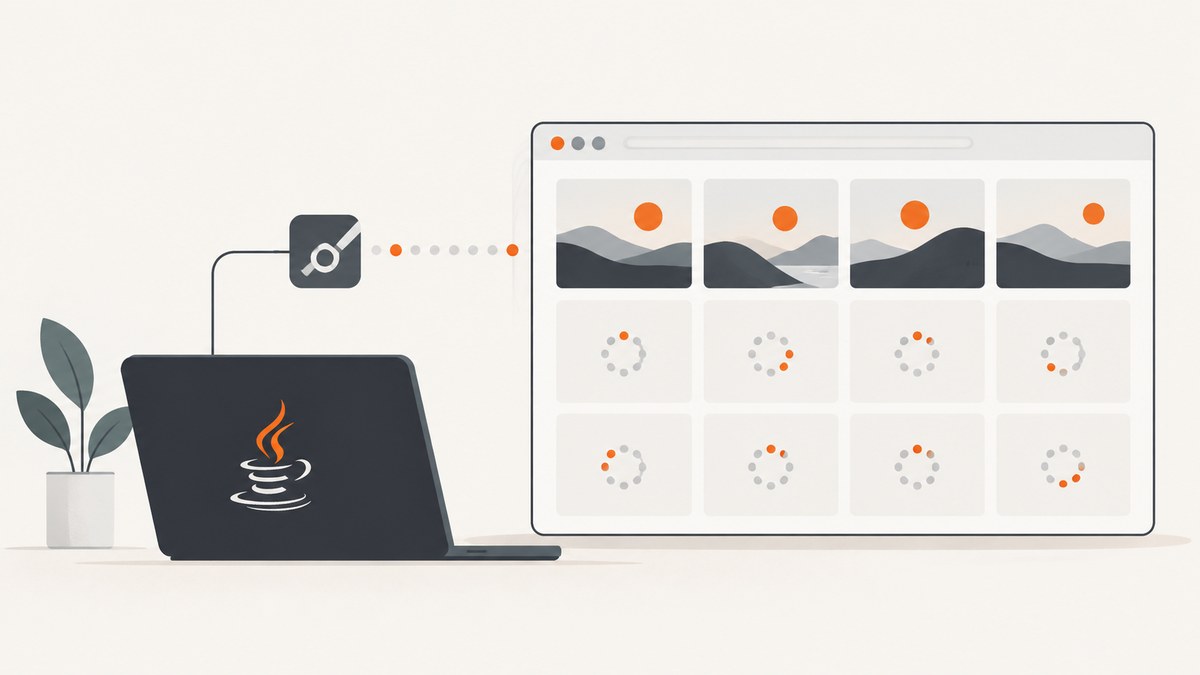
Direct answer: use an explicit Selenium wait with a JavaScript predicate that checks every <img> in the current document. Require both img.complete and img.naturalWidth > 0 when the test needs successful image content:
WebDriverWait wait = new WebDriverWait(driver, Duration.ofSeconds(20));
wait.until(d -> (Boolean) ((JavascriptExecutor) d).executeScript(
    "return Array.from(document.images).every(img => img.complete && img.naturalWidth > 0);"
));
complete alone also becomes true for broken or empty images. The width check makes those failures visible. This predicate covers the current document’s present <img> elements; it does not automatically trigger offscreen lazy images, inspect CSS backgrounds, or inspect images inside child frames.
1. Why navigation readiness is not enough
Selenium’s default normal page-load strategy waits for the document ready state, but a single-page app can continue inserting or changing content after navigation reports ready. Selenium recommends explicit waits for the exact application condition required by a test. See the official waiting strategies and page-load strategy documentation.
The browser’s load event also does not mean every lazy image has fetched. Native lazy loading postpones requests until an image approaches the viewport. The MDN documentation for HTMLImageElement.complete explains that it can be true for missing sources and failed requests, which is why the success predicate checks naturalWidth.
2. Complete Java example
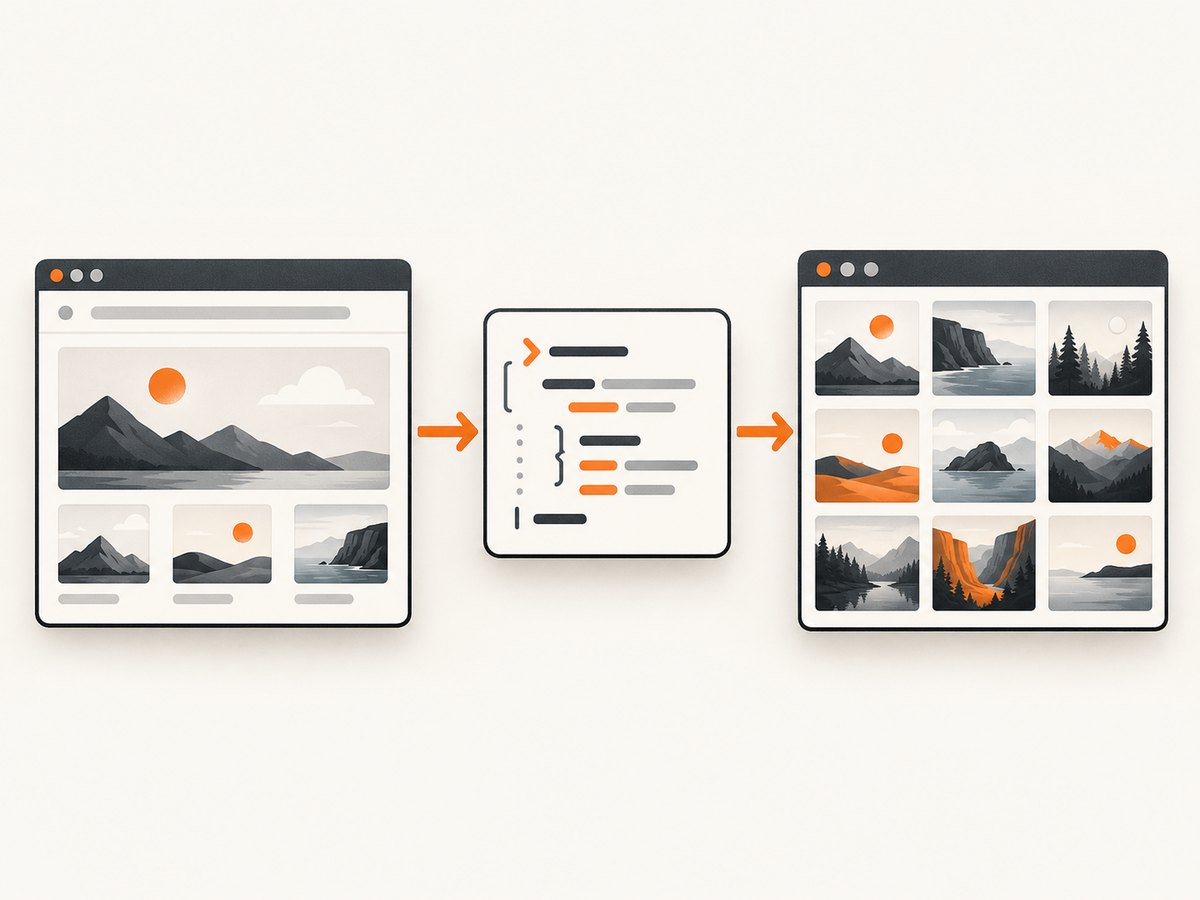
The following class opens a page, waits for its images, and writes a screenshot. It uses Selenium 4 and Java 8+.
import java.nio.file.Path;
import java.time.Duration;
import org.openqa.selenium.JavascriptExecutor;
import org.openqa.selenium.OutputType;
import org.openqa.selenium.TakesScreenshot;
import org.openqa.selenium.WebDriver;
import org.openqa.selenium.chrome.ChromeDriver;
import org.openqa.selenium.support.ui.WebDriverWait;

public class WaitForImages {
  public static void main(String[] args) {
    WebDriver driver = new ChromeDriver();
    try {
      driver.manage().timeouts().pageLoadTimeout(Duration.ofSeconds(30));
      driver.get("https://example.com/gallery");

      WebDriverWait wait = new WebDriverWait(driver, Duration.ofSeconds(20));
      wait.until(d -> (Boolean) ((JavascriptExecutor) d).executeScript(
          "return Array.from(document.images).every("
        + "img => img.complete && img.naturalWidth > 0);"
      ));

      byte[] png = ((TakesScreenshot) driver).getScreenshotAs(OutputType.BYTES);
      java.nio.file.Files.write(Path.of("gallery.png"), png);
    } catch (Exception e) {
      e.printStackTrace();
    } finally {
      driver.quit();
    }
  }
}
Replace the URL with the page under test. The wait polls until the function returns a non-false value or 20 seconds elapse. Keep the timeout tied to your application’s slowest acceptable load, rather than making it arbitrarily large.
Choose the predicate that matches your contract
| Requirement | Predicate |
|---|---|
| Requests have settled, even failures | img.complete |
| Every current image loaded successfully | img.complete && img.naturalWidth > 0 |
| At least one image is ready | Array.from(document.images).some(img => img.complete && img.naturalWidth > 0) |
| A specific component is ready | Query that component, then apply the same checks to its images |
An empty image collection makes every(...) return true. If the page must contain at least one image, add a count check:
return document.images.length > 0 &&
  Array.from(document.images).every(img => img.complete && img.naturalWidth > 0);
3. Dynamic pages and images inserted later
A predicate can pass before application code adds another image. First wait for the state that creates the gallery, then wait for image success:
WebDriverWait wait = new WebDriverWait(driver, Duration.ofSeconds(30));
wait.until(d -> d.findElements(By.cssSelector(".gallery img")).size() >= 12);
wait.until(d -> (Boolean) ((JavascriptExecutor) d).executeScript(
  "const root = document.querySelector('.gallery');" +
  "return root && [...root.querySelectorAll('img')].length >= 12 &&" +
  "[...root.querySelectorAll('img')].every(i => i.complete && i.naturalWidth > 0);"
));
Add import org.openqa.selenium.By; to this example. For an app with a known loading flag, combine that flag and image checks in one JavaScript function. This avoids a race between separate waits.
4. Lazy-loaded images: scroll before waiting
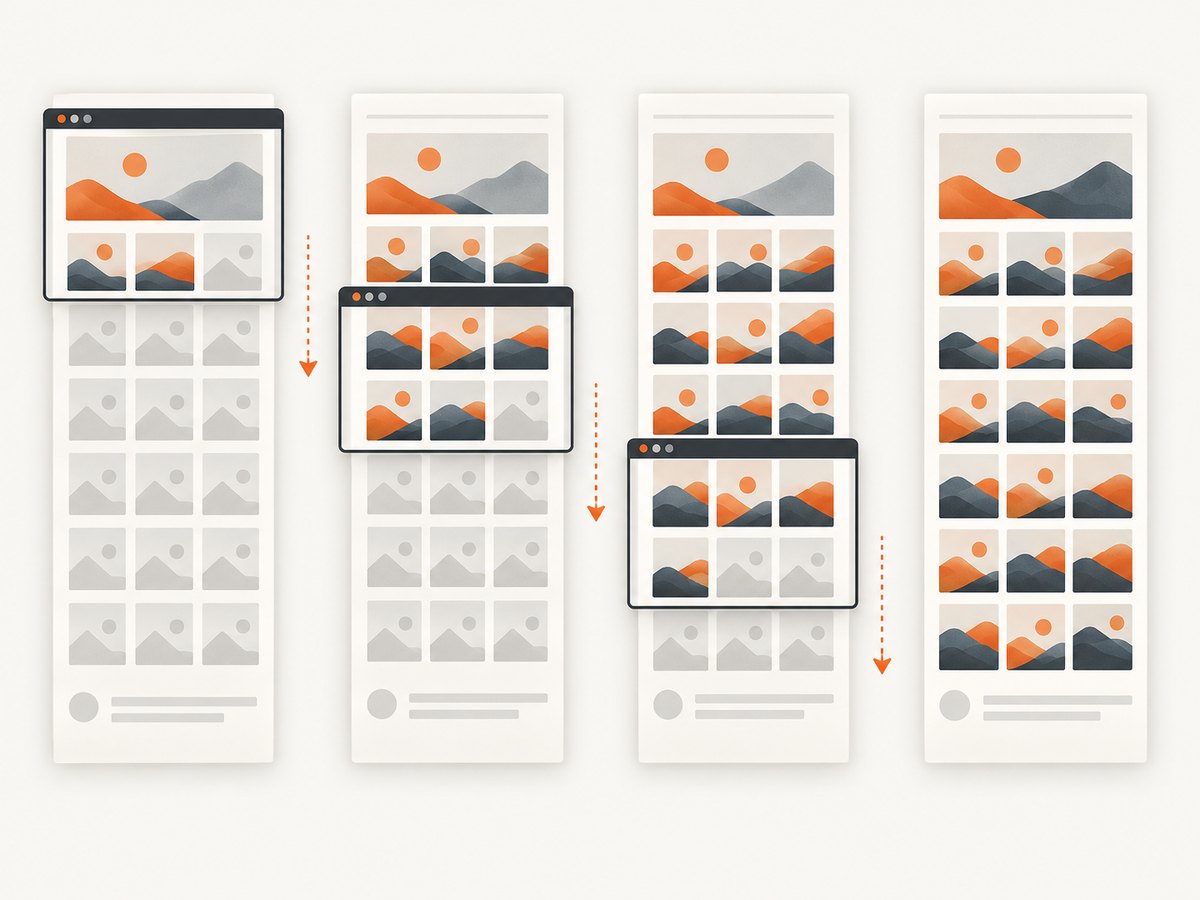
Waiting does not cause native lazy images to load. Scroll through the page so images approach the viewport, then run the predicate. A simple JavaScript loop advances by viewport-sized steps:
JavascriptExecutor js = (JavascriptExecutor) driver;
long height = ((Number) js.executeScript(
    "return Math.max(document.body.scrollHeight, document.documentElement.scrollHeight);"
)).longValue();
for (long y = 0; y < height; y += 600) {
  js.executeScript("window.scrollTo(0, arguments[0]);", y);
  Thread.sleep(100);
}
js.executeScript("window.scrollTo(0, 0);");
wait.until(d -> (Boolean) js.executeScript(
    "return Array.from(document.images).every(i => i.complete && i.naturalWidth > 0);"
));
Scrolling can change layout as images receive dimensions. Re-read the scroll height after each pass on pages that append content. For a virtualized list, only mounted rows exist; define whether “all” means all visible rows or every record after paging.
5. Frames, CSS backgrounds, and other assets
Child frames
document.images belongs to the current document. Switch into each frame and run the check there:
List<WebElement> frames = driver.findElements(By.cssSelector("iframe"));
for (WebElement frame : frames) {
  driver.switchTo().frame(frame);
  wait.until(d -> (Boolean) ((JavascriptExecutor) d).executeScript(
      "return Array.from(document.images).every(i => i.complete && i.naturalWidth > 0);"
  ));
  driver.switchTo().parentFrame();
}
Add import java.util.List; and import org.openqa.selenium.WebElement;. Cross-origin policy prevents JavaScript in the top document from reading a frame’s DOM. Selenium’s frame switch lets you evaluate within the frame context when the browser permits it; otherwise treat the frame as a separate page contract.
CSS backgrounds and responsive sources
Background images are not in document.images. For critical backgrounds, wait for a known CSS property, or preload the URL in page JavaScript and resolve a promise. For srcset and <picture>, naturalWidth reports the resource selected for the current viewport and device scale.
6. Page-load strategies and wait hygiene
Selenium supports normal, eager, and none. Use eager or none only when your test immediately follows with explicit waits for the application state. Do not mix implicit and explicit waits; Selenium warns that their polling intervals can compound into unpredictable durations. Keep one explicit timeout per meaningful condition.
7. Troubleshooting checklist
| Symptom | Likely cause | Fix |
|---|---|---|
| Timeout although images look loaded | A broken image has naturalWidth == 0 |
Inspect failed URLs; use complete only if failures are acceptable, or fix the asset. |
| Wait returns immediately | No <img> elements exist yet |
Wait for the gallery/container or require document.images.length > 0. |
| Lazy images stay blank | They were never near the viewport | Scroll in increments, allow intersection observers to run, then wait. |
| New images appear after success | Client code inserted them later | Wait for the insertion condition and image predicate together. |
| Only the main page is checked | Images are inside an iframe | Switch frames and evaluate each document. |
| Screenshot is clipped | Viewport capture is not full-page | Use browser full-page screenshot support or stitch scrolled captures after images settle. |
| Intermittent failures in CI | Network variance, animations, or service workers | Use deterministic test data, disable animations with CSS, collect console/network logs, and set a bounded retry policy. |
8. Reliability and performance practices
- Wait on the smallest meaningful component instead of every image on a media-heavy page.
- Give images width and height attributes to reduce layout shifts before capture.
- Freeze animations and carousels with injected CSS so the screenshot is repeatable.
- Record which URLs failed when the predicate times out; include
currentSrc,naturalWidth, andcompletein diagnostics. - Use a fresh driver for isolation when service workers or cache state can affect results. Reuse a driver only when startup cost matters and state is reset between tests.
- Bound retries. Repeating a full browser load can multiply runtime and external bandwidth costs.
There is no universal image-load benchmark: page size, CDN latency, viewport, browser version, and lazy-loading rules dominate. Measure your own pages and choose a timeout from observed percentiles with headroom.
9. Or skip the browser setup
If your goal is a clean screenshot rather than browser test assertions, ScreenshotNeo provides a single API request. Its capture flow accepts cookie and consent banners, removes more than 60 known consent platforms plus newsletter popups and chat widgets, and lets you turn each step off. Only clean shots are billed: bot checks, CAPTCHAs, blank pages, timeouts, failed loads, and cache hits cost nothing, with X-Page-Verdict and X-Billed headers describing the result. An MCP server exposes take_screenshot, get_page_info, and capture_pdf to Claude, Cursor, and other MCP clients.
See the ScreenshotNeo API documentation for all options.
curl -G "https://api.screenshotneo.com/v1/shot" -d access_key=YOUR_API_KEY --data-urlencode url=https://stripe.com -o shot.webpimport requests
r = requests.get("https://api.screenshotneo.com/v1/shot", params={"access_key": "YOUR_API_KEY", "url": "https://stripe.com"}, timeout=90)
open("shot.webp", "wb").write(r.content)const q = new URLSearchParams({ access_key: 'YOUR_API_KEY', url: 'https://stripe.com' });
const res = await fetch(`https://api.screenshotneo.com/v1/shot?${q}`);ScreenshotNeo supports full-page captures with lazy images loaded, element selectors, dark mode, device presets, retina scale, PDF output, custom CSS and JavaScript, click and wait conditions, request blocking, headers, cookies, user agent, authorization, timezone, geolocation, transparent backgrounds, resizing, TTL caching, signed links, async jobs with signed webhooks, bulk capture up to 100 URLs, usage data, and an OpenAPI spec. Existing parameter names used by other screenshot APIs also work.
The Free plan includes 1,000 shots each month with no card. Paid plans start at $5 for 3,000 shots; yearly billing gives two months free. Create a free ScreenshotNeo account and start with 1,000 screenshots per month at no cost.
10. FAQ
Does Selenium have a built-in “all images loaded” condition?
No. Use an explicit WebDriverWait with a JavaScript predicate tailored to your definition of loaded.
Should broken images fail the test?
For visual regression and screenshot quality, usually yes: require naturalWidth > 0. For request-settling tests, check complete and assert failures separately.
Why does the wait miss a background image?
Backgrounds are CSS resources, not <img> elements. Observe the computed style or preload the URL explicitly.
Can I wait for images in a shadow root?
Query the shadow root and run the same checks on its image elements; the top-level document.images collection does not include shadow DOM descendants.
How long should the timeout be?
Start with a bounded value such as 20 seconds, then tune it from your own page timings and CI environment. A longer timeout cannot repair a broken URL or an image that lazy loading never requested.


